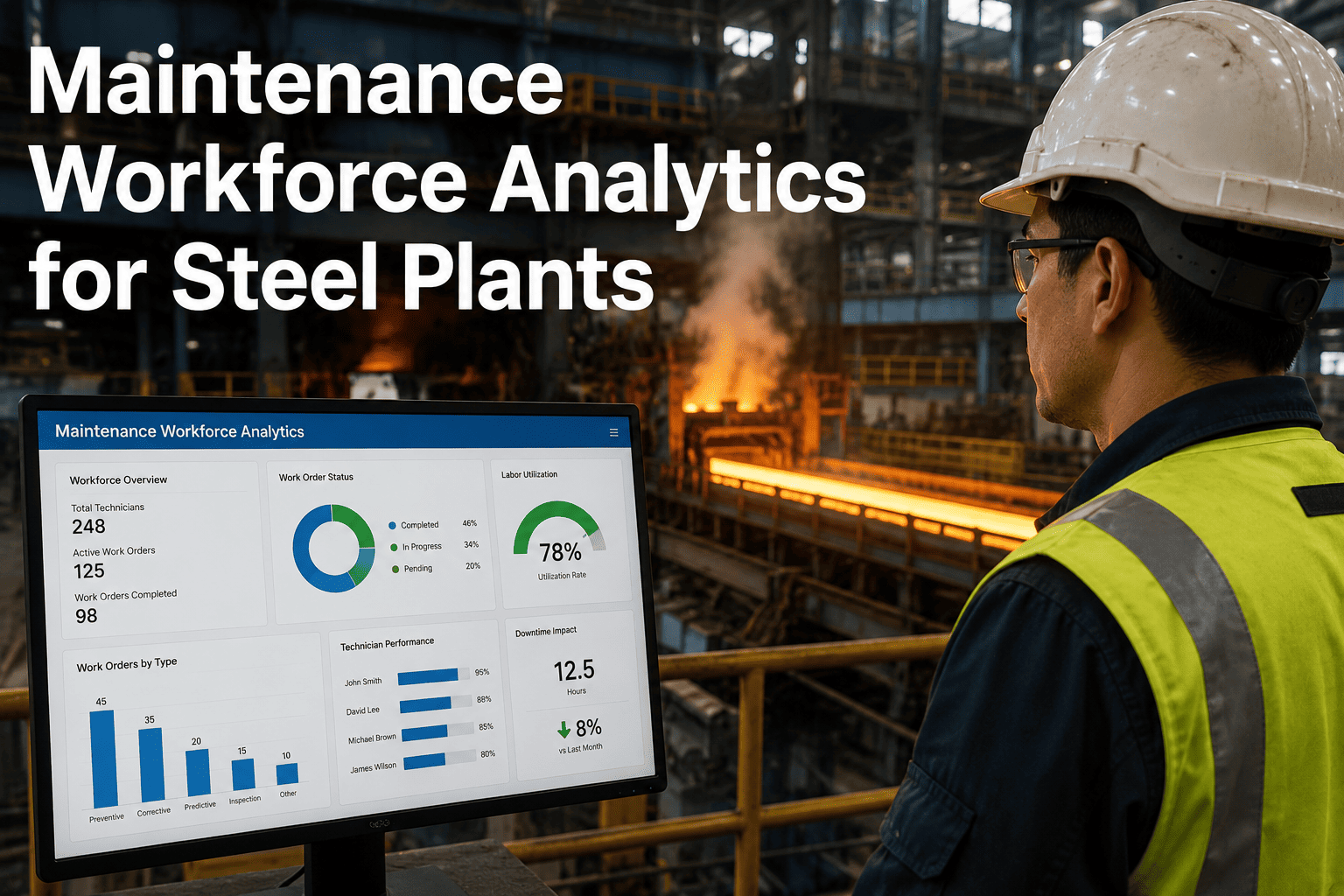
Most steel plant maintenance supervisors know their team is busy. What they do not know is whether busy means productive. A technician with 35% wrench time spends more of their shift searching for tools, waiting for permits, and walking between jobs than turning wrenches — and that gap between world-class 55 to 65% and average 18 to 35% is not a people problem. It is a systems problem: no visibility into where time actually goes per shift, no early signal when overtime is trending toward the 50% labour cost premium that chronic overloading creates, no way to see that one technician consistently repairs F4 bearings 40% faster than the rest of the crew because they have a better diagnostic sequence. Oxmaint's Workforce Analytics Engine surfaces all of this from the work order data your team is already generating — wrench time, first-time fix rate, MTTR per technician, PM compliance, overtime trends, and skill gap signals — automatically, without adding data-entry burden to the people it is measuring. Book a demo to see workforce analytics running on your steel plant maintenance data.
Steel Plant Workforce Productivity and Technician Performance Analytics
Stop managing headcount. Start managing output. AI-powered analytics that turn every work order your team closes into a visible signal on wrench time, fix quality, response speed, and labour efficiency — by craft, by shift, by technician.
Where Workforce Productivity Hides — and Where It Leaks
Steel plant maintenance teams are rarely idle. The productivity problem is invisible: time that looks like working is often waiting, searching, or reworking. Without measurement, these losses compound silently across every shift, every craft, and every work area in the plant.
The average technician spends less than a third of their shift on hands-on repair work. The rest is travel between distant plant areas, permit retrieval, parts searching, and waiting for instructions. World-class is 55-65%. The gap is recoverable with route optimisation and parts staging — but only if it is measured first.
One technician repairs hydraulic cylinders on the continuous caster in 90 minutes. Another takes 4 hours on the same asset and same failure mode. The difference is diagnostic sequence and experience — identifiable only by comparing individual MTTR across the same work type. Without that comparison, training investment is guesswork.
Chronic overtime starts as a few weekend callouts before escalating into a structural gap between work demand and available capacity. At 5% above the straight-time target, labour costs rise 50%. The signal is in the work order queue-to-technician ratio — visible three to four weeks before the overtime bill arrives.
A return visit on the same asset within 72 hours looks like a new work order in most systems. Without first-time fix rate tracking, rework is invisible — it inflates apparent productivity while consuming double the labour hours and generating repeat downtime that quietly erodes OEE over weeks.
Workforce KPIs Tracked by the Analytics Engine
Every metric below is calculated automatically from work order data your team already closes — no additional data entry, no separate time-tracking system, no manual spreadsheet compilation. The engine reads the timestamps, asset IDs, technician IDs, and resolution codes your CMMS already captures.
| KPI | What It Measures | World-Class Target | What Low / Rising Signals |
|---|---|---|---|
| Wrench Time % | Hands-on repair hours as % of total shift hours | 55-65% | Travel distance, permit delays, parts search — recoverable with route and staging fixes |
| First-Time Fix Rate (FTFR) | Work orders closed without return visit within 72 hrs | Above 90% | Skill gap, wrong diagnosis, or parts quality issues — training or RCA target |
| MTTR per Technician | Average repair duration per tech, per asset class | Benchmark by craft and asset | High MTTR vs peers = training opportunity; consistent low MTTR = knowledge to spread |
| PM Schedule Compliance | PMs completed on time / total PMs scheduled (%) | 90%+ | Below 70% = high risk of reactive failure cascade; declining trend flags understaffing |
| Overtime Ratio | Overtime hours as % of straight-time hours | Below 5% | Above 10% = structural capacity gap; chronic OT at +50% labour premium |
| Work Orders per Technician per Shift | WOs closed per shift, benchmarked by craft type | Craft-specific baseline | Declining rate vs baseline = backlog pressure, skill issues, or tool availability |
| Emergency Work Order Ratio | Emergency WOs as % of total work orders | Below 10% | Above 20% = reactive firefighting mode; PM programme not preventing failures |
| Alert Response Time | Time from work order creation to technician acknowledgement | Under 15 minutes | Long lag = poor mobile access, alert fatigue, or shift coverage gap |
See all eight KPIs calculated live from your team's existing work order data — in a 30-minute session.
How the Analytics Engine Works
The Workforce Analytics Engine does not require a new data source. It reads the work order history your maintenance team generates daily and surfaces patterns that are invisible to any individual supervisor — because no single person can see across all crafts, all shifts, and all areas at once.
Every work order captures technician ID, asset ID, open and close timestamps, resolution code, and parts consumed. This data already exists. The engine reads it continuously — no additional input required from technicians.
Each technician's MTTR and FTFR are benchmarked against peers working the same asset class and failure type — not against a universal target. The comparison isolates real skill and process variation from complexity differences.
Rising overtime, declining FTFR, and dropping PM compliance all trigger alerts to the relevant supervisor before they compound. The alert explains what shifted and by how much — not just that a threshold was crossed.
Supervisors see their crew's shift performance and WO queue. HR and workforce planning see overtime trends and certification compliance. Plant management sees maintenance cost per tonne and planned vs reactive ratio — same data, right depth for each audience.
Workforce Performance Benchmarks — Where Does Your Team Stand?
Expert Review
Wrench time below 30% is normal in heavy industry. The culprit is almost always the same three things — parts not staged near the work, permits taking 45 minutes to pull, and technicians walking half the plant to reach the job. Measure it once and the fixes become obvious.
Maintenance Supervisor, Blast Furnace and Casthouse OperationsWe had one technician consistently fixing hot rolling mill gearboxes in 1.8 hours when the team average was 3.5. That gap was institutional knowledge locked in one person. Once we saw it in the data, we standardised his repair sequence as an SOP and the whole crew moved toward his number.
Reliability Engineering Lead, Hot Strip Mill OperationsAn overtime ratio above 10% for three consecutive months is never a motivation problem. It is a capacity mismatch. The analytics tell you exactly which shift, which area, and which asset class is driving it so you can make the staffing or scheduling adjustment with data, not gut feel.
Maintenance Planning Manager, Cold Rolling and Finishing OperationsFrequently Asked Questions
Turn Every Work Order Your Team Closes Into a Productivity Signal.
Oxmaint's Workforce Analytics Engine calculates wrench time, FTFR, MTTR per technician, PM compliance, and overtime trends automatically from your existing maintenance data — no spreadsheets, no time-tracking add-ons, no change to how your team works.