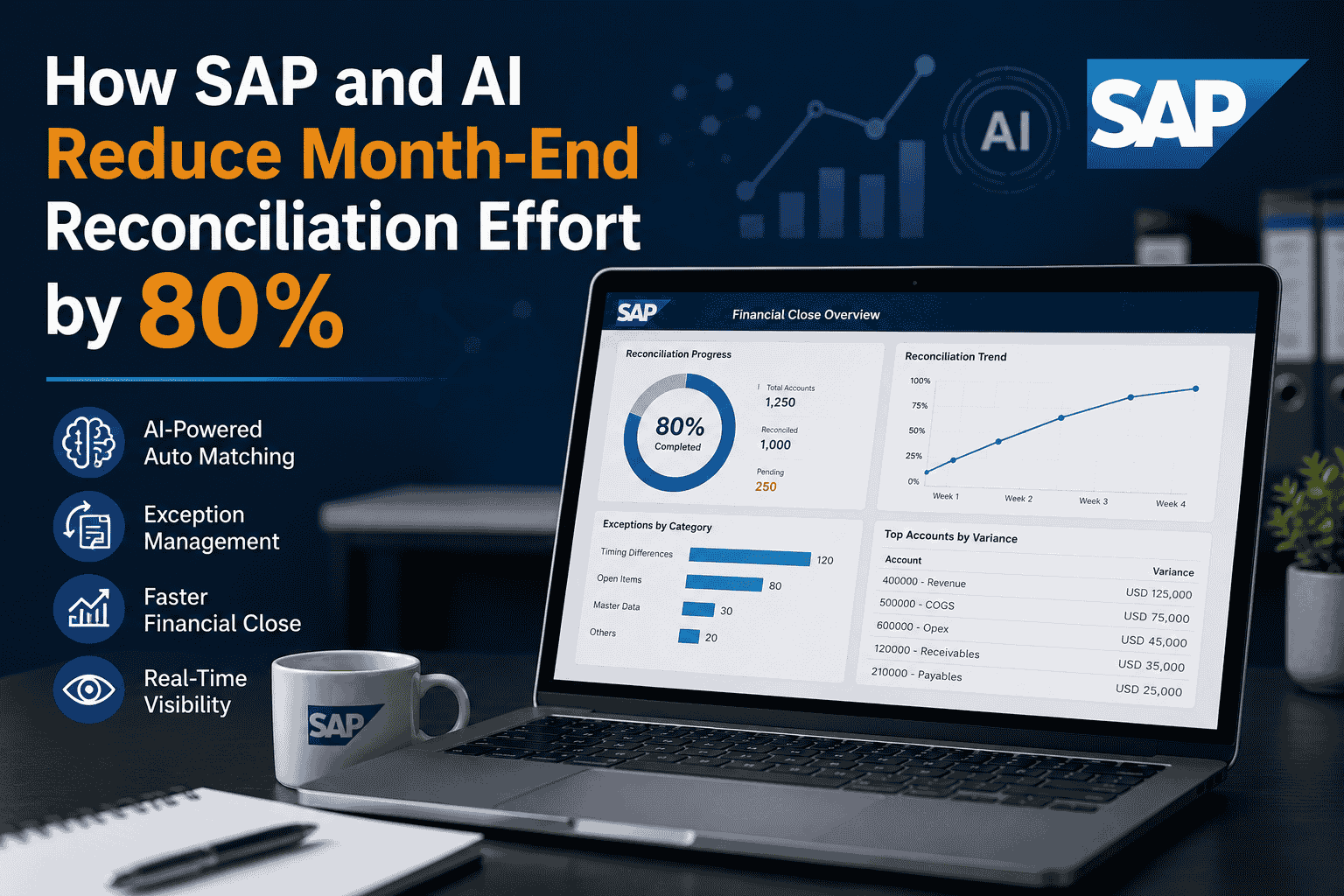
It's day six of the close, and your reconciliation team is still matching transactions line by line across SAP, bank feeds, and three spreadsheets that refuse to agree. Half of all finance teams take more than six business days to close their books, and cash reconciliation is consistently the single most time-consuming task in the cycle. The frustrating part is that most of that effort is mechanical: pulling data, comparing figures, chasing the handful of exceptions hiding among thousands of clean matches. When SAP connects to AI-driven matching and exception management, that mechanical work largely disappears, and finance teams are cutting reconciliation effort by up to 80 percent while closing faster and with far fewer errors. You can book a free demo to see it run against a real SAP close.
Why Month-End Reconciliation Still Eats Your Team Alive
The numbers are sobering. The problem isn't that accountants are slow, it's that they're doing work a machine should be doing: keying figures across systems, eyeballing matches, and rebuilding the same workbooks every period while the clock runs and auditors wait. Map a typical manual close across its business days and the bottleneck is obvious.
That middle stretch, the reconciliation and exception-chasing block, is where the close lives or dies. The hard data backs up what the chart shows.
How SAP and AI Actually Match Your Transactions
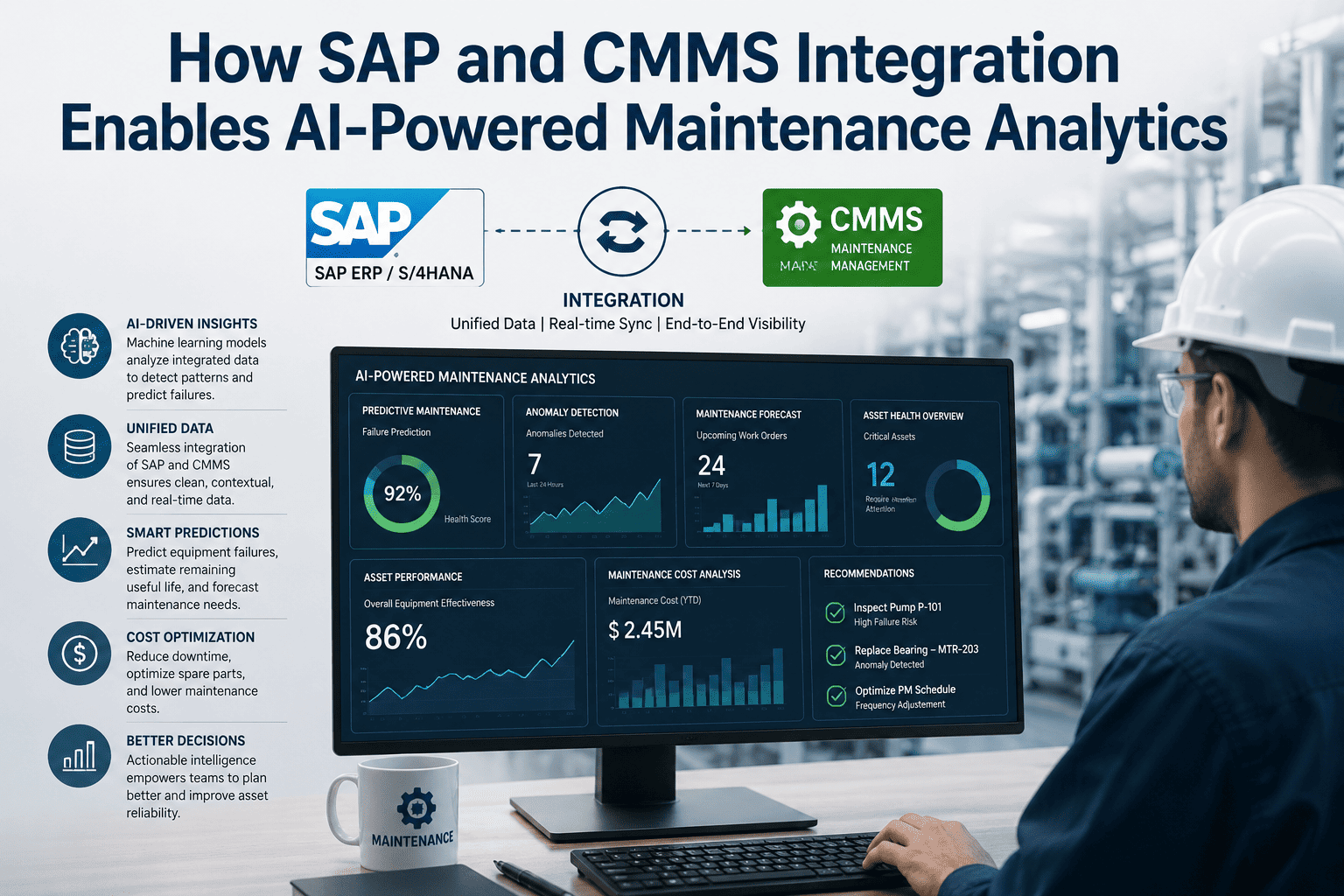
The core of the 80 percent reduction lies in intelligent matching. Instead of an accountant opening two systems and scanning for pairs, AI ingests transaction data directly from SAP, bank statements, payment processors, and subledgers, then matches records against learned patterns and configurable rules. High-confidence matches clear automatically. Only the genuine exceptions, the unmatched or ambiguous items, are surfaced for human review. Studies show companies using AI-powered reconciliation experience up to 85 percent faster reconciliations and a 70 percent reduction in data-entry errors, because the data is pulled from source systems rather than retyped.
The shift is fundamental. In the old model, accountants hunted for data and matches were the work. In the SAP-plus-AI model, matches happen continuously in the background and the accountant's job becomes investigating the small slice of exceptions that genuinely need judgment. That single inversion, from matching everything to reviewing exceptions, is what compresses days of effort into hours.
Continuous Accounting: Closing a Little Every Day
The biggest mindset change AI enables is moving away from the period-end crunch entirely. When reconciliations run continuously throughout the month rather than being compressed into a narrow window at close, exceptions get resolved while they're fresh and the books are essentially closed before the period even ends. This is continuous accounting, and it's why best-in-class teams using AI agents now close in 2.4 to 2.9 days while the median team still takes around six. Across industries, AI deployment compresses close timelines by 40 to 55 percent, the largest single source of close-performance improvement benchmarked since 2020. Teams curious how continuous matching would reshape their own cycle can book a free demo to see it modeled against their data.
What an SAP-Native, AI-Powered Reconciliation Looks Like in Practice
The real power comes when matching, exception handling, and posting all live inside a governed workflow tied to SAP. AI runs reconciliations continuously, drafts journal entries with supporting evidence, and routes anything outside your approval thresholds to the right person, all with immutable audit trails. Finance reviews exceptions instead of hunting for data, and every action is logged for the auditors automatically. The table below shows how each stage of the reconciliation shifts when SAP and AI work together.
| Reconciliation Stage | The Manual Way | With SAP + AI |
|---|---|---|
| Data collection | Manual exports and uploads from each system | Auto-ingested from SAP, banks, and subledgers |
| Transaction matching | Line-by-line visual comparison in Excel | Thousands matched in seconds by AI rules |
| Exception handling | Buried in spreadsheets, found late | Flagged instantly on a clear dashboard |
| Journal entries | Drafted and posted manually | Drafted with evidence, posted on approval |
| Audit trail | Reconstructed after the fact | Immutable and logged automatically |
| Timing | Crunched into the period-end window | Runs continuously all month long |
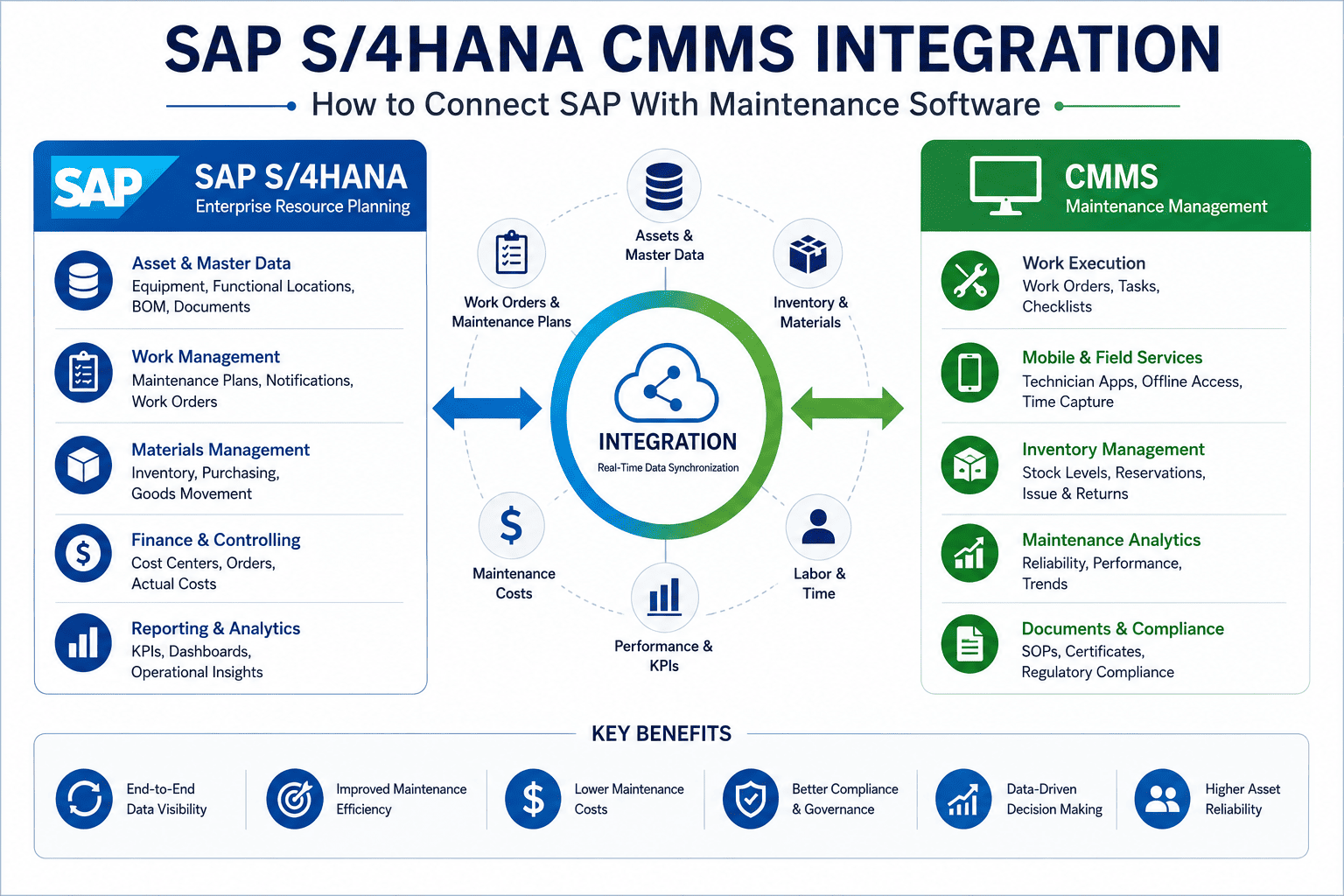
Crucially, none of this requires ripping out your SAP investment. Modern automation extends SAP rather than replacing it, layering intelligent matching and workflow on top of the system of record you already trust. You keep your controls, your chart of accounts, and your audit posture, and you add speed and accuracy on top. Finance leaders evaluating this approach can sign up free to explore how the automation maps onto their existing SAP environment.
The ROI: Where the 80 Percent Actually Comes From
The reduction isn't a single magic number; it's the sum of eliminated tasks. Auto-matching removes the hours spent comparing transactions. Source-system ingestion removes the data-entry effort and the 70 percent of errors that came with it. Continuous reconciliation removes the period-end pileup. Exception-only review focuses human attention where it belongs. Stack those together and finance teams routinely reclaim the majority of their reconciliation effort, redirecting people from mechanical matching toward analysis, forecasting, and the strategic work that actually moves the business forward. Finance leaders can sign up free to map where these hours come back in their own close.
Expert Perspective: Why Exception-Based Finance Wins
The five close activities where AI saves the most time are also the five activities finance teams find the least rewarding. Reconciliation is at the top of that list. When you automate matching, you're not replacing the accountant, you're removing the part of the job nobody enjoys and freeing skilled people to do the analysis they were hired for.
Getting Started Without Boiling the Ocean
You don't transform the entire close overnight. The teams succeeding with this start by documenting their current reconciliation process, then automate one high-volume, high-pain area first, usually bank or cash reconciliation, since that's the most time-consuming task in the cycle. Once that's matching cleanly and routing exceptions reliably, they expand across accounts and entities. The mistake to avoid is automating a broken process, which only produces a faster broken process. Standardize first, then layer AI matching on top, and the 80 percent reduction compounds as you scale across the close.
For finance organizations running SAP, the path is clear: connect your source systems, let AI handle the matching, review only the exceptions, and watch the close cycle shrink from a week-long ordeal into a few predictable days. The technology is proven, the benchmarks are public, and the competitive cost of closing slow, making decisions on stale data, only grows. Teams ready to begin can sign up free to scope their first reconciliation workflow.