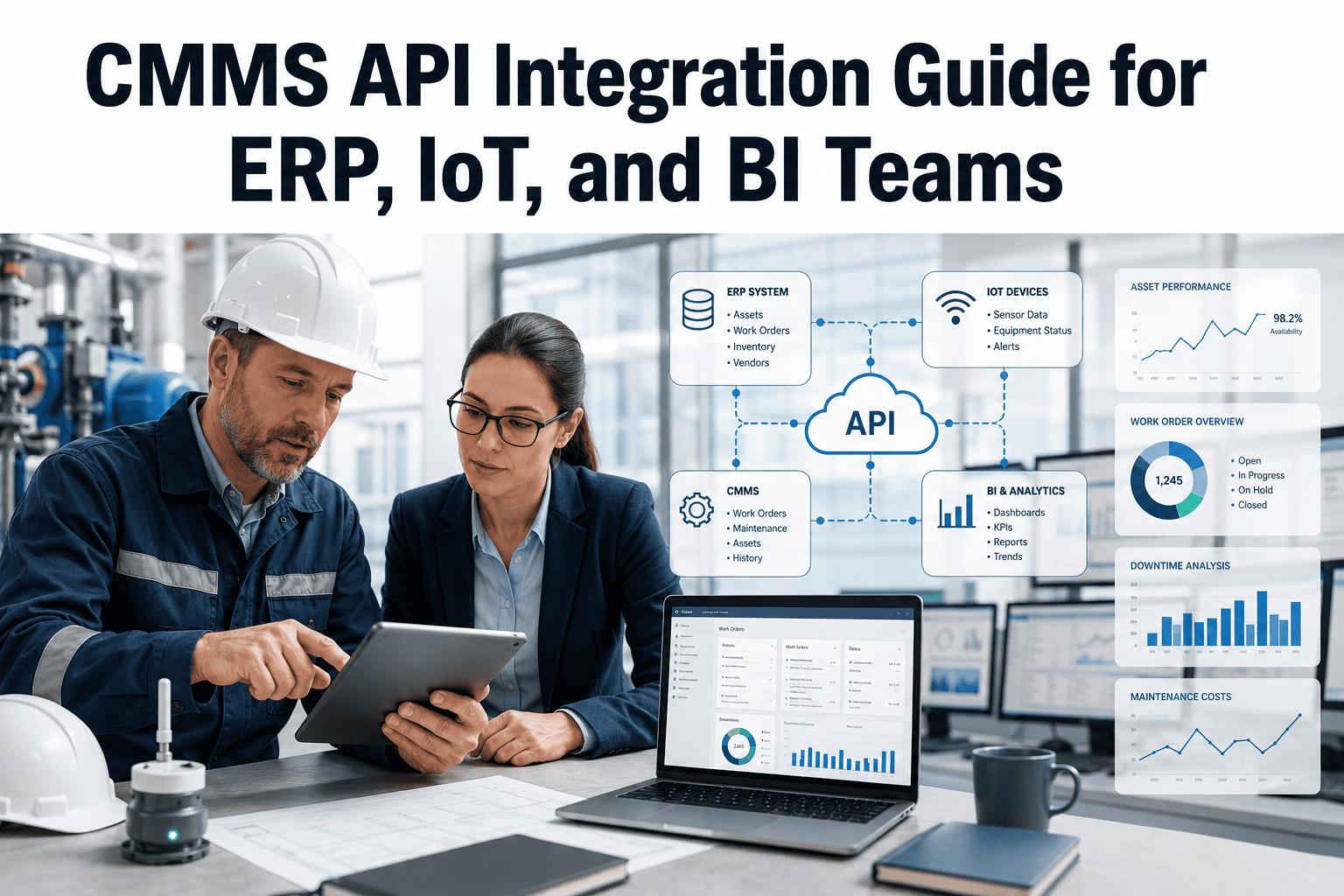
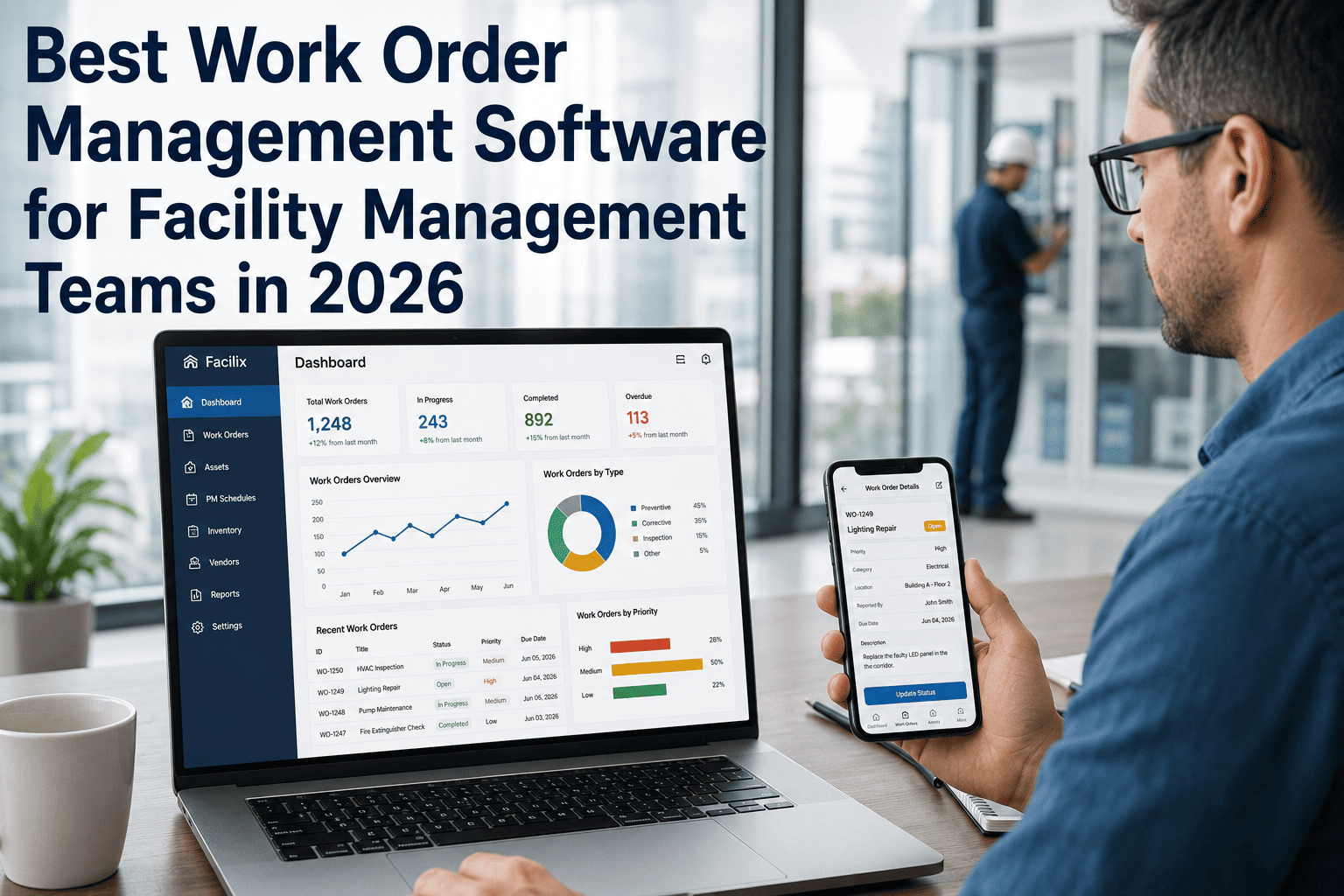
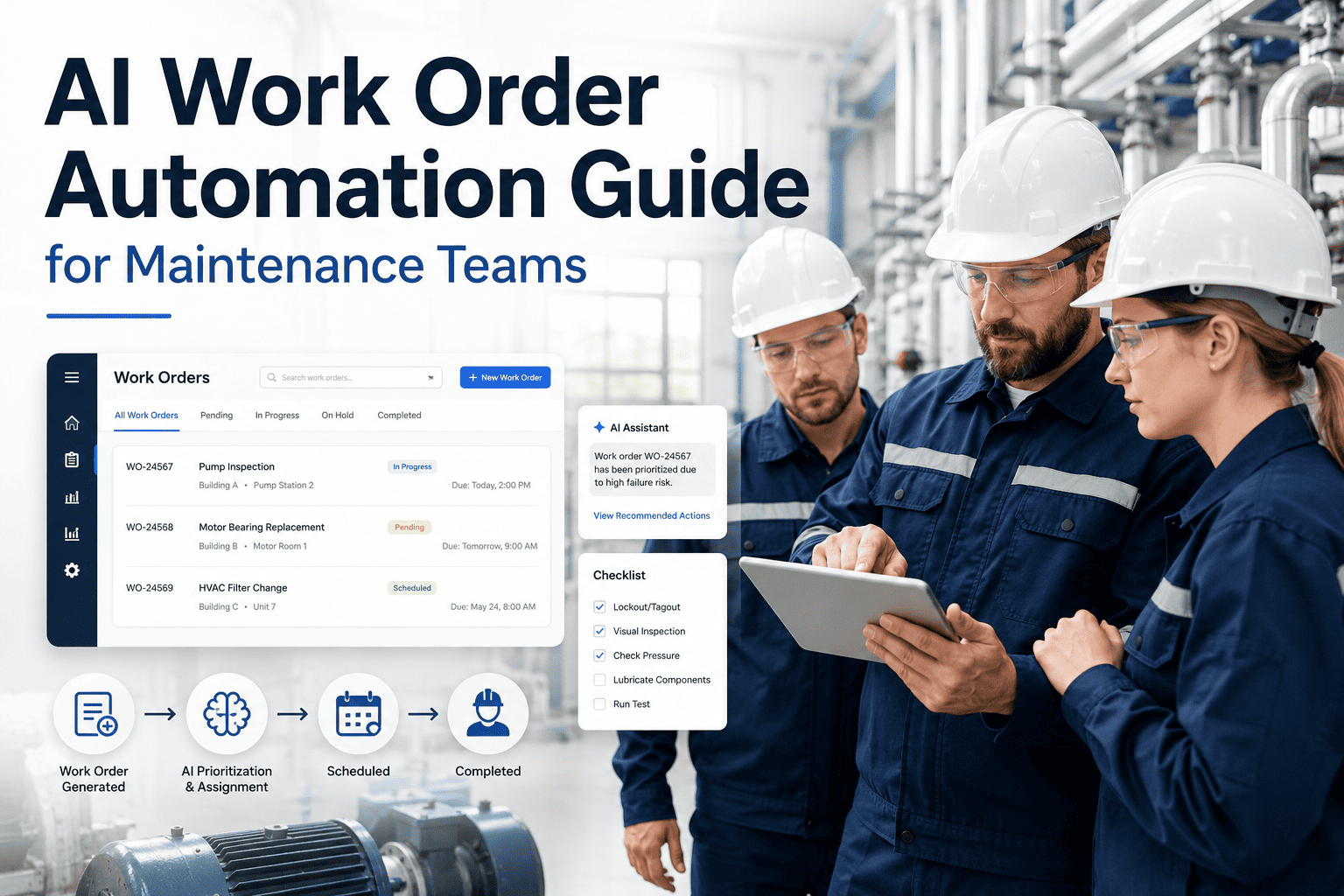
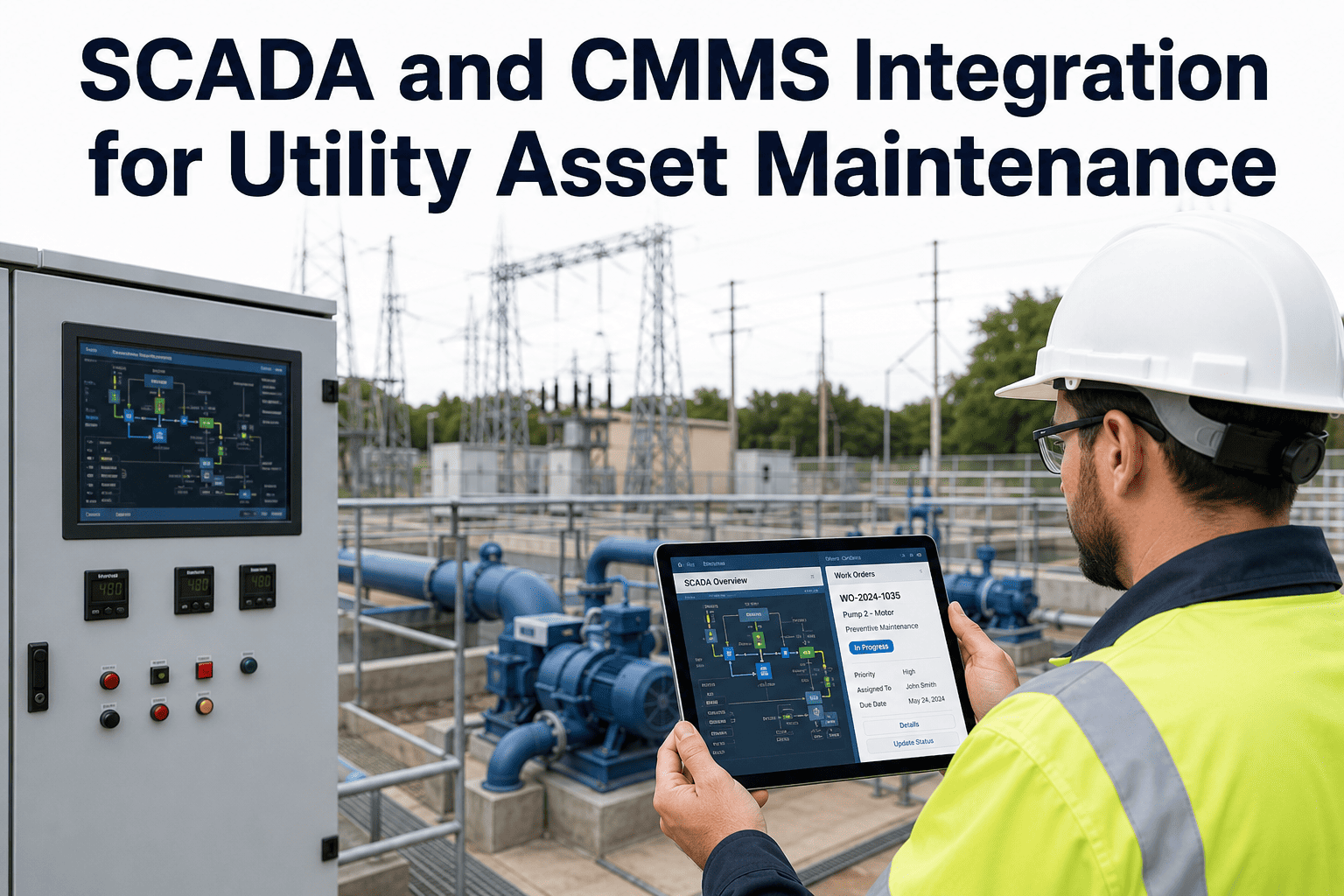
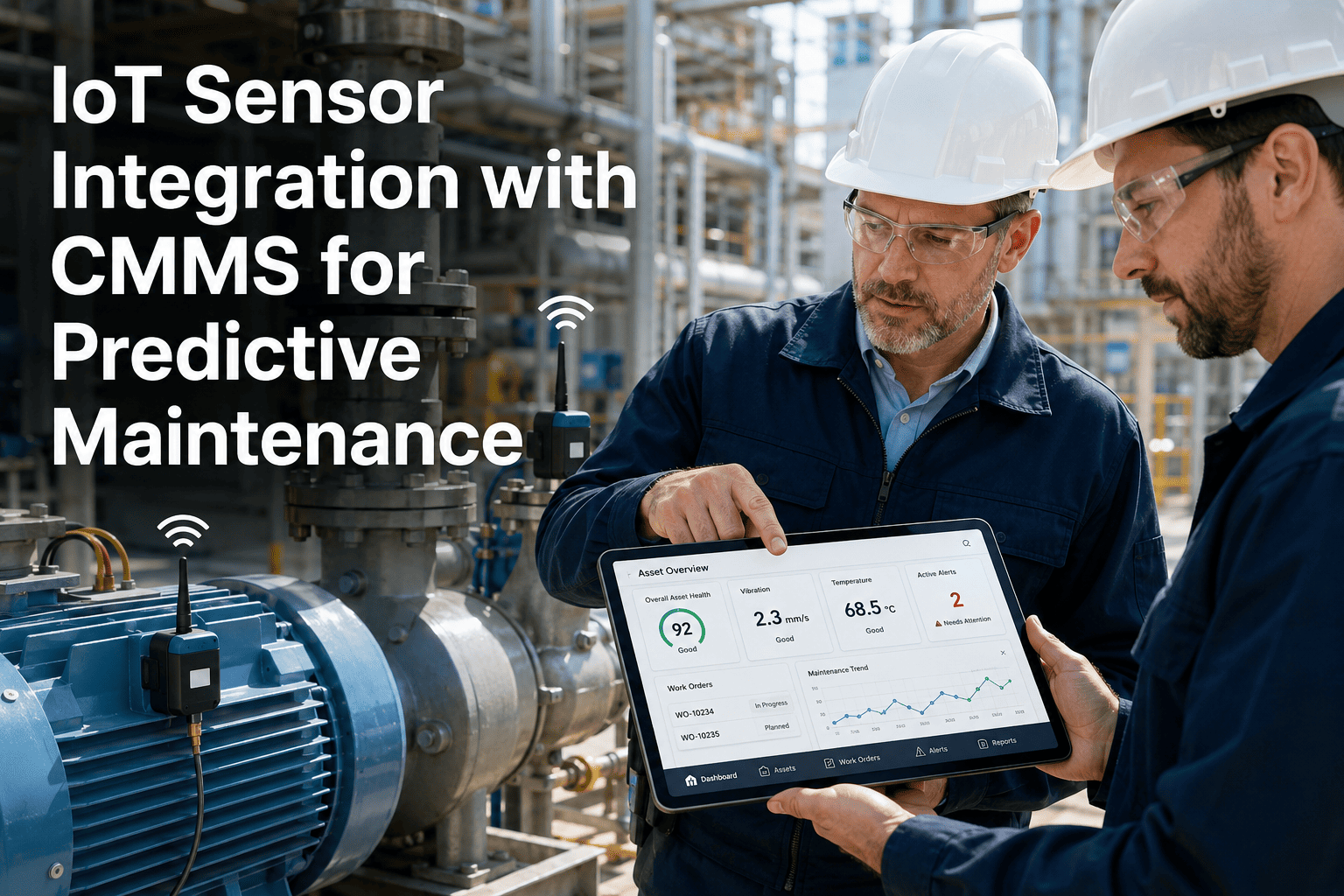
Most businesses run on data that never talks to itself — maintenance teams log work orders in one system, finance tracks parts spend in another, and IoT sensors fire alerts that no one connects to actual repair jobs. OxMaint's CMMS API integration bridges every gap, connecting maintenance execution with ERP, IoT sensors, BI dashboards, and procurement platforms in a single unified data flow. When your systems share data in real time, work orders trigger automatically, parts get reserved before a technician arrives, and leadership sees accurate cost-per-asset without waiting for a manual report. This guide covers what CMMS API integration actually requires, what it unlocks, and how maintenance teams go from disconnected silos to a fully synchronized operation — without writing thousands of lines of custom code.
CMMS API INTEGRATION
Your maintenance data lives in five systems. None of them talk to each other.
OxMaint connects CMMS with ERP, IoT, and BI — so work orders, parts, costs, and alerts all move together without manual bridges.
WHY INTEGRATION FAILS
The four integration gaps costing maintenance teams the most
01
ERP and CMMS out of sync
Parts reserved in CMMS are not reflected in ERP inventory. Finance sees wrong stock levels. Purchasing re-orders parts already on shelf.
02
IoT alerts die in inboxes
Sensor thresholds fire email alerts nobody acts on. No work order gets created. The equipment degrades until it breaks during production.
03
BI dashboards lag by days
Operations leadership pulls weekly maintenance reports from spreadsheets. Decisions are made on data that is already outdated by the time it is reviewed.
04
Duplicate asset records
The same asset exists in ERP, CMMS, and the facilities database with different IDs. No one knows which record is the source of truth.
INTEGRATION ARCHITECTURE
How OxMaint API integration actually works
ERP / SAP / Oracle
Asset master data, PO status, inventory levels
→
→
BI / Power BI / Tableau
Live KPIs, cost trends, uptime reports
IoT Sensors / SCADA
Vibration, temperature, pressure thresholds
→
Auto Work Orders
Triggered when sensor exceeds threshold
→
Technician Mobile App
Assigned, accepted, completed in field
KEY CAPABILITIES
What the OxMaint API enables across your stack
| Integration Type |
Data Exchanged |
Business Outcome |
Trigger Type |
| ERP (SAP, Oracle, MS Dynamics) |
Asset master, PO status, inventory |
Eliminate duplicate records and manual sync |
Real-time bidirectional |
| IoT Sensors |
Vibration, temp, pressure, runtime |
Auto work orders on threshold breach |
Event-driven |
| BI Tools (Power BI, Tableau) |
WO history, costs, downtime, MTTR |
Live maintenance KPIs for leadership |
Scheduled + on-demand |
| Procurement / Purchasing |
Parts requests, approved vendors |
Auto PO creation from CMMS parts order |
Workflow-triggered |
| HR / Identity Systems |
Technician profiles, certifications |
Correct skill-based work assignment |
Sync on change |
IMPLEMENTATION
Getting from zero to live integration in four steps
1
API credential setup
OxMaint issues OAuth2 credentials. Your IT team whitelists endpoints. Setup takes under an hour.
2
Data mapping
OxMaint's integration team maps your ERP asset IDs to CMMS records — eliminating duplicate records from day one.
3
Trigger configuration
Define which IoT events create work orders, which work order statuses push cost data back to ERP, and which dashboards pull live KPIs.
4
Go live and monitor
Integration health dashboard shows data flow, error rates, and sync status in real time. No guessing whether the sync worked.
Rajiv Mehta — Senior Systems Integrator, Industrial Automation
The biggest mistake I see is teams that integrate CMMS to ERP but only push data one direction. The real value is bidirectional sync — when a PO closes in SAP, the parts should automatically be available in the work order. OxMaint does this natively and it is the difference between a real integration and a scheduled CSV dump.
CONNECT YOUR STACK
See OxMaint API integration live in your environment
Book a technical demo and our integration team will walk through how OxMaint connects to your specific ERP, IoT, and BI stack — with your actual data fields and asset structure.
FAQS
Common questions about CMMS API integration
Does OxMaint support both REST and webhook integrations?
Yes. OxMaint exposes a full REST API for pull-based integrations and supports outbound webhooks for event-driven triggers. IoT and SCADA teams typically use webhooks so that sensor threshold breaches immediately create work orders without any polling delay.
Book a demo to review your specific integration architecture with an OxMaint engineer.
How long does a typical ERP integration take to go live?
Most ERP integrations reach production in 2 to 4 weeks. The timeline depends on the complexity of asset master mapping and the number of bidirectional sync rules configured. OxMaint's integration team handles the mapping work so your IT team focuses only on credential provisioning and endpoint whitelisting.
Start your free trial and the integration process begins during onboarding.
Can OxMaint push live maintenance KPIs to Power BI or Tableau?
Yes. OxMaint supports direct connector configuration for Power BI and Tableau via its API. You can expose live datasets for MTTR, work order completion rates, cost-per-asset, and PM compliance — refreshed on a schedule you define or triggered on demand. Leadership dashboards stay accurate without manual data exports or spreadsheet consolidation.
What happens if the integration connection drops temporarily?
OxMaint queues all outbound data during connection interruptions and retries delivery with exponential backoff. Once the connection restores, queued events replay in sequence so no work order, cost record, or sensor alert is lost. The integration health dashboard flags any sync errors with timestamps so your team can review exactly what was affected.
GET STARTED TODAY
Stop managing maintenance in silos. Connect everything.
OxMaint's API integration connects your CMMS with ERP, IoT sensors, and BI dashboards — so work orders, costs, parts, and alerts all flow automatically. No manual sync. No duplicate records. No outdated reports.