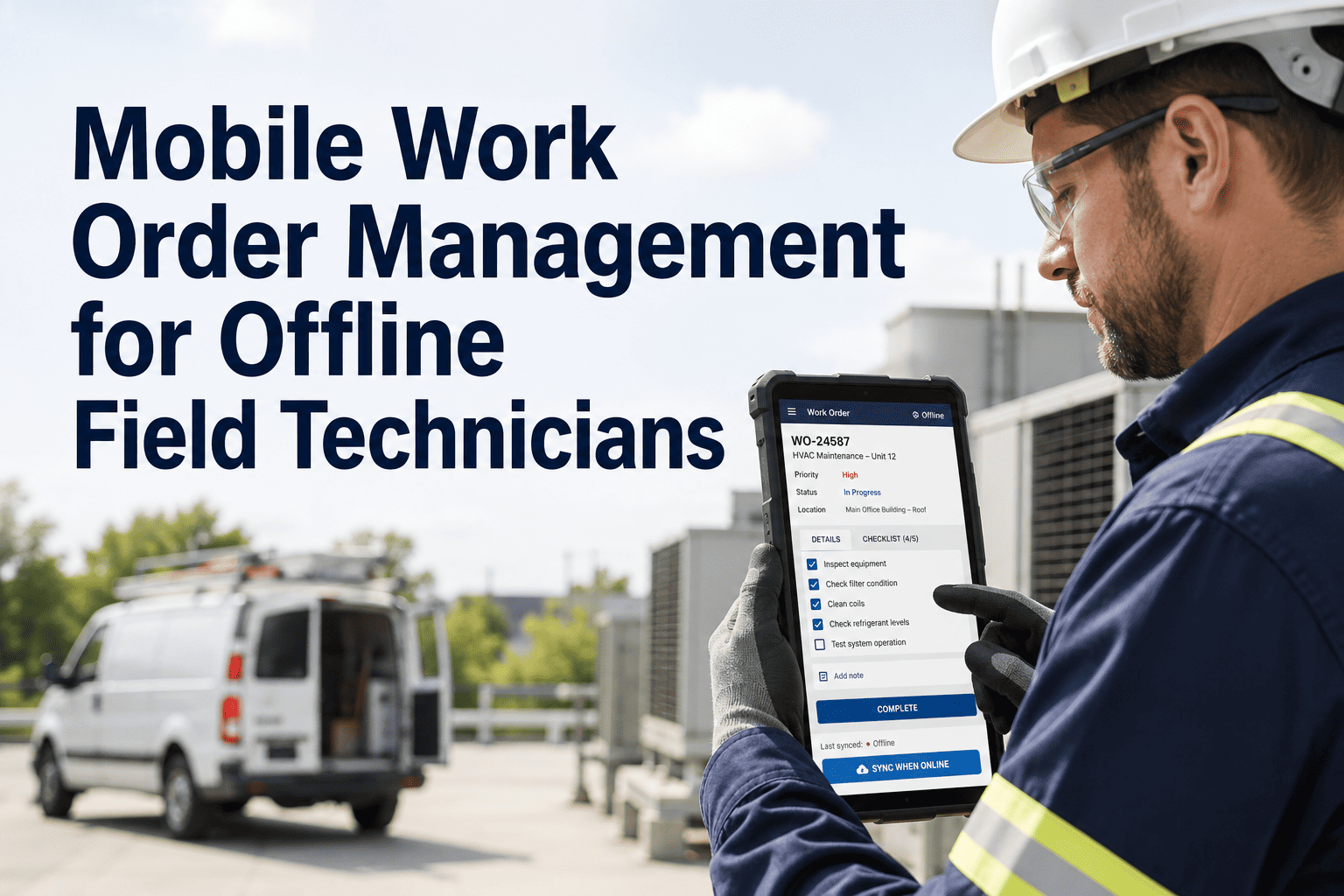
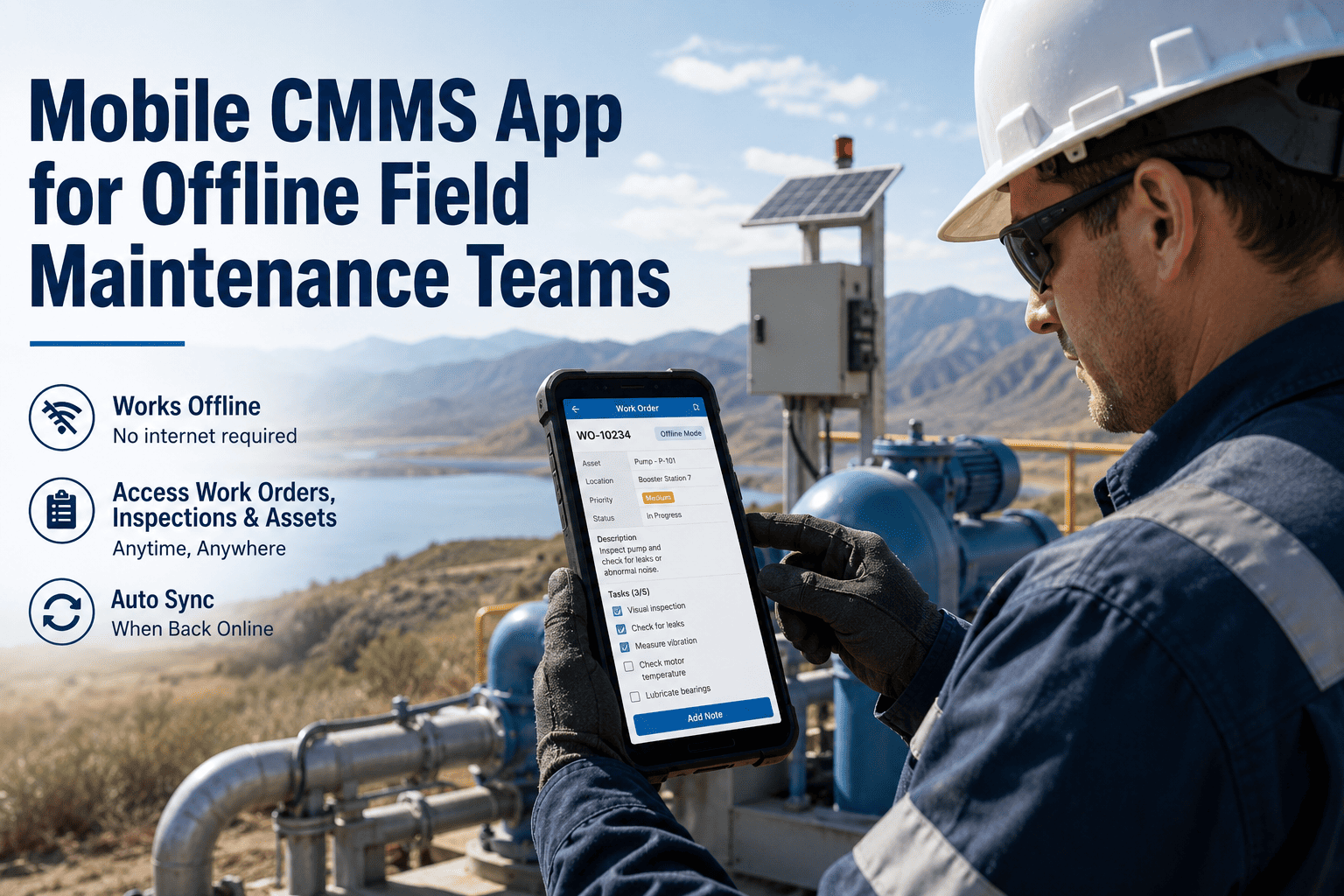
Field maintenance in remote substations, pipeline corridors, water treatment plants, and industrial facilities routinely happens in locations where cellular connectivity is unreliable or completely absent. A technician working inside a metal building, underground in a vault, or at a remote rural site cannot always depend on a live data connection to receive their next work order, pull up asset history, or log job completion. When the CMMS requires connectivity to function, the technician either improvises — losing data integrity — or walks back to a signal area, wasting time the job does not have. OxMaint's mobile CMMS is built for offline-first field operation: work orders, asset records, SOPs, parts inventory, and inspection forms all download to the mobile device before the technician enters a low-signal area. Every action taken offline syncs automatically when connectivity returns — with no data loss, no manual re-entry, and no duplicate records. This page explains exactly how offline-capable mobile CMMS works, what it covers, and what field teams experience when the system works around connectivity gaps instead of stopping at them.
MOBILE CMMS · OFFLINE MAINTENANCE · FIELD TECHNICIANS
No signal. Still working. Every action logged, synced, complete.
OxMaint's offline-capable mobile CMMS lets field technicians complete work orders, log inspections, and capture parts usage without connectivity — syncing everything when signal returns.
WHAT WORKS OFFLINE
Everything a field technician needs — available without a signal
Work Order Access
View assigned work orders, priority, asset details, and due time
Asset History
Previous repairs, failure codes, last PM date — for every assigned asset
SOPs and Checklists
Step-by-step procedures load on device — no internet required at point of work
Parts and Inventory
Storeroom stock levels cached — technician can log parts consumption offline
Photo Capture
Photos taken offline queue for upload automatically when connectivity returns
Inspection Forms
Readings, measurements, and pass/fail inputs all logged locally without signal
SYNC BEHAVIOR
How offline data syncs when connectivity returns
Before the Job
Assigned work orders, asset records, SOPs, and cached parts inventory automatically download to device when online. Technician is ready before leaving connectivity zone.
→
During the Job (Offline)
Technician works normally. Actions, readings, photos, parts usage, and signatures are stored locally on device with timestamps. No data is lost if the app is closed or device restarts.
→
On Connectivity Return
OxMaint detects connection and syncs all offline actions automatically — in sequence, with original timestamps preserved. Supervisor and CMMS see completed work in real time once sync completes.
WHERE IT MATTERS MOST
Field environments where offline CMMS capability is non-negotiable
| Environment |
Why Connectivity Fails |
OxMaint Offline Solution |
| Remote substations and switchyards |
Rural locations outside cellular coverage — often 30+ km from nearest tower |
Full work order and SOP access pre-loaded; sync on return to vehicle |
| Underground vaults and tunnels |
Metal and concrete shielding eliminates cellular and Wi-Fi signal entirely |
All required data on device before descent; auto-sync on surface return |
| Industrial plant interiors |
Dense metallic structures, RF shielding, and signal absorption in large facilities |
Wi-Fi dependent areas handled by local cache; sync on coverage return |
| Water/wastewater field assets |
Pump stations, reservoir sites, and rural treatment plant outbuildings |
Inspection forms and PM checklists complete offline — sync to CMMS on departure |
| Pipeline and oil field sites |
Corridor locations with no infrastructure within signal range |
Technician truck becomes data hub — satellite connection syncs batch on schedule |
Expert Review
Deepak Sharma — Field Operations Manager, Transmission and Distribution
In transmission maintenance, a crew that loses CMMS access at the job site either works from memory or calls back to the office — neither of which is acceptable for critical infrastructure work. OxMaint's offline mode means the work order, the SOP, the switching procedure, and the inspection form are all on the device before the crew leaves the depot. When they return to connectivity, everything syncs. No paperwork. No re-entry. No missed data. It is the first mobile CMMS that actually works the way field crews work.
SEE THE OFFLINE MODE
Book a demo — we will simulate a complete offline work cycle live
In your demo, we will show how OxMaint pre-loads work orders for a field shift, how a technician completes a job fully offline, and how the sync looks when connectivity returns — in under 20 minutes.
FAQS
Common questions about offline field maintenance with OxMaint
How far in advance does OxMaint pre-load work orders before a technician goes offline?
OxMaint pre-loads the next 7 days of assigned work orders by default, including all asset records, SOPs, and checklists associated with those jobs. This window is configurable — for field crews with longer circuit schedules, you can extend pre-load to 14 or 30 days. The pre-load happens automatically when the device is connected and updates in the background as new work orders are assigned.
Book a demo to see pre-load configuration for your team's schedule patterns.
What happens if two technicians update the same work order while both are offline?
OxMaint uses a conflict resolution algorithm that preserves both sets of changes on sync. Field actions (time logged, readings, photos) are merged by timestamp rather than one overwriting the other. If a field value is changed by both technicians — such as a completion status — OxMaint flags the conflict for supervisor review rather than silently discarding either update. This is uncommon in practice since work orders are typically assigned to one technician at a time.
Start a free trial to review conflict resolution settings.
Does offline mode work on both iOS and Android devices?
Yes. OxMaint's mobile app supports full offline capability on both iOS and Android, including offline photo capture, form completion, barcode and QR code scanning, and digital signature capture. The offline data store on each device is encrypted and does not require any special device configuration beyond the standard OxMaint app installation from the App Store or Google Play.
Can managers see when a technician is working offline vs. online?
Yes. OxMaint shows each technician's current connectivity status in the dispatcher dashboard — online, offline (last sync timestamp), or pending sync. When a technician returns to connectivity and syncs, the dashboard updates immediately and all completed work appears in real time. Supervisors can see exactly how long a crew was offline and review all actions logged during that period after sync completes.
Ask about dispatcher view features in your demo.
GET STARTED
Give your field technicians a CMMS that works where they work — signal or no signal
OxMaint's offline-first mobile CMMS means connectivity gaps never stop a job, lose data, or break your audit trail. Work orders are complete, inspections are documented, and everything syncs the moment signal returns — automatically.