Mobile CMMS for Field Technicians: Paperless Work Orders & Offline Capability
A maintenance technician at a paper mill in Georgia was handed a stack of 14 paper work orders on a Monday morning — by Thursday he had completed 9, but nobody knew which 9, which 5 were overdue, or whether the job on Press Line 3 had been done correctly because the inspection checklist was still on a clipboard in the maintenance office. His supervisor found out about the missed PM on Line 3 when the press bearing failed on Saturday and cost $62,000 in unplanned downtime. None of that information gap needed to exist. Mobile CMMS changes every moment of that sequence — the technician sees his work queue on a smartphone, completes checklists in the field, attaches photos of findings, and closes work orders with a digital signature before he walks to the next machine. OxMaint mobile gives field technicians everything they need — online and offline — so no work order is lost, no finding is undocumented, and no supervisor is surprised.
Paperless Work Orders — Live From Your Phone
Offline capability, barcode scanning, photo attachments, GPS tracking — OxMaint mobile for every technician
Unplanned downtime cost from a missed PM — caught by mobile sign-off
43%
Reduction in missed PMs after technician mobile app adoption
2.1×
Faster work order completion with mobile vs paper — same technician, same workload
Six Mobile CMMS Capabilities That Replace Paper Forever
Paper-based maintenance creates six failure points that mobile eliminates permanently. Each capability below removes a gap that paper cannot close — from offline work order execution in dead zones to GPS-verified asset location that prevents wrong-machine maintenance. OxMaint mobile includes all six as standard.
01
Offline Work Orders
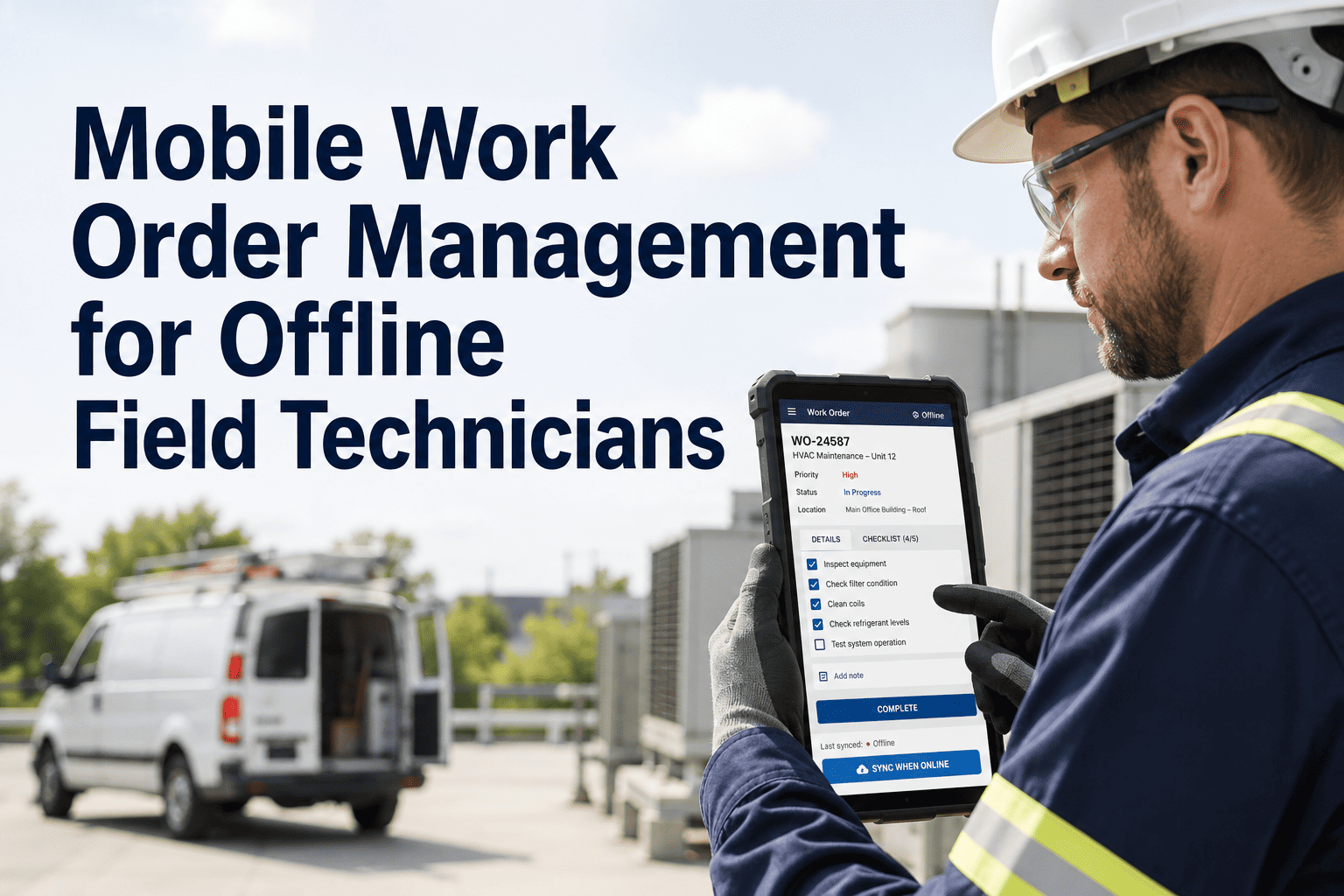
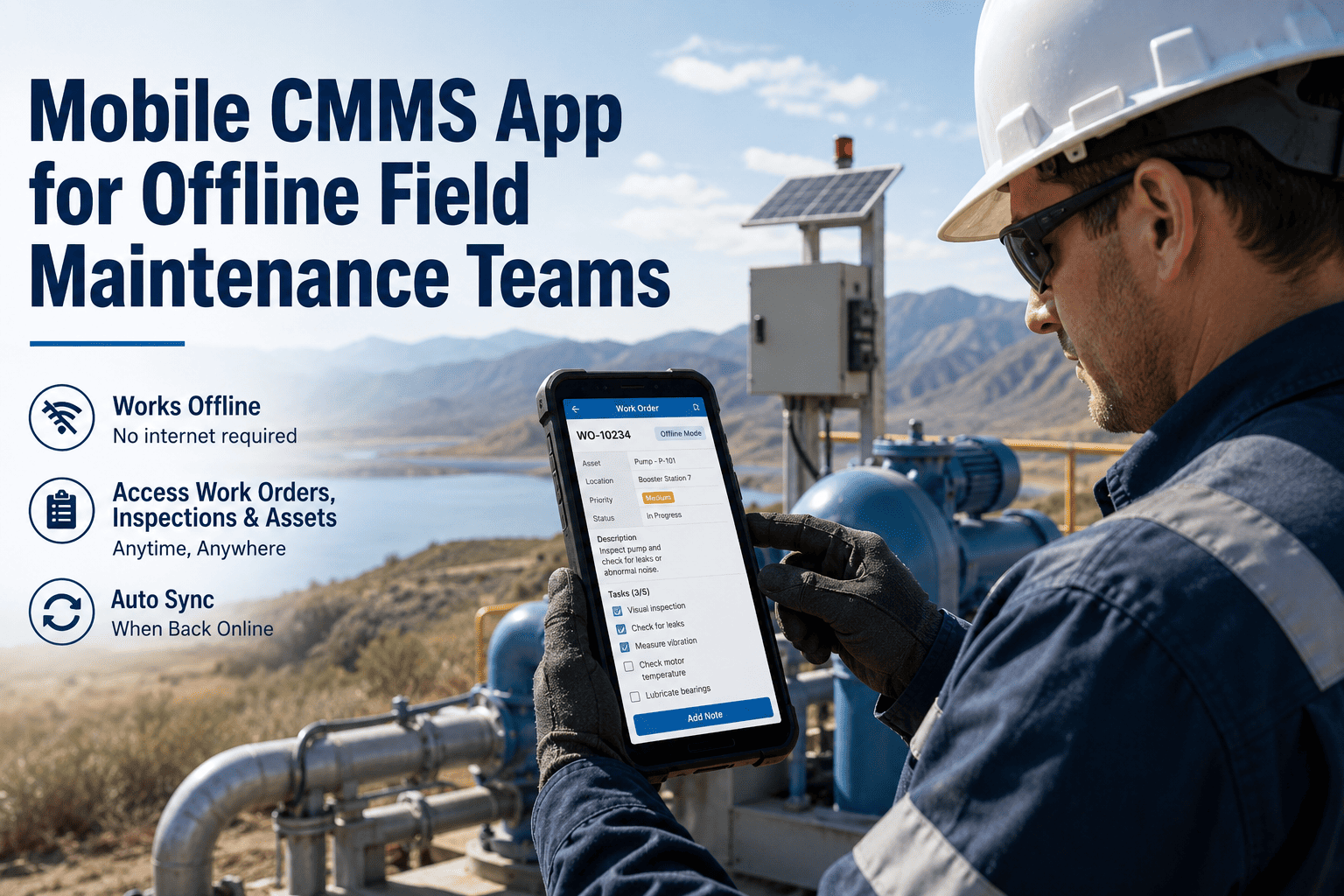
Work orders download to device before entering a no-signal zone. Technician completes, signs, and closes work orders offline — everything syncs the moment signal returns. No lost records, no incomplete jobs waiting for a desk terminal.
Works without WiFi or cell signal
02
QR & Barcode Scanning
Technician scans the QR code on any asset — work order queue for that machine opens instantly. No searching by asset name, no wrong-machine work. Each scan is timestamped and GPS-tagged — proof the technician was at the right asset.
Right asset, right work, every time
03
Photo & Video Attachments
Technician photographs a crack, a leak, an incorrect installation — the image attaches directly to the work order and the asset history. Supervisors see the finding the moment the photo uploads. No paper sketches, no "I told someone about it" — documented, permanent, searchable.
Visual evidence on every finding
04
GPS Tracking & Verification
Every work order completion is GPS-stamped — manager sees that the technician was physically at the asset location when the job was closed. Prevents remote sign-offs on work not done. Audit trail includes time, location, and technician ID for every completed task.
Location-verified job completion
05
Digital Signatures
Work order completion requires a technician digital signature on the mobile device — supervisor can require countersignature for critical assets. Signature is stored with timestamp against the work order permanently. Eliminates the question of whether a job was actually completed and signed off.
Legally valid — timestamp + technician ID
06
Real-Time Supervisor Dashboard
Supervisors see every technician's active work order, location, and completion status in real time on the OxMaint dashboard. Overdue work orders trigger automatic alerts — no end-of-day check-in required to know what was and was not completed during the shift.
Live team status — no check-in needed
OxMaint Mobile — Field Technicians
Every Work Order Closed. Every Finding Documented. Every Job Verified.
The same technician, the same 8-hour shift, the same 12 work orders. The difference between paper and mobile is not just speed — it is the quality of information that reaches the supervisor, the asset record, and the compliance audit. OxMaint mobile closes every information gap that paper leaves open.
Activity
Paper Process
OxMaint Mobile
Receive work assignments
Paper stack from supervisor — can lose, can misread
Mobile queue with priority order, asset location, and instructions
Identify the correct asset
Relies on memory or asset tag — wrong machine risk
QR scan — correct asset confirmed, GPS-verified
Execute inspection checklist
Paper checklist — often skipped, never searchable
Digital checklist — every step signed, photo attachable
Record a finding or defect
Handwritten note — may never reach asset history
Photo + text note — attached to asset record permanently
Close the work order
Return paper to office — hours after job completion
Digital signature in field — supervisor sees instantly
Work in no-signal area
Paper only — no access to history or instructions
Offline mode — full app function, syncs on reconnect
Supervisor visibility — shift end
Unknown until papers collected and reviewed next day
Real-time dashboard — completion, location, findings live
Swipe to view full comparison on mobile
Technology That Powers the OxMaint Mobile Experience
Mobile CMMS capability is amplified when connected to the systems and sensors already on-site — from PLC fault codes that create mobile work orders automatically to AI analytics that push the most urgent task to the top of a technician's queue. OxMaint mobile connects to your existing plant infrastructure.
PLC Fault Code Integration
PLC alarm outputs connect to OxMaint — every machine fault creates a mobile work order that appears on the nearest available technician's queue within 60 seconds of the alarm. No control room transcription, no dispatcher call — the technician gets it directly and moves immediately.
AI Priority Queue
OxMaint AI sorts each technician's work queue by asset criticality, failure probability, and shift time remaining — the highest-impact task appears at the top automatically. Technicians stop deciding what to do next; they execute the queue in order and finish the shift having addressed the highest-risk items first.
AI Camera Vision — Mobile Inspection
Technician photographs a component — OxMaint AI analyses the image for visible wear indicators, corrosion, and alignment deviation. AI findings are appended to the work order alongside the technician's manual checklist — creating a combined physical inspection and machine vision assessment in a single mobile workflow.
SAP Integration — Mobile Parts Request
Technician identifies a required part during a mobile work order — taps to request from inventory. OxMaint sends the parts request directly to SAP PM or the warehouse management system. No radio call, no paper requisition form — part is pulled before the technician finishes the current work order.
"Our technicians work in a steel mill with no WiFi in 70% of the building. We tried two mobile CMMS apps that required a connection — nobody used them. OxMaint's offline mode changed everything. Every work order now gets closed in the field. Our PM compliance went from 61% to 94% in four months."
— Maintenance Supervisor, Steel Processing Facility · Pittsburgh, PA · 22 technicians · 4-month result
Mobile CMMS Performance Benchmarks
These outcomes are measured across maintenance teams that switched from paper to OxMaint mobile — tracked at 30, 60, and 90 days post-deployment. Start your free trial to begin measuring your own baseline from day one.
89%
PM compliance rate — 90 days post-mobile adoption
79%
Reduction in work orders returned incomplete
67%
Fewer missed PMs at 60 days vs paper baseline
95%
Technician adoption rate after 2-hour mobile training
Frequently Asked Questions
Does OxMaint mobile work without WiFi or cell signal in the field?▼
Yes — OxMaint has full offline capability. Work orders, checklists, and asset history download before entering a no-signal zone. Completions, photos, and signatures sync automatically when signal returns. No work is lost.
Can OxMaint mobile create work orders from PLC or SCADA alarms automatically?▼
Yes — OxMaint connects to PLC and SCADA outputs. Every alarm auto-creates a mobile work order assigned to the nearest available technician within 60 seconds, with fault code and asset ID pre-populated.
What devices does OxMaint mobile support?▼
OxMaint mobile runs on iOS and Android smartphones and tablets. No rugged-device purchase required — most technicians use their own smartphones or a standard-issue Android device from the site.
How long does it take to train a technician on OxMaint mobile?▼
Most technicians are fully operational after a 2-hour hands-on session. OxMaint's interface is designed for trade-background users — minimal typing, QR-scan navigation, and one-tap checklist completion.
Can managers see where technicians are and what they are working on in real time?▼
Yes — the supervisor dashboard shows each technician's active work order, GPS location, and shift completion progress in real time. Overdue tasks trigger automatic alerts so managers act before the shift ends.
OxMaint Mobile · Paperless Work Orders · Offline Capability