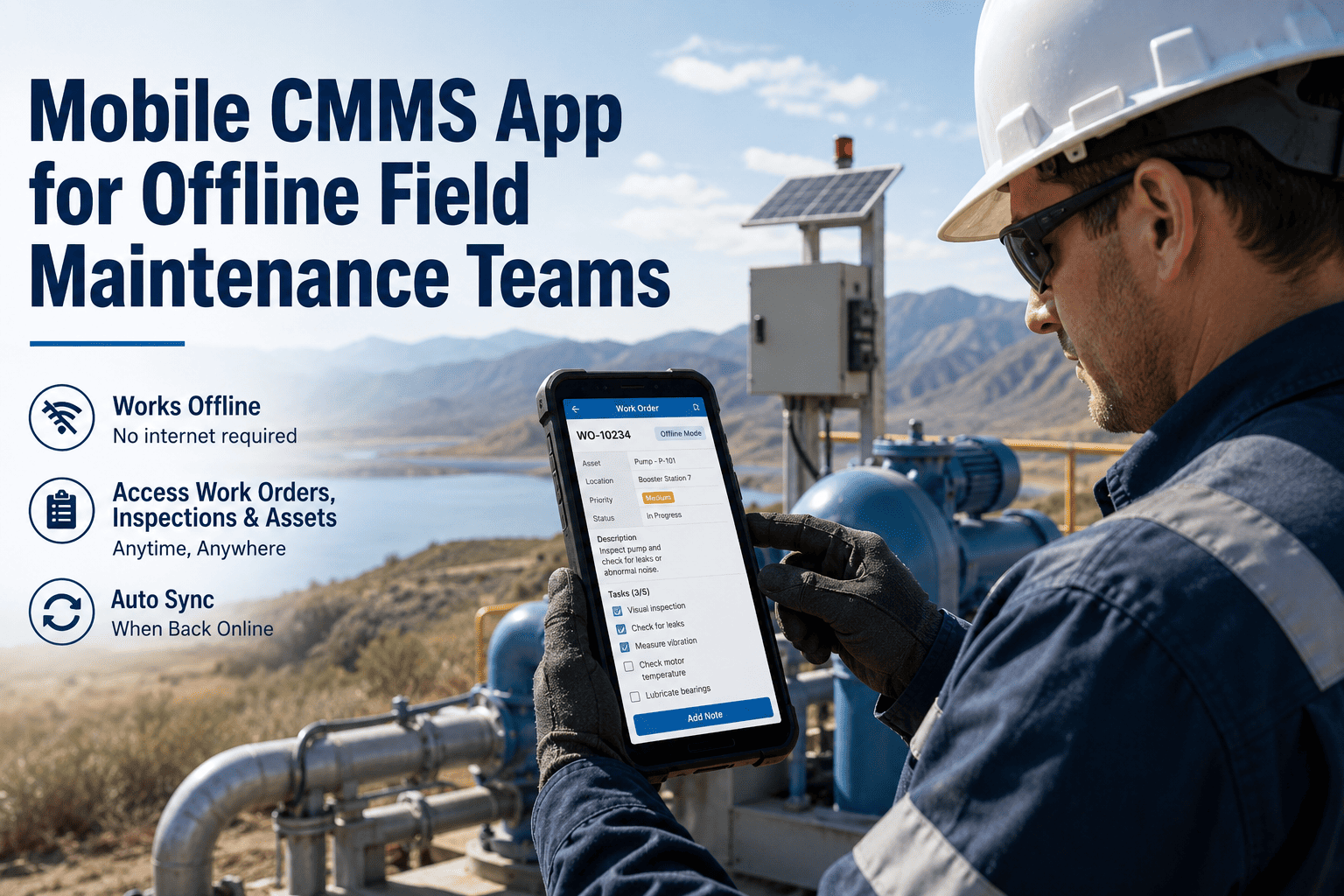
For facility maintenance teams, every minute a technician spends walking back to the office to check a paper work order, searching for an asset manual, or re-keying handwritten notes into a desktop system is a minute that equipment stays broken. In 2025, a regional hospital maintenance department discovered that their technicians were spending 38% of each shift on administrative tasks—not repairs. The culprit was a legacy work order system that required desktop access, offered no photo documentation, and went completely dark the moment a technician entered a basement mechanical room with no cell signal.
A mobile-first CMMS eliminates this friction entirely. Oxmaint's mobile work order management app puts real-time updates, photo documentation, voice-to-text entry, and full offline capability directly in the technician's pocket—turning every field worker into a connected, data-generating maintenance professional. This guide outlines the features, workflows, and ROI that make mobile work order management essential for field maintenance teams in 2026. Start free trial today.
Mobile CMMS Guide 2026
Best Mobile Work Order Management App for Field Maintenance Technicians
Boost field technician productivity with real-time CMMS updates, photo documentation, offline capability, voice-to-text entry, and instant dispatch. This guide equips maintenance managers with the framework to mobilise their workforce and eliminate paper-based inefficiency.
38%Time Saved Per Shift
Real-TimeWork Order Updates
100%Offline Capability
ZeroPaper Work Orders
The Mobile Maturity Spectrum
Maintenance organisations typically fall into one of three categories. While many teams still rely on "Paper-Based" systems—printing work orders, writing notes by hand, and re-entering data at a desktop—Oxmaint helps organisations leap to "Mobile-First" and "AI-Assisted" workflows where every interaction happens in real-time from the field. Book a Demo.
Paper-Based (Manual Entry)
50%
Desktop CMMS (Office-Bound)
32%
Mobile-First (Real-Time)
18%
Critical Mobile Capabilities
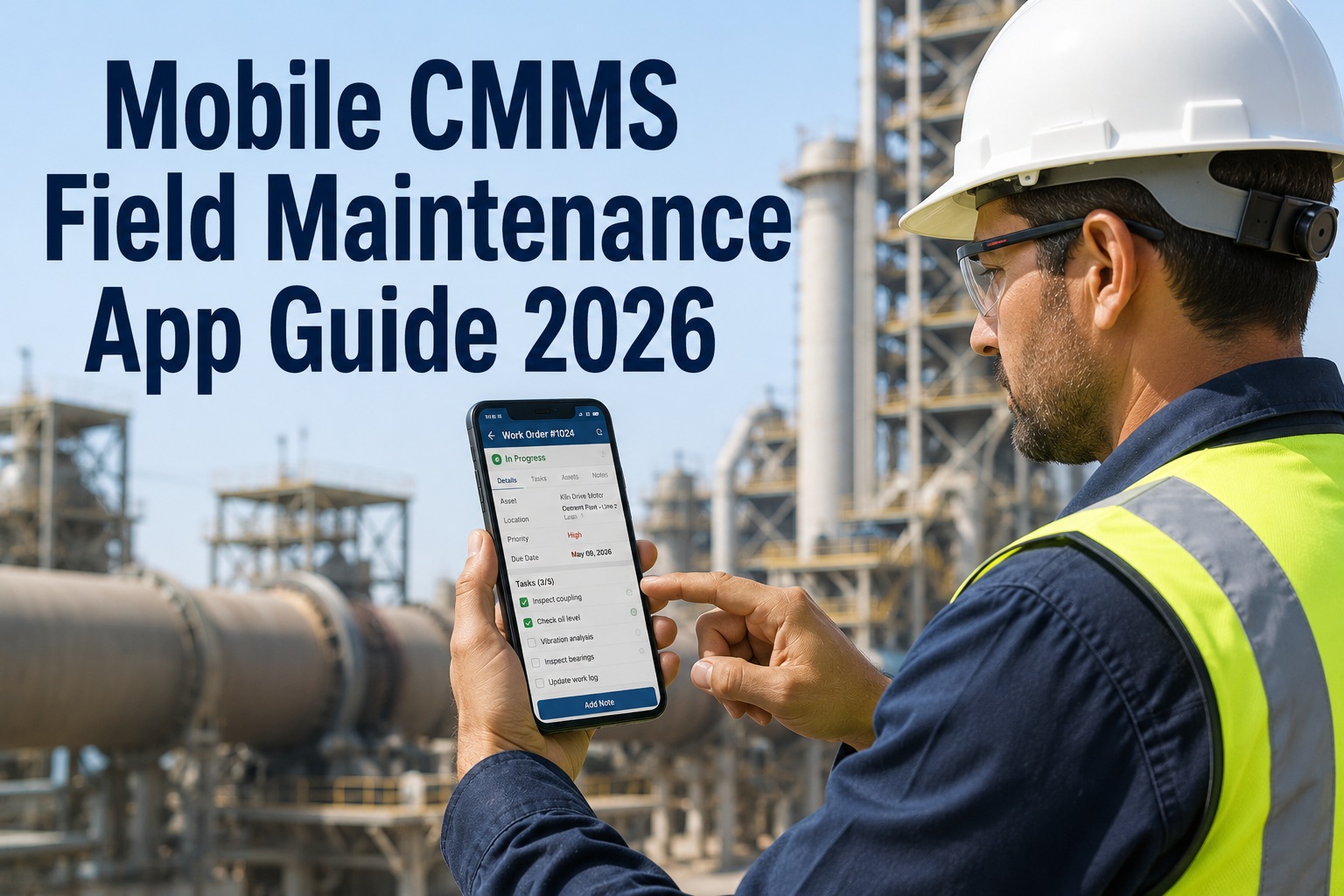
A mobile work order app must do far more than display a task list. It must function as the technician's complete digital toolkit—capturing photos, recording voice notes, scanning asset QR codes, accessing manuals, and syncing data even without connectivity. These six capabilities define best-in-class mobile CMMS in 2026. Book a Demo.
Essential Mobile Features2026 Standard
Real-Time
Live Work Order Updates
Technicians receive, accept, update, and close work orders instantly from any location. Status changes sync to supervisors and dashboards in real-time.
Must-Have
Visual
Photo & Video Documentation
Capture before/after photos, annotate images with markup tools, and attach video evidence directly to work orders—eliminating "he said, she said" disputes.
Compliance Critical
Offline
No-Signal Operation
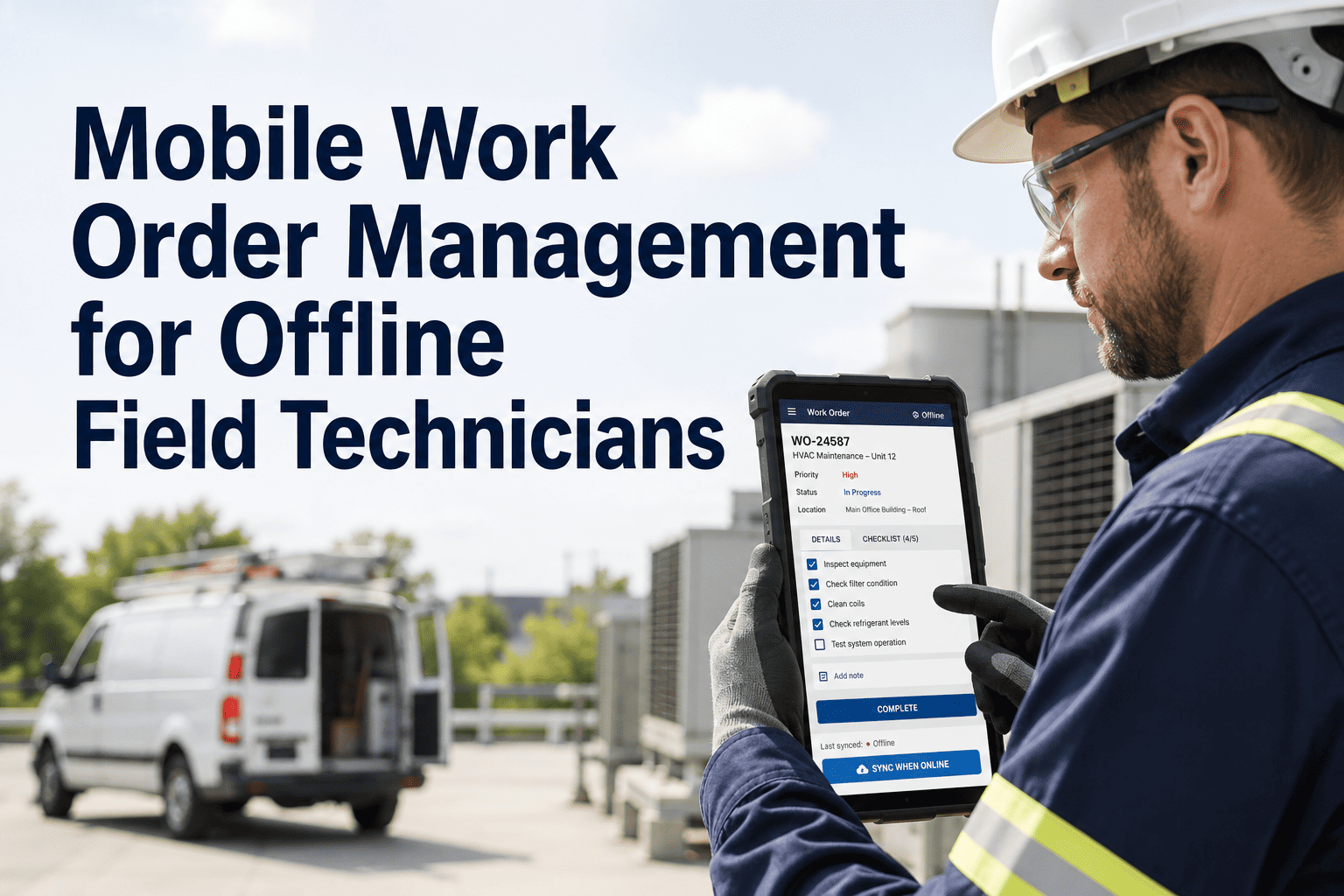
Full functionality in basements, tunnels, remote sites, and areas with no cellular coverage. Data queues locally and auto-syncs when connectivity returns.
Field Essential
Voice
Voice-to-Text Entry
Technicians dictate repair notes hands-free while working on equipment. AI transcription converts speech to structured CMMS entries with 97% accuracy.
Speed Boost
Scan
QR / Barcode Asset Lookup
Scan any asset's QR code to instantly pull up maintenance history, manuals, parts lists, and open work orders—no searching, no typing, no guessing.
Time Saver
Push
Instant Dispatch & Alerts
Priority work orders push directly to the nearest available technician with GPS routing, estimated travel time, and all required parts and tools listed.
Response Time
The Productivity Impact Scale
Not all inefficiencies carry the same cost. A technician re-keying data at a desktop wastes time; a missed emergency work order due to paper routing can shut down a production line. This impact scale helps maintenance managers prioritise mobile adoption by quantifying what each level of friction actually costs.
5
Missed Emergency
Critical WO never reaches technician. Equipment failure escalates to production shutdown or safety incident.
4
Lost Documentation
Repair notes lost between field and office. Audit trail broken. Compliance violation during inspection.
3
Duplicate Work
Two technicians dispatched to same job because status wasn't updated in real-time. Wasted labour hours.
2
Data Re-Entry
Handwritten notes typed into desktop CMMS hours later. Errors introduced. Context lost between shifts.
1
Minor Delay
Technician walks to office to check parts availability. 10-minute round trip per occurrence.
Mobilise Your Maintenance Team
Oxmaint puts the full power of enterprise CMMS in every technician's pocket. Real-time work orders, photo documentation, offline mode, and voice-to-text—all in one app that works anywhere your team does.
Core Mobile Workflow Modules
A best-in-class mobile work order app is composed of interconnected workflow modules. Implementing these as native mobile capabilities ensures that every field interaction—from receiving a dispatch to closing a work order—happens without leaving the app or returning to a desk.
Core
Work Order Lifecycle
Every Job
Receive, accept, start, pause, resume, and close work orders entirely from mobile. Time tracking auto-captures labour hours per task.
Accept / RejectTimer StartStatus UpdateClose & Sign
Critical
Photo Documentation
Every Repair
Capture before/after photos with timestamp and GPS. Annotate with arrows, circles, and text. Attach unlimited images to any work order.
Camera CaptureMarkup ToolsAuto-TimestampGallery View
Smart
Voice-to-Text Notes
Hands-Free
Dictate repair descriptions, failure observations, and parts used while hands remain on equipment. AI transcription with 97% accuracy.
Speech InputAI TranscribeAuto-FormatEdit Review
Offline
No-Signal Mode
Anywhere
Full app functionality without internet. Work orders, photos, notes, and parts usage queue locally. Auto-sync resumes when signal returns.
Local CacheQueue SystemAuto-SyncConflict Resolve
Scan
Asset Intelligence
On Demand
Scan QR codes or barcodes to pull asset history, manuals, schematics, open WOs, and spare parts lists. NFC tag support for high-value equipment.
QR ScanBarcode ReadNFC TapAsset History
Dispatch
Smart Routing
Priority-Based
GPS-aware dispatch sends work orders to nearest available technician. Route optimisation reduces travel time. ETA shared with requestors automatically.
GPS LocateRoute OptimiseETA ShareSkill Match
Different industries present unique challenges for mobile work order management. From hospitals requiring HIPAA-compliant photo handling to manufacturing plants with RF-shielded clean rooms, the mobile app must adapt to the specific constraints of each operational environment.
Facilities & Property
Tenant Request Integration
Multi-Site Navigation
Vendor Coordination
Photo Before/After Proof
SLA Timer Tracking
Manufacturing & Plants
Offline in Shielded Areas
LOTO Procedure Checklists
Parts Consumption Logging
Downtime Cost Tracking
Shift Handover Notes
Healthcare & Public
Compliance Documentation
Emergency Priority Routing
Infection Control Protocols
Regulatory Audit Trails
Patient Area Sensitivity
The Cost of Paper: ROI of Going Mobile
The "Productivity Pyramid" reveals that for every hour of wrench time lost to administrative friction, there are dozens of micro-inefficiencies compounding throughout the day. Eliminating paper work orders, desktop data entry, and manual dispatch creates measurable ROI within the first month of mobile CMMS adoption.
$0
Mobile-First WO
Technician receives, completes, and closes work order from phone. Zero admin overhead. Full audit trail auto-generated.
Friction: None
$48k/yr
Desktop Re-Entry
15 technicians × 45 min/day re-keying field notes = 2,925 lost hours annually. Errors corrupt 12% of records.
Friction: High
$250k+
Compliance Failure
Missing documentation during audit. No photo evidence of completed repairs. Regulatory fine or insurance claim denied.
Friction: Critical
Put Your CMMS in Every Pocket
Don't wait for the next audit failure or lost work order to go mobile. Oxmaint delivers enterprise maintenance management on any phone or tablet—online or off, with photo proof and voice notes built in.
A specialised mobile CMMS is more than a task list on a phone. It is the technician's single interface for every maintenance interaction—from initial dispatch through parts consumption, photo evidence, supervisor sign-off, and compliance archival.
A
One-Tap Work Order Actions
Accept, start timer, pause, add notes, attach photos, log parts, and close—all with single taps. Designed for gloved hands and outdoor visibility with high-contrast UI.
B
Offline-First Architecture
Complete app functionality with zero connectivity. Work orders, asset data, parts inventory, and checklists cached locally. Intelligent sync resolves conflicts when signal returns.
C
Smart Photo Documentation
Auto-stamped with date, time, GPS, and asset ID. Markup tools for annotations. Before/after comparison view. Unlimited attachments per work order for complete visual audit trails.
D
Voice-to-Text Intelligence
AI-powered speech recognition trained on maintenance vocabulary. Dictate failure descriptions, parts used, and repair procedures hands-free. Supports noisy environments and technical terms.
E
Digital Signature & Sign-Off
Capture technician and supervisor signatures on-screen. Compliance-grade digital sign-off for regulatory requirements. Timestamp and identity verified per signature.
F
Parts & Inventory on the Go
Check parts availability before travelling to the storeroom. Log consumption against work orders. Auto-trigger reorder alerts when stock drops below minimum thresholds.
Frequently Asked Questions
Q. How does offline mode work when there is no cell signal?
Oxmaint's mobile app caches all assigned work orders, asset data, parts lists, and checklists to the device when connected. In offline mode, technicians can view WOs, update status, add photos, record notes, and log parts usage—all stored locally. When connectivity returns (Wi-Fi or cellular), the app automatically syncs all queued changes to the cloud, with intelligent conflict resolution if the same WO was updated from multiple sources.
Q. Does the app work on both iOS and Android devices?
Yes. Oxmaint's mobile app is native on both iOS (iPhone/iPad) and Android (phones and tablets). The interface adapts to screen size and orientation. It also works as a progressive web app (PWA) in browsers for devices where native installation isn't preferred. All features—photo capture, voice-to-text, QR scanning, and offline mode—function identically across platforms.
Q. How accurate is the voice-to-text feature in noisy environments?
Oxmaint's voice engine uses AI noise suppression trained on industrial environments—plant floors, mechanical rooms, rooftops with HVAC, and outdoor construction sites. Accuracy exceeds 97% for standard maintenance vocabulary. The system learns from corrections, improving over time for each user. Technicians can review and edit transcriptions before saving to ensure data quality.
Q. Can supervisors see real-time technician locations and WO status?
Yes. The supervisor dashboard shows live technician locations (with consent), current WO status, time-on-task, and estimated completion. This enables intelligent dispatch—routing urgent work orders to the closest available technician with the right skill set. Historical location data helps optimise routes and identify travel-time inefficiencies over time.
Q. How does the app handle photo storage without filling up the device?
Photos are compressed on-device before upload, maintaining visual quality while reducing file size by 70-80%. Once synced to the cloud, local copies are automatically managed to prevent storage bloat. High-resolution originals are preserved in cloud storage linked to the work order. Technicians can access any historical photo from the asset record without consuming device storage.