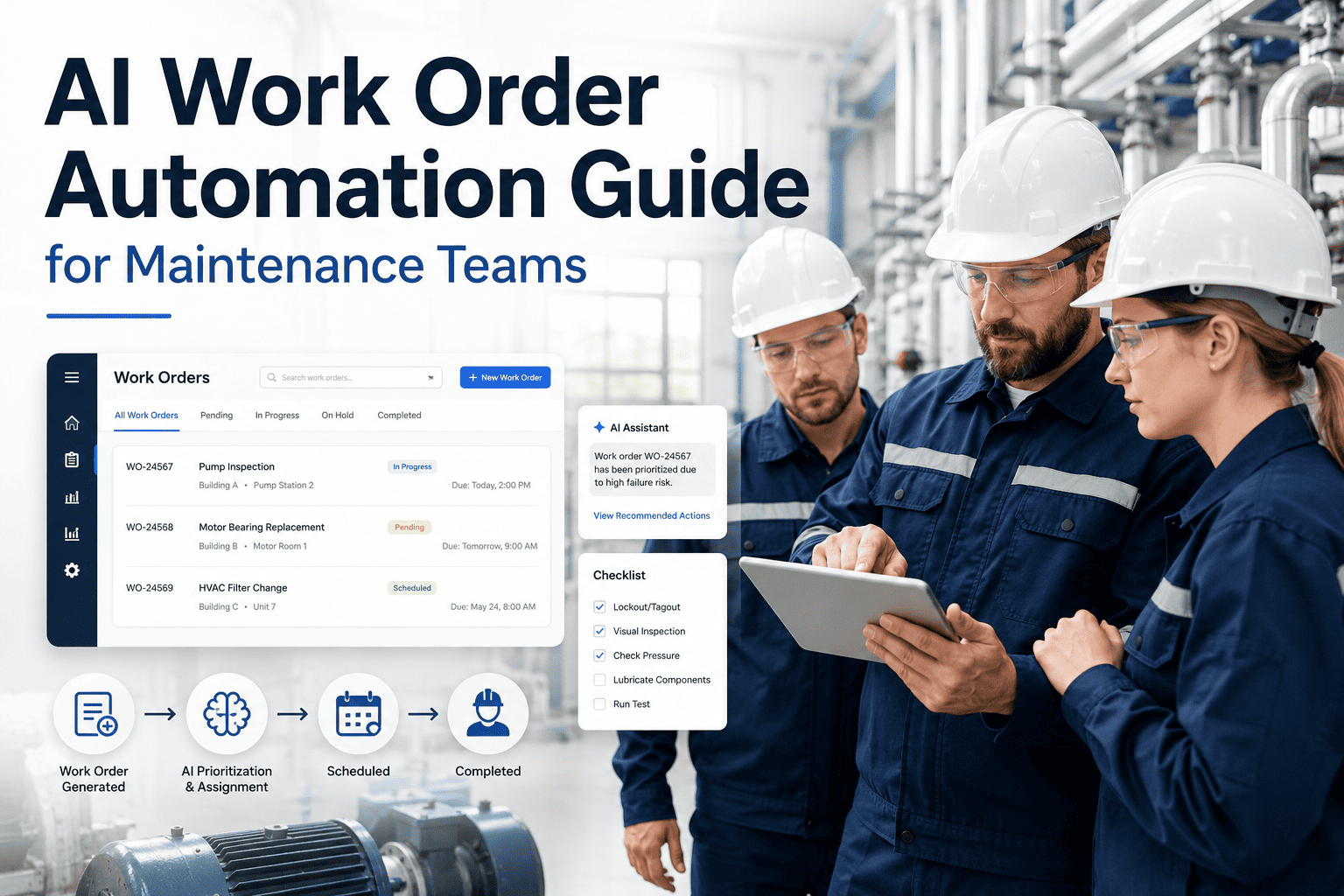
Maintenance teams don't fail because they lack effort — they fail because everything feels urgent at the same time. Without a structured priority framework, the loudest complaint gets the fastest response, critical assets get neglected, and planned work slips into reactive firefighting. This guide shows exactly how to build a priority system that technicians actually follow, managers can enforce, and auditors can verify. Start your free trial and configure priority-driven work orders in OxMaint today.
67%
of unplanned downtime events occur on assets that had a known warning sign ignored due to poor prioritization
3.5x
more reactive work orders generated by teams without defined priority rules compared to those with structured systems
40%
reduction in mean time to repair when technicians receive pre-ranked work queues instead of flat lists
Why Most Priority Systems Break Down
The majority of maintenance teams use informal priority labels — high, medium, low — without defining what each means. A technician marks a leaking pipe "high" while a supervisor marks a failed conveyor motor "medium" because the line isn't running yet. Two people, two interpretations, one system failure. Priority must be defined against measurable criteria, not individual judgment calls.
01
No Shared Definitions
Labels like "urgent" mean different things to different people. Without a written decision matrix, priority assignment is subjective and inconsistent across shifts.
02
Squeaky Wheel Effect
Whoever reports loudest gets their job done first. Critical but quiet failures — slow leaks, gradual vibration increase — get deprioritized until they become emergencies.
03
No Escalation Path
A P3 job sitting in the queue for 3 weeks with no one reviewing it is a system failure. Without escalation rules, deferred work grows invisibly until it causes an outage.
04
Priority Inflation
When everything is "urgent," nothing is. Teams learn that marking jobs high priority is the only way to get attention — collapsing the system into a flat undifferentiated queue.
The 5-Factor Priority Scoring Model
Effective priority levels are calculated, not guessed. Score each work request against five factors to generate a consistent, defensible priority level before a single technician touches it. This removes subjectivity and gives supervisors an audit trail for every decision.
| Factor |
Score 1 |
Score 2 |
Score 3 |
Weight |
| Safety Risk |
No injury potential |
Minor injury possible |
Serious injury or fatality risk |
40% |
| Production Impact |
No output affected |
Partial slowdown |
Full line/facility stop |
25% |
| Asset Criticality |
Non-critical / redundant |
Important, backup exists |
Single-point-of-failure asset |
20% |
| Customer Impact |
Internal only |
Delayed delivery risk |
SLA breach or direct complaint |
10% |
| Deterioration Rate |
Stable, weeks to worsen |
Degrading, days to worsen |
Rapid, hours to failure |
5% |
The 4 Priority Levels — Defined With Response Times
Priority labels only work when they carry binding response time commitments. Without time targets, a P2 job and a P4 job look identical in the queue. Define the SLA for each level and measure compliance weekly. Here is the standard framework used across industrial facilities and government operations.
P1
Emergency
Response: Immediate — within 1 hour
Safety hazard, active equipment failure causing full production stop, or imminent risk of asset loss. All other work stops. Work order created before or during response. Example: hydraulic line burst, gas leak, fire suppression system fault.
P2
Urgent
Response: Same shift — within 4 hours
Critical asset showing early failure signal, significant production degradation, or safety concern that is currently managed but worsening. Technician assigned before shift end. Example: conveyor motor overheating, cooling system underperforming, HVAC fault in server room.
P3
Scheduled
Response: Within 48–72 hours
Non-critical failures, planned repairs, and condition-based PM triggers that have not yet caused production impact. Scheduled into the weekly maintenance plan. Example: worn belt, minor fluid leak into containment, sensor calibration drift.
P4
Routine / Backlog
Response: Within 2 weeks
Cosmetic issues, long-cycle PM tasks, non-urgent upgrades, and deferred work with no near-term risk. Batched into planned downtime windows or slow periods. Example: paint touch-up, annual lubrication, light fixture replacement.
Automate Priority Assignment
Stop Guessing — Let OxMaint Score and Route Every Work Order
OxMaint AI assigns priority levels based on asset criticality, safety classification, and real-time condition data. Technicians receive pre-ranked queues. Supervisors get SLA compliance reports automatically.
Escalation Rules: What Happens When Priority Jobs Age
A priority system without escalation is just a label system. Every work order must have a rule that automatically raises its urgency when it passes a defined age threshold without completion. This is the most commonly missing piece in CMMS configurations — and the most damaging.
| Starting Priority |
Age Threshold |
Auto-Escalation Action |
Notification Target |
| P4 Routine |
10 days open |
Escalate to P3 + flag in weekly review |
Maintenance Supervisor |
| P3 Scheduled |
5 days open |
Escalate to P2 + require manager acknowledgement |
Maintenance Manager |
| P2 Urgent |
8 hours open |
Escalate to P1 + trigger on-call notification |
Plant Manager + On-Call |
| P1 Emergency |
2 hours open |
Auto-alert leadership + log compliance breach |
Director + Safety Officer |
Expert Review
DR
David Riordan
Reliability Engineering Consultant — 22 years in industrial maintenance operations
The single biggest improvement I see in maintenance programs is when organizations move from intuitive prioritization to scored, rule-based systems. A technician should never have to decide whether a job is P1 or P2 — that decision should be made by the work request form itself, based on defined criteria. When priority is calculated, not felt, compliance rates go from unpredictable to measurable. That change alone reduces emergency response costs by 20 to 35 percent in most facilities within the first year.
How OxMaint Enforces Priority Rules Automatically
1
Scored Work Request Forms
Every new work request in OxMaint includes safety, production impact, and asset criticality fields. The system calculates a priority score and assigns the level before the work order reaches any technician's queue.
2
SLA Clock and Breach Alerts
Each priority level carries a configurable response time target. OxMaint starts the clock at creation, sends reminder alerts as deadlines approach, and logs SLA breaches automatically for management review.
3
Auto-Escalation Workflows
Aging work orders trigger escalation rules without manual intervention. A P3 job open beyond 5 days automatically becomes P2 and routes a notification to the supervisor — eliminating invisible backlog growth.
4
Priority Compliance Reporting
Weekly and monthly dashboards show SLA compliance rate by priority level, by technician, and by asset class. Managers see exactly where the system is working and where priority inflation or neglect is occurring.
Frequently Asked Questions
How many priority levels should a maintenance team use?
Four levels — Emergency, Urgent, Scheduled, and Routine — is the optimal number for most facilities. Fewer levels collapse important distinctions; more than four create decision fatigue and inconsistent application. The critical requirement is that each level carries a defined response time SLA and that all team members understand the scoring criteria that assigns a job to each level.
OxMaint configures all four levels with customizable SLA targets for your facility type.
What should trigger an automatic P1 Emergency work order without manual input?
Emergency work orders should auto-create from three signal types: safety sensor alarms (gas detection, fire suppression activation, arc flash events), equipment failure signals that indicate a full production stop (conveyor e-stop, pump cavitation alarm, chiller compressor fault), and any safety-classified asset showing a vibration or temperature reading that exceeds its failure threshold. Manual creation should be a fallback, not the primary path for P1 events.
Book a demo to see how OxMaint connects sensor data to automatic work order creation.
How do you prevent priority inflation — where everything becomes urgent?
Priority inflation is a CMMS governance problem, not a technology problem. The fix requires three things: a written scoring matrix that requestors must complete, a supervisor review step for any P1 or P2 assignment, and a monthly report showing the distribution of priority levels across all work orders. When managers see that 80% of jobs are marked P1, they have the data to enforce the scoring criteria consistently. OxMaint's reporting module generates this distribution chart automatically every reporting period.
Should planned preventive maintenance tasks have priority levels?
Yes — and this is frequently overlooked. PM tasks on safety-critical assets should be rated P2 or P1 depending on regulatory requirements. PM tasks on production-critical assets default to P2. General lubrication, inspection rounds, and minor adjustments are typically P3 or P4. When PM tasks carry explicit priority levels, they compete fairly with reactive work in the technician queue instead of being perpetually deferred whenever a reactive job appears.
Configure PM priority levels and SLA targets in OxMaint to protect your preventive maintenance completion rates.
Priority-Driven Maintenance — Powered by OxMaint AI
Turn Priority from a Label Into a System Your Team Follows
Scored work requests, automatic SLA tracking, escalation rules, and compliance dashboards — all configured in OxMaint. Stop reactive firefighting and start managing maintenance by impact, not by noise.