When a vendor disputes a repair, a regulator requests audit documentation, or a client questions whether maintenance was performed on schedule, a work order marked "Completed" in a spreadsheet proves nothing. A timestamped photo attached to a closed work order, tied to an asset record, proves everything. OxMaint's Mobile CMMS makes photo-documented closeout the default — not the exception — for every technician on your team.
Proof of Work · Mobile CMMS Guide · 2026
How to Use Maintenance Photos as Proof of Completed Work
Build a photo documentation standard that reduces disputes, closes insurance gaps, satisfies audits, and gives your team a before-and-after record for every significant repair.
Book a Demo
Start Free
■
Before Photo
Asset in failed condition · Timestamped · GPS-tagged
↓ Repair Completed ↓
■
After Photo
Asset restored · Technician sign-off · Auto-attached to WO
Result: Closed Work Order
Linked to asset history · Audit-ready · Searchable forever
Why It Matters
Four situations where photo proof changes the outcome
01
Vendor Disputes
A contractor claims work was completed to spec. Your equipment shows wear patterns inconsistent with that claim. Without a before-and-after photo record, you have no evidence. With photo proof timestamped at closeout, the dispute resolves in minutes — not weeks of back-and-forth.
Outcome: Faster resolution, fewer credits lost
02
Regulatory Audits
ISO, FDA, OSHA, and facility certification audits increasingly require evidence that maintenance was actually performed — not just scheduled. A date-stamped photo attached to a closed work order is the most defensible proof format available for field maintenance compliance.
Outcome: Audit-ready documentation in seconds
03
Insurance Claims
When a major equipment failure triggers an insurance claim, adjusters investigate whether proper maintenance was performed prior to the failure. Facilities with photo-documented maintenance history process claims 40% faster and face significantly fewer coverage disputes than facilities relying on text-only records.
Outcome: Faster claims, better coverage outcomes
04
Technician Accountability
When a repair is completed correctly, photos protect the technician from false blame if the asset fails later under different circumstances. When a repair has quality issues, photos surface them during closeout review — not during the next failure event. Photo requirements improve workmanship standards without requiring increased supervision.
Outcome: Better quality, clear accountability trail
Photo Documentation Standard
What a complete maintenance photo record looks like
Not all photos are equally useful. A blurry image of an unidentifiable component taken before repair without context is worse than no photo at all — it creates the appearance of documentation without the substance. Use this standard for every significant work order closeout.
| Photo Type |
When to Take |
What to Capture |
Required For |
| Asset Condition — Before |
Arrival on site, before any work begins |
Full asset view showing the fault, damage, or condition that triggered the work order |
All reactive repairs, all Critical-tier PMs |
| Close-Up Fault Detail |
Immediately after "Before" photo |
Tight crop of the specific component — crack, wear, leak source, misalignment |
All reactive repairs on Critical and High assets |
| Parts Removed |
During disassembly |
Failed or worn part next to asset or on clean surface with part number visible |
Warranty claims, OEM escalations, repeat failures |
| Asset Condition — After |
After all work is complete, before sign-off |
Same angle as "Before" photo showing restored condition and any new parts installed |
All work orders on Critical and High assets |
| Measurement / Reading |
When spec verification is required |
Gauge, torque wrench reading, or measurement tool showing the verified value |
All safety-critical torque specs, pressure checks, calibrations |
OxMaint Mobile CMMS
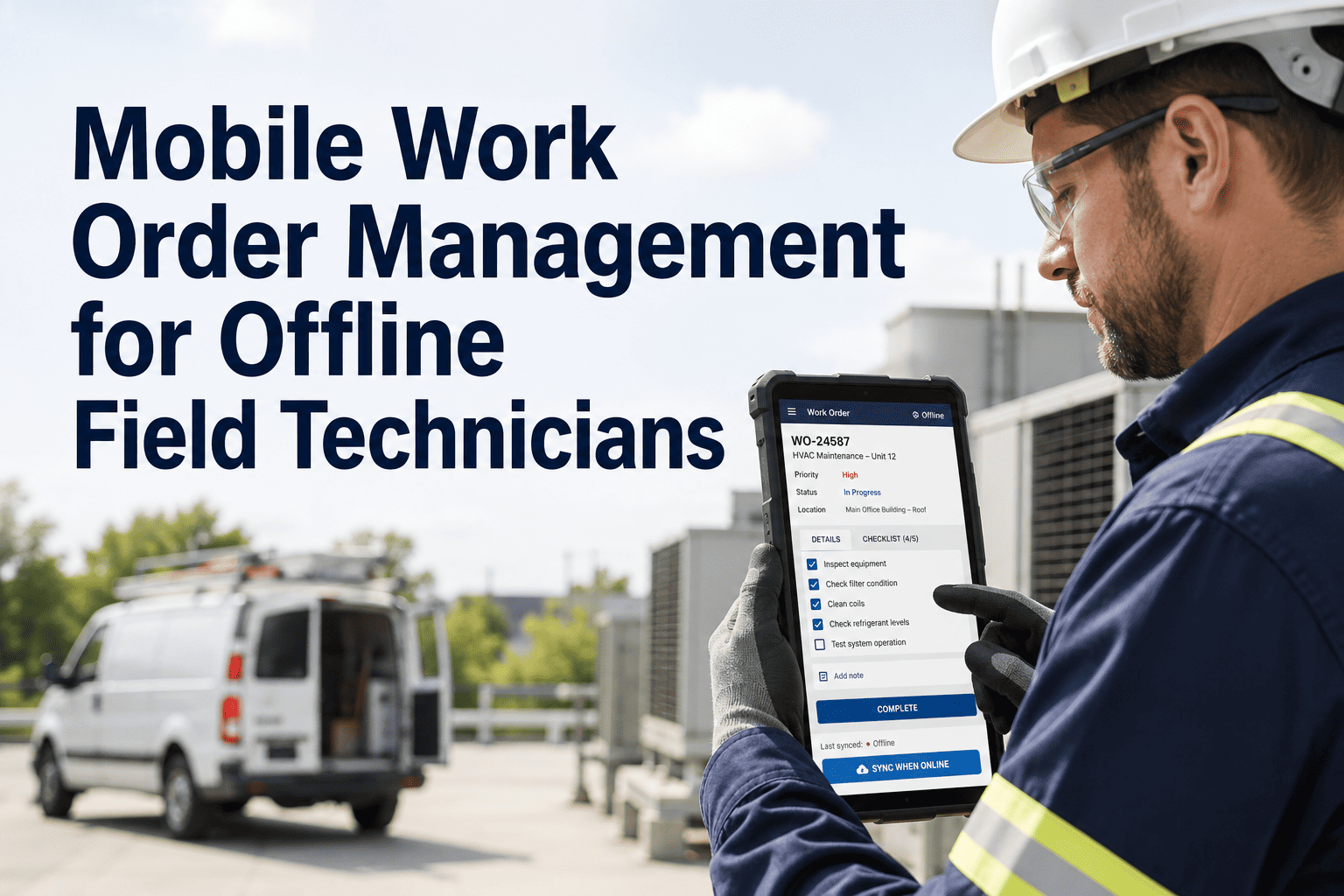
Techs close work orders with photos directly from the repair site — no app switching, no upload step.
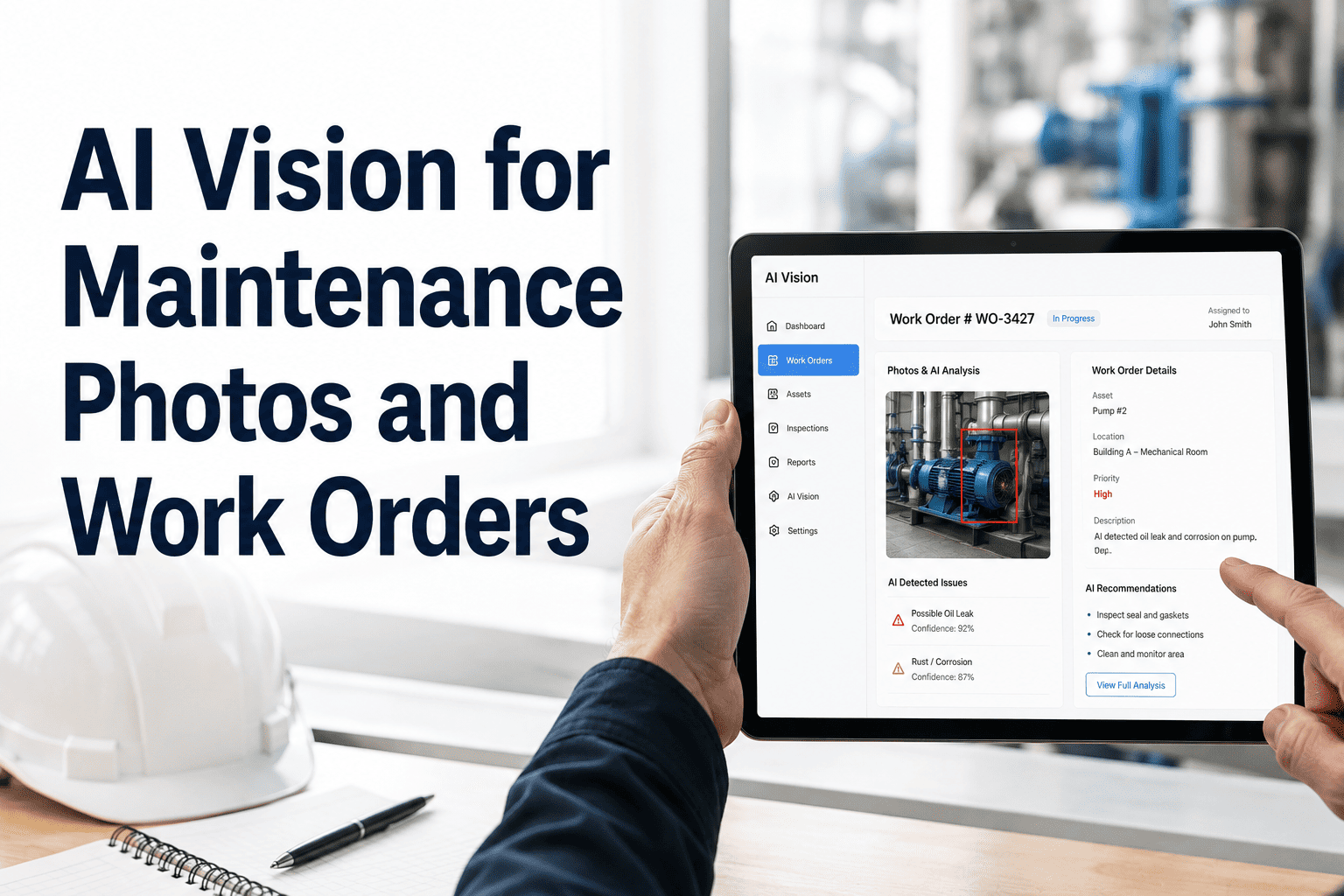
OxMaint's mobile app prompts photo capture at each closeout stage, automatically attaches photos to the work order and asset record, and timestamps every image to the second. Your audit trail builds itself.
Expert Review
What quality and compliance managers say about photo documentation
SR
S. Ramirez, Quality & Compliance Manager — Pharmaceutical Manufacturing
In a regulated environment, "the tech says it was done" is not documentation — it is a conversation. We moved to mandatory photo closeout two years ago after a third-party audit identified 14 maintenance records with no verifiable evidence of completion. The cultural pushback from technicians lasted about two weeks. After that, the photos became habit because the techs themselves realized they were protected — if a piece of equipment failed a week after their repair and there were photos showing it was done correctly, nobody was coming after them. Photo documentation protects the facility and the people doing the work.
Common Questions
Photo proof of work — what teams ask most
Will requiring photos slow down our technicians significantly?
In the first two weeks, yes — by about 3 to 5 minutes per work order as technicians adjust to the habit. After that, OxMaint's prompted closeout flow reduces the friction to under 60 seconds per photo set for standard work orders. More importantly, the time recovered from shorter dispute resolution cycles, faster audit responses, and reduced rework investigations vastly exceeds the time invested in photo documentation across any 90-day period. Most teams report a net positive time outcome within 30 days of rollout.
Book a demo to see the OxMaint mobile closeout flow.
How are maintenance photos stored and for how long should we keep them?
OxMaint attaches photos directly to the work order record and the associated asset history — they remain accessible as long as the work order exists in your system. For regulated industries, minimum retention periods vary: FDA-regulated facilities typically require 5 to 7 years of maintenance records; OSHA-covered facilities should retain safety-related maintenance documentation for at least 3 years. OxMaint supports configurable retention policies that automatically archive records by age while maintaining searchability. The practical recommendation for most operations is to retain photo records for the life of the asset — storage costs are negligible, and the documentation value is highest on long-lived capital equipment.
Can we make photo capture mandatory in OxMaint before a work order can be closed?
Yes. OxMaint's work order closeout settings allow you to make photo attachment a required field for specific work order types, asset criticality tiers, or facility zones. A technician cannot mark the work order as Completed until the required photo count has been attached and the checklist is fully signed off. You can configure different photo requirements by work order type — for example, requiring before-and-after photos for all reactive repairs on Critical assets, but only an after photo for routine PMs on Standard-tier assets. This gives you full documentation on high-risk work without adding unnecessary process overhead on routine tasks.
Start free and configure your photo requirements in OxMaint today.
Mobile CMMS · Photo Closeout · Audit-Ready
Every repair your team makes deserves a record worth keeping.
OxMaint makes photo documentation a built-in part of every work order closeout — so your maintenance history is always complete, always searchable, and always ready for the next audit or dispute.