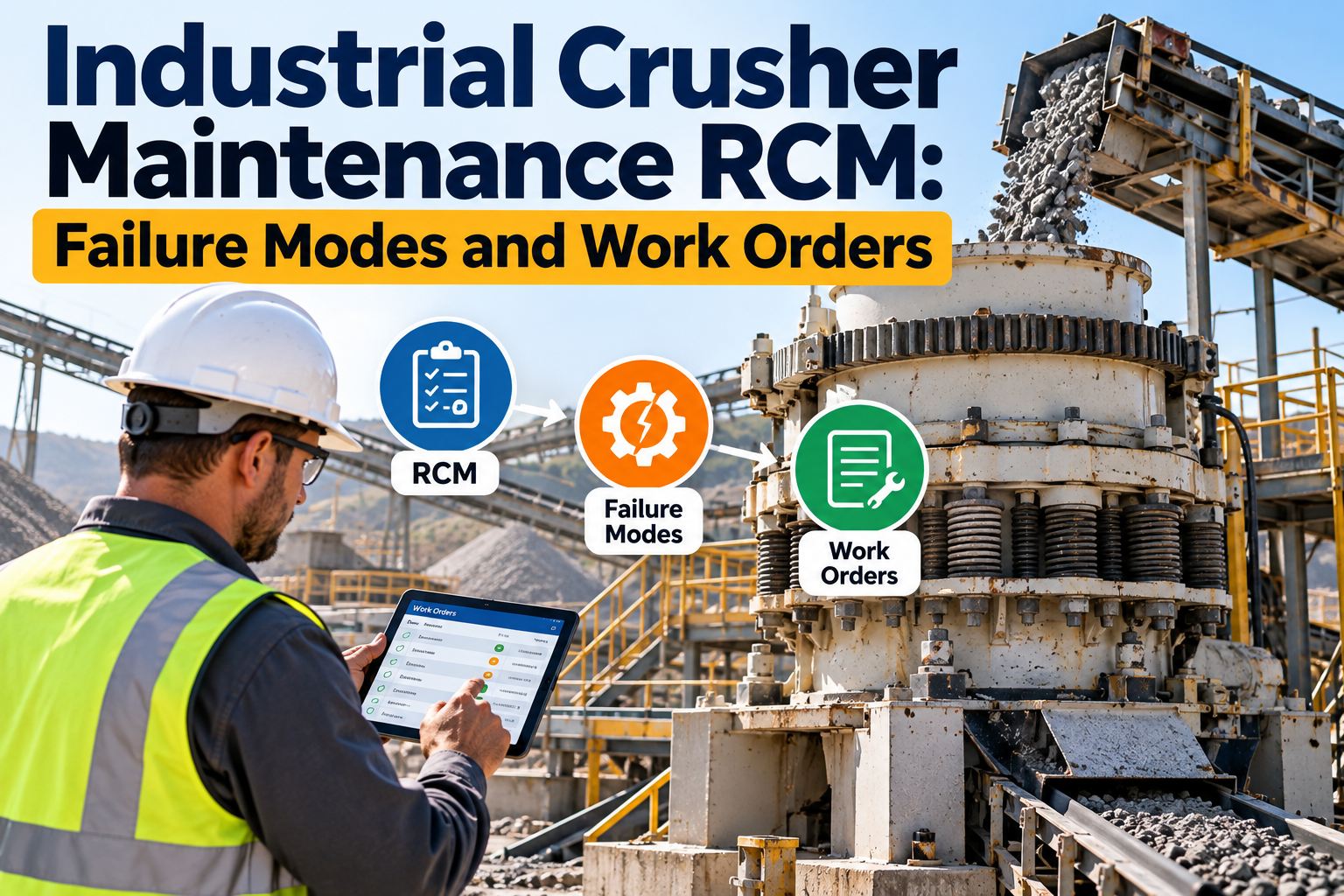
The crusher is still running, but the drive-end vibration has changed, the oil sample is carrying fresh metal, and closed-side setting will not hold. Night shift needs to know whether to keep feeding, reduce load, or stop before a bearing, gearbox, or liner failure becomes a secondary-damage job. Industrial crusher maintenance cannot rely on one alarm or a generic checklist. Oxmaint AI connects vibration, lubrication, process, hydraulic, inspection, and work-history evidence to failure-mode logic — then drafts an executable work order inside the existing Maximo, SAP, or CMMS workflow.
Crusher Duty · RCM Overlay · Failure Modes · 2026
Industrial Crusher Maintenance: Failure Modes & Work Orders
Oxmaint AI is an AI RCM overlay on Maximo, SAP, or your plant CMMS — it fuses vibration, oil, process, and hydraulic evidence into failure-mode logic, then drafts a planner-ready work order. Not a second system of record.
1 Timeline
load, setting, vibration, oil & work history aligned
6 Modes
failure-mode branches drive the decision
3 Classes
condition, process & inspection evidence
90 Days
pilot the workflow without replacing systems
What It Looks Like in Oxmaint AI
Crusher duty combines high shock loading, abrasive feed, dust ingress, frequent starts, and tramp material — conditions that make normal process vibration look like damage and mask real deterioration. Oxmaint AI is an AI RCM overlay, not a second CMMS. Start free on your current stack — no rip-and-replace.
One Alarm / Generic Checklist
The Way It Fails
✕ One alarm turned into a diagnosis
✕ Process vibration mistaken for mechanical damage
✕ Real bearing or gearbox distress masked
✕ Same checklist for jaw, cone & gyratory
✕ Bearing heat blamed without normalizing to load
✕ Monitoring with no threshold, owner or limit
✕ Overload cleared without proving load-path integrity
Oxmaint AI Overlay
The Way It Works
✓ Evidence fused to failure-mode logic
✓ Vibration normalized to load, speed & ambient
✓ Deterioration surfaced before secondary damage
✓ Tasks filtered by crusher subtype
✓ Temperature normalized to load & comparable positions
✓ Monitoring needs signal, threshold, owner & review date
✓ Ranked WO drafts pushed into Maximo/SAP
Three Panes From Signal to Work Order
Oxmaint AI organizes the evidence into three practical in-product panes. Every item stays linked to the existing asset and work history. Book a demo to see the three panes on your crusher.
Pane 1
Timeline
Aligns process load, crusher setting, vibration, lubricant, hydraulic alarms & prior work on one failure-mode clock — e.g. 02:10 drive-end vibration changed after an overload trip, 02:24 return-oil temp above baseline, 05:40 repeat measurement confirmed the change. Next action: validate lubrication and pull a debris sample before full load.
Pane 2
Signal → Confidence
Combined evidence may favor bearing or lubrication distress while gearbox and looseness branches stay open until oil debris and phase data are reviewed. A persistent signal outweighs a single alarm; temperature is normalized to load; a recent overload adds urgency but not root cause. An example 74% is triage — not a failure probability or OEM limit.
Pane 3
Suggested WO
Creates a condition-assessment package with operating limits, isolation scope, required measurements, acceptance criteria, parts contingencies & a named restart authority. Assigns roles, attaches trends and OEM procedures, reserves parts conditionally, and writes as-found/as-left fields before release through Draft WO → Maximo/SAP.
Confidence
74% Example
Illustrative triage favoring developing bearing or lubrication distress, with gearbox and structural-looseness branches open. Confidence recalculates when inspection evidence is attached — it is not a probability of failure and not an OEM alarm limit.
Overlay Positioning — Not a Second CMMS.
Asset masters, cost centers, inventory, and settlements stay in your EAM. Oxmaint AI owns living failure-mode history, JA1011-style task selection, and ranked WO drafts that push into Maximo or SAP. Your system of record remains the system of record.
Six Crusher Maintenance Failure Modes
Task applicability must be filtered by crusher subtype — jaw is not identical to cone, gyratory, impact, roll, or hammer. OEM manuals, clearances, lubricant specs, liner profiles, alarm limits, and protection tests always govern. Book a demo to map these six modes to your queue.
These six modes cover three core evidence classes: condition, process, and inspection. Maximo, SAP, or the CMMS remains authoritative, while OEM limits and acceptance criteria govern the decision.
RCM Task Intervals — Use the P-F Window, Not a Calendar
A crusher schedule should reflect how each failure becomes detectable and how fast it turns unacceptable. Monitoring is not an acceptable disposition unless it names the signal, threshold, owner, review date, operating limit, and contingency. Sign up free and configure intervals against your P-F window.
Signals That Change the Decision
Oxmaint AI combines evidence without treating every input as equally diagnostic. These are illustrative fusion weights, not universal settings or OEM thresholds. Book a demo to see the weighting on your signals.
30%
Repeatable vibration or event signature
25%
Oil debris and lubricant condition
20%
Temperature and lubrication-system performance
15%
Process load, setting and throughput context
10%
Inspection and recent maintenance evidence
The diagnostic fork matters. High bearing temperature may come from heavy feed, not distress — normalize to load, speed, ambient, and comparable positions. Crusher-impact vibration can resemble gearbox damage — shaft-speed reference, synchronous averaging, coherent sidebands, and oil debris separate a gear defect from random impacts. For liners, stable feed with measured geometry drift supports wear; a process-wide change with acceptable geometry points to feed or screen performance.
From Signal to Maximo or SAP Work Order
Oxmaint AI does not create a parallel process — it overlays the existing one. A strong crusher work order records subtype, operating state, feed rate, chamber level, speed, power, setting, alarm sequence, and symptom start time, and addresses isolation of all energy sources. Blocked chambers and suspended material are treated as stored energy. Sign up free and run the flow on one crusher.
01
Connect Evidence
Align historian data, route readings, oil reports, operator notes, alarms, inspections & previous work against the crusher asset.
02
Apply Failure-Mode Logic
Evaluate bearing, liner, drive, gearbox, overload & hydraulic-protection branches.
03
Preserve Alternatives
Record one testable cause hypothesis plus credible competing explanations.
04
Draft Planner-Ready Fields
Populate the problem statement, existing failure codes, tasks, permits, parts contingencies, acceptance criteria & closeout measurements.
05
Route Through System of Record
Approved execution, inventory, labor, compliance & history remain in Maximo, SAP, or the site CMMS.
A Practical 90-Day Crusher RCM Pilot
A focused pilot establishes whether available data supports better planning without promising a generic ROI. Any cost band must use site labor rates, production-consequence rules, contractor quotes, and outage assumptions — generic savings estimates are not forecasts. Sign up free and pilot one critical crusher.
Days 1–30 · Scope
Select a critical crusher; confirm subtype, arrangement, OEM docs, maintainable-item hierarchy & current failure codes.
Days 1–30 · Baselines
Map vibration points, oil locations, lubrication signals, hydraulic protection, process tags, alarms & inspections. Review recent overloads & repeat work; define stop limits & restart authority.
Days 31–60 · Configure
Configure the six failure-mode branches; normalize condition data to speed, load, feed & ambient where practical.
Days 31–60 · Draft WOs
Establish evidence requirements per diagnosis; draft Suggested WO templates using approved Maximo/SAP fields, permits, failure codes & task libraries.
Days 61–90 · Live Cases
Triage live alerts against engineering findings; confirm planned inspections capture as-found evidence before cleaning or dismantling.
Days 61–90 · Validate Closeout
Record as-left vibration, temperature, oil pressure, setting, current, speed, leaks, guards & alarm status; adjust intervals using site findings.
"
The crusher was still running, but the drive-end vibration had changed, the oil was carrying fresh metal, and the setting wouldn't hold. Night shift needed to know whether to keep feeding, reduce load, or stop — before a bearing became a secondary-damage job. Turning those mixed signals into a failure-mode decision and an executable work order, instead of one more dashboard, is exactly what we needed.
Reliability Planner · Crushing Operations
Frequently Asked Questions
When should a crusher be stopped immediately?
Follow OEM and site limits. Common emergency conditions include active lubrication loss, rapidly increasing heat or vibration, smoke, large metallic fragments, shaft or housing movement, compromised guarding, failed overload protection, hydraulic injection risk, or suspected cracking in a load-bearing part.
How often should crusher vibration readings be taken?
There is no universal interval. The route must be shorter than the demonstrated P-F interval and account for criticality, operating hours, shock loading, variable speed, and online monitoring. Use fixed locations and comparable operating conditions.
Can liner replacement be scheduled by hours?
Hours alone are weak. Liner wear changes with abrasiveness, size distribution, moisture, chamber loading, profile, and setting. Use repeatable profile or thickness measurements, processed tonnage, and OEM discard criteria.
How should an overload trip be handled?
Preserve sequence-of-events data, isolate the crusher and feeder, control suspended or blocked material, identify the initiating cause, inspect the machine-specific load path, and verify the protection function before restart.
Does Oxmaint AI replace Maximo, SAP, or the plant CMMS?
No. Oxmaint AI is an AI RCM overlay. It connects operating and condition evidence, applies failure-mode logic, and drafts planner-ready work-order fields. Maximo, SAP, or the plant CMMS remains the system of record.
Turn Crusher Signals Into Executable Work.
Make failure-mode decisions and planner-ready work orders — not another dashboard. Start free and evaluate the overlay with your existing maintenance workflow.