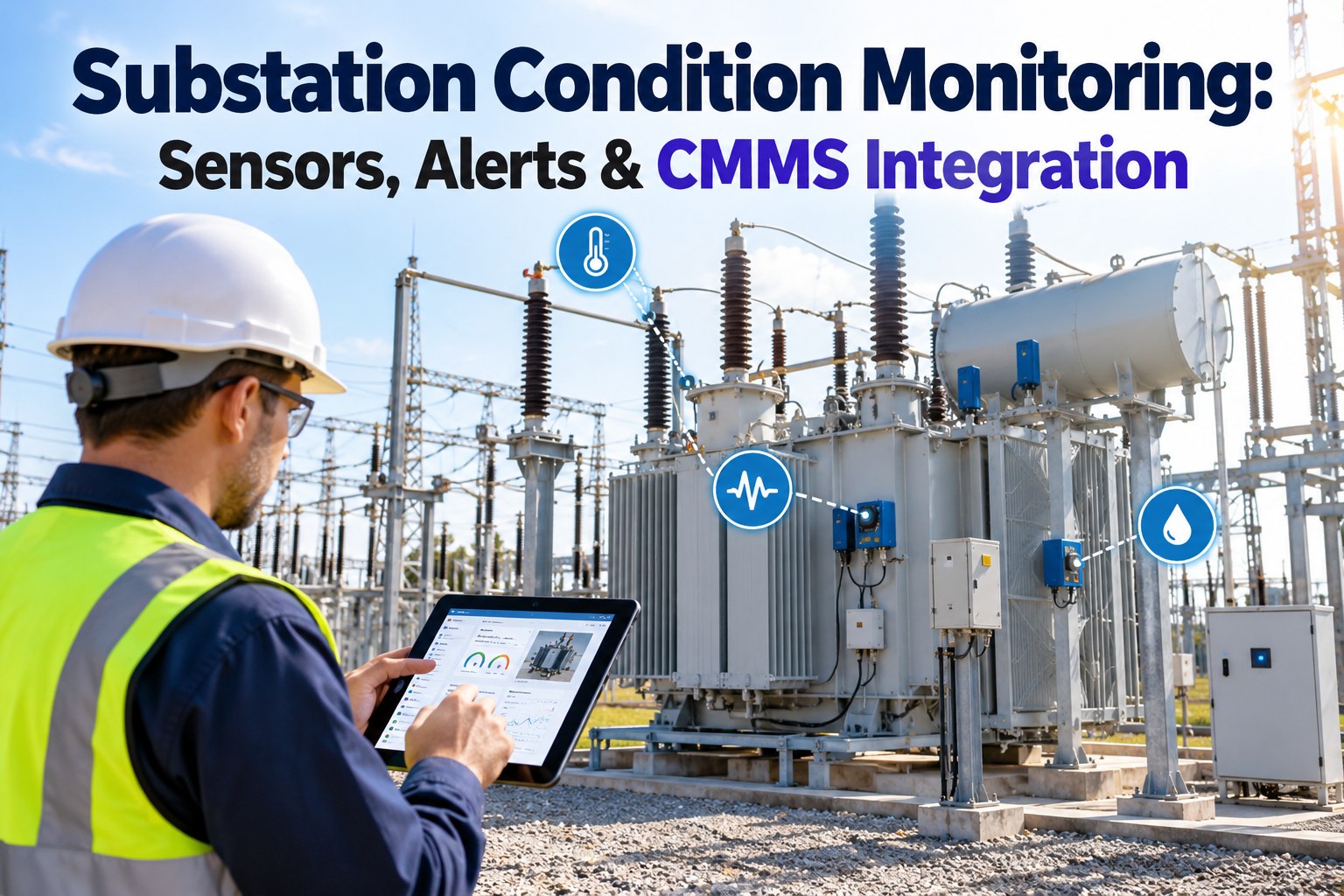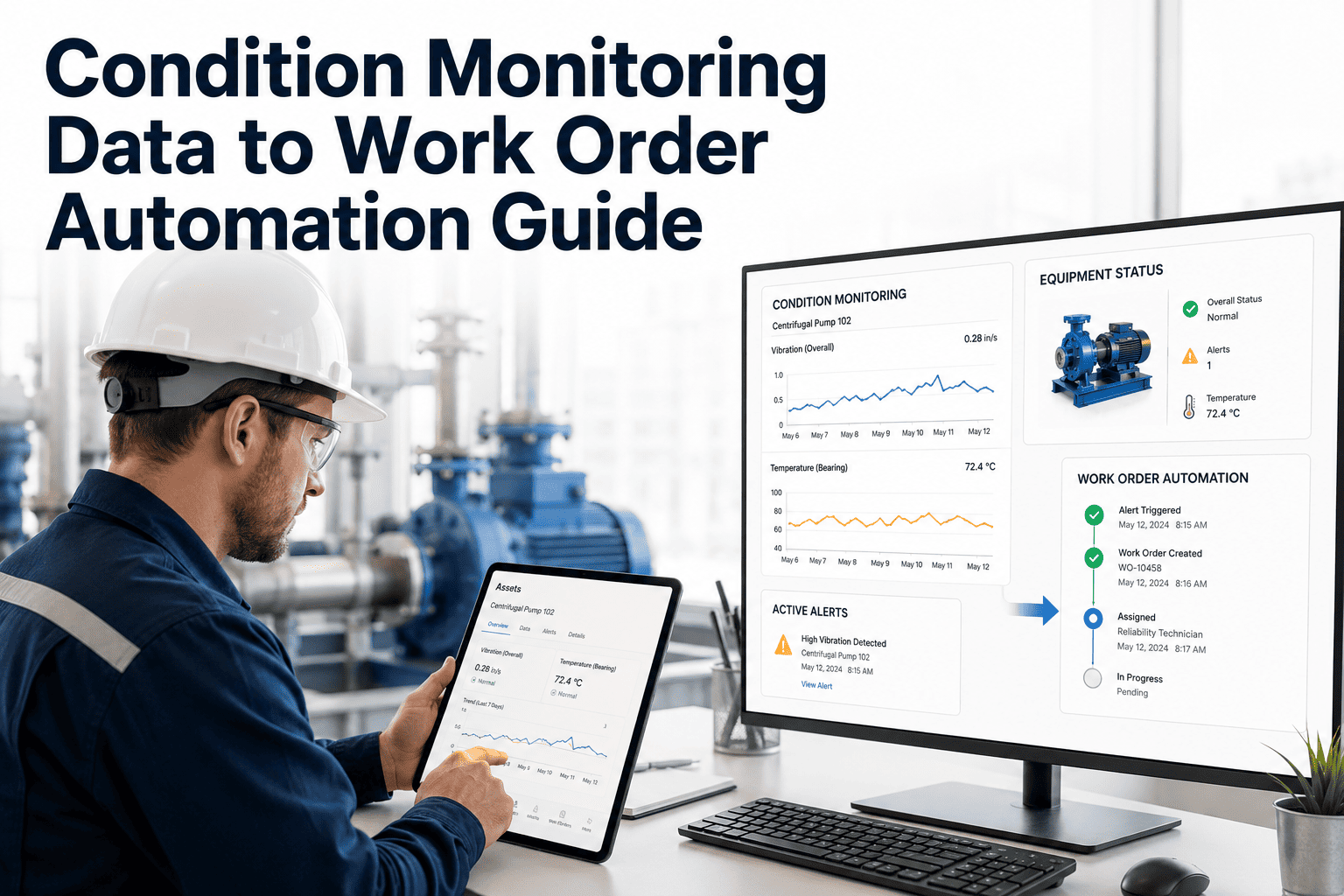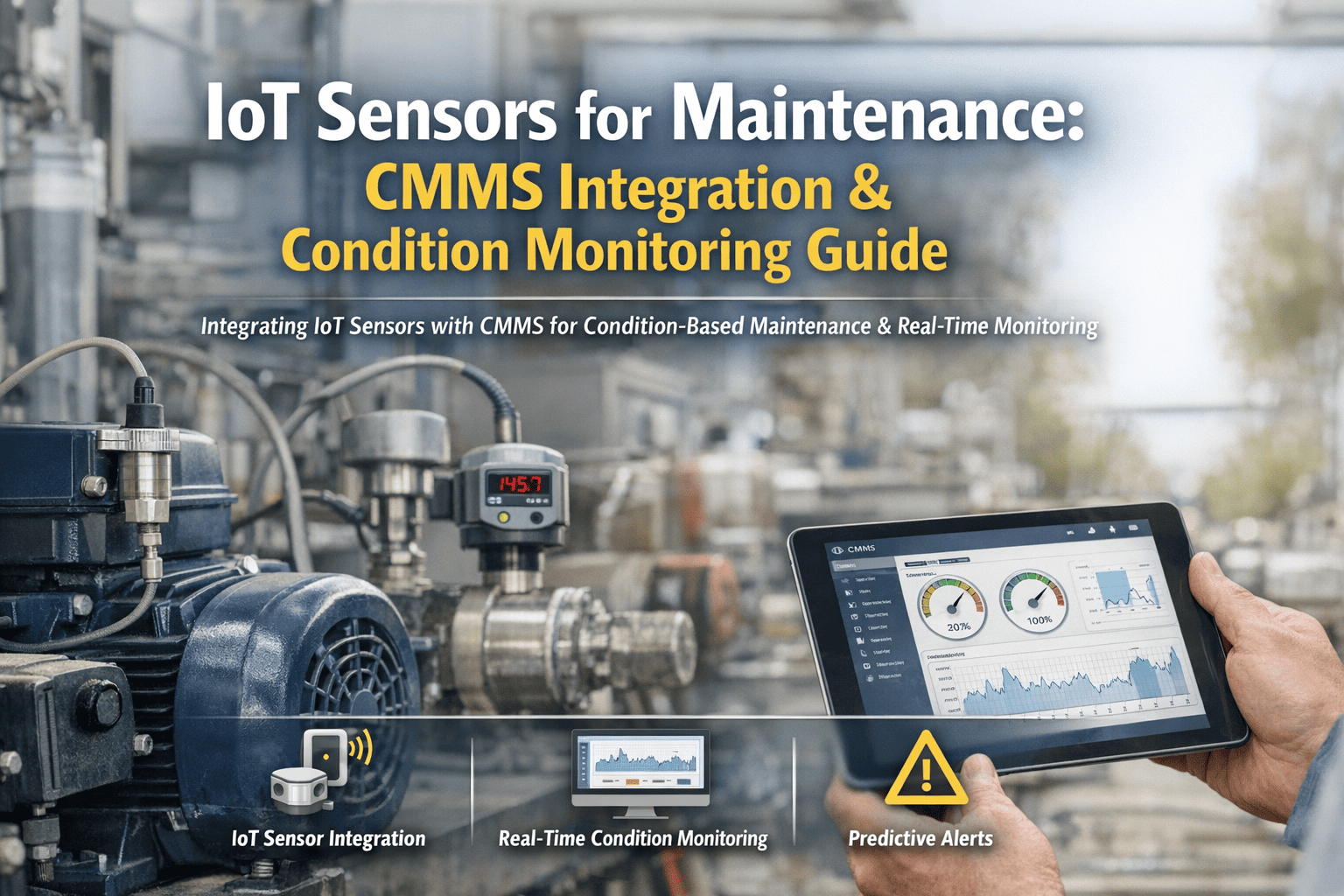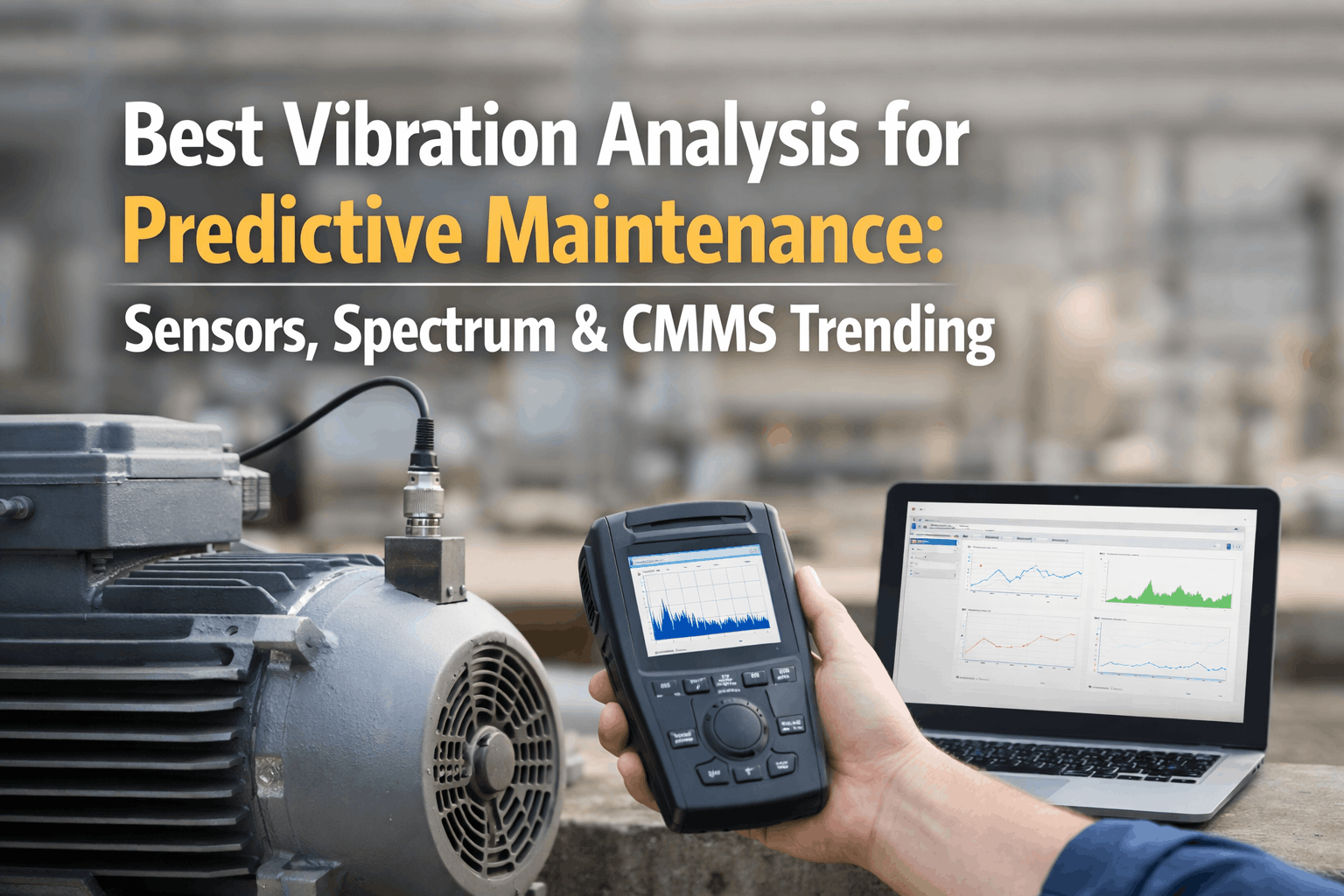
Choosing IoT sensors for predictive maintenance gets messy fast when every asset seems to want a different signal, alerts still land in inboxes, and the failure you care about stays hidden until it is expensive. OXMAINT AI helps reliability teams turn readings into maintenance work instead of noise, so a spike becomes a tracked item with asset context attached. This guide shows where vibration sensors predictive maintenance fits best, how condition monitoring sensors map to failure modes, and how to keep the signal tied to the work. It also shows how OXMAINT AI works alongside SAP PM, IBM Maximo, BMS, and spreadsheets as a soft add-on. Book a demo to map your sensor workflow, or start a free OXMAINT AI trial and test sensor routing.
IoT Sensors for Predictive Maintenance: 2026 Complete Guide
- 1Sensor reading or inspection
- 2Issue or defect logged
- 3Work order opened
- 4PM or PdM action
Choose Sensors by Failure Mode, Not by Habit
The best sensor choice depends on how early you want to see change and how expensive it is to miss it. The P-F curve helps teams think in stages, from early condition drift to functional failure, so you can match the sensor to the defect pattern instead of buying everything at once. In common reliability practice, ultrasound and vibration tend to show change earliest, oil analysis and thermography follow, and audible noise or hot-to-touch checks come late, close to failure.
Illustrative: Two Deployment Patterns on the Same Asset Group
Data shown: Targeted program: Early-warning signals 45%; Actionable alerts 35%; Routine readings 20%. Broad mix: Alerts with no matched failure mode 20%; Early-warning signals 30%; Actionable alerts 35%; Routine readings 15%.
IoT Sensors for Predictive Maintenance Scorecard
Use this scorecard to compare sensor families against the failure modes you actually need to catch. OXMAINT AI can then turn the resulting signal into maintenance action instead of leaving it as a lone reading. Start free and test the sensor handoff flow on your assets.
| Sensor | What it finds | Best fit | Standard cue |
|---|---|---|---|
| Vibration | Imbalance, looseness, bearing wear | Rotating assets | ISO 20816-1 and ISO 17359 |
| Thermography | Hot spots, friction, electrical heating | Panels and drives | ISO 18434-1 and ISO 17359 |
| Oil analysis | Wear debris, contamination, lubricant drift | Gearboxes and hydraulics | ISO 17359 practice |
| Ultrasound | Bearing distress, leaks, steam traps | Utilities and valves | ISO 17359 guidance |
| Motor current | Load shifts, rotor or electrical issues | Motors and conveyors | ISO 17359 practice |
| Pressure and flow | Blockage, cavitation, delivery loss | Pumps and process skids | ISO 17359 guidance |
How a PdM Sensor Program Gets Real
A useful rollout is small enough to manage and specific enough to prove whether the alerts are worth trusting. The point is not to buy more sensors first; the point is to make the right reading reach the right maintainer with enough context to act.
Illustrative 90-Day Pilot Roadmap
-
Days 1-30Pick assetsChoose 10 to 20 critical assets, then establish baselines and the failure patterns you want to see early.
-
Days 31-60Set thresholdsDefine alert levels, routing, and the context each message needs before a work order is opened.
-
Days 61-90Review findingsCompare alerts with inspections and repairs, then tune false alarms and missed cases.
-
NowStart smallUse one asset group first and keep the sensor to work flow visible from day one.
Engineering Review Notes
- 1Start with failure mode. Vibration sensors predictive maintenance works best on rotating assets, while thermography and pressure data fit different defects. Match the sensor to the failure, not the catalog.
- 2Verify the path end to end. In a demo, check that an alert can carry the asset, reading, threshold, and next step into a work order without retyping.
- 3Use published standards. ISO 20816-1, ISO 18434-1, and ISO 17359 help define what each signal means and where it belongs.
- 4Do not expect one sensor to do all work. A mixed fleet often needs more than one condition monitoring sensor, but extra signals should reduce confusion, not add inbox load.
Can one alert become one work order?
Is the Sensor Program Ready to Trigger Action?
Use the same two questions for every alert: what failed, and can maintenance act now. That keeps the signal tied to the work instead of drifting into an ignored notification. Book a demo to see the triage flow on your own assets.
-
YesCan maintenance act now?
- Yes: open the work order now and attach the reading and threshold.
- No: escalate today, assign an owner, and document the blocker.
-
NoIs the sensor the right choice?
- Yes: pause and define the failure mode before adding more hardware.
- No: reselect the sensor for that failure mode, then retest the signal path.
What the Sourced Surveys Suggest About PdM Value
The strongest published figures are survey averages, not guarantees for every site. FEMP O&M Best Practices Guide Release 3.0 (US DOE, 2010) cites independent surveys showing a functional predictive maintenance program yields industrial-average 25-30% reduction in maintenance costs, 70-75% elimination of breakdowns, 35-45% reduction in downtime. A NIST survey of US manufacturers found respondents relying more on preventive and predictive maintenance had 52.7% less unplanned downtime and 78.5% fewer defects than the reactive-heavy half. They still show why teams pursue predictive maintenance when they can connect readings to action and keep the alert from dying in the inbox.
Illustrative: Survey Direction of Results
Data shown (indexed): Reactive-heavy, W1 to W8: 90, 90, 85, 85, 80, 80, 75, 75. Preventive and predictive, W1 to W8: 75, 80, 80, 85, 85, 90, 90, 90.
Field Checks
- Compare alert counts with actual inspection findings each review cycle.
- Start with critical assets that have repeat failures or costly downtime.
- Tune thresholds after the team sees real alarms and real repairs.
- Keep the reading, asset, and threshold on the work order record.
- Use one common path for vibration, thermography, oil, and flow signals.
How OXMAINT AI Works With Your Existing Stack
OXMAINT AI works alongside your current systems, not in place of them. It can sit beside SAP PM, IBM Maximo, BMS, historians, and spreadsheets while you scope integration or data exchange during the demo. Book a demo to review your current stack.
- 1
Capture
Log inspections and bring in sensor readings and asset context where data exchange is scoped. - 2
Classify
Tag the reading to a likely failure mode and the asset family that needs attention. - 3
Route
Open the work order with the reading and threshold attached for maintenance follow-up. - 4
Tune
Use findings to adjust PM intervals, thresholds, and the next review cycle.