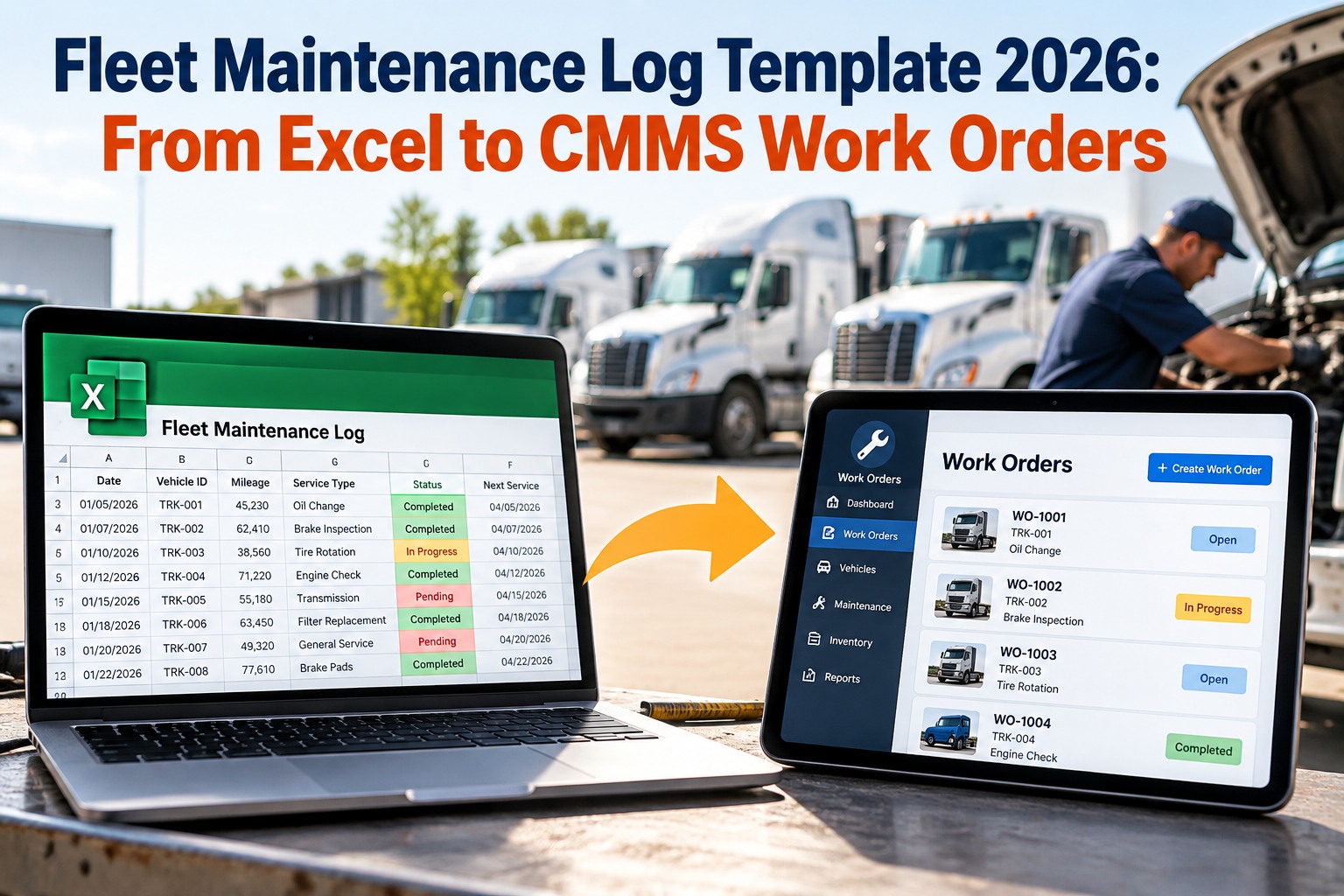
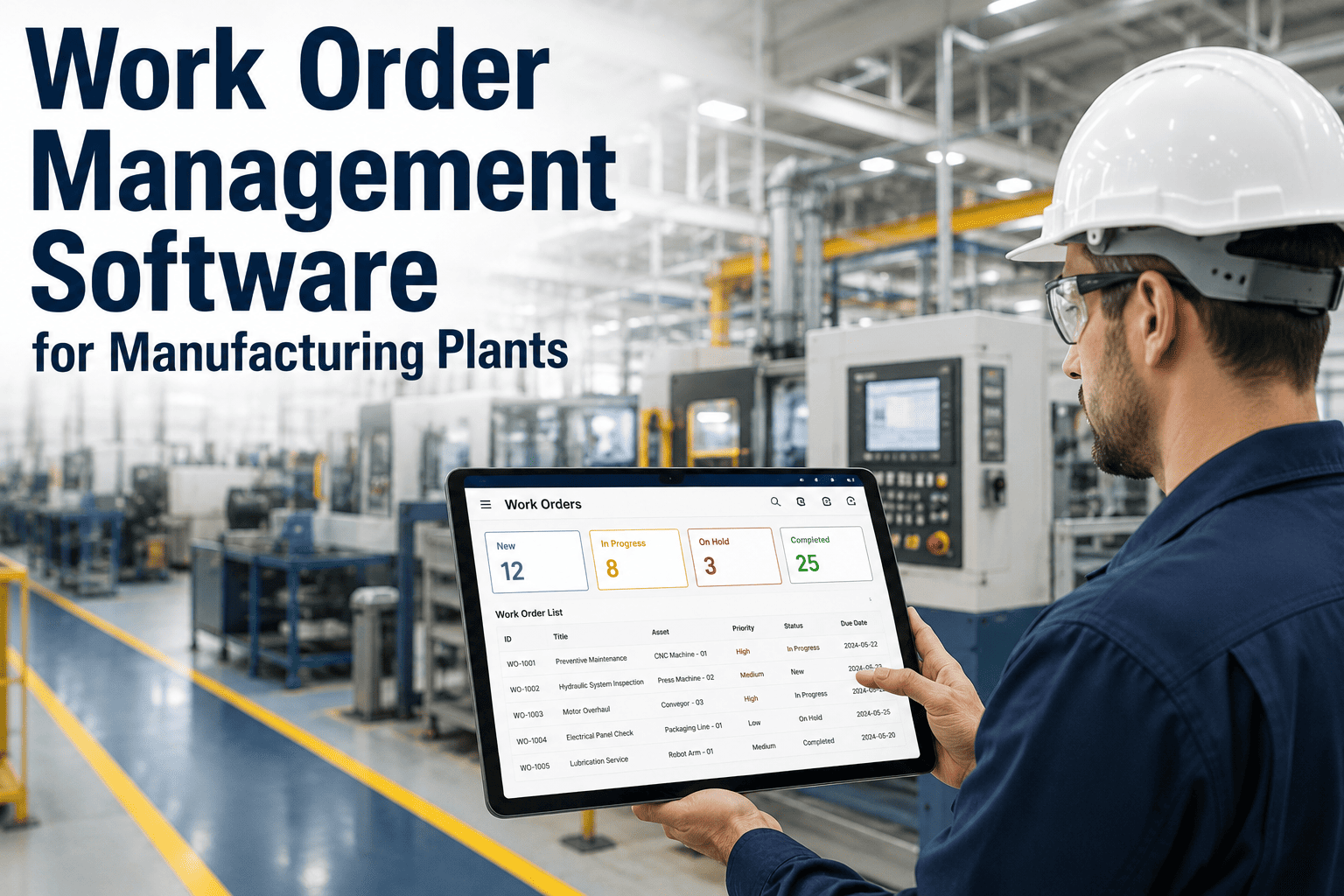
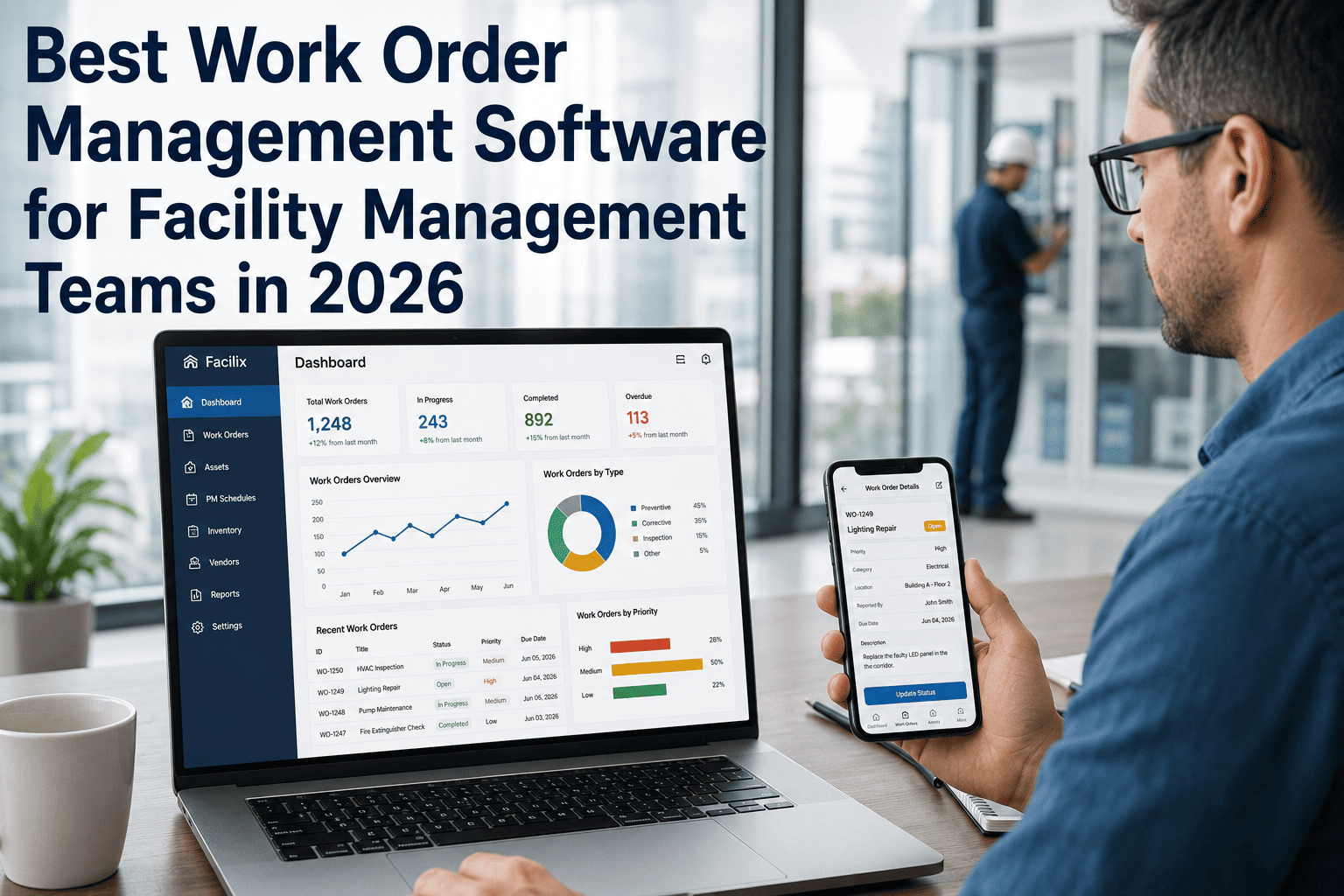
Work order management is the operational core of every maintenance program — the system that determines whether a repair request becomes a completed job with a full audit trail, or disappears into a phone call, a sticky note, or a shared email thread that nobody follows up on. In 2026, the difference between a high-performing maintenance operation and a reactive one almost always traces back to work order quality: how work is requested, prioritized, assigned, executed, documented, and analyzed. Facilities and operations teams that manage work orders through manual systems lose an average of 3.4 hours per technician per week to administrative overhead — time that produces zero repair value. Those using modern digital platforms report 94% PM compliance rates, sub-4-hour mean time to repair for critical assets, and maintenance cost reductions of 28–35% within 18 months of implementation. The work order software market in 2026 offers solutions ranging from basic ticketing apps to full CMMS platforms with AI-generated work orders, predictive scheduling, and IoT-triggered assignments. This guide covers what the features actually mean operationally, which capabilities matter most at different scales, and how Oxmaint's work order management system addresses the real-world gaps that generic platforms miss. Ready to transform how your team manages maintenance work? Start a free trial or book a demo today.
Work Order Management Software: Complete 2026 Guide
Features that actually matter, automation that saves real hours, mobile workflows that technicians adopt — and the platforms that deliver measurable results in 2026.
What Work Order Management Software Actually Does
Work order management software is the digital system that creates, assigns, tracks, and closes maintenance tasks — while building a complete operational history of every asset in your facility or fleet. At its most basic, it replaces paper forms and email threads. At its most advanced, it auto-generates work orders from IoT sensor alerts, assigns them to technicians based on skill and proximity, checks parts availability before dispatch, captures labor hours and photos at completion, and feeds all of that data into KPI dashboards and capital planning models.
The gap between basic work order tracking and intelligent work order management is where operational ROI is generated. Oxmaint's platform delivers the full spectrum — from the simplest reactive repair request through AI-generated preventive maintenance work orders triggered by production counters and sensor data. The result is a maintenance operation that knows what needs to be done, who should do it, whether the parts are available, and what the total cost was — automatically. Start a free trial to see the difference in your first week, or book a demo to see it mapped to your operation.
The Complete Work Order Lifecycle
Every work order passes through 8 stages. The quality of each stage determines whether your maintenance data is reliable, your compliance records are defensible, and your KPIs are accurate.
Work orders created from 4 sources: technician-initiated reactive requests, driver/operator mobile app reports, automated PM schedules, and IoT/sensor triggers. Every creation path must capture asset ID, failure description, and requester — mandatory fields prevent incomplete records.
4-tier priority system: Emergency (safety-critical, 2-hour response), Urgent (operational impact, 24-hour), Scheduled (planned PM, per schedule), Routine (no operational impact, 5-day window). Auto-classification by failure type prevents safety issues waiting in queue behind cosmetic repairs.
Parts availability checked at work order creation — before technician dispatch. Available parts reserved against the work order. Out-of-stock parts trigger automatic purchase requests. This single step eliminates 1.2 wasted technician trips per day and reduces average MTTR by 34%.
Smart assignment evaluates 3 factors: skill certification match (does this tech have the required qualification?), GPS proximity (which qualified tech is closest?), and current workload (who has capacity today?). System-assisted assignment achieves 91% optimal allocation vs 68% for manual supervisor judgment.
Technician receives work order on mobile with full asset history, repair procedures, parts list, and safety notes. Clock-in/out captures actual labor hours. Offline mode ensures work order completion in dead zones — basements, tunnels, remote sites. No desktop dependency. No post-shift paperwork.
Before-and-after photos mandatory at closure for configurable work order types. Timestamped visual evidence proves repair quality, supports warranty claims, and satisfies compliance auditors who need more than a text field saying "repaired." Fleets and facilities requiring photo closure see 22% fewer work order re-opens.
Two-step closure: technician submits, supervisor reviews and approves. This 60-second review catches incomplete repairs, missing parts documentation, and failure coding errors before they enter permanent records. Two-step closure reduces work order re-opens by 31% and improves data quality for downstream KPI analytics.
Closed work orders feed 5 KPIs automatically: PM compliance rate, MTTR, first-time fix rate, work order backlog age, and planned-to-reactive ratio. These 5 numbers, reviewed weekly, tell the complete story of whether your maintenance program is improving or degrading — and generate the data for capital budget justification.
Key Features That Separate Leaders from Basic Tools
AI-generated work orders from IoT sensor alerts, telematics DTC codes, and production counter thresholds — no human interpretation required to trigger maintenance.
Calendar interval and usage counter running simultaneously — whichever fires first generates the PM work order. Prevents both over-maintenance on low-use assets and under-maintenance on high-use ones.
Standardized failure codes and root cause categories captured at every closure — turning individual work orders into fleet-wide failure pattern intelligence over 6–12 months.
External vendor work orders tracked in the same system as in-house — vendor name, invoice, cost, and completion documentation in the permanent asset record for insource-vs-outsource analysis.
Work order status, PM compliance, and backlog visible across all locations simultaneously — corporate maintenance leadership sees the full picture without site-by-site report collection.
Work order costs feed into financial reporting via API — purchase requisitions auto-triggered in ERP from parts requests. Maintenance spend visible in finance systems without duplicate data entry.
Work Order System Maturity: 4 Levels
Where does your operation sit today — and what does the next level of maturity deliver in measurable outcomes?
What Digital Work Order Management Delivers
Frequently Asked Questions
What is the difference between work order software and a full CMMS?
How long does it take to transition from paper to digital work orders?
Can work order software integrate with our existing ERP or accounting system?
What metrics should I track to measure work order management improvement?
Every Maintenance Decision Starts With a Work Order. Make Every One Count.
Work orders are not just records of what was fixed. They are the data source for every KPI that matters — PM compliance, cost per asset, MTTR, planned-to-reactive ratio, and capital replacement decisions. Oxmaint turns every work order into operational intelligence that improves your team's performance and strengthens your budget conversations. Most operations see measurable improvement in their first 30 days.