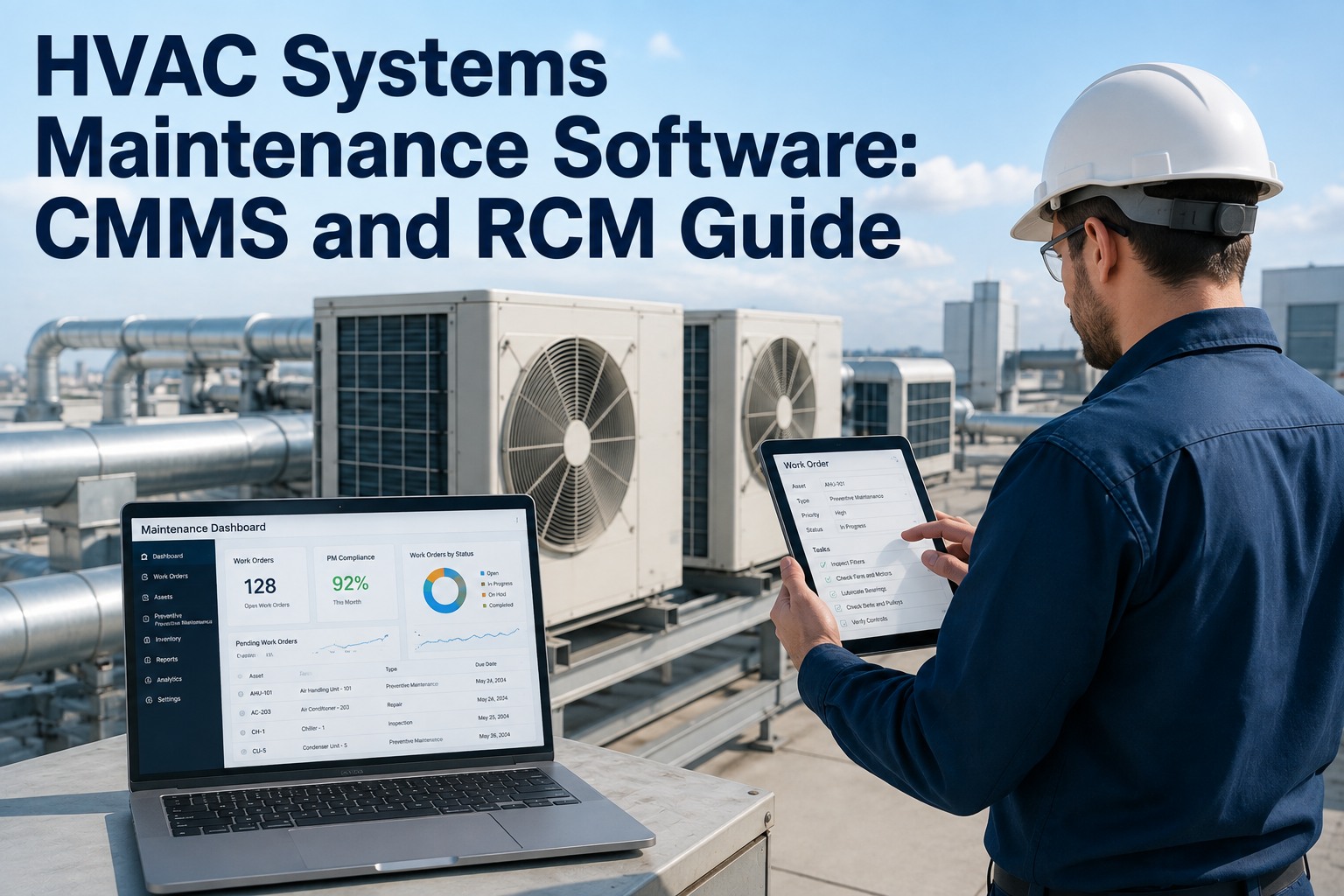
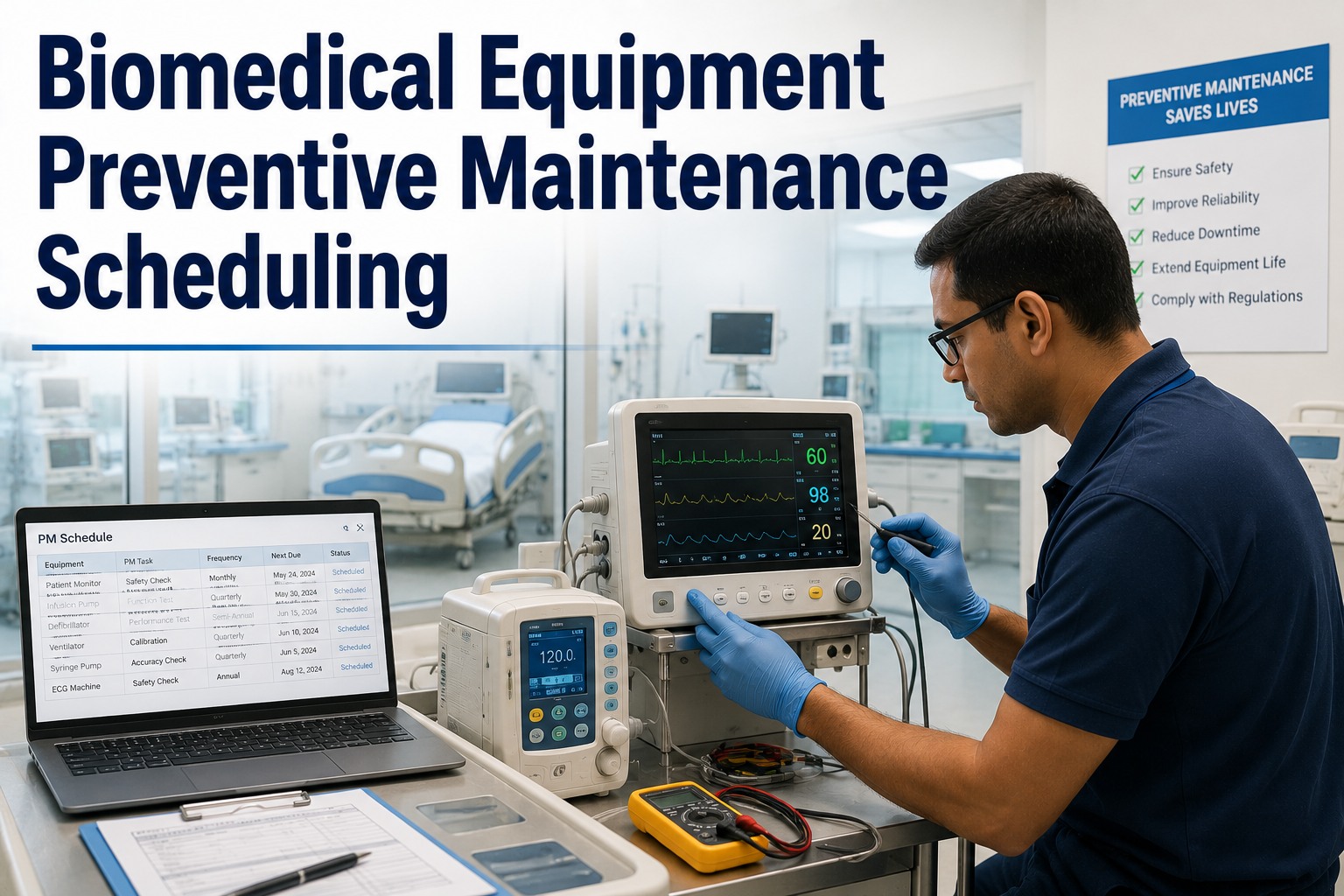
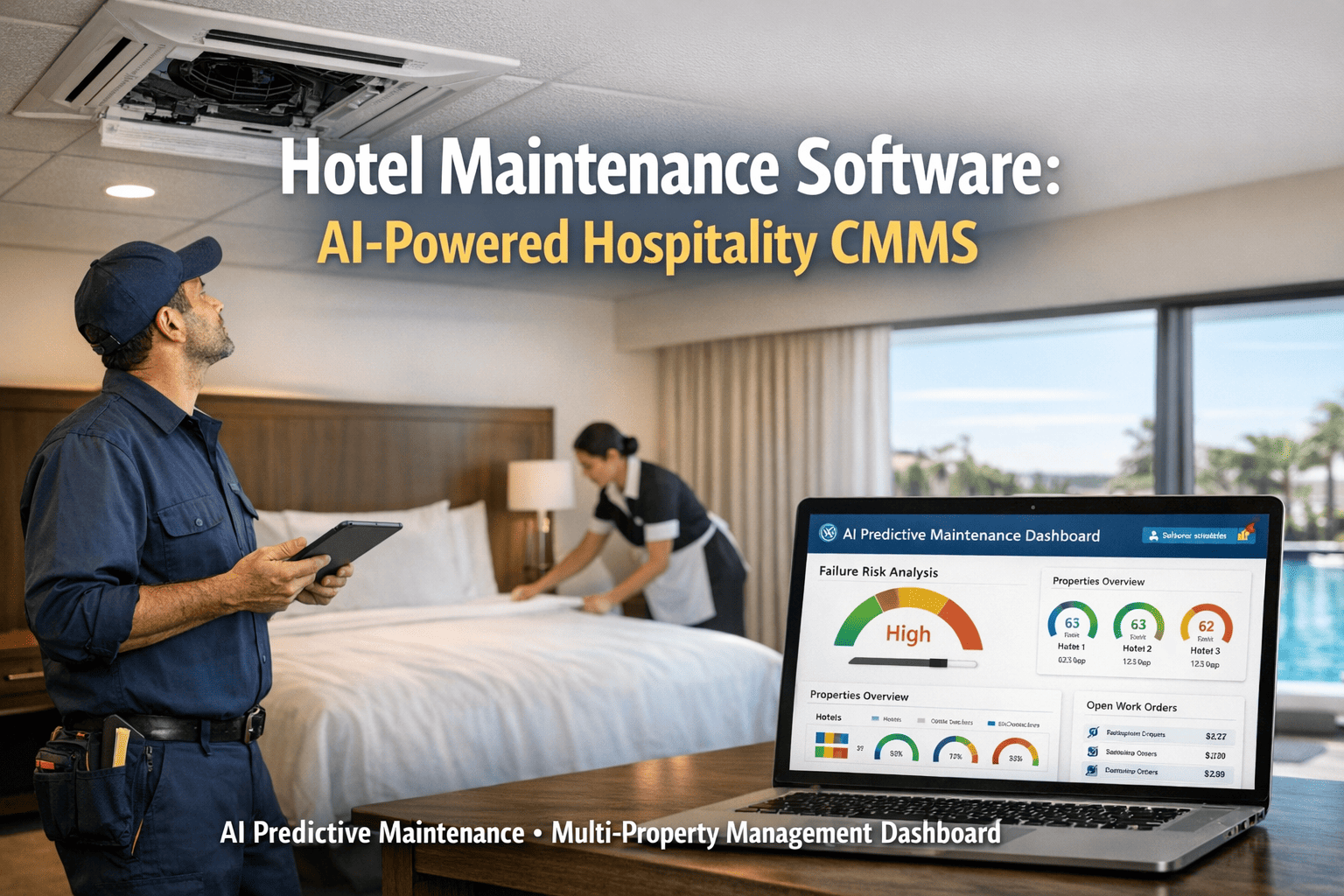
The difference between a maintenance team that is constantly firefighting and one that consistently meets production targets is not headcount, equipment age, or budget. It is the ratio of planned work to reactive work. Teams that operate above 70% planned maintenance — meaning seven out of every ten jobs were scheduled in advance rather than triggered by a failure — document 35–45% lower total maintenance costs, measurably longer equipment life, and significantly fewer production stoppages than teams below 50% planned. The mechanism is simple: an asset that receives its required service on schedule stays in specification and does not fail unplanned. The barrier to achieving this ratio is equally simple: most maintenance teams do not have a system that reliably converts a PM schedule into executed, documented maintenance work. Preventive maintenance software closes this gap — turning the PM schedule from a document that competes with reactive pressure into work orders that are visible, dispatched, SLA-enforced, and closed with the same discipline as any urgent reactive job.
Preventive Maintenance Software: Reduce Downtime 60%
How automated PM scheduling, structured work order execution, and AI-assisted interval optimisation shift maintenance teams from reactive firefighting to planned operations — and how OxMaint delivers it free to start.
Why Most PM Programmes Underperform — and What Fixes It
The industry average PM completion rate is 61%. Plants that deploy structured preventive maintenance software reach 94% within 90 days. The 33-point gap is not caused by unwilling technicians or insufficient PM schedules — it is caused by one structural problem: the PM schedule and the reactive work order queue compete for the same engineering resource without a shared visibility layer. When a reactive fault is visible and urgent and the PM is in a binder, the PM always loses. Book a demo to see how OxMaint unifies your PM and reactive queues.
How OxMaint Preventive Maintenance Software Works
Four steps from PM template to closed compliance record — no IT resource, no paper, no binder. Sign up to configure your first PM template in OxMaint — free.
Configure PM Templates
Build your asset inventory — plant, area, asset type, named unit. Assign a PM template to each asset category: inspection checklist items, interval (daily / weekly / monthly / throughput-based), required technician skill, estimated duration, and parts typically consumed. Template configuration: 20–40 minutes per asset category.
Automatic Work Order Generation
On the scheduled date OxMaint creates the PM work order automatically — asset-linked, checklist-attached, SLA-set, and placed in the engineering queue alongside reactive tasks. No manual action. The supervisor sees it in the dashboard. The qualified technician receives it via push notification. Nothing falls through the gap.
Mobile Execution With Findings
Technician completes PM checklist items on mobile — each item confirmed, measured readings logged, photos attached. Any checklist item marked fail or requires-follow-up automatically creates a linked reactive work order, converting the PM finding into an actionable repair task without a separate submission. Hands stay on the equipment throughout.
Compliance Record and AI Learning
Closed PM work order creates a timestamped, photo-documented compliance record in the asset history. Simultaneously, OxMaint's AI layer reviews the PM closure data — if the same finding has appeared in consecutive PMs, a root-cause flag is generated. If PM findings consistently show healthy status, the system suggests interval extension to reduce unnecessary maintenance cost. Sign up to activate AI-assisted PM optimisation in OxMaint — free.
PM Scheduling Modes in OxMaint
OxMaint supports four PM scheduling modes — each suited to different asset types and maintenance strategies. Multiple modes can be active simultaneously on the same asset. Book a demo to configure the right scheduling mode for your assets.
Calendar-Based
PM triggers on a fixed calendar interval — daily, weekly, monthly, quarterly, annual. Simplest to configure. Best for assets with consistent use patterns and time-sensitive degradation (lubrication, filter replacement, safety device testing).
Throughput-Based
PM triggers when a usage counter reaches a threshold — operating hours, production tonnes, cycles, or kilometres. Most accurate for assets where degradation correlates to usage rather than calendar time. Prevents premature PMs on low-utilisation assets and ensures high-utilisation assets are serviced before specification drift.
Condition-Based
PM triggers when a sensor reading or condition parameter crosses a defined threshold — vibration above baseline, temperature above limit, oil analysis parameter exceeding action level. The most advanced PM mode: service is performed exactly when the asset condition requires it, not on a fixed schedule regardless of condition.
Event-Triggered
PM triggers on a specific event — after a reactive repair on a defined asset type, following a production campaign, after a specified number of work orders on the same asset. Closes the loop between reactive maintenance and preventive follow-up — a repaired asset automatically schedules its post-repair verification PM.
Preventive Maintenance Programme Results: 12-Month Horizon
We had a PM schedule. We had a binder. We had 28 technicians. What we did not have was any system that made the 340 monthly PM tasks visible alongside the reactive queue. The binder sat closed every time the reactive workload spiked — which was constantly, because we were not doing the PMs. We completed 58% of scheduled PMs in the 12 months before OxMaint. In the 12 months after, we completed 96%. We did not add staff. We moved the PM tasks from a binder into OxMaint work orders with the same SLA logic as reactive jobs. The change took one week to configure. The results took three months to become visible in our unplanned downtime data.
Frequently Asked Questions
What is preventive maintenance software?
How does preventive maintenance software reduce unplanned downtime?
How long does it take to set up preventive maintenance software?
From 61% to 94% PM Completion. Starting Today. Free.
OxMaint auto-generates PM work orders on your configured schedule, enforces SLA completion, documents every closure with photos, and surfaces AI-detected patterns — turning your PM schedule from a binder into a live maintenance programme.