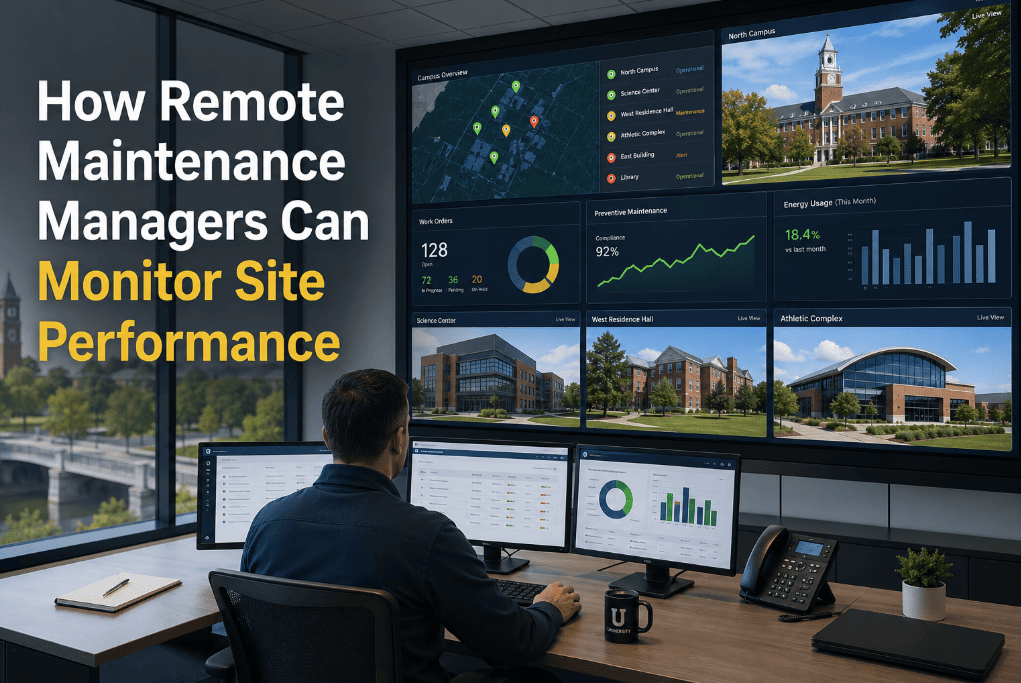
Remote maintenance management is not a pandemic-era workaround — it is the operational model that multi-site organizations, property management groups, distributed manufacturing operations, and enterprise facility portfolios run by necessity. The challenge is not whether a manager can be remote. The challenge is whether the systems they rely on give them real-time visibility into what is happening at every site without requiring a phone call, a site visit, or a report that is already 48 hours out of date by the time it arrives. Most maintenance platforms were not designed for remote oversight. They were designed for a manager who is on-site, knows every technician personally, and can walk the floor to check on open work orders. Oxmaint's enterprise platform was built from the ground up for multi-site remote management — giving managers the same visibility from headquarters that they would have walking the floor. If your current system requires you to physically visit a site to know its maintenance status, start a free trial or book a demo to see remote maintenance visibility in action.
How Remote Maintenance Managers Can Monitor Site Performance
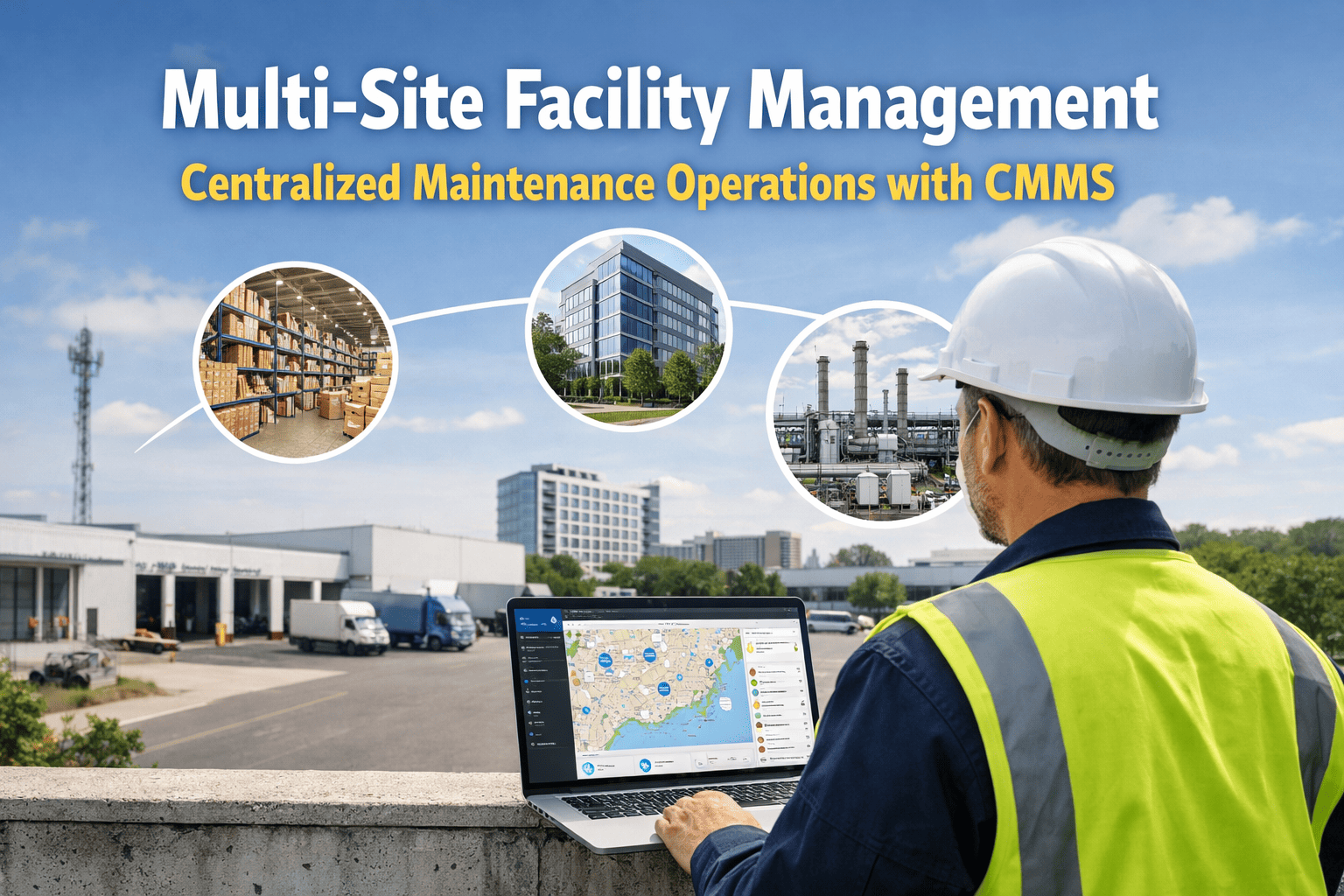
Multi-site maintenance management requires real-time visibility into work orders, asset health, technician activity, inventory levels, and site KPIs — without being physically present at every location. The right CMMS platform makes every site transparent from anywhere.
Knowing What Is Happening at Every Site Should Not Require a Phone Call
When a remote maintenance manager's primary source of site intelligence is a weekly status call or a manually compiled report, they are already behind. By the time the report arrives, the overdue work order has been overdue for three days. By the time the status call happens, the asset that was showing early failure signs has already failed. Real-time remote visibility means seeing open work orders, technician activity, asset condition alerts, and inventory gaps the moment they occur — not the moment someone remembers to report them. That is what Oxmaint's enterprise platform delivers. If managing multiple sites without real-time visibility is your current reality, start a free trial or book a demo to see what changes.
Six Data Streams Every Remote Maintenance Manager Needs in Real Time
Effective remote site management is not about receiving more reports — it is about having six specific data streams accessible in real time, without requiring action from site staff to generate them. Each stream below represents a blind spot in organizations relying on manual reporting.
Real-time count of open, in-progress, overdue, and completed work orders per site — with aging data showing how long each work order has been in its current status. A site with 12 overdue work orders aging over 72 hours is a site that needs attention before the next status call.
Condition-score changes, sensor threshold breaches, and failure pattern alerts from individual assets — surfaced as priority alerts without requiring the remote manager to manually review every asset record. An asset with a declining condition score is visible the day the trend begins, not after failure.
Which technicians are active, which work orders they have acknowledged, and what they have completed today — without requiring a check-in call. A technician who has not acknowledged a morning PM assignment by 10:00 AM is visible to the remote manager without a phone call to the site.
Percentage of scheduled PMs completed on time per site, per month, per asset class. A site with a 68% PM compliance rate while the portfolio average is 91% is a site with either a staffing gap, a scheduling problem, or a work order acknowledgment issue — all visible remotely before they become failure events.
Critical spare parts stock levels at each site — with alerts when stock falls below minimum threshold before a work order requiring that part is generated. A site that is about to need a $45 part for a scheduled PM but has zero in stock is visible two weeks before the PM date, not on the morning of.
Labor hours, parts spend, contractor invoices, and emergency repair costs per site — updated as work orders are closed. A site with a sudden spike in emergency repair spend is visible in the cost dashboard the week it happens, not the month it shows up in the finance report.
What Remote Managers Cannot See Without the Right Platform
Without CMMS activity tracking, a technician who has not completed any work order tasks for 4 hours during a shift is invisible to a remote manager until the daily report arrives — if a daily report exists at all.
A site accumulating 15 overdue PMs over three weeks is not visible until someone compiles the report — by which point the delinquency backlog requires significant effort to clear and the compliance exposure is already established.
When a contractor completes work at a remote site, the remote manager typically has no way to verify completion quality, checklist compliance, or actual time on-site without physically being there or calling the site contact.
A site that runs out of a critical spare part is typically discovered the morning the PM is scheduled — causing a work order delay and a rush procurement at retail price instead of a controlled reorder at contract price.
How Oxmaint Gives Remote Managers Portfolio-Level Visibility
Oxmaint's enterprise platform is built for organizations managing maintenance across multiple sites — from two locations to two hundred. Every data stream a remote manager needs is visible in real time, from any device, without requiring site staff to generate or send reports. Organizations ready to eliminate remote visibility gaps can start a free trial or book a demo.
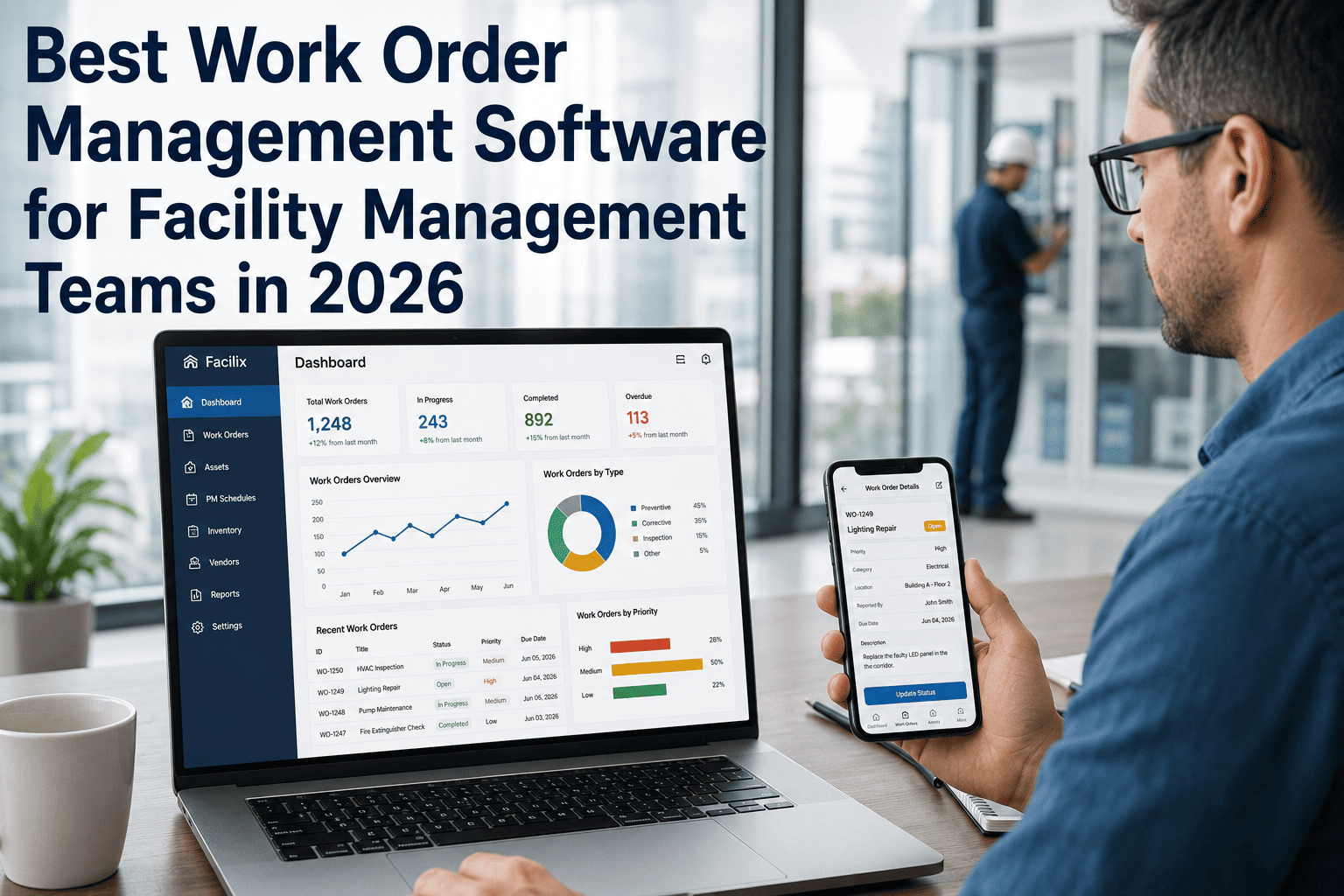
Portfolio-level dashboard shows open work orders, overdue PMs, asset alerts, and inventory flags across all sites simultaneously — with drill-down to individual site and asset detail without leaving the dashboard.
Every work order acknowledgment, status change, and completion is visible in real time. A remote manager can see which technician acknowledged which work order at what time — without a check-in call to the site.
Configure site-level alerts: overdue PM count exceeds threshold, PM compliance rate drops below benchmark, critical asset condition score declines, or emergency repair spend exceeds budget — all delivered to the remote manager without site staff action.
Contractors complete assigned work orders with mandatory photo attachments, GPS-verified location, and digital signatures — giving the remote manager a verified completion record regardless of whether any site staff were present during the work.
Side-by-side site performance comparison across PM completion rate, average work order age, maintenance cost per asset, and repeat failure rate — identifying underperforming sites that need management attention before they become operational problems.
Remote manager sees current stock levels for critical parts at every site — with automatic alerts when stock falls below minimum levels and upcoming PM work orders that will require parts currently at risk of stockout.
A Practical Remote Site Monitoring Routine for Multi-Site Managers
Remote maintenance management is most effective when the manager has a defined monitoring routine — a structured daily and weekly cadence of dashboard reviews, exception responses, and site performance comparisons that replaces the reactive "wait for a call" approach.
Review open work order count and overnight escalations across all sites. Identify any sites with critical asset alerts or overdue PMs aging past threshold. Check technician acknowledgment rate for morning assignments.
Confirm scheduled PM completions for the day. Review any failed checklist items that auto-generated corrective work orders. Note any work orders that carried over from the planned schedule for follow-up.
Compare PM compliance rate, open work order aging, and maintenance cost across all sites for the week. Identify the bottom-performing site for targeted attention. Review any sites where emergency repair spend spiked during the week.
Full portfolio KPI review: PM compliance rate by site, MTBF trends, maintenance cost per asset, contractor performance, and inventory stockout events. Export for leadership reporting and identify sites requiring physical visit in the coming month.
Status-Call Management vs. Real-Time Remote Monitoring
What Remote Visibility Delivers for Multi-Site Operations
Real-time dashboards eliminate the manual compilation of site status reports — returning 6+ hours per week to productive remote management activities
Real-time alerts surface developing issues 48–72 hours earlier than status-call management — allowing remote intervention before criticality
Issues caught by remote monitoring before failure cost 4.8x less to resolve than the same issue discovered after failure — the ROI of remote visibility is realized at the first prevented failure event
Digital work orders with mandatory photo and GPS verification give remote managers complete contractor accountability without requiring site staff presence or physical inspection
Frequently Asked Questions
How many sites can Oxmaint manage simultaneously on a single platform?+
How do you hold site technicians accountable for work order completion without being physically present?+
What KPIs should a remote maintenance manager track to identify underperforming sites?+
How do remote managers handle emergency maintenance situations at remote sites through CMMS?+
Every Site You Manage Should Be Transparent From Where You Are Right Now
Open work orders, overdue PMs, technician activity, asset health alerts, inventory gaps, and maintenance cost by site — all visible in real time, from any device, without a status call or a manually compiled report. Oxmaint's enterprise platform gives multi-site managers the visibility they need to manage proactively, not reactively.