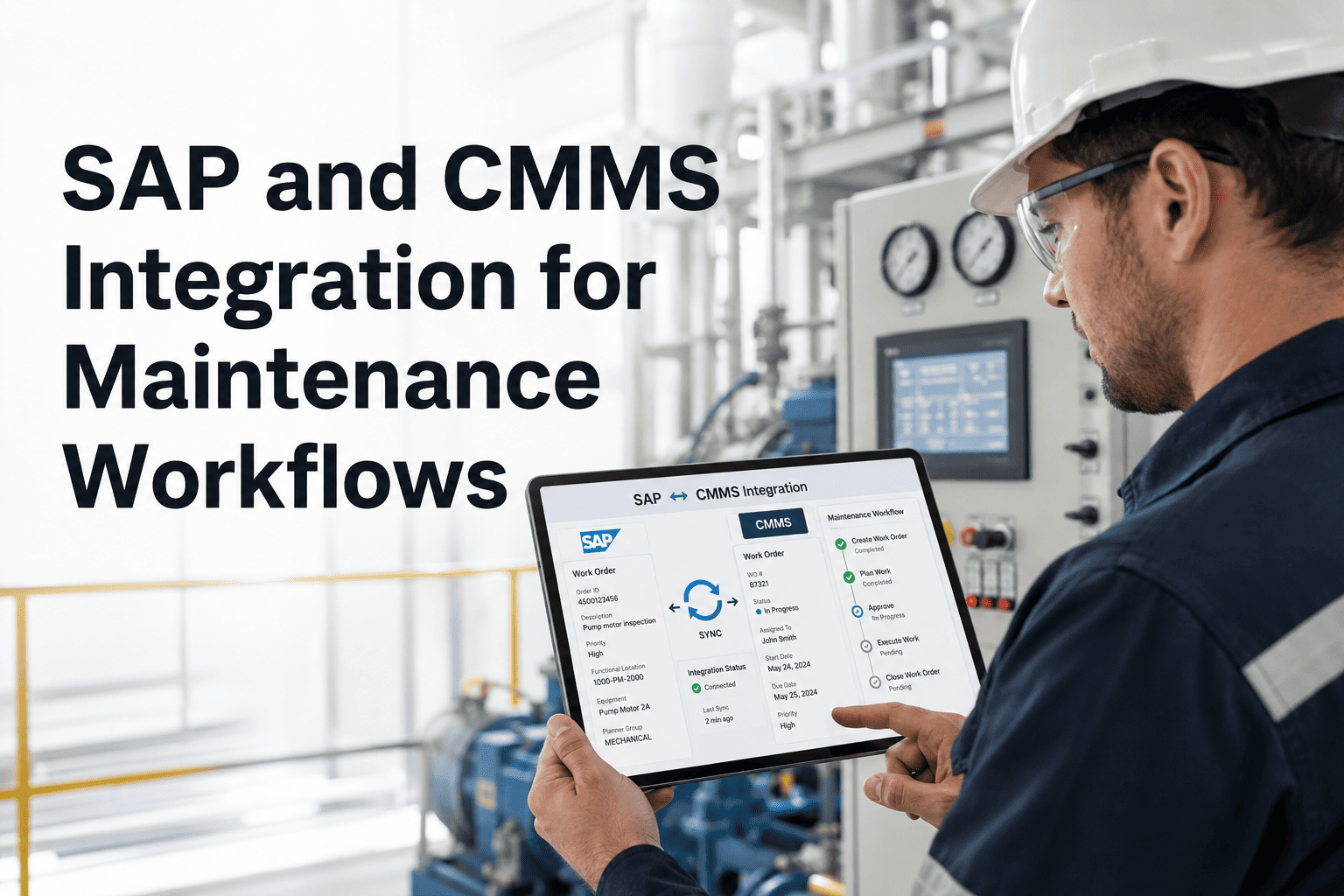
SAP runs the financial spine of most large industrial organizations — purchase orders, asset depreciation, cost center reporting, and vendor management all live there. But SAP was not built to manage the daily execution of maintenance work: scheduling PMs, assigning technicians, capturing fault codes, or tracking parts consumption at the asset level. When SAP and CMMS operate independently, maintenance teams spend hours reconciling records that should match automatically. OxMaint's SAP integration connects both systems bidirectionally, so maintenance data in OxMaint flows instantly into SAP financials — and asset master updates in SAP sync back to CMMS equipment records without any manual re-entry. This page covers where the integration points are, what data flows each direction, and what operational outcomes real maintenance teams achieve after going live.
SAP + CMMS INTEGRATION
SAP knows your assets. OxMaint maintains them. Now they can finally talk.
Bidirectional SAP-CMMS integration eliminates duplicate records, manual cost entry, and out-of-sync inventory — automatically, in real time.
THE DISCONNECT
What breaks when SAP and CMMS don't share data
Duplicate Equipment Records
Asset ID in SAP does not match CMMS equipment number. Technicians work on the wrong record. History splits across two systems.
Manual Cost Entry
Labor hours, parts consumed, and contractor invoices in CMMS must be re-entered manually into SAP cost centers. Every entry is a risk of error.
Inventory Mismatches
Parts reserved in CMMS are not visible to SAP purchasing. Finance re-orders stock already available in the storeroom.
Delayed PO Approvals
Maintenance raises parts requests in CMMS, procurement approves in SAP. Without integration, the handoff is email-based and slow.
DATA FLOW MAP
What data moves between SAP and OxMaint — and in which direction
| Data Entity |
From SAP to OxMaint |
From OxMaint to SAP |
Sync Frequency |
| Asset Master Records |
Equipment ID, location, install date, depreciation class |
Last maintenance date, accumulated repair cost |
Real-time on change |
| Inventory / Spare Parts |
Stock levels, storage location, reorder points |
Parts consumed per work order |
On work order close |
| Purchase Orders |
PO status updates, approved vendors |
Parts requests triggered by CMMS |
Event-driven |
| Cost Centers |
Cost center codes per asset or location |
Labor cost, parts cost, WO total cost |
On work order close |
| Vendor Data |
Approved contractor list, rates |
Contractor work orders completed |
Scheduled daily |
BUSINESS OUTCOMES
What maintenance teams achieve after SAP-OxMaint integration
80%
Reduction in manual data re-entry between maintenance and finance teams
3 days
Faster PO processing when parts requests flow directly from CMMS to SAP purchasing
100%
Asset record accuracy when SAP equipment master syncs to CMMS on every change
60%
Fewer inventory discrepancies when parts consumption posts automatically to SAP on WO close
Expert Review
Sunita Kapoor — ERP Integration Architect, Manufacturing Sector
SAP-CMMS integration projects fail when teams treat it as a one-time data migration. The real value requires ongoing bidirectional sync — especially for parts consumption and cost posting. OxMaint's native SAP connector handles this without custom middleware, which cuts implementation time dramatically and removes the middleware maintenance burden most IT teams dread.
SEE IT LIVE
Book a technical walkthrough of OxMaint's SAP integration
Our integration team will map your SAP modules, asset structure, and cost centers against OxMaint's connector — so you leave the demo knowing exactly what goes live and how long it takes.
COMMON QUESTIONS
SAP and CMMS integration — what teams ask most
Does OxMaint integrate with SAP S/4HANA and SAP ECC both?
Yes. OxMaint's SAP connector supports both SAP S/4HANA and the older SAP ECC environment. The integration uses standard SAP BAPI and RFC endpoints — no custom SAP development is required on the SAP side.
Book a demo and our team will confirm compatibility with your specific SAP release and module configuration.
How are cost center codes mapped when SAP has hundreds of cost centers?
OxMaint's integration uses a rule-based mapping layer where you define which assets, locations, or work order types map to which SAP cost center codes. Once configured, every work order that closes automatically posts labor and parts costs to the correct cost center without any manual coding. The mapping can be updated by your team without developer involvement.
Start a free trial to see the mapping interface.
What happens to historical work order data when we go live with SAP integration?
Historical data from OxMaint is not automatically pushed to SAP — the integration operates from the go-live date forward. If you need historical cost data in SAP, OxMaint's team can export structured historical records for a one-time SAP upload. All future work orders, parts consumption, and cost postings sync automatically from go-live day onward.
Can the integration handle multi-plant SAP environments?
Yes. OxMaint supports multi-plant and multi-company-code SAP environments. Each OxMaint site or location maps to the corresponding SAP plant code, and cost posting respects the correct company code per site. This is particularly valuable for global maintenance operations running a single SAP instance across multiple facilities.
Request a multi-plant demo to see how your environment maps.
START TODAY
Your SAP investment deserves a CMMS that connects to it properly
OxMaint's SAP integration eliminates the manual bridging between maintenance execution and financial systems. Work orders close in OxMaint, costs post to SAP, parts consumption updates inventory — automatically, every time.