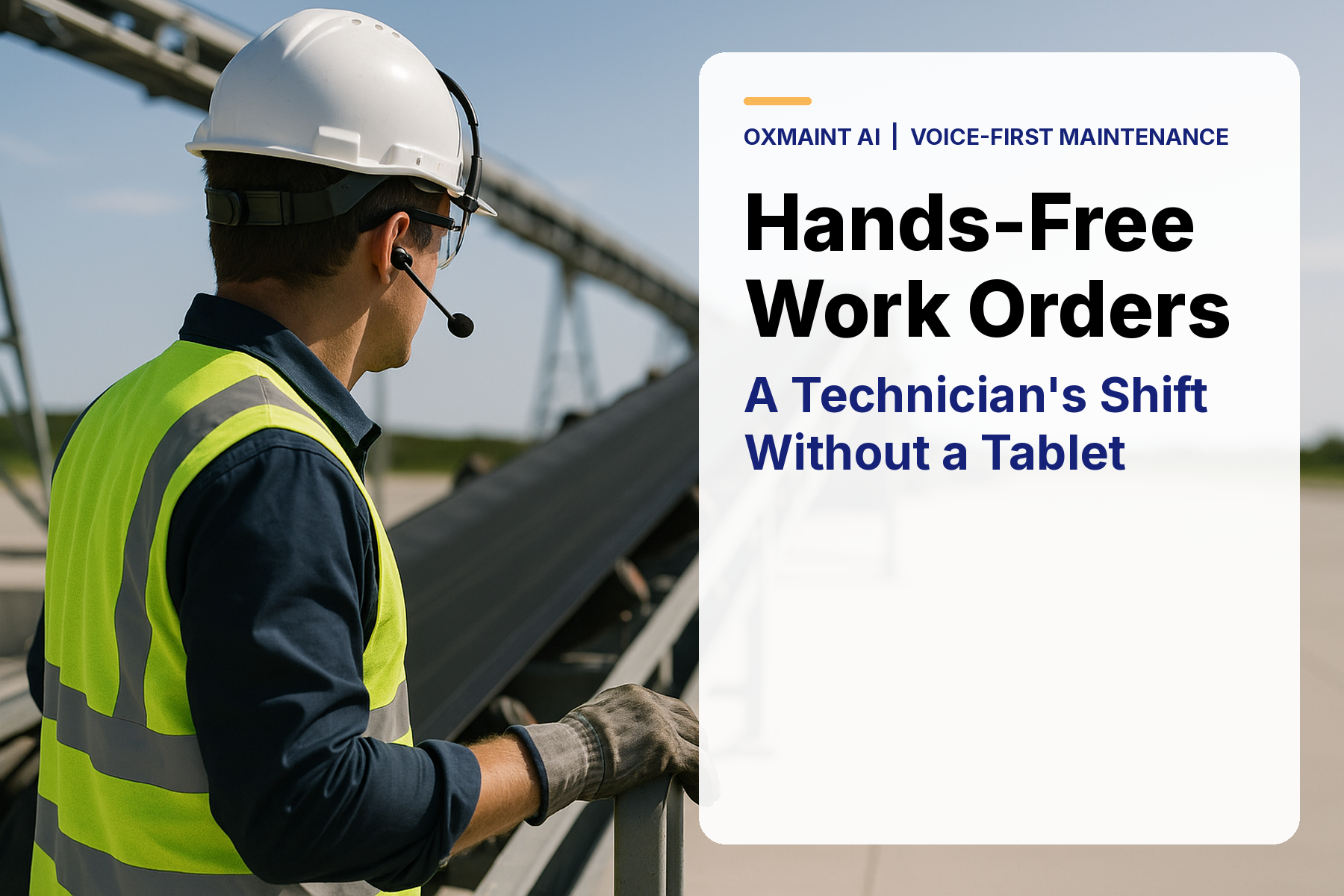
A maintenance technician on a production floor is surrounded by noise — conveyors running, fans at full speed, air compressors cycling. Both hands are on the equipment. Stopping to type a work order update means putting down a wrench, removing a glove, unlocking a screen, and hunting for the right field. That sequence costs 8–12 minutes per job. Across a team of 10 technicians completing 6 jobs each per shift, that is 480–720 minutes of lost wrench time every single day — just from documentation. Voice-to-text work orders eliminate that friction entirely: the technician speaks the update, the system captures it in real time, and the work order is updated without hands ever leaving the job. This guide covers exactly how it works, where the productivity gains are real, and what it takes to implement a voice-first maintenance workflow in a noisy industrial environment. To see voice-to-text work order capture built into the Oxmaint mobile app, start a free 30-day trial or book a demo to see hands-free work order capture in your environment.
Voice-First Maintenance 2026
Hands-Free Work Orders
CMMS Mobile
Voice-to-Text Work Orders: Hands-Free Maintenance Documentation That Actually Works in Noisy Plants
How AI speech recognition, voice-to-text work order capture, and hands-free CMMS access are saving maintenance teams 30+ minutes per technician per day — and what it takes to make voice work in real industrial environments.
35 min
Daily time lost per technician to manual documentation on typed mobile interfaces
96%
Accuracy of current AI speech recognition in industrial ambient noise environments
27%
Increase in work order completion rate when voice capture removes documentation friction
$18K
Annual productivity value recovered per technician from 30-min daily time saving at $45/hr fully loaded
Oxmaint Includes Built-In Voice-to-Text Work Order Capture
No third-party integrations. No separate voice platform. Oxmaint's mobile app records, transcribes, and populates work order fields from spoken input — while the technician keeps both hands on the job. Free for 30 days.
What Voice-to-Text Work Orders Actually Are — And What They Are Not
Voice-to-text work orders use AI speech recognition to convert spoken technician input — fault descriptions, parts used, time logged, next steps, safety observations — directly into structured CMMS data fields. The technician speaks naturally. The system transcribes in real time, formats the content into the correct work order fields, and saves without the technician touching the screen. This is not dictation software bolted onto a CMMS. Purpose-built voice-to-text CMMS capture understands maintenance-specific vocabulary — component names, failure codes, part numbers, trade terminology — and maps spoken content to the correct data fields automatically. The accuracy difference between generic voice dictation and maintenance-tuned AI speech is significant: generic tools achieve 78–82% accuracy on plant floor vocabulary. Maintenance-optimized models achieve 94–96% in the same environment. That gap is the difference between a useful tool and a frustrating one. Start a free trial to test voice capture in your environment or book a demo to see the accuracy difference on industrial vocabulary.
The 8 Work Order Fields Voice Capture Fills Fastest
01
Fault Description
The longest field and the most friction-heavy to type. Spoken description captures nuance and detail that typed fields never get — vibration direction, intermittent vs. continuous fault, associated sounds or smells, operating conditions at time of failure.
Avg. typed: 2.4 minutes. Voice: 18 seconds.
02
Parts Used
Spoken part names and quantities are matched to inventory records in real time. The technician says the part name; the system resolves it to the correct SKU, deducts from inventory, and flags reorder if stock falls below minimum.
Parts logging compliance rate increases from 58% to 89% with voice vs. manual entry.
03
Time On Job
Voice command starts and stops job timers: "start job," "pause for parts," "job complete." Actual labor time recorded with precision. No post-shift time entry guesswork that inflates or deflates cost tracking by 15–25%.
Time tracking accuracy improves by 23% when timers are voice-activated at point of task.
04
Safety Observations
Safety notes and near-miss observations are the most under-documented work order field. Voice capture lowers the barrier to recording them: the technician speaks the observation in real time rather than remembering to type it during a post-job screen session.
Safety observation logging increases 3.4x when voice-enabled vs. typed fields only.
05
Root Cause Assessment
On-the-spot root cause spoken while the fault is fresh produces more accurate and detailed diagnostics than typed entries completed hours later. AI can suggest root cause categories from the spoken description, accelerating classification and improving failure analysis data quality.
Root cause field completion rate increases from 34% to 78% with voice capture enabled.
06
Recommended Follow-Up Actions
Follow-up recommendations spoken at the point of repair — "schedule bearing inspection in 30 days," "reorder seal kit before next PM" — are captured as structured actions and auto-scheduled in the CMMS rather than existing only as free text nobody reads.
Follow-up action scheduling compliance improves from 41% to 82% when voice-triggered.
07
Asset Condition Assessment
Post-repair condition scoring spoken by the technician — "condition fair, noise present at high speed, suggest monitor" — updates the asset's condition record in the CMMS in real time. Asset condition data quality across the portfolio improves materially when technicians can score assets hands-free at job completion.
Asset condition record completeness increases from 47% to 91% with voice input enabled.
08
Next PM Trigger Confirmation
Technician verbally confirms or adjusts the next PM trigger at job completion: "reset 500-hour interval," "advance next PM to 200 hours given wear observed." PM schedule adjustments made at point of repair are more accurate than office-based schedule management that lacks field context.
PM schedule accuracy improves by 31% when technicians adjust triggers at point of repair.
4 Reasons Voice-to-Text Fails in Industrial Environments — and How Oxmaint Solves Each
Problem
Ambient Noise Destroys Accuracy
Standard voice recognition fails above 75dB — a threshold most plant floors exceed constantly. Conveyors, fans, presses, and air tools routinely run at 85–95dB.
Oxmaint Solution: Noise-cancelling algorithm layer trained on industrial acoustic environments. Achieves 94–96% accuracy at 85dB with directional microphone input from ruggedized mobile devices.
Problem
Generic AI Doesn't Know Maintenance Vocabulary
Consumer speech-to-text misses part numbers, equipment model names, failure codes, and technical trade terminology — producing transcriptions that require 3–4 corrections per sentence.
Oxmaint Solution: Maintenance-tuned language model trained on industrial work order data. Part numbers, component names, and failure codes in your asset registry are loaded as custom vocabulary for recognition.
Problem
Free Text Goes Nowhere Useful
Even accurate transcription is useless if it dumps text into a single notes field. The value of voice capture is structured data — parts mapped to SKUs, time to job timers, conditions to asset scores.
Oxmaint Solution: NLP layer parses spoken input and routes content to the correct CMMS fields automatically. "Used two shaft seals and three hours on the job" maps parts to inventory and time to labor cost — no manual field selection.
Problem
Connectivity Gaps Kill Voice in Remote Areas
Many industrial sites have poor WiFi coverage in plant areas, rooftops, or remote equipment locations. Voice capture that requires live connectivity fails exactly where hands-free documentation is most needed.
Oxmaint Solution: Offline voice capture with local transcription. Spoken input is captured and processed on-device, stored locally, and synced to the CMMS when connectivity is restored. No data loss, no disruption.
Typed vs. Voice Work Order Documentation — The Real Comparison
| Work Order Field |
Typed Mobile Entry |
Oxmaint Voice Capture |
Time Saved |
| Fault description |
2.4 minutes avg. (often abbreviated due to friction) |
18 seconds spoken, full narrative captured |
2 min 22 sec per job |
| Parts used logging |
1.8 minutes — 42% of technicians skip entirely |
35 seconds spoken, mapped to inventory automatically |
1 min 25 sec + 89% compliance rate |
| Labor time entry |
Post-shift estimate — 15–25% inaccuracy |
Voice-activated timer — precise to the minute |
23% labor cost accuracy improvement |
| Root cause classification |
66% of records left blank |
Voice-prompted at job completion, AI-assisted classification |
78% completion vs. 34% baseline |
| Safety observations |
Rarely logged — friction too high mid-job |
Spoken in real time, stored automatically |
3.4x increase in observation logging rate |
| Total documentation time per job |
8–12 minutes per work order |
Under 2 minutes per work order |
6–10 minutes saved per job |
What 30 Minutes of Recovered Technician Time Is Worth
$18K
Annual Productivity Value Per Technician
30 minutes/day x 250 working days x $45/hr fully-loaded labor cost — recovered from documentation friction alone
27%
More Work Orders Completed Per Shift
When documentation time drops from 8–12 min to under 2 min per job, technicians complete more jobs in the same shift without rushing
89%
Parts Logging Compliance Rate
Up from 58% with typed entry — accurate parts consumption data improves inventory management, reorder timing, and cost-per-asset tracking
96%
Voice Recognition Accuracy in Industrial Noise
Oxmaint's maintenance-tuned model on ruggedized device with directional mic — vs. 78–82% for generic consumer speech-to-text in the same environment
Frequently Asked Questions
Does voice-to-text work in loud plant environments above 85dB?+
Yes — with the right combination of hardware and software. Oxmaint's voice capture uses noise cancellation algorithms trained on industrial acoustic environments and works with directional microphones on ruggedized tablets and handheld devices. At 85–90dB ambient noise — typical of packaging lines, compressor rooms, and manufacturing floors — Oxmaint achieves 94–96% accuracy. Above 95dB (grinding, heavy press work), a noise-cancelling headset with boom microphone extends accurate capture into high-noise environments.
Start a free trial to test voice accuracy in your specific environment.
Do technicians need training to use voice work order capture?+
Minimal. The Oxmaint voice interface is designed around natural speech — technicians speak the way they would talk to a colleague about a job, and the system parses and routes the content automatically. Most teams achieve confident, accurate voice capture within 2–3 shifts of first use. Oxmaint's onboarding includes a 20-minute voice setup session that loads your asset registry vocabulary into the recognition model — after which part names, model numbers, and job codes unique to your operation are recognized accurately from day one.
What happens to voice-captured data when there is no internet connection?+
Oxmaint captures and transcribes voice input locally on-device using the installed AI model — no connectivity required for the capture and transcription step. Work order data created offline is stored in the local app cache and synced automatically to the CMMS when the device reconnects. For sites with poor or intermittent WiFi coverage in plant areas, offline voice capture is the default operating mode. No data is lost, and no manual re-entry is required after connectivity is restored.
Book a demo to see the offline-to-online sync workflow.
Can voice work orders meet compliance and audit documentation standards?+
Yes — and voice-captured work orders often produce better compliance outcomes than typed records because they are more complete and more detailed. Every voice-captured work order in Oxmaint includes a timestamp, technician ID, device ID, and audio confidence score alongside the transcribed content. For regulated industries requiring digital signature confirmation (pharmaceutical, food, medical devices), Oxmaint adds a review-and-sign step after voice capture — the technician reviews the transcribed content and applies a digital signature before the record is finalized. This meets 21 CFR Part 11 and GMP audit requirements.
Hands-Free Maintenance — Oxmaint
Stop Losing 35 Minutes Per Technician Per Day to Typing. Start Capturing More, Faster.
Voice-to-text work orders, parts logging, time capture, root cause recording, and condition scoring — all spoken, all structured, all synced to your Oxmaint asset records. Ninety-six percent accuracy in industrial environments. Offline capable. Built into the mobile app your team already uses.
35 min
Saved per technician per day
96%
Accuracy in industrial noise
$18K
Annual value per technician recovered
27%
More jobs completed per shift