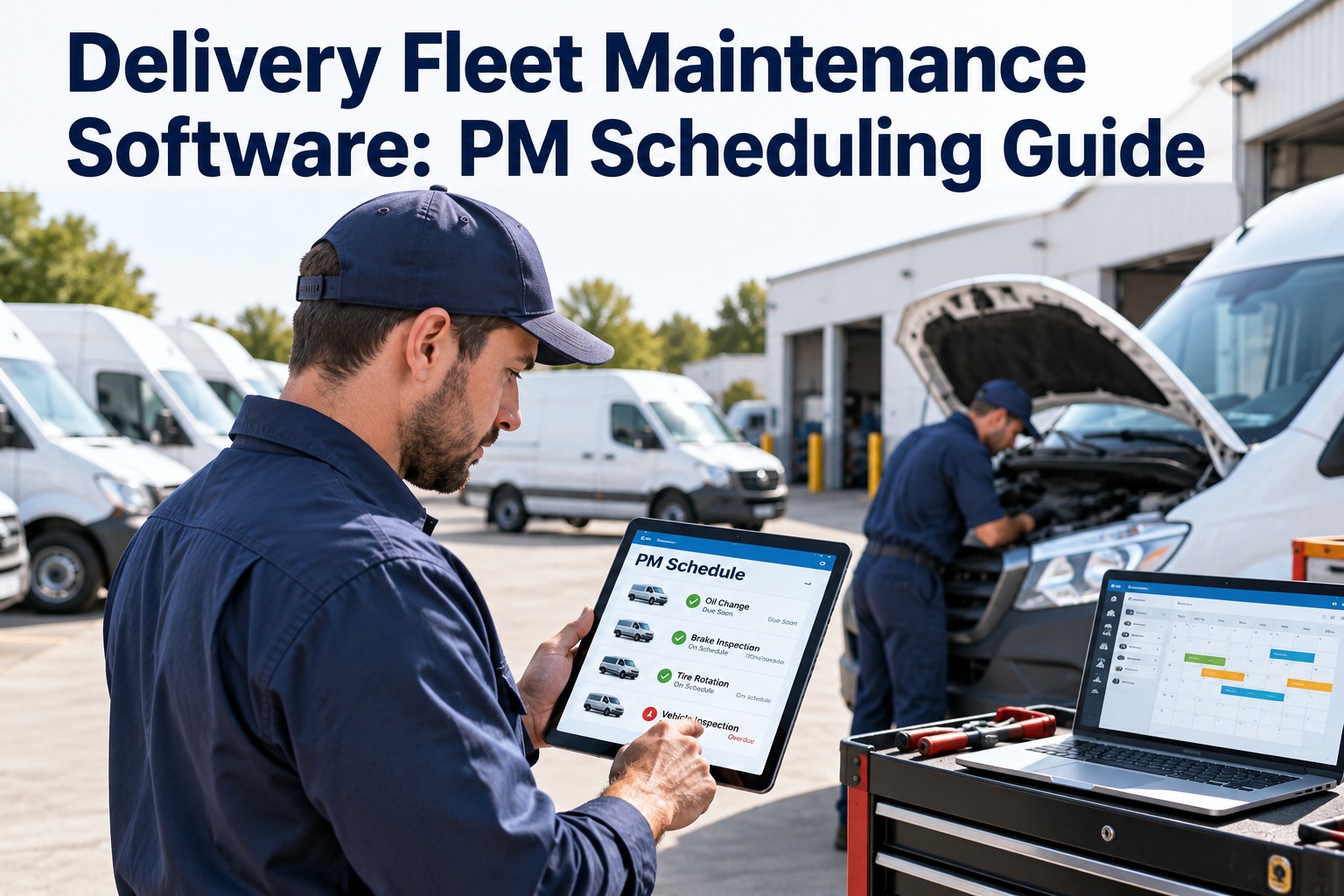
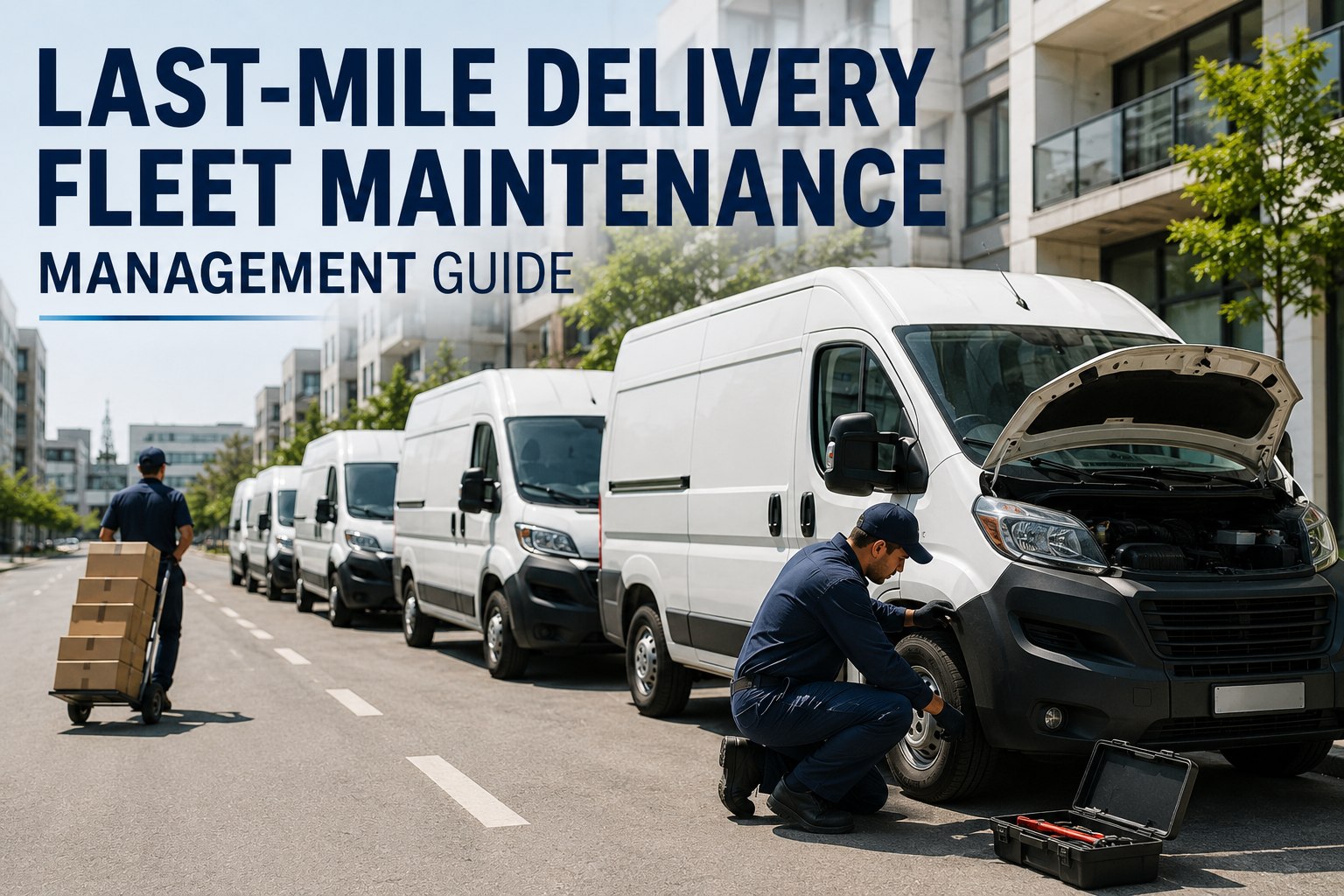
A delivery van does not get a quiet weekend. It starts early, stops hundreds of times, carries uneven loads and goes back out the next morning. In that routine, maintenance is easy to push back until a warning light, a flat tyre or a failed brake check does it for you. Delivery fleet maintenance software replaces that guesswork with a schedule: preventive maintenance (PM) due dates, driver inspections, repair tracking and vehicle history in one place. This guide shows how to build a PM scheduling system for a delivery fleet with OXMAINT AI, the AI-powered CMMS for fleet maintenance teams.
Delivery Fleet · PM Scheduling · Inspections · Repairs
Delivery Fleet Maintenance Software: PM Scheduling Guide.
That gap between a reported problem and a scheduled repair keeps vans off their routes. OXMAINT AI connects the whole workflow in one CMMS: driver inspections raise defects, defects become work orders, repairs are tracked to completion, and preventive maintenance is scheduled so the next service is never a surprise.
1Driver Inspection
→
2Defect Flagged
→
3Work Order
→
4Repair Closed
→
5Next PM Scheduled
Fleet Management
Preventive Maintenance
Inspection Management
Work Order Management
Where Delivery Fleets Quietly Lose Vehicle-Days
Most downtime does not start in the workshop. It starts at four small leaks in the process, and each one is fixable with a schedule and a record. Sign up free and see how OXMAINT AI closes these gaps.
1
The missed PM
Service dates live in a spreadsheet or someone's memory, so a van runs past its interval.
2
The unreported defect
A driver notices a soft brake or a cracked mirror, but the report never reaches the workshop.
3
The slow handoff
The defect is known, but nobody owns the work order, so the van waits.
4
The missing part
The repair is booked, but the filter or pad set is not in stock when the van arrives.
Four PM Triggers: Schedule by What the Vehicle Actually Does
A calendar alone does not fit a delivery fleet. A van on a dense city route and a van on long suburban runs age differently. Good PM scheduling uses more than one trigger. Book a demo to see multi-trigger PM setup.
CALENDAR
Every X weeks or months
Best for inspections, brake checks and anything that ages with time.
ODOMETER
Every X km or miles
Best for oil, filters, tyres and wear items tied to distance.
ENGINE HOURS
Every X running hours
Useful for stop-start routes and refrigerated or powered units.
CONDITION
When a check says so
Triggered by an inspection finding or a vehicle data alert.
A Sample PM Ladder for a Delivery Van
This is an illustrative structure, not a service schedule. Always set real intervals from the manufacturer's guidance, your operating conditions and local rules. Start free and build your PM ladder in OXMAINT AI.
Illustrative PM Ladder
Daily
Driver Pre-Trip Walkaround
Tyres, lights, mirrors, brakes feel, fluid leaks, warning lights, load security
Weekly
Quick Condition Check
Tyre pressure, wipers, washer fluid, battery terminals, cab and cargo area
Monthly
Technician Inspection
Fluid levels, belts and hoses, brake wear, suspension, tyre tread and wear patterns
By Distance
Service Interval
Oil and filters, rotation, and other items set by the manufacturer's schedule
Annual
Full Inspection & Compliance Review
Statutory inspections, registration and insurance dates, documents and records
Defect Triage: Not Every Defect Needs the Same Response
When every report looks urgent, nothing is prioritised. A simple three-level rule helps drivers report and helps planners decide. Define your own categories with your safety lead and local requirements. Book a demo to set up defect priorities.
Red: Stop
Safety-critical items such as brakes, steering or damaged tyres. Take the vehicle out of service and raise a priority work order.
Amber: Schedule
A real fault that does not stop the van today, such as a failed indicator or a minor leak. Book the repair within a set window.
Green: Watch
Cosmetic or early-stage issues. Record them, monitor them and bundle them into the next PM visit.
Plan the Repair Before the Van Misses the Route.
Put inspections, defects, work orders and PM on one platform so every vehicle has a clear next step.
Reactive vs Planned: What Changes Day to Day
The goal is not zero breakdowns. It is fewer surprises and a workshop that knows what is coming. Sign up free and move from reactive to planned.
Reactive
Planned with a CMMS
Service dates
Remembered or in a spreadsheet
Triggered by date, distance or hours
Defect reports
Verbal, message or paper
Logged from the inspection, with photos
Repairs
Started when someone notices
Work order assigned and tracked
Parts
Ordered after the van arrives
Stock checked against the job
Vehicle history
Scattered across invoices
One record per vehicle
A Fleet Readiness Board at a Glance
Dispatchers need one answer each morning: which vehicles are ready to roll? A readiness view pulls open defects and upcoming PM into a single status per vehicle. Book a demo to see fleet status views.
Illustrative Readiness Board
Van 07
No open defects · PM due in 3 weeks
READY
Van 12
PM due this week · book a slot
PM DUE
Truck 03
Amber defect open · repair scheduled
WATCH
Van 21
Red defect · out of service · work order in progress
OFF ROAD
Sample data for illustration only
How OXMAINT AI Supports Delivery Fleet Maintenance
OXMAINT AI is a mobile-first CMMS, so drivers and technicians can work from a phone while the planner sees the whole fleet. Here is how each module supports the workflow above. Start free and add your first vehicles.
Fleet & Asset Records
Keep each vehicle's details, history and documents in one record.
Preventive Maintenance
Schedule recurring PM and have the next job generated automatically.
Inspection Management
Run digital checklists from a phone, with photos and notes attached.
Work Order Management
Assign repairs, track status and keep every job tied to its vehicle.
Parts & Inventory
Link parts to jobs, with reorder alerts to help avoid stock-outs.
Predictive & AI Tools
Use AI-assisted requests, predictive alerts and an AI Assistant to spot issues earlier.
5 Fleet Maintenance Metrics Worth Tracking
You do not need a dozen dashboards. These five show whether your programme is working. Set your own baseline first, then watch the trend. Book a demo to see maintenance reporting.
PM Compliance
Share of PMs completed on time
Defect-to-Work-Order Time
How fast a report becomes a job
Vehicle Availability
Vehicles ready versus planned routes
Repeat Repairs
Same fault returning on the same vehicle
Cost per Vehicle
Maintenance spend by vehicle and over time
Driver Pre-Trip Inspection Checklist
Keep it short enough that drivers actually complete it. Adapt the list to your vehicle types and local requirements. Sign up free and load this checklist into OXMAINT AI.
Outside the Vehicle
Tyres: pressure, tread and visible damage
Lights, indicators and reflectors working
Mirrors, windscreen and wipers
No fluid leaks under the vehicle
Inside and Loading
No warning lights on the dashboard
Brakes and steering feel normal on moving off
Horn, seatbelt and safety equipment in place
Cargo area clean, doors latch and load secured
Frequently Asked Questions
What is delivery fleet maintenance software?
It is software that schedules preventive maintenance, records vehicle inspections, manages repair work orders and keeps a history for every vehicle. A CMMS such as OXMAINT AI brings these into one system.
Sign up free and explore it.
How often should delivery vehicles get preventive maintenance?
It depends on the vehicle, the manufacturer's schedule, the duty cycle and local rules. Many fleets combine date, distance and engine-hour triggers rather than relying on one.
Book a demo to plan your intervals.
Can drivers report defects from their phones?
Is a CMMS different from fleet management software?
Fleet management tools often focus on routing, tracking and driver activity. A CMMS focuses on maintenance: PM, inspections, repairs, parts and history. Many fleets use both, and OXMAINT AI also offers fleet management capabilities.
Book a demo to compare approaches.
How do we start without disrupting daily deliveries?
Fewer Surprises. More Vehicles Ready to Roll.
Bring inspections, defects, work orders and PM scheduling together in OXMAINT AI, and give every vehicle a clear next step.