Every fleet carries a backlog — deferred repairs, open inspection findings, jobs waiting on parts, services that keep slipping a week. The size of the list is rarely the real problem; the order you work it in is. When every open job is somebody's "priority one," the loudest request wins and the brake defect waits behind a cabin rattle. This guide gives you a scoring model, priority tiers and a planning rhythm to run the backlog by risk — and shows how OxMaint AI fleet maintenance software keeps the queue honest. Book a demo to see it on your fleet.
FLEET MANAGEMENT · PREVENTIVE MAINTENANCE · BACKLOG PLANNING
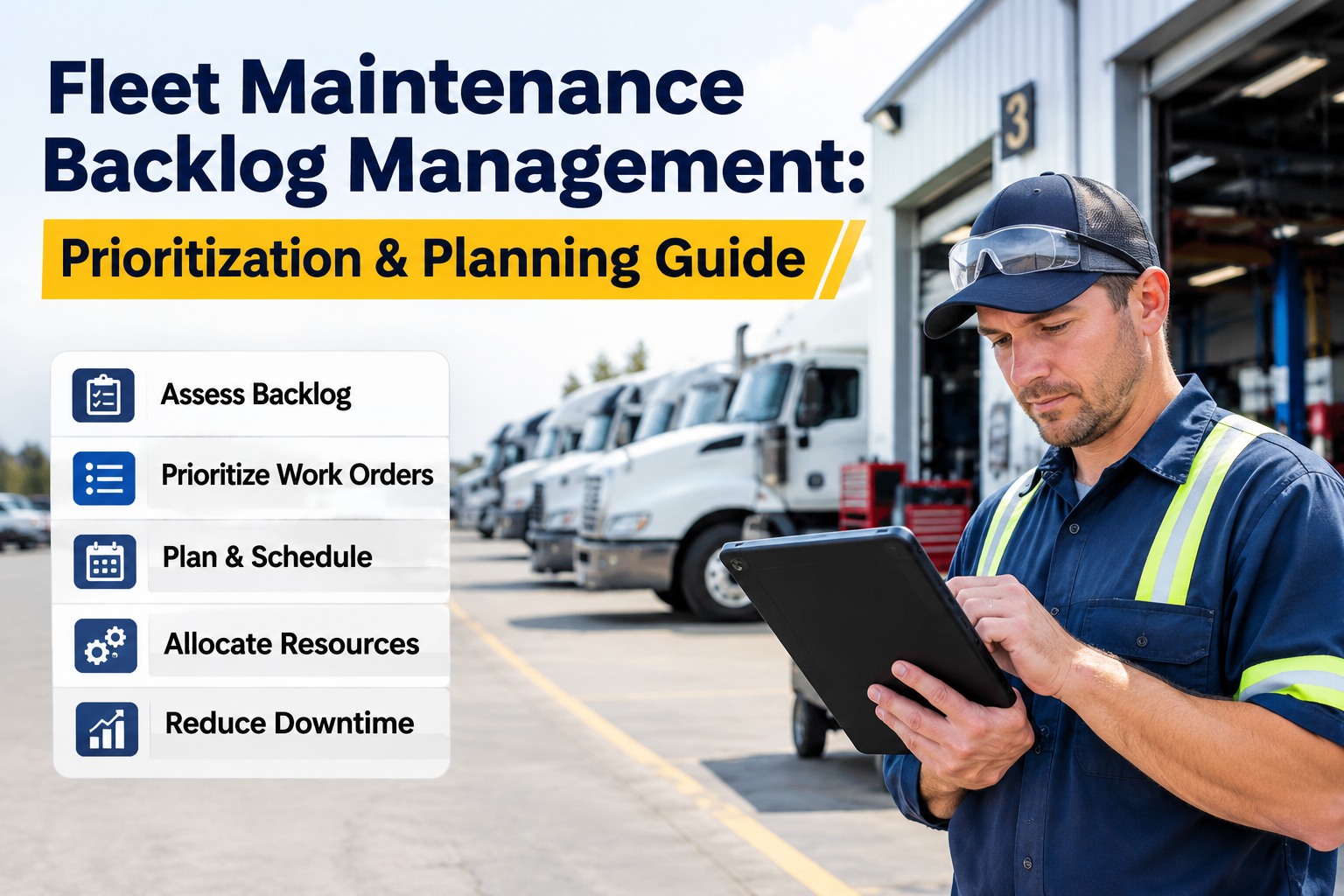
Fleet Maintenance Backlog Management: Prioritization & Planning
Stop working the backlog by who called first. Score every open job on safety, criticality, consequence and readiness, and the queue sorts itself by risk — not by noise. OxMaint AI runs that scoring on every work order and keeps the plan to a weekly rhythm.
Safety+
Criticality+
Consequence+
Readiness=
Priority Rank
It's Not the Size — It's the Sorting
Backlog is identified work not yet completed, measured in crew-weeks: open labor hours ÷ weekly crew capacity. A little is healthy — it keeps technicians scheduled. The common heuristic puts the healthy band at two to four weeks; under that you're not finding enough work, over six the team is losing ground. What matters isn't the count of jobs — it's whether the right ones move first.
< 2 wks
Not finding enough work — inspections and reporting are thin
2–4 wks
Healthy — schedulers can plan and priority work still clears
6+ wks
Losing ground — PMs slip, deferrals pile up, breakdowns follow
THE PRIORITIZATION SCORE
Rank by Risk, Not by Volume
Score every job on a few weighted factors and the argument moves from personalities to inputs. A common starting weighting — tune it to your operation, but keep safety on top.
Safety & compliance35%
Asset criticality20%
Failure consequence20%
PM overdue age15%
Parts readiness10%
A brake defect on a committed route and a cabin HVAC complaint score worlds apart — which is exactly the point.
Four Priority Tiers
Scores become action when they map to tiers everyone understands. Each tier has a rule, not a judgment call.
P1
Critical / Out of ServiceBrake, steering, tire or coupling defect, DOT out-of-service item — repair before dispatch
Do now
P2
Critical Asset at RiskA unit with no spare on a committed route or contract trending toward failure
This week
P3
Overdue PM & ReliabilityPM past its window or a reliability defect that worsens the longer it waits
Schedule
P4
Deferrable — MonitorMinor cosmetic, non-critical interior or wear within spec — defer with a recheck date
Document
Ready vs Waiting — Only One Is Schedulable
Not every open job can be planned for next week. Split the backlog so waiting work doesn't clog the view of what you can do now.
Ready Backlog
Parts in stock, plan written, bay and unit available. This is what the scheduler pulls from for next week.
- Parts on the shelf
- Labor and bay available
- Unit released from service
Waiting Backlog
Blocked on a part, an approval or an access window. Tracked and chased, but not scheduled until the blocker clears.
- Waiting on parts or a vendor
- Pending approval or budget
- Needs an access or route window
The ready ratio tells you how much of the backlog is truly actionable, and chasing blockers is what turns waiting work into ready work. Start free and flag ready versus waiting on every job.
Run It on a Weekly Rhythm
Backlog is a leading indicator — it grows weeks before breakdowns. A short weekly review keeps it from drifting; trends matter more than any one snapshot.
1
Measure in Hours
Total open labor hours by craft, converted to crew-weeks against capacity — not a count of tickets.
2
Re-Score & Rank
Refresh priority scores as inspections and conditions change, so the queue reflects today's risk.
3
Plan the Ready Work
Build next week's schedule only from ready backlog, top priority first, to full crew capacity.
4
Burn Down & Review
Track schedule compliance and aging work orders weekly, and clear the blockers on waiting jobs.
The KPIs That Keep It Honest
A backlog you don't measure the right way will lie to you. Track these together, weekly.
Backlog (Crew-Weeks)
Open labor hours ÷ weekly crew capacity — the headline health number.
Ready Ratio
Share of backlog that is actually schedulable right now versus waiting on a blocker.
PM Compliance
PMs completed within their window divided by PMs due — slipping PM is an early warning.
Defect Closure Time
Time from a reported defect to a verified repair — how fast risk actually leaves the fleet.
Vehicle Downtime Rate
Hours out of service divided by scheduled available hours per unit.
Planned vs Reactive
The mix of planned to reactive backlog — a rising reactive share is its own problem.
A Backlog Is a Map, Not a Monster — If You Rank It.
The difference between surviving and thriving isn't a bigger crew; it's honest scoring and a weekly plan. OxMaint AI scores every open job on safety, criticality and consequence, separates ready from waiting, and turns the backlog into a burn-down you can actually work.
How OxMaint AI Manages the Fleet Backlog
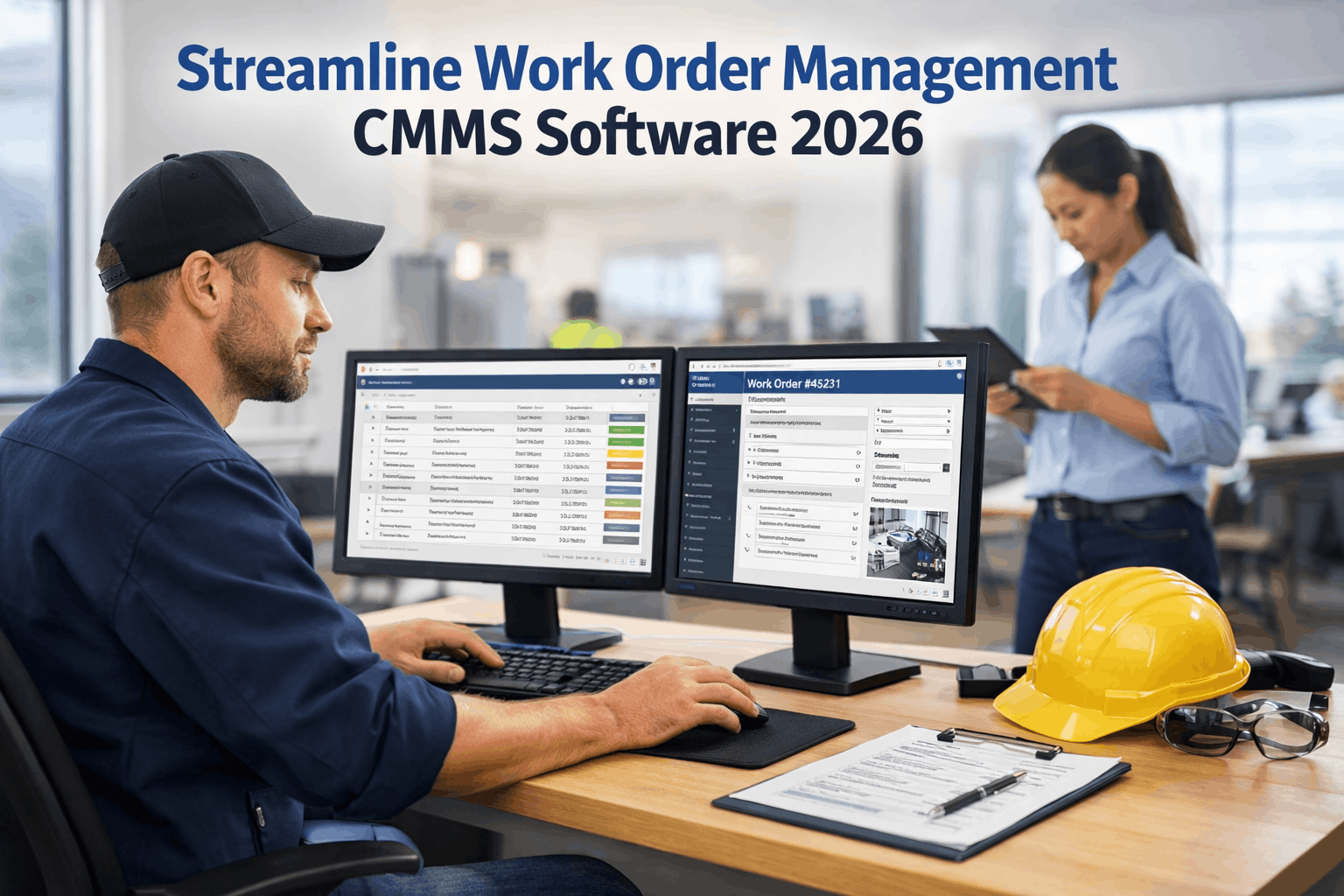
OxMaint AI is the AI-powered fleet maintenance software that turns a pile of open work into a ranked, schedulable plan — scoring, readiness and KPIs built into the workflow. Book a demo and see a ranked backlog burn down.
Risk-Based Scoring
Every work order scores on safety, criticality, consequence and readiness, so the queue ranks by risk, not by who asked loudest.
Safety-First Routing
Out-of-service and DOT-critical defects jump to the top automatically and flag the unit do-not-dispatch.
Ready vs Waiting Flags
Parts and access status mark each job ready or waiting, so schedulers plan only what can actually be done.
PM-Due Triggers
Preventive work raises on meter or date before it ages into a reliability defect and clogs the backlog.
Weekly Burn-Down Board
Backlog in crew-weeks, aging work orders and schedule compliance on one view for the weekly review.
KPI Dashboard
Ready ratio, PM compliance, defect closure time and downtime tracked per fleet and per unit.
EXPERT REVIEW
Written for fleet maintenance managers, planners and shop supervisors working a growing backlog of defects, PMs and deferred repairs. The scoring weights, tiers and healthy-backlog ranges here are common industry reference points — your authoritative priorities come from your safety and DOT compliance rules, your asset criticality assessment, and your operation's route and contract commitments, which decide what is truly critical. Out-of-service determinations follow your inspection program and federal regulations, not a score. OxMaint AI structures and records the prioritization, scheduling and KPI workflow; it does not replace your compliance obligations, your criticality analysis, or your planners' judgement.
Frequently Asked Questions
What is a healthy fleet maintenance backlog?
Backlog is best expressed in crew-weeks — open labor hours divided by weekly crew capacity — and the widely used heuristic puts the healthy band at two to four weeks. Below two weeks usually means you aren't identifying enough work through inspections and reporting; above six means the team can't keep up and reliability is slipping. The goal isn't zero backlog, it's a controlled, well-sorted one.
Start free and track backlog in crew-weeks in OxMaint AI.
How should fleet work orders be prioritized?
By consequence, not by who called first. Score each job on safety, criticality, consequence and readiness, then map scores to tiers: out-of-service defects first, critical assets next, overdue PM after, deferrable items monitored. A brake defect and a cosmetic issue should never share a tier.
Book a demo and see risk-based work order scoring in OxMaint AI.
Why split the backlog into ready and waiting?
Because only ready backlog — parts in stock, plan written, unit and bay available — can actually be scheduled. Mixing in jobs that are waiting on parts, approvals or access windows hides how much real work you can do next week and makes the list look more actionable than it is. Tracking the two separately lets you schedule the ready work and chase the blockers on the rest.
Start free and separate ready from waiting work in OxMaint AI.
Which KPIs should I watch for backlog health?
Backlog in crew-weeks is the headline, but it only works alongside the ready ratio, PM compliance, defect closure time, vehicle downtime rate and the planned-versus-reactive mix. Review them weekly, because backlog is a leading indicator — it trends up well before breakdowns and missed routes appear. A single snapshot can mislead; the direction over several weeks tells the truth.
Book a demo and put backlog KPIs on one dashboard in OxMaint AI.
How do I reduce the backlog without hiring more technicians?
Headcount is the slowest, most expensive lever. The faster ones are measurement and discipline: track hours not ticket counts, score honestly, schedule only ready work to full capacity, and clear the blockers trapping jobs in waiting. Catching PM before it turns reactive keeps new work from compounding.
Start free and work a ranked, ready backlog in OxMaint AI.
Work the Backlog by Risk, Every Week.
Score every open job, rank it into tiers, schedule only what's ready, and burn it down on a weekly rhythm in OxMaint AI fleet maintenance software — with safety on top and the KPIs on one screen. One platform that turns a backlog monster into a plan.