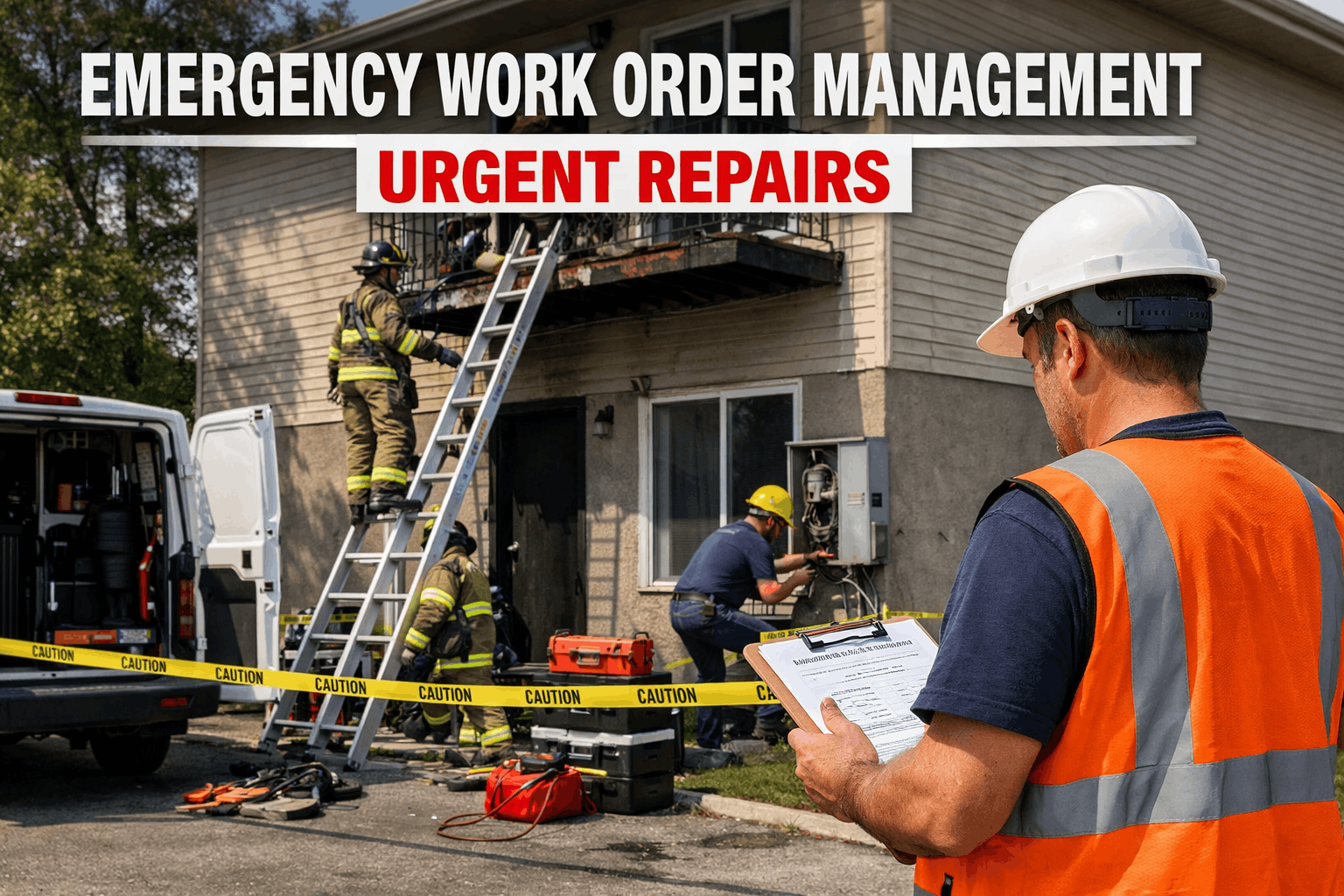
Emergency work orders are the #1 threat to any planned maintenance schedule — yet most facilities have no formal system for handling them without sacrificing the PMs that prevent the next emergency. This guide shows exactly how maintenance managers use CMMS prioritization, buffer scheduling, and technician routing to absorb emergency work orders without derailing the preventive maintenance that keeps assets running. If your team is spending more than 30% of labor hours on reactive repairs, the problem isn't the emergencies — it's the absence of a system designed to contain them. Start a free trial to see how Oxmaint auto-prioritizes emergency work orders alongside your PM schedule, or book a demo and we'll map the workflow to your facility.
See how much reactive-maintenance cost you can eliminate — in 30 minutes.
- AI-driven work order prioritization, emergency vs planned — in real time
- Auto-reschedule PMs displaced by emergencies, zero manual triage
- Technician routing by skill, location, and current task status
Trusted by 1,000+ maintenance teams · Live in days, not months
What Is an Emergency Work Order — and Why It Disrupts PM
An emergency work order is a high-priority maintenance task triggered by an unplanned failure that requires immediate response to prevent safety risk, production loss, or significant asset damage. Unlike scheduled PMs, emergency work orders bypass approval queues and jump the priority stack — pulling certified technicians off planned tasks mid-job.
The disruption is structural, not incidental. When a chiller trips at 2 PM on a Tuesday, the technician scheduled for afternoon PM rounds gets redirected. The PMs slip to tomorrow. Tomorrow has its own schedule. Within two weeks, PM compliance drops below 70% — and the deferred maintenance becomes next month's emergency. That cycle is what a structured emergency management system breaks.
According to industry benchmarks, facilities without formal emergency triage protocols spend 45% of technician hours on reactive repairs. Facilities with a documented priority matrix and CMMS-enforced scheduling hold that number below 15% — protecting the PM cadence that prevents failures in the first place. Explore Oxmaint's work order management and preventive maintenance scheduling to see how both systems work in tandem.
6 Strategies for Handling Emergency Work Orders Without Killing Your PM Schedule
Build a Priority Matrix Before Emergencies Happen
Define four priority levels — Emergency, Urgent, Routine, Scheduled PM — with explicit criteria for each. Emergency = safety risk or production loss over $X/hour. Without a pre-agreed matrix, every supervisor's Monday morning problem is an "emergency."
Reserve a Daily Buffer Window in Your PM Schedule
Block 15–20% of each shift's available hours as unassigned buffer. When an emergency arrives, it absorbs into the buffer first — not into a PM slot. No buffer remaining means escalating the response, not stripping the PM calendar.
Classify PMs by Criticality — Not All Are Equal
Tier your PM schedule: Tier 1 PMs are safety/compliance-linked and cannot be deferred (fire suppression tests, lubrication on high-cycle bearings). Tier 2 can slip 48 hours. Tier 3 can slip a week. Only non-critical PMs yield to emergencies.
Use CMMS Auto-Reschedule, Not Manual Triage
When an emergency redirects a technician mid-PM, the CMMS should automatically reschedule the displaced PM within its allowed deferral window — not leave it in limbo until a supervisor notices. Manual triage creates the backlog that buries programs.
Route by Skill + Location, Not Just Availability
Sending the nearest available technician to an emergency regardless of skill wastes time and often creates a second work order. CMMS-driven routing matches certified technicians to failure types — reducing emergency response time by up to 35%.
Track Emergency-to-PM Displacement Rate Weekly
The ratio of PM hours lost to emergency displacement is the clearest signal of program health. If it's rising week-over-week, your predictive or preventive coverage has a gap — and that gap is worth more attention than any individual work order.
Teams that enforce a tiered PM protection policy with CMMS automation hold PM compliance above 85% even during high-emergency periods — start a free trial to see how Oxmaint implements this in your facility.
Why Most Facilities Fail at Emergency-PM Balance
No Defined Escalation Path
When any team member can declare a "P1 emergency," everything becomes critical. Technicians spend more time negotiating priority than completing work. Without a defined escalation matrix, informal politics run the schedule.
PM Deferrals Go Undocumented
When an emergency bumps a PM, the deferred task often disappears from visibility — no reschedule trigger, no audit trail. Two months later, a bearing fails on equipment that had three missed lubrication PMs nobody knew were overdue.
Technician Over-Assignment Creates Safety Risk
Routing all emergencies to your best technician regardless of current workload leads to fatigue errors and quality failures. An overloaded technician on an emergency repair is a safety incident waiting to happen — and a compliance violation in regulated industries.
No Post-Emergency Root Cause Capture
Teams fix the failure, close the work order, and move on — without recording why the failure happened. The same asset fails again in 60 days. Without root cause data feeding back into the PM program, emergencies recur on a predictable cycle.
Every one of these failure patterns is preventable with structured CMMS workflows — book a demo to walk through how Oxmaint handles each one for your team size and asset mix.
How Oxmaint Keeps Emergency Work Orders from Eating Your PM Calendar
Oxmaint's AI scores every incoming work order against safety risk, asset criticality, production impact, and cost of delay — then ranks the full backlog automatically. Emergency requests get triaged in seconds, not minutes, with transparent scoring visible to supervisors.
Explore AI Automation →When an emergency displaces a PM, Oxmaint auto-reschedules it within the asset's allowed deferral window and flags it as a displaced PM — not a missed one. Compliance reporting stays accurate, and nothing falls through the cracks.
See Preventive Maintenance →QR-scan dispatch routes emergency work orders to the nearest technician with the required certification and current capacity — not just the first available name. Response time drops; repeat repairs from mismatched skill assignments drop with it.
See Work Order Management →94% accuracy predictive maintenance flags developing failures 2–4 weeks before breakdown — converting future emergencies into scheduled PMs while there's still time to plan resources, parts, and minimal-disruption timing.
Explore Predictive Maintenance →Reactive Emergency Response vs Structured Emergency Management
| Scenario | Reactive — No System | Structured — With CMMS |
|---|---|---|
| Emergency arrives mid-PM | Technician abandons PM; PM status unknown | CMMS auto-reschedules PM within deferral window |
| Priority decision | Loudest requester or supervisor memory | AI scoring: safety + criticality + cost of delay |
| Technician dispatch | First available person, regardless of skill | Nearest certified tech with available capacity |
| Root cause capture | Rarely documented; failure recurs | Required field on work order closure; feeds PM triggers |
| PM compliance rate | Below 60% during high-emergency periods | 85%+ sustained with protected PM tiers |
| Emergency labor cost | 3× planned maintenance labor for same task | Reduced as predictive catches failures earlier |
| Supervisor time on triage | Monday morning rebuild of backlog, every week | System maintains priority queue automatically |
What Teams Gain When Emergencies Stop Running the Calendar
Use the Oxmaint ROI Calculator to see your specific downtime reduction potential — or start a free trial and run it on your actual asset data.
Frequently Asked Questions
How do you prioritize emergency work orders without delaying critical PMs?
What percentage of maintenance hours should emergency work orders represent?
Can a CMMS automatically reschedule PMs displaced by emergency work orders?
How does predictive maintenance reduce emergency work orders?
Handle Emergency Work Orders Without Losing Your PM Schedule
Oxmaint's AI prioritizes every incoming work order, auto-reschedules displaced PMs, routes certified technicians in seconds, and converts developing failures into planned work — before they become the emergency that wipes out next week's maintenance calendar.
- AI priority engine — emergency triage in seconds, not supervisor meetings
- Auto-reschedule for displaced PMs — no compliance gaps, no audit risk
- 94% accurate predictive alerts — emergencies become scheduled work
Trusted by 1,000+ maintenance teams across 9+ industries · Live in days, not months