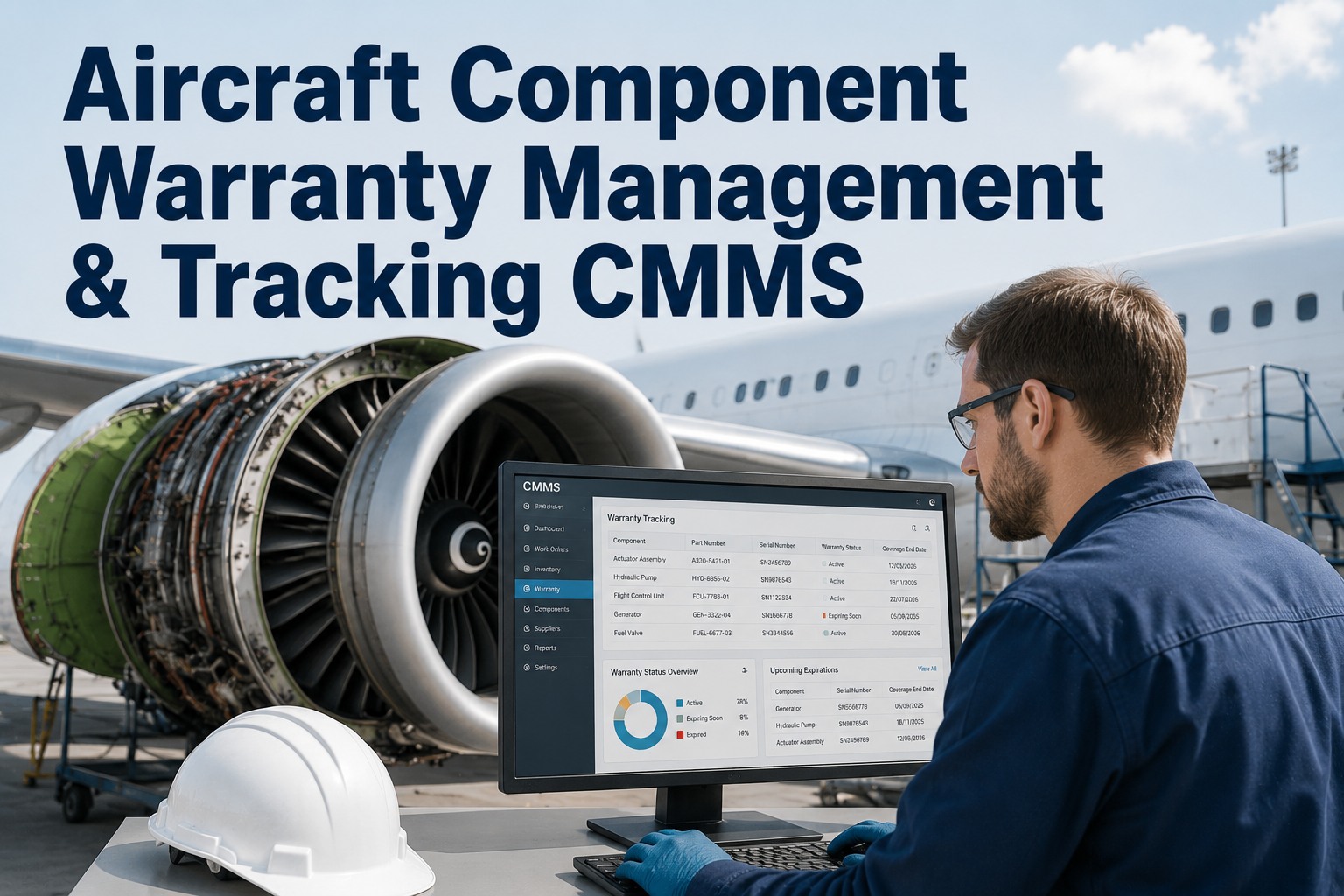
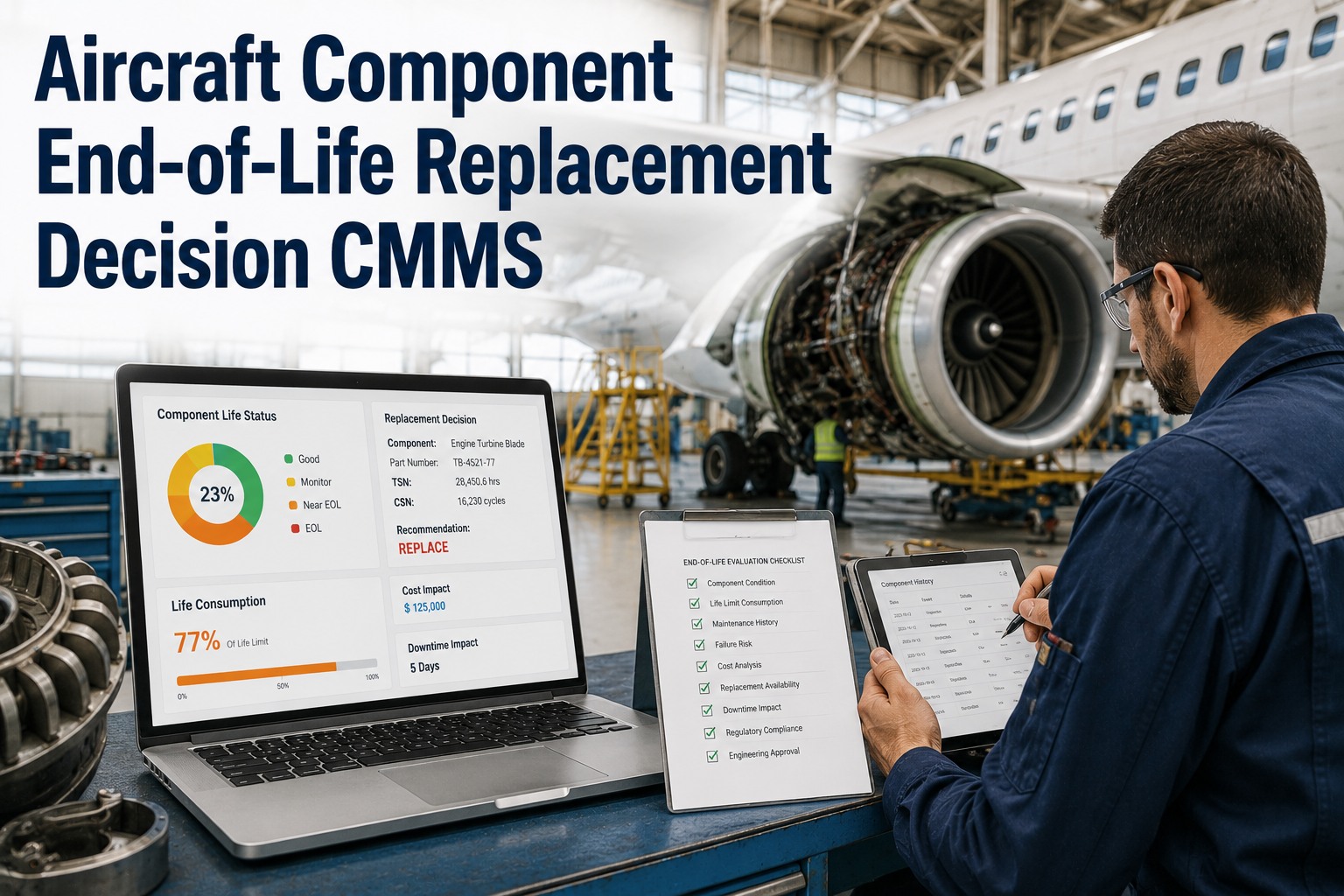
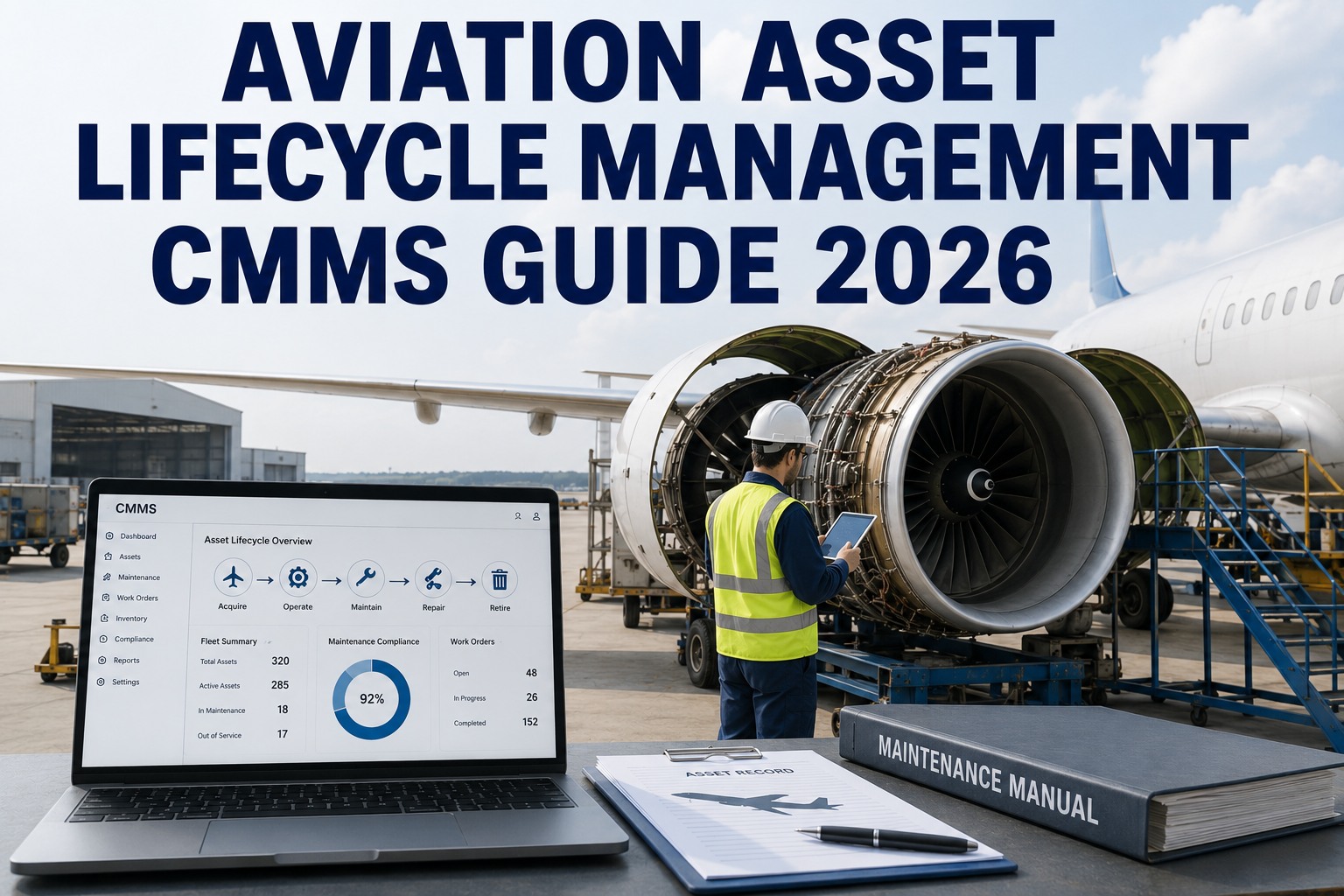
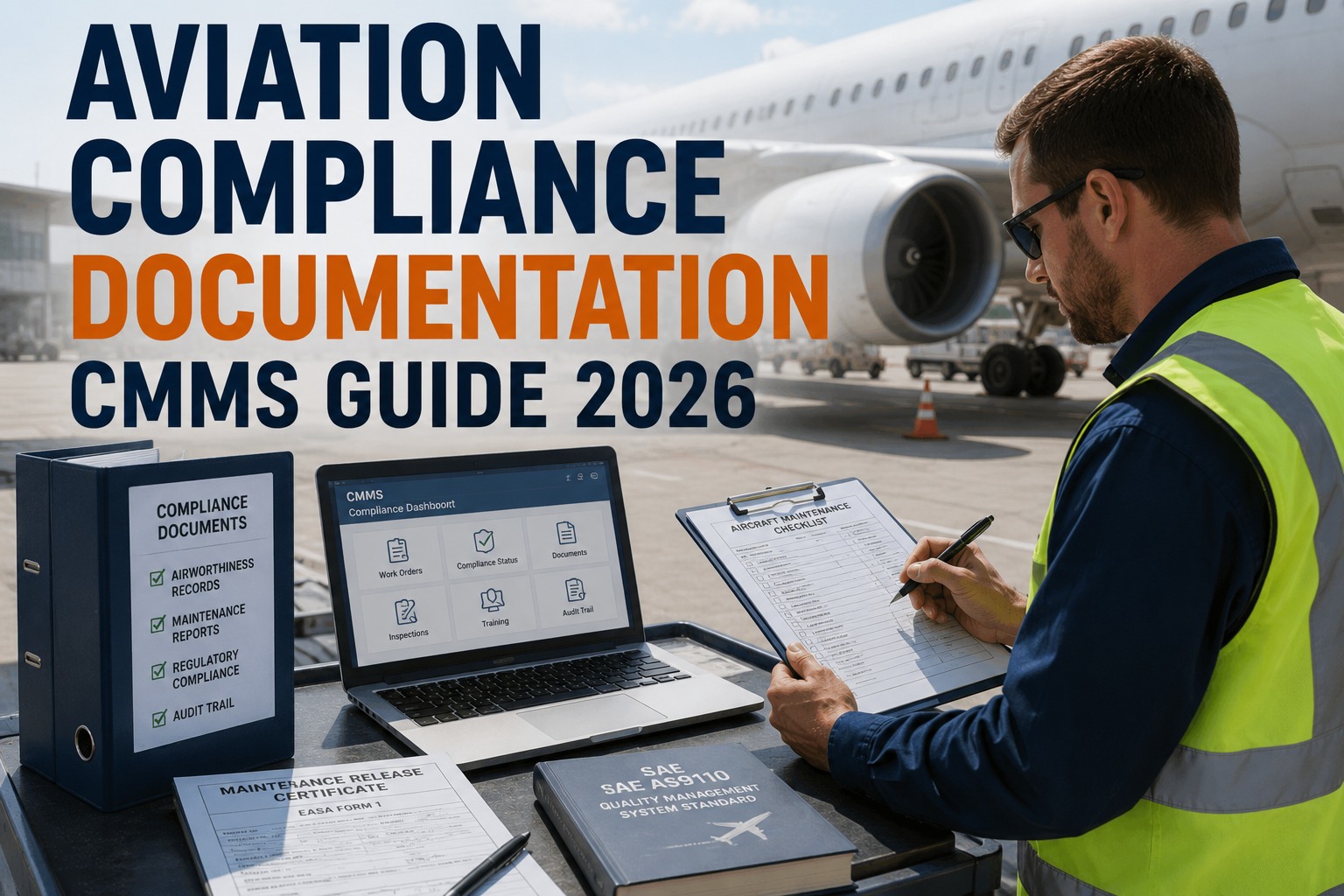
Life-limited parts (LLPs), soft-time components, and time-between-overhaul (TBO) intervals represent the highest-stakes tracking challenge in aviation maintenance — exceeding a life limit by even one flight cycle can trigger a grounding event, regulatory violation, or catastrophic failure. This aircraft TBO guide for 2026 explains how a CMMS with purpose-built component life tracking eliminates manual spreadsheet errors, automates TBO approaching alerts at 90 days, and ensures every removal is planned, scheduled, and documented before the part times out. Teams managing component removal planning across dozens of engines and auxiliary power units need a system that captures both flight hours and cycles in real time, accounts for position swaps, and flags extensions before they lapse. OxMaint delivers all of this through an AI-powered CMMS designed for maintenance and reliability teams — you can Start Free Trial today or book a walkthrough to see TBO compliance built into every work order.
CMMS Component Life Tracking
Never let a life-limited part time out mid-flight.
A single missed TBO threshold can ground an aircraft for weeks and cost six figures in AOG recovery, expedited shipping, and regulatory fallout. OxMaint tracks every hour and cycle, fires automated alerts at 90 / 60 / 30 days, and turns component removal planning into a predictable, audit-ready workflow.
Why TBO Tracking Fails in Spreadsheets
The real cost of missed component life limits
A regional operator managing 24 turboprops discovered a high-pressure turbine disc had accumulated 9,840 of its 10,000 cycle limit — discovered during a routine audit, not by their tracking system. The grounding, expedited parts, and lost revenue totaled $340K. Manual logs and spreadsheets fail because they rely on humans to transcribe hours and cycles after every flight.
Core Capabilities
What a TBO compliance CMMS must do
Component life tracking in aviation is not simply a countdown timer — it demands dual-parameter accumulation (hours AND cycles), position-swap history, multi-threshold alerting, and removal work-order generation. Below is what life limit tracking in a CMMS must cover to keep aircraft airworthy and auditors satisfied.
Dual-Parameter Accumulation
Captures both flight hours (FH) and flight cycles (FC) against each serialized LLP. TBO limits are evaluated against whichever parameter expires first — preventing the common error of tracking only hours while cycles quietly approach their limit.
Position Swap & Rotor Tracking
Maintains a full position-change history as components move between engine slots, pylons, or aircraft. Each swap updates the active asset's life ledger automatically so accumulated time follows the part, not the mounting position.
Multi-Threshold TBO Alerts
Fires automated notifications at 90, 60, and 30 days (or configurable custom thresholds) before a component's life limit. Alerts route to the maintenance planner, shift lead, and director of maintenance so no expiry slips through silence.
Removal Work-Order Generation
Converts a TBO approaching alert into a scheduled removal work order with parts, tooling, and technician assignments pre-populated — turning a compliance deadline into a planned maintenance event weeks before the aircraft reaches the shop.
How It Works
Step-by-step: TBO tracking from alert to removal
A structured component removal CMMS workflow transforms life-limit compliance from a reactive scramble into a predictable planning cycle. Here is how a properly configured system moves a life-limited part from approaching threshold to certified removal.
Automated Life Ledger Update
After every flight, hours and cycles are imported from the operator's flight operations system or MEL log. The CMMS adds them to each installed component's running total and recalculates remaining life in both parameters.
90-Day Alert Triggered
When remaining life reaches the 90-day threshold, OxMaint generates an alert to the maintenance planning team with the component serial number, position, current accumulation, and projected expiry date based on utilization trends.
Removal Work Order Created
The planner converts the alert into a scheduled removal work order. Required replacement part, specialized tooling, hangar slot, and technician coverage are allocated — typically 4–6 weeks before the actual removal date.
Removal, Installation & Reset
At the scheduled maintenance visit the LLP is removed, the replacement is installed, and the new component's life ledger is initialized. The removed part's history is archived for traceability and any approved TBO extension is documented.
OxMaint Advantage
How OxMaint solves aircraft component life limit tracking
OxMaint was built for the exacting demands of aviation maintenance teams. Its AI-powered CMMS engine unifies life-limited part tracking, preventive maintenance scheduling, and compliance documentation into a single platform — replacing spreadsheets, legacy MRO modules, and manual log reviews.
AI-Driven Life-Limit Forecasting
OxMaint analyzes historical utilization rates to project when each LLP will hit its TBO threshold, giving planners 90+ days of visibility. Teams report cutting unplanned removals by 40–60% and virtually eliminating AOG events caused by expired parts.
Automatic Work Order Generation
When a TBO alert fires, OxMaint auto-generates a fully populated removal work order — parts, labor estimates, tooling, and references included. Maintenance planners save 6–10 hours per week previously spent building manual removal packages.
Audit-Ready Compliance Trail
Every hour, cycle, position swap, extension, and removal is time-stamped and tied to the technician and inspector who signed it. Audit preparation that used to take a full week is reduced to a same-day report export.
Spare-Parts Inventory Sync
OxMaint links each scheduled removal to the spare-parts inventory, automatically reserving the replacement LLP and triggering a purchase requisition if shelf stock drops below the minimum. No more discovering the replacement part is backordered the day before removal.
TBO Tracking Comparison
CMMS vs. spreadsheet life limit tracking
Most aviation maintenance teams start with spreadsheets — and most eventually find the limit of what manual tracking can protect. The table below shows what changes when component life tracking moves from Excel to a purpose-built CMMS like OxMaint.
| Capability | Spreadsheet / Manual Log | OxMaint CMMS |
|---|---|---|
| Hours & cycles capture | Manual entry after each flight | Automated import and accumulation |
| TBO approaching alerts | Conditional formatting — often missed | 90 / 60 / 30-day automated notifications |
| Position swap tracking | Separent tabs, manual cross-reference | Automatic ledger update on swap |
| Removal work order generation | Not available — manual creation | One-click from alert, fully populated |
| Audit trail | File versions, email threads | Time-stamped, signed, exportable |
| Spare-parts linkage | No connection to inventory | Auto-reserve replacement on schedule |
See OxMaint track your life-limited parts in real time
Book a 30-minute demo and we will load your actual component data, configure TBO alert thresholds, and show you exactly how the 90-day removal planning workflow operates on your fleet.
FAQ
Aircraft component life limit & TBO tracking: common questions
What is a life-limited part and how does TBO tracking work in a CMMS?
A life-limited part (LLP) is a component with a mandatory maximum service life measured in flight hours, flight cycles, or both — exceeding that limit is prohibited by regulation. TBO tracking in a CMMS works by accumulating hours and cycles against each serialized part, then comparing the running total to the certified limit and alerting maintenance planners at configurable thresholds (typically 90, 60, and 30 days before expiry) so removal can be scheduled before the part times out.
When should TBO approaching alerts fire for life-limited components?
Best practice is to fire alerts at 90 days before expiry for planning, 60 days for parts procurement, and 30 days for final scheduling confirmation. OxMaint allows each threshold to be customized per component category, and some operators add a calendar-day alert in addition to the hours/cycles alert when utilization is unpredictable — you can configure these workflows when you Start Free Trial or during a guided demo.
How does a CMMS handle position swaps for aircraft components?
When a component is moved from one engine position, pylon, or aircraft to another, the CMMS updates the position registry and keeps the accumulated life total attached to the part's serial number — not the mounting location. This ensures that a turbine disc with 7,200 cycles carries that total wherever it goes, and the active asset's life ledger reflects the correct installed component at all times.
Can OxMaint track TBO extensions and conditional overhauls?
Yes. OxMaint supports documented TBO extensions by allowing maintenance teams to record the regulatory approval reference, extension duration, and new expiry limit against the component record. The system then recalculates alerts based on the extended limit while preserving the original baseline for audit traceability.
How long does it take to migrate component life data into OxMaint?
Most aviation maintenance teams are fully migrated within 2–4 weeks. OxMaint accepts component imports via CSV or direct API integration from existing MRO systems, and the onboarding team maps each field (serial number, current hours, current cycles, TBO limit, installation position, installation date) to the corresponding OxMaint record. You can accelerate this by booking a demo to scope the migration plan before you start.
Stop tracking life limits in spreadsheets.
OxMaint gives your maintenance team automated TBO alerts, dual-parameter life tracking, and audit-ready removal records — all in one AI-powered CMMS built for aviation reliability teams.
Free 14-day trial · No credit card