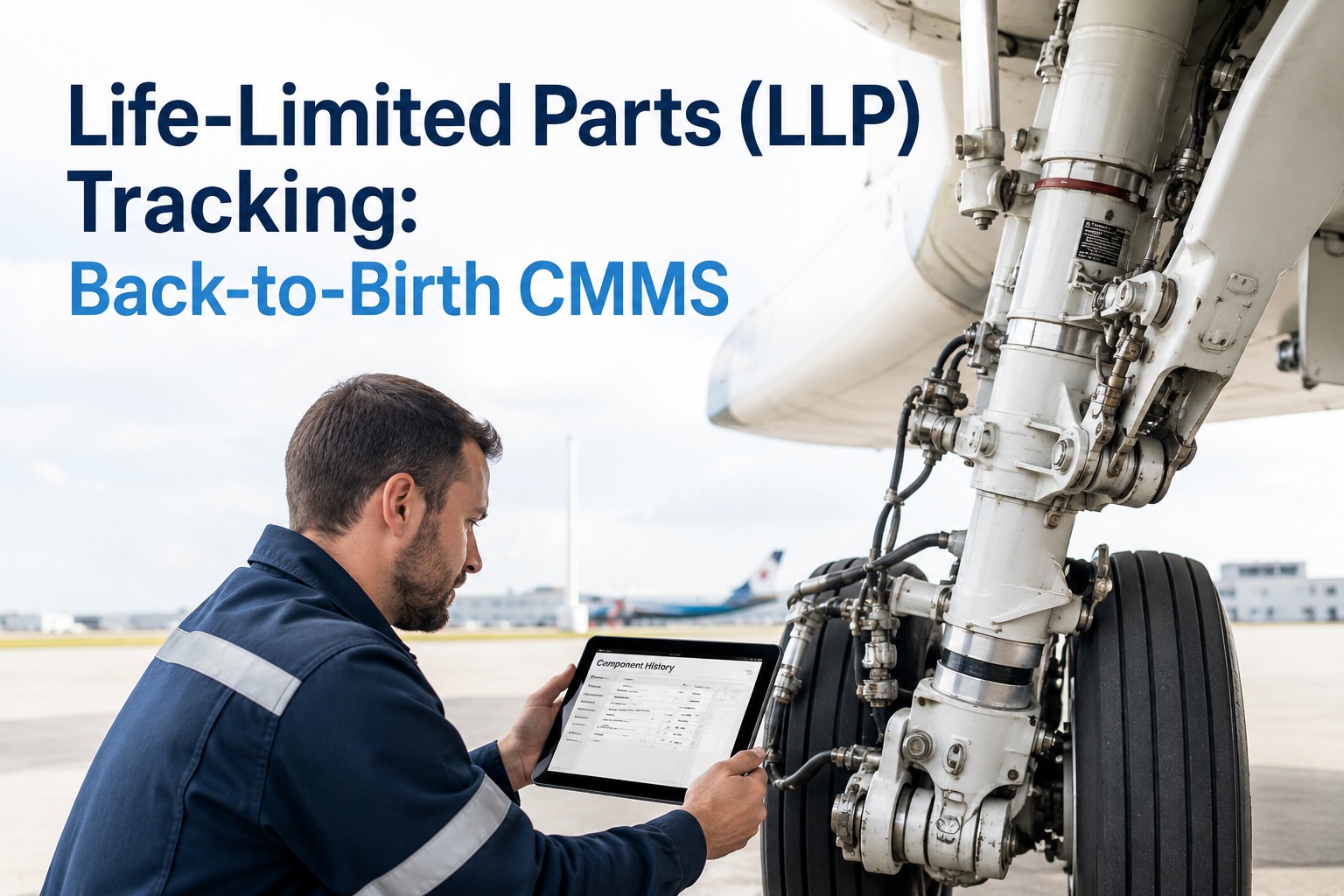
Every helicopter is a collection of parts that are quietly running out of life. Main rotor blades, hubs, masts, tail rotor components, gearbox parts and swashplate hardware all carry limits measured in flight hours, cycles, landings or calendar time. Miss one retirement limit and the aircraft is not just late for maintenance, it may be unairworthy. Most operators know this. The harder part is proving, on any given day, exactly how much life every serialised component has left. This guide explains LLP and TBO tracking in plain language, shows where spreadsheets break down, and describes how to manage helicopter component life with OXMAINT AI, the AI-powered CMMS for aviation maintenance teams.
Helicopter Component Life · OXMAINT AI-Powered CMMS
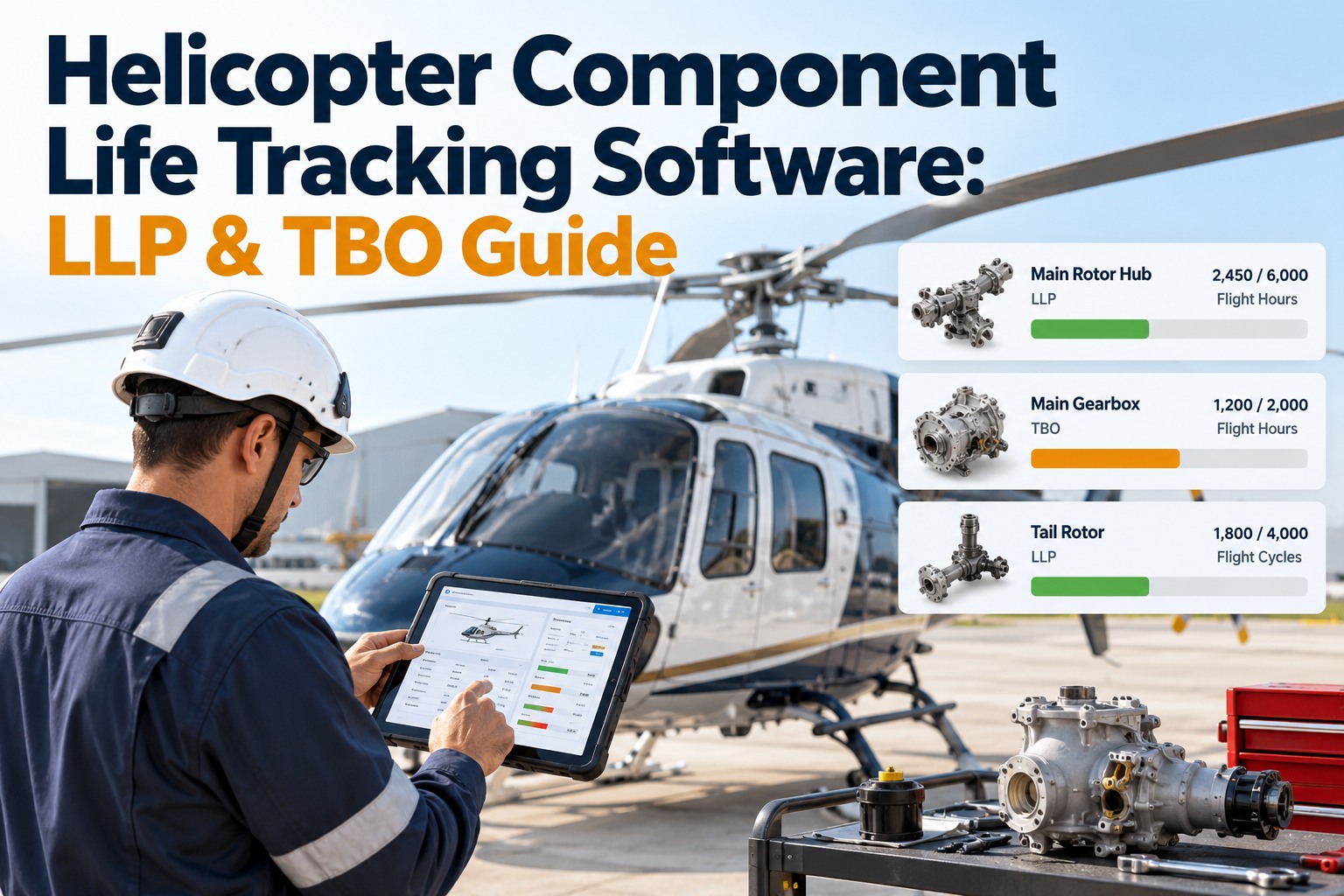
Helicopter Component Life Tracking Software: LLP & TBO Guide.
Hours in one sheet, defects in another, work orders on paper: that is how limits get missed. OXMAINT AI, an AI-powered CMMS, connects the whole workflow in one platform, from inspection findings to work orders, and from flight-hour, cycle and calendar limits to automated preventive maintenance.
One connected workflow
1
Inspect & Request
Crews log findings and requests from mobile
▼
2
Issue or Defect
Recorded on the component's asset record
▼
3
Work Order
Assigned with parts, procedure and sign-off
▼
4
Preventive & Predictive
Hour, cycle and calendar triggers schedule the next task
LLP vs TBO: The Difference That Decides Your Maintenance Plan
These two terms are often mixed up, and mixing them up leads to either wasted money or missed compliance. A life-limited part has a hard stop. A TBO is an overhaul interval, and what it means in practice depends on the manufacturer's data and your operating rules. Always follow the approved maintenance data and your regulator's requirements for the exact status of each item. Sign up free and set up your component rules in OXMAINT AI.
LLP
Life-Limited Part
At the limit: retire and replace. No extension.
Source: airworthiness limitations in the manufacturer's approved data.
Typical items: rotor blades, hubs, masts, certain gearbox and drive parts.
TBO
Time Between Overhaul
At the limit: send for overhaul, then reset the interval.
Source: manufacturer recommendation, sometimes made mandatory by the operator's programme.
Typical items: engines, gearboxes, rotor head assemblies, actuators.
ON-CONDITION
Inspect & Decide
At the limit: no fixed time. Replace when inspection shows it is needed.
Source: condition checks defined in the maintenance programme.
Typical items: bearings, seals, many dynamic-system items.
Every Component Runs on Four Clocks
A single part can be limited by more than one clock at the same time, and the earliest limit wins. That is why one "hours remaining" cell in a spreadsheet is never enough. Book a demo to see multi-limit tracking.
⏱
Flight Hours
Time in service, the most common limit for rotor and drive components.
↻
Cycles & Landings
Starts, landings or load cycles, which matter for short-sector and repetitive-lift work.
📅
Calendar Time
Age limits that run even when the aircraft sits in a hangar.
⚡
Usage Events
Some manufacturers apply extra factors for demanding operations, such as external loads or high-power use.
Rule of thumb: the limit that arrives first controls the removal date.
A Component Life Panel You Can Read in Five Seconds
Good tracking turns raw hours into a status anyone can understand. This illustrative panel shows how remaining life, the controlling limit and the action needed appear together. Start free and build your own life panel.
Illustrative Component Life Panel · Single Aircraft
Main Rotor Blade ALimit: flight hours
OK
Main GearboxLimit: TBO hours
OK
Tail Rotor HubLimit: calendar
PLAN
Swashplate BearingLimit: cycles
ORDER NOW
Green = comfortable · Amber = start planning · Red = replacement must be arranged immediately
The Planning Window: Why 95% Is Already Late
A component does not just need to be replaced at its limit. A replacement part must be sourced, shipped and fitted, and the aircraft has to be booked into the hangar. Software that counts back from the limit protects your flying schedule. Book a demo to see automated alerts.
Illustrative Example · Rotor Component With a 5,000 FH Limit
4,620 FH
flown so far
Order lead time
about 90 days
Hangar slot
book early
5,000 FH
hard limit
With 380 hours left and the fleet averaging 35 flight hours a month, roughly 11 months remain. That sounds comfortable, until a busy season doubles utilisation and the replacement lead time suddenly matters. Alerts should fire on the projected date, not on the hours alone.
5 Ways Spreadsheets Quietly Lose Component Life
1
Hours entered late or twice
Hours are keyed in after the fact, so life consumed lags reality.
2
Parts swapped, history left behind
A component moves between aircraft but its accrued life stays in the wrong row.
3
Only one limit tracked
Hours are watched, while the calendar or cycle limit passes unnoticed.
4
No back-to-birth paperwork link
Release certificates and overhaul records live in a folder nobody can find quickly.
5
Alerts depend on memory
Someone has to remember to check. During a busy week, they will not.
The Life of a Tracked Component, Start to Finish
Strong tracking follows each serial number through its whole journey, not just the moment it is installed. Sign up free and register your first component.
1
Receive
Serial number, release certificate and starting life recorded
2
Install
Linked to an aircraft and position at a known hour reading
3
Accrue
Hours, cycles and days counted against every limit
4
Alert
Thresholds trigger tasks and purchase planning
5
Remove
Life at removal captured and the record kept
6
Overhaul or Retire
Reset the interval, or close the record permanently
Stop Counting Hours by Hand. Start Counting on Them.
OXMAINT AI links component records, work orders, parts and compliance documents, so the answer to "how much life is left?" is always one search away.
Software Checklist: Must-Have Features for Component Life Tracking
✔ Serial-number level records with installation position
✔ Multiple limits per part (hours, cycles, calendar)
✔ Automatic work orders when thresholds are reached
✔ Back-to-birth documents attached to each component
✔ Parts and inventory linked to upcoming removals
✔ Mobile entry for field and remote-base crews
✔ Audit-ready history that any inspector can follow
How OXMAINT AI Supports Helicopter Component Life Management
OXMAINT AI is an AI-powered CMMS and EAM platform with aviation maintenance workflows built around usage-based and calendar-based triggers. Start free and load your fleet into OXMAINT AI.
Usage & Calendar Triggers
Flying hours, cycles and calendar deadlines convert into pre-loaded work orders without manual data entry.
Asset-Level Records
Each component sits on the asset register with its own history, documents and linked work orders.
AI Auto Work Orders
Work orders can be populated with parts, procedures and dispatch details, so planners spend less time on paperwork.
Parts & Inventory
See upcoming removals against stock and lead time, so replacements arrive before limits do.
Offline-First Mobile
Log hours, complete tasks and capture sign-offs at remote bases and heliports with weak connectivity.
Safety & Compliance Trail
Documented sign-offs and failure codes at closeout give you an evidence chain for audits.
Frequently Asked Questions
What is a life-limited part (LLP) on a helicopter?
A life-limited part has a mandatory retirement limit set in the manufacturer's approved data, expressed in flight hours, cycles, landings or calendar time. When the limit is reached, the part must be removed from service.
Sign up free and track every LLP in one place.
What is the difference between TBO and a retirement life?
A retirement life ends the part's service. A TBO is an overhaul interval: after overhaul the part returns to service and the clock resets, subject to the applicable maintenance data. Check your regulator's rules and your approved maintenance programme for how each item is treated.
Book a demo to see both tracked together.
What happens to component life when a part moves between aircraft?
The component keeps its own accrued life. Software should record the life at removal and start a new installation record on the other aircraft, so history follows the serial number.
Start free and test component transfers.
Can maintenance software alert me before a limit is reached?
Yes. A CMMS can fire alerts at defined thresholds and generate work orders from hours, cycles or calendar triggers, giving planners time to order parts and book hangar space.
Book a demo to see threshold alerts.
How do I move from spreadsheets to a tracking system?
Start with the highest-risk components, load current life and installation data, attach existing paperwork, then expand across the fleet. Aviation teams are typically operational within a few weeks.
Sign up free and begin with one aircraft.
Every Serial Number. Every Limit. Every Alert. One Record.
Give your helicopter fleet component tracking that keeps pace with real flying. OXMAINT AI links life tracking, work orders, parts and compliance records on one platform.