An airport landside PM checklist covers everything between the public road and the terminal fence curbside canopies, arrivals/departures lanes, parking structures, ANPR cameras, drainage, roadway lighting, bollards, and pedestrian crossings — and it's the part of airport ops that's chronically underplanned. FAA Part 139 requires at least two self-inspections per operational day, ADA compliance is now a capital funding condition (DOT's $50M penalty against American Airlines in 2024 reset the enforcement bar), and emergency repairs on landside pavement typically run three to five times the cost of scheduled preventive work. Paper checklists don't survive that pressure — the ones that scale are executed on mobile, timestamped against the asset, and closed with photo evidence. Book a Demo to see the 25-point landside template preloaded in OxMaint with mandatory fields, e-sign, and audit trail per zone.
Airport Landside · PM Checklist · CMMS 2026
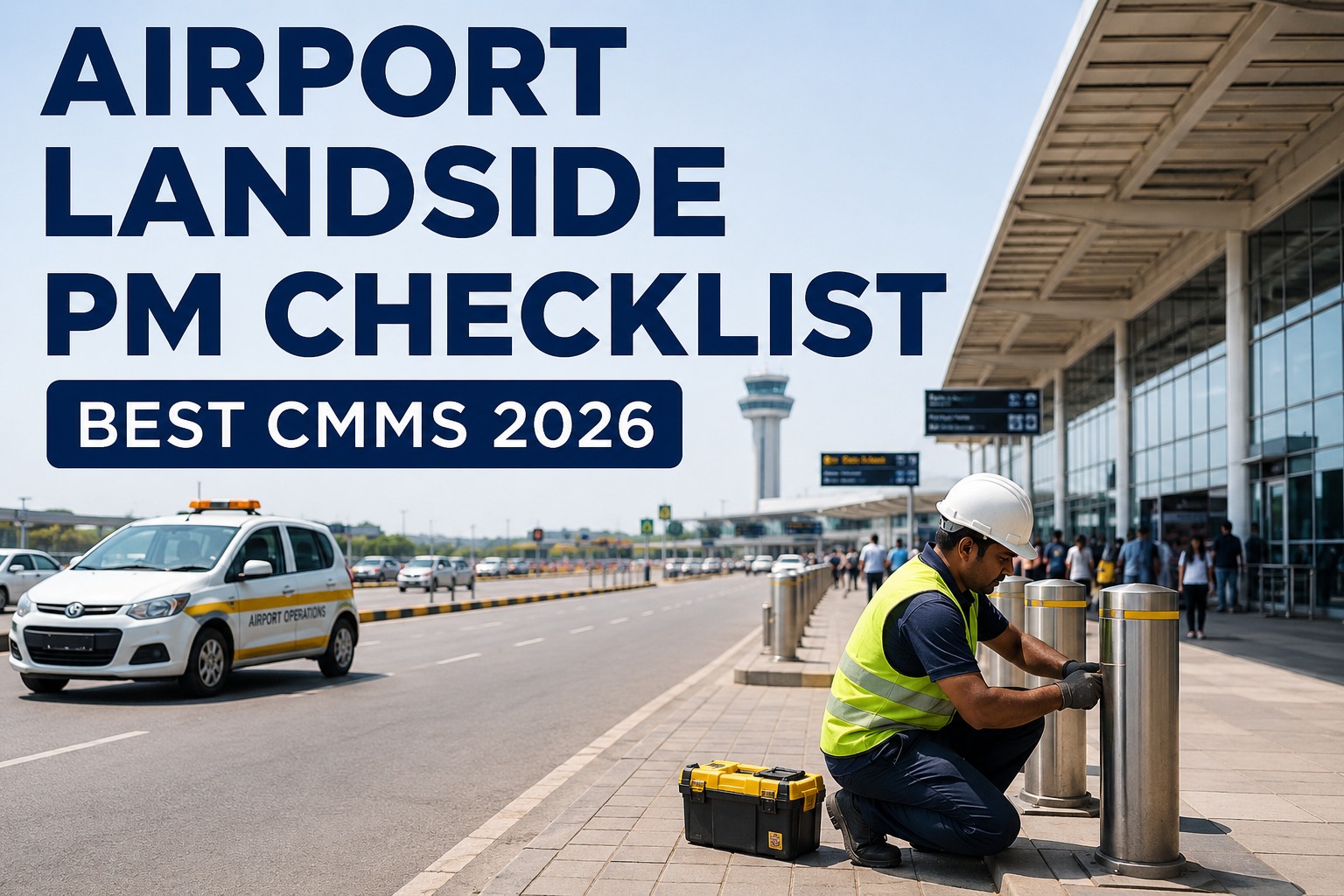
Airport Landside PM Checklist: Best CMMS 2026
The free 2026 airport landside PM checklist — 25 best-practice items covering curbside, parking, roads, ANPR, and drainage — plus the best CMMS template to execute it, capture it, and audit it.
25
Best-practice PM items across five landside zones — daily, weekly, and seasonal cadences
2×/day
FAA Part 139 minimum self-inspections at certificated commercial service airports
3–5×
Emergency repair cost multiplier vs. scheduled preventive maintenance on landside pavement
$50M
DOT's 2024 ADA penalty precedent — landside accessibility is now a capital funding condition
The 5 Landside Zones — Where Every PM Item Lives
Landside is not one system — it's five overlapping infrastructure environments, each with its own regulatory owner, failure mode, and inspection cadence. The 25-point checklist below maps every item to one of these zones, so scheduling, ownership, and audit trail stay clean. Sign up for a free OxMaint workspace and load these zones as an asset hierarchy in your first hour — the free plan includes zone-based scheduling, mobile execution, and photo capture out of the box.
01
Curbside
Canopy structures, bollards, drop-off lane lighting, pedestrian crossings — highest passenger-touch zone.
6 items
02
Parking
Deck condition, structural joints, garage lighting, EV chargers, wayfinding — deferred capital risk if unscored.
5 items
03
Access Roads
Loop roads, service roads, pavement PCI, lane markings, signage — Part 139 self-inspection surface.
5 items
04
ANPR & Access
Plate cameras, barrier arms, ticket dispensers, permit gates — revenue-critical, silent-failure prone.
4 items
05
Drainage
Curbside inlets, deck drains, retention ponds, de-icing runoff — seasonal, ignored until it floods.
5 items
The 25-Point Airport Landside PM Checklist
Below is the full 25-item template — five items per zone, each with its execution cadence. In OxMaint, every checkbox becomes a mandatory field on the mobile work order, photo capture is enforced where marked, and e-signature closes the record against the asset. Book a live walkthrough to see the template running against your airport's actual terminal, parking structures, and access-road layout — an OxMaint solutions engineer configures it during the call.
01CurbsideDaily inspection
✓Verify all curbside canopy lighting fixtures operational — log outages by fixture ID?
✓Inspect bollards for impact damage, tilt, or missing reflective tape?
✓Confirm pedestrian crosswalk paint visibility and crosswalk illumination?
✓Check drop-off lane pavement for surface cracks, potholes, or displacement?
✓Verify curbside signage currency — ADA, lane assignments, TNC/taxi zones
✓Confirm accessibility ramps, tactile paving, and audible signals functional?
02ParkingWeekly inspection
✓Score deck slab condition — cracks, spalling, exposed rebar (PCI rating)?
✓Inspect structural expansion joints for wear, sealant failure, or debris?
✓Verify garage lighting per level — outage percentage against threshold
✓Check EV chargers — connector integrity, cable wear, session-fail rate?
✓Confirm wayfinding signage, exit markings, and emergency call points?
03Access RoadsDaily + weekly
✓Pavement PCI check on loop roads — flag any zone below trigger threshold?
✓Inspect lane markings and delineators for wear, faded reflectivity?
✓Verify entry signage systems — currency, illumination, structural integrity
✓Test traffic signal equipment and pedestrian phase timing at intersections
✓Check roadway lighting poles for lean, base corrosion, or fixture failure?
Stop Losing $200 Fixes to Expired Cure Periods.
Concession compliance deficiencies sit in email threads until lease penalties hit. OxMaint tracks every finding as a work order with an owner, due date, and audit-ready photo trail — landside compliance stops being someone's memory.
04ANPR & Access ControlWeekly + monthly
✓Verify ANPR camera read accuracy — spot-check plate captures vs. ground truth
✓Inspect barrier arms — motor cycle count, sensor calibration, safety loop?
✓Test ticket dispensers and payment kiosks — paper feed, card reader, receipt
✓Confirm permit gates, staff access lanes, and commercial vehicle zones operational?
05Drainage & RunoffWeekly + seasonal
✓Clear curbside storm inlets and grates of debris, ice, and vegetation?
✓Inspect parking deck drains and downpipes for blockage or corrosion?
✓Check retention pond levels, outlet structures, and containment integrity?
✓Verify de-icing runoff collection system — glycol capture, EPA reporting log
✓Inspect culverts and subgrade drainage for washout or subsidence signs?
Paper Clipboard vs. OxMaint Mobile Checklist — Execution Gap
The problem with a paper landside checklist isn't the checklist — it's what happens between the tick mark and the audit binder. The comparison below shows what changes when the same 25-point template runs in OxMaint on a technician's phone. Start free and run the first shift on mobile within an hour — no CAPEX, no implementation contract, just the template live against your zones.
OxMaint's Landside PM Workflow — Every Checkbox to an Audit Record
Every one of the 25 items above travels the same path in OxMaint: scheduled trigger → mobile execution → mandatory capture → e-sign → asset-linked audit record. Here are the four workflow stages that make the checklist actually operational. Schedule a 30-minute demo to see the full workflow demonstrated on your actual landside zones — bring your current paper checklist and we'll configure it live.
1
Scheduled Trigger
Daily, weekly, or seasonal PMs auto-generate as work orders against the correct zone and asset, assigned to the on-shift technician.
2
Mobile Execution
Technician opens the WO on phone, walks the zone, completes each mandatory field with photo capture where required. Offline-capable.
3
Corrective Auto-Generation
Any failed item spawns a corrective work order automatically — with the original inspection photo attached and routed to the right crew.
4
E-Sign & Audit Log
Technician e-signs on completion. The record archives against the asset — Part 139, ADA, EPA, and concession audits get a one-click export.
"
Our landside inspection was a clipboard, a Post-it note, and a hope. We rolled the 25-point template into OxMaint over two weeks. Now every finding is a work order with a photo, every technician e-signs the walk, and the last regulator audit took us thirty minutes to pull instead of three days. Concession cure periods stopped expiring silently — everything has an owner. It's the same checklist we always used, just with the execution and evidence problem solved.
Head of Landside Operations — Regional Airport Authority, 3 terminals
Frequently Asked Questions
Is the 25-point landside PM template free with OxMaint?
Yes. The template loads into the free OxMaint workspace with all five zones pre-configured — you can start executing on mobile within the first hour, no CAPEX or implementation contract required.
Does OxMaint support FAA Part 139 self-inspection requirements?
Yes. Landside items required under Part 139 (curbside, pedestrian crossing, departure/arrival lane conditions) are configured for the twice-daily cadence with timestamped completion records and asset-linked evidence.
Can we track EV chargers and ANPR cameras as CMMS assets?
Yes. EV chargers, ANPR cameras, barrier arms, ticket dispensers, and payment kiosks all register as assets with their own PM schedules, spare parts, and service history in OxMaint.
How does OxMaint handle ADA compliance evidence?
Accessibility inspection items — ramps, tactile paving, audible signals, ADA signage — are captured with mandatory photo evidence and e-signature, producing an exportable audit trail for capital funding and DOT reviews.
Can multiple airports or terminals run the same template?
Yes. OxMaint supports multi-site and multi-terminal deployments on one platform, with zone-level asset hierarchies and consolidated reporting for airport authorities managing several facilities.
Turn 25 Checkboxes into an Audit Trail That Runs Itself.
OxMaint schedules, executes, and archives every landside PM — with mandatory photo capture, e-sign closure, and one-click regulator exports. The template is free. The evidence is automatic.