Every minute a work order sits unwritten, your airport bleeds money, misses compliance windows, and pushes passengers through half-maintained facilities. Oxmaint's AI-powered work order automation turns sensor alerts into fully loaded repair orders—with parts lists, step-by-step procedures, and priority scores—before your maintenance manager even picks up a phone. Book a demo to see automated maintenance workflows in action.
The Hidden Cost of Manual Work Orders in Airports
Airport maintenance teams manage thousands of assets across terminals, runways, parking structures, and airside operations. Yet most still create work orders by hand—copying equipment IDs, looking up parts catalogs, writing procedures from memory. The result is delayed repairs, inconsistent quality, and compliance gaps that put the entire operation at risk.
46%
of maintenance time is spent on administrative tasks, not actual repairs
3.2 hrs
average delay between fault detection and work order creation in manual systems
75%
decrease in unplanned downtime when AI automates work order generation
What Goes Wrong with Manual Work Orders
01
Delayed Response
A sensor flags a failing baggage belt motor at 2 AM. Nobody writes the work order until the morning shift arrives. By then, Belt 3 is down and 400 bags are stuck.
02
Missing Information
Technician arrives at the HVAC unit but the work order has no model number, no parts list, and no repair history. They walk back to the office, wasting 45 minutes.
03
Wrong Priority
A cosmetic lighting issue gets dispatched before a critical escalator fault because there is no automated risk scoring. Passengers are rerouted for hours.
04
No Audit Trail
FAA inspector asks for maintenance records on Taxiway C lighting. The team scrambles through spreadsheets and paper logs, missing critical entries.
How OXmaint Turns a Sensor Alert into a Complete Work Order in Seconds
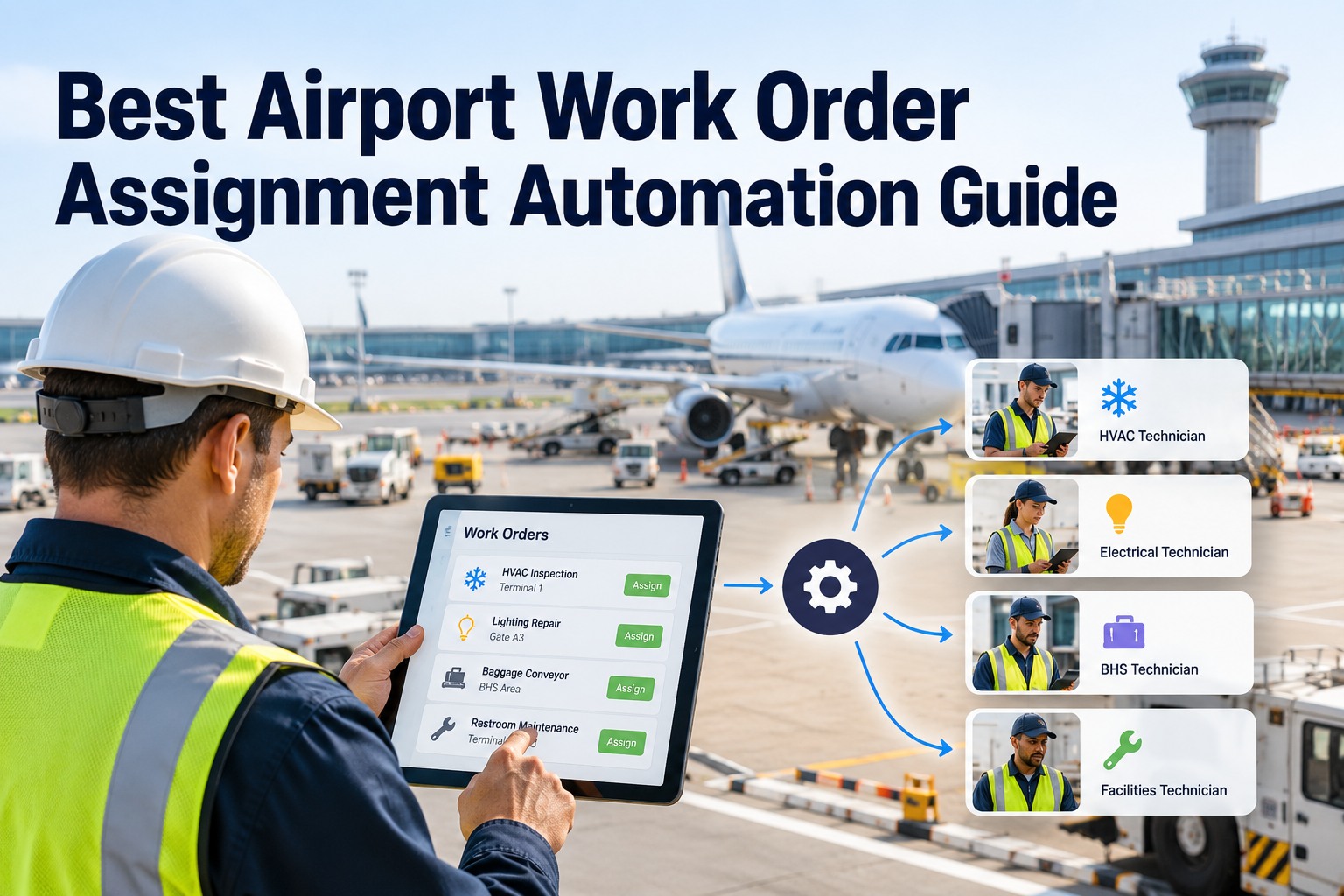
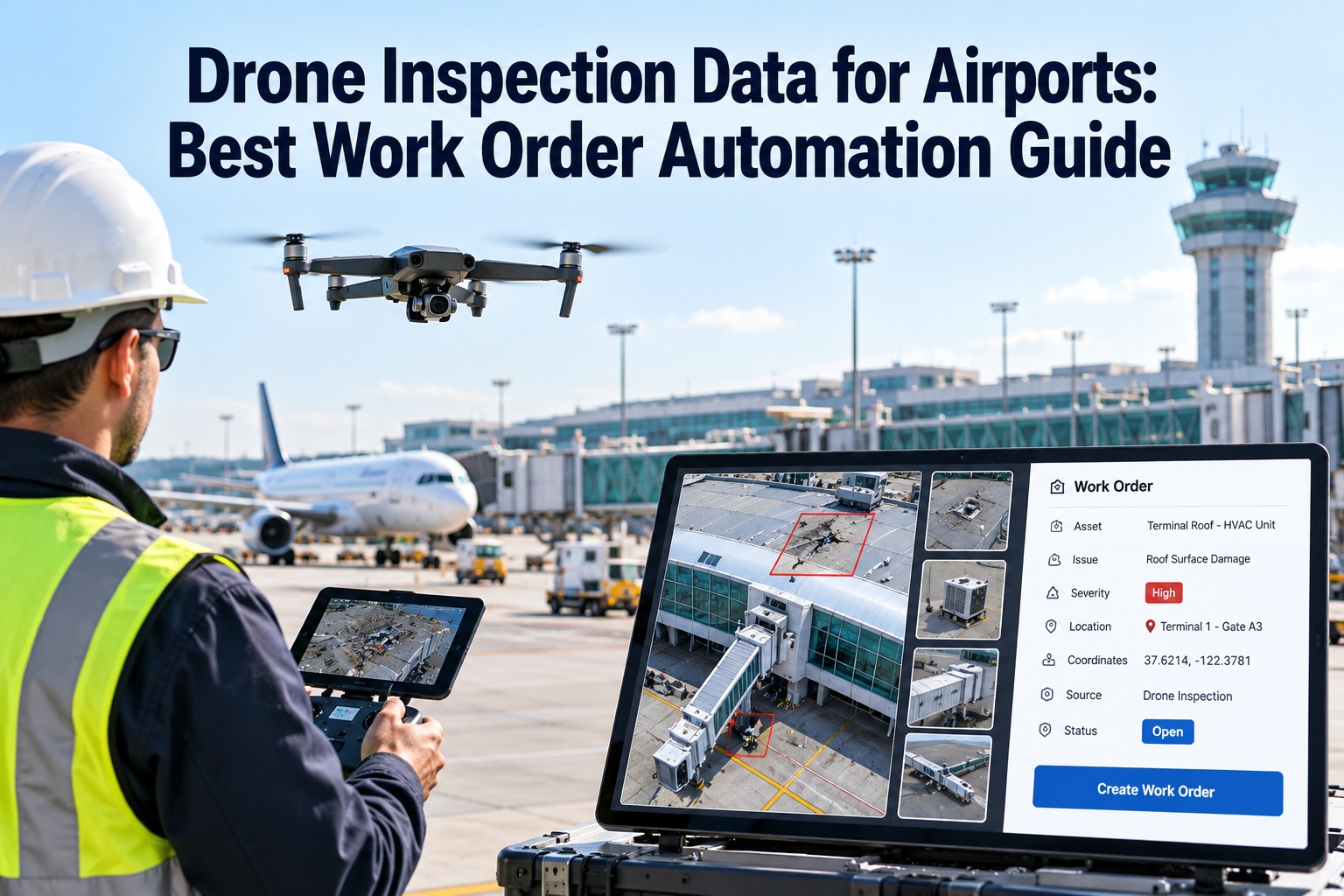
OXmaint eliminates the gap between detection and action. When a sensor detects an anomaly—or a scheduled threshold is reached—the system automatically generates a fully detailed work order and routes it to the right technician, with everything they need to fix it the first time.
0 sec
Anomaly Detected
IoT sensor captures vibration spike, temperature rise, or performance drop on the asset
2 sec
AI Diagnosis
Machine learning model identifies probable root cause and assigns a severity score (1-100)
5 sec
Work Order Generated
System creates order with asset ID, location, fault description, priority level, and compliance tags
8 sec
Parts + Procedures Attached
AI matches the fault type to the parts catalog and attaches step-by-step repair procedures from history
12 sec
Technician Dispatched
Nearest qualified technician receives a mobile notification with the complete work order package
12 seconds from fault to dispatch. Zero human data entry. Zero missing parts. See how OXmaint automates your entire maintenance workflow.
Start Free
Workflow Designer
Create and manage automated approval workflows
+ Create New Workflow
Standard approval workflow for new work orders requiring supervisor sign-off
Emergency Maintenance Escalation
Automatic escalation workflow for critical maintenance requests
Permit Request Processing
Multi-level approval process for permit requests
Incident Report Notification
Automated notification workflow for incident reports
Inspection Completion Flow
Workflow triggered when inspections are submitted
Anatomy of an AI-Generated Work Order
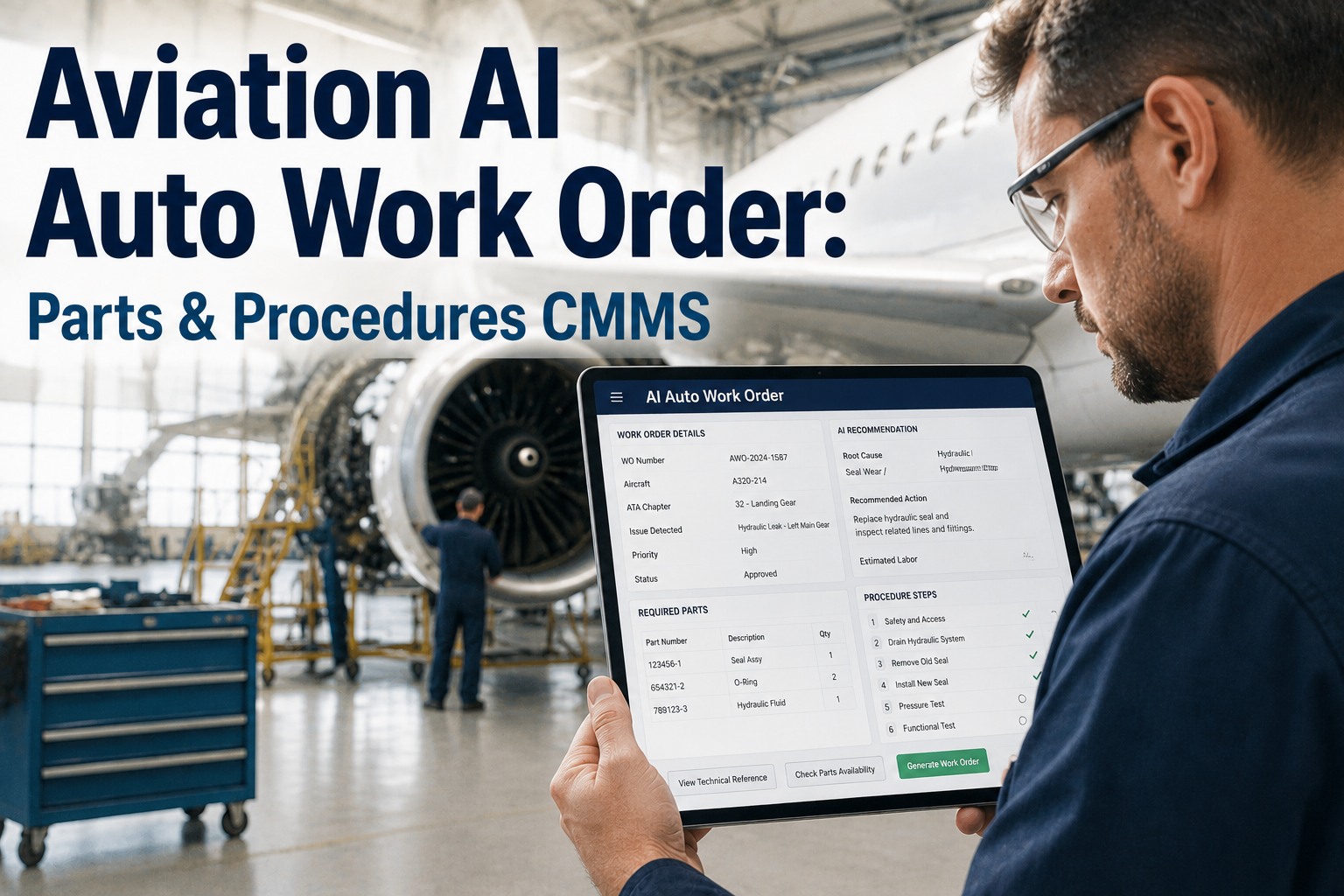
Unlike a blank form that a technician fills out manually, an OXmaint work order arrives pre-loaded with everything needed for a first-time fix. Here is exactly what gets auto-populated the moment a fault is detected.
Asset Information
Asset
Escalator ESC-T1-007
Location
Terminal 1, Departures, Gate B12
Manufacturer
Otis / Model: 506 NCE
Last Service
Jan 14, 2026 (24 days ago)
AI Fault Diagnosis
Detected Fault
Step chain tension loss — abnormal vibration pattern + 14% increase in motor current draw
Risk if Deferred
Complete step chain failure within 5-8 days. Unit shutdown required.
Recommended Parts
Step chain tensioner assembly
In Stock (Bin C-14)
Chain lubrication kit (506-series)
In Stock (Bin C-08)
Drive motor bearing seal
Order (ETA: 2 days)
Repair Procedure (Auto-Attached)
1 Lock out / tag out escalator per OSHA 1910.147
2 Access step chain tensioner via lower pit entry panel
3 Measure current chain tension — compare to baseline (42-48 kN)
4 Replace tensioner assembly and re-lubricate chain
5 Run unloaded for 10 minutes, verify vibration returns to baseline
6 Record sensor readings and close work order in OXmaint
Manual vs. Automated: Side-by-Side Impact
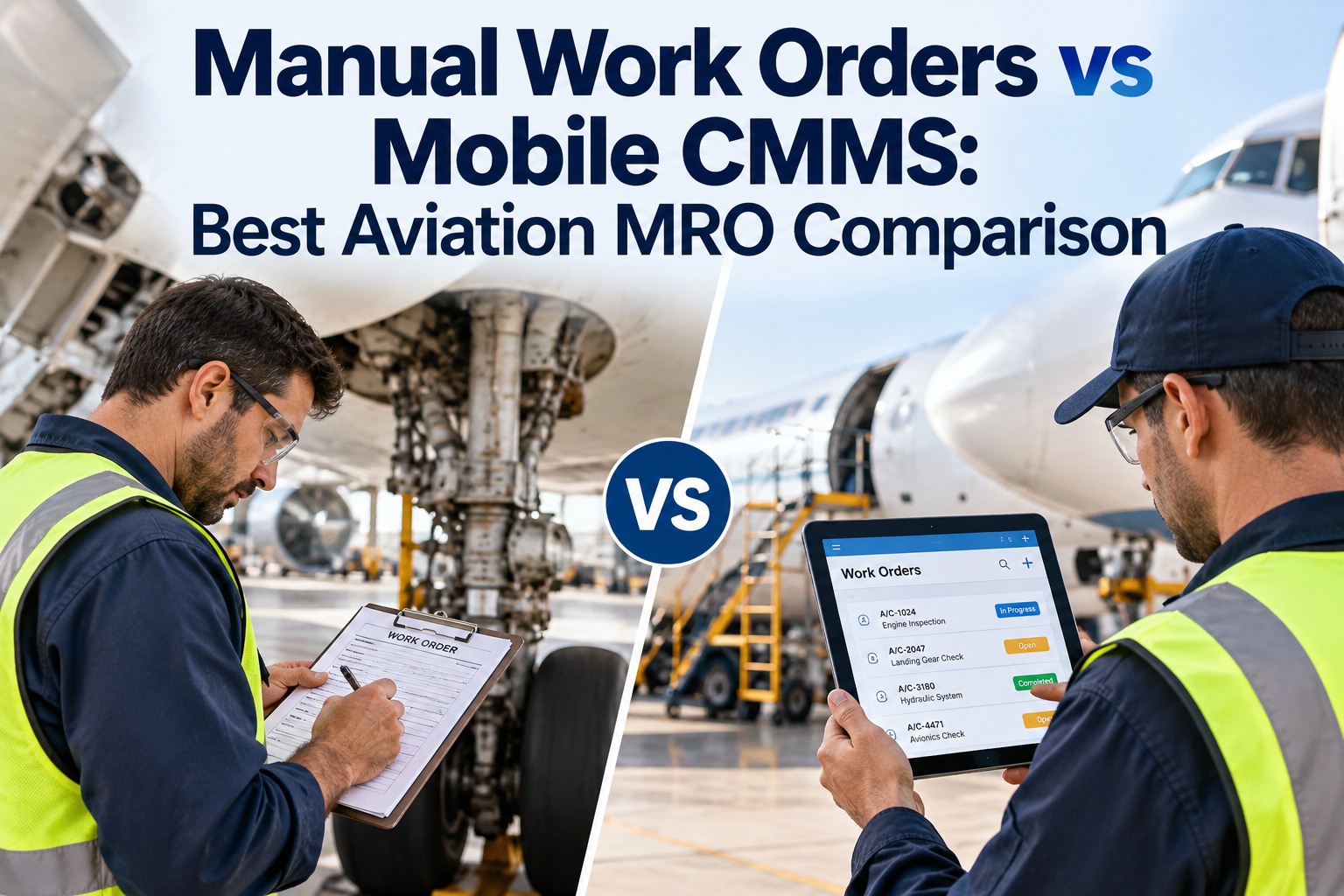
The difference between writing work orders by hand and letting AI generate them is not incremental—it is transformational. Here is how the two approaches compare across the metrics that matter most to airport maintenance operations.
Time to create work order
15-45 minutes
Under 12 seconds
Parts accuracy
60-70% (memory-based)
95%+ (catalog-matched)
Priority assignment
Subjective / inconsistent
AI risk-scored (1-100)
Procedure attachment
Rarely included
Auto-attached every time
After-hours coverage
Waits until next shift
24/7 instant generation
Compliance documentation
Incomplete / scattered
Auto-logged audit trail
30-200%
First-year ROI from maintenance automation
44%
Reduction in unplanned work orders with CMMS
28%
Fewer parts pick errors with AI recommendations
What Gets Automated Across Your Airport
OXmaint does not just automate one type of work order. Every maintenance workflow across every airport zone—from terminal HVAC to airfield lighting—gets the same intelligent treatment: instant generation, smart parts matching, and procedure-guided repairs.
Terminal Systems
Elevator and escalator faults
HVAC anomaly-triggered orders
Baggage handling belt repairs
Automated door malfunctions
Fire suppression system checks
Airfield Operations
Runway and taxiway lighting
Jet bridge mechanical issues
Ground power unit servicing
Navigation aid maintenance
Pavement condition orders
Infrastructure
Parking structure equipment
Water and sewage systems
Electrical distribution panels
Emergency generator testing
Security gate mechanisms
Why Maintenance Leaders Are Switching to Automation
The shift from manual to automated work orders is not theoretical—62% of organizations now use a CMMS, up from 49% the year prior. Airport maintenance leaders are driving this trend because the operational pressure leaves no room for manual bottlenecks.
DM
David Mitchell
VP of Airport Facilities, Major U.S. Hub Airport
We went from an average 3-hour gap between fault detection and work order creation to under 30 seconds. The technician shows up with the right parts, the right procedure, and the right priority. Our first-time fix rate jumped from 62% to 89% in the first quarter.
30 sec
Alert to work order
RL
Rachel Lin
CMMS Administrator, International Airport Authority
The biggest win was consistency. Every work order now follows the same structure, has the same level of detail, and meets compliance standards automatically. Our FAA audit preparation time dropped by 60%.
JP
James Park
Director of Maintenance Operations, Regional Airport
My team of 12 technicians was spending almost half their day on paperwork. With automated work orders, they spend that time actually repairing equipment. We handle 40% more orders per week with the same team.
Frequently Asked Questions
Can OXmaint integrate with our existing CMMS or ERP system?
Yes. OXmaint connects via REST and SQL integrations to existing CMMS platforms, ERP systems, and asset databases. You can layer OXmaint's AI automation on top of your current infrastructure without replacing anything.
Book a demo to discuss your specific integration requirements.
How does the AI know which parts and procedures to recommend?
OXmaint's AI cross-references the detected fault type against your asset's maintenance history, OEM documentation, parts catalog, and inventory levels. It learns from completed work orders over time, continuously improving accuracy. Early adopters report a 28% reduction in parts pick errors within the first three months.
What if we do not have IoT sensors installed yet?
OXmaint works with or without sensors. You can start with manual triggers, scheduled thresholds, or inspection-based alerts—and add IoT sensors over time. The work order automation engine functions the same way regardless of how the alert originates.
Start your free trial to explore both approaches.
How does priority scoring work?
Every work order receives an AI-calculated risk score from 1 to 100 based on asset criticality, fault severity, passenger impact, compliance implications, and historical failure patterns. High-priority orders are dispatched immediately; lower-priority tasks are batched for optimal scheduling during off-peak hours.
Stop Writing Work Orders. Start Automating Them.
Connect OXmaint to your airport's maintenance systems and let AI handle the paperwork—so your technicians can focus on what they do best: keeping the airport running.