Airport mobile maintenance is no longer optional for field teams working on ramps, taxiways, and runways — it is the operational backbone that separates a CMMS reflecting real-time reality from one stuck capturing yesterday's intent. Airfield maintenance directors overseeing assets like APU systems, runway lighting, baggage belts, and snow removal equipment need an airport field maintenance app that delivers work orders, inspection forms, photo evidence, and geotagged data directly to technicians on the tarmac. When field crews can access a mobile aviation maintenance workflow offline, close out tasks with photographic proof, and sync automatically upon reconnection, compliance gaps shrink and unplanned downtime drops. OxMaint provides an AI-powered CMMS and EAM platform built specifically to handle these high-stakes airfield mobile workflows, giving operations directors the real-time visibility they need — you can Start Free Trial today to see it in action.
What happens on the ramp shouldn't stay on the ramp.
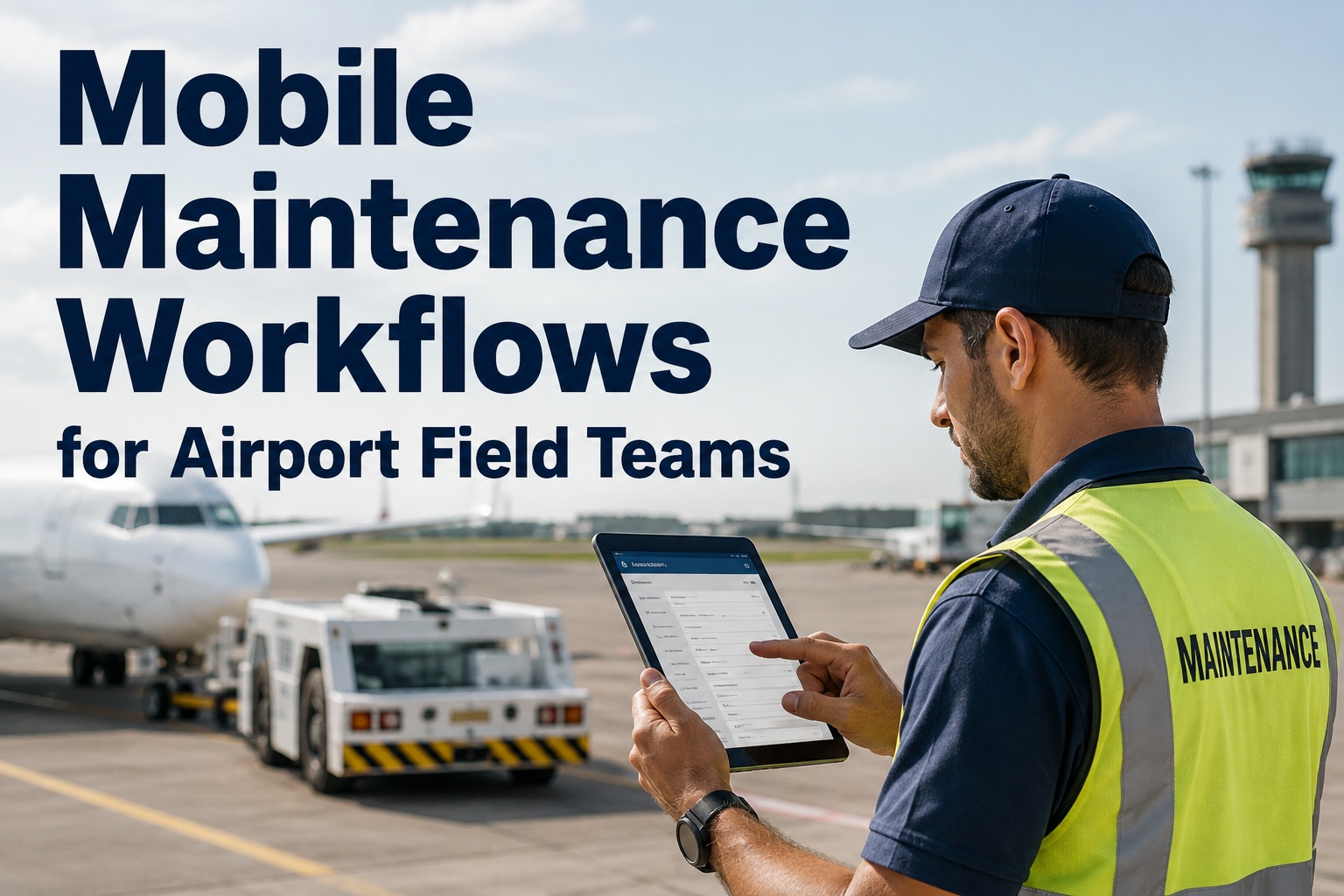
Airport field teams work miles from the maintenance office, often in radio-dead zones with no Wi-Fi. When technicians write findings on paper or rely on memory, critical defects slip through — turning 15-minute fixes into multi-hour ground delays. A mobile airport maintenance app closes that gap by putting the entire CMMS in a technician's pocket, online or offline.
Why airport field crews resist CMMS apps — and how to fix it
Industry studies show that 60–70% of CMMS rollouts stall after the initial launch, and airport field teams are among the hardest to convert. The problem is rarely the software. It is friction: clunky logins, dead spots with no connectivity, tiny buttons used with gloved hands, and interfaces that feel built for a desk, not a de-icing pad. Driving mobile maintenance aviation adoption past rollout requires choosing the right devices, engineering offline-first workflows, and proving value in the first week.
Runways, baggage tunnels, and fuel farms routinely lose LTE and Wi-Fi. If an airport maintenance app requires constant connectivity, technicians abandon it for paper. OxMaint caches full work order packets, asset histories, and inspection forms locally — syncing automatically the moment signal returns.
Field crews wear gloves in winter ops and face screen glare under floodlights. Small touch targets and dense menus cause mis-taps. Ruggedized tablets with glove-compatible displays and large-tap-target forms reduce data-entry errors by up to 40%.
When a technician fills out a paper form and then re-types it into a desktop CMMS, the system feels like a punishment. A mobile airport maintenance app that captures data once — at the asset — eliminates redundant data entry and the transcription errors it creates.
If the app doesn't make a technician's first shift easier, adoption dies. Roll out with the highest-friction workflow first — typically airfield inspections or fueling checks — so the crew feels the benefit of photo capture and offline sync within hours.
How to roll out a mobile airport maintenance app in 8 weeks
A phased deployment minimizes operational disruption and builds technician trust. Here is an 8-week rollout plan used by mid-sized and large airports to move from paper or legacy desktop CMMS to a fully mobile airfield workflow.
Asset and workflow mapping
Catalog every airfield asset — runway edge lights, PAPI systems, baggage belts, GPUs, snowplows — into OxMaint with GPS coordinates and criticality ratings. Define the top 5 inspection and work-order templates to digitize first.
Device selection and pilot team
Deploy ruggedized 8–10 inch tablets with hot-swappable batteries to a single 6–8 person crew. Choose a team that covers both day and night shifts to stress-test offline sync and low-light conditions. Configure OxMaint mobile forms with large tap targets and barcode scanning.
Live pilot on real inspections
Run the pilot crew on daily runway inspections and baggage-belt PMs. Measure cycle time, data completeness, and photo-attachment rates. Aim for 85%+ of work orders closed in the field within the first two weeks.
Full rollout and adoption tracking
Expand to all field crews. Use OxMaint's adoption dashboard to monitor daily active users, offline-sync events, and work-order closure rates. Address holdouts with targeted coaching, not mandates.
What makes an airport mobile inspection workflow actually work
An airfield mobile workflow is only as strong as its weakest link — usually a dropped connection at the worst possible moment. These are the five capabilities that separate a toy app from an aviation-grade mobile CMMS.
Full offline work-order execution
Technicians must be able to receive, open, update, and close work orders with zero connectivity. OxMaint stores the complete asset history, parts catalog, and inspection logic on-device. Sync happens automatically and conflict-free when the tablet reconnects — no duplicate entries, no lost data.
Timestamped, annotated photo capture
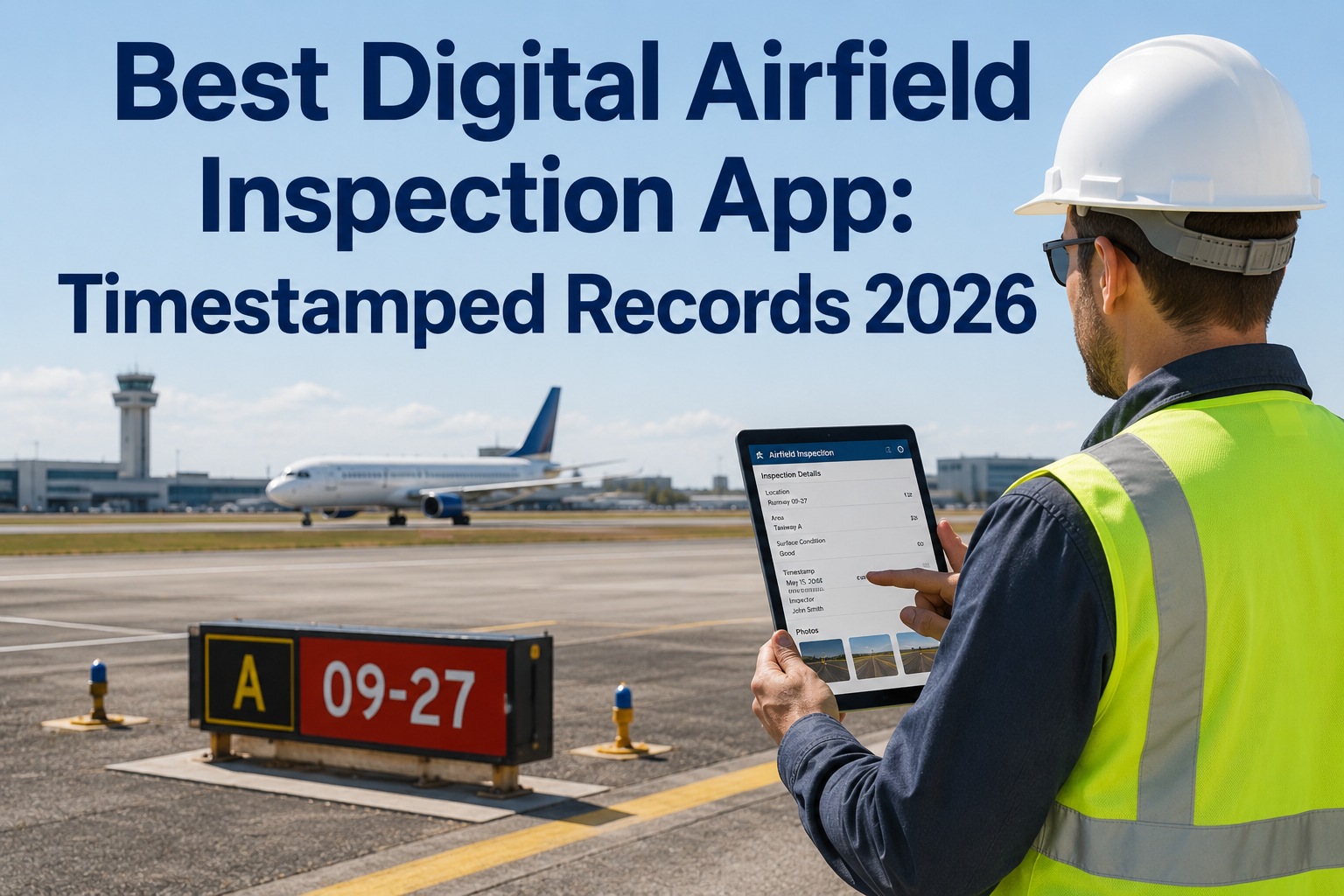
Every finding should be backed by a photo. OxMaint's mobile app lets technicians attach images directly to work orders and inspection line items, with automatic timestamps and optional annotations. This creates a defensible audit trail that satisfies FAA and EASA requirements.
GPS-stamped inspection records
When a technician signs off a runway edge-light inspection, the record should carry the GPS coordinates of that exact fixture. OxMaint geotags every inspection point, making it possible to verify that a crew physically reached an asset — critical for compliance audits.
Instant asset identification
Typing asset numbers on a windy apron is error-prone. OxMaint supports QR and barcode scanning so a technician can pull up an asset's full maintenance history, open work orders, and spare-parts inventory with one scan — cutting identification errors to near zero.
In-field sign-off and shift handover
Maintenance releases require documented sign-off. OxMaint captures electronic signatures on the spot, locking the record and timestamping the handover. This eliminates the paperwork gap that causes 64% of aviation maintenance communication errors.
From paper to predictive: a 1,200-asset airport in 90 days
Consider a mid-sized regional airport managing 1,200 assets across two terminals and a 3,200-meter runway. Their maintenance team of 28 was running on paper logbooks and a desktop-only CMMS that technicians couldn't access on the field. Here is what changed when they deployed OxMaint's mobile airport maintenance technology.
| Metric | Before OxMaint (paper + desktop) | After OxMaint (mobile workflow) | Impact |
|---|---|---|---|
| Work-order closure time | 4.5 hours average (paper re-entry) | 1.2 hours (field close-out) | 73% faster |
| Inspection data completeness | 61% of forms fully populated | 98% with mandatory-field enforcement | +37 pts |
| Photo evidence on defect reports | Under 10% (film camera, rarely filed) | 94% of defect WOs have photos | 9.4x increase |
| Audit prep time | 3 weeks of manual record compilation | 2 hours (export filtered reports) | 98% reduction |
| Unplanned downtime events per quarter | 14 events on critical assets | 6 events (predictive alerts caught 8 early) | 57% fewer |
How OxMaint powers aviation mobile maintenance end to end
OxMaint is an AI-powered CMMS and EAM platform engineered for the realities of airport operations. These are the four capabilities that directly address the friction field teams face every shift.
Offline-first mobile CMMS
Technicians download their shift's work orders, asset records, and inspection forms to a tablet before stepping onto the apron. Every update — status changes, parts used, photos, signatures — is stored locally and synced the moment connectivity returns. Zero data loss, zero duplication.
Photo and geotag evidence capture
Every inspection line item and defect report can carry annotated, timestamped photos and GPS coordinates. This creates an immutable compliance trail that satisfies FAA Part 139 and EASA audit requirements — no more digging through filing cabinets.
AI-powered predictive maintenance
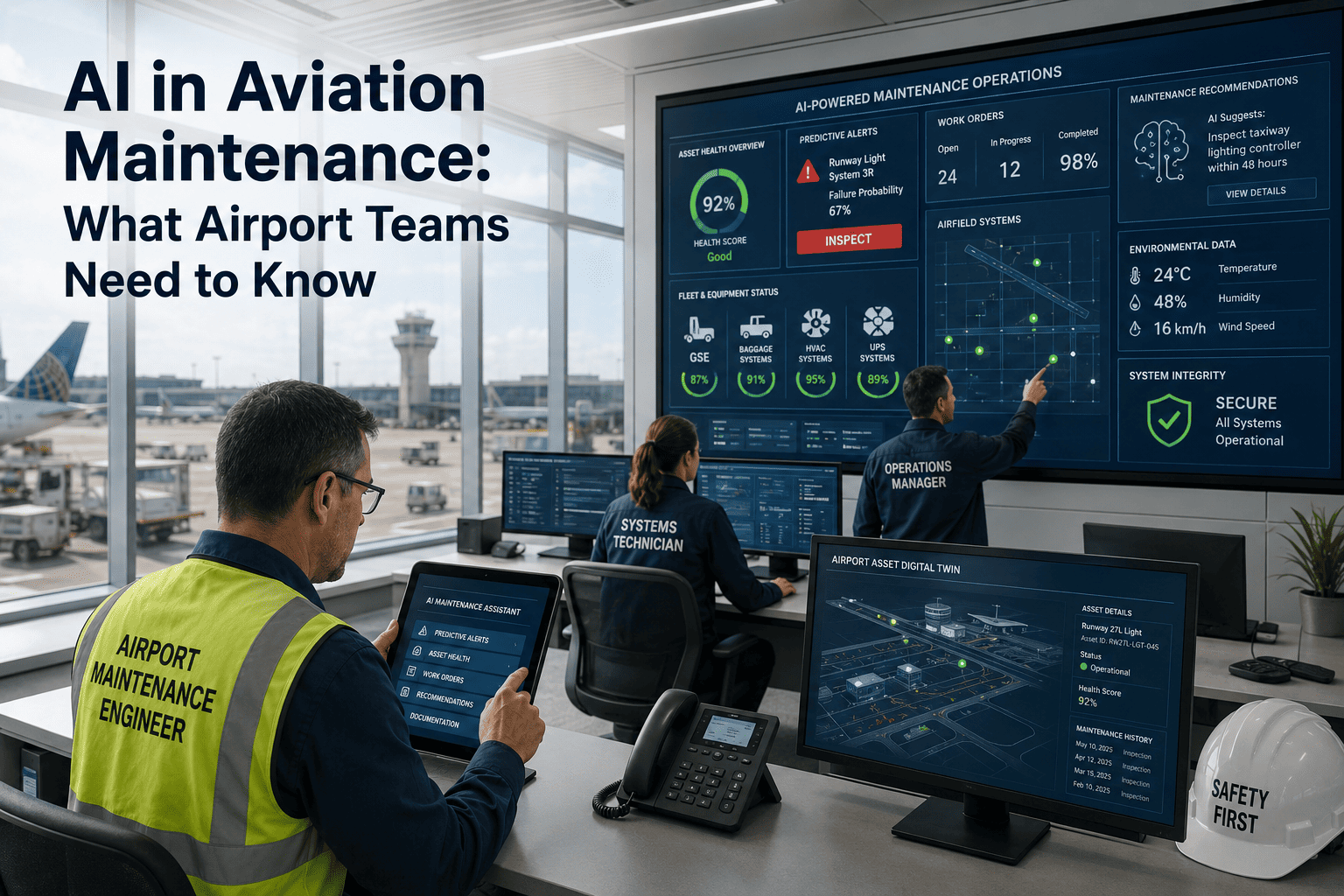
OxMaint's AI engine analyzes vibration, temperature, and cycle-count data from IoT sensors on baggage belts, GPUs, and HVAC systems. It flags potential failures 7–21 days before they occur, shifting maintenance from reactive to predictive without adding analyst headcount.
Spare-parts inventory on the ramp
When a technician scans a barcode and pulls a part, OxMaint updates inventory in real time — even offline. Auto-reorder triggers fire when stock hits minimums, so critical spares like runway lamp cartridges and hydraulic seals are always available.
Stop losing findings to paper and memory.
See how OxMaint's airport field crew app puts work orders, inspections, and photo evidence directly in your technicians' hands — online or offline. Book a 30-minute demo and we'll map it to your airfield.
Airport mobile maintenance: what teams ask before switching
Can an airport maintenance app work fully offline on the runway?
Yes. OxMaint's airport field maintenance app is engineered as offline-first. Technicians download their shift's work orders, inspection forms, asset histories, and parts catalogs to a ruggedized tablet before heading to the field. Every action — status updates, photo attachments, e-signatures, parts usage — is stored locally on the device and syncs automatically and conflict-free the moment connectivity is restored. No data is lost and no duplicate entries are created during the sync.
How long does it take to roll out mobile maintenance at an airport?
A focused rollout to a single pilot crew takes 2–3 weeks, with full airport-wide deployment achievable in 8 weeks. The critical path is asset data quality and form design — OxMaint's onboarding team helps map assets, configure inspection templates, and deploy devices so the pilot crew sees measurable value within the first week. You can Book a Demo to see a rollout plan tailored to your operation.
Does a mobile airport maintenance app satisfy FAA Part 139 inspection requirements?
Yes. OxMaint's mobile inspection forms enforce mandatory fields, capture electronic signatures, timestamp every action, and attach geotagged photos to each inspection point. This creates a tamper-evident digital audit trail that directly supports Part 139 self-inspection documentation and EASA compliance. Exporting filtered reports for auditors takes minutes instead of weeks.
What devices work best for airfield mobile workflows?
Ruggedized 8–10 inch tablets with glove-compatible touchscreens, hot-swappable batteries, and IP65 or better ingress protection are ideal for airport field crews. They survive drops onto concrete, function in rain and freezing temperatures, and offer enough screen real estate for detailed inspection forms and photo annotation. Consumer-grade iPads can work in terminal environments but typically fail within months on the ramp.
How do we get technicians to actually use the mobile CMMS app?
Adoption comes from eliminating friction, not mandating compliance. Start by deploying OxMaint on the highest-friction workflow — usually daily runway or taxiway inspections — so technicians feel the benefit of photo capture and offline sync within the first shift. Use large tap targets, enable barcode scanning to avoid typing, and track daily active users in the adoption dashboard. Airports that follow this approach reach 85%+ field closure rates within two weeks.
Give your field crew a CMMS that works where they work.
OxMaint brings work orders, inspections, photo evidence, and predictive analytics to the ramp, the runway, and everywhere in between. Start a free trial or book a 30-minute demo to see it mapped to your airfield.
Free 14-day trial · No credit card