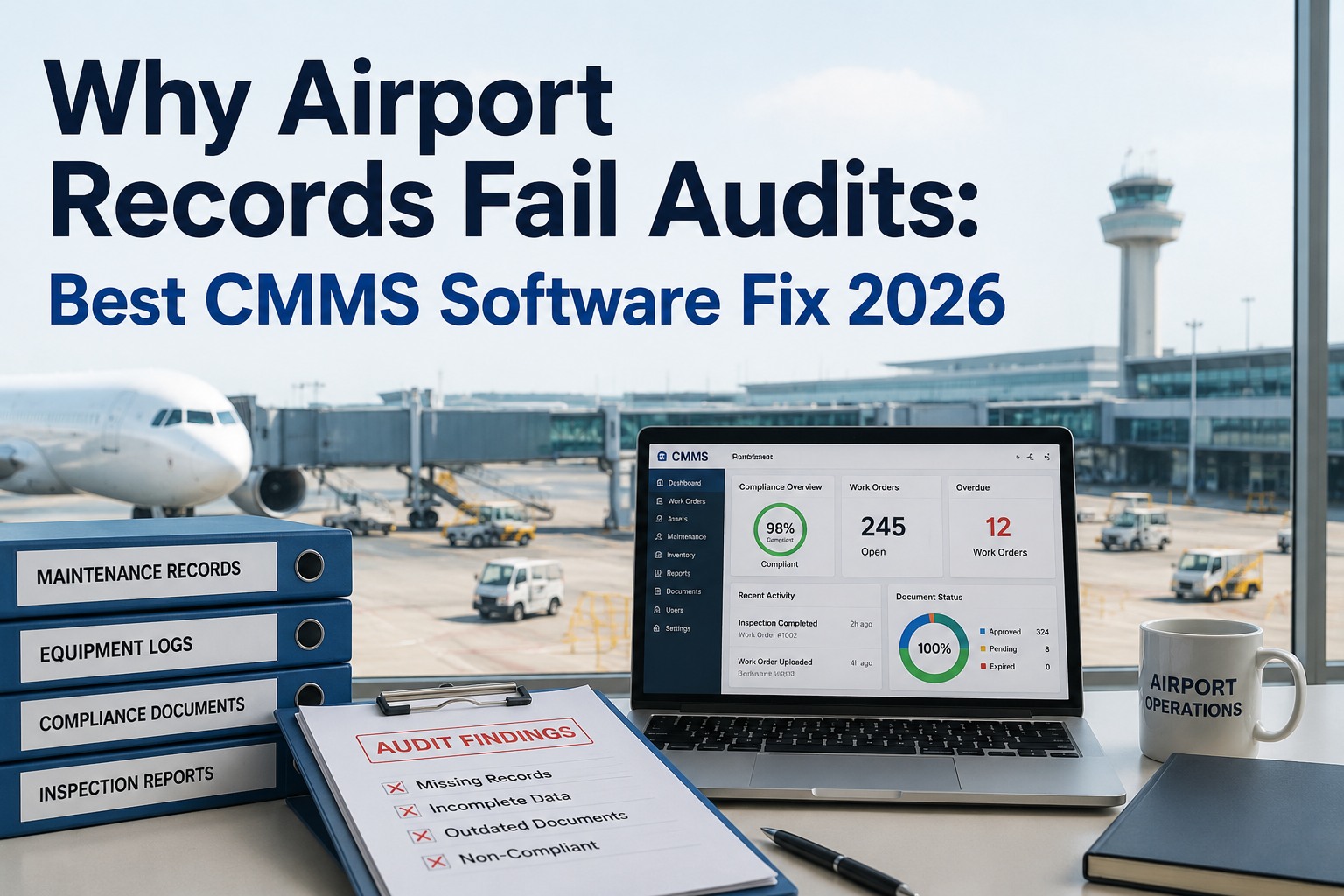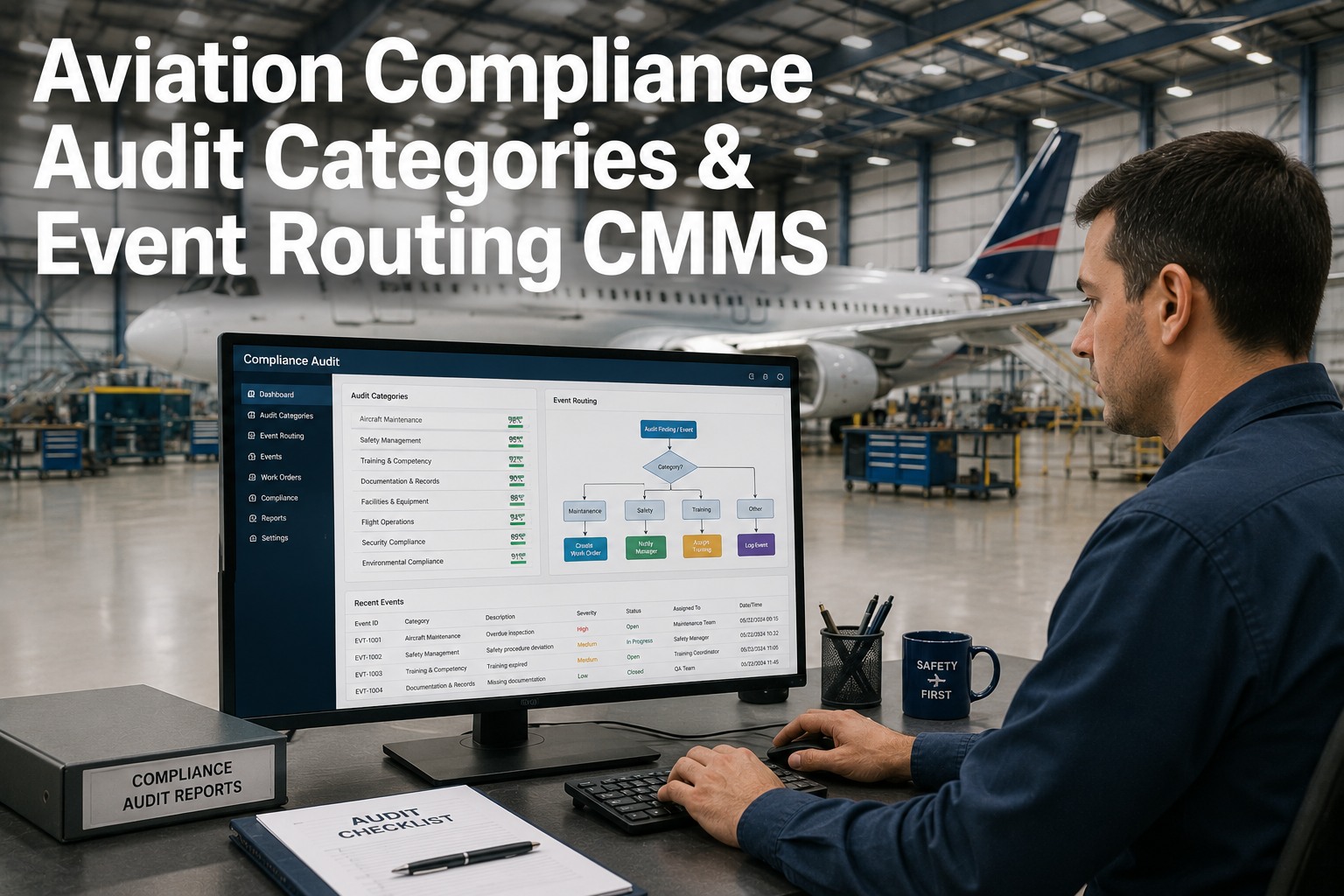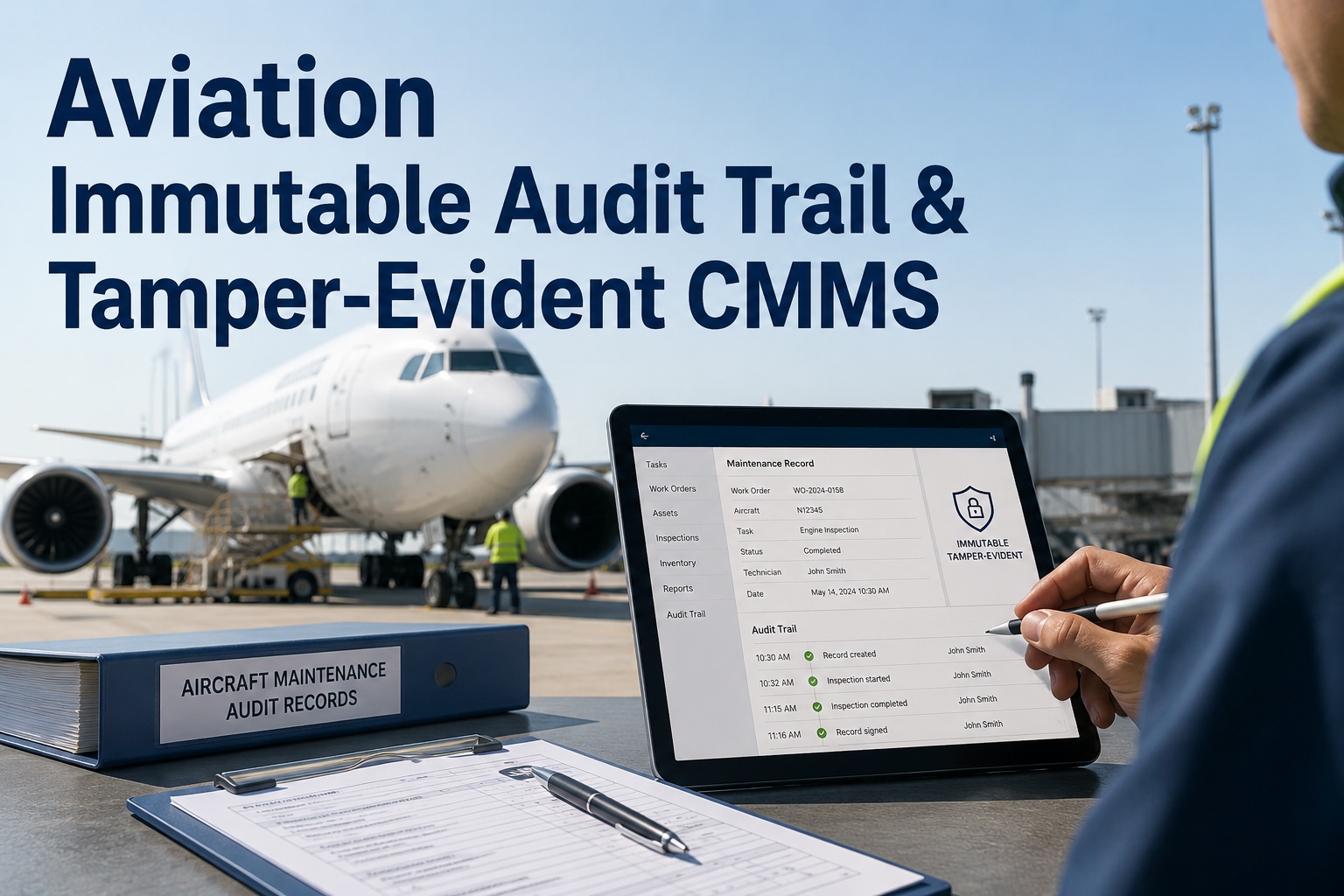
Aviation CMMS audit export capabilities determine whether a regulatory inspector accepts your maintenance records in minutes — or sends your team back to reconstruct weeks of work order history from scattered spreadsheets. A well-structured CSV or PDF export that includes standardized field mapping, chain-of-custody trails, and immutability seals saves maintenance managers an estimated 40–60 hours per audit cycle while reducing findings and non-conformances. This guide covers the CMMS export formats, templates, and configuration steps that align with FAA Part 145, EASA Part-145, and CASA Part 42 expectations so your data is submission-ready out of the box. If you want to skip the manual configuration, you can explore OxMaint's built-in regulatory export engine with a Start Free Trial today.
Aviation CMMS Audit Export Guide 2026
Is your CMMS audit export format ready for the next FAA or EASA inspection?
Inspectors spend an average of 12 seconds deciding whether a maintenance data submission looks trustworthy. A clean, standardized CSV or PDF export with immutable timestamps, field-mapped columns, and chain-of-custody seals can cut your audit preparation time by up to 70% — and dramatically reduce the risk of regulatory findings.
CMMS Export Format Fundamentals
What belongs in a regulation-ready aviation CMMS audit export?
A compliant aviation export CMMS guide starts with field-level standardization. Regulators expect specific data points in predictable columns — not free-text work order descriptions buried in PDFs. Here is what every CSV or PDF export must contain to pass FAA, EASA, and CASA scrutiny without rework.
Standardized Field Mapping
Each work order row must map to a recognized schema — asset tail number, ATA chapter, serial number, technician ID, discrepancy code, corrective action, and sign-off timestamp. OxMaint auto-maps these fields to a regulator-accepted template so exports are consistent across every aircraft in your fleet.
Chain-of-Custody Trail
Every record modification — who touched it, when, and why — must be traceable. A CMMS data export aviation inspectors trust includes an append-only audit log with user IDs, timestamps, and before/after values for each field change, satisfying 14 CFR Part 145 and EASA Part-145 recordkeeping requirements.
Immutability Seals
Once an export is generated for regulatory submission, it must be tamper-evident. OxMaint applies SHA-256 hash seals and locked PDF signatures so inspectors can verify the file has not been altered since the export timestamp — a requirement that manual Excel exports cannot meet.
Dual CSV + PDF Output
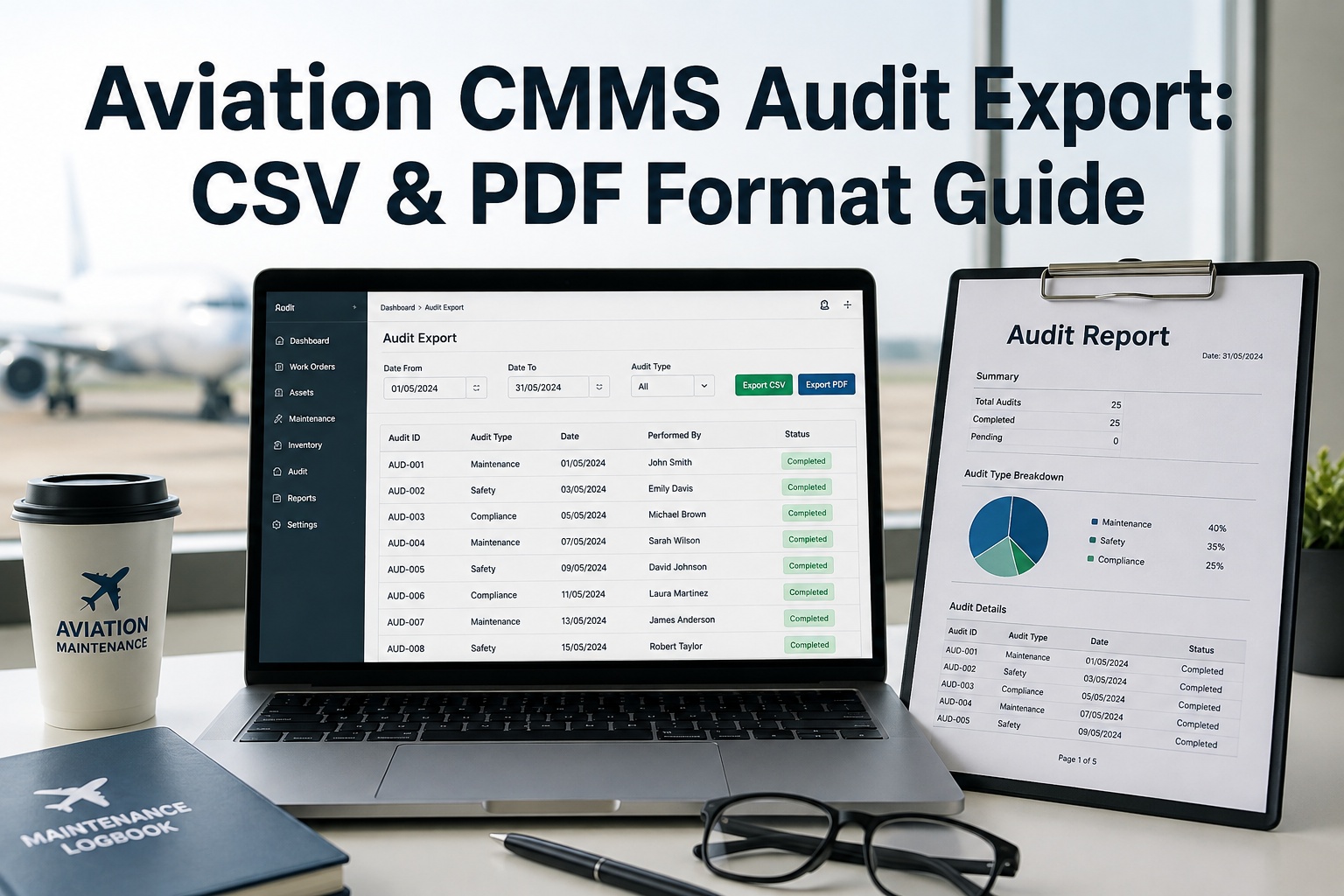
CSV provides machine-readable portability for inspector databases; PDF delivers the human-readable, signed summary package. A robust CMMS export guide recommends generating both formats simultaneously from a single data source to eliminate version mismatch between what the inspector reads and what the system parses.
Step-by-Step Configuration
How to configure aviation CMMS CSV and PDF export in five steps
Building a compliant audit export pipeline takes 2–4 hours in a modern CMMS — versus 30+ hours of manual reconciliation per audit cycle in spreadsheet-based systems. Follow this timeline to configure your export format for 2026 regulatory submissions.
Step 1 — Week 1
Define Your Regulatory Scope
Identify which authority governs your operation — FAA Part 145, EASA Part-145, CASA Part 42, or a combination. Each has subtle differences in required fields (e.g., EASA demands dual-release language for component maintenance). Document the applicable regulatory checklist before touching your CMMS settings.
Step 2 — Week 1
Map CMMS Fields to Export Template
Create a 1:1 mapping between your CMMS internal fields and the standardized export columns. OxMaint ships with pre-built templates for FAA, EASA, and CASA — field mapping takes roughly 45 minutes for a 200-asset fleet versus 6–8 hours in a generic or legacy system.
Step 3 — Week 2
Enable Chain-of-Custody Logging
Activate immutable audit trails on all work order, asset, and inventory records. Verify that every edit captures user ID, timestamp, original value, and new value. This satisfies the "traceable to the person" requirement in FAA AC 120-16G and EASA Part-145 Section 145.A.55.
Step 4 — Week 2
Generate Test CSV + PDF Exports
Run a full export on one month of maintenance records and review the output. Confirm the CSV opens cleanly in standard tools, the PDF includes signatures and hash seals, and all required fields are populated. Fix mapping gaps before going live — a typical first-pass export reveals 3–5 unmapped custom fields.
Step 5 — Week 3
Schedule Automated Export Cycles
Configure recurring exports — monthly, quarterly, or pre-audit — so your submission package is always current. OxMaint can auto-generate and archive sealed exports, meaning your team walks into an audit with a ready-made package instead of spending a weekend assembling it manually.
Format Comparison
CSV vs PDF vs JSON: which CMMS export format does each regulator accept?
Different regulatory submissions call for different formats. Inspectors reviewing component maintenance records often prefer structured CSV for database ingestion, while station-level audit packages require signed PDFs. Here is a side-by-side breakdown of how each format fits the aviation audit export workflow.
| Export Format | Best For | Regulatory Acceptance | Immutability | Setup Time |
|---|---|---|---|---|
| CSV | Machine-readable work order data, bulk record transfer | FAA, EASA, CASA | Hash seal + read-only flag | ~45 min |
| Signed audit packages, human-readable summaries | FAA, EASA, CASA | Digital signature + SHA-256 | ~60 min | |
| JSON | API integrations, cross-system data portability | Emerging — not yet standard | Hash + schema validation | ~90 min |
| XLSX | Internal review, ad-hoc filtering (not recommended for submission) | Accepted but discouraged | None — easily modified | ~30 min |
A regional MRO operating 14 aircraft was spending approximately 55 labor-hours per quarterly audit assembling maintenance records from Excel, scanned PDFs, and a legacy access database. After implementing OxMaint's standardized CSV and PDF export pipeline, the same audit package was generated in under 4 minutes — with immutability seals and chain-of-custody logs included. The MRO reduced audit prep costs by an estimated $18,000 annually and eliminated two non-conformance findings related to incomplete technician sign-off records.
See OxMaint build your audit-ready export package in 30 minutes
Book a live demo and we will configure a CSV and PDF export template mapped to your regulatory authority — using your own asset data — before the call ends.
OxMaint Solution
How OxMaint simplifies aviation CMMS regulatory export
OxMaint was built for maintenance and reliability teams who cannot afford to lose an audit because of a formatting gap. Its AI-powered CMMS and EAM platform handles work orders, preventive and predictive maintenance, asset tracking, spare-parts inventory, and maintenance analytics — with a regulatory export engine that produces submission-ready packages automatically. Here is how OxMaint maps directly to your audit export needs.
Pre-Built Regulatory Templates
OxMaint ships with field-mapped export templates for FAA Part 145, EASA Part-145, and CASA Part 42. Select your authority, and the system automatically structures your CSV and PDF outputs with the correct columns, signatures, and metadata — no manual mapping required.
Outcome: Cut export configuration from 6 hours to under 15 minutes.
Immutable Audit Trails
Every work order edit, asset status change, and inventory movement is logged in an append-only chain-of-custody trail with user ID, timestamp, and before/after values. Exports include this trail as a sealed appendix — satisfying the traceability requirements inspectors check first.
Outcome: Eliminate 80–90% of recordkeeping non-conformances.
Automated Scheduled Exports
Configure recurring CSV and PDF exports to run on a monthly, quarterly, or pre-audit schedule. OxMaint auto-generates, seals, and archives each package in a secure repository, so your team always has a current submission ready — no weekend scramble before an inspection.
Outcome: Reduce audit prep labor by up to 70% and avoid overtime costs.
Predictive Maintenance Analytics
Beyond exports, OxMaint's AI engine analyzes work order patterns and asset health data to predict failures before they happen — reducing unplanned downtime 30–50% and giving inspectors confidence that your maintenance program is proactive, not reactive.
Outcome: Lower MTTR by 25% and extend asset life by 15–20%.
Key Metrics
The cost of a poorly formatted CMMS audit export
The numbers below represent typical outcomes for aviation maintenance organizations that relied on manual or spreadsheet-based export processes before switching to an automated CMMS regulatory export pipeline. The gap between "good enough" and "audit-ready" is measured in real dollars, labor-hours, and finding counts.
"We walked into our EASA Part-145 renewal audit with a PDF package that had digital signatures, hash seals, and a full chain-of-custody appendix. The inspector spent 20 minutes on our records instead of two days. That alone justified the switch to OxMaint."
— Director of Maintenance, Regional MRO (14-aircraft fleet)
FAQ
Aviation CMMS audit export: frequently asked questions
What format should an aviation CMMS audit export use for regulatory submission?
The most widely accepted formats are CSV for machine-readable data and PDF for signed, human-readable audit packages. FAA, EASA, and CASA all accept both. CSV allows inspectors to import records into their own review tools, while PDF provides the signatures, seals, and narrative context that demonstrate compliance. Generating both from a single data source — as OxMaint does — eliminates version mismatch and ensures your submission is complete.
Does my CMMS export need chain-of-custody and immutability seals?
Yes. FAA AC 120-16G and EASA Part-145 Section 145.A.55 require that maintenance records be traceable to the person who performed and approved the work, and that records cannot be altered without detection. A chain-of-custody log captures every edit with user ID and timestamp, while an immutability seal (typically a SHA-256 hash or digital signature) proves the exported file has not been tampered with. You can see how OxMaint handles this by scheduling a Book a Demo session.
How long does it take to configure a compliant CMMS export format?
In a modern CMMS like OxMaint with pre-built regulatory templates, configuration typically takes 45–90 minutes for a mid-size fleet. In a generic or legacy system without templates, the same setup can take 6–8 hours and may require custom development. The gap is significant because manual field mapping, custom scripting, and testing all add labor — and any mapping error can result in a non-conformance finding during the next audit.
Can I export both CSV and PDF simultaneously from my CMMS?
Yes — and you should. OxMaint generates both formats from a single data source in one export action, ensuring the CSV the inspector parses and the PDF they read contain identical information. Attempting to produce both formats manually from separate tools introduces version drift, which is one of the most common audit findings for organizations still using spreadsheet-based maintenance tracking.
What fields must be included in an aviation CMMS CSV export for FAA and EASA audits?
At minimum, your CSV export should include: asset tail number or registration, ATA chapter, component serial number, work order ID, discrepancy description, corrective action taken, technician ID and signature timestamp, inspector sign-off, parts consumed with batch/lot numbers, and return-to-service date. OxMaint's pre-built templates cover all of these fields out of the box, mapped to the correct column names for each regulatory authority. You can test the full export with a Start Free Trial.
Stop assembling audit exports by hand — let OxMaint do it automatically
Join the maintenance teams who cut audit prep time by up to 70%, eliminated non-conformance findings, and walked into inspections with sealed, submission-ready packages. Book a 30-minute demo and see your data exported in the correct format before the call ends.
Free 14-day trial · No credit card