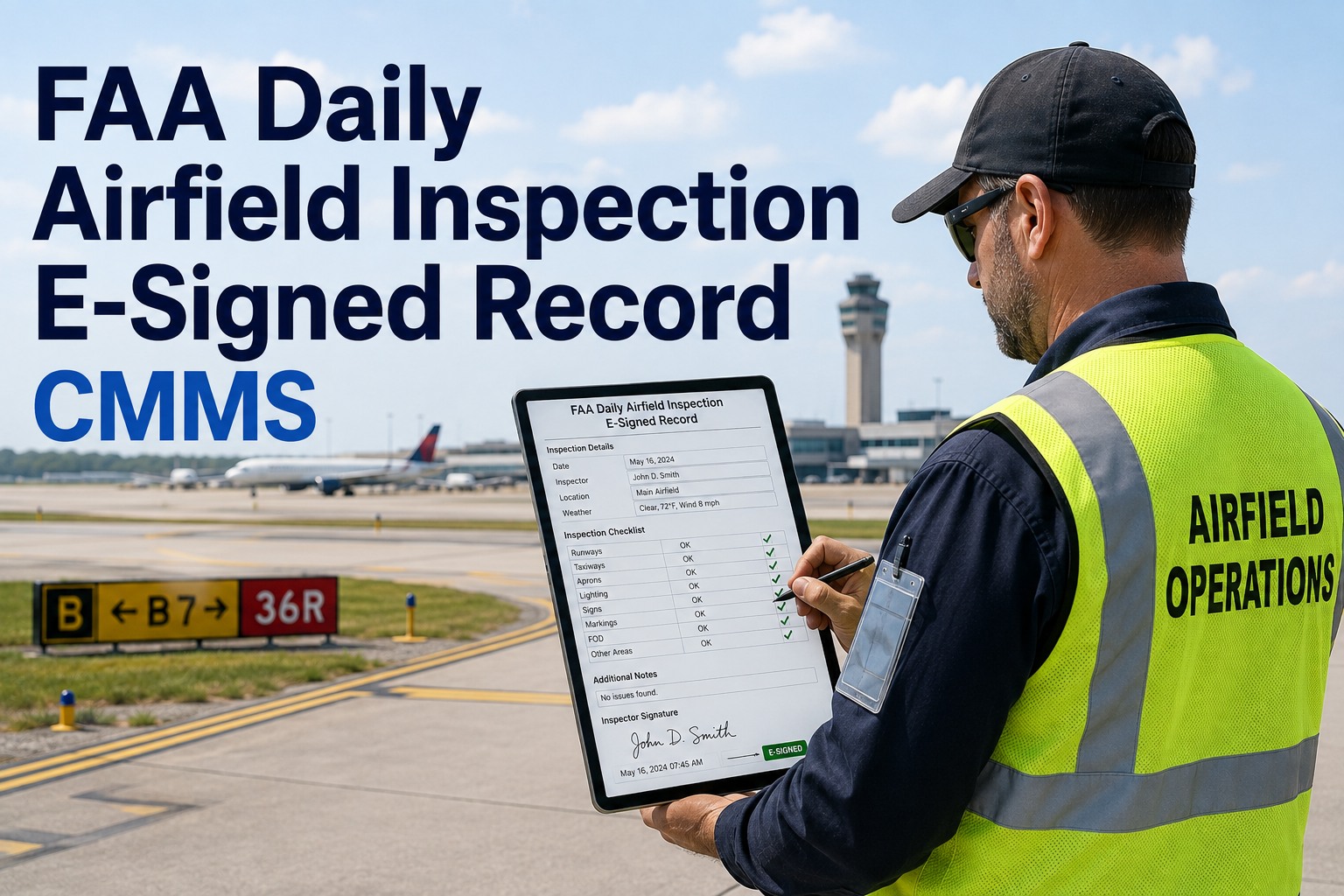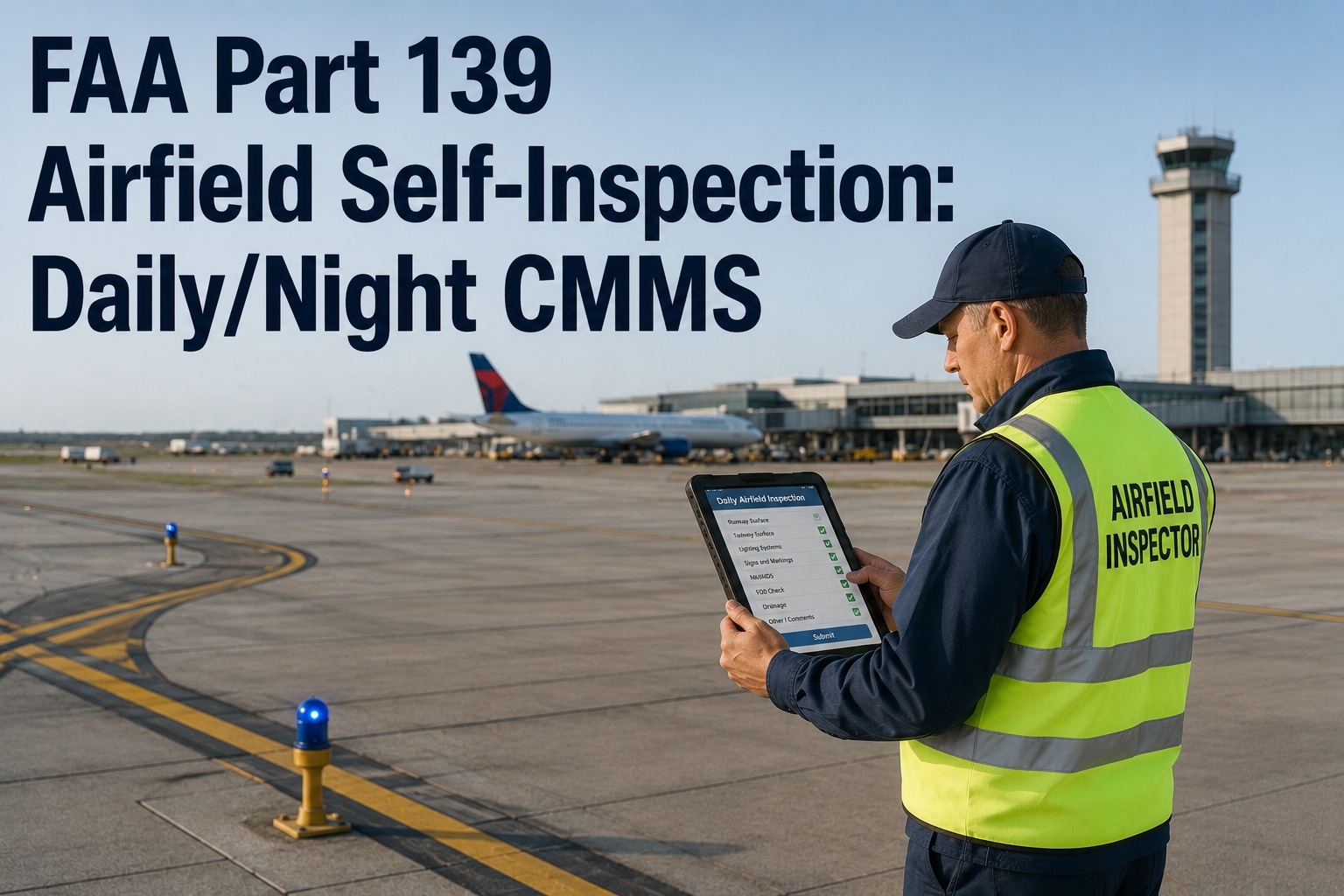
FAA Part 139 self-inspections are the operational backbone of every certified airfield — a missed pavement crack, an unlit edge light, or a rubber buildup past the friction threshold can ground operations, trigger a NOTAM, or worse, surface during an FAA certification inspection. The rule is simple: inspect daily, inspect at night, document everything, and close every discrepancy with a corrective action record. Yet most airports still lean on paper checklists, clipboards, and disjointed spreadsheets that make audit-ready reporting nearly impossible when the inspector shows up unannounced. A CMMS built for Part 139 digitizes the entire loop — field capture, discrepancy tracking, NOTAM coordination, and corrective closure — so your airfield is audit-ready every day, not just before recertification. Start with a Start Free Trial and see how the workflow fits your operation.
Is your airfield truly audit-ready at 4 a.m. — or only the week before recertification?
Daily and nighttime self-inspections aren't a formality. They are the documented evidence your airport operates safely under 14 CFR Part 139. oxmaint turns the clipboard into a closed-loop digital workflow — capture, escalate, NOTAM, correct, sign off — every single day.
Runways, taxiways, aprons, markings, signage — geotagged on capture
Edge, threshold, PAPI, approach lights, signage retroreflectivity
Every finding tracked to a corrective action with full audit trail
AC 150/5210-20D inspection reports exportable on demand
What a Part 139 daily inspection actually covers
Part 139.327 requires the certificate holder to inspect the airfield daily — and to maintain records of those inspections for 12 consecutive months. The scope is broader than most field teams realize: it spans 11 primary asset categories, each with its own failure modes, thresholds, and NOTAM triggers.
Pavement & Shoulders
Spalls, cracks, joint separation, FOD, lip erosion at runway-taxiway intersections, shoulder drop-off exceeding 1.5 inches, and ponding deeper than ⅛ inch on the runway center 50 feet.
Rubber & Friction
Touchdown zone rubber buildup that drops Mu values below 0.42 on wet pavement. Document when friction testing is due and tie it to corrective rubber removal work orders.
Markings & Signage
Hold-position, runway edge, and taxiway centerline markings legible in all weather. Mandate retroreflectivity checks and burnt-out sign panel replacement before visibility drops.
Lighting Systems
Runway edge, threshold, end, centerline, taxiway edge, REIL, PAPI, and approach lighting. More than 2 out dark in a row on a precision runway triggers an immediate NOTAM and work order.
NAVAIDs & Wind
Segment circles, wind cones, segmented circles, REIL alignment, PAPI beam angle (typically 3.00° ±0.07°). Coordinate findings with ATCT and the Regional Office for Federal NAVAIDs.
Wildlife & Hazards
Standing water, rodent burrows, grass height beyond 6–10 inches in the approach area, bird strike remains, and any condition attracting hazardous wildlife under AC 150/5200-33B.
SRE & Winter Ops
Snow and ice control plan execution, friction readings during winter events, chemical application rates, and Surface Condition Assessment per the Takeoff and Landing Performance Assessment framework.
Construction & ARFF
Open construction areas with proper barricades and markings, plus ARFF equipment status, agent quantities, vehicle response times, and personnel staffing per 139.319 index requirements.
Daily and night inspections: two distinct missions
The daily inspection catches what daylight reveals — pavement distress, FOD, wildlife, drainage. The night inspection catches what only darkness exposes: failed lamps, dim transformers, misaligned PAPI beams, and signage that disappears after sunset. Both are required, both must be logged, and the FAA expects to see both records during inspection.
| Inspection Dimension | Daily Inspection (Daylight) | Night Inspection (After Twilight) |
|---|---|---|
| Primary focus | Pavement, FOD, markings, wildlife, drainage, construction zones | Lighting, signage retroreflectivity, PAPI beams, approach aids |
| Frequency | Once every 24 hours, before first arrival unless waived | Every 90 days minimum, plus after any circuit modification |
| Crew | Airport Operations Officer or designated inspector | Same qualified inspector, ATCT coordination required |
| Typical findings | Cracks, ponding, debris, grass height, faded markings | Inoperative edge lights, dim PAPI, failed RETIL, dark sign panels |
| NOTAM trigger | Closed taxiway, contamination, disabled aircraft | Lighting outages, PAPI unmonitored, ALSF-2 degraded |
| Record retention | 12 months rolling, immediately retrievable for FAA inspector | Same 12-month retention with distinct report type tag |
| CMMS handling | Daily checklist template, photo capture, discrepancy to work order | Separate template, lighting circuit map overlay, auto-NOTAM draft |
A burned-out runway edge light found at 11 p.m. without a digital workflow can take 40 minutes to reach ATCT, another 20 to issue a NOTAM, and hours to dispatch maintenance. With CMMS, the inspector's phone tap generates the work order, drafts the NOTAM, and pages the electrician — in under 60 seconds.
The Part 139 discrepancy lifecycle in a CMMS
A finding without closure is a liability. The FAA expects each discrepancy to flow through a documented chain — discovery, risk assessment, NOTAM if safety-critical, corrective action, verification, and signed closure. oxmaint encodes that chain as a five-stage digital workflow with timestamps, geotags, and role-based sign-off at every gate.
Capture
Inspector photographs the discrepancy on a mobile device, drops a pin on the airfield GIS map, and selects the affected asset from the Part 139 hierarchy. Timestamp and coordinates auto-stamp the record — no manual entry, no ambiguity.
Triage & Risk-Rate
The CMMS applies the airport's discrepancy severity matrix — Low, Medium, High, Critical. A critical rating on a runway edge light, for instance, immediately escalates to the Operations Supervisor and triggers a pre-drafted NOTAM template.
NOTAM Coordination
For safety-critical findings the system drafts the NOTAM text per FAA Order 7930.2 conventions, routes it to authorized personnel for issuance, and logs the FDC number directly against the discrepancy record for audit traceability.
Corrective Action
A work order auto-generates, assigned to the right trade — electrical, pavement, ARFF, wildlife. Parts, labor hours, and downtime are captured against the asset. Repeated discrepancies on the same asset trigger a predictive flag for capital planning.
Verify & Close
A qualified inspector re-inspects, confirms correction, and signs the record digitally. If a NOTAM was issued, the system enforces a NOTAM cancellation step before the discrepancy can close — eliminating orphaned NOTAMs that plague paper-based operations.
Why clipboard-based inspection fails recertification
A mid-sized Part 139 airport running 2 daily inspections plus one night inspection per quarter generates roughly 770 inspection records per year. On paper, that is 770 chances to lose a sheet, misfile a discrepancy, or forget a NOTAM cancellation — and each one is a finding waiting to happen.
A worked example: a Category I commercial service airport
Consider a Category I airport handling 40 daily departures with two runways, six taxiways, and a 14-gate apron. Their operations team runs one daylight inspection at 05:00 and a second at 16:00, plus quarterly night inspections. Here is how the same Tuesday plays out on paper versus in oxmaint.
- 05:14 — Inspector spots a cracked taxiway edge light lens at TWY B. Notes it on the clipboard form, continues the route.
- 07:30 — Returns to ops office, transcribes the finding into a discrepancy log spreadsheet.
- 09:50 — Supervisor reviews the log, calls electrical shop. No work order number assigned.
- 11:20 — Electrician dispatched. Repair completed but no closure record filed — the form sits in a truck.
- Next quarter — FAA inspector asks for the discrepancy history on TWY B lighting. Three forms are missing. Finding issued.
- 05:14 — Inspector photographs the cracked lens, taps the asset QR, selects "Edge Light — Lens Damaged." Geotag and timestamp auto-stamp.
- 05:14 — System auto-rates severity High, drafts NOTAM L– for taxiway edge light outage, alerts Supervisor and electrical lead.
- 05:31 — Supervisor approves NOTAM via mobile. Work order WO–4827 auto-created, assigned to electrical, due same shift.
- 08:05 — Electrician completes repair, captures before/after photos in the work order, signs off digitally on the runway.
- 08:09 — Inspector re-verifies, cancels NOTAM, discrepancy closes with full chain-of-custody in the audit log.
Make every inspection audit-ready — the day you run it
Deploy oxmaint across your airfield operations team in under a week. Pre-loaded Part 139 templates, mobile field capture, NOTAM coordination, and 12-month rolling records — all in one platform.
Part 139 self-inspection in a CMMS — your questions answered
Does a CMMS replace the FAA Form 5280-1 or airport-specific inspection report?
No — a CMMS does not replace the regulatory form, but it generates the data that populates it. oxmaint captures every field the FAA expects on a daily or night inspection record — date, time, inspector, route, discrepancies, NOTAMs issued, corrective actions, and closure verification — and exports it in formats aligned with AC 150/5210-20D guidance. You can print or transmit the report as your Airport Certification Manual requires.
How does the system handle the 90-day night inspection requirement?
oxmaint schedules night inspections automatically based on your ACM-defined cycle, sends advance reminders to the assigned inspector, and coordinates with ATCT for runway closures or lighting checks. If a night inspection is missed or delayed beyond the 90-day window, the system flags it as a compliance exception for the Airport Operations Manager — long before an FAA inspector catches the gap. You can Book a Demo to see the scheduling flow in detail.
Can inspectors capture findings offline on the movement area?
Yes. The mobile capture app works fully offline — critical for runways and remote taxiway segments with no cell coverage. Photos, geotags, asset selections, and severity ratings are stored locally and sync to the central CMMS the moment the device reconnects. The timestamp reflects when the finding was observed, not when it synced, preserving audit integrity.
How are NOTAMs integrated — does oxmaint file them directly?
oxmaint drafts NOTAM text in FAA Order 7930.2 format and routes it to your authorized NOTAM-issuing personnel for approval and filing. The system does not bypass your chain of authority — it accelerates it. Once filed, the NOTAM number links back to the originating discrepancy, and the system enforces a cancellation step before the discrepancy can be closed, eliminating orphaned NOTAMs.
What happens during the FAA annual certification inspection?
You produce a 12-month rolling history of daily and night inspections, every discrepancy logged, every corrective action with labor and parts, every NOTAM issued and cancelled, and every closure signature — all filterable by date, asset, or inspector. Most airports using oxmaint report producing audit packets in minutes rather than days. You can spin up the platform with a Start Free Trial and begin building your audit-ready record immediately.
Stop inspecting for the FAA. Start inspecting for safety.
Every runway you walk, every light you check, every discrepancy you close — captured, tracked, and audit-ready from day one. Join the airports that moved Part 139 self-inspection from clipboard to closed-loop.
Free 14-day trial · No credit card