Daily airfield inspection records are the single most-cited documentation gap in FAA Part 139 inspections, and paper logs remain the top source of findings at certified airports across the United States. A CMMS with e-signed, timestamped inspection capture eliminates the missing-signature, illegible-entry and lost-logbook problems that trigger noncompliance. This daily inspection guide for 2026 walks airport operations directors through building an audit-ready daily airfield inspection record using airfield e-sign CMMS workflows — covering mobile inspection capture, geotagged evidence, discrepancy tracking and timestamped inspection aviation compliance. Ready to replace paper for good? Start Free Trial and go live in days, not months.
Can your last daily airfield inspection record survive an FAA audit — today?
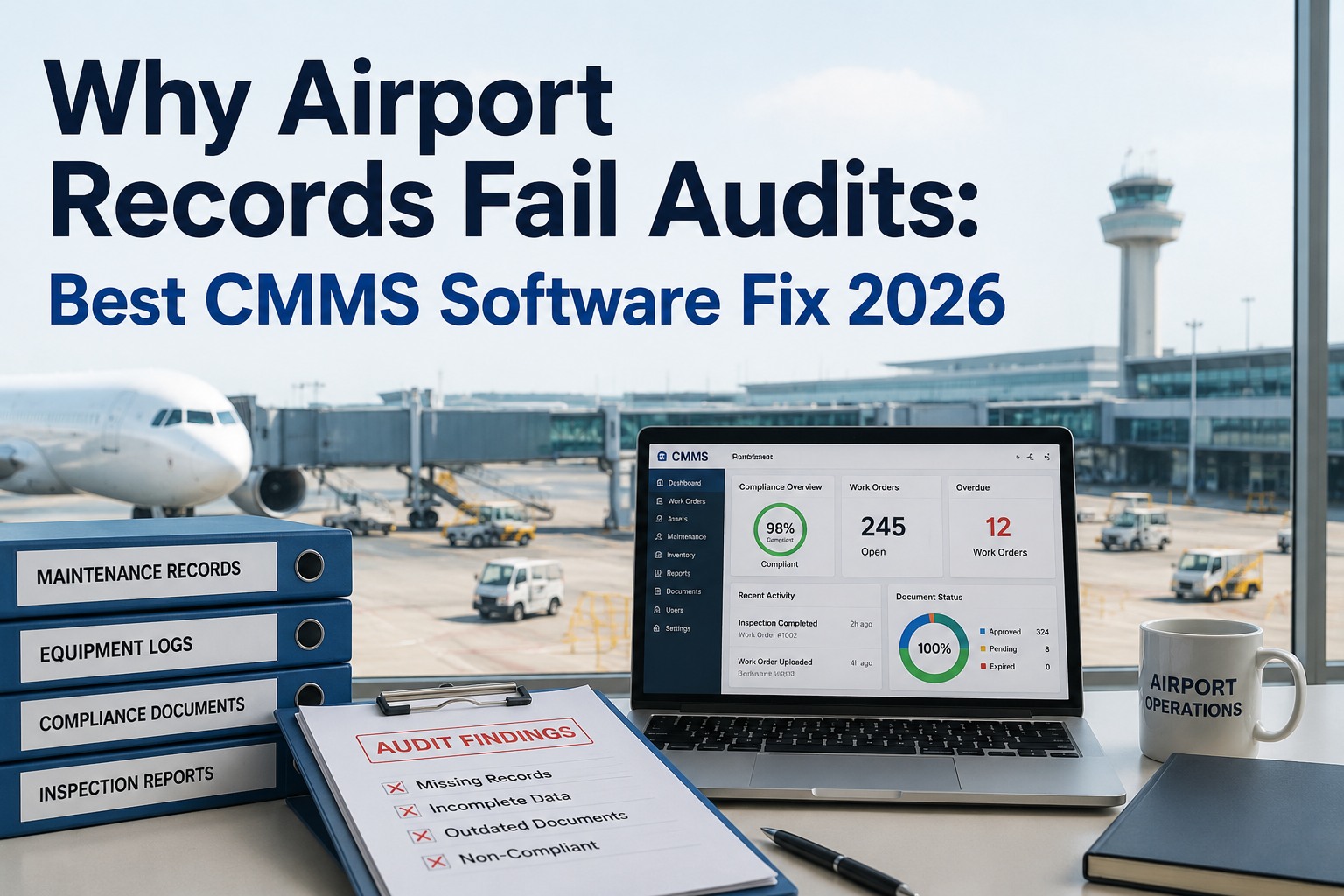
Paper logs, clipboards and shared spreadsheets produce the exact documentation gaps FAA inspectors flag first: missing e-signatures, no timestamps, no photographic evidence of discrepancy closure. A CMMS daily inspection record changes that — every check is e-signed, geotagged and timestamped the moment it is completed. No binder. No guesswork. No findings.
Why paper daily airfield inspection records fail Part 139 audits
Over 500 certified airports operate under FAA Part 139, and inspectors consistently flag documentation — not the inspection itself — as the weak link in airfield safety programs.
A daily airfield inspection record without a verified e-signature is treated as unverified. Paper logs get wet, torn, or filed unsigned at shift change — a top Part 139 finding category.
FAA inspectors compare inspection records against NOTAM issuance, aircraft movement logs and weather data. Without a precise, system-generated timestamp, the record cannot be independently verified.
Logging a cracked pavement mark is step one. If the corrective action, work order and closure verification are not linked to the original inspection record, the audit trail breaks.
Operations staff rotate across shifts, weather degrades paper and binders go missing during airport expansion. A single lost daily logbook can invalidate weeks of compliance evidence.
Inspectors increasingly expect geotagged photos of discrepancies — rubber deposits, edge lighting damage, paint wear — linked to the exact record entry and the work order that resolved them.
When the FAA asks for last Tuesday's 06:00 runway inspection, rifling through binders costs time and erodes inspector confidence. CMMS timestamped records retrieve in seconds with full chain-of-custody.
What a compliant CMMS daily inspection record includes
A Part 139-ready daily airfield inspection record is not just a checklist — it is a structured, e-signed, timestamped compliance artifact with a complete discrepancy-to-closure audit trail.
| Record Element | Paper Log | CMMS Daily Inspection Record |
|---|---|---|
| Inspector identity | Handwritten name, often illegible | Authenticated e-signature tied to user account |
| Completion timestamp | Rounded time written by hand | System-generated, UTC-locked, tamper-evident |
| GPS location | Not captured | Geotagged to runway, taxiway or apron zone |
| Photo evidence | Separate camera, unlinked | Embedded in record, linked to discrepancy |
| Discrepancy logging | Notes column, manual follow-up | Auto-creates work order with priority and assignee |
| Closure verification | Sticky note or separate binder | E-signed closure linked back to original record |
| Audit retrieval time | 15–45 minutes per record | Under 10 seconds via filtered search |
How OxMaint builds audit-ready airfield inspection records
OxMaint replaces clipboards and spreadsheets with an AI-powered CMMS purpose-built for maintenance and compliance teams — turning every daily airfield inspection into a defensible, e-signed, timestamped record.
Mobile e-sign inspection capture
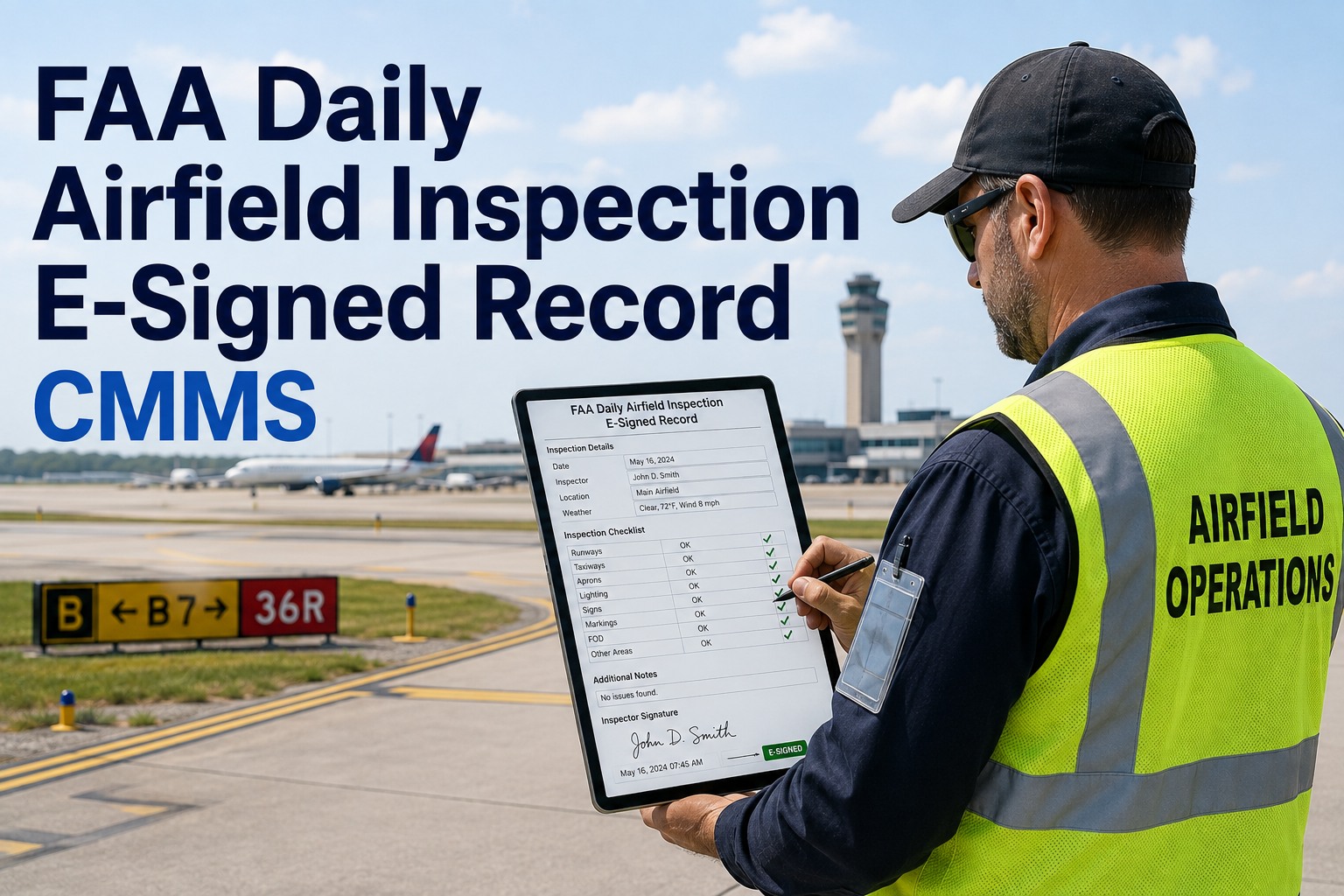
Inspectors complete the daily airfield checklist on a mobile device. The record is e-signed and timestamped the moment it is submitted — no paperwork, no missing signatures, no shift-change gaps.
Geotagged photo evidence
Every discrepancy photo is GPS-stamped and linked to the exact inspection line item, runway zone and work order — creating an unbreakable evidence chain from discovery to resolution.
Auto-generated discrepancy work orders
When an inspector flags a cracked pavement mark or edge-light failure, OxMaint instantly creates a prioritized work order with the correct assignee, parts inventory check and SLA — no manual handoff.
Predictive maintenance analytics
OxMaint's AI analyzes recurring inspection findings across runways, taxiways and lighting systems to predict which assets will fail next — shifting maintenance from reactive to preventive before a finding occurs.
The cost of one missed daily inspection signature
Consider a mid-sized Part 139-certified airport running 4 daily airfield inspections across two parallel runways and a crosswind strip — roughly 1,460 inspection records per year.
At even the low end, 117 at-risk records translate to significant corrective documentation burden and elevated audit exposure. One airport operations director replaced a three-binder paper system with OxMaint and cut documentation-related audit findings to zero within two inspection cycles — while saving 12 staff hours per week previously spent on logbook management, photocopying and discrepancy chasing.
5 steps to implement an airfield e-sign CMMS inspection program
Digitize your Part 139 inspection checklists
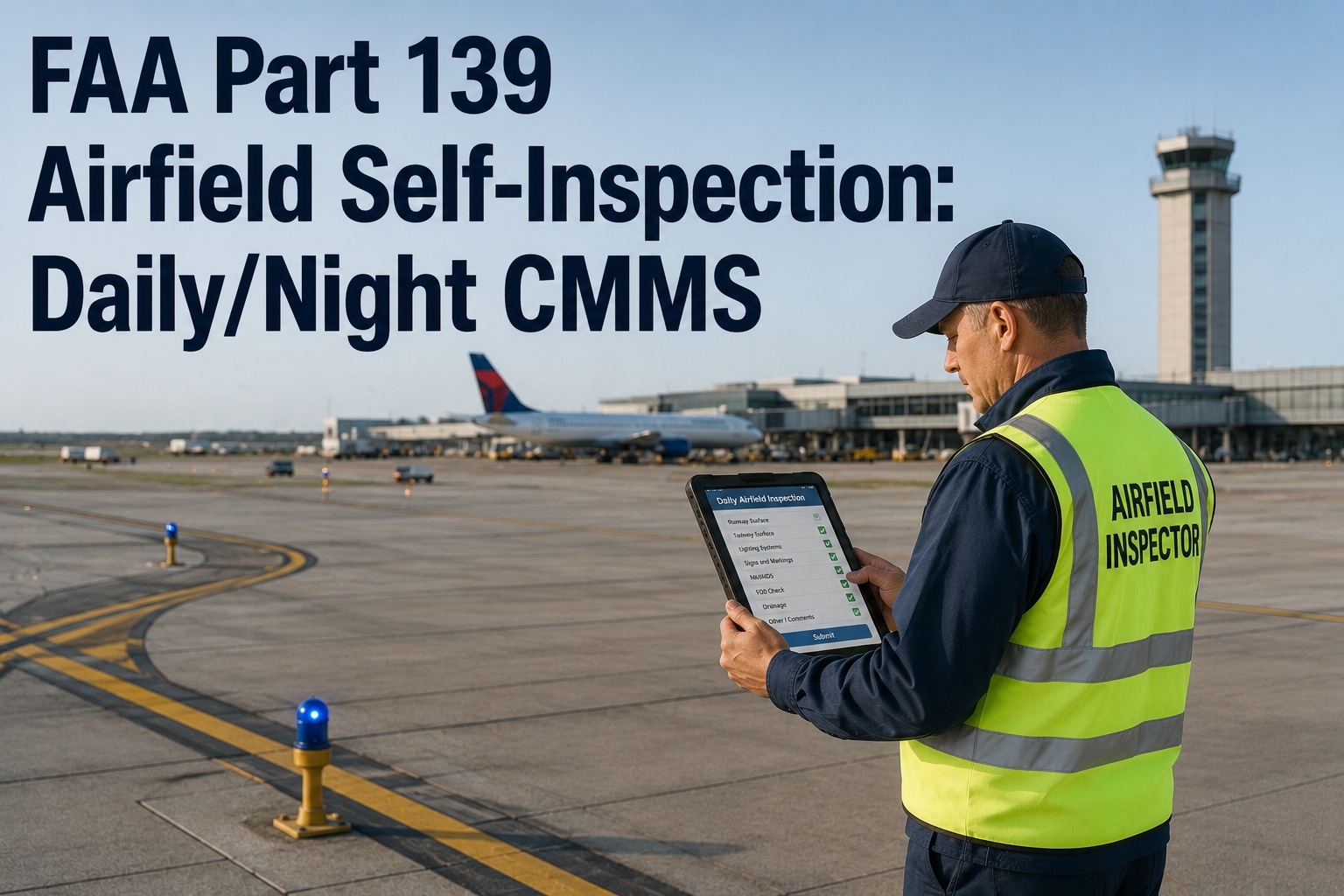
Upload your existing daily airfield inspection forms into OxMaint. Map each inspection zone — runways, taxiways, aprons, lighting, NAVAIDs, signage and markings — to a digital checklist with required photo fields.
Configure e-signature and timestamp rules
Set OxMaint to require an authenticated e-signature on every inspection completion and lock the UTC timestamp at submission. Configure role-based permissions so only authorized operations staff can sign and close records.
Activate discrepancy-to-work-order automation
When an inspector flags a deficiency, OxMaint auto-generates a work order with priority, assignee and parts check. The discrepancy links directly to the originating inspection record for full traceability.
Train operations staff and go live
Run a live inspection cycle on mobile devices. Inspectors complete checks, attach geotagged photos, e-sign and submit — all from the airfield. No paper, no binders, no delayed data entry back at the office.
Monitor analytics and stay audit-ready
OxMaint dashboards track inspection completion rates, recurring discrepancies and closure SLAs. Pull any record by date, inspector, zone or discrepancy type in under 10 seconds when the FAA arrives.
Replace paper inspection logs with audit-ready CMMS records
Book a 30-minute demo and see how OxMaint e-signed, timestamped daily airfield inspection records eliminate the documentation findings that cost airports time, money and certification risk.
Daily airfield inspection records — common questions
What is a daily airfield inspection record under FAA Part 139?
A daily airfield inspection record is the documented evidence that a certified airport has completed the required daily inspection of movement areas, lighting, markings, signage and NAVAIDs. Under Part 139, the record must identify the inspector, the time of inspection, any discrepancies found and the corrective action taken. A CMMS daily inspection record like OxMaint captures all of this electronically — with e-signatures, timestamps and geotagged photos — making the record instantly retrievable and audit-defensible.
Does the FAA accept e-signed daily airfield inspection records?
Yes. The FAA accepts electronic records and signatures that meet applicable standards for authenticity, integrity and non-repudiation. OxMaint's airfield e-sign CMMS applies authenticated, user-bound e-signatures with system-generated timestamps, creating a tamper-evident audit trail that satisfies Part 139 documentation requirements. You can Book a Demo to review the specific compliance configuration with our team.
How long must daily airfield inspection records be retained?
Part 139-certified airports are generally required to retain daily inspection records for a minimum of 12 months, though many airports keep them longer for internal trending and liability protection. OxMaint stores CMMS timestamped records indefinitely in secure cloud storage, with filtered search by date, inspector, zone or discrepancy type — so retrieval takes seconds instead of digging through physical binders.
How does a CMMS improve discrepancy tracking for airfield inspections?
A CMMS closes the gap between finding a discrepancy and resolving it. When an inspector flags an issue — a cracked pavement mark, a burned-out edge light, faded markings — OxMaint automatically generates a prioritized work order, assigns it to the correct technician, checks spare-parts inventory and links the closure back to the original inspection record. This creates an unbroken chain-of-custody from discovery to repair, which is exactly what FAA inspectors expect to see.
How long does it take to switch from paper inspection logs to OxMaint?
Most airports go live within 2–4 weeks. You upload your existing Part 139 inspection checklists, configure e-signature and timestamp rules, set up discrepancy-to-work-order automation and train operations staff on the mobile app. OxMaint's onboarding team supports each step. To see the full implementation plan on your inspection workflow, Start Free Trial or schedule a personalized walkthrough with our team.
Every inspection. E-signed. Timestamped. Audit-ready.
Join the airport operations teams using OxMaint to eliminate paper inspection logs, cut documentation findings to zero and prove compliance in seconds — not hours.
Free 14-day trial · No credit card