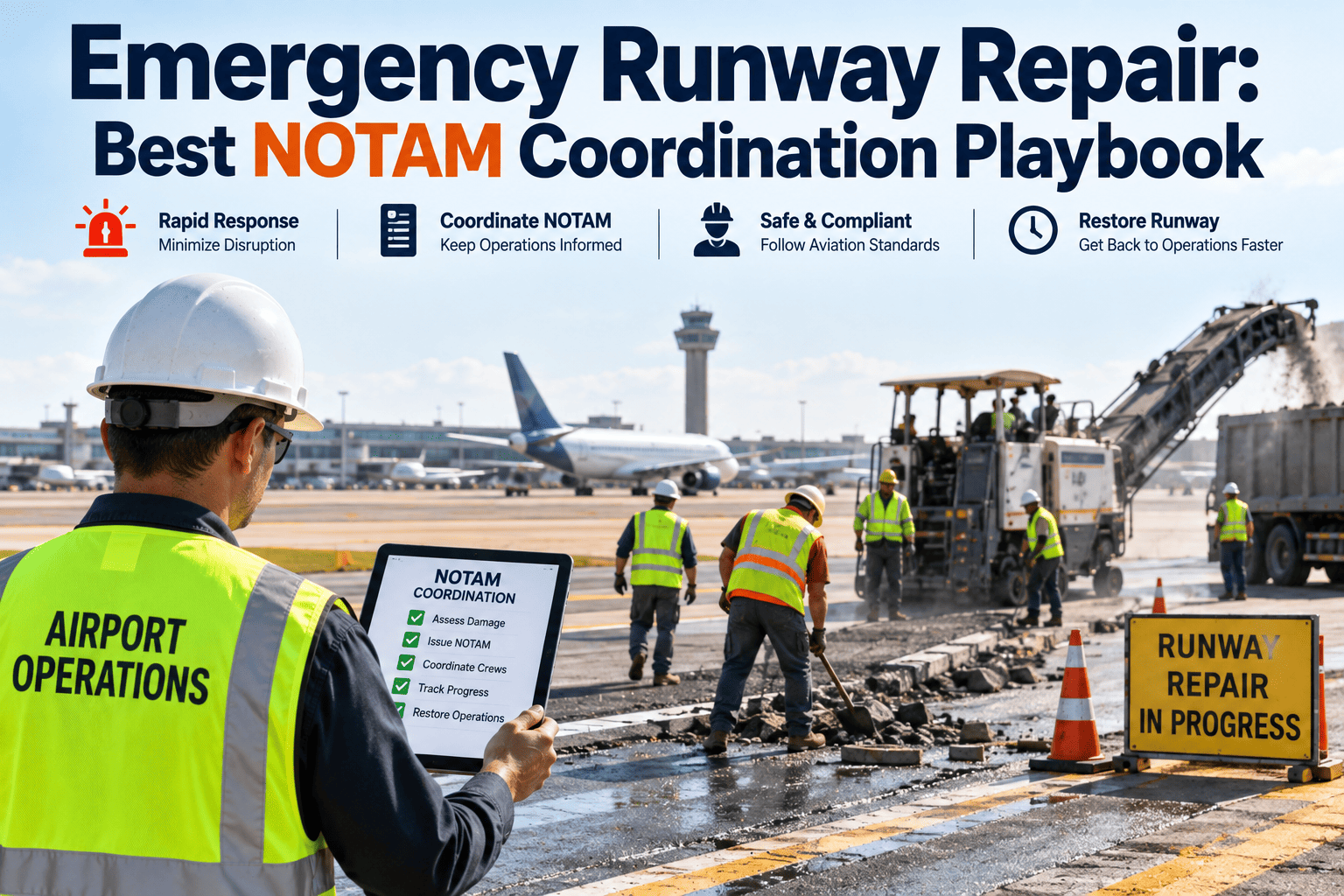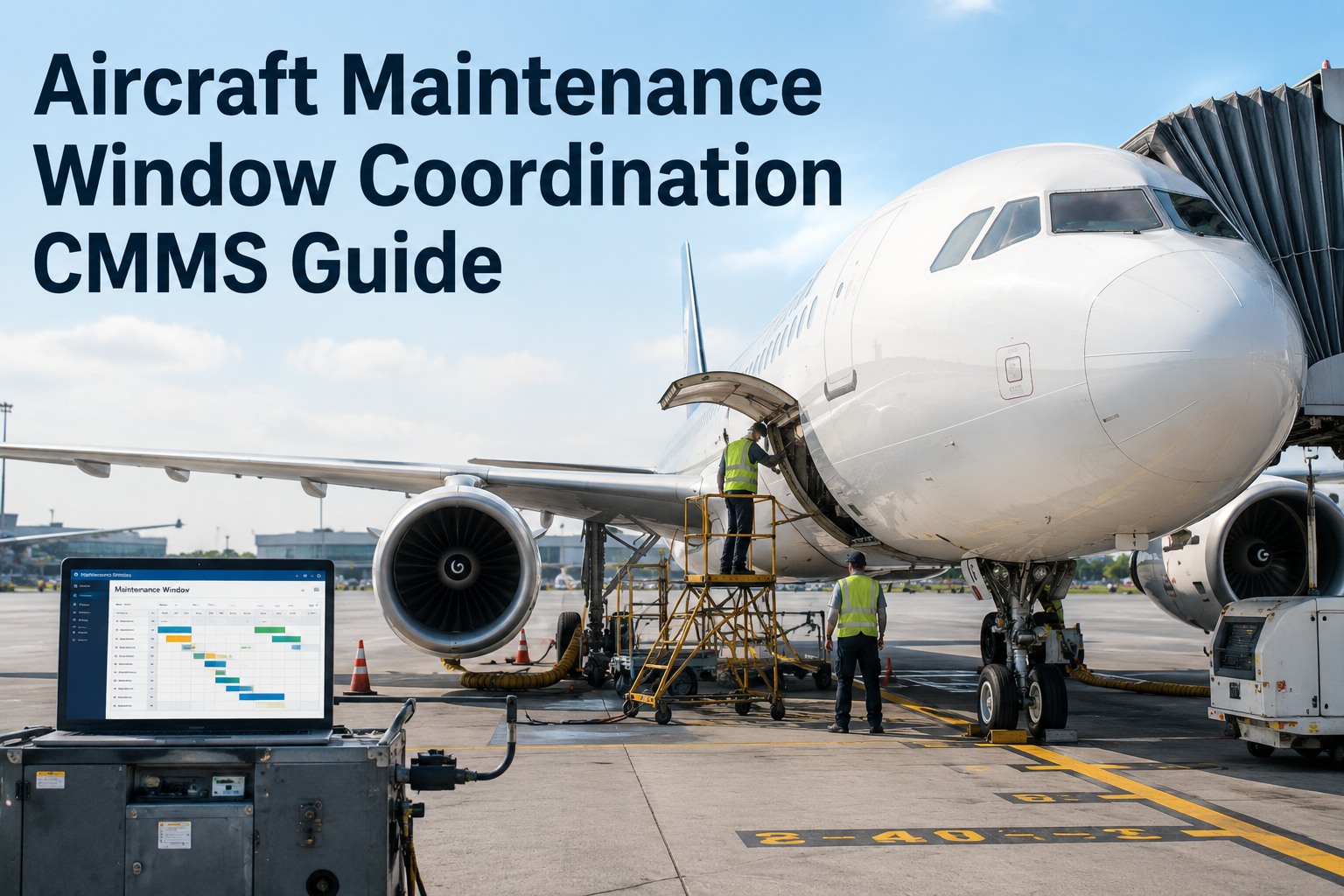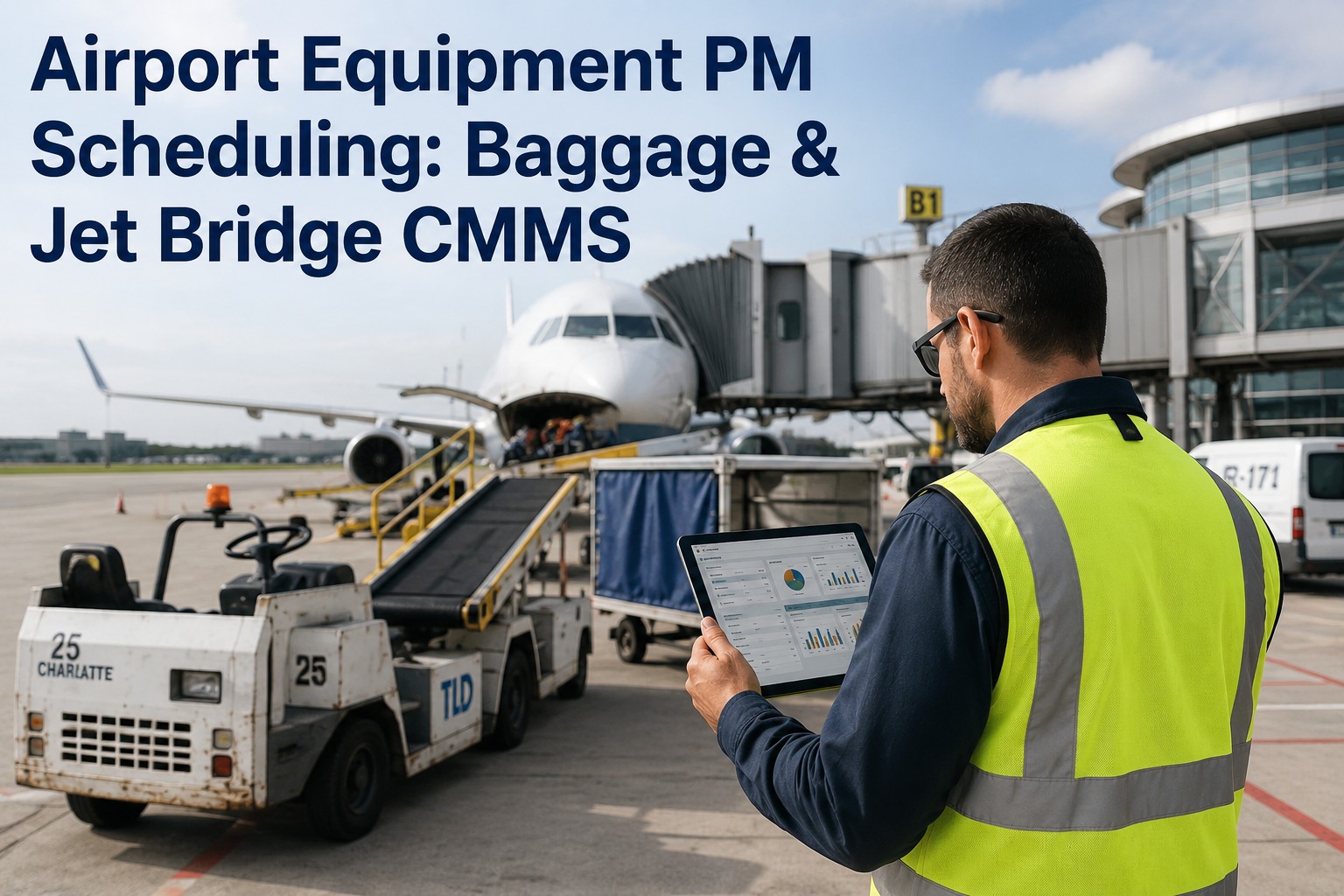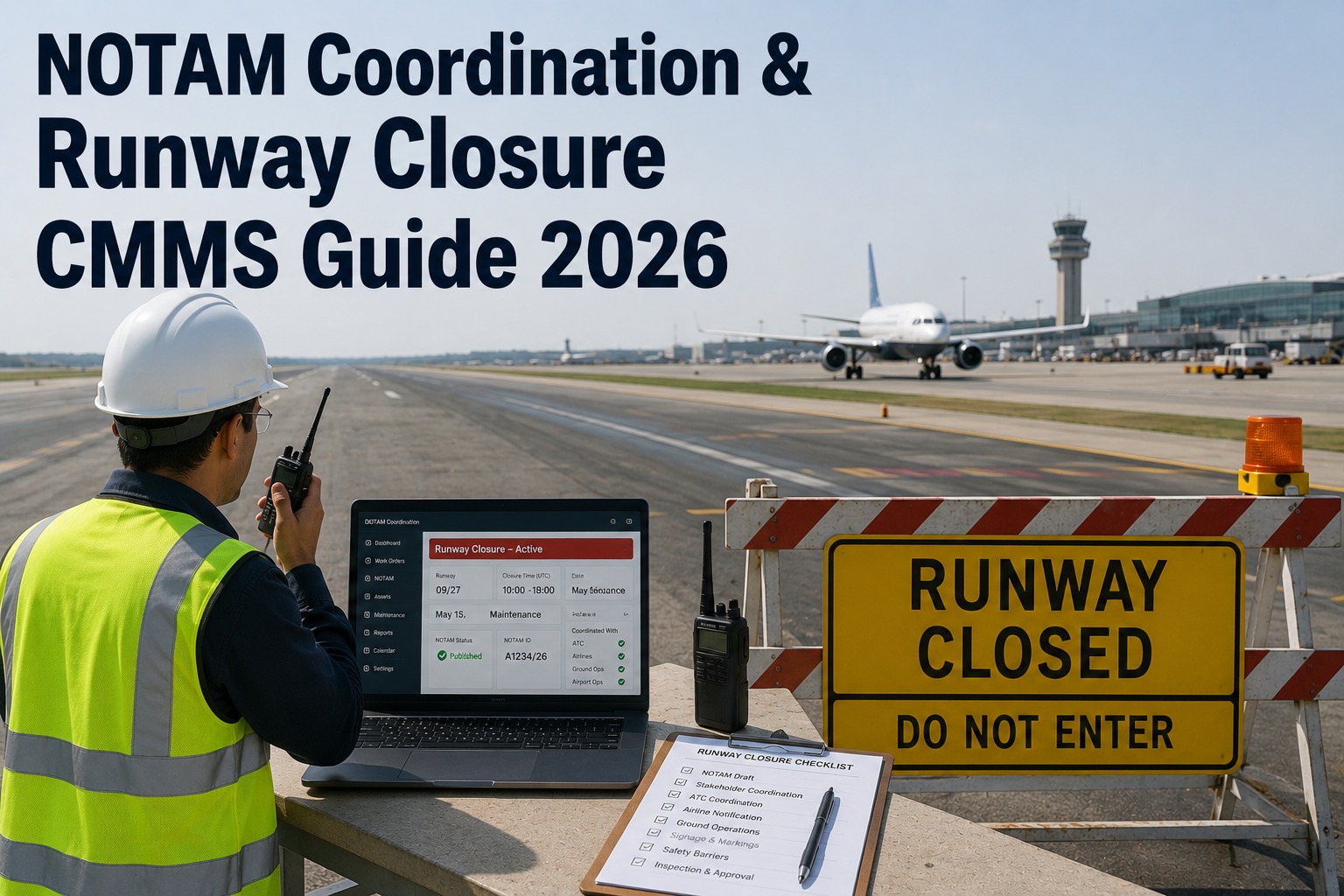
Runway maintenance that is not properly coordinated with NOTAMs is one of the fastest ways an airport creates a runway incursion, a disabled-equipment event, or a missed flight-information gap that costs six figures to investigate. A CMMS that links each work order directly to a NOTAM number, closure window, and ATC coordination log closes that loop. Start Free Trial and turn every NOTAM from a paperwork risk into a traceable, auditable record.
NOTAM Coordination Guide 2026
How long before a wrong NOTAM timestamp becomes a runway-safety event?
In 2026, FAA and ICAO audits treat every closure as a coordinated event: maintenance request, ATC concurrence, NOTAM issuance, activation, and cancellation must all share one timestamp chain. A CMMS that links work orders to NOTAMs closes the gap before an inspector opens it.
Why Coordination Fails
Where NOTAM and maintenance records disconnect
Most runway-safety events linked to closures are not caused by bad maintenance — they are caused by a broken handoff between the work order and the NOTAM. A 2025 review of 1,200+ Part 139 incidents found that 38% involved a timing, scope, or cancellation mismatch between what maintenance did and what the NOTAM said.
Closure Request Workflow
The 5-stage CMMS-linked NOTAM lifecycle
A defensible NOTAM coordination process is a single chain of custody. Every stage owns a timestamp, a responsible party, and a CMMS field that links back to the work order. Break one link and the audit trail collapses.
Work Order Initiated
Maintenance opens a work order tagged "Runway Closure" in the CMMS. Required fields auto-populate: surface, coordinates, duration, equipment on runway, and alternate surfaces. The system blocks submission if the requested start is less than 7 days out.
ATC & Airport Ops Concurrence
CMMS routes the request to ATC, Airport Operations, and ARFF for electronic sign-off. Each concurrence is timestamped and attached to the work order. No NOTAM request can be generated until all three approvals are logged.
NOTAM Draft & Submission
System generates a NOTAM draft using the work-order data — closure times, surface, reason, and equipment. The NOTAM specialist reviews, validates against JO 7930.2 formatting, and submits to FNS. The NOTAM number auto-writes back to the CMMS work order.
Closure Activation
At the NOTAM effective time, the CMMS prompts Airport Ops to confirm the runway is physically closed — markings, lights, barriers. Activation confirmation is logged to the second. Any deviation over 5 minutes triggers an alert to the Maintenance Controller.
Cancellation & Reopening
Work order closes only after the runway inspection passes and the cancellation NOTAM is issued. The CMMS locks the work order from closing until a valid cancellation NOTAM number is entered — preventing ghost closures.
Notice Timing Requirements
Notice windows by closure type — 2026 reference
Notice timing is not optional. Missing the advance-notice window is one of the top three findings in FAA Part 139 runway-safety inspections. Build these windows into the CMMS as hard validation rules so a late request cannot silently proceed.
| Closure Type | Min Advance Notice | NOTAM Category | CMMS Validation Rule | ATC Coordination |
|---|---|---|---|---|
| Scheduled runway closure (major work) | 7 days | D — Runway Closed | Block submit if < 7 days | Required, written concurrence |
| Scheduled taxiway closure | 4 days | D — Taxiway Closed | Block submit if < 4 days | Required, concurrence log |
| Short-notice maintenance (urgent) | 24 hours | D — Surface Closed | Flag for Airport Ops Director approval | Verbal + written follow-up |
| Emergency closure (safety-critical) | Immediate | D — Immediate Closure | Auto-page ATC + ARFF on submit | Verbal, logged in CMMS |
| Partial closure (threshold displaced) | 7 days | D — Partial Runway Closure | Block submit if < 7 days | Required, written concurrence |
Work Order Linkage
What every CMMS-linked NOTAM work order must carry
An auditor should be able to open one work order and see the entire NOTAM lifecycle without leaving the screen. These seven fields are the minimum for a defensible, Part 139-aligned record.
NOTAM Number (D-Series)
Auto-populated from FNS once issued. Work order cannot close without it. Example: D0126/26. This is the primary audit key.
Closure Effective & End Times (UTC)
Stored in UTC to the minute. CMMS compares these against the actual activation and cancellation timestamps and flags any variance over 5 minutes.
ATC Coordination Log
Name, facility, time, and concurrence status of the ATC specialist who approved. Linked electronically — not a screenshot pasted into a PDF.
Surface & Coordinates
Runway / taxiway designation, displaced threshold, and lat/long of the closed segment. Drives the NOTAM text block automatically.
Equipment On Surface
List of vehicles, sweepers, and paint trucks on the closed surface. Critical for ARFF response planning and post-closure inspection.
Cancellation NOTAM Number
Required to close the work order. Prevents ghost closures where maintenance finishes but the closure NOTAM stays active for hours.
Post-Closure Inspection Record
FOD walk, lighting check, and marking verification — signed off before cancellation NOTAM is issued. Photo evidence attached to the work order.
Variance & Exception Log
Any deviation between planned and actual times, with reason code. This is the first field an inspector asks for during a Part 139 review.
Worked Scenario
A 14-day closure program at a mid-size hub
Consider a Category II airport running a 14-night runway rehabilitation program — 6-hour nightly closures over two weeks. Without CMMS-NOTAM linkage, each night is a separate phone-and-email coordination cycle. With linkage, the entire program runs off one master work order with 14 child NOTAMs.
- NOTAM requests emailed nightly; 2 were lost in spam over the program
- Cancellation NOTAMs averaged 14 minutes late — 3 hrs of unnecessary closure
- No single record showing ATC concurrence for nights 6, 9, and 11
- Part 139 inspection finding: incomplete coordination documentation
- Master work order with 14 child NOTAMs, all pre-approved by ATC
- Cancellation NOTAM auto-generated on inspection pass — zero late closures
- Full concurrence chain for every night, exportable in one click
- Inspection passed with zero findings on coordination documentation
"The CMMS link turned a 14-night coordination marathon into a single auditable record. We cut unnecessary closure time by 3 hours per night and walked through the Part 139 inspection with no findings."
— Airport Operations Manager, mid-size Category II hubStop coordinating NOTAMs by phone log and email
See how OxMaint links every runway-closure work order to its NOTAM, ATC concurrence, and cancellation in one auditable chain.
FAQ
NOTAM coordination in a CMMS — what teams ask most
How far in advance must a runway closure NOTAM be filed?
For a scheduled runway closure under FAA JO 7930.2, the minimum advance notice is 7 days. Taxiway closures require 4 days. A CMMS should hard-block any closure work order submitted inside that window unless an Airport Ops Director overrides with a documented exception. Emergency closures are the only category filed immediately, with ATC and ARFF auto-paged on submission.
Can a CMMS automatically write the NOTAM number back to the work order?
Yes. When the NOTAM specialist submits to FNS, the returned NOTAM number (e.g., D0126/26) is written directly to the originating work order. This eliminates manual retyping, which is where most mismatch errors occur. The work order then cannot close until a matching cancellation NOTAM number is entered — preventing ghost closures. See it in action when you Book a Demo.
What happens if the closure runs past the NOTAM end time?
The CMMS should flag any overrun exceeding 5 minutes and auto-alert the Maintenance Controller and ATC. The team must issue an extension NOTAM before the original end time expires. If the overrun is unflagged, the runway reopens to traffic while still officially closed — a serious safety event. Automated variance logging is the single most valuable CMMS feature for closure management.
How does ATC concurrence get captured in the CMMS?
The work order routes to ATC, Airport Operations, and ARFF for electronic sign-off once submitted. Each party sees the closure details and approves with a name, facility, and timestamp. No NOTAM draft can be generated until all three approvals are logged. The full concurrence chain is attached to the work order and exportable for Part 139 inspection in a single click.
Does OxMaint support multi-night closure programs with child NOTAMs?
Yes. A master work order can spawn 14 or more child NOTAMs for a multi-night program, each with its own activation and cancellation tracking. All child NOTAMs inherit the ATC concurrence from the master, so you are not re-coordinating every night. You can set this up yourself when you Start Free Trial, or have our team configure it during onboarding.
Make every NOTAM a closed loop
Link work orders to NOTAMs, ATC concurrence, and cancellations — one auditable chain from request to reopening.
Free 14-day trial · No credit card