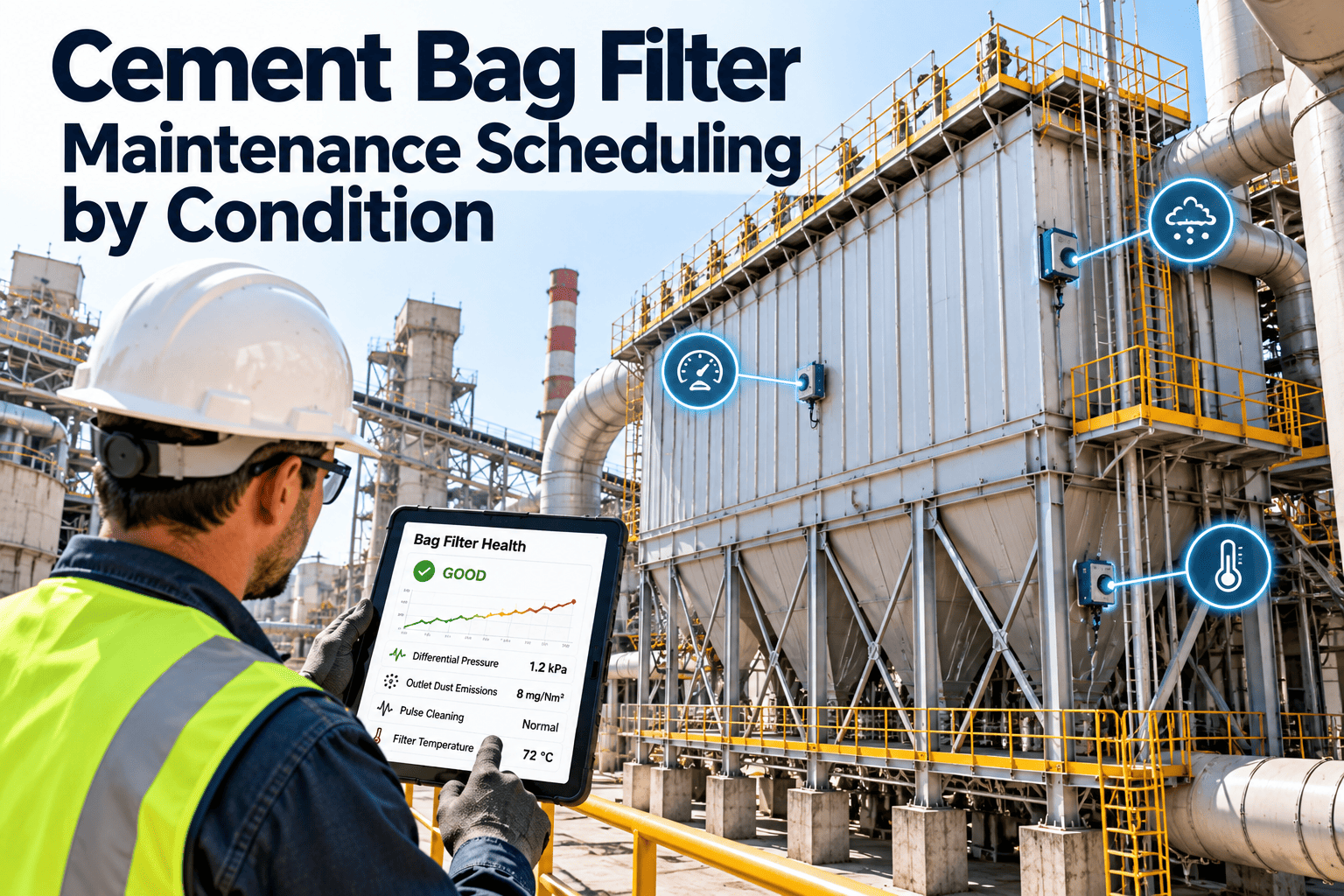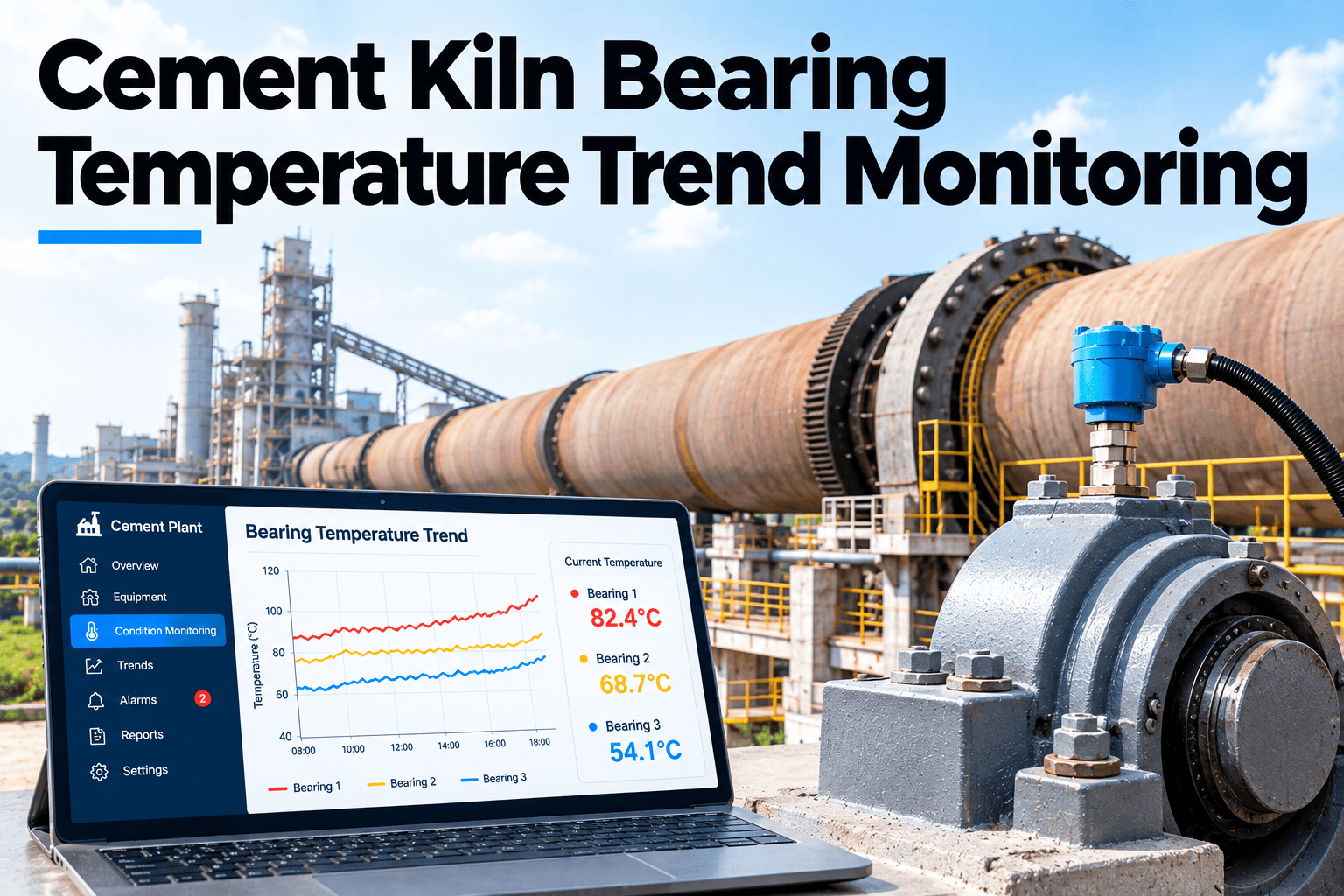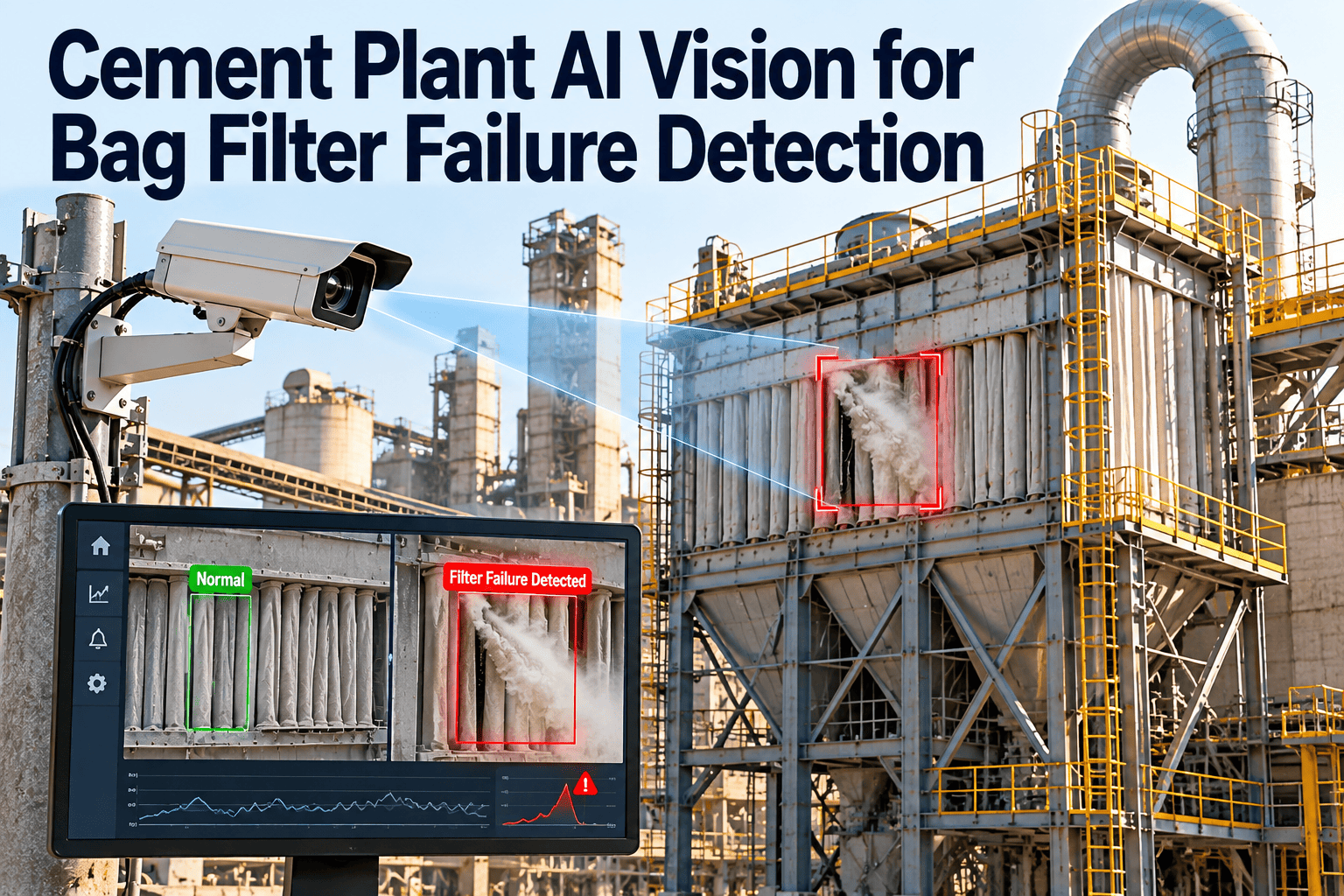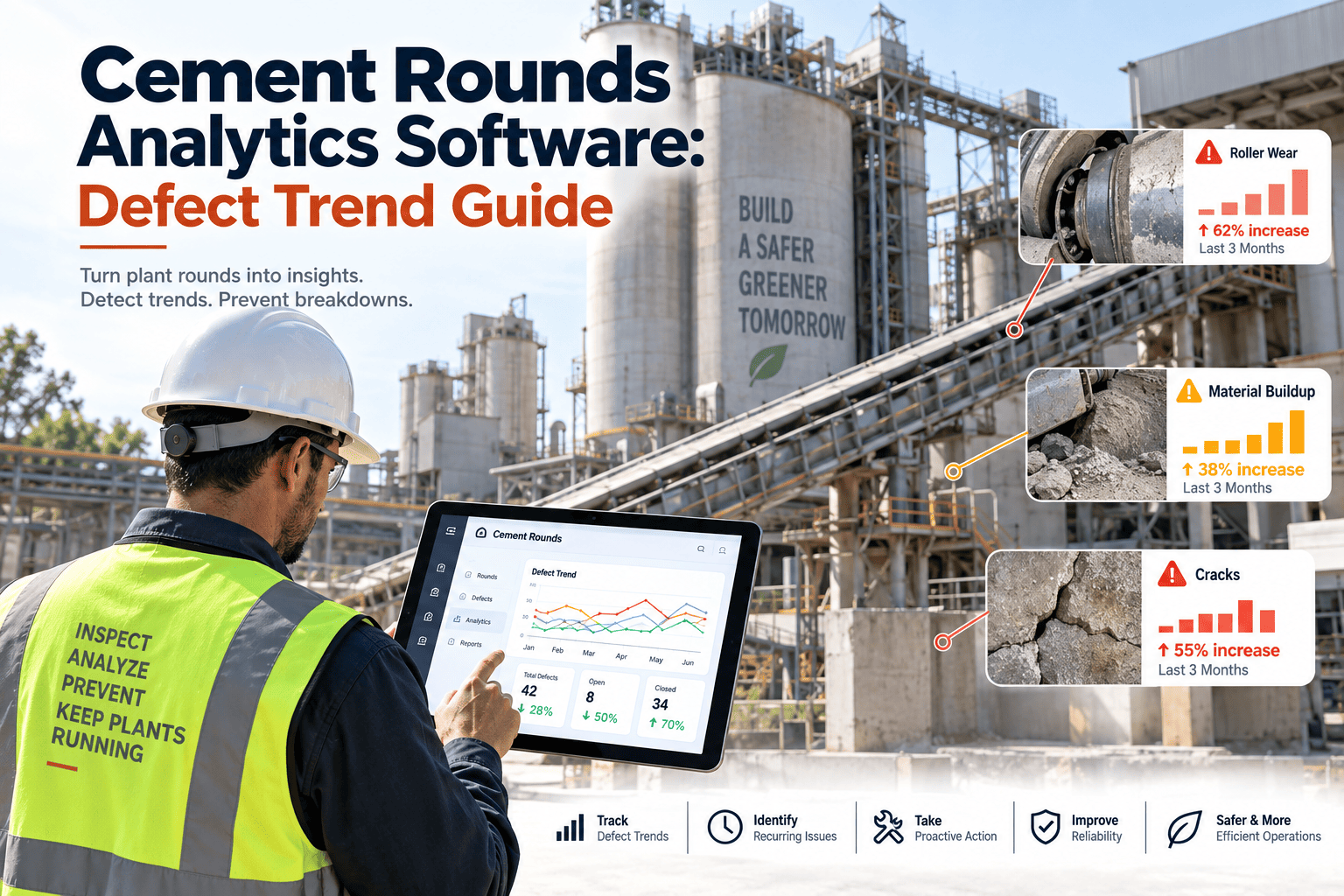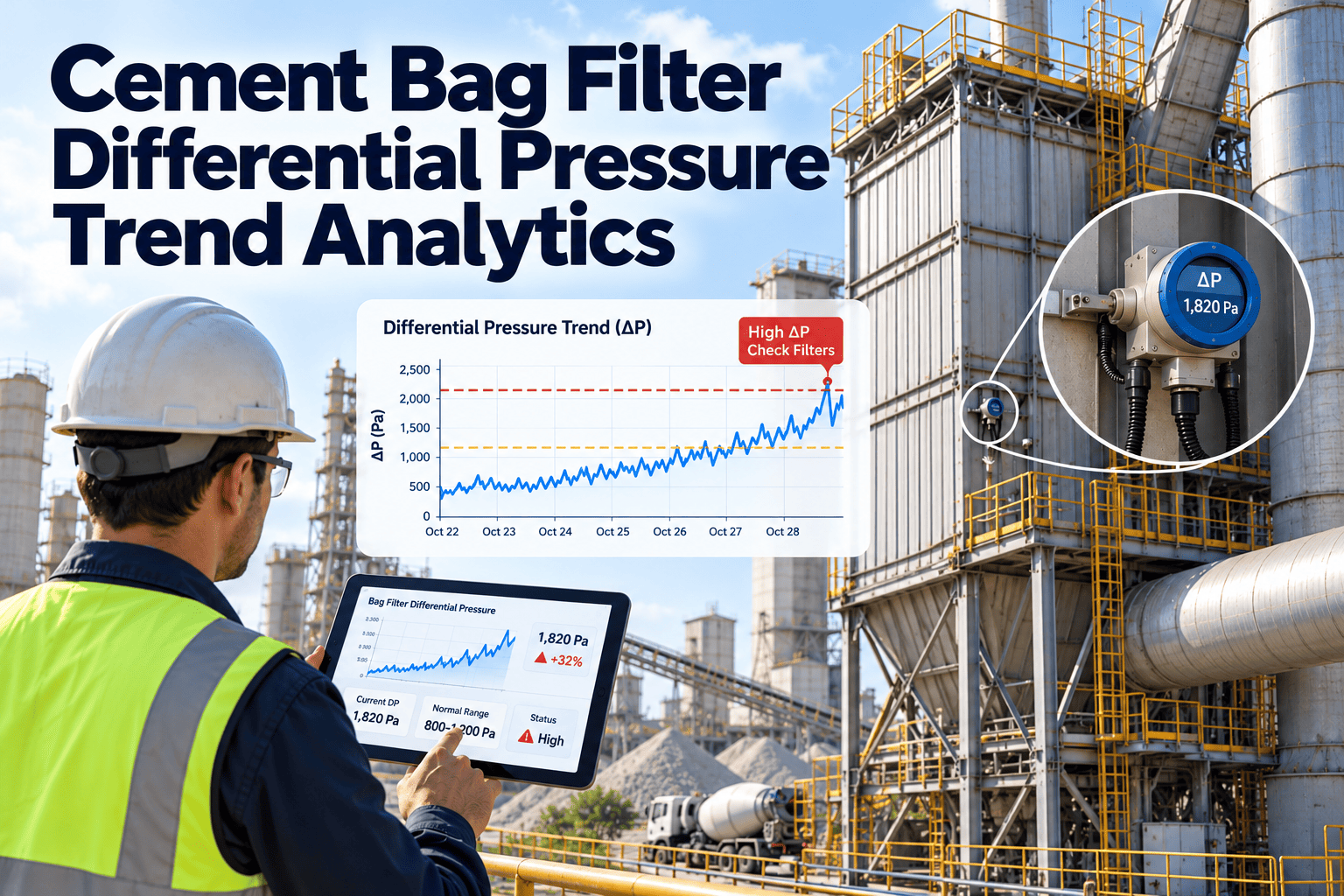
A cement bag filter rarely announces a failure. Differential pressure climbs a few millimetres of water column at a time, a pulse valve starts firing a little late, and the change hides inside normal shift-to-shift noise until opacity rises or the ID fan runs out of margin. Trend analytics turns that slow drift into a readable signal while there is still time to plan the repair. This guide explains how to read the DP trace, build baselines that mean something, and route findings into scheduled work with Oxmaint cement maintenance software.
Cement Bag Filter Differential Pressure Trend Analytics
A single DP reading tells you where the filter is. The trend tells you where it is going. Use the shape, slope, and spread of DP to catch blinding, leaks, and cleaning faults before they become stack events.
Why one DP number misleads maintenance teams
Most plants already log DP. The problem is how the number is used. A reading checked against a fixed alarm only answers whether the filter is bad right now, not whether it is getting worse.
What a spot reading hides
- A slow rise that stays below the high alarm for weeks
- A compartment that is drifting away from its neighbours
- A DP reading that looks normal only because mill load fell
- A cleaning cycle that is working harder for the same result
- A sudden drop that operators read as good news
What trend analytics shows
- Rate of rise per day, compared with the compartment baseline
- Spread between compartments on the same baghouse
- DP normalised for airflow and mill load before comparison
- Pulse frequency and DP recovery after each cleaning event
- Unexplained drops flagged as possible leaks, not improvements
Four DP signatures and what each one usually means
The shape of the trace is often more useful than the value. Treat each signature as a prompt for a specific first check, then confirm the cause on site.
| Signature | What the trace looks like | Common causes | First check |
|---|---|---|---|
| Slow creep | Baseline lifts gradually over days or weeks, with cleaning no longer pulling it back | Bag blinding from fines, moisture, or oil; weak cleaning pulse | Compressed air pressure, dryer condition, valve response |
| Step up | DP jumps and stays higher after an event | Process upset, condensation after a stop, cleaning stopped on a row | Operating log, controller sequence, hopper discharge |
| Sudden drop | DP falls sharply at the same load | Torn or detached bag, loose cage, seal leak, bypass damper position | Stack indication, leak check, compartment isolation test |
| Sawtooth with growing amplitude | DP rises between pulses and recovers less each cycle | Dust cake not releasing, uneven pulse delivery, diaphragm wear | Pulse timing, valve test, blowpipe alignment |
| Compartment divergence | One compartment separates from its neighbours | Local leak, blocked hopper, single failed valve | Hopper level, valve row, bag inspection for that compartment |
A band ladder for DP, set from your own baseline
Fixed alarm values ignore how each baghouse was designed and how it runs. A ladder expressed against the compartment baseline is easier to defend and easier to tune. The percentages below are examples, not standards, so set them from your own history and supplier guidance.
Normalise before you compare
DP moves with gas flow and dust loading. If a trend ignores both, a drop in mill load can look like a cleaning improvement and a load increase can look like blinding.
- Define two or three operating windows, such as full mill load and reduced load, and trend each one separately.
- Tag each DP reading with fan speed or damper position so the context travels with the number.
- Exclude start-up, shutdown, and cleaning-off periods from baseline calculations.
- Recalculate the baseline after every bag change so old and new media are not mixed.
- Keep the raw value and the normalised value side by side so engineers can check the logic.
Trust the transmitter before you trust the trend
Analytics inherits every instrument problem. A blocked impulse line produces a clean, flat, wrong trace, and that is worse than no trace at all.
Turn DP drift into scheduled inspections
Record DP findings, link them to compartment histories, and raise work orders before a slow rise becomes a forced stop. See how it fits your baghouses.
Follow the cleaning chain when DP will not recover
Pulse-jet cleaning depends on a sequence of parts. When DP stays high after cleaning, the fault is usually somewhere in that sequence rather than in the filter media itself.
A seven-day escalation path from first drift to action
An agreed path stops DP trends from sitting on a screen. This example shows how a slow rise can move from observation to work without anyone chasing it.
- Day 1Rate of rise crosses the watch rule. The compartment is flagged and added to the next round.
- Day 2Operator records compressed air pressure, valve response, and hopper condition.
- Day 3DP recovery after pulses is still weak. A planned inspection work order is created.
- Day 4Technician tests valves on the affected rows and checks drains and dryer.
- Day 5Findings are recorded. Parts are reserved if a diaphragm or bag set needs replacing.
- Day 6Repair is carried out in a planned window and the baseline is reset.
- Day 7Follow-up trend confirms recovery. The work order closes with cause and result recorded.
Metrics worth calculating per compartment
Keep the metric set small enough that maintenance and process teams will use it. Each metric below answers a specific question about bag and cleaning health.
| Metric | How to calculate | What it answers |
|---|---|---|
| Rate of rise | Change in normalised DP per day over a rolling window | Is the compartment getting worse, and how fast |
| Time outside band | Hours above the agreed band divided by operating hours | How long the filter has run under stress |
| Pulse recovery | DP before a pulse minus DP shortly after it | Whether cleaning is actually removing the cake |
| Compartment spread | Difference between highest and lowest compartment DP | Whether one section is diverging from the rest |
| Cleaning frequency | Pulses per hour or per operating shift | Whether the controller is working harder for the same DP |
| Bag set age | Operating hours since installation per compartment | Where each bag set sits against its expected life |
KPIs that connect DP analytics to results
Pair process signals with maintenance signals so improvement is visible in both. Review them together in the monthly reliability meeting.
Process conditions that distort DP trends
Some of the most confusing DP movements have nothing to do with bag condition. Knowing the usual disturbances lets analytics separate real degradation from operating noise, and stops teams from replacing healthy bags.
Records that make DP analytics defensible
Trend data is most useful when it sits beside the actions it triggered. Exact requirements depend on your permit and local regulator, so confirm retention periods and formats with your environmental team.
Per baghouse and compartment
- Bag type, supplier, batch, and installation date
- DP baseline values and the date each baseline was set
- Inspection findings with photos where possible
- Leak checks, stack indication, and corrective actions
Per cleaning system
- Valve test results and diaphragm replacement dates
- Compressed air pressure checks and dryer maintenance
- Controller setting changes with the reason and approver
- Pulse sequence verification after any repair
Per instrument
- Transmitter calibration and as-found error
- Impulse line cleaning dates
- Alarm limit changes and who approved them
- Out-of-service periods and substitute checks
Common mistakes when trending bag filter DP
Most failed analytics programs share the same few weaknesses. Check your own setup against this list before adding more tools.
- Averaging all compartments togetherA plant-wide average hides a single failing compartment until the problem is large.
- Alarming without a response planAn alert that nobody owns is ignored within weeks. Name who responds and how fast.
- Never resetting baselinesAfter a bag change the old baseline makes new media look unusually clean or the old media look unusually bad.
- Treating bag age as the triggerCalendar replacement wastes good bags and still misses early failures. Use condition plus age together.
- Keeping trend and work records apartWithout the repair history beside the trace, teams cannot tell whether a fix worked.
A four-step rollout for a first baghouse
Start with one baghouse that has repeat problems. A small, visible win builds the agreement needed to extend the approach plant-wide.
How Oxmaint supports bag filter DP analytics
Oxmaint is maintenance management software. It holds the asset history, schedules, and work orders that give DP trends context, and it does not replace your control system or analyzers.
Bag filter DP analytics FAQs
What does a rising DP trend usually indicate?
It often points to blinding or a cleaning problem, such as weak pulses, moisture, or fine dust. Confirm by checking air supply, valves, and hopper discharge before replacing bags.
Is a falling DP always good news?
No. A drop at the same load can mean a torn bag, loose cage, or seal leak. Check stack indication and inspect the compartment, and log the finding in Oxmaint for history.
Should DP alarm limits be the same for every baghouse?
Not usually. Use supplier limits as the outer boundary and set working bands from each compartment baseline, adjusted for load and flow.
Can a CMMS analyse DP trends by itself?
A CMMS holds the records, schedules, and work orders that give trends meaning. Pair it with your control system data and agree rules for turning alerts into jobs.
Where should a plant start?
Start with the baghouse that has the most repeat DP events. Book a demo to plan baselines, rules, and work order routing.
Make bag filter condition visible before it fails
Give your maintenance, process, and environmental teams one record of DP trends, inspections, and repairs for every baghouse compartment.