A clinker cooler fan motor pulling 82 amps in January and 91 amps in June looks like a seasonal load shift to most control room dashboards — until the day it trips on overload mid-shift and the cooler backs up into the kiln. The current signature was climbing for six weeks before that trip, one or two amps at a time, buried in a reading nobody was charting against a baseline. This guide covers how cement plants turn ordinary motor amp readings into an early bearing-wear and airflow-restriction signal, and how a CMMS-connected amp monitoring workflow catches that drift before it becomes an unplanned cooler stop. Start tracking cooler fan amp trends with Oxmaint free and see drift on your own fan fleet.
Cooler Fans
Condition Monitoring
CMMS
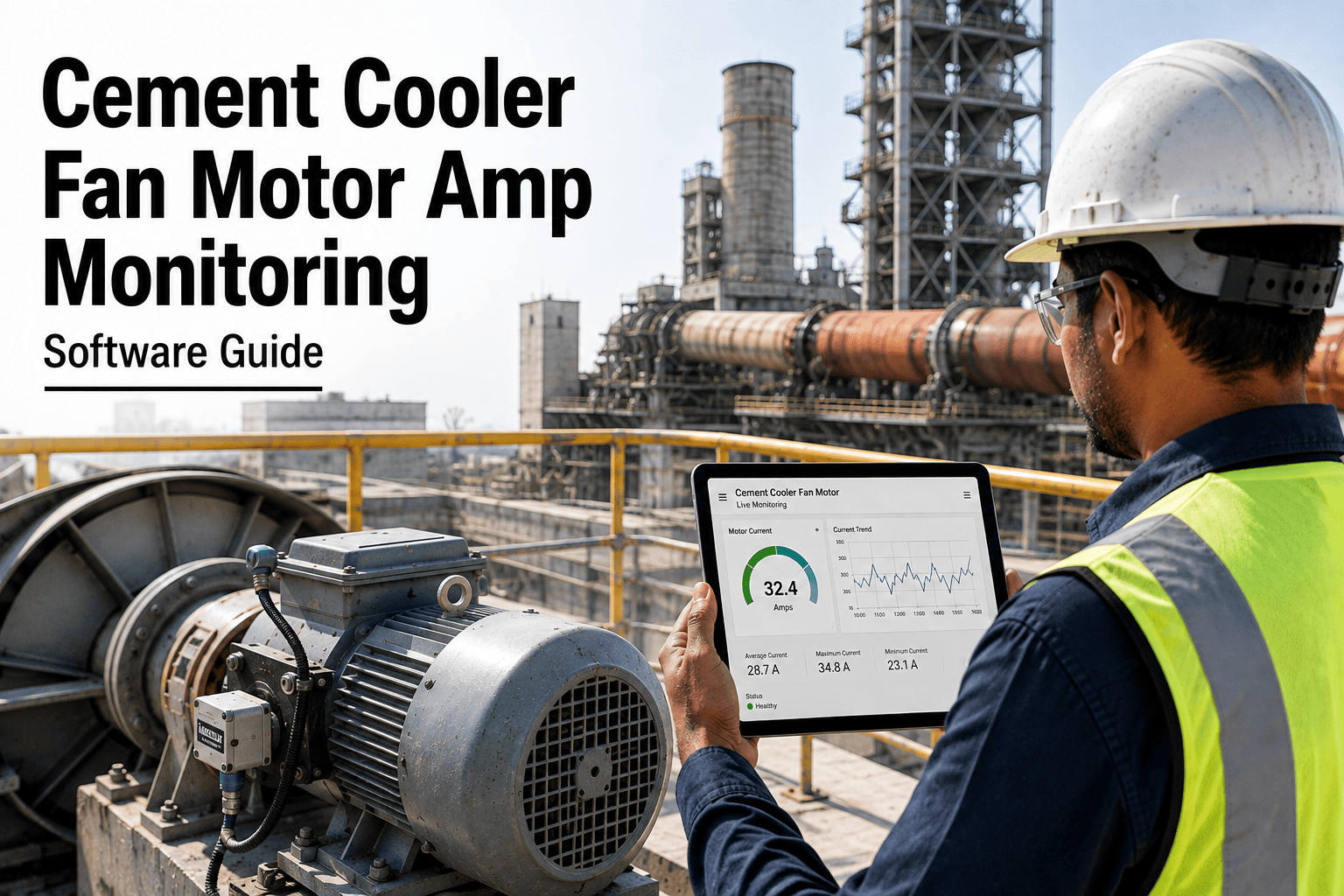
Cement Cooler Fan Motor Amp Monitoring Software Guide
Turn ordinary current draw readings into an early warning for bearing wear, belt slip, and airflow restriction on every clinker cooler fan — before amp drift becomes an unplanned stop.
What Amp Drift Is Already Telling You
6–8 wks
typical lead time between the first measurable amp drift and a cooler fan trip
15–20%
current increase commonly seen before a bearing failure on a cooler fan motor
1–2 A
typical weekly drift increment — too small to notice without a logged baseline
Zero
alerts generated by a raw amp reading with no trend comparison behind it
Why It Matters
Why Fan Motor Amps Are the Cheapest Early-Warning Signal You Already Have
Vibration sensors and thermal imaging need dedicated hardware investment. Motor current does not — every cooler fan already has a drive with amp data flowing through it, and that number changes for a predictable, mechanical reason well before the fan trips or the bearing seizes.
Bearing Wear Raises Load
As a bearing wears, friction increases and the motor has to work harder to maintain the same fan speed — showing up as a slow, steady climb in current draw weeks before the bearing seizes.
Airflow Restriction Adds Resistance
Clinker dust buildup on fan blades or a partially blocked duct increases the resistance the motor pushes against, raising amps even when the mechanical bearing itself is healthy.
Belt Slip Shows the Opposite Signal
A slipping belt on a belt-driven fan often shows current dropping below baseline rather than rising — the motor spins freer because less load is actually reaching the fan wheel.
Data You Are Already Collecting
Most cooler fan drives already report current to the control system. The gap is not sensing — it is trending that number against a baseline and routing the drift as a work order.
Drift Signature
Reading a Cooler Fan Amp Drift Signature Stage by Stage
A healthy fan motor runs within a narrow current band around its baseline. A developing fault does not appear as a spike — it appears as a signature that moves through recognizable stages over weeks, which is exactly the pattern a CMMS trend view is built to catch.
1
Stable Baseline
Current holds within a tight band around the established normal-operating value for that fan and load condition.
2
Early Drift
A gradual 3–5% rise over several weeks, easy to dismiss as noise without a logged trend to compare against.
3
Confirmed Trend
Current sustains above baseline across multiple consecutive readings, ruling out a one-off load or ambient temperature effect.
4
Accelerating Rise
The rate of increase itself speeds up — the clearest sign that mechanical resistance is compounding, not stabilizing.
5
Threshold Breach
Current crosses the alert threshold set for that fan, automatically generating a work order for inspection before a trip occurs.
Catch cooler fan amp drift weeks before it becomes a trip
Oxmaint logs current readings against a fan-specific baseline and routes drift straight into a work order — no dedicated hardware, no manual spreadsheet trending.
How OxMaint Tracks It
Five Ways OxMaint Turns Raw Amp Readings Into Actionable Maintenance
Fan-Specific Baselines
Every fan gets its own baseline current range, accounting for its size, load profile, and duty cycle — not a single plant-wide threshold that misses smaller fans' drift.
Automatic Trend Charting
Readings plot automatically against baseline over time, so a technician reviewing the asset sees the drift shape immediately instead of a single isolated number.
Threshold-Triggered Work Orders
Crossing a defined drift threshold generates a work order automatically, routed to the right technician with the current trend attached for context.
Seasonal and Load Correction
Baselines adjust for known seasonal load patterns, so a legitimate summer load increase does not trigger a false alert the way a flat threshold would.
Cross-Fan Comparison
Sister fans on the same cooler are compared side by side, making it easy to spot when one fan's current behavior diverges from an otherwise identical unit.
Method Comparison
Amp Trending vs Other Cooler Fan Condition Monitoring Methods
Amp monitoring is not a replacement for vibration analysis on critical fans — it is the lowest-cost signal available across your entire fan fleet, including the smaller units that never get a dedicated vibration sensor.
| Method |
Hardware Needed |
Lead Time to Warning |
Best Fit |
| Amp trending |
None — uses existing drive data |
6–8 weeks before failure |
Every fan in the fleet, no exceptions |
| Vibration sensors |
Dedicated sensor per fan |
8–12 weeks before failure |
Critical, high-cost-of-failure fans |
| Thermal imaging |
Camera and scheduled rounds |
2–4 weeks before failure |
Confirming a suspected hot bearing |
| Manual listening rounds |
None — technician judgment only |
Inconsistent, technician-dependent |
Supplementing, not replacing, trend data |
Getting Started
Four Steps to Standing Up Amp Trending on Your Cooler Fan Fleet
Most plants can have a working amp trending program running within a few weeks, since the core data source already exists in the drive system. The work is less about new instrumentation and more about establishing baselines and routing rules correctly the first time.
1
Pull Historical Current Data
Existing drive logs, even a few months of history, give a first working baseline for each fan without waiting for new data collection.
2
Set Fan-Specific Thresholds
Warning and action thresholds are set per fan based on its own baseline range, not copied uniformly across the fleet.
3
Connect Alerts to Work Orders
Threshold breaches route directly into a work order queue with the trend chart attached, so the alert arrives as an actionable task, not a raw notification.
4
Review and Refine Monthly
Thresholds are reviewed against real outcomes each month for the first quarter, tightening or loosening based on which alerts actually predicted a fault.
Before vs After
What Changes When Cooler Fan Amps Are Actively Trended
Without Amp Trending
Amp readings logged but never compared against a baseline
Fan trips are the first indication anything was wrong
Cooler backs up into the kiln, forcing an unplanned rate reduction
Bearing replacement happens as an emergency repair, not a planned job
Smaller fans get no monitoring attention at all
With OxMaint Amp Trending
Every reading compared automatically against a fan-specific baseline
Drift flagged and routed as a work order weeks before a trip
Bearing replacement scheduled during a planned maintenance window
Parts and labor pre-kitted before the technician reaches the fan
Entire fan fleet monitored, including units too small for vibration sensors
Threshold Setting
Setting Amp Thresholds That Catch Real Faults Without Alert Fatigue
A threshold set too tight generates constant false alerts that technicians eventually learn to ignore, while a threshold set too loose misses the early window that makes amp trending useful in the first place. Getting this balance right is less about a universal number and more about how the threshold is built for each individual fan.
Build From the Fan's Own History
Thresholds derived from a fan's own six to twelve months of readings account for its specific mechanical condition and duty cycle, rather than applying one number across an entire fan class.
Separate Warning and Action Levels
A two-tier threshold flags an early warning for scheduling an inspection at a lower rise, and a firmer action level that prioritizes the work order ahead of routine PM tasks.
Recalculate After Every Repair
A fan's baseline shifts after a bearing replacement or rebalancing, so thresholds are recalculated against the new post-repair readings rather than the pre-repair history.
Account for Ambient Conditions
Ambient temperature and humidity shift baseline current slightly across seasons, so a threshold built only from cooler-weather readings will trigger false positives every summer.
Fleet-Wide Coverage
Why Amp Monitoring Reaches Fans Vibration Programs Usually Skip
Most cement plants have a handful of cooler fans wired for vibration monitoring and a much larger group left uncovered because dedicated sensors were never budgeted for every unit. Amp-based trending changes that math, since the data source is the drive itself rather than added hardware per fan.
Secondary and Backup Fans
Fans that run intermittently or as backup capacity rarely justify a dedicated vibration sensor, but their current draw is trended at no additional hardware cost.
Older Cooler Installations
Legacy cooler sections installed before condition monitoring budgets existed are brought into a monitoring program without retrofitting sensor wiring across the section.
Fans Added During Expansion
New fan installations added during a cooler expansion are monitored from day one, since amp data is already flowing through the drive before any sensor procurement cycle completes.
FAQ
Frequently Asked Questions on Cement Cooler Fan Amp Monitoring
Do we need new sensors to start monitoring cooler fan amps?
In most cases no — cooler fan drives already report current to the control system.
Oxmaint connects to that existing data and applies baseline trending on top of it rather than requiring new hardware.
How is a false alert from seasonal load avoided?
Baselines are adjusted for known seasonal and load patterns specific to each fan, so a legitimate summer load increase is treated differently from an unexplained upward drift.
Can amp trending replace vibration monitoring entirely?
No — amp trending is best used across the full fan fleet as a low-cost first signal, while vibration sensors remain the deeper diagnostic tool for your highest-criticality fans.
What happens automatically when a fan crosses its drift threshold?
A work order generates automatically, routed to the appropriate technician with the current trend chart attached, so the inspection starts with context instead of a blank alert.
Can smaller fans without dedicated sensors still be monitored?
Yes — that is the main advantage of amp-based monitoring. Any fan reporting current through its drive can be trended, extending coverage to fans that would otherwise get no condition monitoring at all.
Book a demo to see it set up for your fan fleet.
Stop waiting for the trip alarm to find out a bearing is failing
Oxmaint trends every cooler fan's motor current against its own baseline and turns drift into a scheduled work order — before it turns into an unplanned stop.