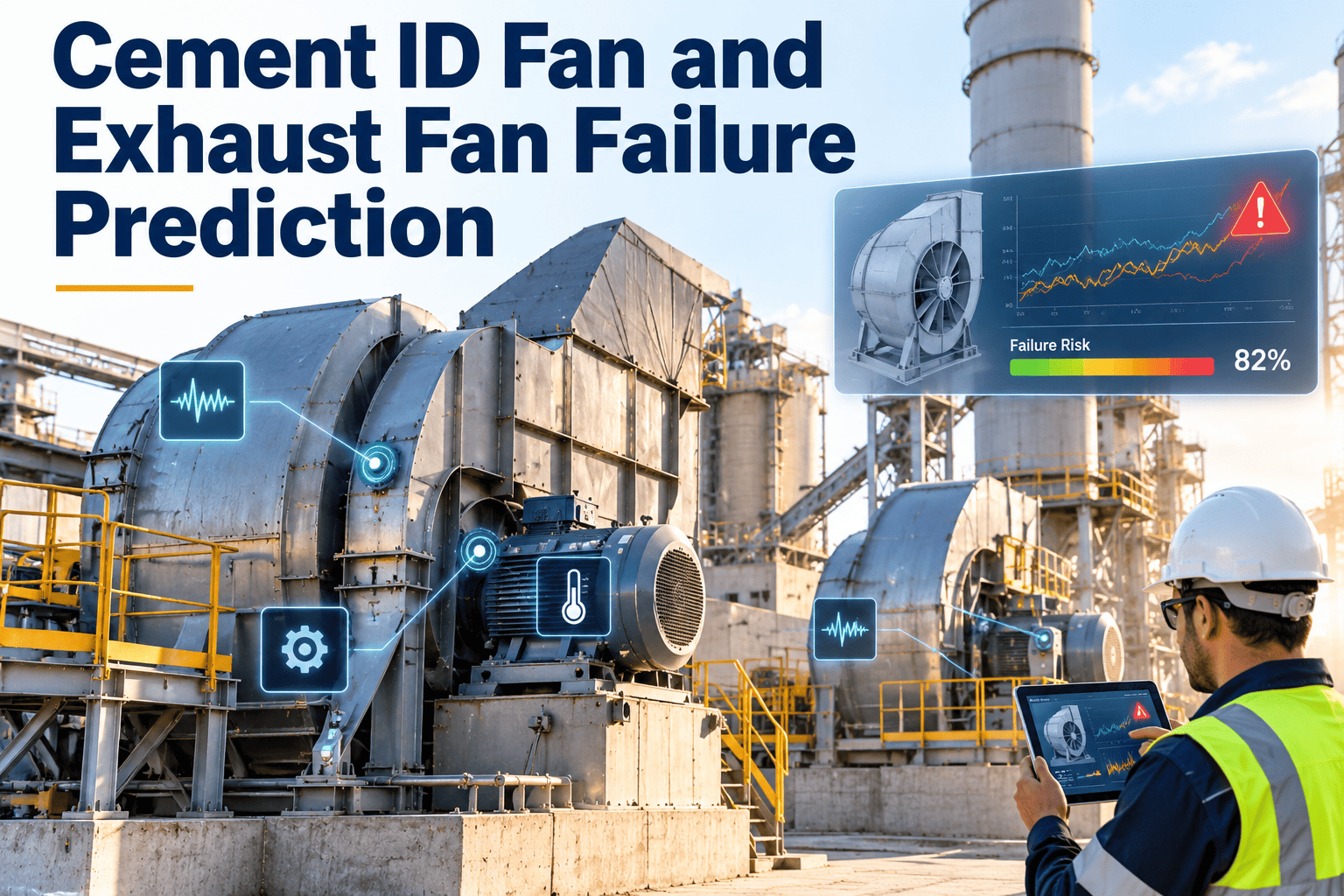
When the kiln ID fan trips, the whole line pays for it. Feed is cut, draft is lost, the kiln has to be brought down safely and every hour of restart eats into clinker output. Exhaust fans on mills, coolers and filters fail in quieter ways, but they still limit throughput and emissions compliance. Predicting these failures means reading vibration, temperature and power trends early enough to plan the repair, and a platform such as OxMaint cement plant maintenance software keeps that evidence connected to the work.
Cement ID Fan and Exhaust Fan Failure Prediction
Spot imbalance, bearing damage, wear and control faults while there is still time to schedule the repair into a planned stop instead of a forced one.
How One Fan Fault Becomes a Plant-Wide Loss
The ID fan draws gas through the preheater and holds the kiln system under the correct draft. If it stops, interlocks stop feed and fuel, and the process cannot simply resume. Refractory sees thermal cycling, clinker quality is disturbed and recovery takes time.
The Cement Plant Fan Fleet and What Each Fan Tells You
Fans in different positions face different stresses. The right lead indicator depends on gas temperature, dust load and duty.
| Fan | Typical Stress | Lead Indicators |
|---|---|---|
| Kiln and preheater ID fan | High temperature, dust abrasion, alkali and chloride build-up | Overall vibration, bearing temperature, motor current against draft |
| Raw mill fan | Abrasive dust, varying load | Vibration trend, impeller wear condition, power against flow |
| Cement mill exhaust fan | Fine dust, moisture, frequent speed changes | Bearing envelope signals, damper or drive response |
| Cooler exhaust fan | Hot, dusty air and thermal load | Bearing temperature, imbalance trend, motor current |
| Coal mill fan | Fine coal dust and safety constraints | Vibration, bearing temperature, seal condition |
| Bag filter and stack fan | Continuous duty, emissions dependence | Differential pressure, vibration, motor current |
Failure Modes, Their Signals and the First Response
A Practical Vibration Reading Guide
For large industrial machines, ISO 20816-3 describes evaluation zones from A to D for overall vibration severity. Treat those zones and the fan manufacturer's limits as a starting point, and rely on the trend for each machine.
| Pattern | Where It Appears | Common Meaning | Check |
|---|---|---|---|
| Dominant 1x | Radial, at running speed | Imbalance from wear or build-up | Inspect impeller, then balance |
| Strong 2x with axial | Running speed doubled | Misalignment or bent shaft | Alignment and coupling condition |
| Harmonics and subharmonics | Multiple of running speed | Looseness or rubbing | Base bolts, bearing housing, clearances |
| Bearing defect frequencies | Envelope spectrum | Outer race, inner race or rolling element damage | Lubrication, contamination, replacement plan |
| Blade pass frequency | Blade count times speed | Aerodynamic effects or clearance issues | Inlet conditions, casing and clearance |
Turn Fan Readings Into Scheduled Repairs
Four Alert Levels That Keep Everyone Aligned
Clear levels remove debate in the control room and the workshop. Each level should carry a defined response and a work order priority.
The Prediction Workflow From Reading to Repair
Planning the Stop: Work Scope and Spares
A predicted failure only saves time if the stop is ready. Fan repairs often need cranes, access scaffolding and long-lead parts.
- Confirm the repair scope from the latest trend and photos
- Book lifting equipment, scaffolding and permits
- Prepare balancing and alignment tools
- Assign crews and sequence tasks in the work order
- Bearings, seals and lubricant for each fan
- Wear liners or repair material for impellers
- Coupling elements and fasteners
- Sensors, damper bushings and actuator parts
Common Mistakes in Fan Condition Programs
Fan Reliability KPIs to Review
What Drives Wear and Build-Up in Cement Fans
Understanding the mechanism makes prediction more reliable, because each mechanism leaves a different signature in the data. Process changes upstream, such as fuel mix, raw material chemistry and filter performance, also change how quickly a fan degrades.
Reading Power, Draft and Flow Together
Fan mechanical data tells you about the machine. Process data tells you what the machine is being asked to do. Combining both prevents false alarms and finds faults that vibration alone would miss.
| Observation | Possible Interpretation | Suggested Action |
|---|---|---|
| Power rising with no change in flow | Wear, deposits or bearing drag | Inspect impeller and check bearing temperatures |
| Draft falling at a given damper position | Duct leakage, build-up or reduced fan performance | Check ducts, inlet and impeller condition |
| Vibration changes after a process upset | Deposit shift or dislodged build-up | Compare with the last clean state and plan cleaning |
| Current oscillates with steady setpoint | Control loop or actuator fault | Review damper or drive tuning and linkage |
| Bearing temperature up, vibration normal | Lubrication or cooling issue | Check lubricant, cooling water and seals |
Lubrication and Cooling Systems for Fan Bearings
Many fan failures start in the lubrication or cooling circuit rather than in the bearing itself. These checks belong in the preventive routine for every critical fan.
- Confirm grease type, quantity and interval against the manufacturer's instructions
- For oil-lubricated bearings, check level, colour and temperature
- Inspect seals and breathers for dust ingress
- Record oil sampling results against the fan
- Verify cooling water or air flow to bearing housings
- Check shaft cooling discs and guards where fitted
- Inspect foundation bolts and grouting for cracks
- Look at coupling guards for heat marks
Where Each Maintenance Strategy Fits
Not every fan deserves the same level of monitoring. Matching strategy to consequence keeps the program practical.
| Fan Class | Consequence of Failure | Recommended Approach |
|---|---|---|
| Kiln ID fan | Immediate kiln stop | Frequent condition rounds, trending, planned inspections and held critical spares |
| Mill and cooler exhaust fans | Throughput limits or emissions risk | Condition-based tasks with preventive lubrication and cleaning |
| Filter and stack fans | Compliance and production impact | Routine vibration and current checks, differential pressure review |
| Low-duty utility fans | Limited and easy to work around | Time-based preventive tasks and inspection on condition |