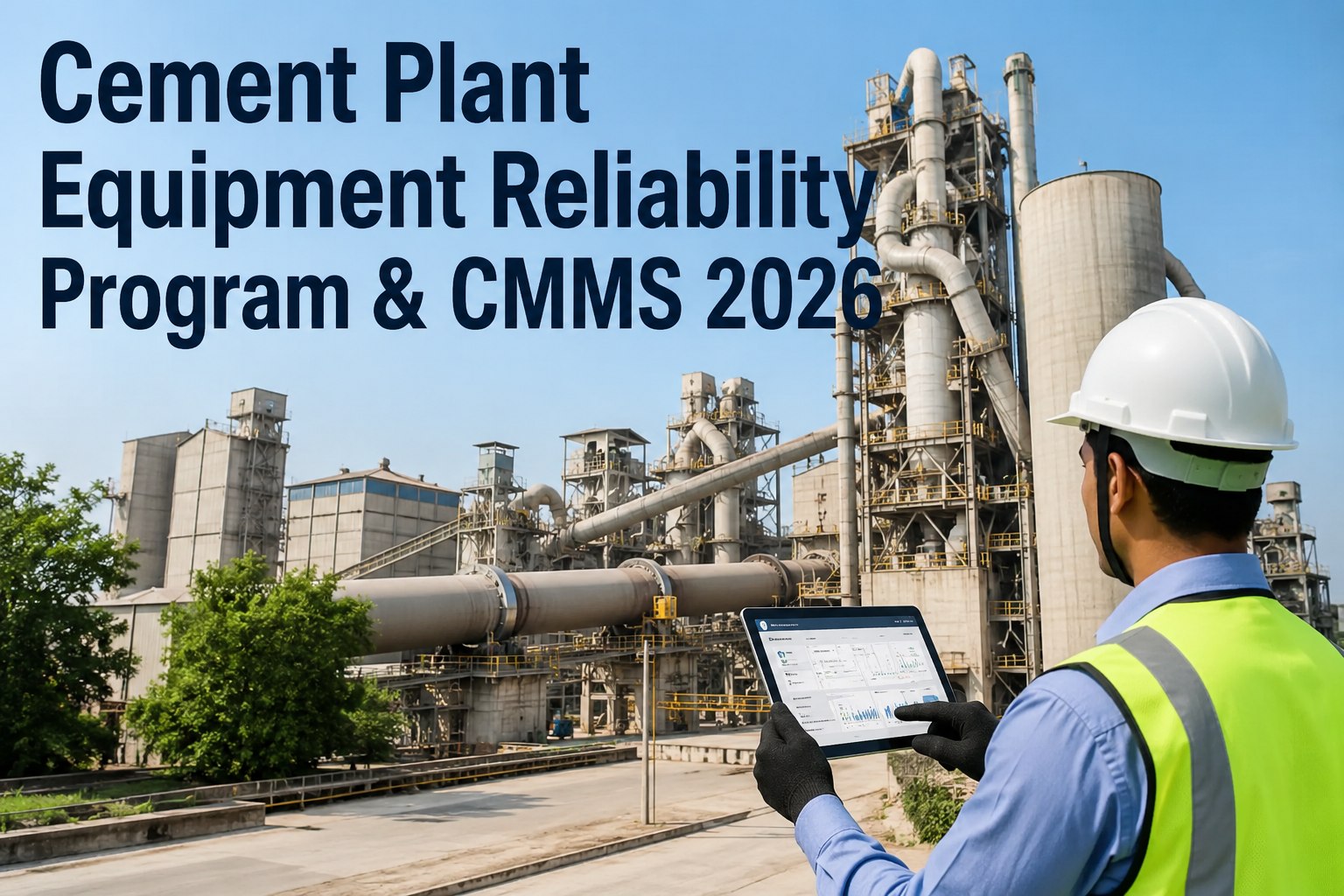
Predictive analytics depends on knowing exactly which machine, and which part of it, a signal or failure belongs to. In many cement plants that is harder than it sounds. A kiln drive may be listed as one asset in the ERP, three in the CMMS and by nickname on the control room screen. Models trained on that mess cannot compare similar fans, follow a bearing through replacements or trace a failure to a process area. A standard asset hierarchy fixes the foundation. This guide shows how to design one, supported by Oxmaint maintenance management software.
Asset Hierarchy Standardization for Predictive Analytics in Cement Plants
Give every kiln, mill, fan and conveyor one identity, one place in the plant structure and one set of attributes, so condition data and failure history can be compared and trusted.
What Goes Wrong Without a Standard Hierarchy
Levels of a Cement Plant Hierarchy
Reference models such as ISO 14224 offer a useful way of thinking about taxonomy levels, though cement plants usually adapt them to their own process. The levels below are a practical starting point.
| Level | What it represents | Cement example | Typical data attached |
|---|---|---|---|
| 1. Site | The physical plant or works | Cement works, grinding unit | Location, cost centre, regulatory identifiers |
| 2. Process area | A main stage of production | Quarry, raw grinding, pyroprocessing, cement grinding, packing | Production line, area owner, shutdown schedule |
| 3. System or unit | A group of equipment performing one function | Rotary kiln, preheater, clinker cooler, raw mill circuit | Function, criticality, process interlocks |
| 4. Equipment | A maintainable machine | Kiln drive, ID fan, mill gearbox, bucket elevator | Manufacturer, model, serial number, install date, rated duty |
| 5. Sub-unit | A major assembly of the machine | Motor, gearbox, coupling, lubrication unit | Spares list, task templates, monitoring points |
| 6. Component | A replaceable item where failure is tracked | Drive end bearing, seal, gear set, impeller | Part number, replacement history, failure codes |
- Stop at the useful depth: go down to component level on critical rotating assets, and stay at equipment level for low-consequence items.
- Keep levels consistent: a level-four item should mean the same thing in the kiln area as it does in packing.
- Separate functional location from the physical item: the position stays fixed while motors and gearboxes may be swapped in and out over time.
Anatomy of a Good Asset ID
Naming rules that last
- Use short, structured codes with fixed segment order
- Reserve a separate description field for readable names
- Never reuse an ID after an asset is retired
- Keep alternative names as searchable aliases
- Document the pattern so contractors follow it too
Naming habits to retire
- Embedding the manufacturer or capacity in the ID, which changes after upgrades
- Using location words such as "old" or "new" that lose meaning quickly
- Different formats for different departments
- Free-text names typed differently each time
- Reusing a tag for a replacement machine without a new record
Equipment Class Templates for Consistency
A class template defines the standard attributes, sub-units, failure modes and tasks for a kind of asset, so every ID fan or bucket elevator is built the same way.
| Class | Standard sub-units | Key attributes | Analytics use |
|---|---|---|---|
| Process fan | Motor, coupling, fan bearings, impeller, housing, damper | Rated power, speed, flow, bearing type | Compare vibration and temperature across fans with similar duty |
| Gearbox | Input and output shafts, bearings, gear set, lubrication system | Ratio, rated torque, oil type and volume | Link oil condition and vibration to gear and bearing failures |
| Mill drive | Motor, gearbox, pinion, trunnion or roller bearings, lubrication unit | Rated power, speed, drive type | Follow load and vibration relationships over long operating periods |
| Conveyor and elevator | Drive, head and tail shafts, belt or chain, idlers or buckets | Length, capacity, belt or chain type | Identify wear patterns across many similar machines |
| Bag filter | Compartments, bags, cleaning system, fan, hopper | Filter area, bag material, cleaning method | Relate pressure drop trends to bag condition |
| Electric motor | Stator, rotor, bearings, cooling, terminal box | Power, voltage, speed, insulation class | Compare temperature and current across similar duties |
Standardization Workflow
Worked Example: One Main Fan, Before and After
- "Fan 2", "ID fan" and a legacy tag exist as separate assets in three systems
- Bearing work is logged against the fan as a whole, without position
- Motor replacements overwrite details of the previous motor
- Vibration tags sit in the historian with no link to a maintenance record
- Spare bearings are stocked under a part number nobody ties to the fan
- One equipment record with a parent system, class and clear ID
- Sub-units for motor, coupling, fan bearings and impeller
- Drive end and non-drive end bearings tracked as separate components
- Vibration and temperature tags mapped to the specific bearing position
- Spare bearings and seals linked to the components that use them
Design Mistakes That Limit Analytics
- Organising by department instead of by function: a hierarchy built around who owns the asset breaks every time the organisation changes, while one built around the process stays stable.
- Going deep everywhere: modelling every valve and sensor equally creates thousands of records that no one maintains, and degrades the data that matters.
- Mixing physical and functional views: an item's position in the process and its serial-numbered identity are different things, and combining them makes replacements hard to track.
- Ignoring shared equipment: utilities, compressors and common conveyors serve several lines, so decide early which area owns them and how cost is allocated.
- Skipping the operations team: control room staff use different names, and their input on naming prevents mismatches with the tags they see every day.
Migrating Existing Records Into the New Structure
- Plan for the pilot to take longer than expected, since the first area reveals hidden assumptions about naming and levels.
- Run old and new identifiers side by side for a short period, with clear dates for when the old ones stop being used.
Questions to Settle Before You Lock the Design
- Which analytics use cases come first? Vibration trending on fans needs sensor-to-bearing links, while cost analysis needs strong roll-up by area, and the first priority shapes how deep you build.
- How will spare assets be handled? Standby pumps, spare motors and rotable gearboxes need a rule for tracking where each physical unit is installed at any time.
- What happens during modifications? Decide whether a major upgrade creates a new asset or a new version of the existing one, and apply the same rule everywhere.
- Who maintains contractor-owned equipment? Rented compressors or contractor-operated units still need records if their failures affect production.
- How will multiple lines or sites align? Use identical class templates and level definitions across lines, so comparisons between kilns or mills are meaningful.
- What is the minimum record for a new asset? Define the required fields at commissioning, so incomplete records do not enter the system in the first place.
Build the Structure Your Analytics Will Stand On
Organise assets, components and history in one consistent hierarchy before the next model or monitoring project starts.
Prioritising Assets With Criticality
Not every asset deserves the same depth of structure. A simple criticality score decides where to invest the detail first.
Linking the Hierarchy to Condition Data
- Record the sensor position, because a reading from the drive end and one from the non-drive end are different variables.
- Keep operating hours or run-time with the asset, since failure analysis needs exposure, not just calendar time.
- Capture replacements with install dates, so each physical component has its own life history.
Data Fields Worth Standardising
- Asset ID and description
- Parent asset
- Equipment class
- Location and area
- Manufacturer and model
- Serial number
- Rated duty and speed
- Install date
- Criticality rating
- Task templates
- Spare parts list
- Failure code set
- Linked sensor tags
- Measurement points
- Alarm limits
- Inspection routes
Measuring Hierarchy Quality
How Oxmaint Supports a Standard Hierarchy
Governance That Keeps the Hierarchy Standard
- Single owner: a named reliability or asset data lead approves new assets, changes and retirements.
- Request process: new equipment from projects or contractors is registered with the required fields before commissioning completes.
- Handover rule: capital projects deliver asset data in the agreed structure, instead of leaving maintenance to build it afterwards.
- Periodic audits: compare a sample of records with plant walk-downs and drawings every quarter.
- Change log: keep a record of structural changes, so analysis can account for them when comparing periods.
Frequently Asked Questions
One Plant, One Structure, One Version of the Truth
Standardise how assets are named, organised and linked, and give every future analytics project a dependable starting point.