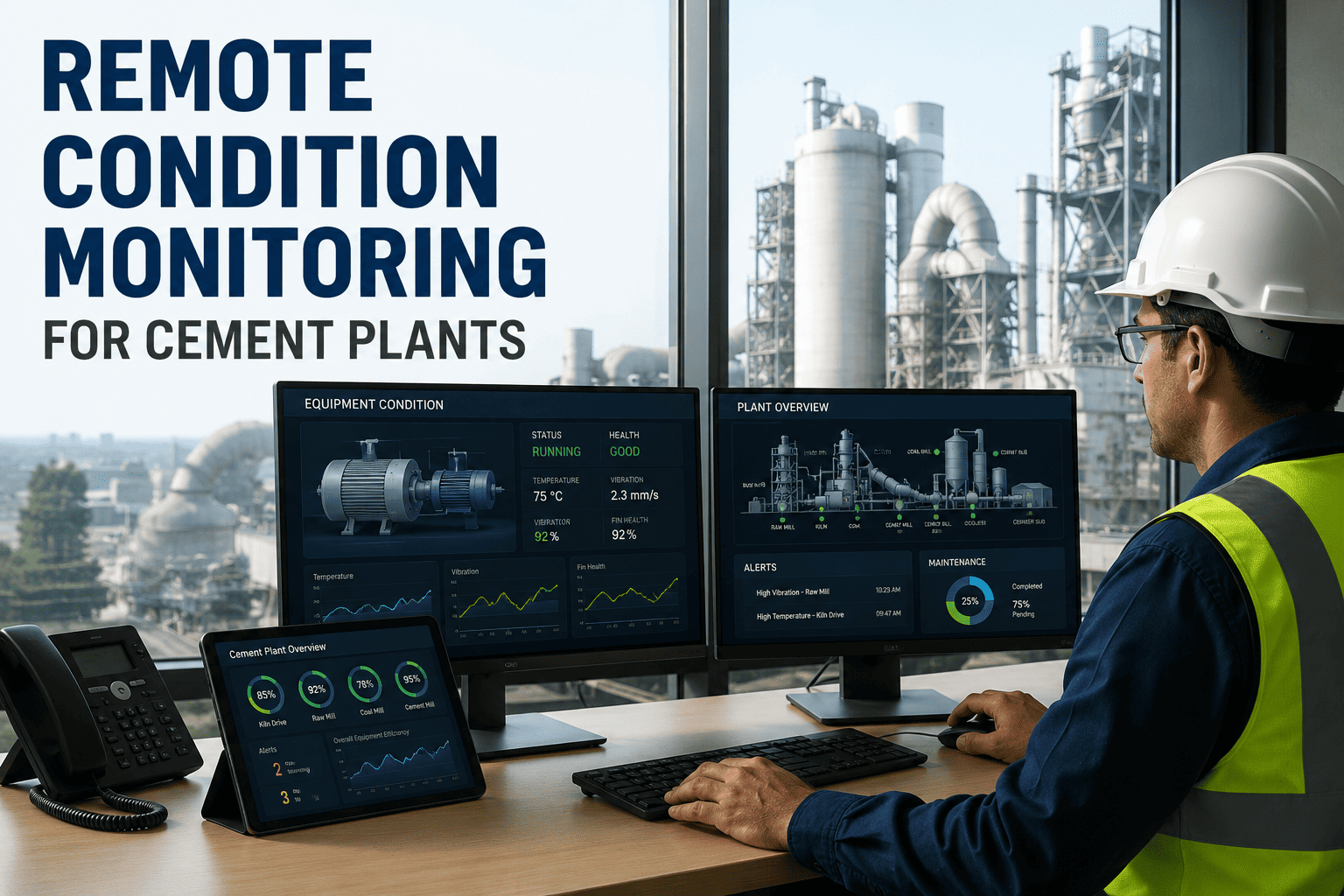
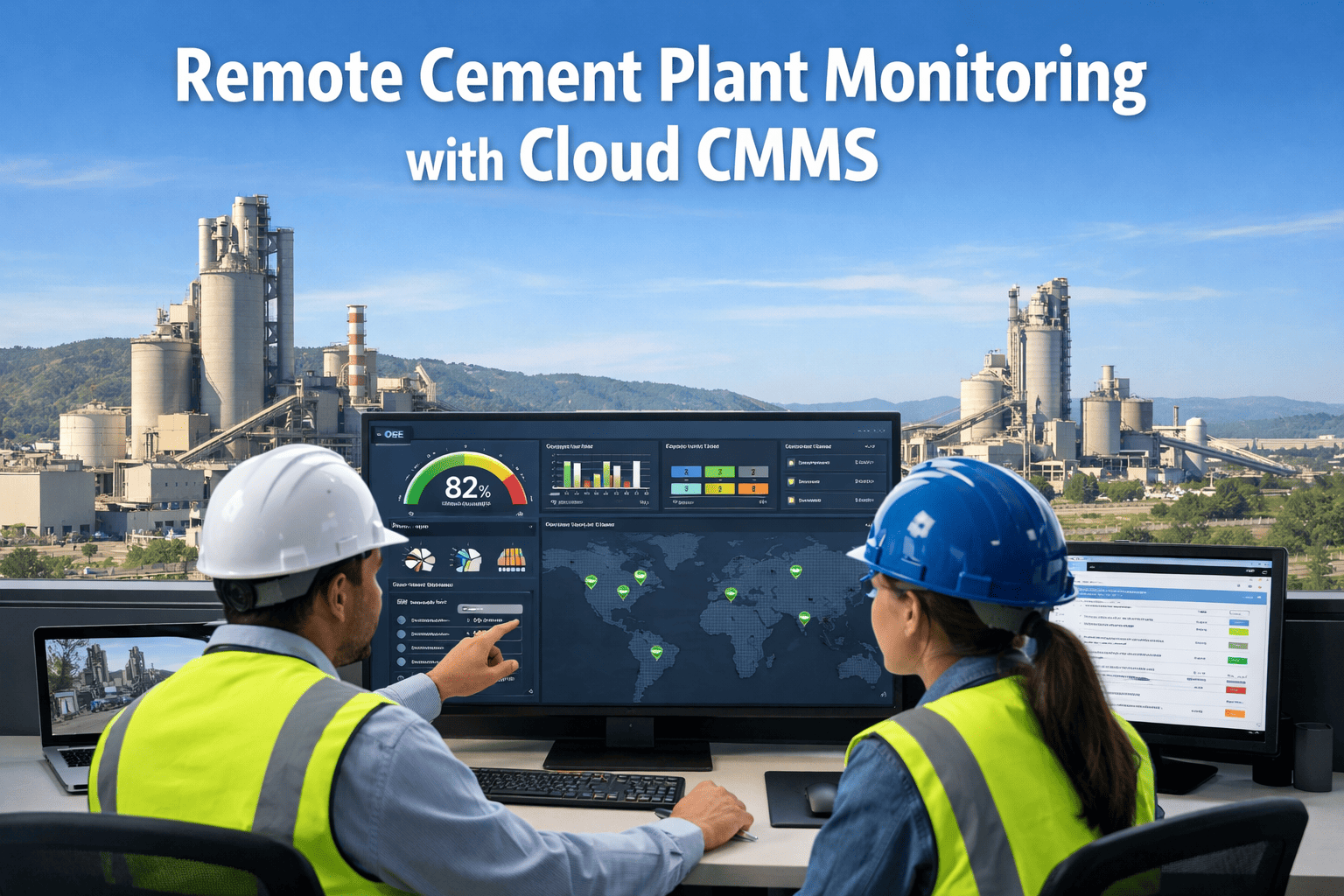
Cement plants rarely fail because one team missed one inspection. They fail because kiln, mill, fan, and conveyor data sits in different systems, work orders use different codes, and each site solves the same problem differently. Multi-plant asset health monitoring connects condition data, inspections, and maintenance history into one reliability view, so a central team can see which equipment is drifting before a stoppage. This guide covers how to build that view, and how a cement maintenance software platform supports it.
Multi-Plant Cement Asset Health Monitoring: Remote Reliability Operations Guide
One reliability view across every kiln, mill, fan, and conveyor line. Standardize condition data, work orders, and inspections so problems surface early and the same fix travels between plants.
Why Multi-Plant Cement Reliability Breaks Down
Every plant runs its own version of maintenance
- Plant A calls a bearing failure "bearing damage"; Plant B logs it as "vibration trip." Neither can be compared.
- Inspection rounds live on paper, spreadsheets, or in one supervisor's memory.
- Vibration, temperature, and current data sit in a DCS, historian, or vendor portal, apart from the work order history.
- Spare parts for critical drives are bought site by site, with no visibility into what another plant holds.
Cement equipment punishes hidden problems
- Kilns run continuously. An unplanned stop means refractory stress, restart fuel, and lost clinker output.
- Dust, heat, abrasion, and vibration wear parts faster than in most process industries.
- Large gearboxes, fans, and mill drives have long lead times, so a late diagnosis becomes a long outage.
Before and After: From Site-Level Firefighting to Fleet-Level Visibility
- Each site reports downtime in its own format
- Failure codes differ between plants
- Condition alarms are not linked to work orders
- Corporate learns about failures after the fact
- Repeat failures are fixed again, not eliminated
- Shared asset hierarchy and criticality ranking
- One failure code library across all sites
- Abnormal readings raise a reviewable work request
- Central team sees open risks in one dashboard
- Root causes are documented and reused fleet-wide
Step 1: Build One Asset Hierarchy for Every Plant
Remote monitoring only works when a "raw mill main drive" means the same thing at every site. Start with a common structure that all plants map to.
Rank criticality before you monitor anything
- Does a failure stop clinker or cement output?
- Is there a standby unit, or a bypass?
- How long does a replacement take to source and fit?
- Does failure create a safety or environmental exposure, such as a bag filter or dust emission event?
Step 2: Choose Condition Signals That Match the Failure Mode
Not every asset needs every sensor. Match the signal to how the equipment actually fails.
| Asset | Common Failure Mode | Useful Signal | Typical Action |
|---|---|---|---|
| Kiln support rollers and tires | Misalignment, surface wear, shell ovality | Shell temperature, alignment checks, thermography | Inspection work order, planned realignment |
| Preheater and ID fans | Imbalance, buildup, bearing wear | Vibration, bearing temperature, motor current | Cleaning task, balancing, bearing replacement |
| Vertical roller mill | Roller and table wear, hydraulic issues | Vibration, differential pressure, hydraulic pressure | Wear measurement, hydraulic inspection |
| Main gearboxes | Gear wear, lubrication breakdown | Oil analysis, vibration, temperature | Oil change, deeper diagnostics |
| Conveyors and elevators | Belt wear, chain stretch, misalignment | Amperage, ultrasound, visual rounds | Belt repair, tension adjustment |
| Bag filters | Bag leaks, cleaning system faults | Differential pressure, emission readings | Bag replacement, valve checks |
Step 3: Connect Data, Inspections, and Work Orders
Data only matters when it triggers action. The remote workflow below keeps a signal from becoming another ignored alarm.
Keep humans in the loop
- Automated alerts should raise requests for review, not release work automatically.
- Process context matters: a fan vibration rise during raw material change may not be a mechanical fault.
- Track false alarms, so thresholds improve instead of being ignored.
Risk Matrix for Fleet-Level Prioritization
With a shared matrix, the central team can decide which plant gets attention first, using the same logic everywhere.
| Impact / Condition | Normal | Watch | Alarm |
|---|---|---|---|
| Stops production | Routine PM | Plan repair next shutdown | Escalate, secure parts now |
| Reduces throughput | Routine PM | Monitor weekly | Plan repair window |
| Standby available | Routine PM | Monitor | Swap and repair |
| Safety or environmental | Inspect on schedule | Inspect within days | Immediate response |
See Your Plants in One Reliability View
Standardize assets, inspections, and work orders across every site, then let the data point to where maintenance effort should go.
KPIs a Central Reliability Team Should Track
Use benchmarking carefully
- Compare plants only on similar equipment and operating conditions.
- Look for practices that work, such as a lubrication routine, and copy them.
- Avoid ranking sites in ways that discourage honest failure reporting.
Where a CMMS Fits in Remote Reliability Operations
Oxmaint acts as the maintenance record that ties monitoring to action. It does not replace your sensors or DCS. It gives their findings a place to become tracked work.
Rollout Timeline: From Pilot Plant to Fleet
Pre-launch checklist
- Critical assets identified and ranked at each plant
- Failure code library agreed by all sites
- Inspection rounds defined with clear pass and fail criteria
- Owners named for alert review and work order approval
- Critical spares listed with lead times
- Reporting cadence set for weekly and monthly reviews
Common Mistakes to Avoid
| Mistake | Consequence | Better Approach |
|---|---|---|
| Monitoring every asset equally | Alert overload and ignored signals | Start with high-criticality equipment |
| Skipping failure codes | No way to find repeat causes | Use one short, agreed library |
| Data without ownership | Alarms with no action | Assign review and response roles |
| Fully different site processes | Fleet comparison becomes meaningless | Standard core, local exceptions |
Frequently Asked Questions
Turn Plant Data into Planned Maintenance
Give every plant the same asset structure, inspection routines, and work order process, and give your reliability team one place to see risk.