Cement Manufacturing Analytics

By John Mark on January 30, 2026

cement-manufacturing-analytics

Data flows through cement plants in torrents—temperatures, pressures, flows, compositions, power draws, quality measurements—yet most of it disappears into historians, never analyzed, never acted upon. Manufacturing analytics transforms this data deluge into operational intelligence: trends that reveal degradation, patterns that predict quality, correlations that expose root causes, benchmarks that drive improvement. The plants winning today aren't necessarily those with the newest equipment—they're the ones extracting insight from every data point.  

Modern analytics platforms make sophisticated analysis accessible without data science degrees. Purpose-built cement analytics tools combine industry knowledge with powerful visualization and machine learning, enabling plant teams to answer questions they couldn't even ask before.

Analytics MaturityWhere is your plant?
1

Reactive

Data exists but analysis happens after problems occur

2

Aware

Dashboards show current status, basic trending available

3

Proactive

Analytics identify issues before they impact production

4

Predictive

ML models forecast outcomes and recommend actions

Core Analytics Capabilities

Real-Time Monitoring

Live dashboards displaying current plant status—process values, equipment states, production rates, quality indicators. Configurable views for control room, management, and mobile access.

Auto-refreshThreshold alertsMulti-screenRole-based views

Historical Trending

Explore months or years of data instantly. Overlay multiple variables, compare time periods, zoom from yearly trends to second-by-second detail. Find patterns invisible in real-time displays.

Unlimited historyMulti-axis plotsPeriod comparisonExport to Excel

Anomaly Detection

AI learns normal operating patterns and flags deviations automatically. Catches subtle changes humans miss—gradual drift, unusual combinations, early warning signatures of developing problems.

Self-learningSensitivity tuningContext-awareFalse positive filtering

Root Cause Analysis

When problems occur, analytics pinpoints why. Correlation analysis, event sequencing, and statistical tools identify contributing factors. Move from "what happened" to "why it happened."

Correlation matrixEvent timelinePareto chartsFishbone builder

Predictive Analytics

Machine learning models forecast future states—quality outcomes, equipment failures, energy consumption. Act before problems occur rather than reacting after.

Quality predictionFailure forecastingDemand predictionEnergy modeling

Reporting & KPIs

Automated reports delivered on schedule—shift summaries, daily production, monthly reviews. KPI dashboards tracking performance against targets with drill-down to details.

Scheduled deliveryPDF/Excel exportKPI scorecardsTrend tracking

Analytics by Process Area

?Kiln
Specific heat consumptionMJ/kg clinker
Free lime trend% over time
Preheater exit temperature°C profile
Kiln drive powerkW vs throughput
Shell temperature scanThermal map
Key insight: Correlate free lime with burning zone temperature, feed chemistry, and kiln speed to optimize burning
⚙️Mills
Specific energykWh/ton
Production ratetph by product
Fineness trendBlaine over time
Separator efficiencyCut point analysis
Mill filling levelSound/power proxy
Key insight: Track specific energy vs fineness relationship to detect wear and optimize operation
?Quality
Strength development1/3/7/28 day curves
Chemistry controlLSF/SM/AM bands
Setting timeInitial/final trends
SO₃ optimization% vs strength
Cpk trackingProcess capability
Key insight: Link lab results to process conditions to build predictive quality models
?Equipment
Vibration spectraFFT analysis
Temperature trendsBearings, motors
Runtime hoursBy equipment
Start/stop countsFatigue tracking
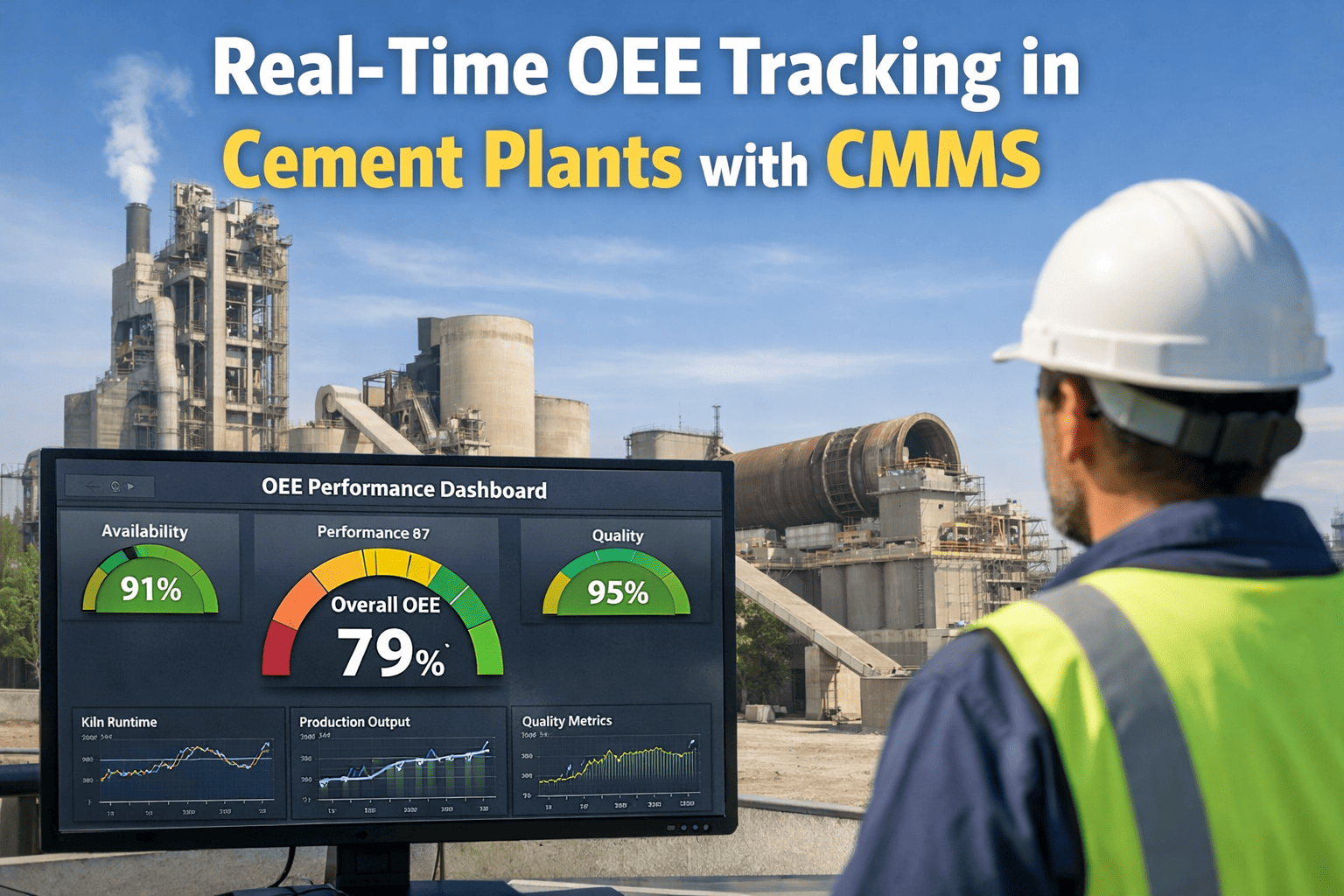
OEE breakdownA × P × Q
Key insight: Establish baselines, detect drift, predict remaining useful life

Unlock Your Plant's Data

Oxmaint transforms cement plant data into actionable intelligence—real-time dashboards, historical analysis, predictive insights.

Building Effective Dashboards

A dashboard is only valuable if people use it. Talk to our analytics experts about designing dashboards that drive action.

✓ Do

Start with Questions

What decisions does this dashboard support? Design for the user's actual workflow, not just available data.

✓ Do

Show Context

A number without context is meaningless. Include targets, trends, benchmarks. Is 3,400 MJ/kg good or bad?

✓ Do

Enable Drill-Down

Overview shows status at a glance; clicking reveals detail. Summary → trend → root cause in 3 clicks.

✗ Don't

Overwhelm with Data

More data ≠ better dashboard. Curate ruthlessly. If nobody acts on a metric, remove it.

✗ Don't

Ignore Mobile

Plant managers check dashboards everywhere. Design for phones and tablets, not just control room screens.

✗ Don't

Set and Forget

Dashboards need maintenance. Retire unused views, add new metrics, adjust thresholds as operations change.

Anatomy of an Effective Kiln Dashboard

Header: Line status, current production rate, hours since last stop
KPI Cards: SEC, Free Lime, Output — with targets and trend arrows
Active Alerts: Priority-sorted, clickable to details
Main Trend: Key process variables over last 24 hours
Gauges: Real-time values with operating ranges

From Data to Decisions: Analytics Workflow


Collect

Sensors, lab, manual entry


Integrate

Clean, normalize, store


Analyze

Trend, correlate, model


Insight

Detect, predict, recommend


Act

Alert, adjust, improve

Key Performance Indicators for Cement

Production
Clinker outputtons/day, % of capacity
Cement outputtons/day by type
Kiln availabilityrunning hours / scheduled hours
Kiln reliabilityMTBF, unplanned stops
Energy
Thermal SECMJ/kg clinker
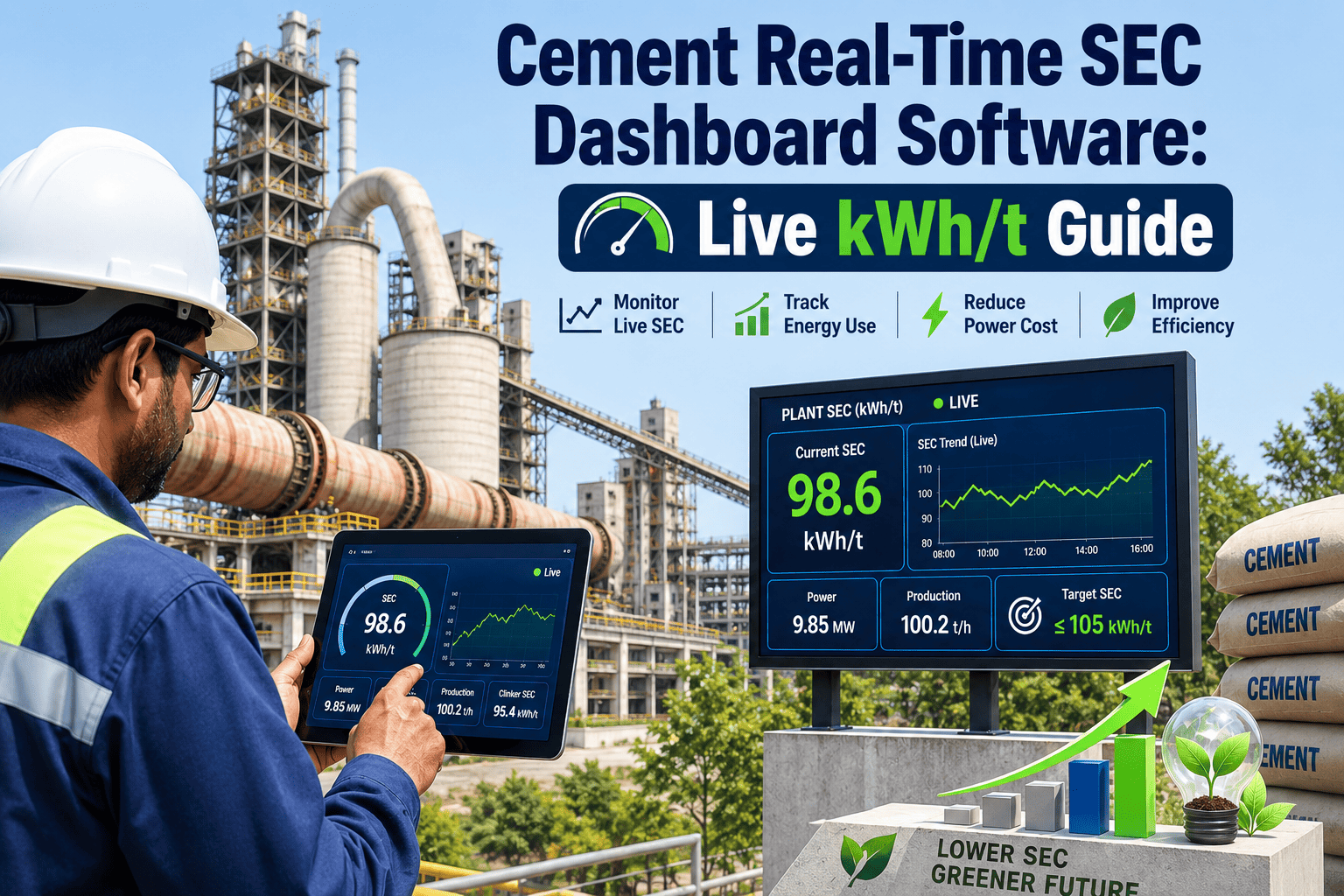
Electrical SECkWh/ton cement
Alternative fuel rate% thermal substitution
Energy cost/ton$/ton cement
Quality
First-pass yield% in-spec without rework
Strength Cpkprocess capability index
Customer complaintsper 1000 tons shipped
Free lime average% and std deviation
Maintenance
PM compliance% completed on schedule
Corrective vs preventivework order ratio
MTTRmean time to repair
Maintenance cost/ton$/ton produced

Analytics Implementation Roadmap

1

Data Audit

Inventory existing data sources. Assess quality, gaps, accessibility. Prioritize high-value data streams.

2-4 weeks
2

Infrastructure

Deploy data integration platform. Connect historians, lab systems, ERP. Establish data warehouse.

4-8 weeks
3

Core Dashboards

Build priority dashboards for kiln, mills, quality. Train users. Gather feedback and iterate.

4-6 weeks
4

Advanced Analytics

Deploy anomaly detection, predictive models. Integrate with operations. Measure impact.

8-12 weeks
5

Scale & Optimize

Expand coverage, refine models, add use cases. Build analytics culture. Continuous improvement.

Ongoing

Analytics ROI

2-5%
Energy reduction from optimization insights
30-50%
Faster root cause identification
20-40%
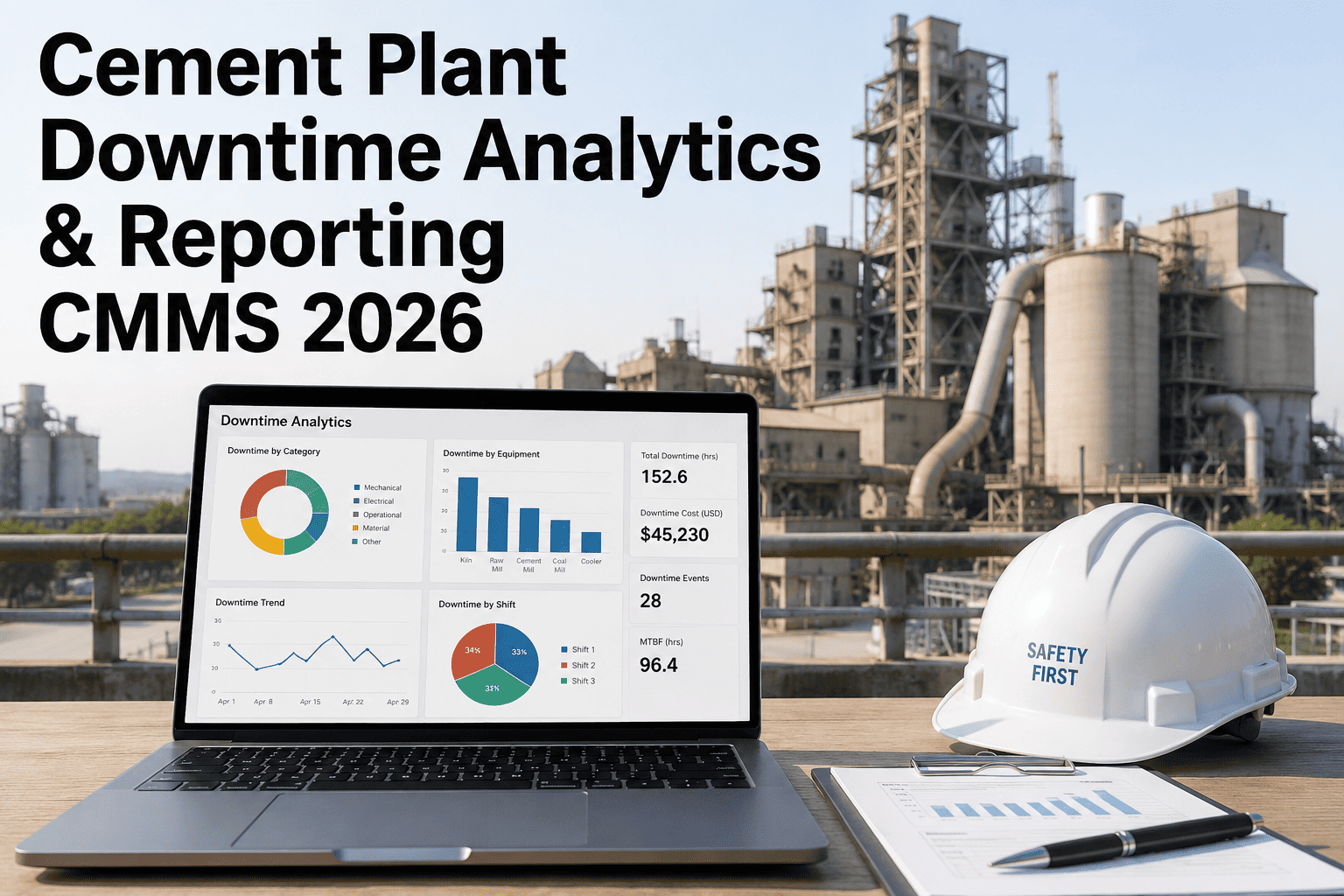
Reduction in unplanned downtime
3-6 mo
Typical payback period

Transform Data Into Results

Oxmaint delivers cement manufacturing analytics that drive real operational improvement—from real-time visibility to predictive intelligence.
Frequently Asked Questions

How much historical data do we need for effective analytics?
For basic trending and dashboards: 3-6 months provides useful context. For predictive models: 12-24 months covering different operating conditions, seasonal variations, and product types. More history enables better pattern recognition and anomaly detection.
Can analytics work with our existing historian?
Yes. Modern analytics platforms connect to all major historians (OSIsoft PI, Wonderware, Honeywell, etc.) via standard interfaces. Data stays in your historian; the analytics layer reads and processes it without migration or duplication.
Who should own analytics in the organization?
Best practice: cross-functional ownership. IT manages infrastructure, process engineering drives use cases, operations uses the tools daily. A dedicated analytics champion (part-time or full-time depending on plant size) coordinates efforts and maintains momentum.
How do we ensure people actually use the dashboards?
Design for real workflows—solve actual problems users face. Start with one killer dashboard that becomes indispensable, then expand. Involve end users in design, provide training, and make dashboards the source of truth for daily meetings.
What's the difference between BI tools and manufacturing analytics?
General BI tools (Tableau, Power BI) work with any data but lack manufacturing context. Manufacturing analytics platforms understand time-series data, process relationships, and industrial protocols. They include built-in calculations for SEC, OEE, and quality metrics rather than building from scratch.

Share This Story, Choose Your Platform!