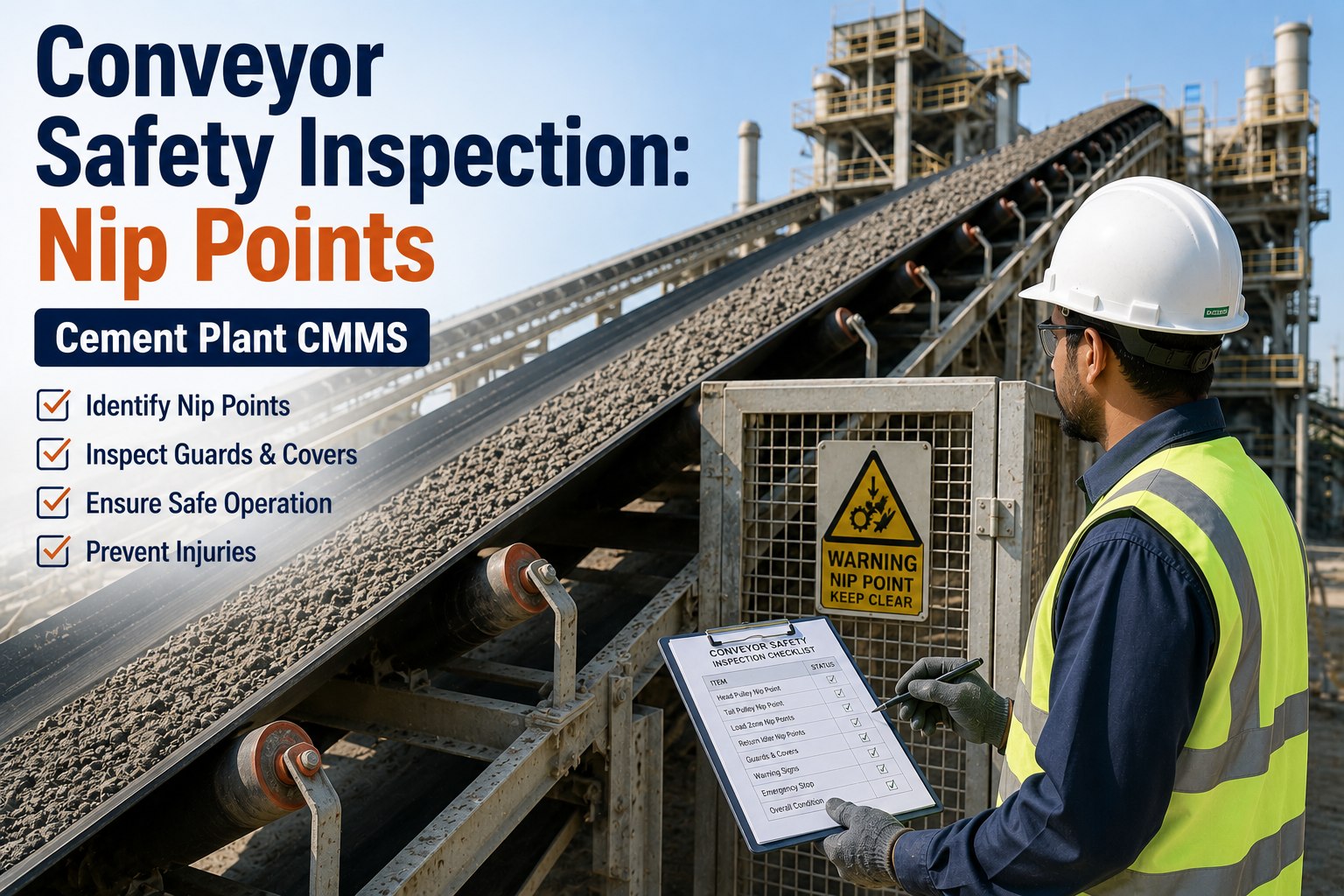
A cement plant covers a huge footprint of conveyors, kilns, silos, fans and electrical rooms, and no inspection round can watch all of it all the time. Hot shell sections, oil seeping from a gearbox, belt spillage or a missing guard can develop between rounds and only surface after a trip or an incident. Computer vision gives plants a way to watch more of the process continuously and flag what looks wrong. When those findings flow into Oxmaint maintenance management software, each alert becomes a tracked inspection or work order instead of an unread notification.
AI and Vision · Cement Plant Inspection
Cement Plant Computer Vision Inspection: See Defects, Heat, Leaks and Unsafe Conditions Before They Stop Production
Turn camera and thermal image findings into verified inspections, prioritized work orders and a clear record of what was found, who acted and when.
Thermal anomaly · kiln shell
Fluid on floor · gearbox base
Belt edge damage · conveyor
Guard not in place · drive area
Each tag becomes a task with location, image and priority
The Inspection Gap Computer Vision Is Built to Close
What manual rounds catch
- Problems visible at the moment of the walk
- Issues the inspector knows to look for
- Conditions reachable and safe to approach
between rounds
What vision adds
- Repeated views of the same location throughout the shift
- Consistent detection rules that do not tire or rush
- Coverage of hot, dusty or hard-to-reach areas from a distance
Computer vision does not replace skilled inspectors. It extends their reach and tells them where to look first.
From Image to Closed Work Order in Five Stages
1
Capture
Fixed cameras, thermal cameras, drones or technician phones collect images of defined assets and areas.
2
Detect
Models flag features such as hot spots, visible leaks, damage or missing safety items against set rules.
3
Verify
A technician or reliability engineer confirms the finding, which keeps false alarms from creating needless work.
4
Act
The confirmed finding becomes a work order with asset, image, location and priority.
5
Learn
Repeat findings, response times and outcomes feed back into inspection frequency and thresholds.
Four Condition Families Worth Watching
Defects and wear
Vision can compare conveyor belts, chutes, liners, structural steel and equipment housings against expected condition. Typical targets include belt edge damage, material buildup in transfer points, corrosion on structures, cracked guards and visible damage to cooler or filter housings. The aim is early notice, so wear is repaired in a planned window.
Heat and thermal anomalies
Thermal imaging shows hot shell sections, overheating bearings, loose electrical connections and abnormal motor surfaces. Kiln shell scanning is the best known use, because refractory loss appears as rising shell temperature. Thermal readings still need correct emissivity settings, reference points and trained interpretation.
Leaks and spills
Oil, grease, hydraulic fluid and water leaks often start as small stains beneath gearboxes, hydraulic units and pumps. Vision can also flag clinker or raw meal spillage, dust leaks at flanges and visible plume changes at stacks. Early detection reduces failure risk, housekeeping hazards and environmental exposure.
Safety conditions
Vision systems can detect missing guards, open access doors, blocked walkways, absent personal protective equipment or people in restricted zones. These alerts should be handled through site safety procedures, with workers informed about what is monitored and why.
Where to Point the Cameras: Zone and Asset Guide
| Plant zone | Visual target | Condition detected | Linked maintenance action |
|---|---|---|---|
| Kiln shell and tyres | Thermal scan along the shell | Hot spots, refractory loss, tyre area temperature changes | Refractory inspection, shutdown scope update |
| Cooler and clinker transport | Visual and thermal views | Spillage, hot clinker leakage, grate area damage | Inspection and repair work order |
| Conveyors and transfer towers | Belt edges, rollers, chutes | Tracking issues, damage, spillage, buildup | Belt alignment, roller replacement, cleaning |
| Gearboxes and hydraulic units | Base plates, seals, hoses | Oil stains, drips, hose abrasion | Leak repair and lubrication check |
| Electrical rooms | Thermal inspection of panels | Hot connections and overloaded components | Tightening, replacement, load review |
| Bag filters and stacks | Outlet and plume views | Visible emission changes and housing damage | Bag inspection and cleaning system check |
| Walkways and drive areas | Guards, access paths | Missing guards, blocked routes, restricted zone entry | Safety corrective action |
Give Every Detection a Clear Owner and a Due Date
Vision alerts only create value when someone acts on them. Route findings into one maintenance system so nothing sits in an inbox.
Prioritizing Findings: Severity and Urgency Matrix
Low asset criticality
High asset criticality
Minor finding
Log and review at next scheduled inspection
Schedule inspection within the week
Developing finding
Plan repair in next available window
Verify promptly and plan intervention
Severe or safety finding
Respond same shift under site procedure
Escalate immediately and consider operating limits
Before and After: A Hot Spot on the Kiln Shell
Without continuous vision
- Hot spot develops between handheld scans.
- Operator notices shell color or alarm late.
- Decision made under pressure with limited history.
- Emergency stop or rushed repair follows.
With vision linked to maintenance
- Scan shows temperature trend rising in one zone.
- Alert opens an inspection with image and location.
- Engineer reviews history and sets action threshold.
- Repair planned for a controlled stop or acted on early.
Choosing the Capture Method for Each Job
| Method | Best suited to | Strength | Watch out for |
|---|---|---|---|
| Fixed visual cameras | Transfer points, walkways, drive areas, stacks | Continuous coverage of known locations | Lens fouling and blind spots |
| Fixed thermal cameras or scanners | Kiln shell, critical electrical rooms | Trend data and early thermal warning | Calibration and correct emissivity settings |
| Drone inspection | Silos, preheater towers, stockpiles, roofs | Safe access to heights without scaffolding | Weather limits, flight permissions, dust |
| Handheld thermal and phone photos | Routes by technicians, spot checks | Low cost and flexible | Inconsistent angles unless routes are standardized |
Most plants end up with a mix. Fixed devices watch the highest-risk locations, while mobile capture covers everything else.
Cement-Specific Targets That Reward Early Detection
Preheater and cyclone areas
Buildup and blockages often show as abnormal surface temperature, dust leaks at poke holes or damaged access doors. Early visual notice supports cleaning before a stoppage.
Bag filter housings
Visible dust at outlets, leaking hoppers and damaged casings point to bag or cleaning system problems that affect emissions compliance.
Raw material stockpiles and feeders
Spillage, blocked chutes and wet material buildup can be spotted before they affect mill feed stability.
Kiln drive and support rollers
Oil leaks, loose guarding and warm bearing housings can be tracked against a baseline instead of judged by feel.
Data and Integration Questions to Settle Early
Image data is only useful when it is tied to the right asset
- Every camera view should map to a named asset or area in the maintenance hierarchy, so an alert lands on the correct record.
- Each finding should include time, location, image reference, detection type and confidence, so reviewers can judge it quickly.
- Define how long images are retained and who may view them, particularly where people appear in frame.
- Decide which detections create work automatically and which wait for human confirmation. Most plants begin with confirmation for everything.
- Record the reviewer decision. Confirmed and rejected alerts together are the training evidence that improves later accuracy.
Questions to Ask Any Vision Solution Provider
Training dataHas the model been tested on dusty, hot, low-light industrial scenes similar to a cement plant?
TuningCan thresholds and zones be adjusted by the plant without a long vendor project?
Reporting of errorsAre false positives and missed detections measured and shared openly?
IntegrationCan findings be exported or sent into the maintenance system with asset and image details?
Hardware durabilityAre housings rated for dust, heat and washdown, and how is cleaning handled?
Safety Programmes and Vision: Handling Alerts Responsibly
Practices that erode trust
- Using vision data to discipline workers without context
- Monitoring areas that were never disclosed
- Letting safety alerts pile up with no owner
Practices that build it
- Focusing alerts on guards, zones and hazards
- Involving safety committees in setup and review
- Closing every alert with a recorded corrective action
A missing guard or a blocked walkway is a maintenance and safety issue at the same time. Logging it as a work order keeps both teams accountable.
Real-World Limits You Should Plan For
Dust, steam and glare
Cement plants are harsh environments. Lens cleaning, protective housings and sensible camera placement are part of the project.
False positives and missed events
Models need tuning on plant imagery. Start with a few high-value use cases and track how often alerts prove correct.
Thermal accuracy
Surface readings depend on emissivity, distance and reflections. Treat results as indicators and confirm critical findings.
Workforce trust and privacy
Explain which areas are monitored, what is detected and how data is used. Focus on safety and equipment condition.
How Oxmaint Fits Around Vision Data
The maintenance system is where findings become action
- Inspection templates with photo capture let technicians confirm or reject a vision alert on the spot.
- Work orders carry the asset, location, image, priority and assigned technician, so repairs start with context.
- Asset history shows whether a leak or hot spot is new or a repeat problem, which supports root cause analysis.
- Scheduled routes can be adjusted when vision data shows an area needs more or fewer physical rounds.
- Reports reveal response times, recurring findings and overdue corrective work for reliability and safety meetings.
Verifying an Alert: What the Reviewer Checks
A
Is it real?
Check the image for glare, reflections, steam or dust that could mimic a defect or hot spot.
B
Is it new?
Compare with earlier images and asset history to see whether the condition is growing or stable.
C
How critical is the asset?
Weigh the finding against the effect on kiln operation, safety and emissions control.
D
What is the next action?
Choose monitor, inspect, repair or escalate, and assign an owner and date.
Using Vision Findings to Improve Preventive Maintenance
Detections show where fixed schedules are wrong
- If a conveyor transfer point shows buildup every week, a monthly cleaning task is too infrequent and the chute design may need review.
- If a gearbox base never shows leaks, inspection effort can move to assets with a worse record.
- If hot spots keep returning in the same shell zone, the refractory plan and operating practice both need attention.
- If safety alerts cluster around one drive area, guard design and access routines deserve a closer look.
The goal is a smaller, sharper inspection plan, where human time goes to confirmation and repair rather than routine looking.
Phased Deployment That Avoids Pilot Fatigue
Weeks 1 to 4
Pick two use cases
Choose problems with clear cost, such as kiln shell heat and gearbox leaks, and define what a valid detection looks like.
Weeks 5 to 10
Run in shadow mode
Compare vision alerts with technician findings and adjust thresholds before alerts trigger work.
Weeks 11 to 16
Connect to work orders
Create confirmation steps, priorities and ownership so every verified alert is actioned.
Ongoing
Expand by evidence
Add zones and detection types only when results justify cost, and retire alerts nobody uses.
Metrics to Prove the Programme Works
Alert precisionShare of alerts confirmed as real conditions
Time to verifyMinutes or hours from alert to technician confirmation
Time to repairConfirmed finding to completed work order
Unplanned stops from visible faultsTrend in failures that earlier detection should prevent
Repeat findingsSame asset and condition returning, pointing to root causes
Safety observations closedVision-flagged hazards resolved within target time
Review these metrics monthly with maintenance, operations and safety together. Rising alert precision and shorter repair times show that detection is turning into reliable action, while a growing pile of unreviewed alerts shows that the process needs simplifying before more cameras are added.
Pre-Launch Checklist
- Use cases are tied to named assets and measurable failure or incident history.
- Camera locations are reviewed for dust, heat, vibration and maintenance access.
- Alert thresholds, verification roles and escalation rules are written down.
- Findings map to work order types, priorities and responsible teams.
- Safety and privacy communication has been completed with the workforce.
Frequently Asked Questions
Does computer vision replace manual inspections?
No. It focuses attention and fills gaps between rounds, while technicians confirm and repair.
Which use case should a plant start with?
Start with a costly, repeatable problem such as kiln shell heat or recurring leaks.
How do alerts become maintenance tasks?
Confirmed findings are logged as inspections or work orders. Sign up for Oxmaint to set this up.
Can it work in dusty plant conditions?
Yes, with protective housings, cleaning plans and tuning on real plant images.
Can we see a workflow for our plant?
Yes. Schedule a demo to review your inspection and work order flow.
Start Turning What Your Cameras See Into Work Your Team Completes
Build a verified path from detection to repair, with images, ownership and history in one maintenance record.