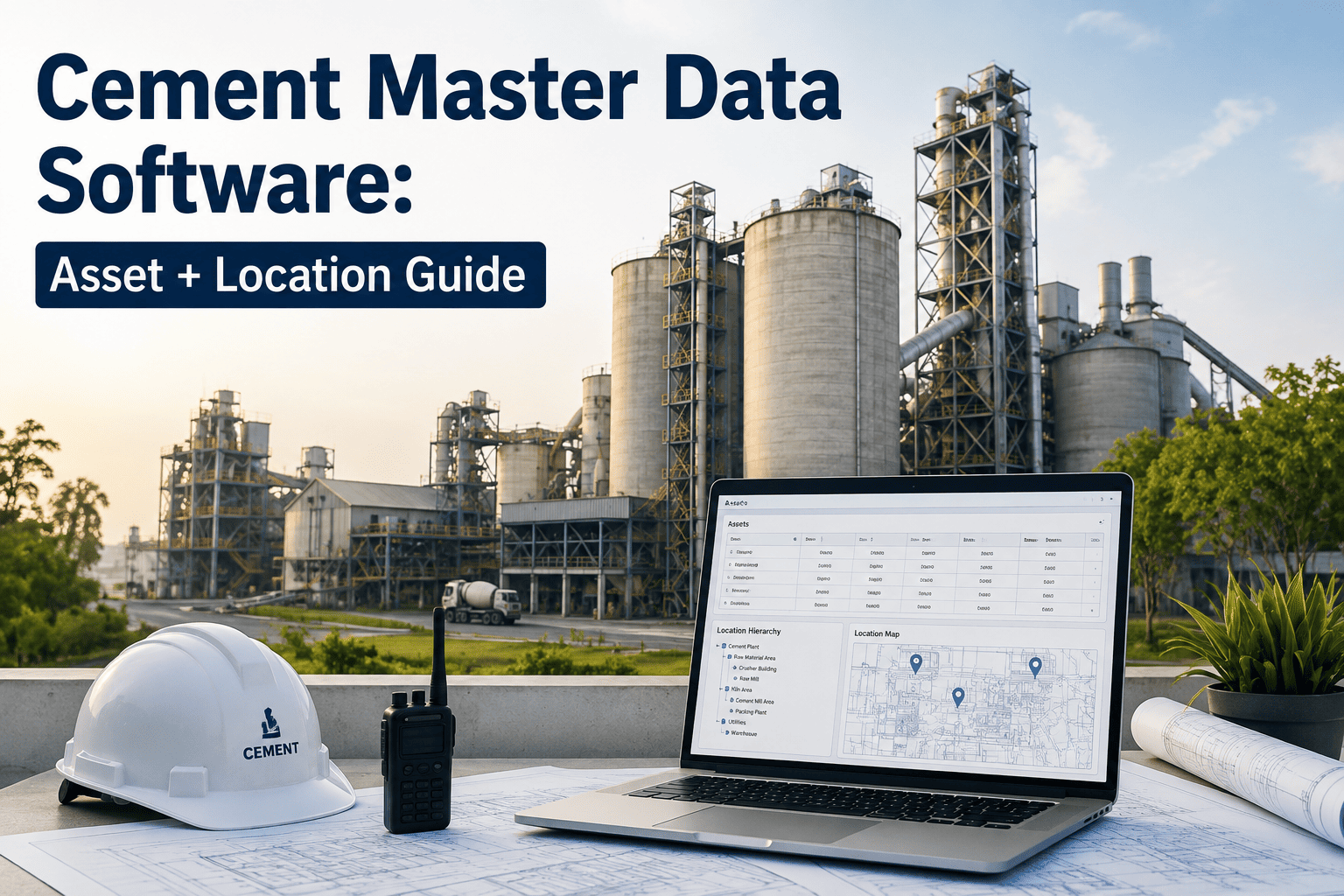
Most cement plants already collect plenty of maintenance data. The problem is where it lives: process values in a historian, vibration routes in a separate tool, lab results in another system, parts in the ERP, and tribal knowledge in spreadsheets and notebooks. When each team sees only its own slice, failures are explained late and the same fault repeats. This guide sets out a practical strategy to connect those sources around the asset, and shows how Oxmaint maintenance software can serve as the shared maintenance record.
Cement Plant Maintenance Data Silo Elimination Strategy
Connect data around the asset first. Analytics and AI only work when the underlying records agree.
Signs your maintenance data is siloed
If several of these sound familiar, the issue is the structure of the data, not the effort of the people.
What silos cost the maintenance organization
Costs are mostly indirect, which is why silos survive for years.
| Silo gap | Operational effect | Typical result |
|---|---|---|
| Alarms separate from work orders | Alerts depend on someone copying them over | Late or missed corrective action |
| No common asset ID | History cannot be combined for one machine | Weak failure analysis and repeat faults |
| Parts data separate from planning | Planners cannot see availability or reservations | Delayed jobs and excess stock |
| Inspection notes on paper | Findings are not searchable or trended | Slow detection of developing problems |
| Quality and emissions data separate | Equipment causes are not linked to deviations | Longer investigations and repeated excursions |
| Spreadsheet KPIs | Different versions and definitions across teams | Meetings argue about numbers, not actions |
Build one maintenance record around every asset
Bring inspections, work orders, parts, and history together so teams make decisions from the same facts.
Step one: take a data inventory
List what exists before choosing technology. A short inventory often shows that the gaps are smaller than expected.
Source
Which system or file holds the data, and who owns it?Asset key
How does that source identify equipment, and does it match the master list?Quality
Is it complete, current, and entered in a consistent format?Use
Which decisions depend on it, and how often is it reviewed?Access
Can it be exported or connected, or is it locked in paper?
Step two: agree a common asset structure and codes
Without common identifiers, integration only moves confusion from one place to another.
The integration maturity path
Most plants move through stages. Choose the next stage, not the final one.
Standardize
One asset list, one set of codes, and digital work orders replace paper and spreadsheets.Connect
Inspection, condition, and parts data are linked to the asset record, manually or through exports.Automate
Alerts and thresholds raise tasks automatically, and dashboards refresh without manual work.Predict
Clean history supports condition based planning and failure prediction that engineers review and trust.Six practical steps to eliminate silos
- Pick a pilot areaChoose one critical line, such as the kiln, and prove the approach there.
- Fix the asset masterClean names and IDs before moving any history.
- Move routines digitalPut inspections, lubrication, and preventive tasks on mobile forms.
- Link alerts to actionDefine which condition signals create a work order and who responds.
- Share dashboardsGive maintenance, operations, and stores the same KPIs and definitions.
- Expand by valueAdd the next area where data gaps cause the most cost or risk.
Data governance that keeps silos from returning
Without governance
- New spreadsheets appear for every new problem
- Codes drift as teams invent their own
- Closed work orders lack cause and measurements
- Data quality is noticed only during audits
With governance
- One approved place for each type of record
- Code changes reviewed by reliability and planning
- Required fields enforced when closing work
- Monthly data quality checks with named owners
KPIs that show data is becoming connected
Assets with a unique ID
Assets in the master list divided by assets in the plantWork orders with failure codes
Closed jobs with complete codes divided by closed jobsAlerts converted to work
Alerts with a linked task divided by actionable alertsInspections done digitally
Digital inspections divided by total inspectionsReport preparation time
Hours spent building the monthly reliability packParts linked to jobs
Work orders with parts listed divided by jobs using partsWhere AI fits, and where it does not yet
AI and analytics can help prioritize alerts and spot patterns, but they depend on consistent history and engineering review.
Good early uses
Ranking repeat failures, finding overdue tasks, and summarizing work history from structured records.Needs clean data first
Failure prediction models require consistent asset IDs, reliable timestamps, and coded failure events.Needs human review
Decisions on critical equipment should combine analytics with operator and engineer judgment.
Typical data sources in a cement plant
Knowing what exists is half the work. Most plants hold these sources.
Historian and DCS
Temperatures, pressures, motor currents, and process alarms for the kiln line.Condition tools
Vibration routes, oil analysis reports, and thermography files.CMMS
Work orders, preventive tasks, inspections, and asset history.ERP and stores
Purchasing, stock, and cost records for spares.Lab and quality
Chemistry, fineness, and emissions monitoring results.
Integration approaches compared
Choose the simplest approach that closes the biggest gap.
| Approach | Best for | Limits |
|---|---|---|
| Manual exports and spreadsheets | Short term analysis and early pilots | Error prone, slow, and hard to keep current |
| Scheduled file transfers | Moving lab or stores data into the maintenance record | Delays between updates and format changes can break it |
| Direct system links | Stable, high value data such as work orders and stock | Needs technical ownership and testing |
| Alert based triggers | Turning condition signals into tasks | Needs careful limits to avoid alert overload |
Quick wins for the first 90 days
- Clean the critical asset listStart with the kiln line, mills, and main fans.
- Digitize the top inspectionsMove the most important rounds onto mobile forms.
- Add failure codes to closureRequire cause and action on every corrective job.
- Link spares to assetsShow critical spares against the machines that use them.
- Publish one KPI pageShare a single view of backlog and compliance.
- Review data quality monthlyCheck missing IDs and incomplete jobs, and fix the causes.
Who is responsible for what
Risks in data projects and how to reduce them
Common risks
- Trying to connect everything at once
- Cleaning data without fixing how it is entered
- Choosing tools before defining needs
- Ignoring technician workload and training
Better practice
- Start with one line and widen after results
- Make required fields part of daily work
- Write the decisions the data must support first
- Keep forms short and train in the field
Questions to test your data readiness
Data quality checks that matter most
Quality problems usually come from entry habits. Check these five dimensions.
| Dimension | What to check | Example check |
|---|---|---|
| Completeness | Required fields are filled | Closed work orders with cause and action codes |
| Consistency | Same names, units, and codes everywhere | One ID for each kiln drive in every system |
| Timeliness | Records are entered when work is done | Time between job completion and closure |
| Accuracy | Values match the real equipment and event | Run hours and readings checked against the source |
| Uniqueness | No duplicate assets or jobs | Duplicate asset names flagged in monthly review |
Managing the change for maintenance teams
New data habits succeed when they save technicians time rather than add forms.
Start with the pain
Pick a problem technicians already feel, such as searching for history, and solve it first.Keep entry short
Use dropdowns, codes, and photos instead of long text so closing a job takes less effort.Show the benefit
Share examples where connected data found a root cause or avoided a repeat repair.Give feedback
Review data quality with crews regularly and recognize good records.
What to ask any vendor or integrator
Data model
How are assets, failure codes, and parts structured, and can we change them?Connections
Which systems can it exchange data with, and by what method?Mobile use
Can technicians complete work offline in poor coverage areas?Reporting
Can we build our own KPIs without custom code?Support
Who helps with setup, training, and later changes?
What good looks like after one year
One asset list
Every critical machine has a unique ID used in all maintenance records.Coded failures
Most corrective jobs close with cause and action codes.Linked alerts
Condition signals create tasks with owners and due dates.Shared KPIs
Maintenance, operations, and stores use the same definitions.Searchable history
Technicians find past repairs quickly from the field.Less manual reporting
Reviews start from a live view instead of rebuilt slides.Key takeaways for removing data silos
A short summary to share with plant leadership before a pilot starts.
Start with the asset
A clean asset list is the foundation for every later connection.Code the failures
Structured causes turn history into data that engineers can analyze.Connect step by step
Link the highest value data first and add sources as the team gains confidence.Keep ownership clear
Every data set needs a named owner who keeps it accurate.How Oxmaint helps remove maintenance data silos
Oxmaint is maintenance management software. It gives teams one asset based record and works with the specialist systems you already use.
Central asset records
Hierarchy, documents, history, and open work for each machine in one place.Digital work orders
Structured preventive and corrective jobs with causes, notes, and photos.Mobile inspections
Rounds and checks captured at the equipment and available to all teams.Inventory
Parts linked to assets and jobs so planners see availability.Dashboards and reports
Shared KPIs for backlog, compliance, and repeat failures.Condition based workflows
Create tasks when a reading or inspection result crosses a defined limit.Data silo elimination FAQs
What is the first step to remove maintenance data silos?
Inventory your data sources and agree one asset list with unique IDs.
Do we need to replace every system?
Usually not. Connect the key records around the asset and retire duplicates over time.
Why do failure codes matter?
They turn free text into data that can be counted, trended, and used for analytics.
Can a CMMS be the central record?
Yes for maintenance. Oxmaint holds asset history and work records together.
How should a plant start?
Start with one critical line. Book a demo to plan a pilot.
Replace scattered files with one maintenance record
Give maintenance, operations, and reliability teams a single place for assets, inspections, work orders, parts, and history.