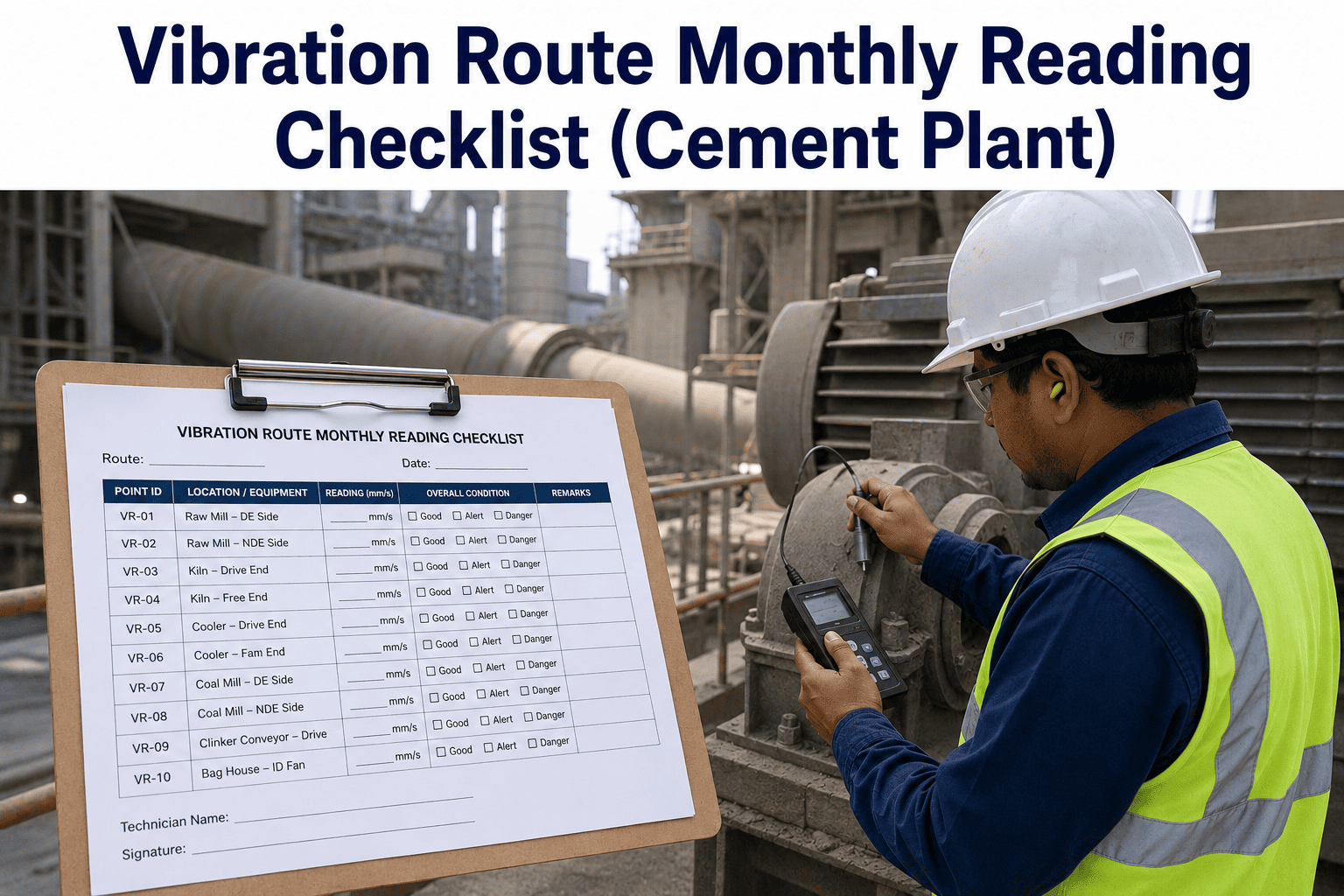
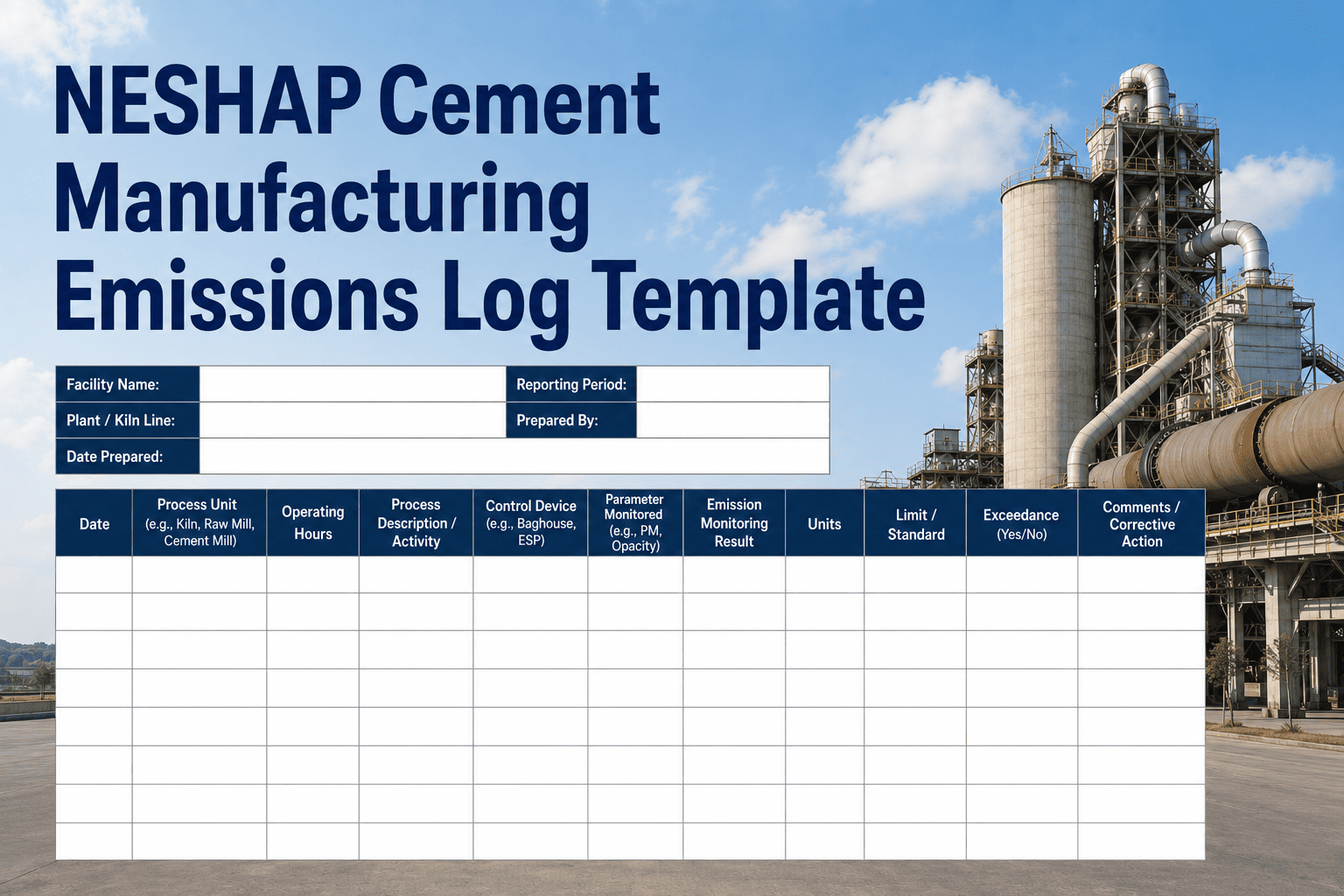
Cement plant vibration monitoring is one of the most critical — and most under-documented — reliability practices in heavy industry. When a kiln main drive bearing fails without warning, the consequences are not just mechanical: production halts for days, refractory work is jeopardised, and replacement parts can take weeks to source. A structured vibration route template gives your maintenance team a repeatable, auditable method to collect readings on every rotating asset in the plant — from raw mill fans to clinker cooler drives — before a threshold is crossed and before a threshold is noticed. If you want to see how OxMaint helps cement plants digitise their vibration routes and auto-generate work orders from sensor data, start a free trial or book a 30-minute demo with our reliability team.
Vibration Monitoring · Cement Industry · Free Template
Cement Plant Vibration Route Template
A ready-to-use, CMMS-compatible vibration route template covering kiln main drive, raw mill, finish mill, fans, motors, and gearboxes — structured to ISO 10816 severity zones and designed for digital or paper-based route collection.
ISO 10816
Severity Classification
40+
Measurement Points Covered
6 Routes
Asset Classes Included
CMMS-Ready
Work Order Integration
Why It Matters
Why Cement Plants Lose Millions Without a Vibration Route
!
Unplanned Kiln Stoppage
A kiln main drive failure costs $80,000–$250,000 per day in lost production. Most kiln bearing failures show vibration warning signatures 3–6 weeks before failure — if someone is measuring.
~
No Baseline, No Trend
Without a structured route, readings are taken inconsistently — different points, different axes, different intervals. You cannot trend what you cannot compare. A route template fixes this from day one.
#
Audit and Insurance Risk
ISO 55001 auditors and insurance surveyors require documented evidence of condition monitoring. Informal vibration checks with no record trail leave you exposed during audits and claims.
+
Knowledge Walking Out the Door
When the experienced technician who knows "which fan always runs hot" retires, that knowledge is gone without documented routes and historical readings tied to named measurement points.
Route Structure
Six Vibration Routes — What Each Covers
Each route in the template is structured by asset class, measurement point, axis, parameter, and ISO 10816 severity band. Routes are designed to be completed in sequence during a shift — not scattered across multiple days.
Main drive motor — NDE bearing, H/V/A axes
Main drive motor — DE bearing, H/V/A axes
Kiln gearbox — input shaft bearing
Kiln gearbox — output shaft bearing
Kiln tyre and riding ring — ovality check point
Kiln shell — flexion measurement point
ISO 10816-3 · Alert: 4.5 mm/s RMS · Alarm: 7.1 mm/s RMS · Trip: 11.2 mm/s RMS
Fan motor — NDE bearing, H/V axes
Fan motor — DE bearing, H/V axes
Fan shaft — inboard bearing
Fan shaft — outboard bearing
ISO 10816-3 · Alert: 3.5 mm/s RMS · Alarm: 5.6 mm/s RMS · Trip: 9.0 mm/s RMS
Mill motor — NDE and DE bearings
Gearbox — input, intermediate, output shaft bearings
Mill trunnion — feed and discharge end bearings
Separator drive motor — DE bearing
ISO 10816-3 · Alert: 4.5 mm/s RMS · Alarm: 7.1 mm/s RMS · Trip: 11.2 mm/s RMS
Cooler fan motor — NDE and DE bearings
Fan shaft — inboard and outboard bearings
Damper actuator linkage — vibration check
ISO 10816-3 · Alert: 2.8 mm/s RMS · Alarm: 4.5 mm/s RMS · Trip: 7.1 mm/s RMS
ID fan motor — NDE and DE bearings, H/V axes
ID fan shaft — inboard and outboard bearings
Fan impeller — axial vibration reference point
ISO 10816-3 · Alert: 3.5 mm/s RMS · Alarm: 5.6 mm/s RMS · Trip: 9.0 mm/s RMS
All auxiliary motors above 15 kW — NDE and DE bearings
Coupled pump or conveyor drive — inboard bearing
ISO 10816-1 · Alert: 1.8 mm/s RMS · Alarm: 2.8 mm/s RMS · Trip: 4.5 mm/s RMS
ISO 10816 Reference
ISO 10816 Vibration Severity Zones — Built Into Every Route
Every measurement point in the template is pre-classified to the correct ISO 10816 machine category. When a reading is entered, the severity zone is determined automatically — no manual lookup required.
| Zone |
Label |
Class I (small) |
Class II (medium) |
Class III (large) |
Recommended Action |
| A |
New / Recently Commissioned |
0–0.71 mm/s |
0–1.12 mm/s |
0–1.8 mm/s |
No action — continue monitoring |
| B |
Acceptable for Long-Term Operation |
0.71–1.8 mm/s |
1.12–2.8 mm/s |
1.8–4.5 mm/s |
Log trend — increase frequency |
| C |
Unsatisfactory — Short-Term Only |
1.8–4.5 mm/s |
2.8–7.1 mm/s |
4.5–11.2 mm/s |
Raise work order — plan intervention |
| D |
Danger — Damage Likely |
4.5+ mm/s |
7.1+ mm/s |
11.2+ mm/s |
Immediate shutdown — critical work order |
OxMaint CMMS Integration
Turn Vibration Route Readings Into Auto-Generated Work Orders
OxMaint connects your vibration route template to your CMMS — so when a Zone C or Zone D reading is entered, a prioritised, assigned work order is generated in seconds. No manual handoff. No missed alerts. Full compliance trail from reading to repair closure.
How to Use the Template
Deploying Your Vibration Route — Step by Step
1
Assign Measurement Point IDs
Label each physical bearing location on the asset with a unique ID that matches the template. Use paint markers or asset tags. This ensures readings are always collected at the same location and axis — making trend comparison valid.
2
Collect Baseline Readings Under Normal Load
Complete the first route pass during stable operating conditions — not during startup, shutdown, or load changes. This first reading set becomes the healthy baseline all future trends are compared against. Record operating speed and load at time of collection.
3
Set Asset-Specific Alert Thresholds
Calibrate ISO 10816 zone boundaries to each asset using the baseline data — not generic vendor values. An asset running at 120% of design load will have a naturally higher baseline than a lightly loaded asset of the same size.
4
Run Routes on Schedule — Log Every Reading
A route template only delivers value when readings are actually collected. Assign named technicians to each route, tie collection to shift completion checklists, and log every reading — including "normal" readings, which are the baseline that makes anomalies visible.
5
Escalate Zone C/D Readings Immediately
Any Zone C or Zone D reading requires a work order before the technician leaves the area. The template includes a built-in escalation decision tree: Zone C triggers a planned intervention; Zone D triggers immediate shutdown assessment and critical work order.
6
Upload Readings to CMMS for Trend Tracking
Whether you use OxMaint or another CMMS, readings must be digitised and stored against the asset record. Paper routes that live in a folder do not produce trend charts. Digital records that live in a CMMS produce the data history that enables condition-based and predictive maintenance.
Common Mistakes
Four Vibration Route Mistakes That Make Templates Useless
01
Collecting readings at different load conditions each time
Vibration readings are load-dependent. Comparing a reading at 60% load to one at 100% load is meaningless for trend analysis. Always record operating conditions and collect at consistent load points.
02
Using generic ISO thresholds for all assets regardless of size
ISO 10816 has four machine classes based on power and mounting. Applying Class I limits to a Class III machine will generate constant false alarms. Every asset must be mapped to the correct ISO class before thresholds are set.
03
Skipping "normal" readings when there is nothing wrong
When all readings are normal, some teams skip route collection. This creates gaps in the trend history — exactly when you need a dense baseline. An anomaly only becomes visible when you have normal data around it to compare against.
04
No work order triggered for Zone C readings
Zone C means unsatisfactory — damage is occurring and the asset should not run long-term in this state. Yet many plants log Zone C readings and take no immediate action. Every Zone C reading must trigger a documented work order, even if intervention is planned weeks out.
Common Questions
Vibration Route Template — What Teams Ask
What instrument do I need to use this vibration route template?
Any calibrated handheld vibration analyser that measures velocity (mm/s RMS) and acceleration (g peak) is sufficient to use this template. The template is instrument-agnostic — it defines the measurement points and parameters, not the hardware. For online routes on critical assets, continuous vibration transmitters feeding your CMMS via OxMaint's sensor API eliminate the need for manual collection entirely.
Start a free trial to see how sensor integration works.
How often should cement plant vibration routes be completed?
Route frequency depends on asset criticality and current condition. Critical assets like the kiln main drive and finish mill should be routed weekly when in Zone B and increasing in frequency if any point enters Zone C. Medium-criticality assets like cooler fans are typically routed monthly under normal conditions. The template includes recommended route frequencies per asset class that can be adjusted based on your plant's operating profile.
Can this template be used in OxMaint or does it require a spreadsheet?
The template is designed to be used digitally inside OxMaint — where each route becomes a recurring work order with digital reading entry, automatic ISO zone classification, and CMMS-linked asset history. It can also be used as a standalone Excel or PDF form if you are not yet using a CMMS.
Book a demo to see the OxMaint route module in action.
Is this template compliant with ISO 55001 asset management requirements?
Yes — the template structure, threshold classification, and escalation logic are designed to produce the documented evidence required for ISO 55001 condition monitoring verification. When used with OxMaint, every route reading, work order, and repair closure is automatically timestamped and stored in a full audit trail that satisfies ISO 55001 Clause 8.1 operational planning and control requirements.
Should I keep doing routes after installing online vibration sensors?
Online sensors should be prioritised on critical path assets — kiln main drive, main fans, mill drives. But they rarely cover the full plant economically. Manual routes remain the backbone of vibration programmes for auxiliary and medium-criticality assets. Running online sensors and manual routes in parallel on the same critical asset provides redundancy — the online sensor catches sudden changes, the manual route captures the full bearing and gearbox picture during each pass.
Free · No Credit Card · Live in 60 Minutes
Start Your Cement Plant Vibration Programme in OxMaint Today
Deploy this vibration route template inside OxMaint — configure your measurement points, set ISO 10816 thresholds, and connect your first sensor in under 60 minutes. Work orders auto-generate when Zone C or Zone D readings are entered. Full audit trail from reading to repair closure — no spreadsheet required.