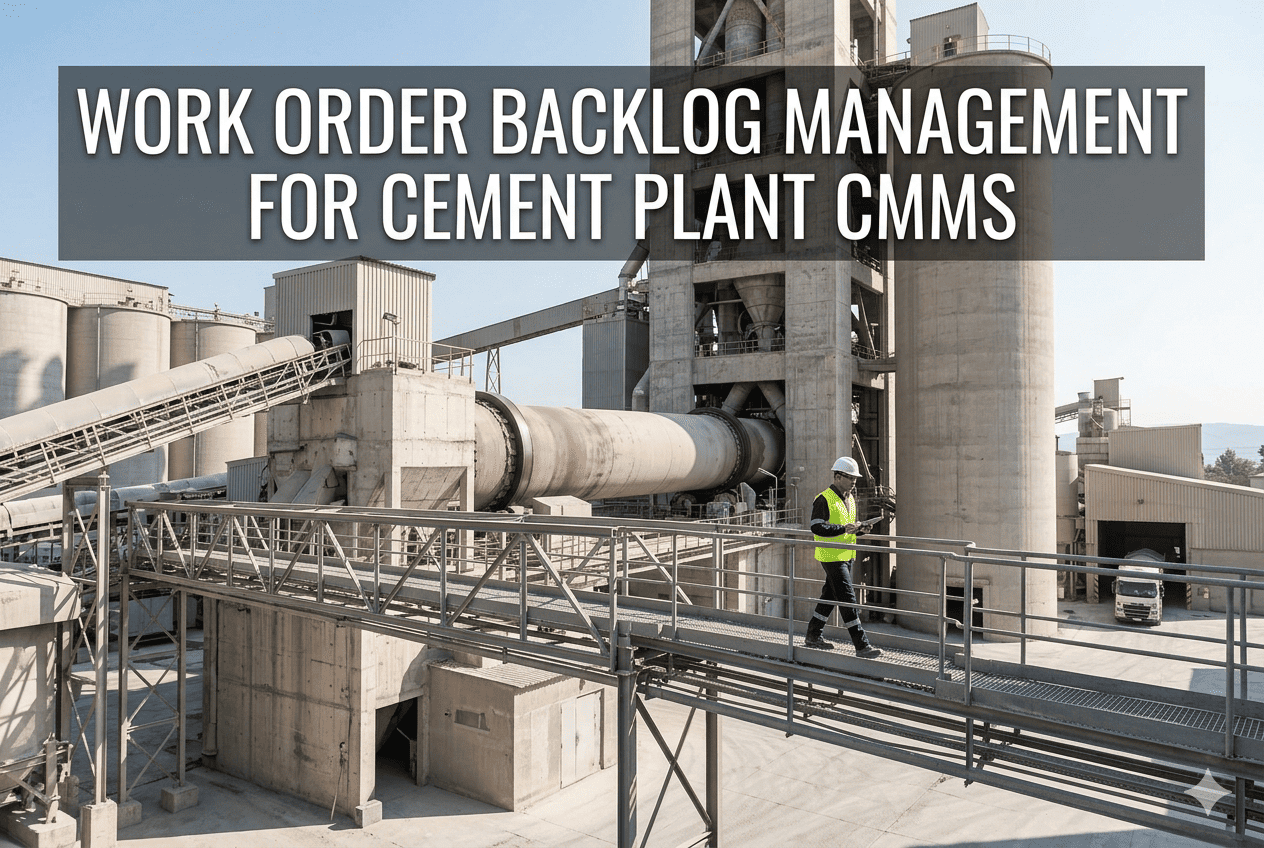
Every cement plant carries a backlog, but a backlog that nobody trusts is a different problem. When hundreds of open work orders sit in a list, with no clear ranking, planners cannot tell the kiln-critical repair from the cosmetic fix. Technicians pick familiar jobs, urgent requests jump the queue and genuine risks age quietly. Prioritization turns the list into a plan, and Oxmaint maintenance management software gives teams one place to score, schedule and track the work.
Maintenance Management · Backlog Control
Cement Plant Work Order Backlog Prioritization Guide: Do the Right Work First, Every Week
A practical method to score, sort, clean and schedule backlog so kiln, mill and fan risks are never buried under routine requests.
All open work orders
Valid and ready to execute
Scored by risk
Scheduled this week
Is Your Backlog Overloaded? Seven Warning Signs
1Planners cannot say how many weeks of work are open.
2Most work orders carry the same priority label.
3Old requests appear for equipment that was replaced or retired.
4Emergency jobs consume most weekly labour hours.
5Planned jobs are delayed because parts are not ready.
6The same defect is raised again and again.
7Operations stops trusting the system and calls technicians directly.
Anatomy of a Cement Plant Backlog
Safety and compliance itemsMust never be buried
Kiln, cooler and fan reliability workHighest production risk
Mill and grinding repairsOutput and energy impact
Conveyors, dust control and housekeepingFrequent, often deferred
Improvement and low-risk requestsOften the largest, least urgent group
Bar lengths are an illustrative example of how a typical backlog can be distributed. Measure your own mix before setting rules.
Why Backlogs Grow: Root Causes
| Root cause | How it shows up | Fix |
|---|---|---|
| No shared priority definitions | Every requester marks work urgent | Publish clear criteria with plant examples |
| Insufficient planning capacity | Jobs lack scope, parts list and time estimates | Dedicate planner time to the next one to two weeks |
| Reactive culture | Emergency work pushes out planned work | Track planned work ratio and remove repeat causes |
| Weak preventive maintenance | Small defects grow into corrective work | Review PM content on critical assets |
| Spare parts gaps | Jobs wait for materials | Link job plans to stores and critical spares |
| Stale and duplicate requests | Backlog numbers look worse than reality | Run a validation clean-up on a fixed cycle |
Replace the Long List With a Ranked Plan
Set priority rules once, apply them to every request and give planners a weekly schedule they can defend.
Step One: Clean the Backlog Before You Rank It
Close
Work for retired equipment, completed jobs never closed, and duplicates of the same defect.
Merge
Several small requests on one asset or area that can be done in a single visit.
Clarify
Vague descriptions that lack asset, symptom or location. Ask the requester or inspect the job.
Convert
Repeating requests into preventive tasks, so the same failure stops arriving as new work.
- Agree a rule for requests older than a set period with no activity, such as review within a fixed number of days.
- Record the reason for every closure, so rejected work can be explained later.
- Keep a separate holding area for ideas and improvement requests, away from the working backlog.
Step Two: Score Each Job With a Simple Risk Model
Example scoring factors. Adjust weights and wording to your plant.
| Factor | Question to ask | Score guide |
|---|---|---|
| Safety and environment | Could the condition injure someone or breach a permit? | 0 none, 5 serious potential |
| Asset criticality | If this asset fails, what happens to kiln or mill output? | 1 minor, 5 stops the line |
| Failure likelihood | Is the condition worsening or already degraded? | 1 stable, 5 imminent |
| Production impact now | Is the defect already limiting output or quality? | 0 none, 5 severe |
| Job readiness | Are parts, permits and skills available? | Used to sequence, not to rank risk |
Example priority logic
Safety or compliance risk first. Then criticality combined with likelihood. Then production impact. Then readiness decides which ranked jobs can start this week.
Step Three: Place Work on the Priority Matrix
Low likelihood
Medium likelihood
High likelihood
High criticality
Plan within weeks
Plan within days
Act now or next window
Medium criticality
Schedule routinely
Plan within weeks
Plan within days
Low criticality
Batch or defer
Schedule routinely
Plan within weeks
Safety and compliance risks override the matrix and move to the top regardless of asset criticality.
Step Four: Sort Work Into Execution Lanes
Online work
Jobs that can be done while the plant runs, such as lubrication, belt repairs on standby lines and guard fixes. Fit these into weekly schedules.
Opportunity work
Jobs that need equipment to be stopped, like a mill or fan trip. Keep ready job packs so crews can use unplanned stops productively.
Shutdown work
Kiln refractory, preheater repairs and major drive work. Build the scope from the ranked backlog and approve early.
Engineering review
Repeat failures needing design or process changes rather than another repair.
Step Five: Run a Weekly Planning Rhythm
Mon
Review last week
Check completion, carry-over and new emergency work.
Tue
Plan next week
Confirm scope, parts and permits for ranked jobs.
Wed
Schedule meeting
Agree the plan with operations and assign crews.
Thu
Check readiness
Stores, contractors and isolation arrangements verified.
Fri
Publish and freeze
Release the plan, with defined rules for breaking it.
Any job that interrupts the frozen schedule should require a stated reason, so interruptions become visible data.
Before and After: Handling a New Request
Old way
- Operator calls a supervisor directly.
- Technician sent from memory of urgency.
- No work order, or one raised later.
- History never reflects the effort.
Controlled way
- Request logged with asset, symptom and photo.
- Planner validates and scores it.
- Job placed in the correct lane and week.
- Completion and cause recorded for analysis.
Emergency Work: Rules for Breaking the Schedule
True emergency
Safety hazard, environmental release or a failure that has stopped or is about to stop the kiln or a critical mill. Interrupt the plan and record the reason.
Urgent
Degrading condition that will likely become an emergency within days. Add to the current week by swapping lower-risk work, with planner approval.
Normal
Everything else. Score it, place it in a lane and let the weekly cycle handle it.
- Require a short reason code for every schedule break, such as equipment failure, safety finding or operations request.
- Review the codes monthly. If one asset or cause dominates, move it to reliability analysis rather than treating each event as new.
- Track how many hours emergency jobs displace from planned work, so the cost of reactivity is visible to leadership.
The Planner Role: Making Jobs Ready to Execute
Define
Scope, safety steps, isolation and permit needs
Estimate
Labour hours, trades and duration
Kit
Parts, tools, lifting gear and contractors
Release
Mark ready and slot into the weekly schedule
A ready job can be executed the moment equipment is available. An unready job is a risk when an unplanned stop offers a chance to repair.
Standard Fields That Make Backlogs Sortable
| Field | Purpose | Cement plant example |
|---|---|---|
| Asset | Ties work to the right equipment and history | Kiln inlet seal, cooler fan 3, cement mill gearbox |
| Failure or symptom code | Allows pattern analysis | Leak, vibration, blockage, wear, overheating |
| Work type | Separates corrective, preventive and project work | Corrective repair versus planned inspection |
| Priority and risk score | Drives sequence | Matrix result plus safety override |
| Execution lane | Shows when the job can be done | Online, opportunity or shutdown |
| Status | Shows readiness and blockers | Waiting parts, waiting access, ready, in progress |
Aligning Operations and Maintenance on Priorities
Common friction
- Operations sees every defect as urgent.
- Maintenance sees limited access to stopped equipment.
- Deferred work returns as breakdowns.
Working agreement
- Shared written priority criteria.
- Planned access windows agreed in the weekly meeting.
- Deferred high-risk items reviewed openly each week.
A 90-Day Plan to Regain Control
Days 1-15
Assess
Export the backlog, group by asset and age, and identify obvious duplicates and obsolete jobs.
Days 16-30
Define
Agree priority rules, scoring factors and execution lanes with operations.
Days 31-60
Rank and plan
Score critical area jobs first and start the weekly planning cycle.
Days 61-90
Stabilize
Review KPIs, tune scoring and convert repeat work into preventive tasks.
Communicating Priorities to Technicians
- Give each crew a short daily list drawn from the frozen weekly schedule, with the first job clearly marked.
- Explain why a job is ranked highly, using the asset, the risk and the possible consequence in plain language.
- Ask technicians to update status and findings on completion, because their notes improve the next scoring round.
- Recognize closed high-risk jobs in the weekly meeting, so the focus on risk is seen as valuable work.
Teams follow a ranking they understand. A clear reason behind each priority reduces informal queue jumping, and a visible schedule helps operations plan production around maintenance access windows.
Pitfalls to Avoid
- Deleting old work orders in bulk without checking for safety or compliance content.
- Building a scoring model so complex that planners stop using it.
- Prioritizing only by who asks loudest or by the newest request.
- Counting backlog by number of jobs instead of hours of labour.
- Leaving blocked jobs in the same list as ready jobs, which hides real capacity.
Backlog Health Metrics Worth Tracking
Backlog in weeks
Estimated hours of ready work divided by weekly crew capacity. Many reliability practitioners aim for roughly two to four weeks of ready backlog.
Backlog age profile
Open jobs grouped by age and priority, to expose risk items that are waiting too long.
Schedule compliance
Share of planned jobs completed in the scheduled week.
Planned versus reactive hours
The balance of labour spent on planned and emergency work.
Ready backlog share
Proportion of jobs with parts, scope and permits prepared.
Repeat work orders
Same asset and failure mode returning within a set period.
Let Condition Data Re-Rank the List
Vibration and temperature trends
A fan bearing trending upward should move ahead of a stable item of the same nominal priority.
Inspection findings
Photos and notes from rounds show whether a defect is cosmetic or progressing toward failure.
Repeat failure history
Assets with frequent breakdowns deserve earlier root cause work before more repairs are queued.
Priority is not fixed at creation. Review scores whenever new readings, inspections or failures change the picture.
Feeding the Backlog Into Shutdown Scope
- Filter the backlog by shutdown lane several months ahead, and confirm each item is still valid.
- Rank candidate jobs by risk to the next operating campaign, not by how easy they are to schedule.
- Check parts lead times early for kiln, cooler and preheater items, because long deliveries set the real deadline.
- Separate firm scope from optional scope, so the outage plan can flex if findings expand the critical work.
Reporting Backlog Status to Leadership
High-risk items open
Count and age of safety, compliance and critical asset jobs.
Weeks of ready work
A single figure that links backlog to crew capacity.
Top repeat failures
Assets and causes consuming the most corrective hours.
Parts and Planning: The Hidden Backlog Multiplier
- Attach parts lists and estimated labour to recurring job plans, so planners are not rebuilding scope each time.
- Flag jobs waiting for parts as a separate status, and review them with stores weekly.
- Identify critical spares for kiln, cooler, mill and fan assets and set minimum stock levels deliberately.
- Track jobs waiting for shutdown access so they are not counted as overdue in online schedules.
How Oxmaint Supports Backlog Prioritization
Structured work requests
Capture asset, symptom, photo and requester so every request starts with usable detail.
Priority and criticality fields
Apply consistent rankings and filter backlog by asset area, priority, age and status.
Scheduling and assignment
Plan weekly work by crew and skill, and see what is ready to execute.
Mobile completion
Technicians update status, record findings and close jobs from the field.
Dashboards and reports
Track backlog age, completion trends and repeat failures to guide planning meetings.
Backlog Reset Checklist
- Priority definitions are written, with cement-specific examples agreed by operations and maintenance.
- Duplicate, obsolete and unclear work orders have been reviewed.
- Every open job has an asset, a lane and a score.
- Safety and compliance work is visible at the top of the list.
- A weekly planning meeting and a schedule freeze rule are in place.
- Repeat failures are flagged for root cause review.
Frequently Asked Questions
How do we start if the backlog has thousands of jobs?
Clean and score critical assets first, then expand area by area.
Should every work order be scored?
Yes, but keep scoring short. A few questions are enough to sort the list.
How do we stop emergency work taking over?
Fix repeat causes and strengthen PM. Sign up to track planned versus reactive hours.
What is a healthy backlog size?
It depends on crew capacity. Measure it in weeks of ready work, not job counts.
Can we review our backlog process with someone?
Yes. Book a demo to walk through scoring and scheduling.
Make Your Backlog a Tool You Trust
Give planners, supervisors and technicians one ranked, current view of the work that protects the kiln, the mills and your people.