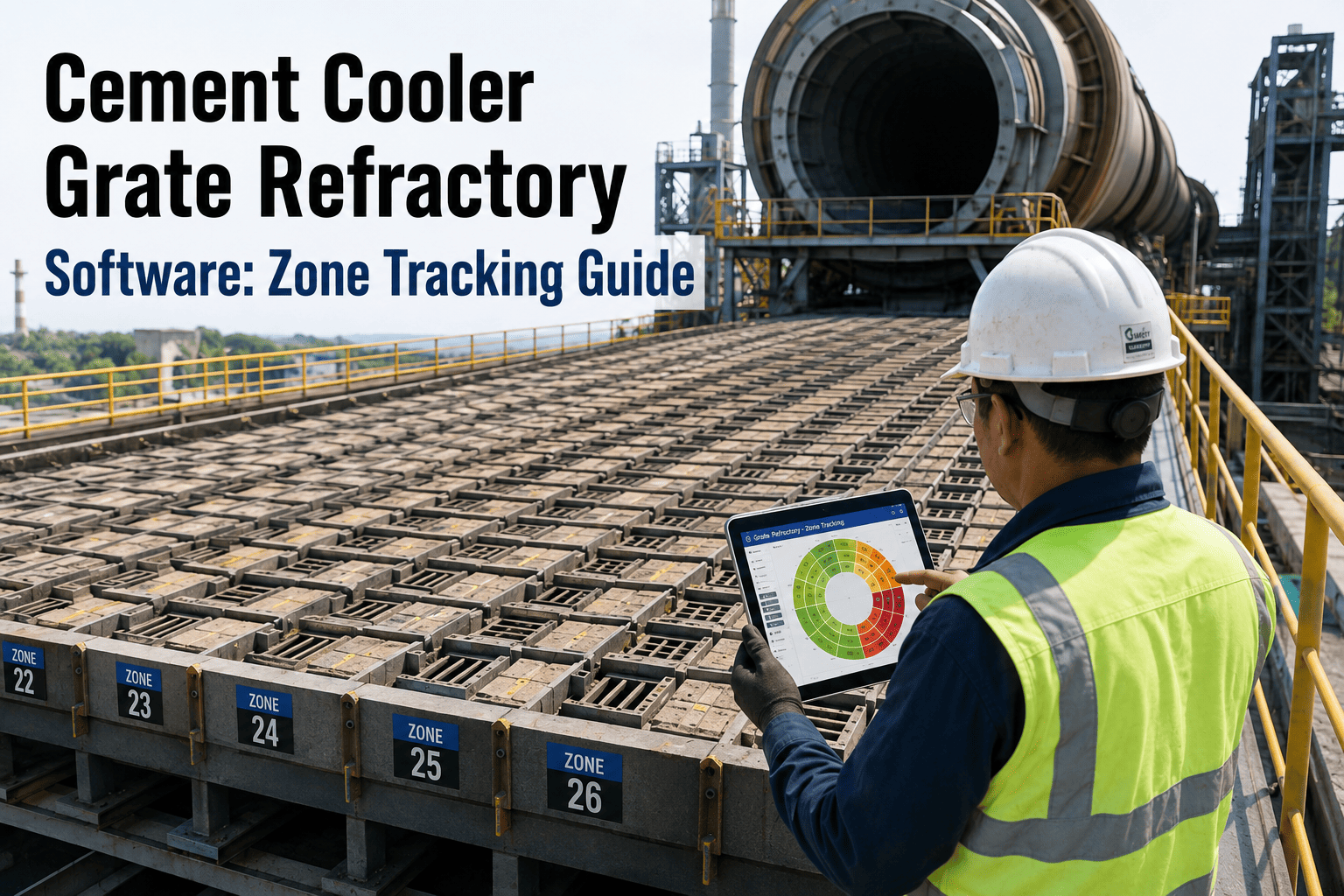
A kiln shutdown gives a plant one guaranteed chance a year to see inside the refractory lining, and most of that window gets spent on measurements that are already out of date by the time the brick order goes out. Manual thickness checks at a handful of points miss the wear pattern between them, while terrestrial laser scanning studies of rotary kilns have measured average errors of just 2 to 3 centimetres against design geometry — turning a discontinuous spot check into a continuous map of every zone. A 3D scan captured in the first hours of a shutdown gives engineering teams the actual geometry to spec brick grade, anchor spacing and quantity against, instead of estimating from last year's drawing or ordering extra brick just to be safe. Plants feeding that scan data straight into a CMMS are cutting reline install time by roughly a quarter — see how Oxmaint's scan-to-work-order workflow turns an 18-day reline into one that closes in under two weeks.
Cement Refractory 3D Scan Software
From Cooldown to Verified Reline: The Scan-to-Install Timeline
A refractory turnaround runs on a fixed clock, and every hour spent guessing at brick quantity is an hour the crew is not installing. Direct shutdown costs for a mid-size plant typically run $1.5 to $3 million, and lost production adds another $350,000 to $500,000 for every extra day the kiln stays cold — which is exactly why the reline almost always sits on the critical path. The five phases below are how a scan-driven shutdown replaces guesswork with a documented, procurement-ready scope.
Pre-Shutdown Scan Planning — T-6 to T-2 Weeks
Kiln Cooldown and Scan Capture — Day 1 to 3
Point Cloud Processing and Zone Mapping — Day 2 to 4
Brick Spec and Procurement Trigger — Day 3 to 5
Install and Post-Scan Verification — Day 5 to 14
Turn Your Next Shutdown Scan Into a Scoped Work Order
Minimum Safe Thickness by Kiln Zone
A rotary kiln puts several distinct thermal and mechanical environments end to end, from the riser duct through to the nose ring, and each carries its own minimum safe thickness before shell deformation risk forces an unplanned stop. A zone-registered scan record is what lets a plant tell the difference between a zone approaching that limit and one with years of life left, instead of applying the same reline decision to the entire kiln because that is what the calendar dictated. Registering each zone as a discrete asset — with its own brick chemistry, installation date and design thickness — is also what makes a scan finding actionable rather than just informative.
| Kiln Zone | Typical Design Thickness | Minimum Safe Thickness | Dominant Wear Mechanism |
|---|---|---|---|
| Burning zone | 400–800 mm | 400 mm | Chemical attack and thermal cycling |
| Transition zone | 400–800 mm | 450 mm | Thermal shock and spalling |
| Kiln inlet | 400–800 mm | 500 mm | Mechanical erosion, cooler air abrasion |
| Riser duct | Per OEM design | OEM specified | Material buildup and coating loss |
| Nose ring | Per OEM design | OEM specified | Mechanical wear from clinker impact |
Manual Point Checks vs Continuous 3D Scan Data
Both methods measure the same lining, but the coverage and repeatability are not close. A handful of manual readings tell you the condition of a handful of points; a scan tells you the condition of the whole surface, in a format that lines up directly against the original design model rather than a separate spreadsheet someone has to reconcile by hand. That difference in coverage is exactly what lets engineering teams spot a localized deviation, like a spall pocket, that discrete point checks would most likely miss entirely.
| Aspect | Manual Point Measurement | 3D Laser Scan |
|---|---|---|
| Coverage | A handful of discrete points per zone | Continuous surface across every zone |
| Typical frequency | Annual, if scheduled consistently | Every shutdown, fully repeatable |
| Accuracy against design | Depends on operator and access point | Roughly 2–3 cm average error |
| Output format | Spot readings on paper or spreadsheet | Point cloud model comparable to design drawings |
| Crew time inside vessel | Extended, point-by-point access needed | Captured in hours once the kiln is cooled |
Reactive vs Proactive Refractory Campaign Life
A reline scheduled from documented wear data is not just faster to install — it lasts longer, because the brick grade and anchor spacing were chosen for the zone's actual thermal load rather than for a shutdown window.
A burning zone brick campaign specified against actual scan geometry commonly runs 15 to 18 months; the same zone specified under shutdown time pressure, without a documented condition record, frequently fails at 6 to 9 months because the brick grade or anchor spacing was chosen to fit the available window rather than the zone's real thermal load. The gap is rarely visible until the kiln is already running hot again, and by then the only options left are an expensive emergency stop or running the zone past its safe limit and hoping the next scheduled turnaround arrives in time.
How a Scan Finding Becomes a Scoped Reline Order
A point cloud on its own does not install brick. What matters is how quickly a flagged deviation turns into a procurement-ready, zone-specific work order — and whether the crew arriving on day one has the right scope instead of a rough estimate written the night before mobilization. The table below shows how four common scan findings translate into a documented action inside Oxmaint, each with its own outcome for the shutdown schedule.
| Scan Finding | Zone Affected | CMMS Action Triggered | Result |
|---|---|---|---|
| Thickness reading below 450 mm | Transition zone | Reline work order generated with brick grade and quantity attached | Scoped before crew mobilizes |
| Localized deviation over 80 mm from design | Burning zone | Zone flagged for full reline instead of spot repair | Right-sized scope, no over-ordering |
| Coating buildup pattern detected | Riser duct | Cleaning work order scheduled ahead of measurement | Clean geometry for an accurate reading |
| Geometry within design tolerance | Nose ring | Zone marked for life carryover to next turnaround | Capital deferred, decision documented |
What Engineering Teams Say About Scan-Driven Shutdowns
Bring Scan Geometry, Brick Spec and Work Orders Into One Record
Refractory Shutdowns — Before vs After Scan-to-CMMS Workflow
These are the shifts plants typically report within two to three turnaround cycles of moving from manual point checks to a documented, scan-driven reline scope. The install-duration and over-ordering gains tend to show up first, while approval-rate and campaign-life improvements build as more turnaround cycles get recorded against the same zone history.
| Metric | Without 3D Scan Workflow | With Oxmaint Scan-to-CMMS | Change |
|---|---|---|---|
| Reline install duration | 16–18 days | 12–14 days | -25% average |
| Brick over-ordering | Baseline | -30% vs baseline | -30% |
| Reline capital approval rate | 47% | 86% | +39 pts |
| Emergency reline events | Baseline | -60% vs baseline | -60% |
| Average campaign life | 5–6 years | 8–10 years | Up to +67% |