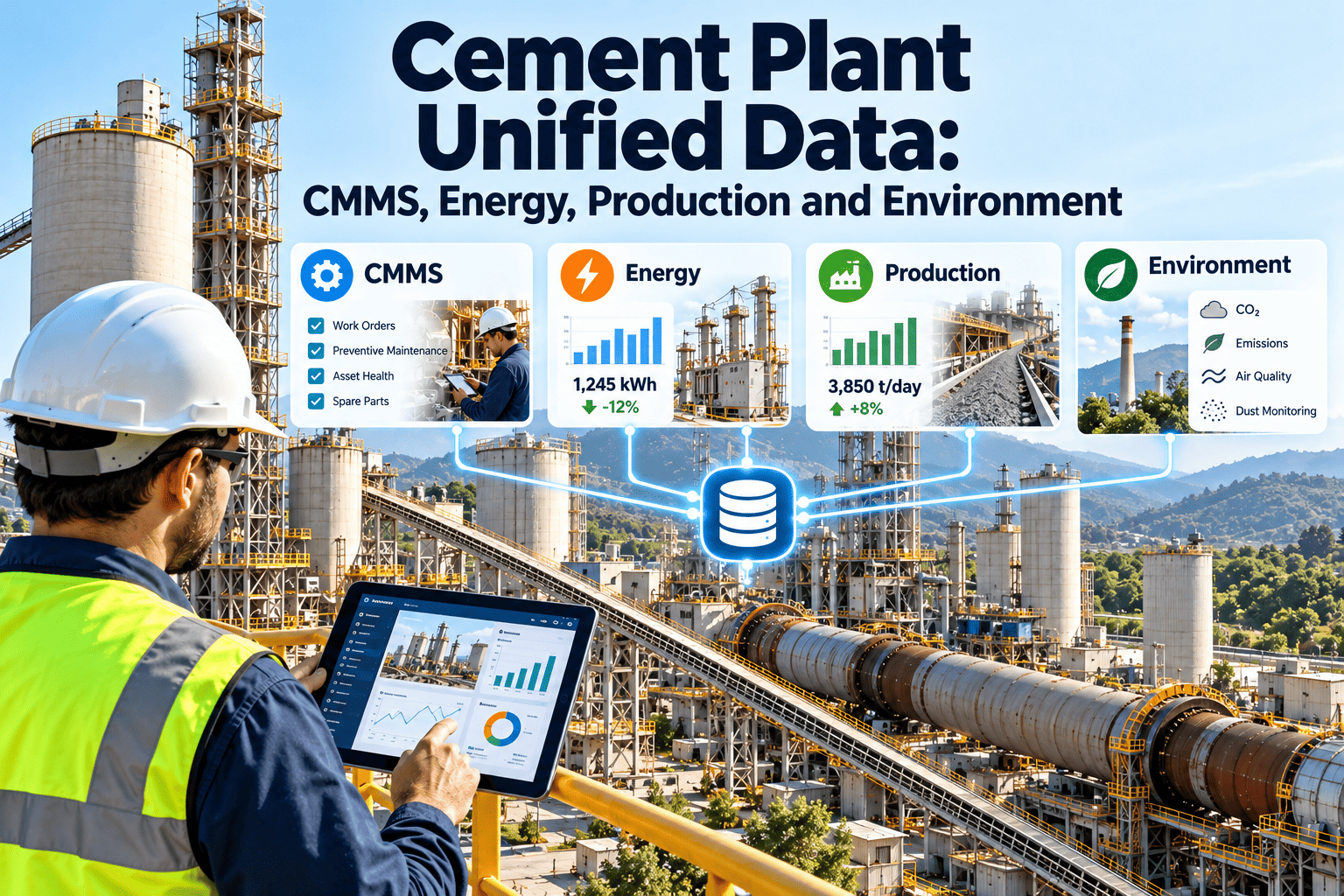
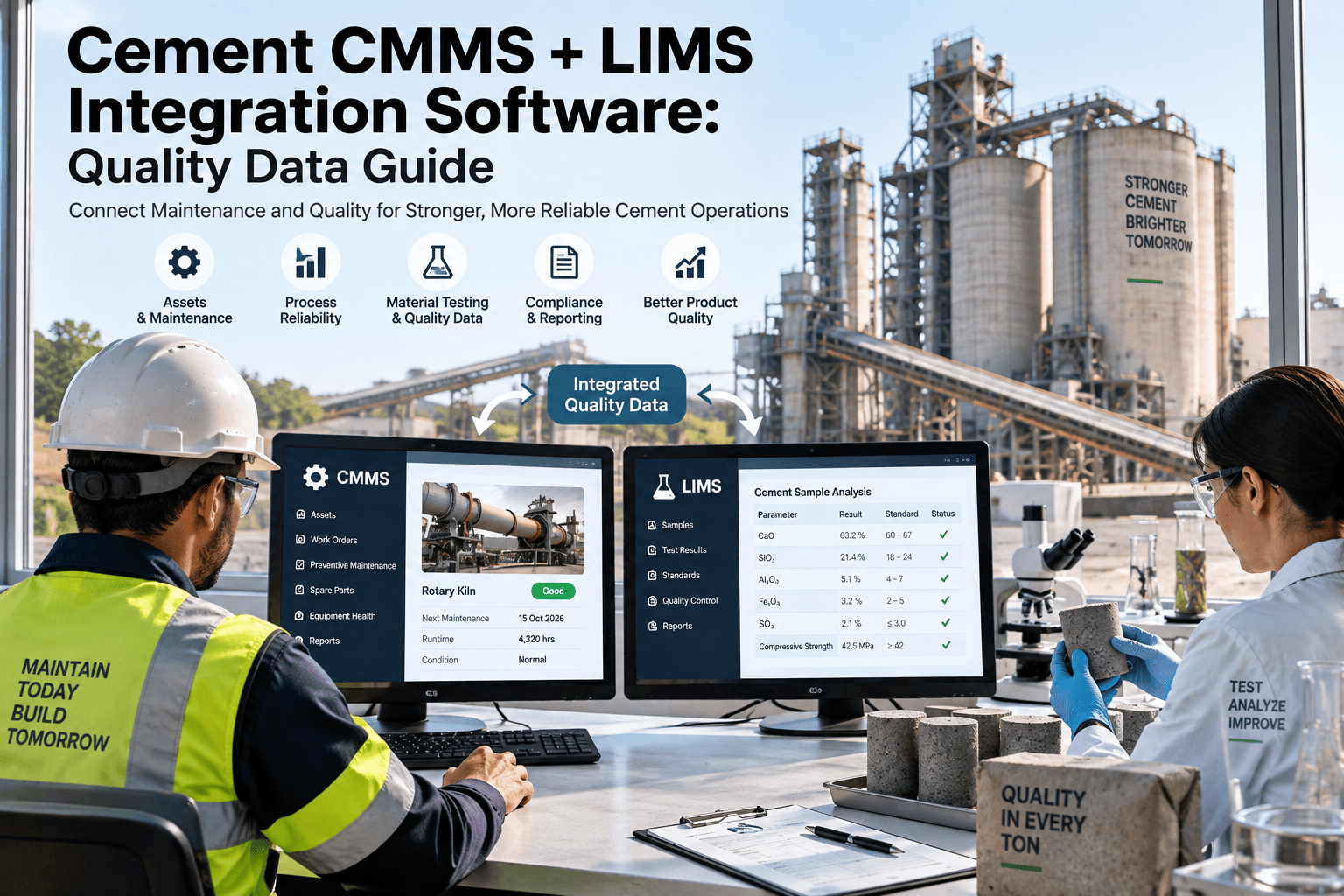
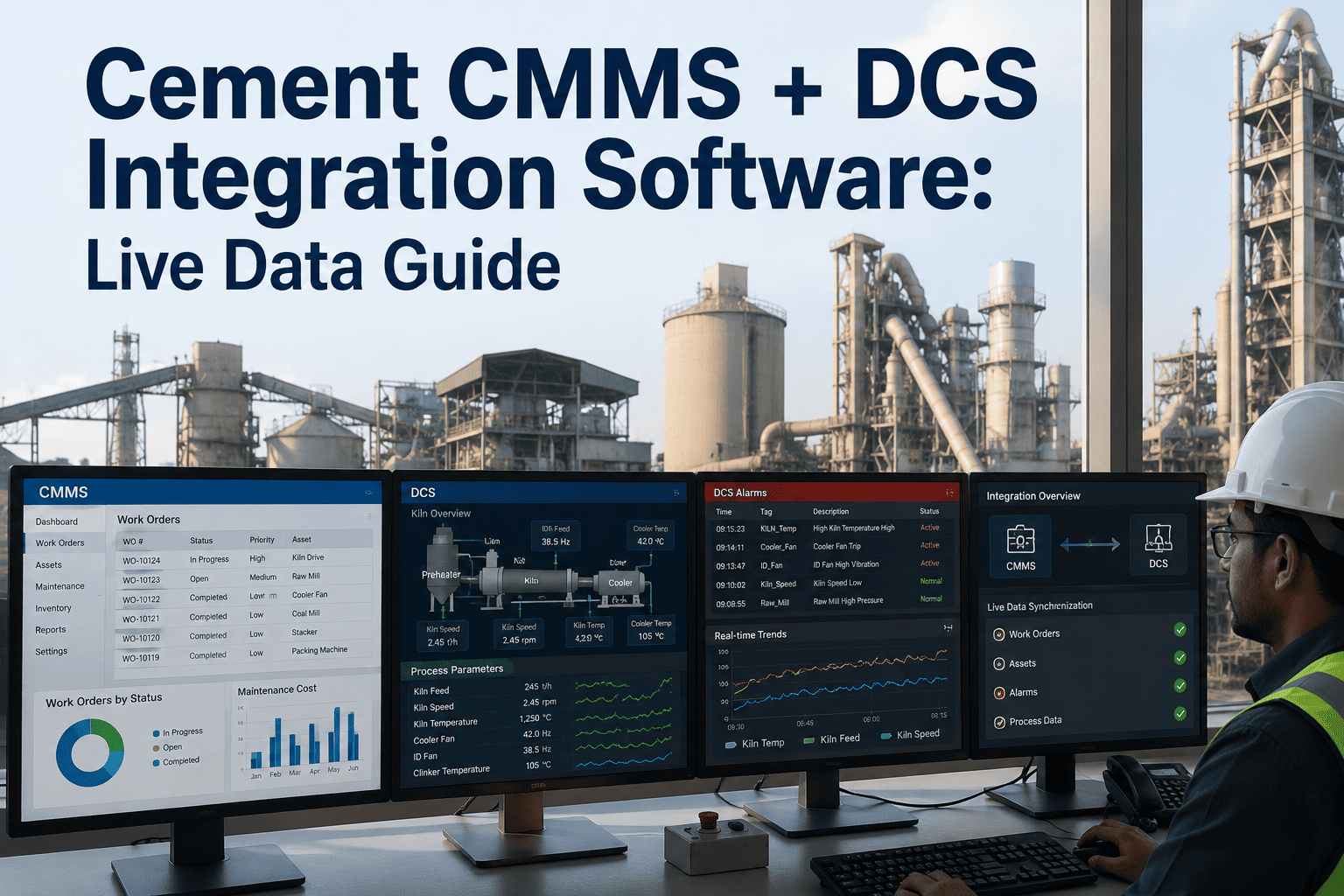
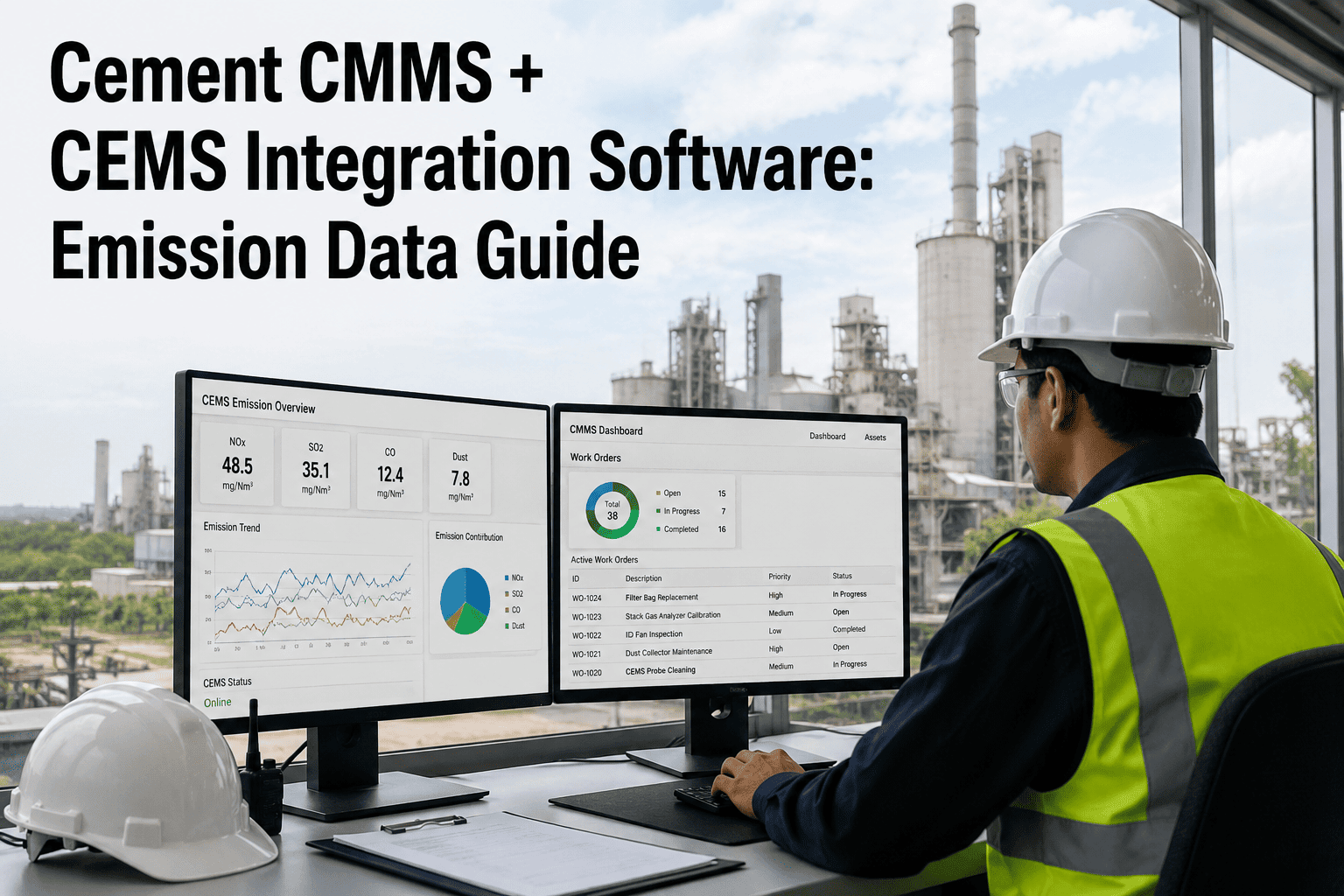
Cement plants in regulated markets — Gulf Cooperation Council facilities under national data residency rules, European operations under GDPR, state-owned enterprises with strict data localisation mandates — cannot always route maintenance data through cloud servers they do not control. On-premise CMMS deployment keeps every work order, equipment history record, compliance document, and failure log on servers inside your plant boundary, fully under your infrastructure and security team's control. If your plant runs an air-gapped OT network, operates in a jurisdiction with explicit data sovereignty rules, or your IT security policy prohibits third-party cloud access to operational data, on-premise deployment is not a preference — it is a requirement. Start your Oxmaint on-premise evaluation free and understand exactly what deployment at your facility involves before you commit.
On-Premise CMMS for Cement Plants: Keep Your Maintenance Data Where You Control It
For regulated facilities, air-gapped OT networks, and data-sovereign operations — a complete deployment, architecture, and cost guide.
Who Needs On-Premise CMMS — and Why Cloud Alone Is Not Enough
Cloud CMMS platforms work well for most industrial operations. But cement plants operating in specific regulatory environments face requirements that cloud deployment cannot satisfy — not because cloud is insecure, but because the data must reside in a specific jurisdiction or stay completely disconnected from public networks. Three situations create a hard requirement for on-premise deployment.
Jurisdictions including Saudi Arabia, UAE, India, and several EU member states have national or sector-specific regulations requiring that operational data from critical infrastructure remain within national borders and on locally controlled infrastructure. A cloud CMMS with servers in the US or Europe does not satisfy these requirements even with strong encryption.
Modern cement plants increasingly enforce strict IT/OT segmentation. The operational technology network — DCS, PLCs, process instrumentation — is physically or logically isolated from internet-connected systems. CMMS that requires cloud connectivity cannot integrate with PLC-sourced condition data on a truly air-gapped OT segment.
Large cement groups (Heidelberg Materials, LafargeHolcim, UltraTech, Dangote) often mandate that maintenance data — which includes equipment failure modes, production capacity records, and vendor contract details — cannot leave corporate-controlled infrastructure. Group IT security policy, not local regulation, drives the on-premise requirement.
On-Premise vs Cloud CMMS: What the Architecture Difference Actually Means for Cement Operations
The choice between on-premise and cloud CMMS is not about features — modern on-premise CMMS platforms have equivalent functional depth to cloud offerings. The decision is about where data lives, who controls the infrastructure, how updates are managed, and what happens when connectivity is interrupted.
Green = advantage for that deployment model. Yellow = conditional. Red = limitation.
What On-Premise CMMS Infrastructure Looks Like in a Cement Plant
On-premise CMMS deployment in a cement plant involves three network layers: the corporate IT network where the CMMS application server runs, the OT network where PLCs and DCS send condition data, and the mobile device layer where technicians access work orders in the field. Each layer has specific architecture requirements.
See how Oxmaint deploys on your infrastructure
Oxmaint supports on-premise deployment on standard Windows Server or Linux environments, with full offline mobile capability and OT network integration options — no cloud dependency required.
What On-Premise CMMS Implementation Actually Costs for a Cement Plant
On-premise CMMS has a higher upfront cost than SaaS but a lower total cost over a 5–7 year horizon at the scale of a typical cement plant (200–500 assets, 20–60 technicians). Understanding cost components helps build the accurate business case your plant manager or CFO needs.
| Cost Component | Typical Range | On-Premise Specifics | Notes |
|---|---|---|---|
| Server hardware | $8,000 – $25,000 | Application + DB server (can virtualise on existing VMware) | One-time. 5-yr depreciation. |
| CMMS software licence | $15,000 – $60,000 | Perpetual licence or annual maintenance fee | Perpetual avoids recurring cost |
| Implementation and setup | $5,000 – $20,000 | Server config, data migration, asset hierarchy setup | Depends on asset count and legacy data |
| IT integration (AD, OT bridge) | $3,000 – $12,000 | Active Directory SSO, OPC-UA data bridge if OT integration required | Optional but high value for condition triggers |
| Training | $2,000 – $8,000 | Technician + supervisor + admin training (on-site preferred) | Critical for adoption |
| Annual support and updates | $4,000 – $15,000/yr | Vendor support contract for patches and updates | Optional but recommended |
Swipe table on mobile to view all columns.
Specific Data Security Advantages That On-Premise Deployment Provides
On-premise is not inherently more secure than cloud — a well-managed cloud CMMS can be more secure than a poorly maintained on-premise server. But on-premise deployment provides specific, controllable security properties that regulated cement operations require and that cloud cannot replicate.
CMMS data resides on servers inside your plant's physical security perimeter. Access requires physical presence or VPN through your own network, not through vendor-controlled cloud infrastructure.
You generate, hold, and rotate encryption keys for data at rest. No vendor holds a master key. If you rotate or revoke keys, data becomes inaccessible to anyone outside your key management system.
Every access event, data modification, and user action is logged to audit tables on your servers. You produce compliance audit evidence directly from your own systems without requesting logs from a vendor.
Cloud CMMS platforms use multi-tenant architectures where logical separation protects tenant data. On-premise eliminates the multi-tenant model entirely — your CMMS instance shares no infrastructure with any other organisation.
You define every network segment that can reach the CMMS database. Firewall rules, VLAN segmentation, and OT/IT boundary enforcement are entirely within your network team's control.
Backups go to your storage — tape, NAS, or a secondary site within your infrastructure. No backup copy exists on vendor infrastructure or third-party cloud storage outside your jurisdiction.
Frequently Asked Questions
Can on-premise CMMS still work on mobile for field technicians inside the plant?
Yes. On-premise CMMS serves mobile apps over your plant's internal Wi-Fi network — no internet connection is needed. Technicians access work orders, asset records, and checklists on Android or iOS devices connected to plant Wi-Fi. Offline mode caches assigned tasks locally when a technician moves into a dead-zone area, syncing when connectivity returns. Sign up for Oxmaint to see mobile deployment options.
What server specification does on-premise CMMS require for a cement plant?
For a plant with 200–500 assets and 20–50 concurrent users, a virtualised server with 8 vCPU, 16 GB RAM, and 500 GB SSD storage is typically sufficient. Most cement plants can run the CMMS on existing VMware or Hyper-V infrastructure without dedicated hardware. A separate database instance is recommended for plants above 500 assets for performance isolation.
How does on-premise CMMS connect to DCS or PLC data for condition-based triggers?
Integration uses an OPC-UA or Modbus TCP bridge running in a DMZ between the OT and IT networks. The bridge reads tag values from your DCS historian and pushes threshold-crossing events to the CMMS work order engine over an internal API — no outbound internet traffic required. Book a demo to review the OT integration architecture for your DCS platform.
What happens to our data if we stop using the CMMS software?
With on-premise deployment, your data is in a standard SQL database on your servers. You export it in standard formats (CSV, SQL dump) at any time with no vendor involvement. There is no data hostage risk — the database schema is documented and your IT team can extract every record independently of the vendor relationship.
Is Oxmaint available for on-premise deployment?
Yes. Oxmaint supports on-premise deployment on Windows Server and Linux environments with full feature parity to the cloud version, including mobile app access over internal Wi-Fi, OT integration APIs, and offline mode. Book a demo to discuss your specific infrastructure and compliance requirements with the Oxmaint team.
On-Premise CMMS Built for Cement Plant Compliance and Control
Oxmaint on-premise gives your cement plant full maintenance data sovereignty — work orders, asset records, compliance logs, and OT sensor triggers — all on your infrastructure, fully under your control.