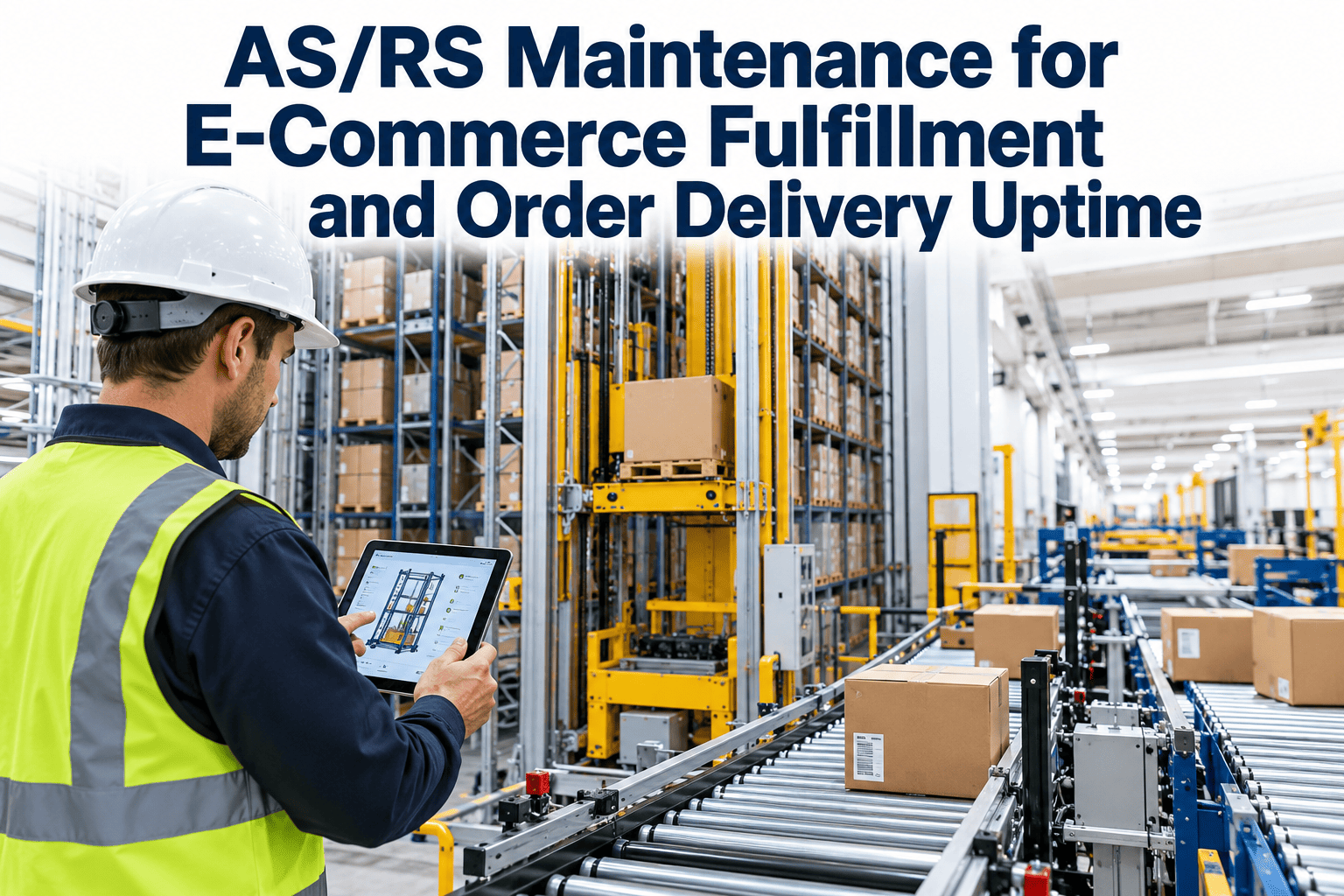
When an automated storage and retrieval system stops, the inventory inside it stops with it, and in e-commerce fulfillment that means orders miss their carrier cutoffs within hours. Cranes, shuttles, lifts, and conveyors work as one chain, so a worn guide wheel or a drifting sensor can take an entire aisle offline. This guide explains how to organize AS/RS maintenance by subsystem, interval, and condition signal, and how a structured maintenance management platform keeps that program consistent across shifts.
AS/RS Maintenance for E-Commerce Fulfillment and Order Delivery Uptime
An AS/RS concentrates thousands of storage locations behind a handful of moving machines. Protecting those machines with disciplined inspection, condition monitoring, and parts readiness is how a fulfillment center keeps order delivery promises through peak season.
Why an AS/RS is a single point of failure
In a manual warehouse, a broken forklift is an inconvenience because another one takes its place. In a narrow-aisle automated system, one crane or a small group of shuttles serves a fixed set of locations. There is rarely a manual workaround that matches the throughput of the automation.
- Early symptoms usually appear in controller logs and cycle times long before an alarm stops the machine
- Recovery from a stuck crane takes far longer than the repair itself because of safe access and rack clearance
- E-commerce demand swings make an unplanned stop in November or a promotion week especially costly
The six subsystems every AS/RS maintenance plan must cover
Crane-based, shuttle, and mini-load systems differ in detail, but they share the same functional building blocks. Each block has its own wear pattern and inspection method.
Rails and guides
Travel rails, guide wheels, joints, anchors, and bumpers. Alignment and debris control prevent derailment and positioning error.
Drive and travel
Motors, gearboxes, brakes, drive wheels, and variable frequency drives that move the machine along the aisle.
Hoist and mast
Lift motors, chains or belts, brakes, and mast structure on cranes, or lifts and elevators on shuttle systems.
Load handling
Forks, extractors, telescopic arms, shuttle carriers, and centering devices that place and retrieve loads.
Controls and sensors
PLCs, encoders, laser distance meters, photo-eyes, safety circuits, and communication with the warehouse control system.
Structure and safety
Rack uprights, aisle guarding, fall protection, emergency stops, and fire protection interfaces.
Inspection matrix by subsystem and interval
Use this as a starting framework and adjust intervals using the OEM manual, duty cycle, and your own failure history.
| Subsystem | Daily | Weekly or monthly | Quarterly or annual |
|---|---|---|---|
| S1 Rails and guides | Visual check for debris and damage | Guide wheel wear, fastener spot checks | Rail alignment survey, anchor torque review |
| S2 Drive and travel | Review fault codes and unusual noise | Gearbox oil level, brake function, motor temperature | Vibration baseline, brake wear measurement |
| S3 Hoist and mast | Chain or belt visual, error log review | Lubrication, tension check, brake test | Chain elongation measurement, structural inspection |
| S4 Load handling | Cycle test of forks or extractors | Wheel condition, centering check, sensor cleaning | Full assembly inspection and recalibration |
| S5 Controls and sensors | Alarm history and communication status | Encoder checks, sensor alignment, backup status | Firmware review, parameter backup, safety circuit test |
| S6 Structure and safety | Check guarding, emergency stops, and clearances | Rack damage walk, fire system interface check | Engineering inspection and restraint verification |
Crane, shuttle, and mini-load systems compared
The same discipline applies to every design, but failure modes shift with the load and the cycle rate.
| System type | Typical load | Main wear concerns | Maintenance emphasis |
|---|---|---|---|
| Unit-load crane | Pallets | Rail alignment, hoist brakes, mast structure | Structural, rail, and brake inspection |
| Mini-load crane | Totes and cartons | Extractors, belts, encoders at high cycle rates | Frequent checks on extraction and positioning |
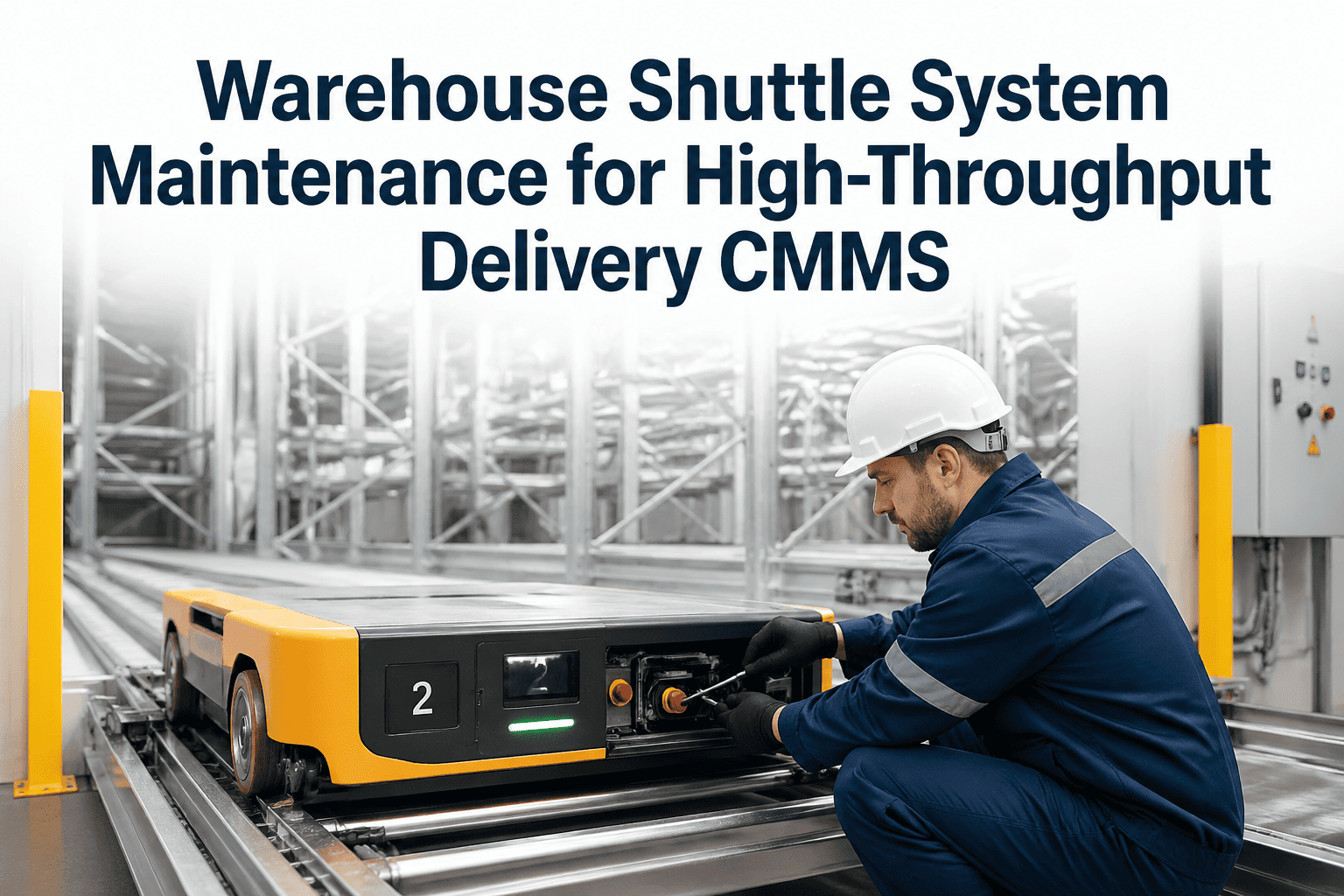
| Shuttle system | Totes or cartons | Drive wheels, charging contacts, lift chains | Fleet-level tracking and battery or contact health |
Choosing the right maintenance trigger
Calendar dates are easy to schedule, but an AS/RS wears by motion, not by days. Mixing trigger types gives better coverage.
Best for safety inspections, lubrication walks, and compliance checks that must occur on a fixed rhythm regardless of use.
Best for wheels, chains, brakes, and motors, whose wear follows the number of moves or operating hours.
Best for components that show a measurable signal before failure, such as vibration, current draw, or positioning error.
Condition signals worth trending
Controllers already record much of the data needed to spot a developing fault. The task is to review it consistently rather than only after an alarm.
Put every crane, shuttle, and lift on one maintenance schedule
See how asset records, PM triggers, and work orders can keep automated storage equipment on a consistent inspection rhythm.
Why e-commerce duty cycles change the maintenance plan
Retail fulfillment places uneven and unpredictable demands on automated storage. Machines that run steadily for most of the year may face several times the normal move count in a short promotional period, which accelerates wear and compresses the time available for service.
Demand pressures
- Seasonal peaks that multiply daily cycle counts
- Carrier cutoffs that leave little recovery time
- High SKU velocity concentrated in a few aisles
- Returns processing that adds inbound moves
- Same-day and next-day promises with no buffer
Maintenance responses
- Use cycle counts, not only dates, to trigger wear-item service
- Complete heavy overhauls before peak readiness reviews
- Give high-velocity aisles shorter inspection intervals
- Stage critical spares and trained technicians for peak weeks
- Agree a recovery plan with operations before volume rises
Common failure modes and the early signs to watch
Most AS/RS failures announce themselves in some way. The table links typical failures to the signals and actions that keep them from becoming outages.
| Failure mode | Early sign | Preventive action |
|---|---|---|
| Guide or drive wheel wear | Increased vibration, uneven travel, noise | Measure wear at set intervals and replace before limits |
| Chain or belt elongation | Positioning offsets at height, tension changes | Measure stretch, lubricate, and track replacement life |
| Brake wear or drift | Longer stopping distance, overshoot at stops | Test brake function and record wear |
| Encoder or sensor drift | Rejected moves, retries, misplaced loads | Clean, realign, and recalibrate on schedule |
| Motor or drive overheating | Rising temperature and current at normal load | Clear cooling paths and check lubrication and loading |
| Communication faults | Intermittent alarms and dropped commands | Inspect cables, connectors, and network status |
Controls diagnostics and warehouse system handoffs
Mechanical wear gets the attention, but many stoppages begin in software or communication. Controls diagnostics deserve their own place in the maintenance plan.
- Keep current backups of PLC programs, drive parameters, and safety configuration, with the backup date recorded against the asset
- Review alarm history weekly and separate nuisance alarms from patterns that repeat on a single unit
- Log firmware and parameter changes with who made them and why, so a new fault can be traced to a recent change
- Confirm that the warehouse control system and the machine agree on location status after any recovery or manual intervention
- Test communication hardware such as switches, cables, and wireless links as part of routine inspection
Making shift handovers and technician knowledge repeatable
AS/RS troubleshooting often depends on a few experienced people. A repeatable process protects the system when those people are off shift or leave the company.
Every repair should note the symptom, cause, and parts used so the next technician starts with history, not guesswork.
Written task lists with measurements and pass limits keep inspection quality the same across shifts.
Keep OEM documents, rail survey reports, and wiring diagrams attached to the asset for mobile access.
Scheduling work without starving the pick wave
An AS/RS cannot be serviced while it is carrying a full order load, so maintenance windows must be planned around demand, not squeezed into it.
Reactive pattern
- Inspections skipped during busy weeks
- Faults repaired only after a stoppage
- Technicians search for parts while the aisle is down
- Several aisles serviced at once, leaving no capacity
- Findings recorded on paper and lost between shifts
Planned pattern
- One aisle at a time is taken offline in low-demand windows
- Jobs are scoped in advance with parts and tools staged
- Inventory in the aisle is pre-pulled when needed
- Peak-season readiness checks complete before volume rises
- Every finding becomes a tracked work order
Spare parts that decide how long an outage lasts
The repair is often quick when the part is on the shelf. Rank spares by how long they take to obtain and how badly their absence stops the system.
| Part category | Examples | Stocking logic |
|---|---|---|
| Critical, long lead time | Drive motors, VFDs, controller modules | Keep at least one on site per common model |
| Wear items | Guide wheels, drive wheels, belts, chains | Stock by wear rate and replacement interval |
| Sensors and encoders | Photo-eyes, laser meters, encoders | Keep interchangeable units and calibration tools |
| Consumables | Lubricant, fasteners, cleaning supplies | Reorder at set minimum levels |
Safety and compliance for work in automated aisles
Maintenance inside an AS/RS aisle carries risks that normal floor work does not, including work at height, stored energy, and moving equipment.
- Apply lockout and tagout procedures for each machine and verify zero energy before entering an aisle
- Use the access methods and fall protection specified by the system manufacturer and your safety team
- Keep aisle entry permits, inspection findings, and sign-offs attached to the asset record
- Record safety circuit and emergency stop tests so results are available for audits and insurers
- Follow OEM instructions and applicable local regulations for any structural or fire protection inspection
KPIs that show whether the program is working
Track a small set of measures consistently and review them with operations each month.
- Review aisle availability alongside order backlog so maintenance results are tied to customer outcomes
- Compare MTBF and MTTR by machine to find the units that consume the most technician time
- Use the planned-to-unplanned ratio to judge whether inspections are catching problems before they stop the system
- Revisit intervals each quarter and shorten them where repeat faults continue
How Oxmaint supports AS/RS maintenance
Oxmaint organizes automated storage equipment as assets with schedules, work orders, inspection records, and reporting, so the plan above runs the same way on every shift.
Frequently asked questions
How often should AS/RS cranes and shuttles be inspected?
Daily visual checks, weekly and monthly functional checks, and deeper quarterly and annual inspections are common. Always start from the OEM manual and adjust using duty cycle and failure history.
What is the biggest cause of unplanned AS/RS downtime?
It varies by design, but worn wheels, drive faults, and sensor or positioning problems are frequent contributors. Trending fault codes and cycle times helps you find your own pattern.
Can predictive maintenance work without special sensors?
Often yes, because controllers already log current, faults, and cycle times. You can start tracking these readings against each asset and add sensors where they pay off.
How do we protect peak-season throughput?
Finish heavy inspections and parts replacements before volume rises, and stage critical spares on site. Take one aisle at a time offline in low-demand windows.
Does Oxmaint replace the warehouse control system?
No. It manages the maintenance side, including schedules, work orders, and records. To see it applied to your equipment, schedule a walkthrough.
Keep your automated storage moving through every order wave
Give maintenance and operations one record of machine condition, planned work, and spare readiness.