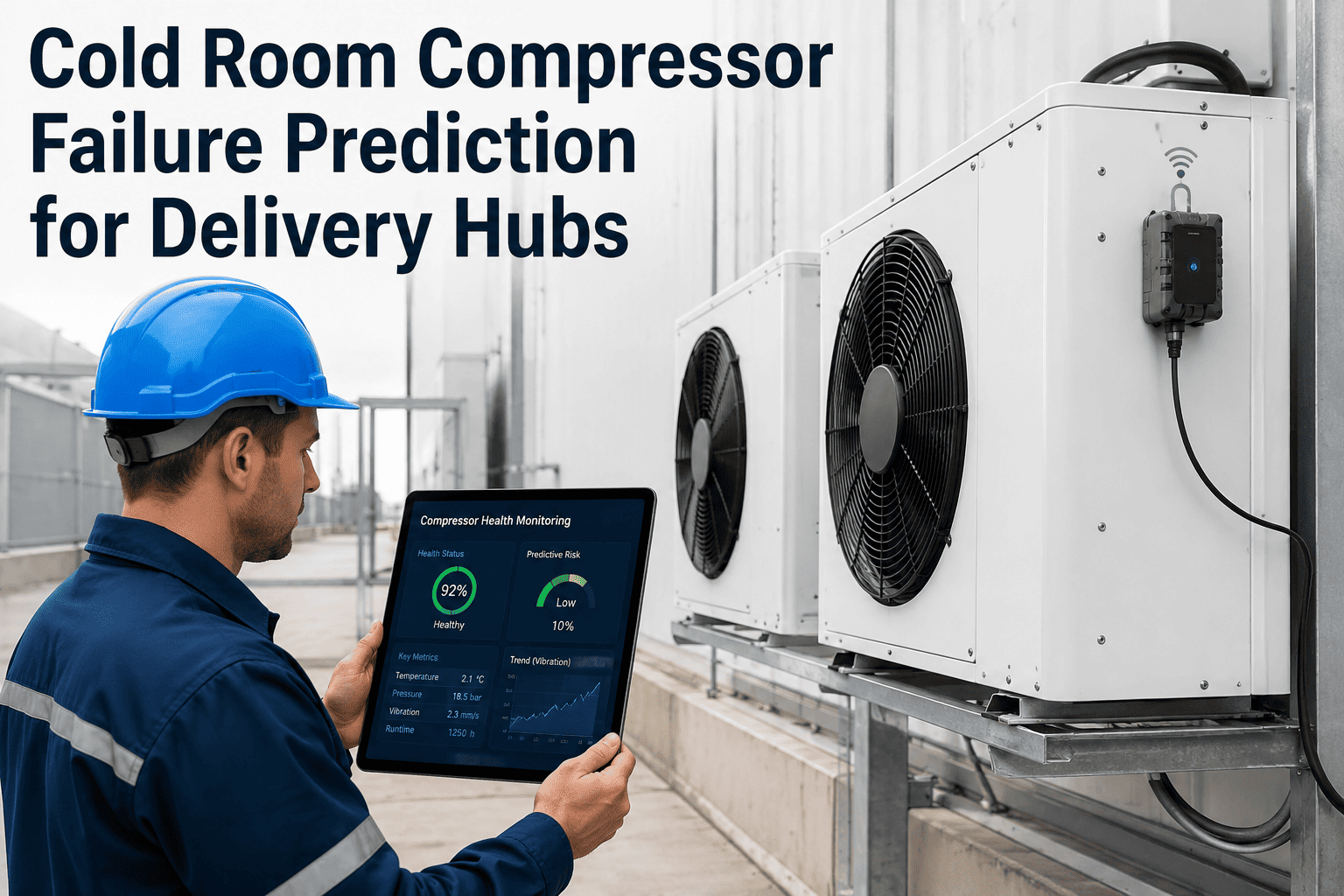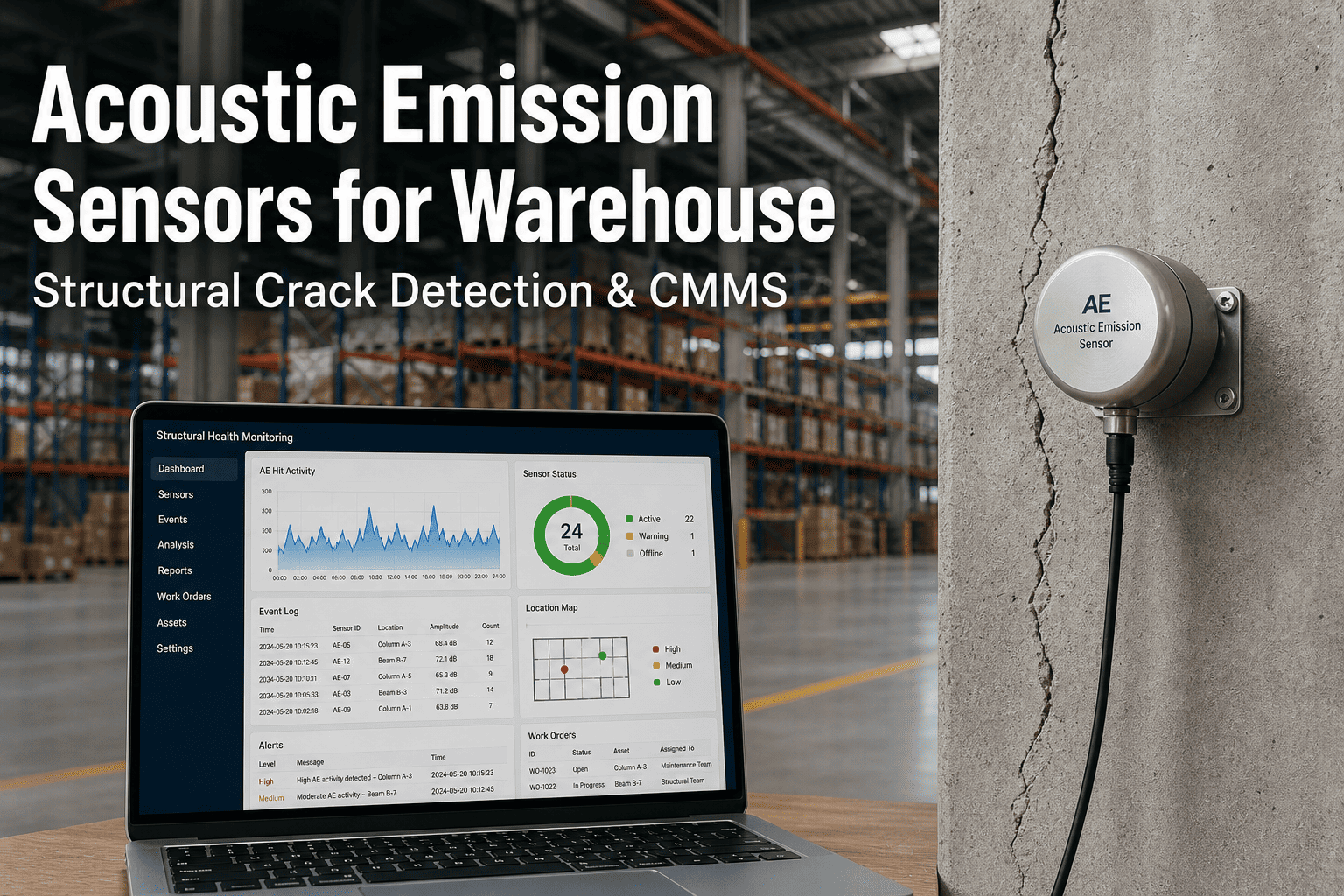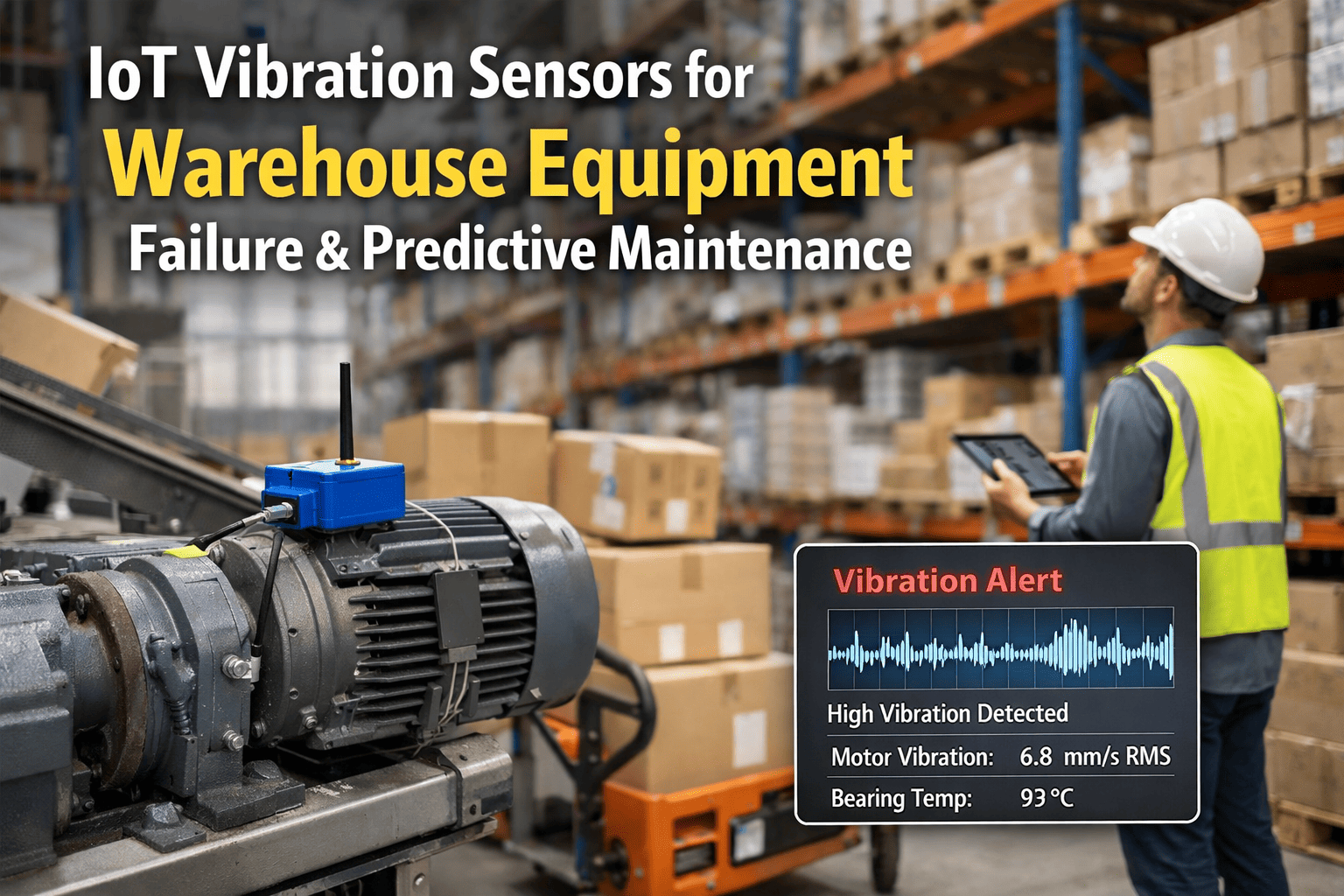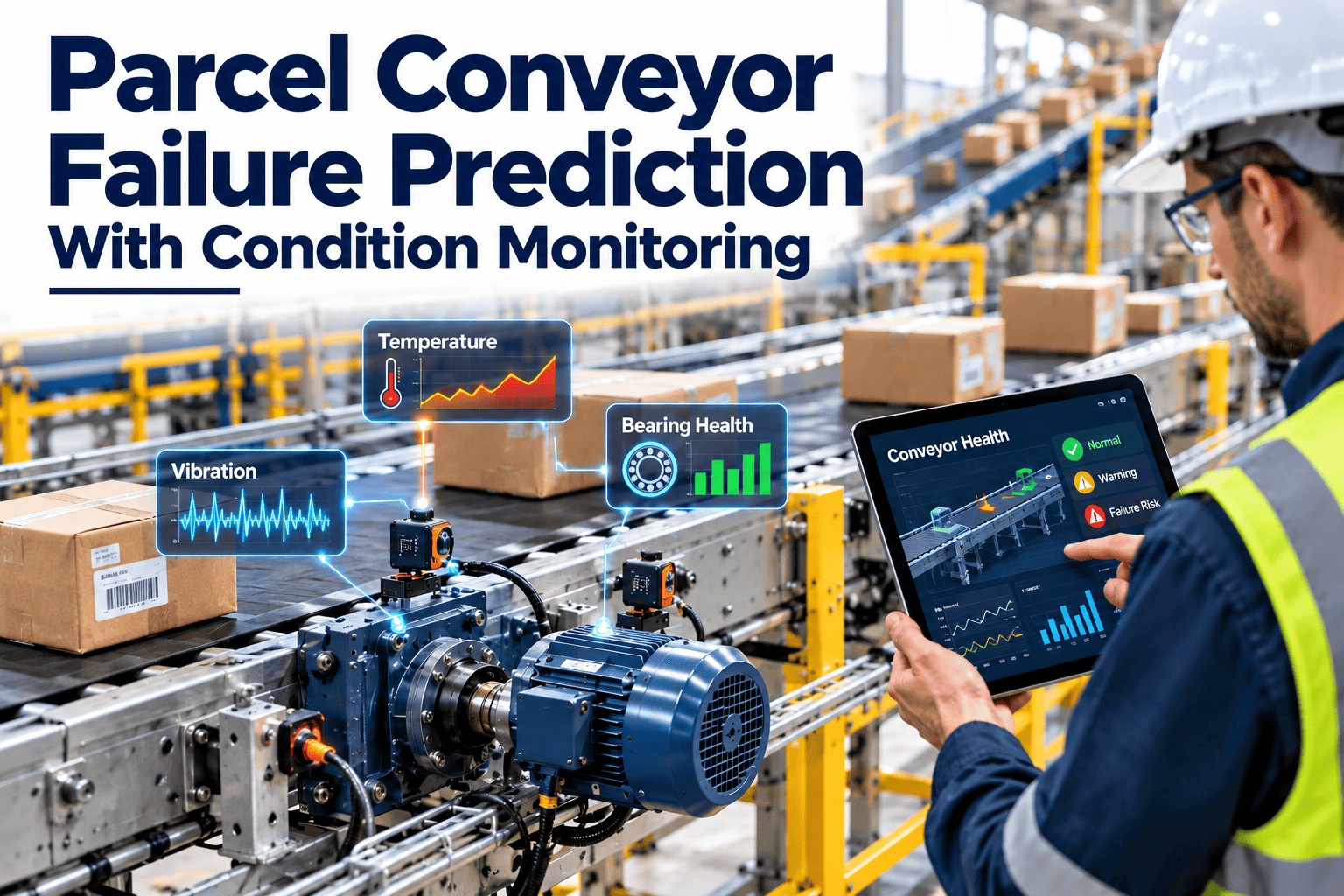
A conveyor that fails without warning stops fulfillment. A conveyor that shows a measurable fault weeks earlier becomes a planned repair done in a quiet shift with the parts already on the shelf. Condition monitoring is the practice of measuring vibration, temperature, current, and other signals to catch that early stage. This guide explains what to measure, where to place sensors, how to set alert thresholds, and how to connect alerts to a work order process with maintenance management software so predictions lead to action.
Parcel Conveyor Failure Prediction With Condition Monitoring
Turn conveyor failures into scheduled repairs by monitoring vibration, temperature, and current, and connecting every alert to a work order.
What Condition Monitoring Does Differently
Calendar-based maintenance replaces parts on a fixed schedule, whether or not they need it. Condition monitoring acts when the equipment shows it needs attention, which reduces both surprise failures and unnecessary work.
Most fulfillment centers use all three. Condition monitoring is strongest on critical drives where failure is costly and warning signs are measurable.
Signals That Predict Conveyor Failures
| Signal | What it detects | Best used on |
|---|---|---|
| Vibration | Bearing wear, imbalance, misalignment, looseness, gear problems | Motors, gearboxes, bearings, drive shafts |
| Temperature | Friction, overload, poor lubrication, electrical resistance | Bearings, motors, gearboxes, terminals |
| Motor current | Overload, belt or chain problems, some motor electrical faults | Drive motors, especially on variable frequency drives |
| Ultrasound | Early friction and lubrication problems, leaks | Bearings and lubrication points |
| Oil condition | Wear particles, water, viscosity change | Gearboxes |
| Speed and tracking sensors | Slippage, belt drift, jams | Belts, rollers, and sorters |
| Controller data | Fault codes, start counts, run hours, trip history | Drives and PLCs across the line |
Sensor Placement: Where to Measure
Good data starts with consistent placement. Mount sensors close to the load path, on rigid surfaces, and in the same position every time.
Start with the drives that would stop the largest share of throughput if they failed.
Make Every Alert Lead to a Work Order
Condition data is only useful when someone acts on it. Use Oxmaint to turn readings and inspections into assigned, tracked maintenance tasks.
Choosing Which Conveyors to Monitor First
Monitoring every motor is rarely necessary. Rank assets by criticality and by how well failures can be detected.
Online Sensors Versus Route-Based Readings
| Approach | How it works | Strength | Limit |
|---|---|---|---|
| Permanent online sensors | Fixed sensors send data continuously | Catches fast-developing faults, 24-hour coverage | Higher cost per asset, needs network and setup |
| Route-based portable readings | Technician takes readings on a schedule | Low cost, covers many assets | Gaps between readings, depends on consistency |
| Thermal imaging surveys | Periodic scans with an infrared camera | Finds hot connections and bearings quickly | Snapshot in time only |
| Controller and drive data | Uses fault codes and current from existing devices | Often available without new hardware | Limited mechanical detail |
A mixed approach is common: online sensors on the most critical drives, and route-based readings everywhere else.
Setting Alert Thresholds That People Trust
Too many false alarms train teams to ignore alerts. Too few leave the system silent until failure. Thresholds need a baseline and a clear response at each level.
- Set limits from each machine’s own baseline, not only from generic tables.
- Reference manufacturer limits and the ISO 20816 series for vibration evaluation where applicable.
- Review thresholds after every confirmed failure and every false alarm.
- Document why each threshold was chosen, so a new analyst can understand and adjust it.
- Use trends and rates of change, not only absolute values.
- Treat sudden step changes differently from slow drifts, since they point to different causes.
From Data to Action: The Alert Workflow
How Oxmaint Supports Condition-Based Maintenance
Oxmaint is maintenance management software. Sensors and analytics come from your monitoring tools, while Oxmaint organizes the maintenance response and keeps the history.
- Asset records for every conveyor, drive, motor, gearbox, and bearing, with their condition history.
- Mobile inspection checklists for readings such as temperature, noise, vibration, and oil level.
- Preventive and condition-based tasks that trigger from meters, readings, or inspection results.
- Work orders with priority, assignment, parts, labor, and completion notes.
- Inventory tracking so spares for predicted failures are available.
- Dashboards and reports on downtime, repeat failures, overdue work, and the split between planned and unplanned maintenance.
Before and After: A Predicted Bearing Failure
- Bearing runs hot and noisy until it seizes
- Line stops during a busy shift
- Part ordered after the failure
- Shaft and housing damaged by the failure
- Repair under pressure with overtime
- Vibration trend flags the bearing weeks earlier
- Alert creates a work order and a parts reservation
- Repair scheduled in a low-volume window
- Bearing replaced before shaft damage occurs
- Result and cause recorded in the asset history
Measuring the Return on Condition Monitoring
Payback depends on your equipment, throughput, and starting point, so build the case from your own data rather than generic claims.
| Benefit | How to measure | Data source |
|---|---|---|
| Avoided unplanned downtime | Hours of unplanned stoppage before and after, multiplied by cost of lost throughput | Downtime records, work orders |
| Reduced secondary damage | Repair cost for failures caught early versus failures that ran to breakdown | Work order cost history |
| Better parts planning | Reduction in emergency freight and overtime | Purchasing and labor records |
| Fewer unnecessary tasks | Preventive tasks replaced by condition-based tasks | Task completion history |
| Safety and compliance | Hot connections and hazards found before incidents | Inspection and thermal survey records |
Compare these benefits with the cost of sensors, software, and the time needed to review and act on alerts.
A Phased Rollout Plan
Common Condition Monitoring Mistakes
Reading Fault Signatures
Different faults leave different patterns. Knowing the common ones helps technicians confirm an alert before opening equipment.
| Fault | Typical pattern | First checks |
|---|---|---|
| Imbalance | Vibration at running speed, mainly radial | Pulley or roller condition, buildup, loose parts |
| Misalignment | Vibration at one and two times running speed, often axial | Coupling and shaft alignment, soft foot, base condition |
| Mechanical looseness | Multiple harmonics and unstable readings | Mounting bolts, base plates, bearing housings |
| Bearing wear | Rising high-frequency energy and temperature | Lubrication, contamination, shaft fit and load |
| Gear problems | Vibration at gear mesh frequencies, wear particles in oil | Oil analysis, backlash, alignment, load |
| Electrical issues in motor | Changes in current pattern, heating, imbalance between phases | Connections, insulation test, drive settings |
Rules That Create Work Orders From Conditions
Clear rules remove hesitation. Agree in advance what each condition triggers, and who owns the response.
| Condition | Action | Owner |
|---|---|---|
| Reading trends above baseline for several consecutive readings | Create inspection work order within the week | Maintenance planner |
| Alert level reached on a critical drive | Create corrective work order, reserve parts, schedule repair | Maintenance supervisor |
| Hot terminal found on thermal survey | Create urgent safety work order | Electrician and supervisor |
| Oil sample reports water or high wear metals | Create work order to investigate source and change oil | Maintenance planner |
| Repeat alert on the same asset | Start root cause review and revise the preventive plan | Reliability lead |
Review these rules each quarter. As confidence grows, simple trend alerts can create tasks automatically, while complex cases stay with an analyst.
Data, Connectivity, and Governance
- Decide where condition data will live and who owns it before installing sensors.
- Confirm network coverage in the warehouse, since metal structures and moving equipment can affect wireless signals.
- Keep naming consistent, so a sensor reading always maps to the correct asset record.
- Protect monitoring systems with the same access control and update practices as other operational technology.
- Store raw data long enough to compare current readings against a healthy period and past failures.
- Define who may change thresholds, and record every change.
Governance sounds dull, but poor naming and unclear ownership are among the most common reasons monitoring programs lose credibility.
Roles in a Condition Monitoring Program
Monitoring Through Peak Season
- Complete baseline readings before peak, so any change during the rush is easy to recognize.
- Increase reading frequency on critical drives as volume and running hours rise.
- Pre-approve repair windows, so alerts can be acted on without long approval delays.
- Stock spare bearings, couplings, and drive components for the monitored assets.
- Review alerts daily during peak, with a short stand-up between maintenance and operations.
A prediction only has value if the repair can actually be scheduled. Agree the process with operations in advance.
KPIs for a Predictive Maintenance Program
| KPI | What it shows |
|---|---|
| Share of failures caught before breakdown | Effectiveness of detection |
| Lead time from alert to failure or repair | How much planning time the program creates |
| False alarm rate | Quality of thresholds and diagnosis |
| Unplanned downtime hours on monitored lines | Direct operational result |
| Time from alert to work order creation | Speed of response |
| Planned versus unplanned maintenance ratio | Overall maturity of the maintenance program |
Building Buy-In for a Monitoring Program
- Start with a pilot on one line where downtime is expensive and the data is easy to collect.
- Record every early detection with the cost and downtime it avoided, so the benefit is visible to finance.
- Involve technicians in choosing sensor locations, since they know where equipment actually fails.
- Share simple weekly summaries with operations instead of raw data and charts.
- Be open about misses and false alarms, and show how thresholds were improved afterward.
Programs that show a few clear wins in the first quarter usually receive the support needed to expand.
Conveyor Condition Monitoring Questions
Replace Surprise Conveyor Failures With Planned Repairs
Combine condition monitoring with a maintenance system that turns every warning into a tracked task. Start building your predictive workflow in Oxmaint.