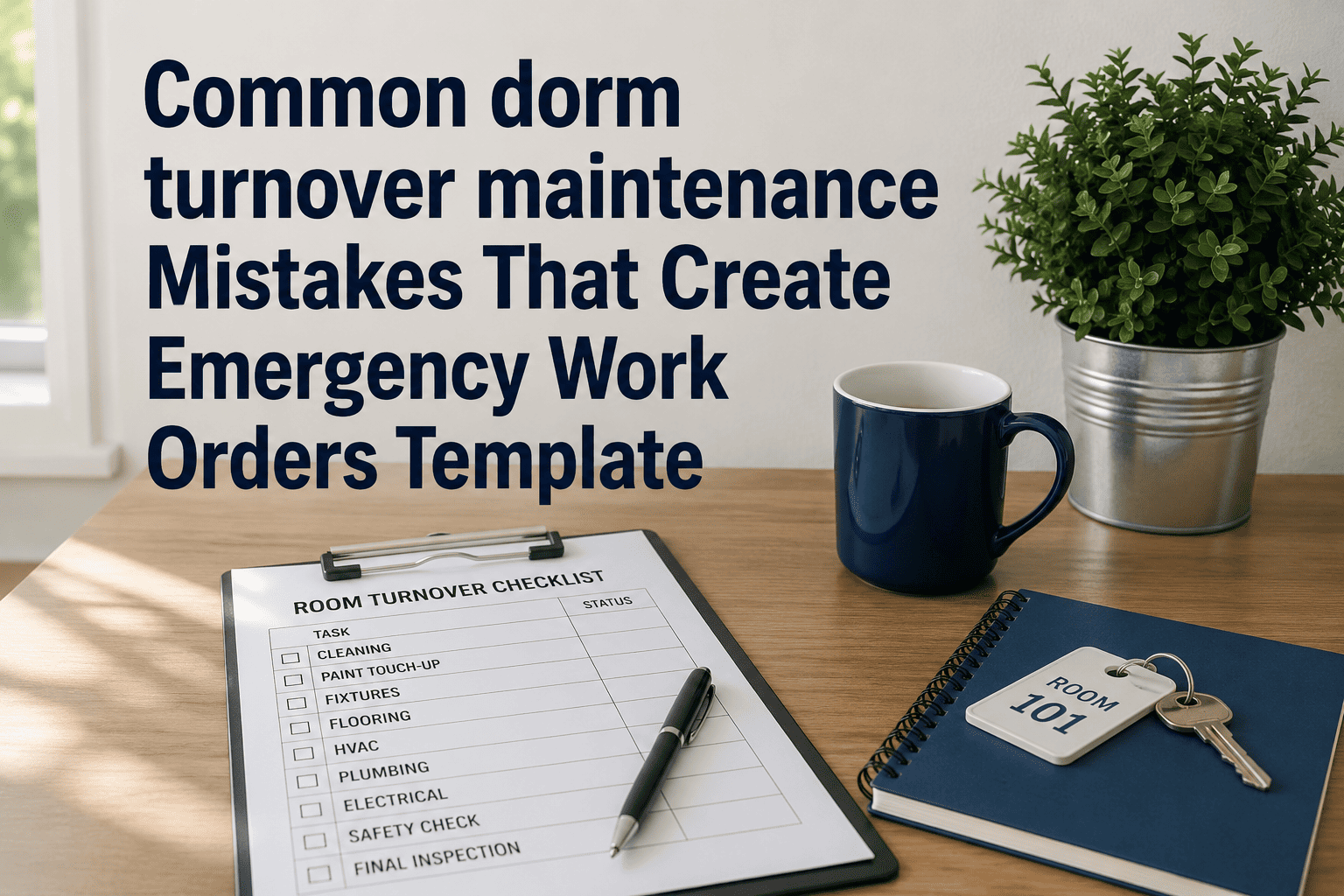
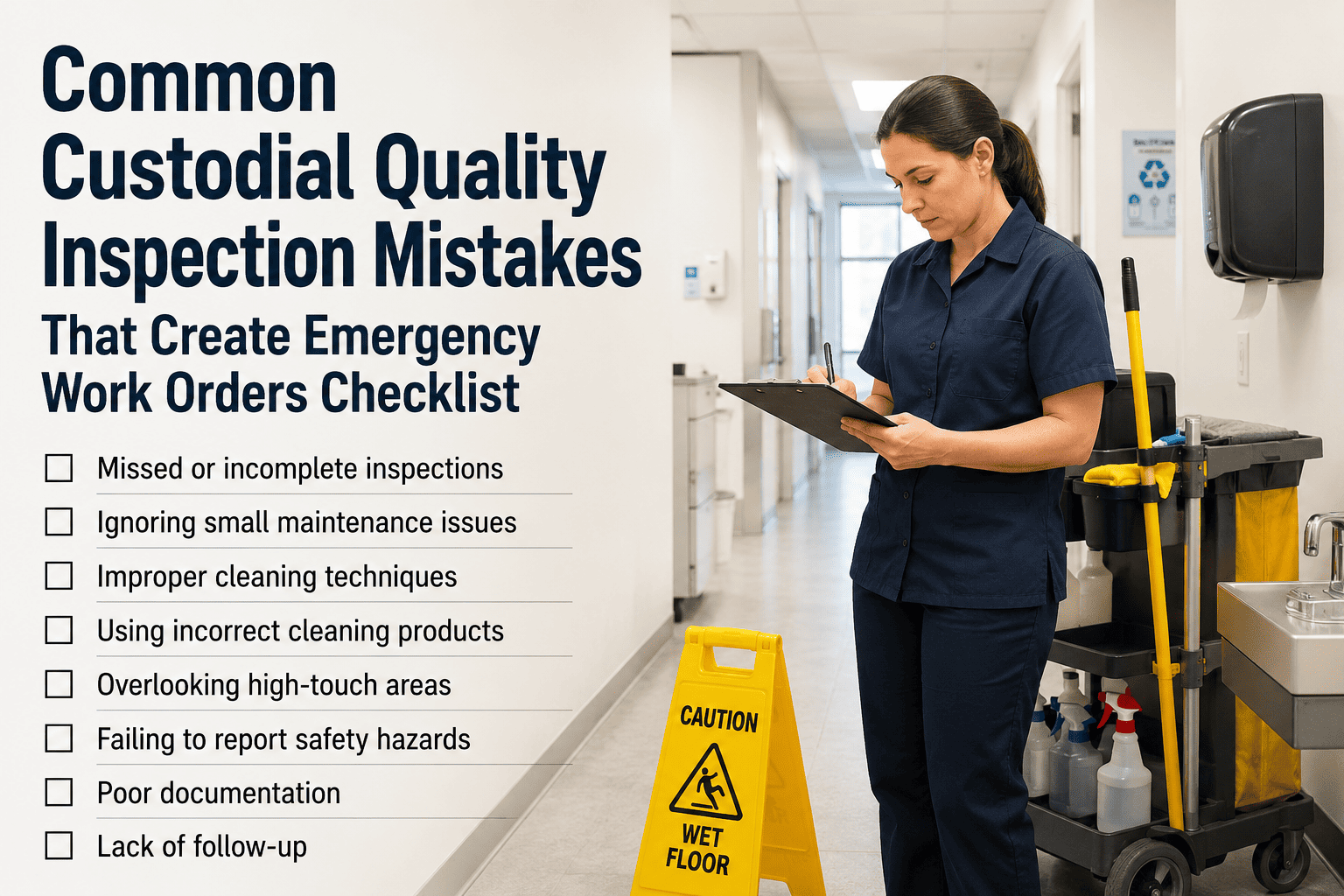
Every housing team has seen the same pattern: turnover wraps up looking complete, move-in day arrives, and within the first week the emergency work orders start — a leaking faucet nobody pressure-tested, an HVAC unit that was wiped down but never actually run, a window restrictor that got skipped because the room "looked fine." None of these are unusual mistakes. They are the same handful of shortcuts that show up every single turnover season, and they are predictable enough to build a checklist against. This template walks through the mistakes that most often turn into week-one emergencies, with the specific check that prevents each one. Build the checklist directly into a tracked workflow by starting a free trial or by booking a walkthrough of the turnover template.
Student Housing / Turnover Checklist Template
The Mistakes That Turn Turnover Into Week-One Emergencies
A rushed turnover doesn't fail in obvious ways. It fails quietly — a unit that looks done, a room that gets signed off without a real test — and the gap doesn't surface until a student moves in and something stops working.
Five Mistakes That Generate the Most Emergency Work Orders
These five show up across nearly every housing team's post-move-in complaint log. Each one is avoidable with a specific check added to the turnover template — not more staff, just a more complete list.
Mistake
Cleaning and reinstalling an HVAC filter instead of replacing it, to save a few minutes per room.
The Fix
Replace every filter and log it against the room asset — a reused filter is the most common cause of a 82°F room on move-in day.
Mistake
Marking a plumbing fixture "checked" based on a visual look, without running water through it.
The Fix
Run every faucet and flush every toilet during inspection — a slow leak rarely shows itself without water actually moving through the line.
Mistake
Skipping the window restrictor check on rooms that "look the same as last year."
The Fix
Test every restrictor every turnover, regardless of history — a bypassed or missing restrictor discovered after an incident creates serious liability.
Mistake
Doing a deep clean before repairs are finished, leaving dust and debris over the work that was just completed.
The Fix
Sequence the workflow so every repair finishes before the final clean — cleaning first just means doing it twice.
Mistake
Relying on memory or a shared spreadsheet to track which of hundreds of rooms are actually finished.
The Fix
Track every room as an individual record with a clear status, so nothing gets marked done by assumption.
Where the Mistake Shows Up Later
The cost of a turnover shortcut rarely lands during turnover itself. It lands during the first two weeks of the term, usually as an emergency work order that pulls a technician off a planned task.
| Turnover Shortcut | Week It Surfaces | Resulting Work Order Type | Avoidable With |
|---|
| Filter reused instead of replaced | Week 1 | HVAC emergency — no cooling | Mandatory filter swap logged per unit |
| Fixture visually checked only | Week 1-2 | Plumbing leak, possible water damage | Water-run test on every fixture |
| Restrictor skipped on "known" rooms | Anytime | Safety incident or liability exposure | Restrictor test every turnover, no exceptions |
| Cleaning before repairs finished | Move-in day | Cosmetic complaint, re-clean request | Repairs sequenced ahead of final clean |
| Room status tracked by memory | Move-in day | Resident moved into an unfinished room | Individual room status record |
The Real Cost Difference: Caught at Turnover vs. Caught at Move-In
The same defect costs very different amounts depending on when it's found. Catching it during turnover, while the room is empty and a technician is already on-site, is almost always the cheaper path.
Caught at Move-In
A resident reports no cooling on day one — an emergency dispatch, a same-day vendor call, and a frustrated student family on move-in weekend.
Caught at Turnover
A technician already in the room swaps the filter as part of a routine checklist item — no dispatch, no urgency, no resident involved at all.
Caught at Move-In
A slow leak under a sink is discovered weeks into the term, after it has already damaged a cabinet and the floor beneath it.
Caught at Turnover
Running water through the fixture during the empty-room inspection catches the leak before any damage has a chance to spread.
What a Complete Turnover Template Actually Includes
A checklist title alone doesn't prevent shortcuts — the structure underneath it does. A complete template separates tasks by type so nothing gets skipped because it didn't fit neatly into "general repairs."
Turn This Checklist Into a Tracked Workflow
OxMaint applies every check on this list to every room automatically, with a status that updates the moment a technician completes a step — no shortcut goes unnoticed before move-in day.
A Quick Pre-Sign-Off Test for Every Room
Before any room gets marked move-in ready, these four checks take less than five minutes and catch the majority of week-one emergencies before they happen.
1
Run the HVAC unit through a full cycle
2
Run water through every fixture
3
Test the window restrictor by hand
4
Confirm the smoke detector with a test button
Frequently Asked Questions
Why do HVAC issues dominate week-one emergency work orders?
A cleaned-and-reinstalled filter looks fine but restricts airflow, so the unit runs without actually cooling the room — a fault that's invisible until a student turns it on.
Start a free trial to track filter replacement per unit.
How long does adding these checks add to each room's turnover time?
The four pre-sign-off checks take under five minutes per room, which is far less time than the emergency work order and resident complaint each shortcut tends to generate later.
Should rooms with no reported issues last year skip the full checklist?
No. A room with no history is exactly where shortcuts happen most, since there's an assumption nothing needs checking — every room gets the same checklist every turnover.
Can this checklist be applied across multiple residence halls at once?
Yes — the same checklist template applies to every room across every building, with each room tracked individually so progress is visible at the building level.
Book a demo to see it applied to your building list.
What's the biggest single cause of post-move-in complaints?
Fixtures and HVAC units that were inspected visually but never actually run or tested with water and airflow tend to generate the largest share of week-one complaints.
Stop Repeating the Same Turnover Mistakes Every Year
Build this checklist into a tracked workflow once, and every room across every building gets the same complete check, every single turnover season.