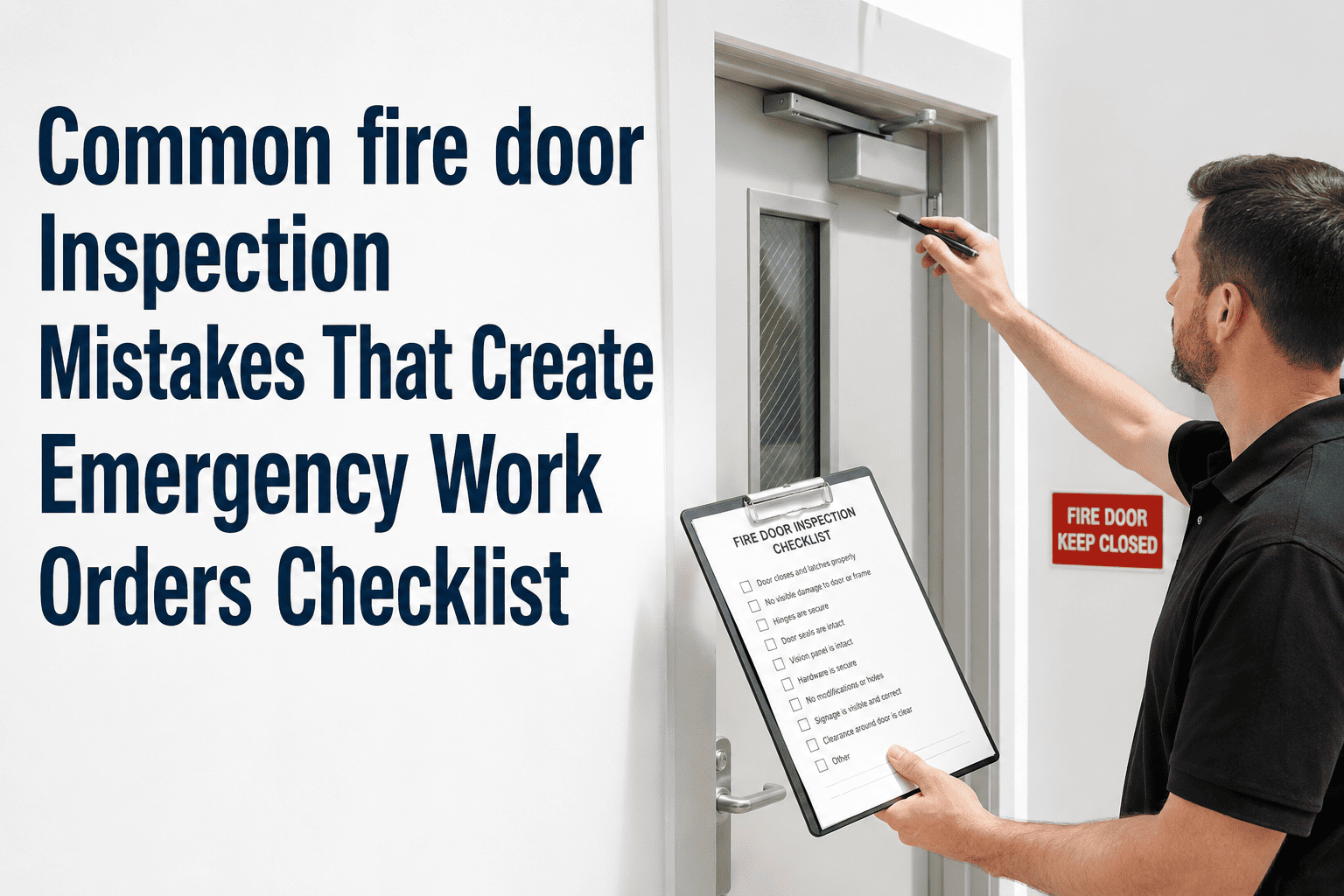
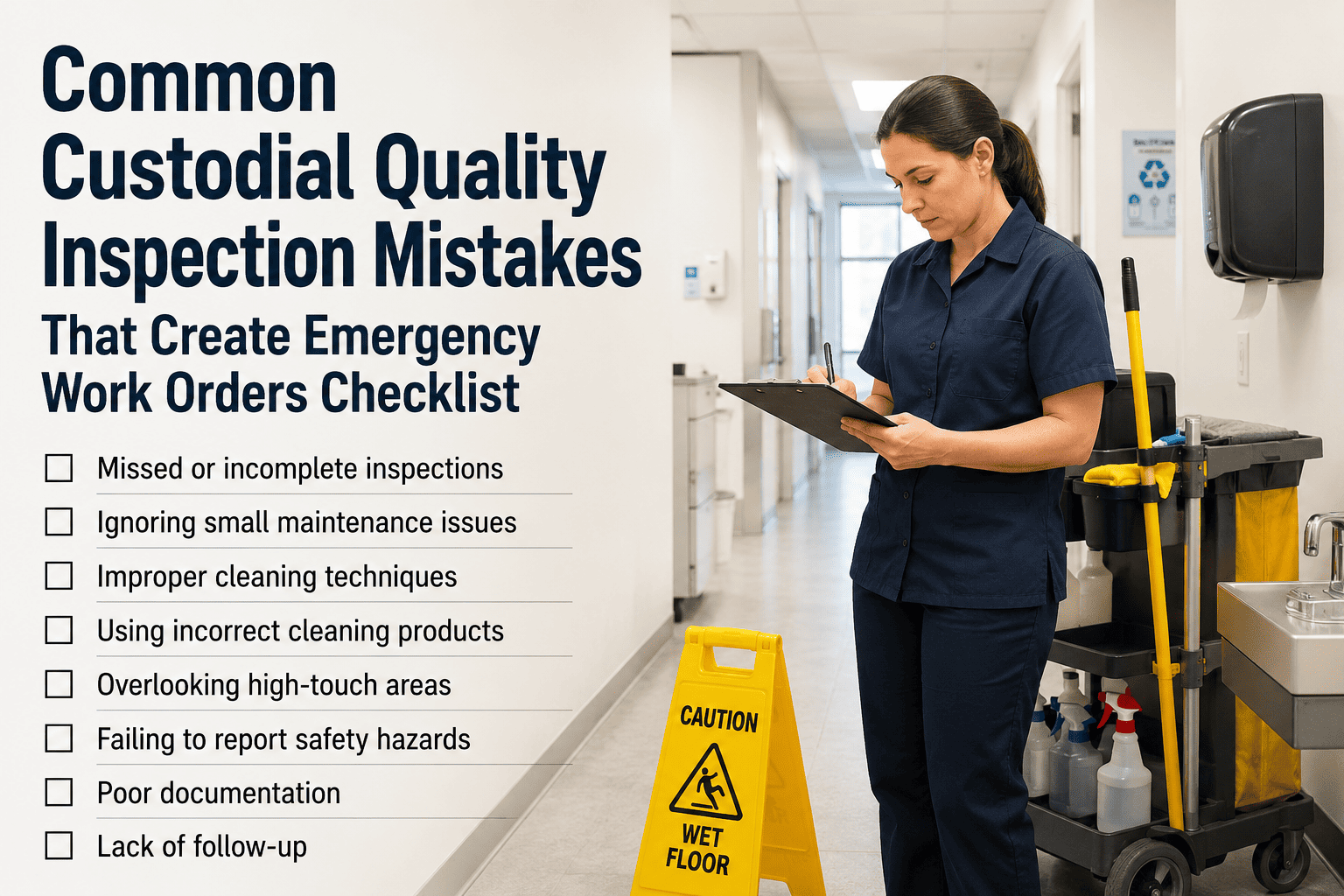
Emergency work orders for fire doors do not usually start with a sudden equipment failure. They start weeks or months earlier, with a small mistake during inspection that went undocumented, a skipped checklist point that seemed unimportant, or a failed item that was logged but never escalated to a work order. By the time a fire marshal or insurance inspector finds the issue, the school is looking at a do-not-occupy order, a rush repair at three times the normal cost, and a compliance gap in the record. NFPA 80 is specific about what must be checked, documented, and corrected — and the most common emergency work orders are almost always traceable to a deviation from that standard. This checklist identifies the mistakes that create avoidable emergencies and shows how OxMaint catches them before they become a crisis.
Emergency Work Order Prevention
Common Fire Door Inspection Mistakes That Create Emergency Work Orders
The mistakes that turn a routine fire door issue into an emergency repair — and the checklist protocol that prevents each one before a marshal or insurer finds it first.
80%
of fire door failures are foreseeable and preventable with proper inspection
3x
Higher cost of emergency repair vs. scheduled corrective maintenance
$5,000
Maximum fine per door for documented non-compliance
Same Day
Required corrective action start time for failed fire doors
What This Checklist Covers
How to Read This Checklist
Each section below identifies the specific mistake, explains why it generates an emergency work order instead of a routine one, and provides the correct inspection protocol to prevent it. Items marked Emergency Risk have caused unplanned school closures or marshal interventions in documented incidents.
1. Label and Rating Mistakes
A painted-over fire rating label is not a cosmetic issue. It is a compliance failure that makes the entire door assembly legally unrated until relabeled by the manufacturer. Inspectors who mark a painted label as acceptable because the door looks intact create emergency work orders the moment an authority having jurisdiction sees it differently.
Why it creates an emergency: An AHJ treats an illegible label the same as no label — the door is unrated. If this is found during an audit, the door is immediately taken out of service and cannot return until the manufacturer relabels or replaces the assembly.
Correct protocol: Mark any label that cannot be fully read — rating, listing number, and manufacturer — as a failure. Generate a corrective work order on the same day and restrict the door until the label is restored.
Why it creates an emergency: A door with a 20-minute rating installed in an opening that requires 60 minutes is a building code violation, not just an inspection note. Discovery during an AHJ audit triggers immediate corrective action and can affect the building's certificate of occupancy.
Correct protocol: Pull the building's life safety plan rating for each opening before the inspection. Verify the label rating matches. Mismatches are failures, not observations — log them and escalate immediately.
2. Closer and Latch Mistakes
Door closer failures are the leading source of fire door emergency work orders nationwide. The most common mistake is not testing the closer through a full range of motion — checking only that the door swings shut from fully open misses closer drift that only appears from intermediate positions.
Why it creates an emergency: Closer spring drift often shows up at intermediate angles — a door released at 45 degrees stops before latching while the same door released at 90 degrees closes fully. An inspector who only tests from fully open misses this failure completely.
Correct protocol: Test the closer from fully open, from 45 degrees, and from 15 degrees. The door must self-close and fully latch from all three positions without any manual assistance.
Why it creates an emergency: A door that closes but does not latch provides no fire separation. In a fire event, a latched door holds back smoke for critical minutes — an unlatched door provides near-zero protection. AHJ inspectors will write this as an immediate failure.
Correct protocol: After each closer test, physically push the door from the pull side to confirm the latch bolt is fully engaged in the strike plate. Visual observation of the door appearing closed is not sufficient — the latch must resist manual push.
3. Clearance and Gap Mistakes
Clearance violations are the second most common source of fire door emergency work orders. The mistake is not the gap — it is the failure to measure gaps with a calibrated gauge and the assumption that a door that looks closed has acceptable clearances.
OxMaint — Prevent the Work Order Before It Starts
Catch Inspection Mistakes Before an AHJ Does
OxMaint's mobile checklist guides inspectors through every NFPA 80 point in sequence, requires confirmation before marking any item as passed, and converts any failure directly into a corrective work order — no skipped steps, no undocumented failures.
4. Hold-Open Device Mistakes
A propped fire door discovered during an AHJ walkthrough is an automatic violation with no argument. Hold-open device mistakes generate emergency work orders because they are visible, obvious, and indefensible — and they occur because monthly visual checks are skipped or not documented.
5. Record-Keeping Mistakes
An inspection that happened but was not documented does not exist in an audit. Record-keeping mistakes turn completed inspections into compliance gaps when an AHJ reviews the file — and they generate emergency corrective effort that has nothing to do with the physical condition of the doors.
Common Record-Keeping Mistakes and Their Consequences
| The Mistake |
Why It Creates an Emergency |
The Correct Practice |
| Inspection completed but not signed by the inspector |
An unsigned report does not satisfy the NFPA 80 qualified-person requirement — the AHJ treats the inspection as not having occurred |
Inspector digitally signs the report at the door before moving to the next opening — never batch-sign at the end of the day from memory |
| Recording only overall pass or fail rather than per-point results |
An AHJ can ask which specific point failed and what the result was — a summary record cannot answer this and may be rejected |
Record the result for each of the thirteen NFPA 80 checklist points individually, not as a single pass or fail for the door |
| Discarding records older than the current year |
NFPA 80 requires a minimum three-year retention — an AHJ may ask for historical records from prior inspection cycles |
Retain all inspection records digitally for at least three years — digital storage has no meaningful cost and eliminates this risk entirely |
| Failing to document monthly visual checks |
Without monthly check records, an AHJ has no evidence that doors were monitored between annual inspections — it looks like the annual inspection was the only oversight |
Log every monthly visual check with date, checker name, and result — even a brief entry is infinitely better than no entry |
Frequently Asked Questions
OxMaint — CMMS for School Facilities
Stop Emergency Work Orders Before They Start
OxMaint guides every inspector through the full NFPA 80 checklist, catches mistakes at the door before the report is submitted, and converts every failure into a same-day corrective work order — so no failed fire door sits unaddressed until an auditor finds it.
Guided thirteen-point NFPA 80 checklist on mobile — no skipped steps
Failed items convert to corrective work orders automatically the same day
Out-of-service flag applied instantly when any item fails inspection
Full audit-ready export shows every failure, every work order, every resolution