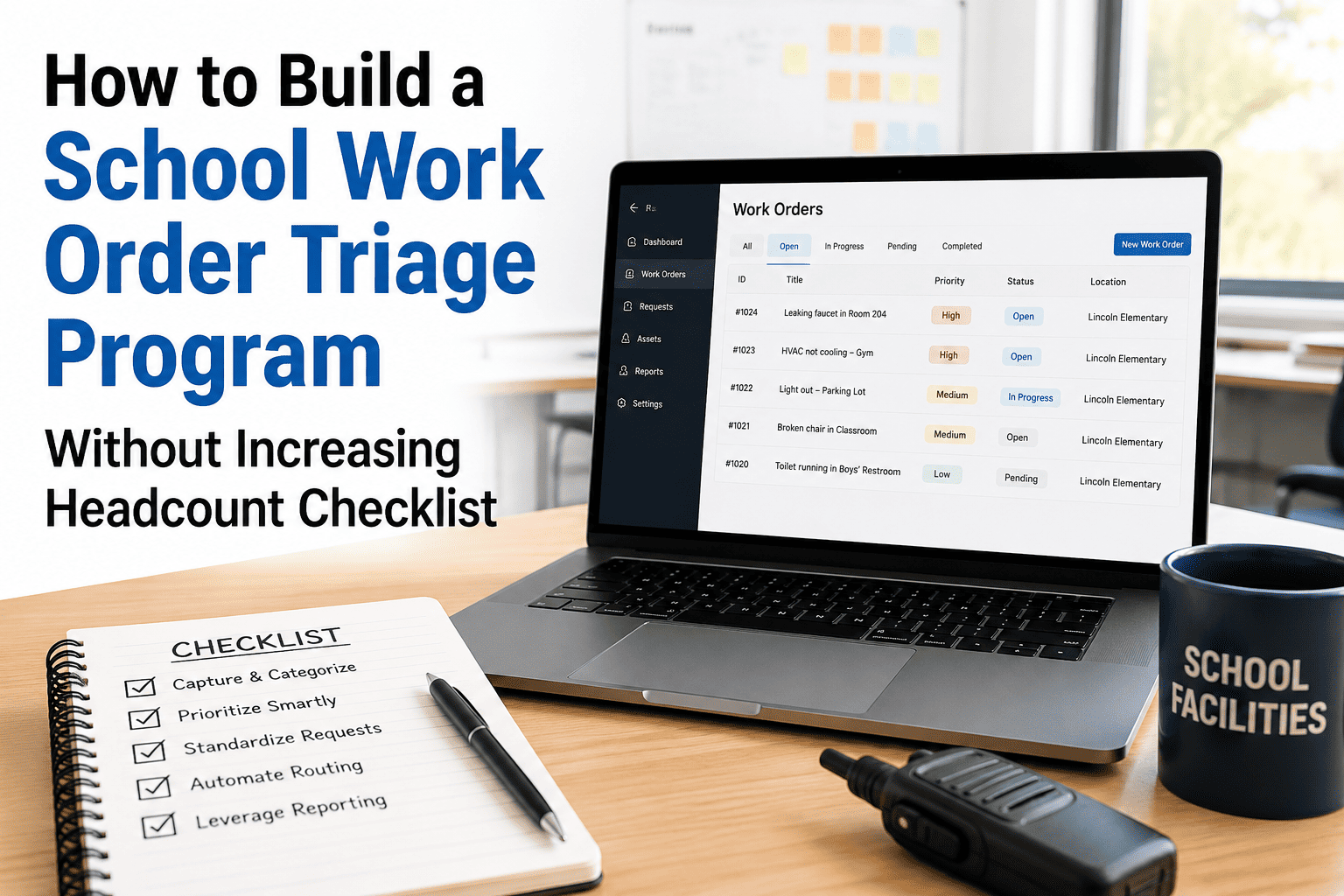
When a classroom ceiling tile falls, an HVAC unit stops cooling mid-August, and a bathroom fixture floods the hallway — all on the same Monday morning — your maintenance team cannot fix everything at once. K-12 principals and facilities directors face this reality every day: too many work orders, too few technicians, and no shared framework for deciding what gets addressed first. A structured triage matrix eliminates the "squeaky wheel" prioritization that delays genuinely critical repairs while reactive emergencies pile up. Districts that implement a formal work order triage system reduce average response time for life-safety issues by 61% and cut unplanned overtime by 34%. If your school is still triaging by who calls the office most, start a free trial with OxMaint or book a demo to see how AI-powered work order management brings order to the chaos.
K-12 FACILITIES · WORK ORDERS · PRINCIPALS · MAINTENANCE TEAMS · CMMS
K-12 Work Order Triage Matrix for Principals and Maintenance Teams
A practical decision framework that tells every principal and technician exactly which work orders get addressed in the next hour, today, this week — and which go on the PM calendar.
61%
Faster response to life-safety issues with triage structure
34%
Reduction in unplanned maintenance overtime
4 levels
Priority tiers that cover every school facility scenario
2 hrs
Target response time for Priority 1 issues in best-practice districts
Why This Matters
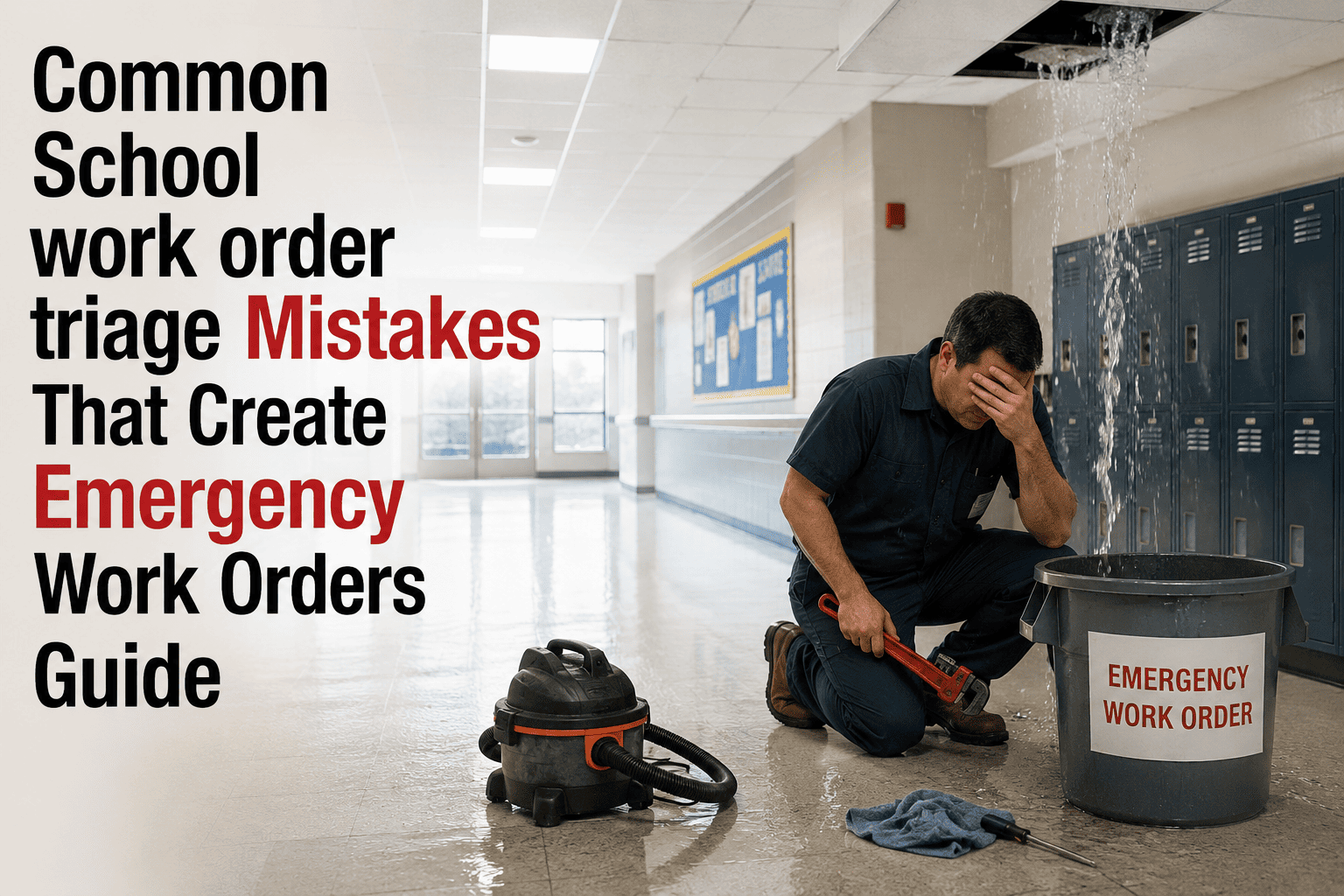
Why K-12 Work Order Triage Breaks Down
P
Principals Decide by Pressure
Without a shared triage framework, work orders get priority based on who calls the facilities director — not on actual urgency or safety risk. A broken projector in the principal's conference room gets addressed before a failing exhaust fan in the cafeteria kitchen.
T
Technicians Have No Shared Language
When work orders arrive without priority context, each technician applies their own judgment — resulting in wildly inconsistent response times. A leaking roof in Building A might wait three days while a cosmetic paint request in Building B gets addressed the same afternoon.
D
Districts Have No Audit Trail
When a parent or board member asks why a reported safety hazard took two weeks to fix, the answer "we were busy" is not defensible. Structured triage with CMMS documentation creates a timestamped record of every priority decision — protecting the district and demonstrating due diligence.
The Triage Matrix
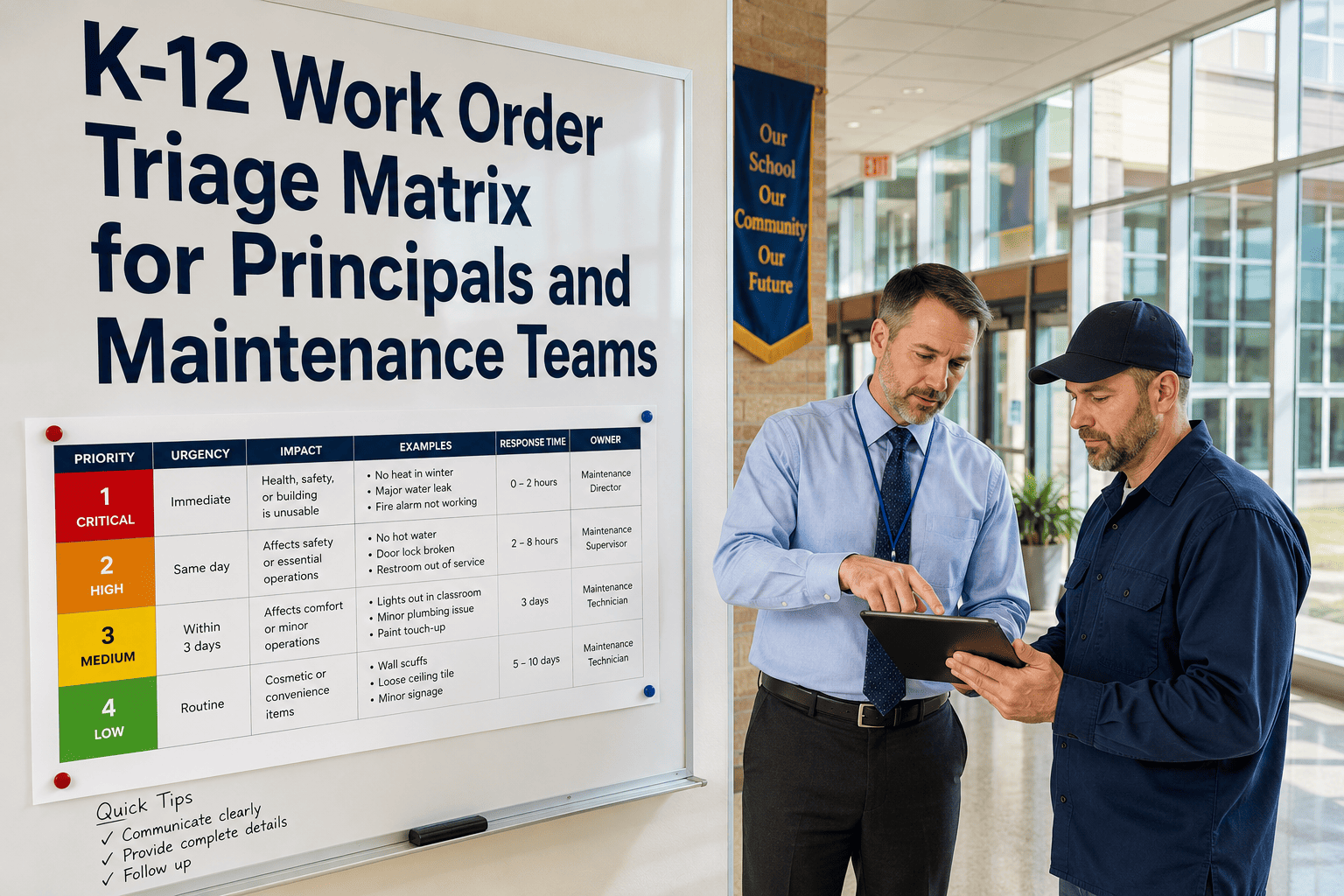
The 4-Level K-12 Work Order Triage Matrix
Assign every incoming work order to one of four priority levels using the criteria below. This matrix works for principals submitting requests and technicians receiving them.
Criteria: Any of the following
Immediate risk to student or staff health or safety
Active water intrusion into occupied or electrical spaces
Loss of heating or cooling when outdoor temp is extreme
Sewage backup or plumbing failure in occupied building
Electrical hazard, exposed wiring, or breaker failure
Security system, door lock, or access control failure
Fire suppression system alert or sprinkler fault
Principal action: Call facilities director directly. Do not submit via portal only.
Criteria: Impacts instruction or occupancy
HVAC failure in occupied classroom (non-extreme weather)
Restroom fixture failure reducing available stalls below code
Cafeteria equipment failure on a meal service day
Gym or auditorium failure impacting scheduled event same day
Exterior door not latching securely (non-emergency but urgent)
Elevator out of service in ADA-accessible building
Principal action: Submit via CMMS portal, mark Priority 2. Note impact on instruction.
Criteria: Functional impact, not safety-critical
Single fixture lighting failure in a classroom or hallway
Classroom technology failure (projector, display, audio)
Interior door hardware (non-security) malfunction
Minor plumbing drip not causing immediate water damage
Broken furniture that reduces seating below class size
Pest sighting requiring scheduled exterminator visit
Principal action: Submit via CMMS portal. No direct call needed unless it escalates.
Criteria: Cosmetic, low-impact, or PM-driven
Paint touch-ups and cosmetic wall repair
Ceiling tile replacement (no active water intrusion)
Exterior landscaping and drainage maintenance
Playground equipment inspection and minor repairs
Scheduled filter, belt, and fluid replacements
Long-term capital project scoping requests
Principal action: Submit via CMMS portal. These are batched and scheduled by the facilities team.
Escalation Rules
When to Escalate and Who Decides
A Priority 3 becomes Priority 2 when...
The issue worsens within 24 hours, directly impacts a scheduled class or event, or a second report comes in from the same space. The principal submits an escalation update in the CMMS work order — the system re-queues the ticket automatically.
A Priority 2 becomes Priority 1 when...
Any risk to student or staff health or safety emerges, the issue expands beyond the original scope, or the facilities team cannot resolve within the same-day window. Principals call the facilities director directly — portal update is secondary.
Priority 4 items that never get addressed become...
Capital budget risks. Deferred maintenance items sitting in the P4 queue beyond 90 days should be reviewed monthly by the facilities director. A ceiling tile request that waited 4 months may indicate a slow-developing water intrusion that was never caught.
Who has authority to change priority levels
Principals may escalate from P3 to P2 for instructional impact. Only the facilities director or designated lead technician may assign or change Priority 1 designation. This prevents priority inflation — the most common failure mode of triage systems.
Give Every Work Order a Priority Before It Hits the Queue
OxMaint lets principals and maintenance teams submit work orders with built-in priority fields, escalation workflows, and automated routing — so your technicians always know what to fix first, and your district always has the documentation to prove it was handled correctly.
Role Responsibilities
Who Does What in the Triage Process
Principal
Identifies and documents the issue at point of discovery
Applies initial priority using the 4-level matrix
Calls facilities director directly for all Priority 1 issues
Updates the work order if conditions change or worsen
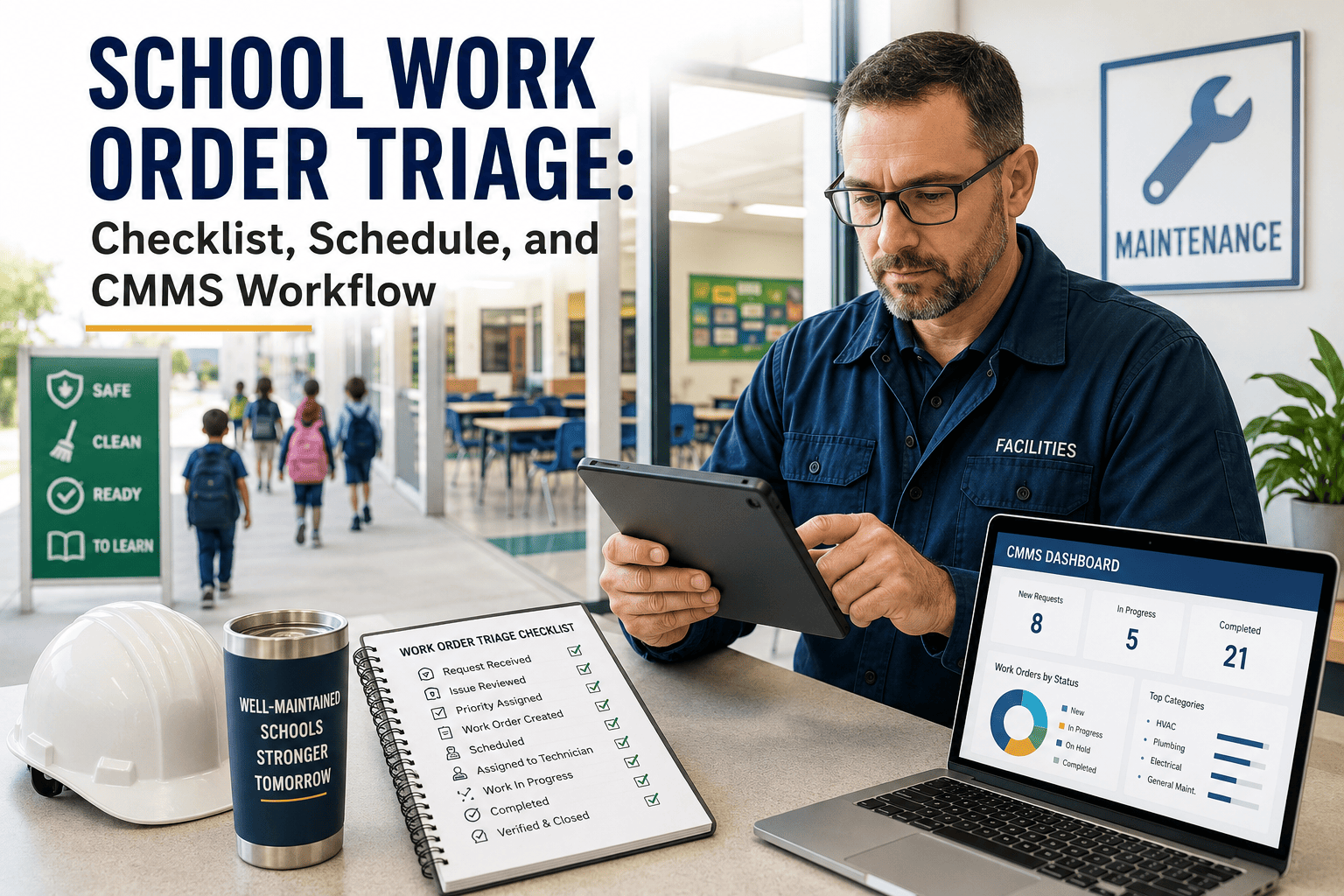
Confirms resolution and closes the ticket in the CMMS
Maintenance Technician
Reviews queue ordered by priority level, not submission time
Confirms or adjusts priority based on on-site assessment
Escalates immediately if scope exceeds assigned priority
Documents parts used, time spent, and resolution notes
Flags recurring issues for PM calendar review
Facilities Director
Sole authority to assign Priority 1 designation
Reviews P4 backlog monthly for deferred maintenance risk
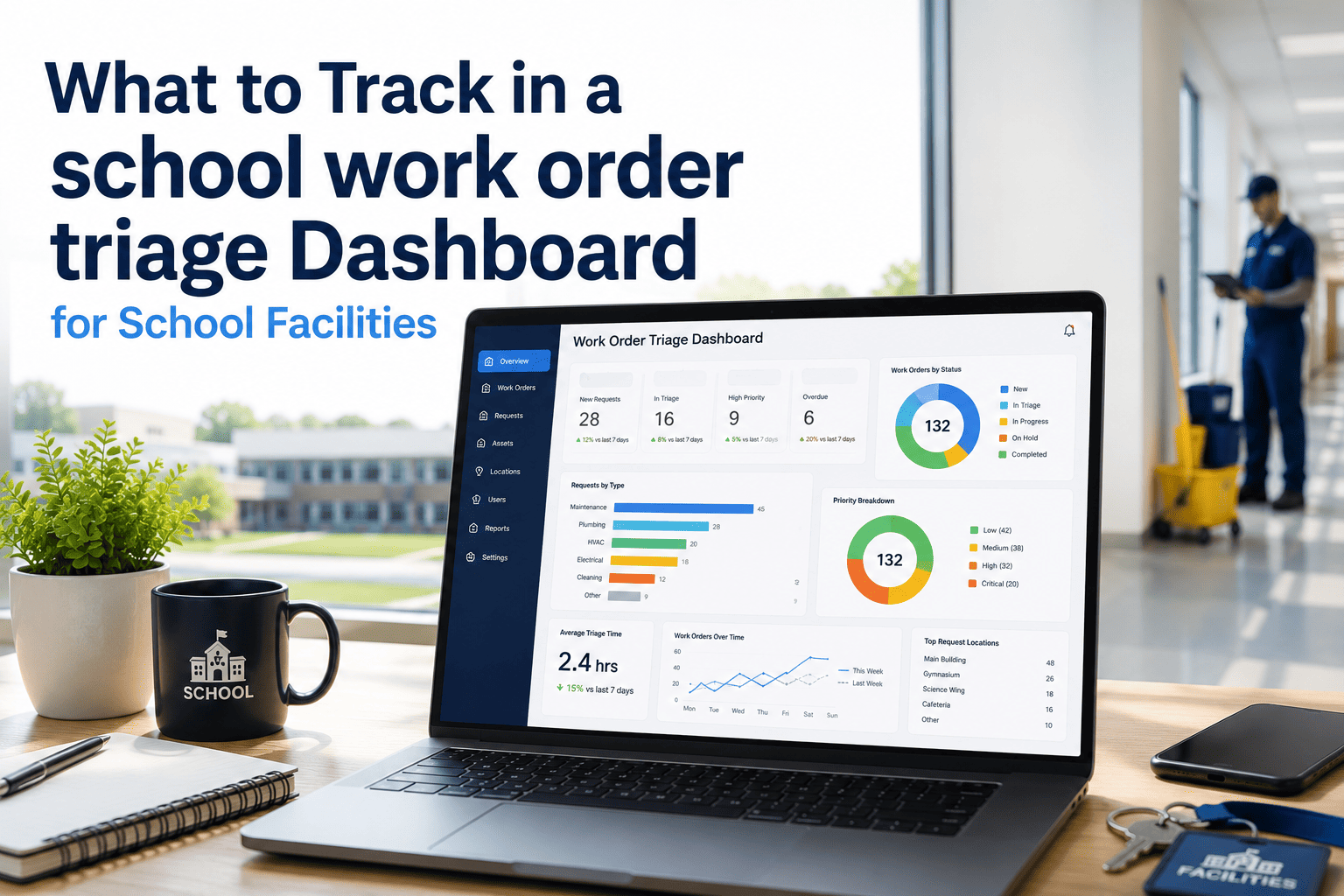
Monitors response time metrics by priority level
Coordinates contractor callouts for P1 issues beyond in-house scope
Reports SLA compliance to district administration monthly
Quick Reference
Triage Decision Reference Table
Questions
Frequently Asked Questions
Can principals override a technician's priority assignment?+
Principals may escalate a work order from P3 to P2 if instructional impact has changed. Only the facilities director may assign or modify a P1 designation. This separation prevents priority inflation — the most common breakdown in K-12 triage systems. OxMaint enforces this through role-based permissions.
Start a free trial to configure your role structure.
How does OxMaint support the triage workflow for K-12 teams?+
OxMaint provides a mobile-friendly work order submission form with built-in priority fields, automated routing to the right technician by priority level, and a timestamped audit trail for every status change. Principals submit from any device, technicians see a queue ordered by priority — not by who called last.
Book a demo to see the full workflow.
What happens to P4 items that never get addressed?+
P4 items sitting unaddressed beyond 90 days should trigger a facilities director review. Deferred maintenance frequently hides developing problems — a cosmetic ceiling tile request may indicate early water intrusion. OxMaint flags aging P4 tickets automatically so nothing falls permanently off the radar.
How do we train principals to use the triage matrix correctly?+
The best approach is a one-page laminated reference card posted in the main office and a 30-minute back-to-school training session each August. OxMaint's mobile interface guides principals through priority selection with plain-language criteria — reducing training time and improving consistency from day one.
Stop Triaging by Whoever Yells Loudest
OxMaint gives K-12 principals and facilities directors a shared work order language — priority levels, response targets, escalation rules, and a documented audit trail that protects the district. Built for schools. Used by maintenance teams who cannot afford to miss a Priority 1.