Managing thousands of assets across multiple campuses without a structured inventory is one of the most common — and costly — mistakes K-12 school districts make. From HVAC units and boilers to gym equipment, fire panels, and classroom technology, every asset needs a location, a condition rating, and a maintenance schedule tied to it. A well-structured school district asset inventory template by campus and building gives facilities teams the foundation to move from reactive repairs to planned preventive maintenance. If your district is still tracking assets in disconnected spreadsheets, Sign Up Free to see how Oxmaint structures K-12 asset registers across every campus — or Book a Demo to walk through the asset import workflow with a specialist. Districts that standardize their asset hierarchy before adopting a CMMS save 30–40% of implementation time and immediately improve PM schedule accuracy and upload your existing inventory in the first week — no data cleanup required. A structured K-12 asset register also unlocks GIS pairing, letting facilities directors visualize asset density and maintenance burden by building and campus zone to see the campus map view in action to begin building your asset hierarchy today. Without a standardized register, deferred maintenance accumulates invisibly — until a boiler fails in January or a fire suppression system fails inspection.
Start Tracking Every District Asset by Campus and Building
Oxmaint structures your K-12 asset inventory across locations with PM schedules, condition fields, and GIS pairing — ready to import in days.
How to Structure a K-12 Asset Inventory Template by Campus and Building
A reliable school district asset register uses a four-level hierarchy: District → Campus → Building → Asset. Every asset record then carries category, condition, GIS coordinates, and PM frequency fields. The template categories below map directly to Oxmaint asset types for seamless import.
The top-level hierarchy holds all campuses under a single district identifier. Enables consolidated reporting on asset count, replacement cost, deferred maintenance value, and PM compliance across all sites.
Each school campus — elementary, middle, high school, or administrative — is registered as a separate location. Campus-level filters let principals and facilities leads see only their site's assets and open work orders.
Within each campus, assets are assigned to a specific building or wing (Main Building, Gymnasium, Library, Portable Classrooms, Central Plant). Building-level assignment drives GIS map placement and maintenance zone routing.
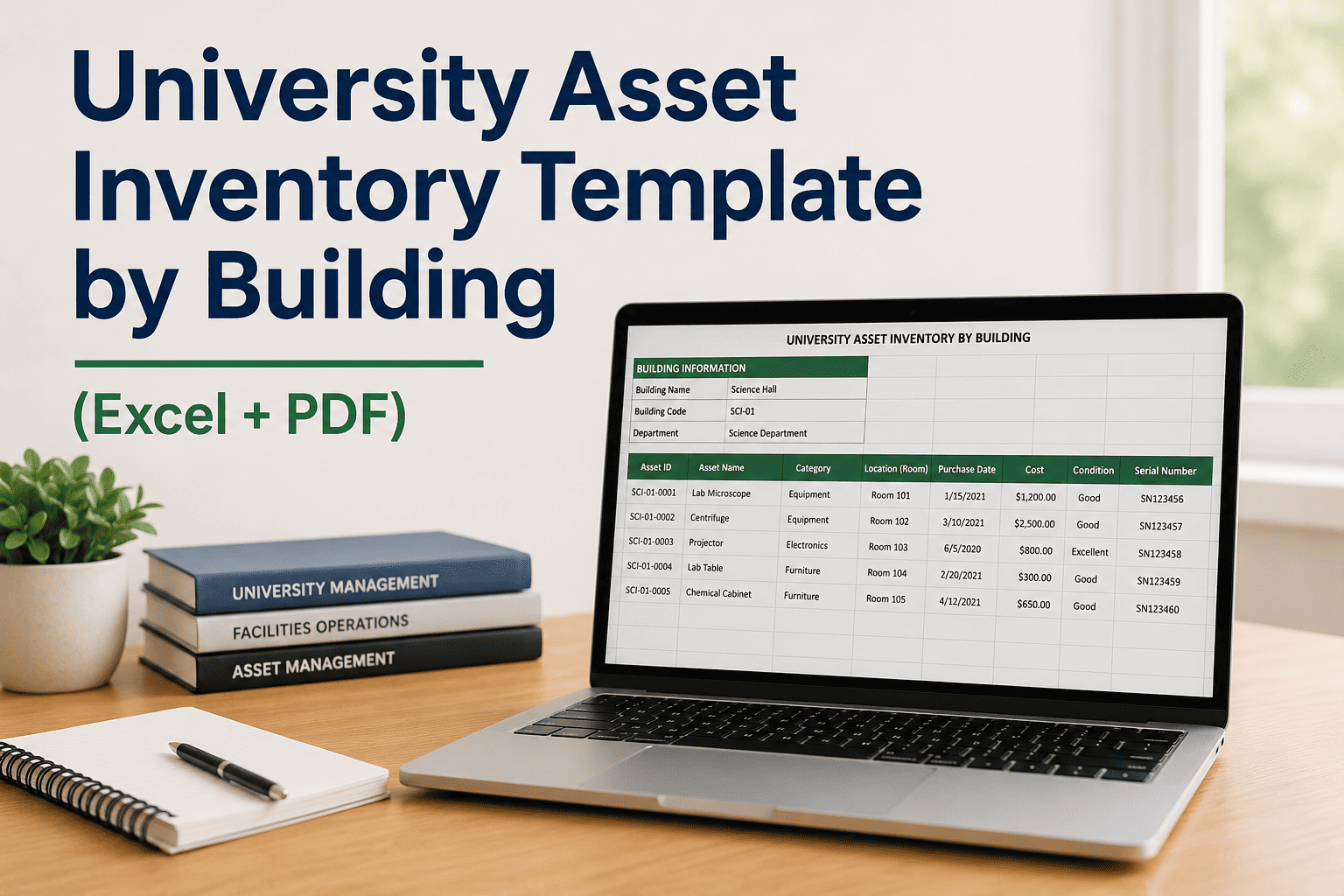
The asset record captures: Asset ID, category, manufacturer, model, serial number, install year, condition rating (1–5), replacement cost estimate, last PM date, next PM due, and assigned technician. This is the field-level data that drives work orders.
Each asset record includes optional GPS coordinates for GIS map integration. Oxmaint plots assets on a campus map layer — letting facilities directors see rooftop HVAC clusters, electrical panel locations, and playground equipment zones at a glance.
The PM frequency field (Weekly / Monthly / Quarterly / Semi-Annual / Annual) links each asset directly to a recurring work order schedule in Oxmaint. Completing the inventory template automatically populates the PM calendar — no manual scheduling required.
K-12 Asset Inventory Template: Categories by Building System
| Asset Category | Common Assets | Condition Fields | PM Frequency |
|---|---|---|---|
| HVAC Systems | Rooftop units, air handlers, chillers, boilers, VAV boxes | Filter status, refrigerant charge, belt condition | Monthly / Quarterly |
| Electrical Systems | Panels, switchgear, emergency generators, UPS units | Breaker condition, load balance, transfer switch test | Semi-Annual / Annual |
| Plumbing Systems | Booster pumps, water heaters, backflow preventers, fixtures | Pressure, leak signs, backflow test date | Annual / As Required |
| Fire & Life Safety | Fire panels, sprinkler heads, suppression systems, exit signs | Last inspection date, code compliance status | Annual (NFPA 72/25) |
| Gymnasium & Athletic | Bleachers, scoreboards, gym floors, weight equipment, pools | Structural integrity, surface wear, equipment function | Monthly / Semi-Annual |
| Kitchen Equipment | Ovens, dishwashers, refrigeration units, exhaust hoods | Temperature calibration, hood grease status, seal condition | Monthly / Quarterly |
| Technology Infrastructure | Network switches, servers, access points, projectors, displays | Warranty status, hardware age, uptime history | Annual |
| Exterior & Grounds | Irrigation systems, portable classrooms, fencing, lighting | Structural condition, lighting function, drainage | Semi-Annual |
Required Fields in a School District Asset Inventory Template
Asset ID (district-format), Asset Name, Category, Sub-Category. The Asset ID should follow a consistent district naming convention: [Campus Code]-[Building]-[Category]-[Sequence]. Example: NHS-GYM-HVAC-004.
Campus Name, Building, Floor/Wing, Room Number, GIS Latitude, GIS Longitude. Location fields must be standardized across all campuses before import — inconsistent naming fragments reporting.
Manufacturer, Model Number, Serial Number, Install Year, Warranty Expiration, Replacement Cost Estimate. These fields power the capital planning reports Oxmaint generates automatically from the asset register.
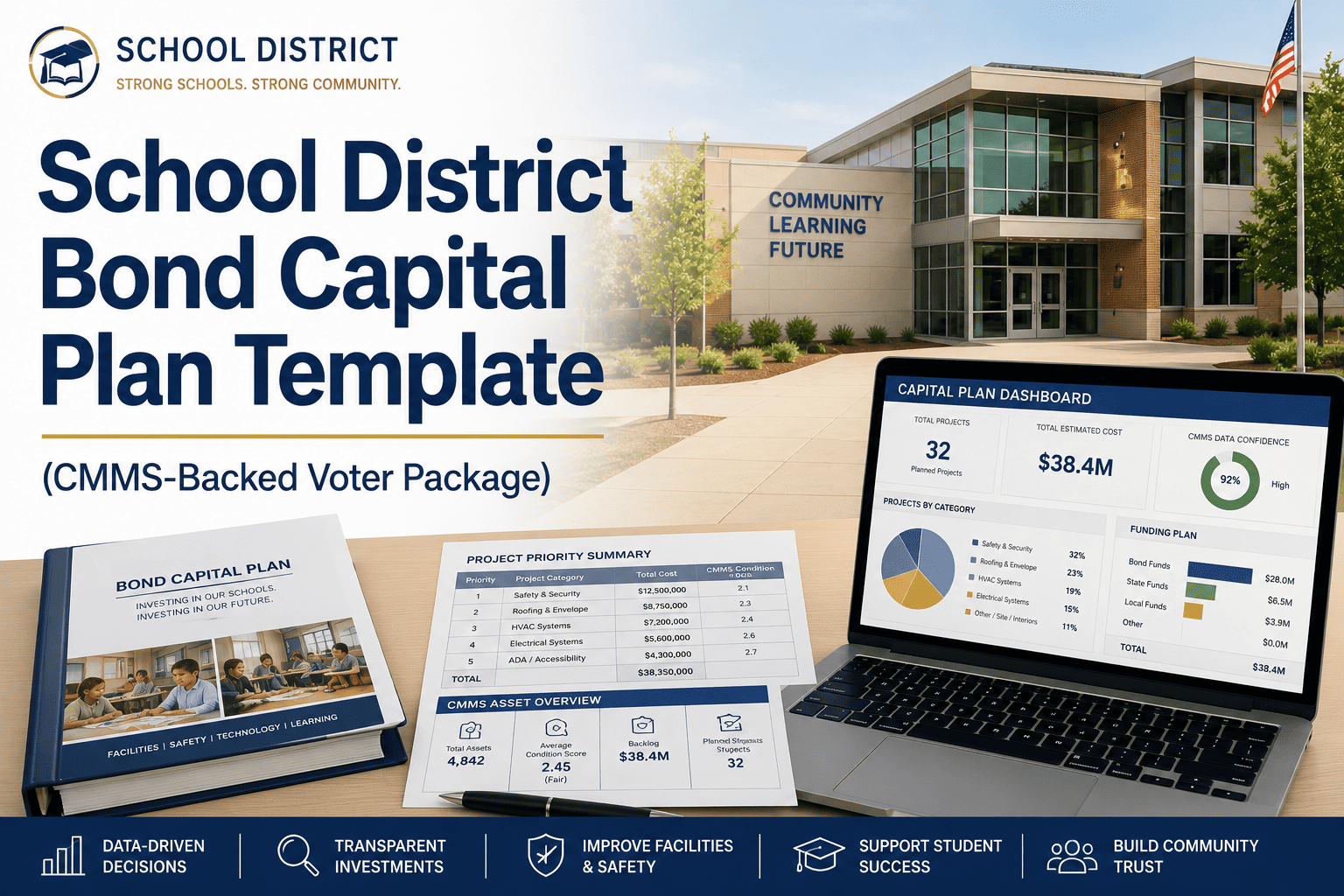
Condition Score (1–5 scale: Poor / Fair / Good / Very Good / Excellent), Last Assessment Date, Assessor Name. Condition ratings feed Oxmaint's deferred maintenance valuation — critical for capital improvement planning and bond measure justification.
PM Frequency, Last PM Completed Date, Next PM Due Date, Assigned Technician. In Oxmaint, completing this field during import automatically generates the recurring PM work order on the specified interval — no manual calendar entry.
Applicable Code / Standard (NFPA 72, NFPA 25, local jurisdiction), Last Inspection Date, Next Required Inspection, Certificate on File. Oxmaint attaches inspection certificates directly to the asset record for audit retrieval.
How Oxmaint Converts Your K-12 Asset Inventory Template into a Live CMMS
Oxmaint accepts school district asset inventory data via CSV import, maps it to the campus-building hierarchy, and activates PM schedules automatically — turning a static spreadsheet into a live maintenance management system within days. Book a Demo to see the import workflow.
Upload your existing district asset spreadsheet. Oxmaint's import wizard maps your column headers to the asset profile fields — no reformatting required for standard inventory exports.
Every asset with a PM frequency populated in the template generates a recurring work order automatically — daily, monthly, quarterly, or annual cycles with assigned technician routing.
GIS latitude and longitude from the template render as pins on the Oxmaint campus map — letting facilities directors view asset clusters, filter by condition, and identify maintenance-dense zones.
Condition ratings from the imported register generate a deferred maintenance dashboard — showing total replacement cost exposure by campus, building, and category for capital planning and board presentations.
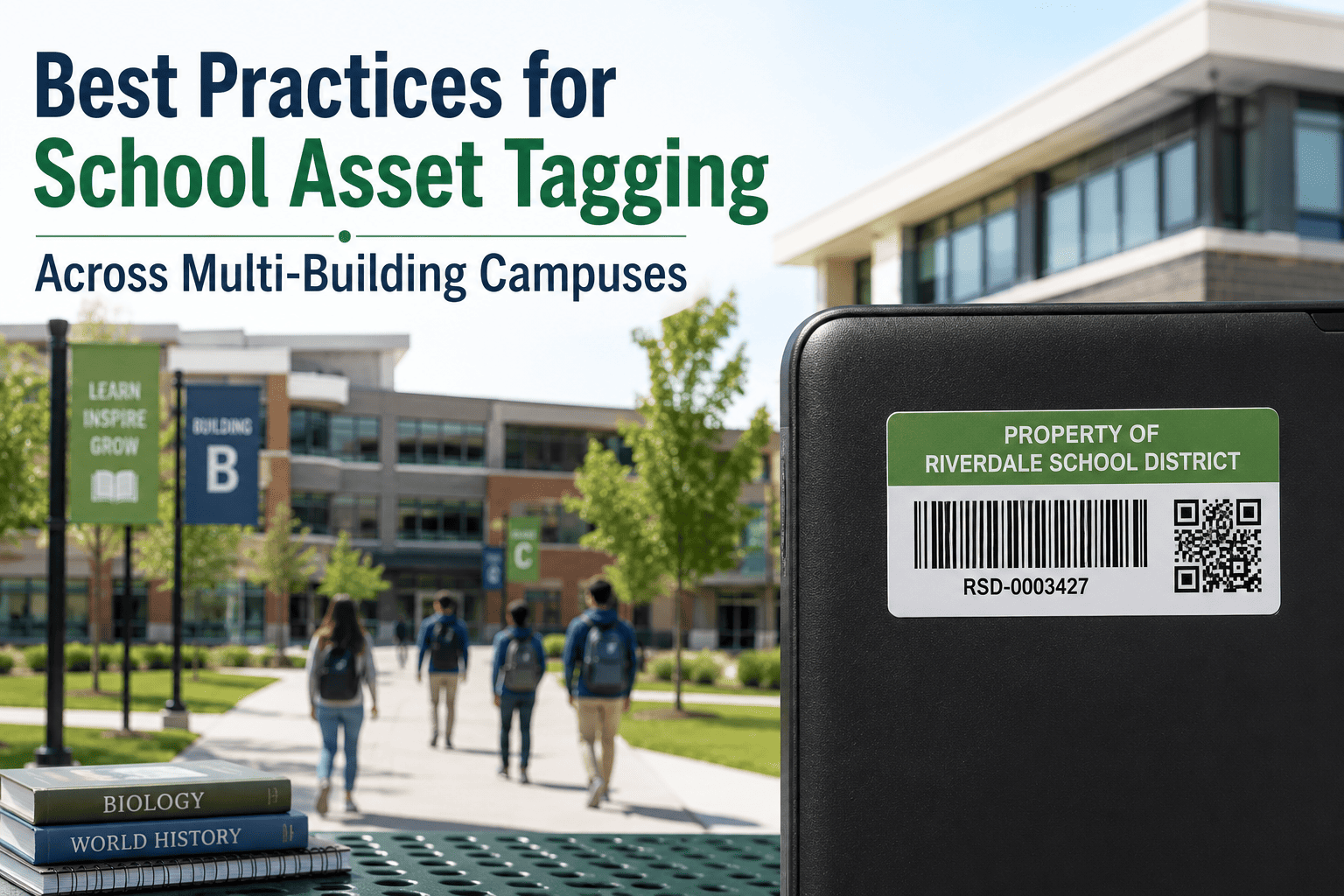
Oxmaint generates QR code labels for every imported asset. Technicians scan tags in the field to pull up the asset profile, log work, and update condition — no paper forms or manual lookups.
Fire panel inspections, backflow test certificates, and elevator compliance records attach to the asset profile in Oxmaint — accessible during state facility audits without searching paper files.
Import Your District Asset Inventory in Days — Not Months
Oxmaint maps your existing spreadsheet to a structured K-12 asset hierarchy, activates PM schedules automatically, and gives your team a live campus map view from day one.
Spreadsheet Asset Register vs. Oxmaint CMMS Asset Register
Frequently Asked Questions
What format should a school district asset inventory template use — Excel, PDF, or Word?+
How many asset categories should a K-12 asset inventory template include?+
Can Oxmaint pair asset inventory data with GIS mapping tools?+
How does a school district asset register support capital improvement planning?+
What is the recommended PM frequency for school HVAC assets?+
How long does it take to import an existing district asset spreadsheet into Oxmaint?+
Build Your K-12 Asset Register — Campus by Campus, Building by Building
Oxmaint turns your school district asset inventory template into a live CMMS with automatic PM scheduling, GIS map view, and deferred maintenance reporting.




![school-district-cybersecurity-ot-building-controls[1]](./manage-post-2k26/uploads/school-district-cybersecurity-ot-building-controls[1].png)