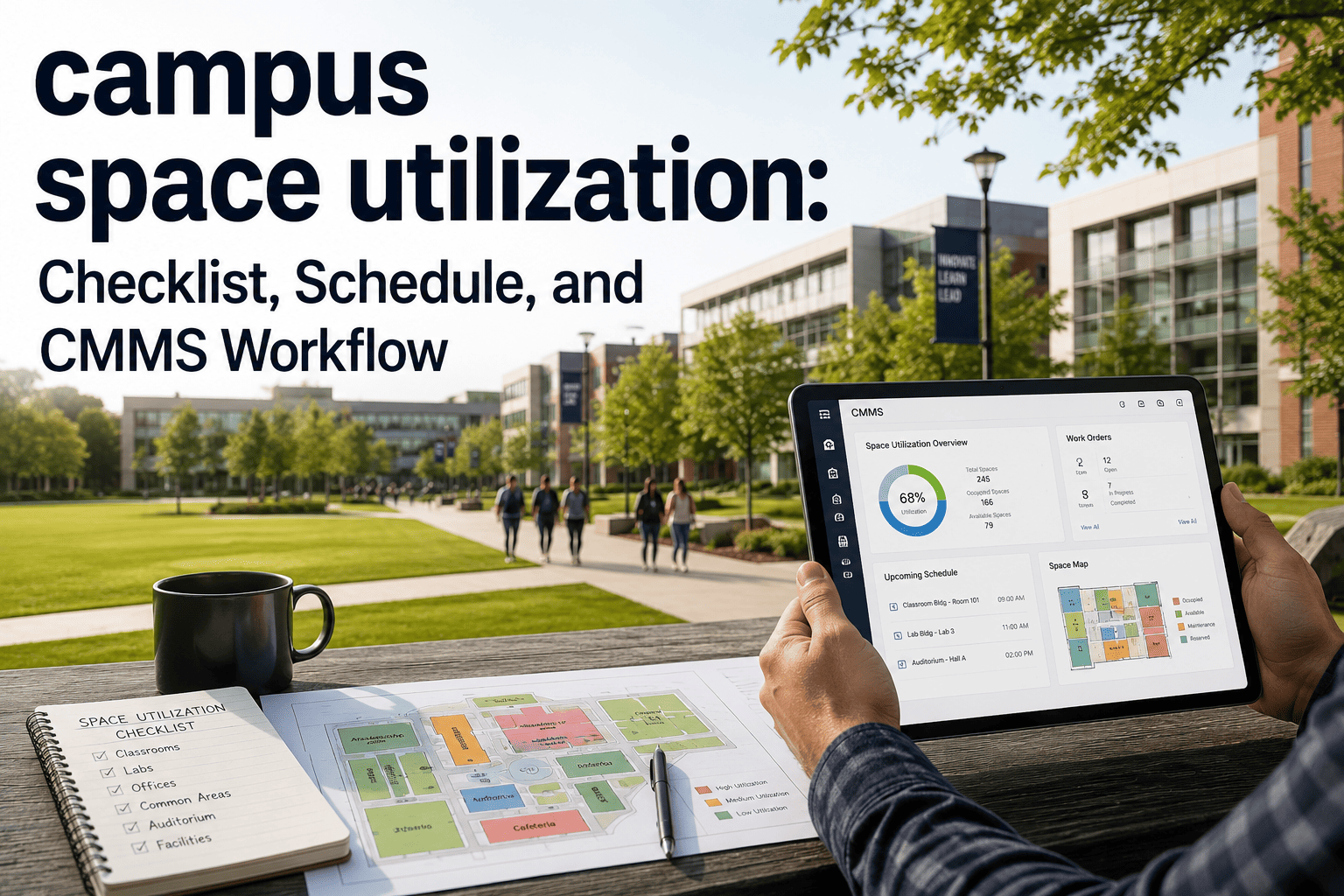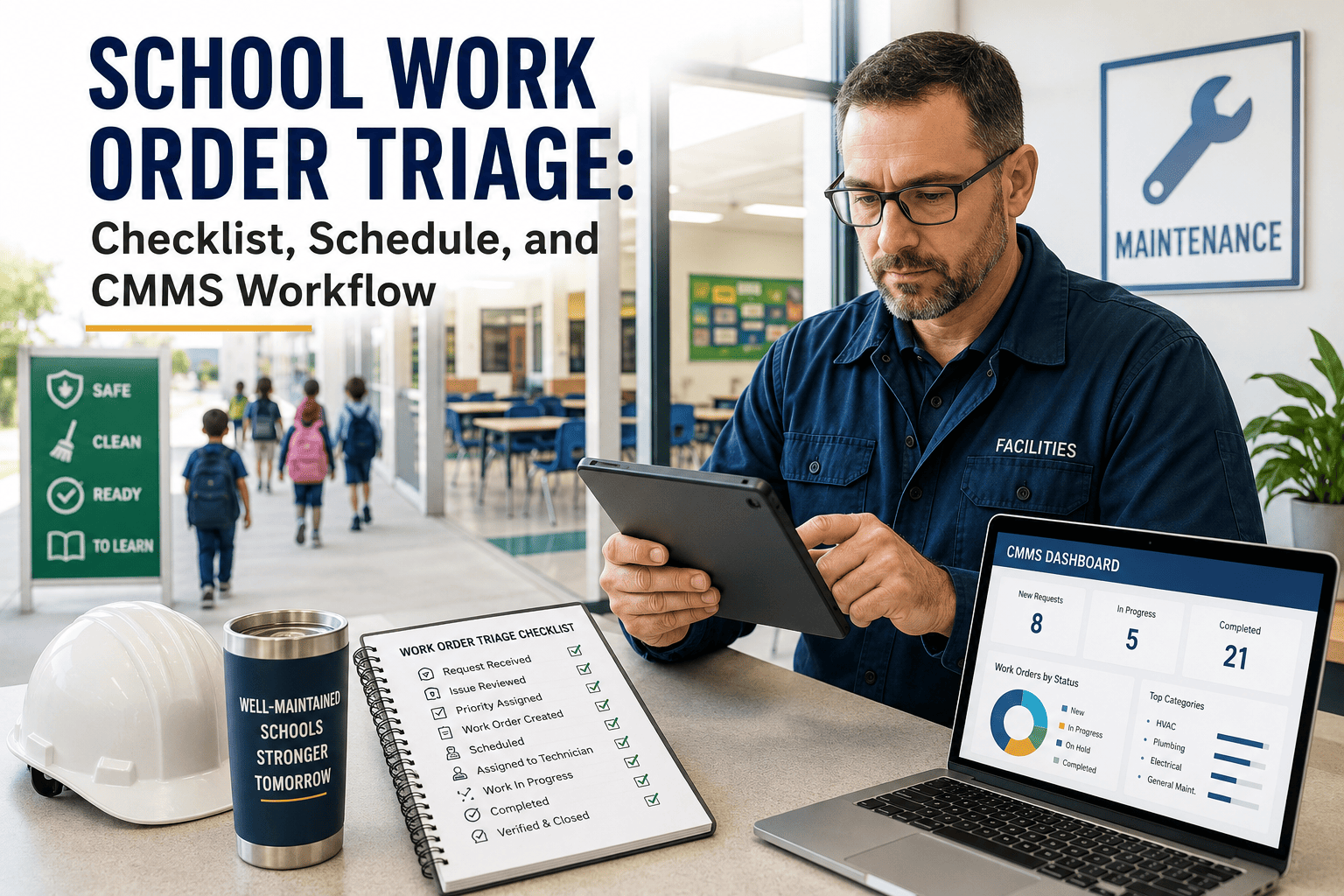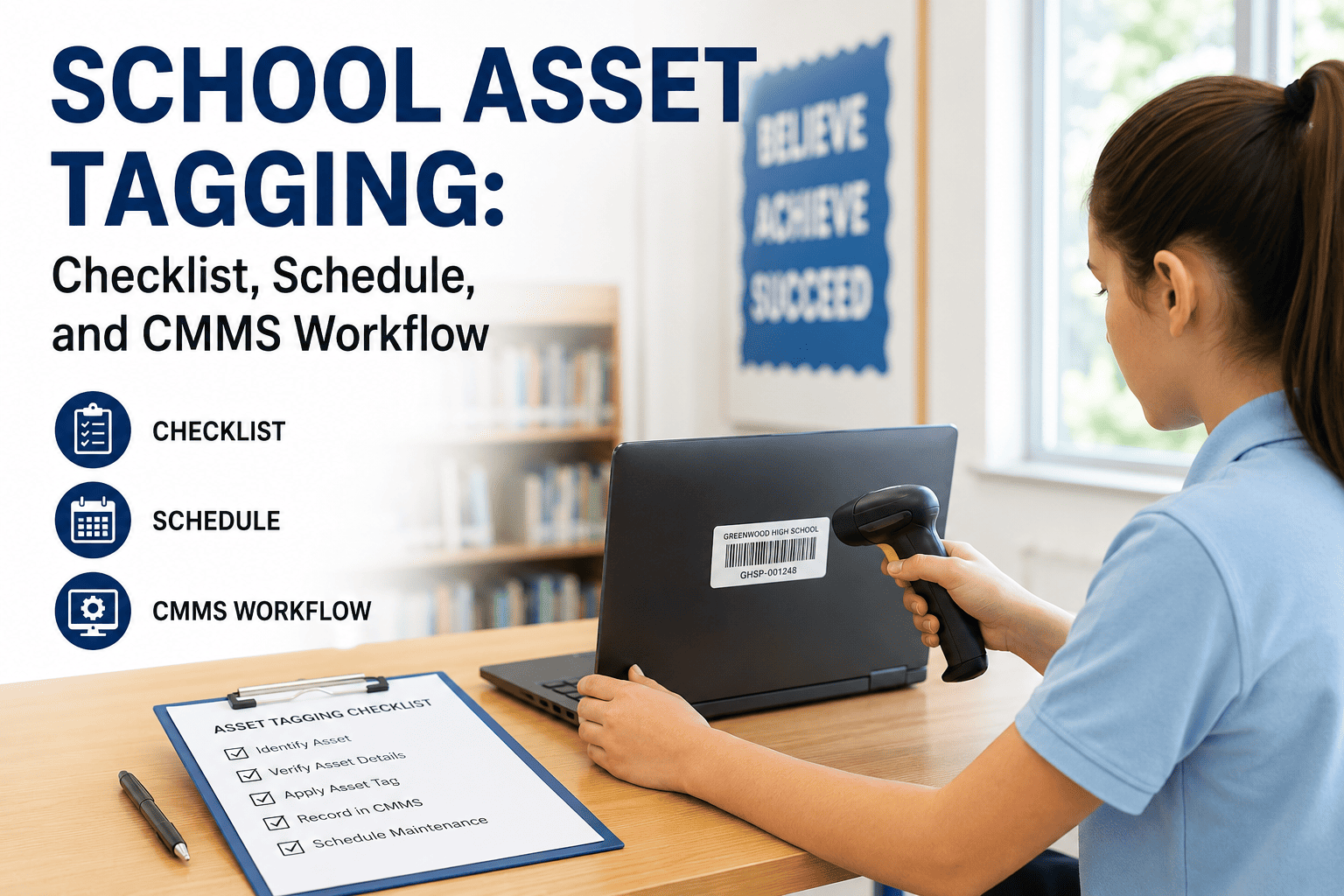
A laptop cart with no tag is a laptop cart that exists only in someone's memory. The moment a technician moves it, a teacher relocates it, or a student forgets it in another classroom, the asset record in your system stops matching reality — and every audit, repair, and insurance claim after that point starts from a guess instead of a fact. School and campus facilities run thousands of devices, fixtures, and pieces of equipment across multiple buildings, and a unique scannable tag is the only thing that keeps the physical item and its digital record in sync. This checklist gives you a complete tagging, audit, and CMMS workflow, ready to run inside OxMaint.
School Asset Tagging: Checklist, Schedule, and CMMS Workflow
A step-by-step framework for tagging every campus asset with QR codes, barcodes, or RFID, scheduling audits that actually finish, and connecting every scan to a live work order.
QR Code vs Barcode vs RFID for Campus Assets
Scans with any smartphone, links directly to the asset's full record, and tolerates partial damage while staying readable.
Cheaper per unit and fast with a dedicated scanner, but holds far less data and needs a clean, undamaged surface to read.
Reads without line-of-sight and supports scanning hundreds of items at once, at a higher per-tag cost than QR or barcode.
Pick the Right Tag for the Right Asset Class
Not every asset needs the same tag, and picking the wrong format for the wrong item is one of the most common rollout mistakes. The right mix usually comes down to scan volume, asset value, and how often the item moves.
Build the Tag-to-Record Workflow Before You Scale
QR codes are only useful if each one links to a complete, accurate asset record. Verify the data first — printing tags against bad records just creates a faster way to find wrong information.
A district with 4,200 assets across 31 buildings cut work order completion time by 21% in the first month after QR tagging — because technicians stopped calling the office for asset history and started scanning for it instead.
Standardize Intake So Every Campus Tags the Same Way
The difference between a clean asset register and a messy one shows up the moment an asset crosses a campus boundary or a grant auditor asks a question. Standardized intake prevents that gap from ever opening.
Keep the Program Accurate After Day One
Tagging is not a one-time project. Without a recurring audit cadence, tag data drifts out of sync with reality at the same rate it did before tagging started.
How Often to Re-Verify Each Asset Class
| Asset Class | Audit Frequency | Method |
|---|---|---|
| Chromebooks & mobile devices | Quarterly | QR scan + MDM cross-check |
| AV carts & projectors | Quarterly | QR or RFID bulk scan |
| Classroom furniture | Annually | Barcode scan during summer |
| Fixed mechanical equipment | Annually | QR scan during PM visit |
| High-value lab instruments | Quarterly | RFID bulk scan |
Frequently Asked Questions
Should a whole district standardize on one tag format?
Most districts mix formats by asset class rather than using one format everywhere — QR for devices, barcode for furniture, RFID for high-value equipment audited in bulk.
How does tagging prevent duplicate equipment purchases?
A shared, searchable register lets any campus check existing district stock before buying instead of purchasing in isolation. See your live inventory in OxMaint.
How long does tagging take across a multi-building district?
A 200-building campus with 4,000 assets typically completes tagging in 3 to 5 weeks using the existing maintenance team during normal rounds.
Can staff report a broken asset without logging in?
Yes — QR tags can be configured for public scanning, so a teacher who scans a broken projector lands on a simple defect form that creates a work order automatically.
Can OxMaint manage transfers across multiple campuses?
Yes, OxMaint centralizes intake, transfers, and audit history across every campus in one system. Book a demo to see a district-wide setup.
Connect Every Physical Asset to Its Digital Record
OxMaint generates tags, links every scan to a complete asset history, and turns a reported defect into a work order in under 30 seconds — across every building in your district.