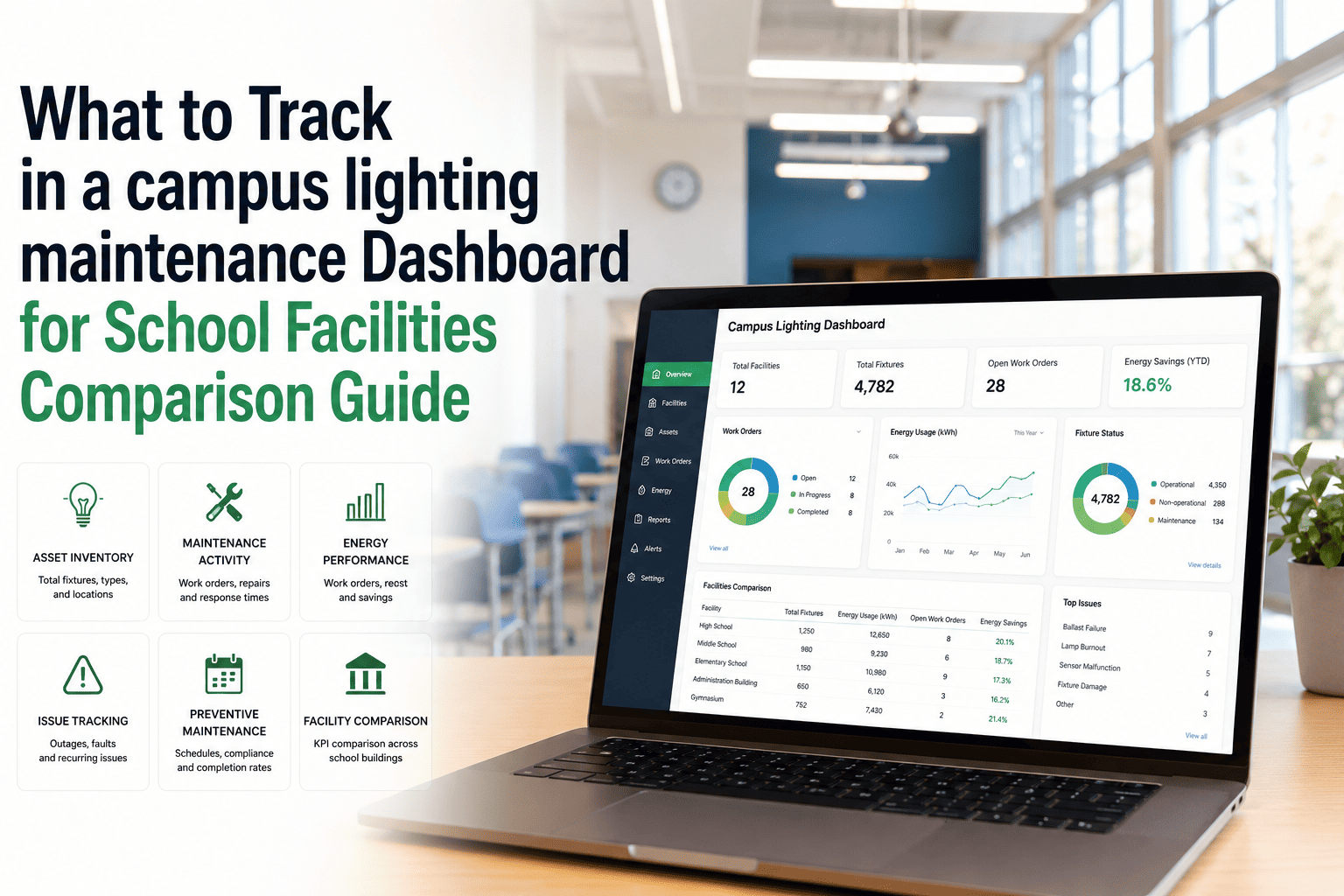
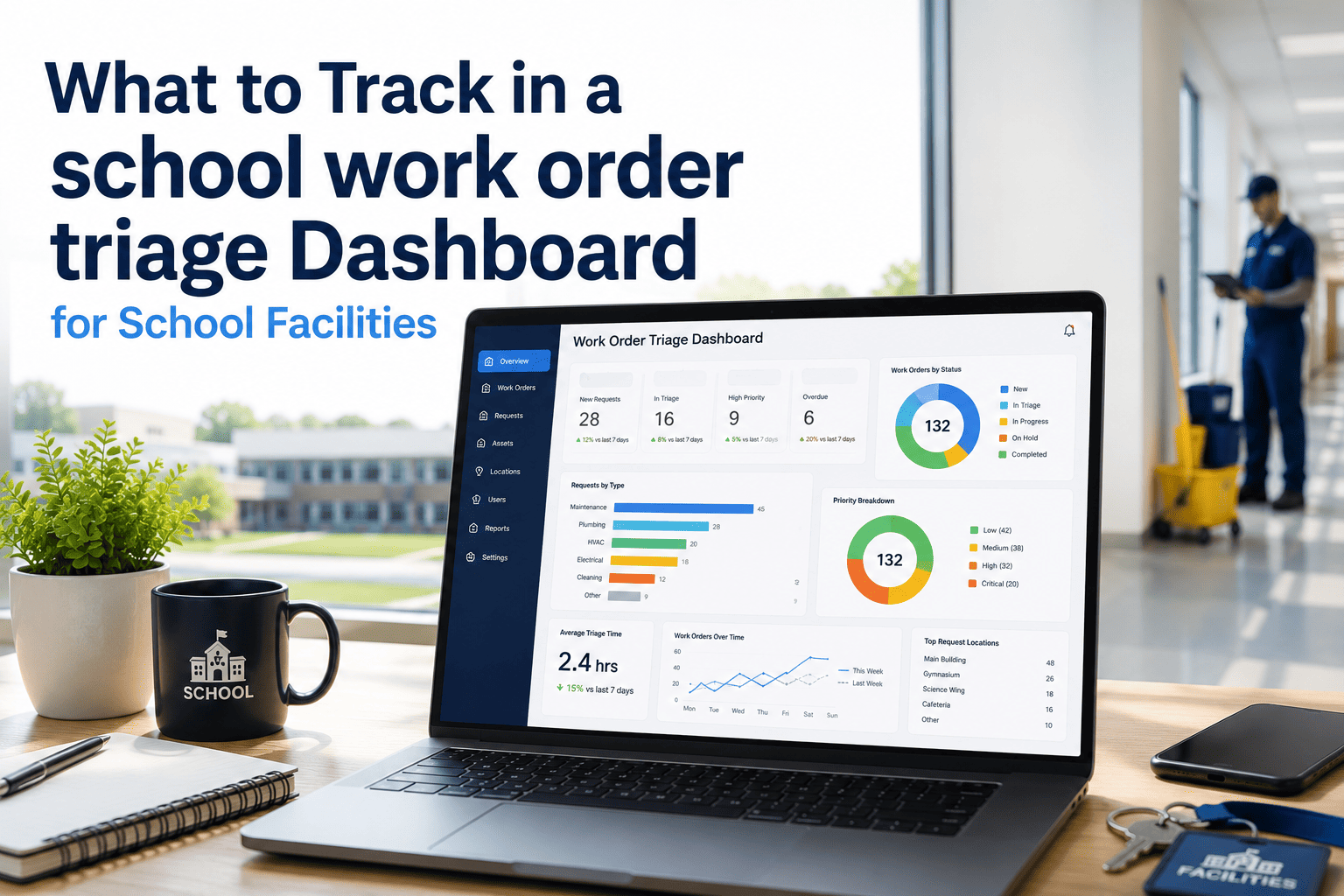
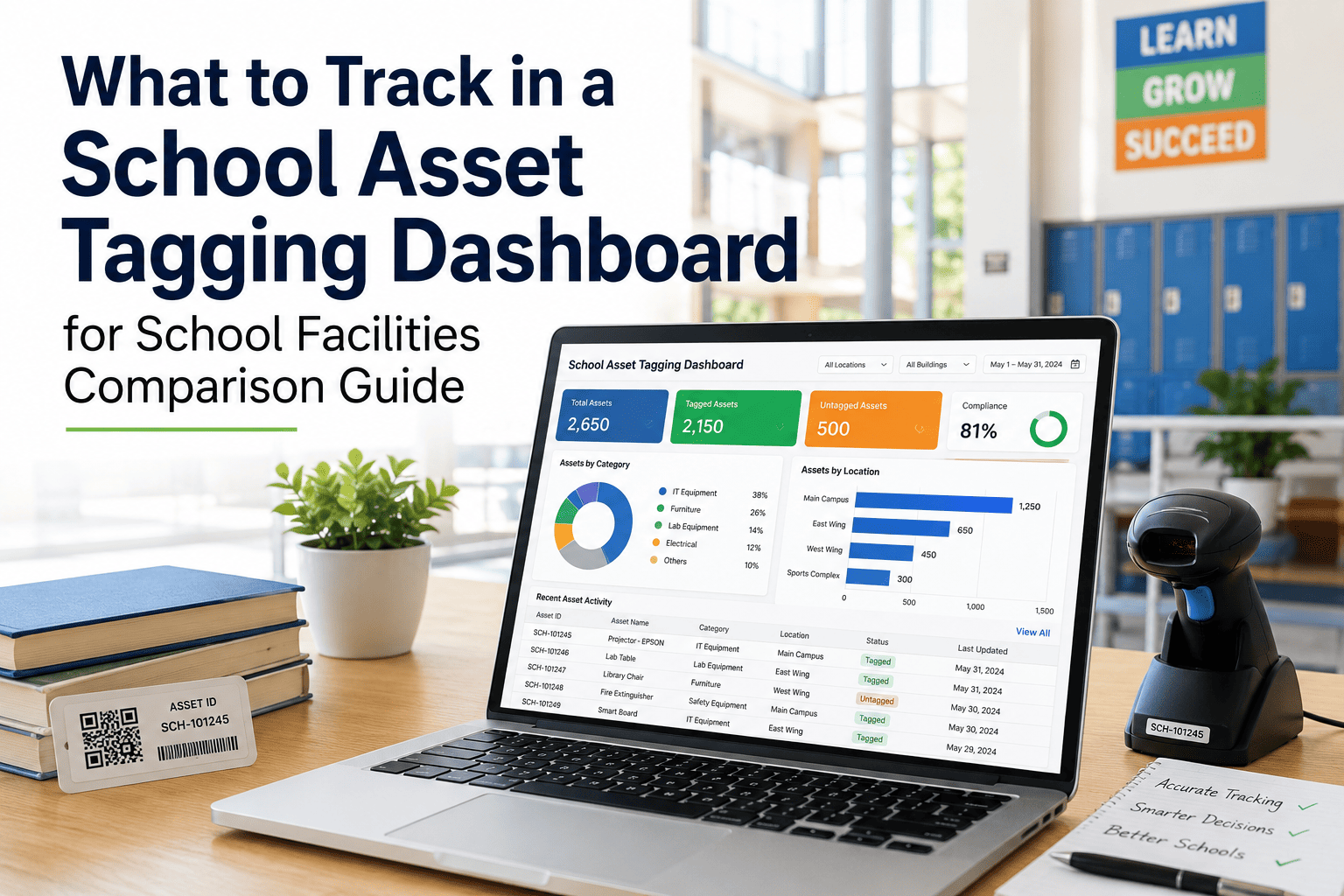
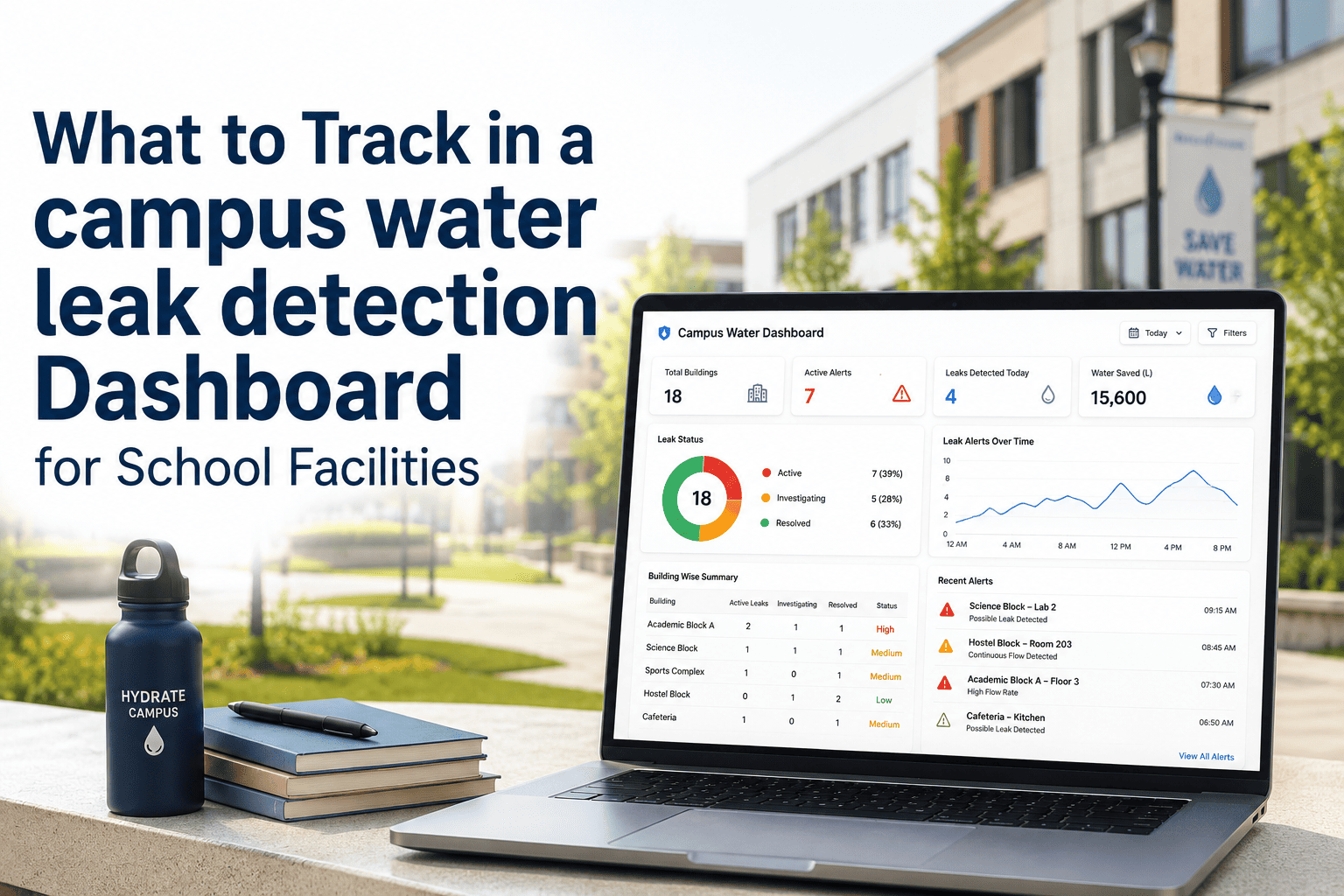
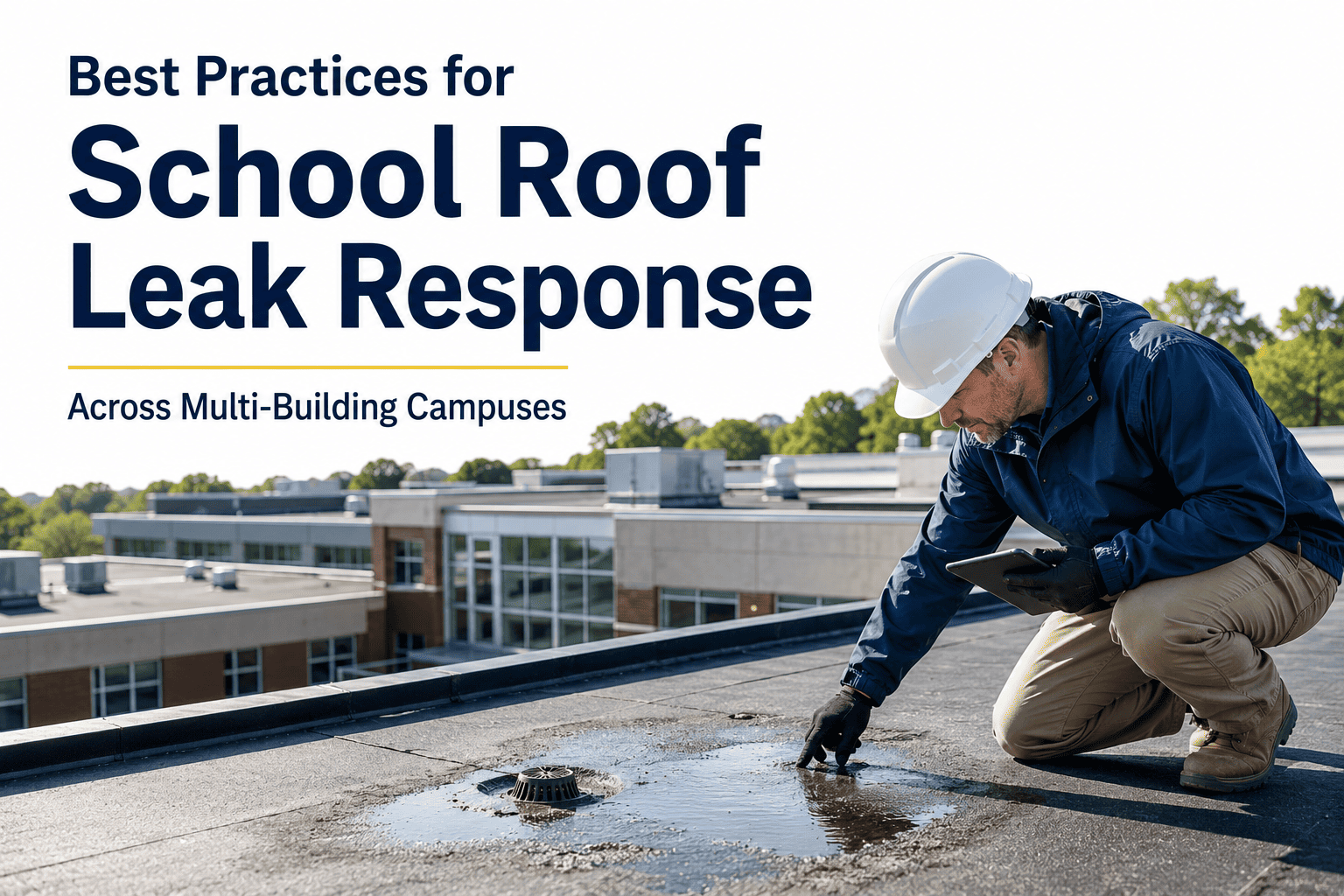
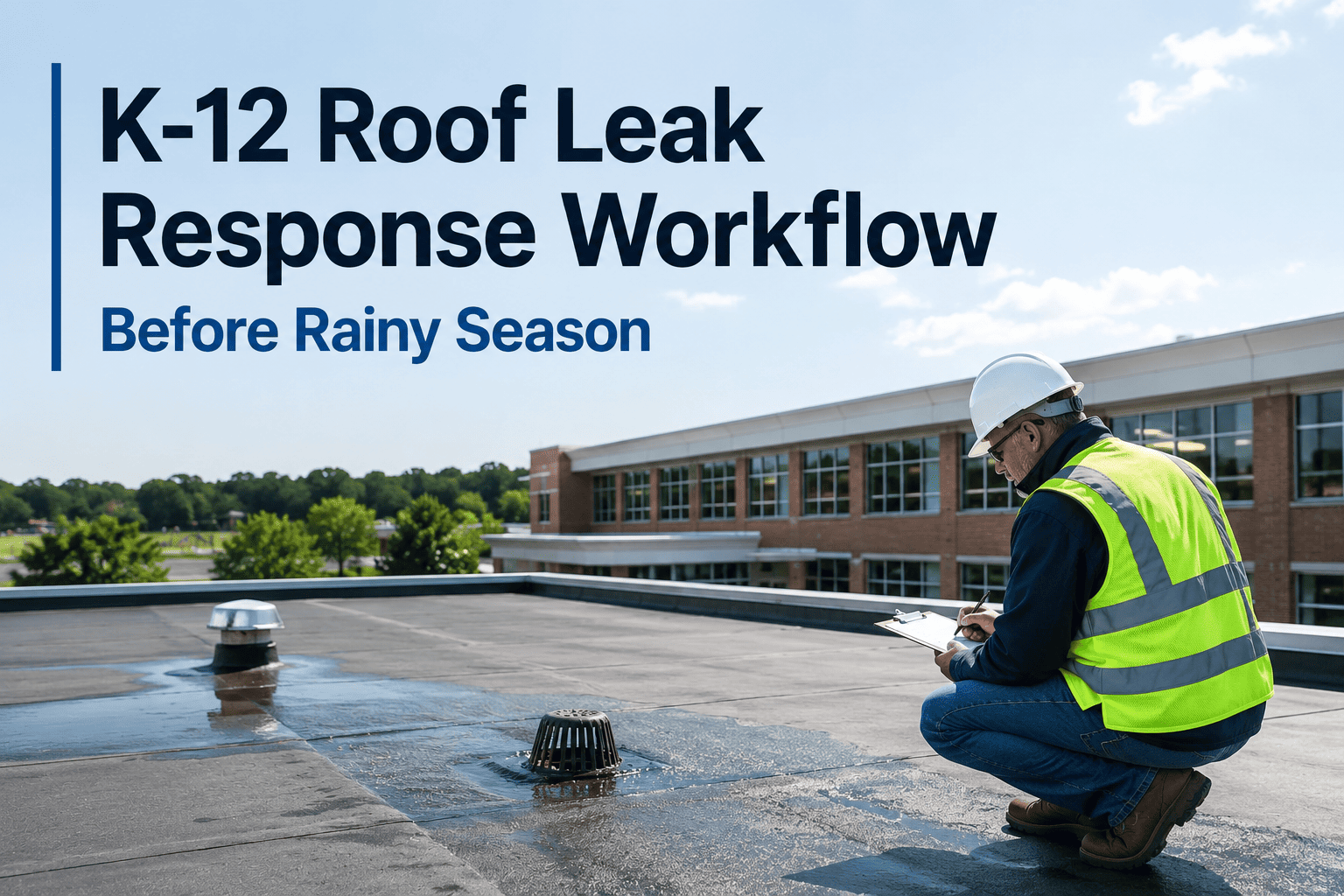
Most school facilities teams have access to more data than they realize — every repair ticket, every contractor invoice, every inspection report contains information that could prevent the next emergency. The problem is that this data lives in email threads, spreadsheets, and paper logs that no one can query when it matters. A roof leak response dashboard centralizes these signals into a single view that tells you which buildings are at risk, which work orders are overdue, and which roofs are approaching capital replacement thresholds. Schools that build this visibility into their workflow reduce emergency repair spend by 30 to 45 percent within the first year. OxMaint gives school facilities teams a real-time dashboard purpose-built for this use case — start a free trial or book a demo to configure your campus dashboard today.
SCHOOL FACILITIES · ROOF DASHBOARD · CMMS · MAINTENANCE TRACKING · AI PREDICTIVE MAINTENANCE
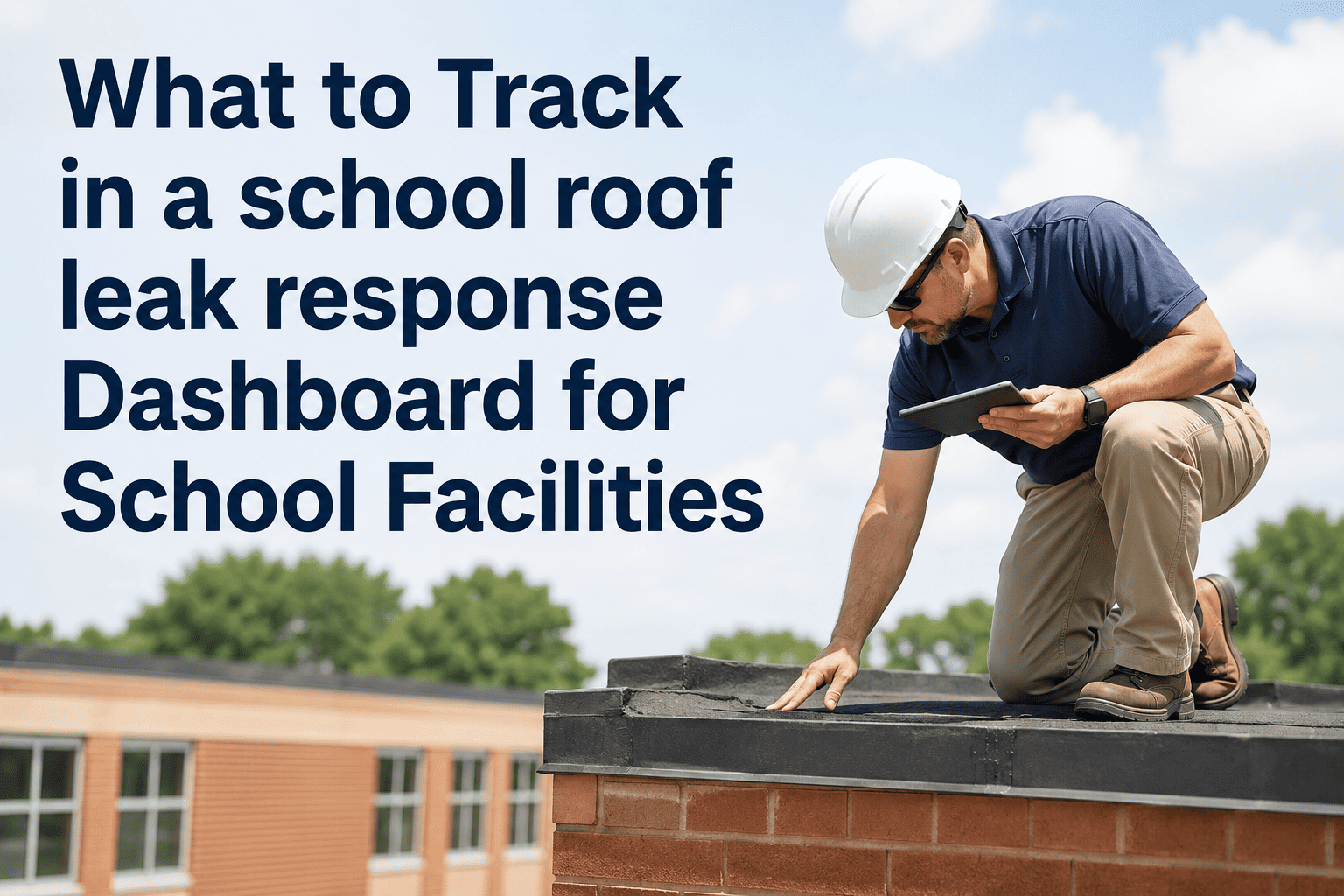
What to Track in a School Roof Leak Response Dashboard for School Facilities
The 12 data points that turn your roof maintenance history into a decision-making system — and stop you from being surprised by the next major leak.
Why It Matters
A Dashboard Is Not a Report — It Is Your Early Warning System
A report tells you what happened last month. A dashboard tells you what is happening right now and what is likely to happen next week. For school facilities managers overseeing dozens of buildings, the difference between these two modes is often the difference between a contained $600 repair and a $40,000 mold remediation project. The right dashboard gives you continuous visibility into roof health across every building — not just after someone calls to report water on the floor.
30%
Reduction in emergency repair spend for schools using real-time maintenance dashboards
48hr
Average delay between leak occurrence and first report without a structured intake system
3x
More likely to identify capital replacement needs before failure with building-level repair history
Core Metrics
The 12 Data Points Every School Roof Dashboard Must Show
Response Metrics
Open Leak Work Orders by Building
How many active leak reports exist right now, sorted by building. This tells you where crews need to be today.
Mean Time to Dispatch
Average hours from report submission to technician dispatched. Target is under 4 hours for operational priority leaks.
Overdue Work Orders
Work orders past their assigned SLA deadline. These are your highest risk items and need immediate escalation.
Temporary Patch Expiry Queue
Temporary repairs approaching or past their 60-day permanent repair deadline — a common source of recurring leaks.
Historical Metrics
Leak Frequency by Building (24 months)
Number of leak incidents per building over a rolling 24-month window. Three or more incidents signals capital review.
Cumulative Repair Cost by Roof
Total labor and materials spent on each roof area. When cumulative spend approaches 30% of replacement cost, replacement wins financially.
Recurring Leak Rate
Percentage of repaired locations that generate a second work order within 12 months. High rates indicate inadequate repair scope.
Seasonal Spike Pattern
Leak volume by month across all buildings. Helps predict staffing and material needs before rainy season or winter freeze-thaw cycles.
Capital Planning Metrics
Roof Age by Building
Years since last roof replacement for each building. Most commercial roofing systems reach end of life at 15 to 25 years depending on material type.
Capital Flag Queue
Buildings automatically flagged for capital assessment based on repair frequency triggers. This is your proactive replacement planning list.
Contractor Performance by Vendor
Callback rate and repeat repair rate by roofing contractor. Identifies vendors whose repairs don't hold — before you keep paying them.
Documentation Completeness Rate
Percentage of closed work orders with photo documentation and technician sign-off. Critical for insurance claims and audit readiness.
Dashboard Views
Three Views Your Dashboard Should Support
Daily Operations
Today's Active Work Orders
What needs attention right now. Open leaks, overdue dispatches, and temporary patches nearing expiry — sorted by priority. This is the view facilities coordinators check every morning to run the day.
Open leaks by building and priority
Technician assignment status
Overdue work orders with escalation flag
Monthly Review
Building-Level Trend Report
Which buildings are trending toward problems. Leak frequency, repair costs, and contractor performance over the past rolling 90 days — useful for monthly director briefings and budget conversations.
Leak count per building vs prior period
Cumulative repair spend by building
Buildings newly flagged for capital review
Annual Planning
Capital Assessment Pipeline
Which roofs are approaching end of life or have reached the repair-cost threshold that justifies replacement. This view supports bond planning, capital budget requests, and state facility funding applications.
Roof age and replacement timeline per building
Capital flag queue with trigger history
Estimated replacement cost vs cumulative repairs
See What Your Campus Roof Health Looks Like Right Now
OxMaint builds these three dashboard views automatically from your work order data — no manual reporting required. Connect your buildings, start logging leaks, and your dashboard populates in real time. Most school districts have meaningful data within 30 days of going live.
Common Mistakes
What Schools Track That Doesn't Actually Help
| What Many Schools Track |
Why It's Insufficient |
What to Track Instead |
| Total number of work orders |
Volume without context tells you nothing about risk or trend |
Leak frequency by building and roof age |
| Total repair spend this year |
Annual totals hide which buildings consume the most resources |
Cumulative spend per building vs replacement cost threshold |
| Whether the work order was closed |
Closed does not mean permanently repaired — temporary patches close too |
Permanent repair completion rate with photo verification |
| Contractor invoice totals |
Spend doesn't reveal contractor quality or callback rates |
Repeat work order rate within 90 days by contractor |
Setup Guide
How to Build This Dashboard in OxMaint
1
Import Your Building List as Assets
Each school building becomes an asset in OxMaint with its address, roof age, and roof type. This is the foundation that makes building-level reporting possible. Takes 30 to 60 minutes for a 20-building district.
2
Configure Leak Work Request Templates
Set up a standardized intake form that captures building, room, reporter, and severity estimate. Enable QR code-based submission so any staff member can report a leak in under two minutes from a phone.
3
Set SLA Rules and Auto-Escalation
Define response time targets by priority level. OxMaint automatically flags work orders that breach their SLA and can send alerts to supervisors — eliminating the manual follow-up that most coordinators spend hours on each week.
4
Activate the Capital Flag Rule
Configure OxMaint to automatically flag buildings that generate three or more leak work orders within 24 months. This is the rule that transforms your repair history into a capital planning trigger without requiring manual analysis.
FAQ
Frequently Asked Questions
Do I need historical data to get value from a roof leak dashboard? +
No. The dashboard delivers immediate value by centralizing active work orders, showing open leaks in real time, and flagging overdue dispatches. Historical depth builds over weeks and months, which is when building-level trend data becomes available. Districts that have been using OxMaint for 90 days typically already see their capital flag queue taking shape.
Start a free trial to begin building your data history today.
Can the dashboard be shared with school principals or district leadership?
Yes. OxMaint supports role-based access so principals can see their building's status without accessing other buildings' records, and district leadership can see the full campus view. Monthly automated reports can also be exported as PDF summaries for board presentations or bond planning meetings.
Book a demo to see how role-based views are configured.
How does OxMaint determine when to flag a building for capital review? +
The default capital flag rule triggers when a building generates three or more leak-related work orders within any rolling 24-month window. Districts can customize the threshold based on their risk tolerance and roof age profile. The flag creates a task in the capital assessment queue and notifies the facilities director — it does not automatically generate a replacement request.
What happens to temporary patch work orders — do they close automatically? +
No. Temporary patch work orders are closed manually by the technician with a notation that the repair is temporary. OxMaint automatically generates a linked follow-up work order with a 60-day deadline for permanent repair. If that follow-up is not completed within the window, it escalates to the supervisor's queue and appears on the overdue dashboard. This prevents temporary repairs from being forgotten — which is how minor leaks become major damage events.
How long does dashboard setup take for a district with 15 to 30 schools? +
Most districts complete initial setup in five to ten business days. The majority of that time is spent on building asset import and configuring the work request intake channels for each school. OxMaint's onboarding team provides guided setup at no additional cost. The dashboard begins showing real data the same day the first work order is submitted — there is no waiting period for the reporting layer to activate.
Your Roof Data Already Exists. OxMaint Turns It Into Decisions.
Every repair ticket, inspection note, and contractor invoice your team has ever created is data waiting to be used. OxMaint gives you the dashboard to surface that data, act on it in real time, and stop being surprised by leaks that were always coming.