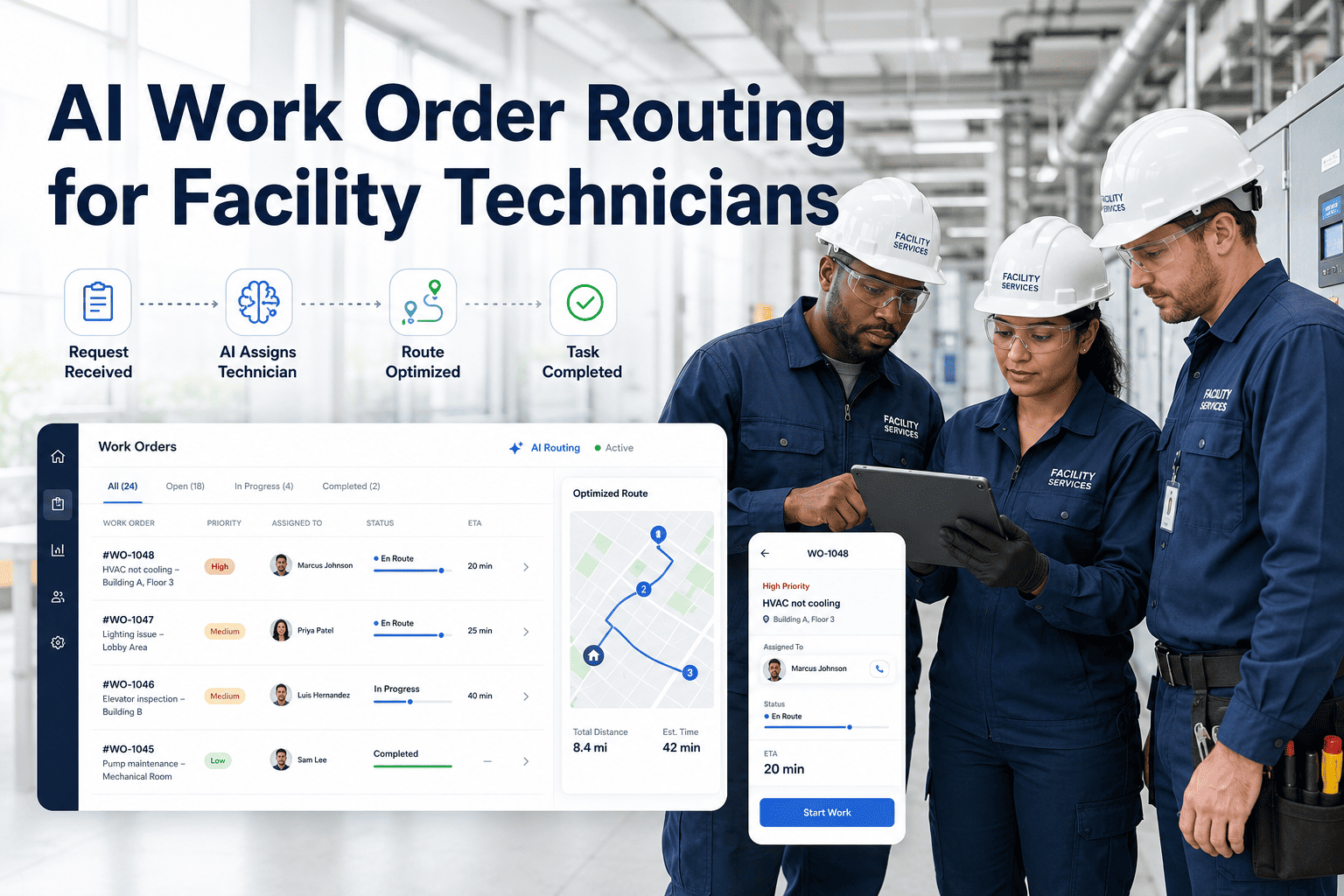
Paper-based inspection rounds are costing facility teams thousands of hours annually — missed checkpoints, illegible entries, and zero traceability from inspection to corrective action. AI-assisted mobile rounds replace clipboards with guided digital workflows that tell technicians exactly what to check, flag anomalies instantly, and create work orders without any manual follow-up. Sign Up Free and transform how your technicians complete rounds starting today.
AI-POWERED MOBILE INSPECTIONS
Your Technicians Shouldn't Be Guessing What to Check Next
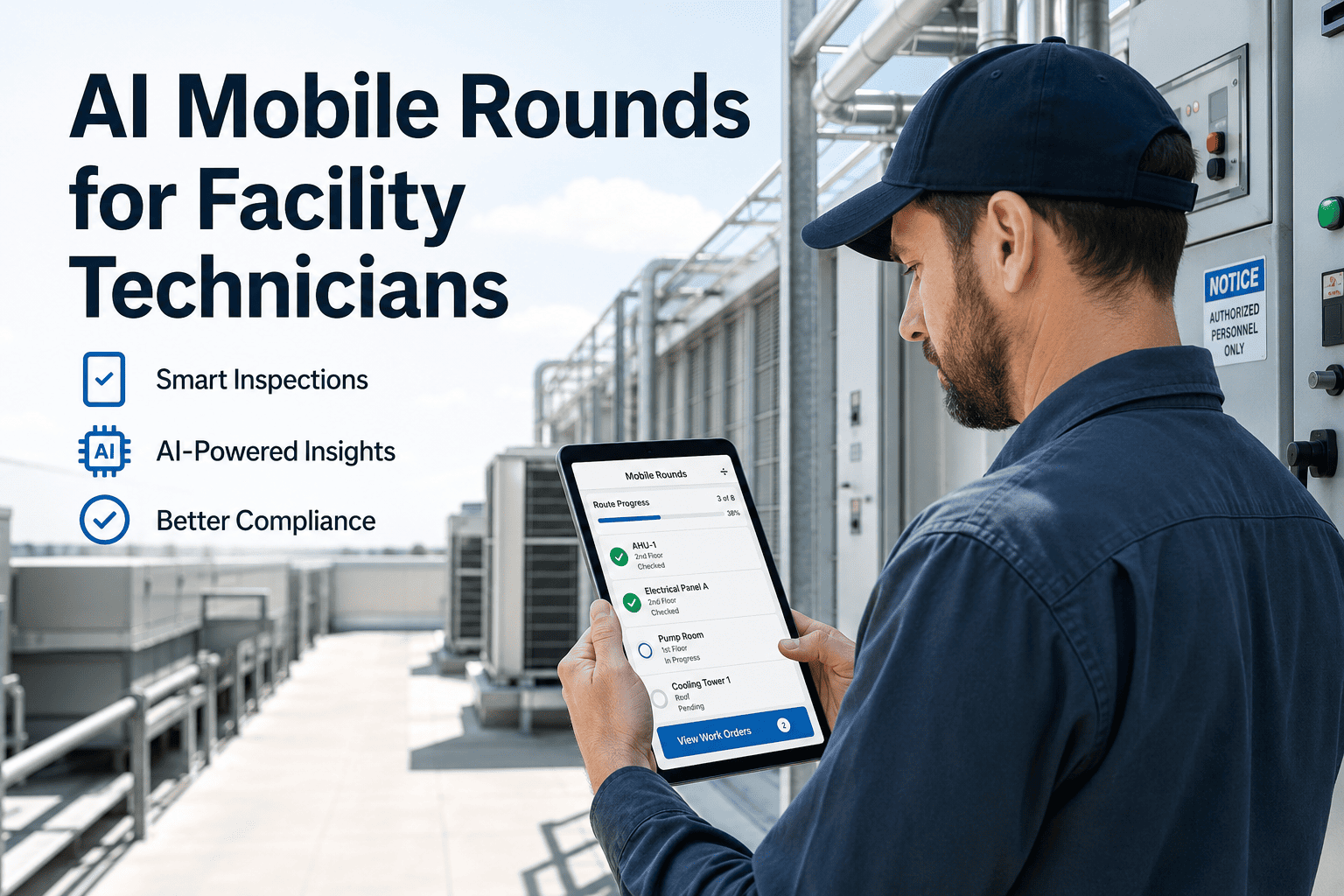
Oxmaint's AI Mobile Rounds guide technicians step-by-step through every inspection point, auto-detect anomalies, and convert findings into work orders instantly — all from a phone.
Paper Rounds — Old Way
Clipboard + paper checklist per asset
Manual transcription to CMMS later
No GPS or timestamp verification
Work orders created hours after finding
No photo evidence or annotations
Audit requires physical paper search
AI Mobile Rounds — Oxmaint
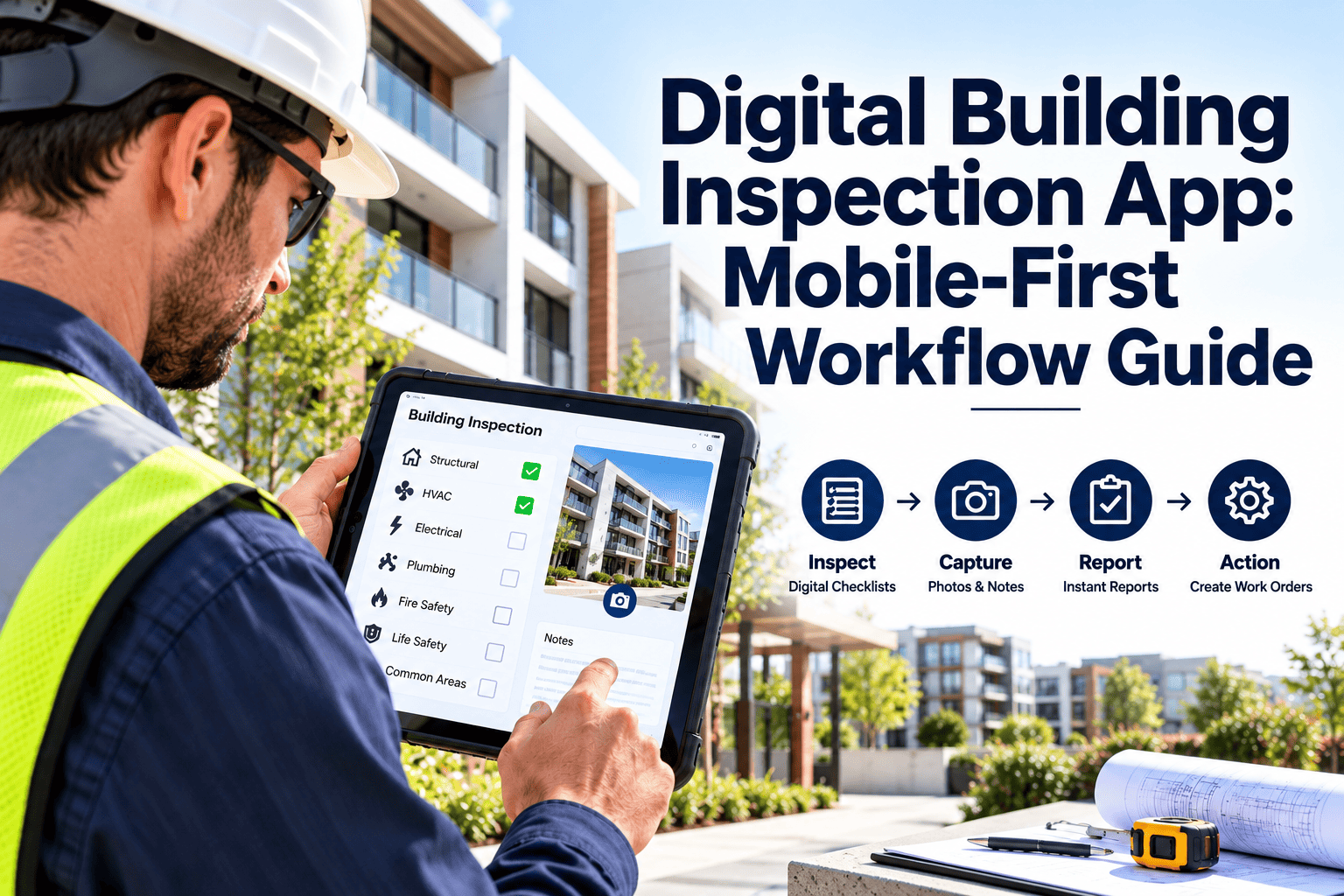
Guided digital checklist on phone
Instant sync to CMMS on completion
QR scan + GPS confirms checkpoint
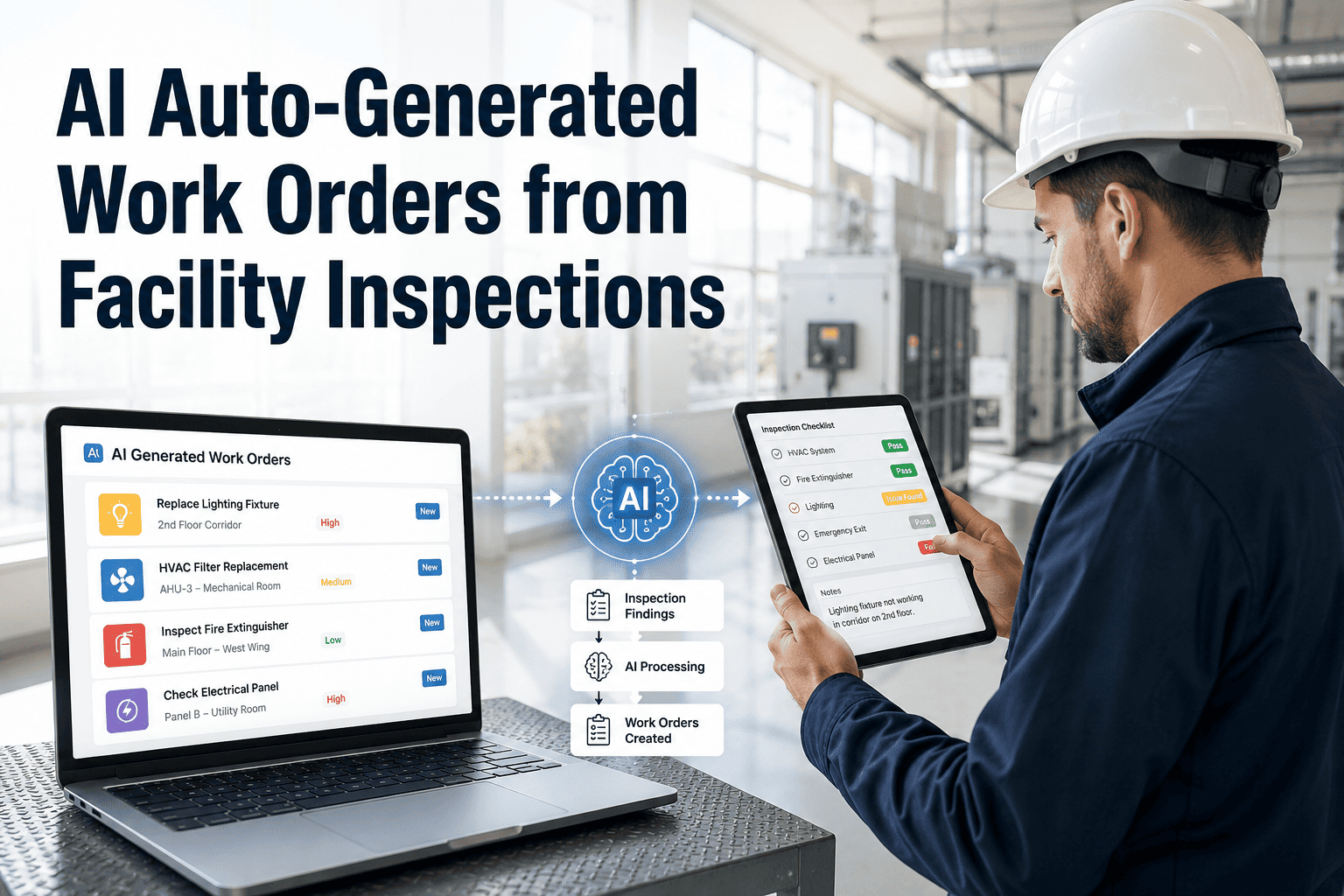
Work order auto-created from finding
Photo, voice note, and annotation capture
Full audit trail accessible in seconds
How AI Mobile Rounds Work — 5 Steps
1
Technician Opens Route on Phone
The Oxmaint app loads the assigned inspection route with all checkpoints ordered by floor and system type. No paper, no printed list — the route updates automatically when assets are added or removed from the schedule.
2
Scan QR Code to Confirm Location
Each checkpoint has a QR or NFC tag. Scanning confirms physical presence at the asset, eliminating ghost rounds where technicians skip checks but mark them complete. GPS backup verifies location for untagged areas.
3
AI-Guided Inspection Tasks
The app surfaces specific inspection tasks for each asset based on its history, last maintenance date, and current sensor readings. Abnormal entries — a temperature reading outside range, for example — trigger an immediate flag and prompt the technician for follow-up details.
4
Auto Work Order Creation
Flagged findings instantly generate a work order with pre-populated asset details, finding description, and priority level. The technician attaches a photo or voice note and submits — the work order routes to the right team without any manager involvement.
5
Round Summary & Analytics
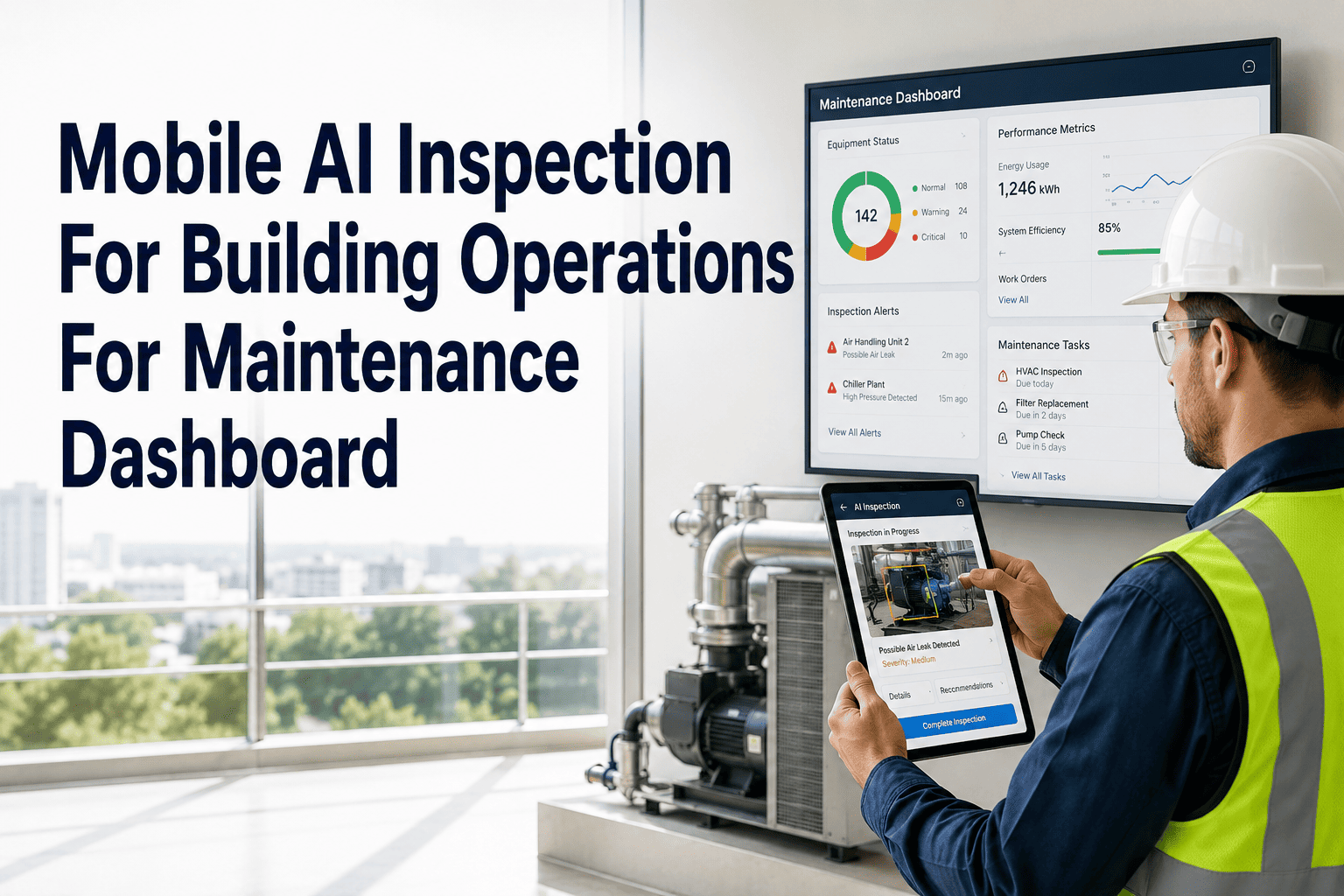
On round completion, a summary report is auto-generated showing all checkpoints, findings, and work orders raised. Managers see round completion rates, average time per checkpoint, and missed inspection trends — all without chasing technicians for updates.
Mobile Rounds Impact — Real Numbers
| KPI |
Paper Rounds |
AI Mobile Rounds |
| Round Completion Rate |
64% |
97% |
| Time to Create Work Order from Finding |
4–8 hours |
Under 2 minutes |
| Missed Inspection Rate |
23% |
2% |
| Audit Preparation Time |
6–10 hours |
Under 30 minutes |
| Technician Round Time per Asset |
6.2 minutes |
3.8 minutes |
EXPERT REVIEW
Priya Nair
Chief Facilities Officer — Multi-Site Commercial Property Group, 16 Years
Switching from paper rounds to AI-guided mobile inspections was the single most impactful operational change we made in the last five years. The difference isn't just speed — it's accountability. When every checkpoint requires a physical scan and timestamped entry, you eliminate the culture of corner-cutting that paper rounds invite. Our equipment failure rate dropped 38% in the year after deployment, which we attribute directly to issues being caught during rounds and converted to work orders before they escalated into breakdowns.
AI Mobile Rounds — Daily Technician Checklist
Best Practice
Open assigned route in Oxmaint app before shift start
Review the day's inspection points, estimated time per round, and any priority assets flagged by the AI from overnight sensor data.
Scan QR/NFC tag at every checkpoint to confirm presence
Physical scan is mandatory for compliance and audit trail. Do not mark checkpoints complete without scanning — the system logs scan skips separately.
Photograph any abnormal condition before entering data
Photos are attached to findings and linked to work orders automatically. Capture the condition before touching or adjusting anything to preserve accurate documentation.
Submit round summary report before end of shift
The app auto-generates the summary but requires technician sign-off. This triggers manager review and closes the inspection loop for compliance records.
See AI Mobile Rounds in Action
Watch how Oxmaint guides technicians, auto-generates work orders, and keeps your facility compliant — live demo in 30 minutes.
Frequently Asked Questions
Can technicians use AI Mobile Rounds without internet connectivity?
Yes. Oxmaint's mobile app supports full offline operation — technicians can complete rounds, capture photos, and enter findings even in basements or areas with no signal. All data syncs automatically when connectivity is restored. This is critical for large facilities where Wi-Fi coverage can be inconsistent across mechanical rooms and parking structures.
Sign up to test offline mode in your facility.
How does the AI know which tasks to assign to which technician on a given round?
Oxmaint's AI scheduling engine considers technician certifications, asset priority levels, previous round findings, and preventive maintenance schedules to build each technician's daily route automatically. Routes are optimized by floor and zone to minimize travel time. Managers can override assignments manually at any time, and the AI learns from those overrides to improve future scheduling accuracy over time.
What types of assets can be included in mobile rounds?
Any physical asset can be added to a mobile round — HVAC equipment, electrical panels, fire suppression systems, plumbing fixtures, elevators, generators, and even outdoor areas like parking lots and building perimeters. Assets are tagged with QR codes or NFC stickers that take under a minute to apply. The Oxmaint asset library includes pre-built inspection templates for over 200 common asset types so you don't need to build checklists from scratch.
Book a demo to see the full asset template library.
How long does it take to deploy AI Mobile Rounds across a large facility?
Most facilities complete initial deployment in three to five days. The process involves importing your asset list, printing and placing QR tags, and configuring inspection templates for each asset type. Oxmaint provides onboarding support and pre-built templates for the most common facility asset categories. Technician training takes approximately two hours — the app is designed to be intuitive without extensive instruction, which improves adoption rates significantly compared to more complex CMMS deployments.