Air Handling Units (AHUs) are the lungs of your facility, yet their management is often suffocated by outdated tracking methods. A static list of equipment in a spreadsheet is no longer sufficient for modern HVAC demands. When technicians lack a comprehensive Asset Master—a dynamic, single source of truth—preventive maintenance slips, energy costs spike due to dirty filters, and critical spare parts (like belts and motors) go missing. OXmaint transforms your reactive HVAC chaos into a streamlined Asset Master workflow, ensuring every AHU has a complete digital profile, bill of materials, and maintenance history. Start your free trial today to take control of your airflow assets.
The Visibility Gap: Static Lists vs Digital Asset Master
Why spreadsheets are failing your HVAC maintenance teams
Static Spreadsheet
40%
Data Accuracy
Unknown filter/belt sizes
History lost when staff leaves
No parent/child hierarchy
"Ghost Assets" accumulate
VS
Digital Asset Master
100%
Data Accuracy
Instant QR Code Access
Linked Bill of Materials (BOM)
Full Lifecycle Tracking
Integrated PM Schedules
Digital Asset Masters reduce finding parts time by 75% and increase wrench time
Do your techs know exactly which belt size AHU-04 needs?
In many facilities, the "Asset Master" is a shared Excel file created five years ago by a manager who has since retired. This static approach fails because AHUs are complex, multi-component systems. An AHU isn't just a box; it's a collection of motors, fans, coils, dampers, and filter banks. When these relationships aren't mapped in a digital hierarchy, technicians waste hours running to the parts room, only to return with the wrong MERV rating filter or an incorrect v-belt.
Furthermore, without a robust Asset Master, compliance becomes a nightmare. For industries like healthcare (JCAHO) or pharmaceuticals (FDA), proving that a specific AHU has maintained proper air exchanges requires a flawless audit trail linked to the specific asset ID. OXmaint bridges this gap by creating a "Digital Twin" of your HVAC infrastructure.
5 Risks of Poor Asset Data
01
Inventory Bloat
Ordering spare parts based on guesswork leads to stockpiling wrong motors and belts.
02
Energy Waste
Without asset-specific PM schedules, dirty coils and filters increase energy consumption by 15-30%.
03
Lost History
"Which motor was replaced last year?" Without digital history, you pay for warranty parts twice.
04
Compliance Gaps
Inability to generate asset-specific logs for air quality audits results in fines.
05
Technician Frustration
Techs spend 20% of their day just identifying equipment and searching for manuals.
Stop the "Parts Room Scramble"
OXmaint links your inventory directly to your Asset Master. When a Work Order triggers for AHU-02, the exact spare parts are automatically reserved.
Building a robust Asset Master isn't just about data entry; it's about establishing a workflow that mirrors the physical reality of your equipment. A proper workflow moves from identification to hierarchy definition, ensuring that every sub-component is tracked and maintainable.
The Asset Master Construction Flow
From physical nameplate to digital intelligence
1
Tag & Capture
Apply QR codes to the AHU. Capture nameplate data (Model, Serial, Install Date) via mobile.
2
Hierarchy Logic
Define Parent (AHU) and Children (Supply Fan, Exhaust Fan, Coil, Filter Bank).
3
BOM Association
Link specific spare parts (Belt B-42, Filter 20x20x2) to the asset profile.
4
PM Mapping
Assign frequencies (Monthly Filter Change, Annual Coil Clean) to the asset ID.
Result:Technicians save 45 mins per work order
Feature Comparison: Old School vs. OXmaint
Understanding the difference between a simple equipment list and a true Asset Master is crucial for justifying the investment in a CMMS. Here is how they compare.
The Asset Data Breakdown
Feature
Standard Spreadsheet
OXmaint Asset Master
Identification
Asset ID text label
NFC / QR Code Scanning
Structure
Flat List (Rows)
Parent/Child Hierarchy
Spare Parts
Manual lookup in manual
Linked BOM & Auto-Reserve
History
Fragmented / Missing
Complete Lifetime Log
Documentation
Binder in manager's office
Digital PDF/Manual attached
Workflows
Reactive / Break-Fix
Automated PM triggers
Accessibility
Desktop only
Mobile App (Offline capable)
Cost Tracking
Invoices in Finance
Total Cost of Ownership (TCO)
Swipe to see more
Build Your Asset Master in Minutes
Don't start from scratch. OXmaint allows you to bulk import your existing Excel lists and then enrich them with mobile tagging. See how fast you can onboard.
Investing in an Asset Master workflow generates returns by extending equipment life and reducing energy waste. AHUs are high-consumption assets; minor inefficiencies cost thousands over a year.
AHU Efficiency ROI Calculator
Potential annual savings for a facility with 20 AHUs
An AHU is a system of systems. OXmaint's Asset Master allows you to manage the specific needs of every component within the unit.
Managing the Critical Components
Supply/Return Fans
Track vibration readings, bearing greasing schedules, and belt tensioning.
Prevent Catastrophic Failure
Filter Banks
Log differential pressure (Magnahelic) readings and automate ordering based on type.
Optimized Air Quality
Cooling/Heating Coils
Schedule seasonal cleaning to prevent fouling and ensure heat transfer efficiency.
Energy Savings
Dampers & Actuators
Check linkage integrity and % open/close modulation to ensure fresh air intake.
ASHRAE Compliance
Motors & Drives
Track amperage draw, VFD settings, and alignment history.
Uptime Reliability
Sensors & Controls
Calibrate thermostats, humidistats, and pressure sensors annually.
System Accuracy
Implementation: Digitizing Your HVAC Assets
Transitioning from spreadsheets to a Digital Asset Master is straightforward with the right plan. Focus on critical units first (e.g., AHUs serving Operating Theaters or Server Rooms) before expanding to general comfort cooling.
Implementation Roadmap
Week 1
Asset Audit
Physical walk-through. Identify all AHUs, verify locations, and note current condition.
Week 2
Digital Tagging
Create Asset Profiles in OXmaint and affix QR codes to each unit for instant mobile access.
Week 3
Data Enrichment
Input critical data: Belt sizes, Filter quantities, Motor HP, and upload PDF manuals.
Week 4
PM Activation
Set up recurring PM schedules (Monthly/Quarterly/Annual) and train techs on the mobile app.
Do You Need a Hierarchy-Based Asset Master?
Yes, Implement Immediateley If:
You have >5 AHUs in your facility
Technicians frequently grab wrong parts
You face regulatory audits (JCAHO/FDA)
Equipment downtime costs >$1000/hr
You rely on third-party contractors
Standard Lists May Suffice If:
You only have small window AC units
All maintenance is fully outsourced (Full Service)
You have < 3 pieces of HVAC equipment
No critical environments (e.g., warehouse only)
You operate on a "Run-to-Fail" strategy
Frequently Asked Questions: AHU Asset Management
1. What is a "Parent-Child" relationship in AHU maintenance?
A Parent-Child relationship creates a hierarchy. The AHU is the "Parent" asset. The "Child" assets are the sub-components like the Supply Fan, Motor, and Cooling Coil. This allows you to track costs and failures at the component level (e.g., "Why does the motor on AHU-1 keep failing?") while keeping the main system organized.
2. How does an Asset Master help with spare parts management?
By linking a Bill of Materials (BOM) to the asset, the system knows exactly what parts are needed. When a technician opens a work order for AHU-05, the system tells them: "You need (2) B-52 Belts and (4) 20x20x2 Filters." This eliminates trips to the parts room and reduces ordering errors.
3. Can we upload manuals and schematics?
Yes. A digital Asset Master allows you to attach PDFs, wiring diagrams, and manuals directly to the asset record. Technicians can access these documents instantly on their mobile devices while standing in front of the machine, rather than searching for a dusty binder.
4. Does OXmaint support QR coding for AHUs?
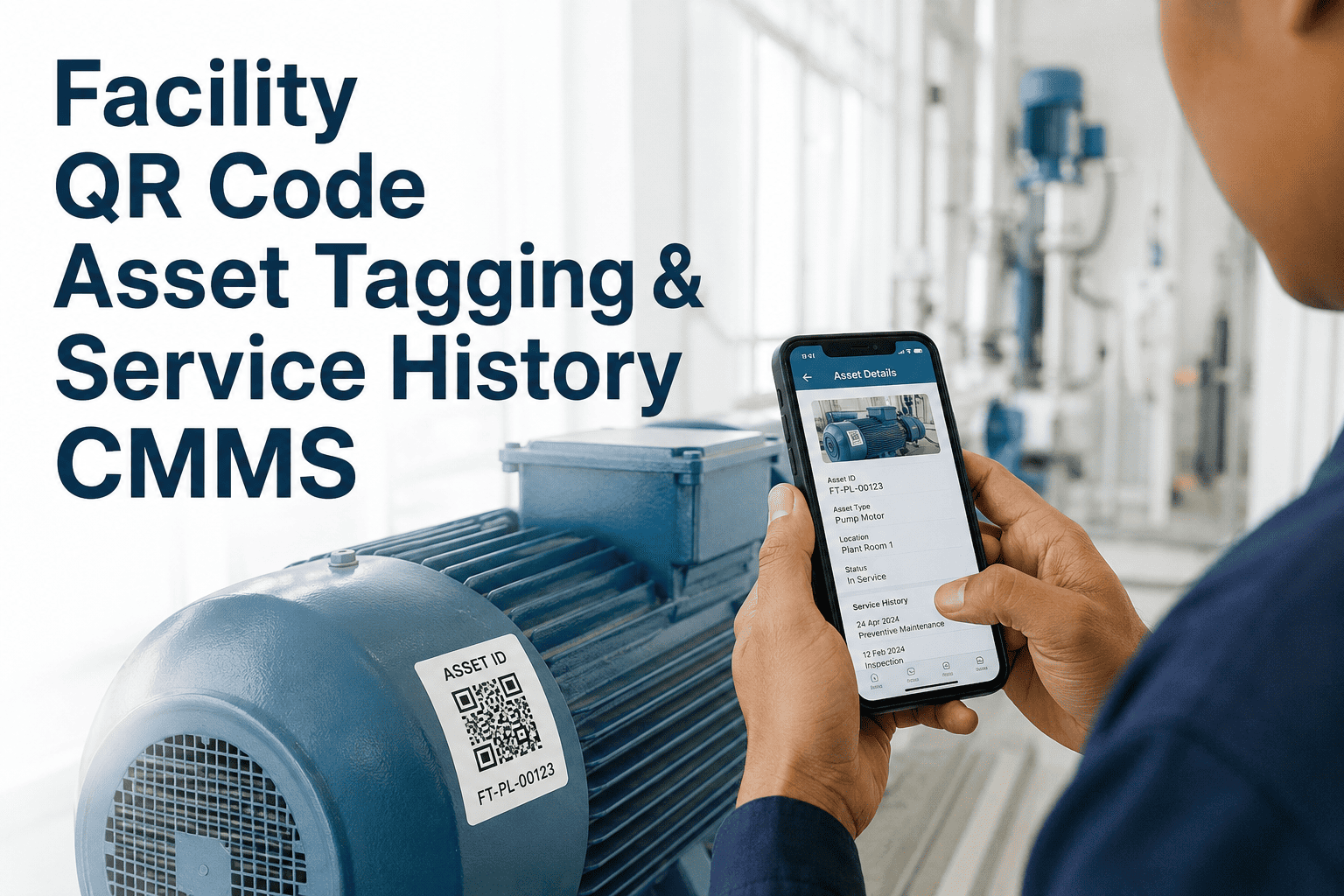
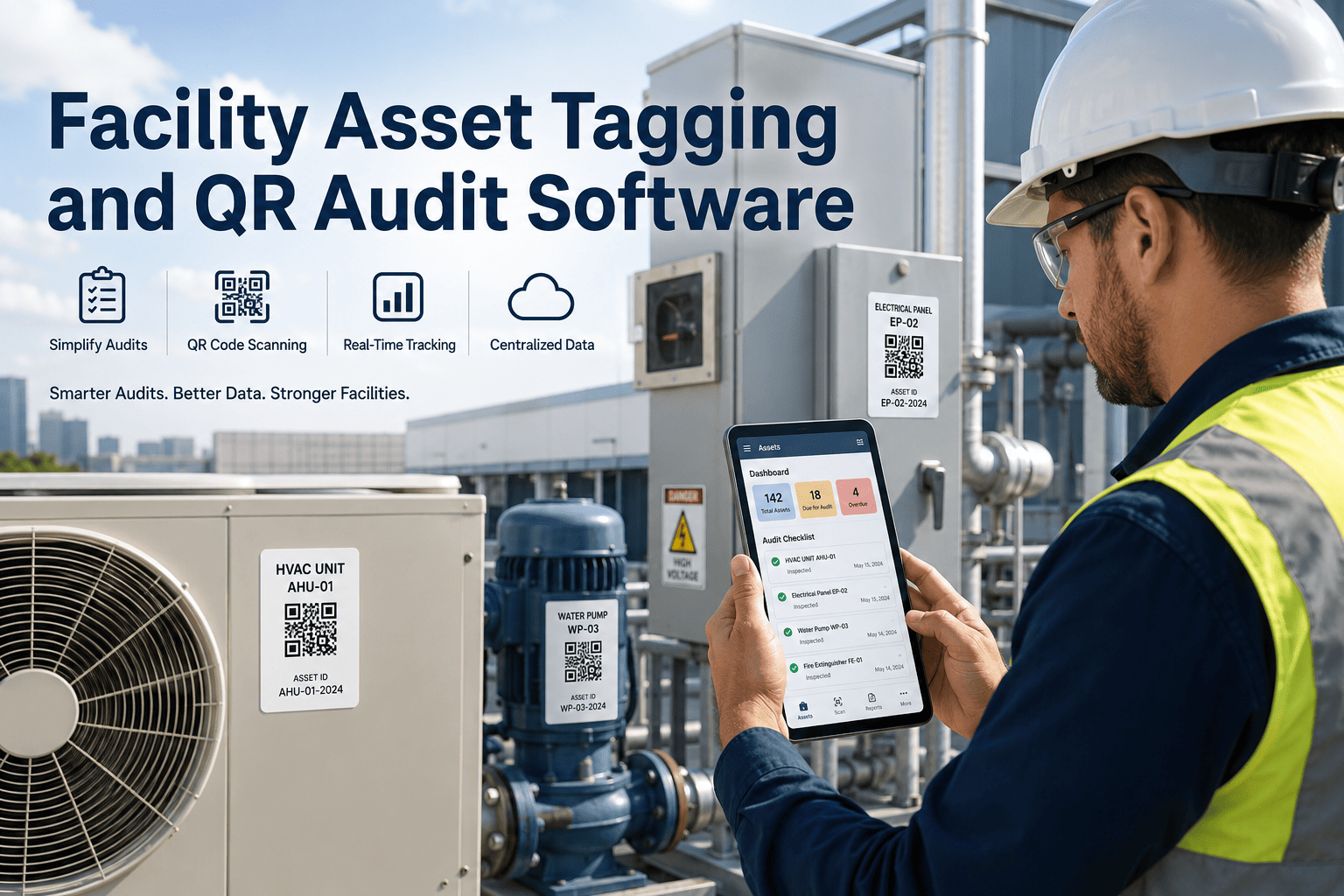
Absolutely. You can generate unique QR codes for every AHU directly within OXmaint. Print them, stick them on the unit, and technicians can scan them with the mobile app to instantly see the unit's history, open work orders, and specs.
5. How does this improve energy efficiency?
Detailed asset tracking allows for precise Preventive Maintenance (PM) scheduling. Ensuring filters are changed on time and coils are cleaned seasonally maintains proper airflow and heat transfer, preventing the AHU from working harder than necessary and consuming excess electricity.
6. Can we track warranty information?
Yes. You can input installation dates and warranty expiration dates for the main unit and major components (like compressors or motors). The system can alert you if a failed part is still under warranty, saving you the cost of a replacement.
7. How long does it take to set up?
If you have an existing list in Excel, you can import it in minutes. If you are starting from scratch, a facility with 20-30 AHUs can typically be fully audited, tagged, and digitized in less than a week.
8. Can we track contractor work on our assets?
Yes. You can grant limited access to 3rd party HVAC contractors. They can scan the QR code, log their work, and close out the work order. This gives you a permanent record of their activities within your own Asset Master, ensuring you own your data.
Take Control of Your HVAC Assets
Stop letting your equipment manage you. Implement OXmaint's Asset Master Workflow to streamline maintenance, reduce energy costs, and extend the life of your critical air handling units.