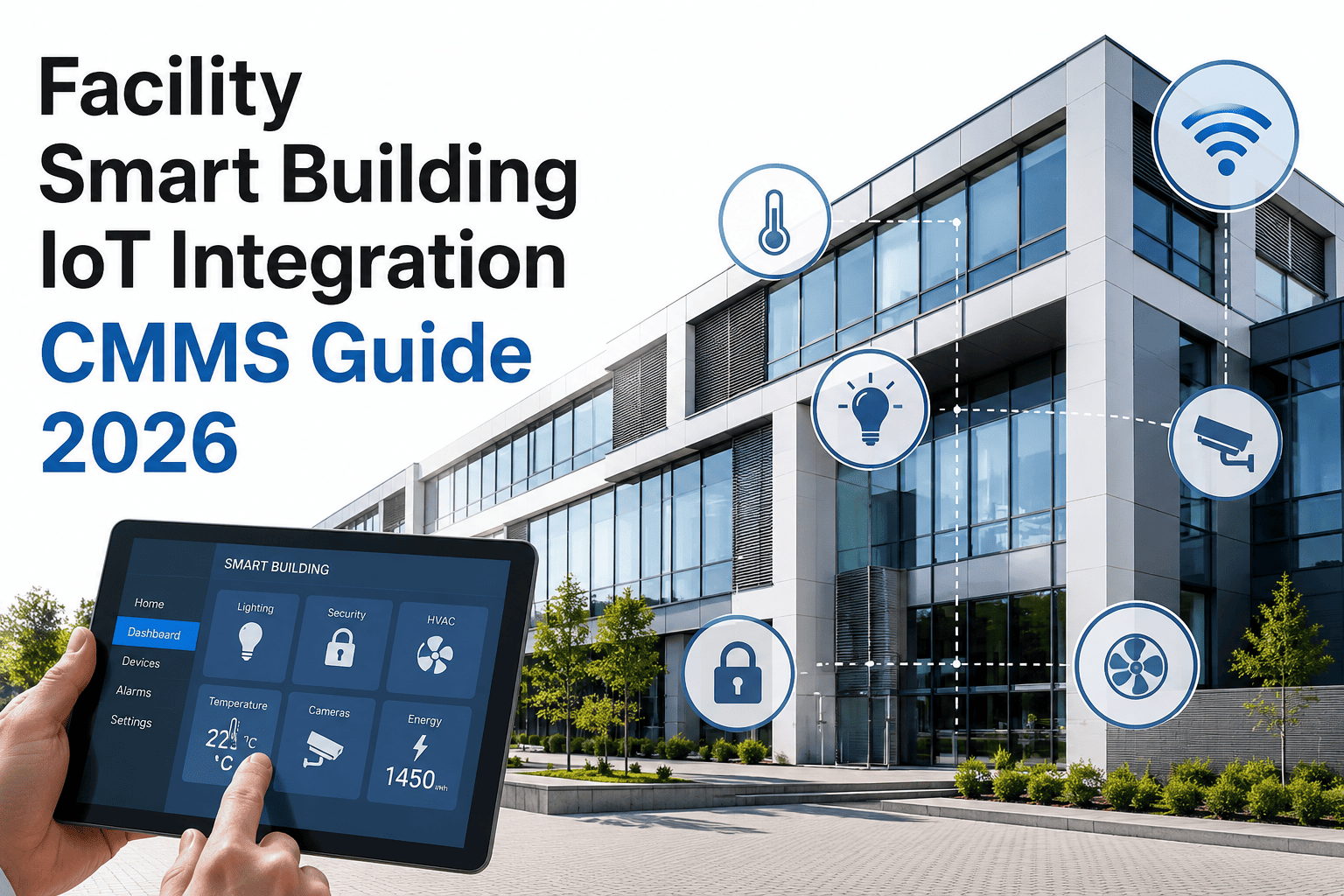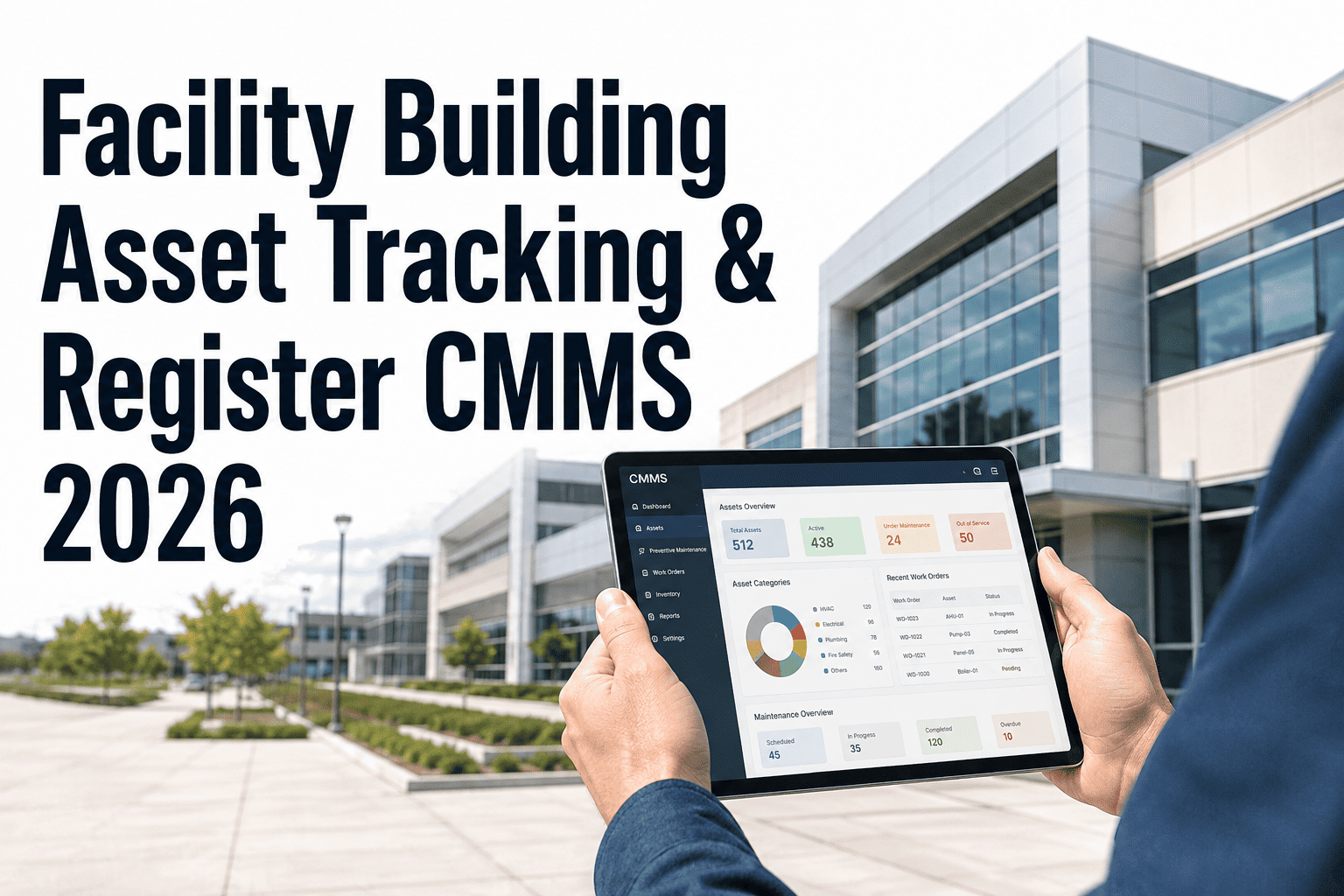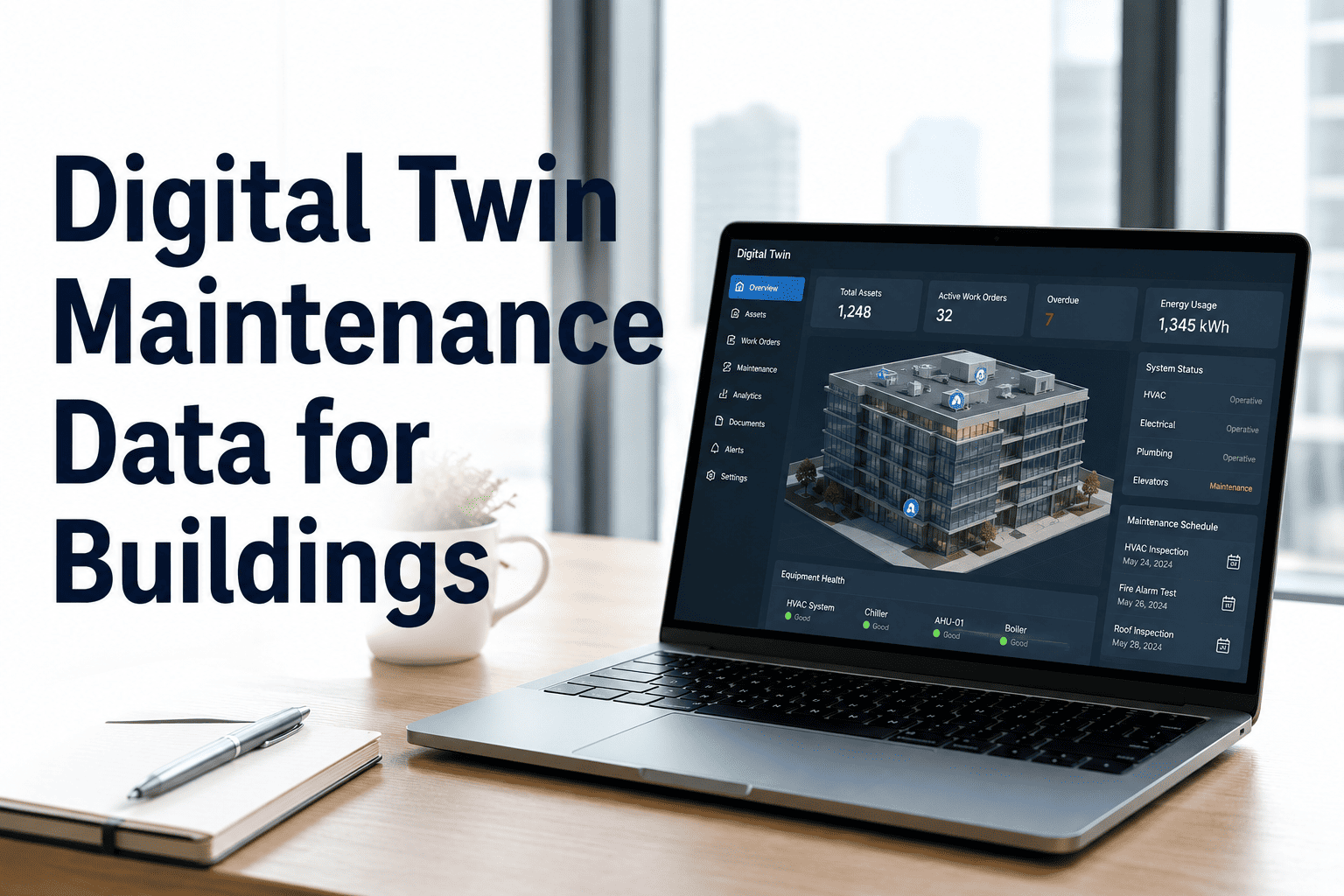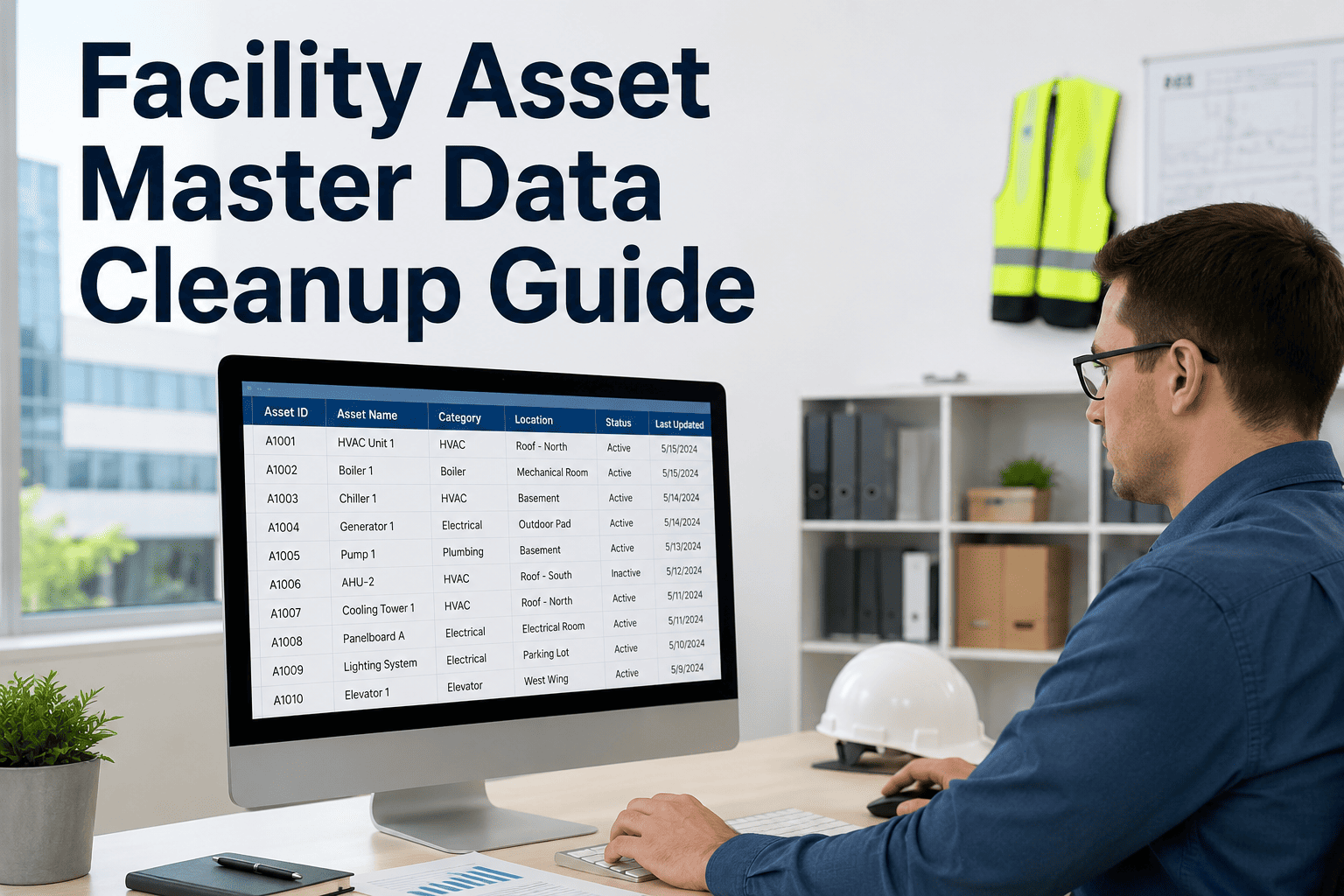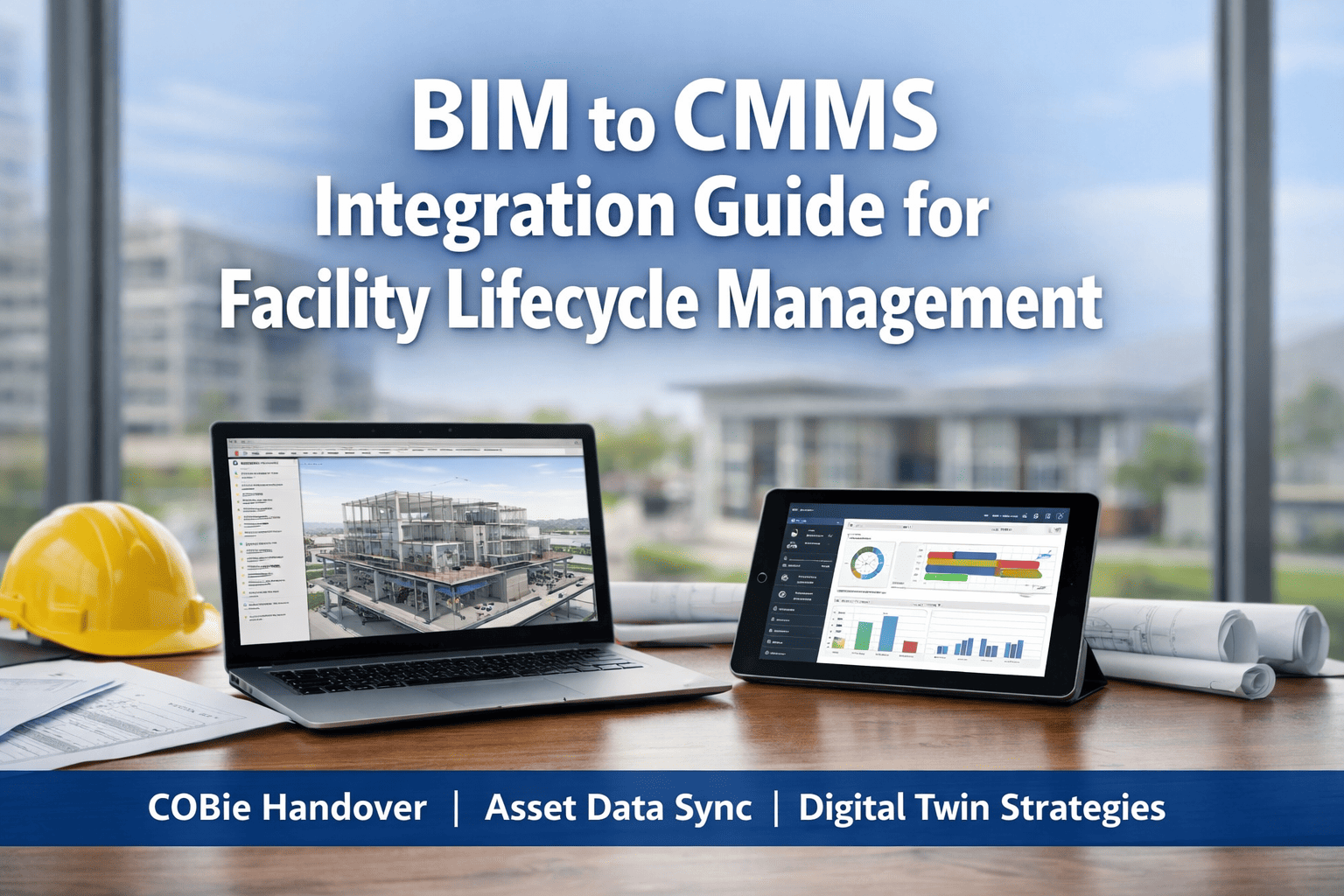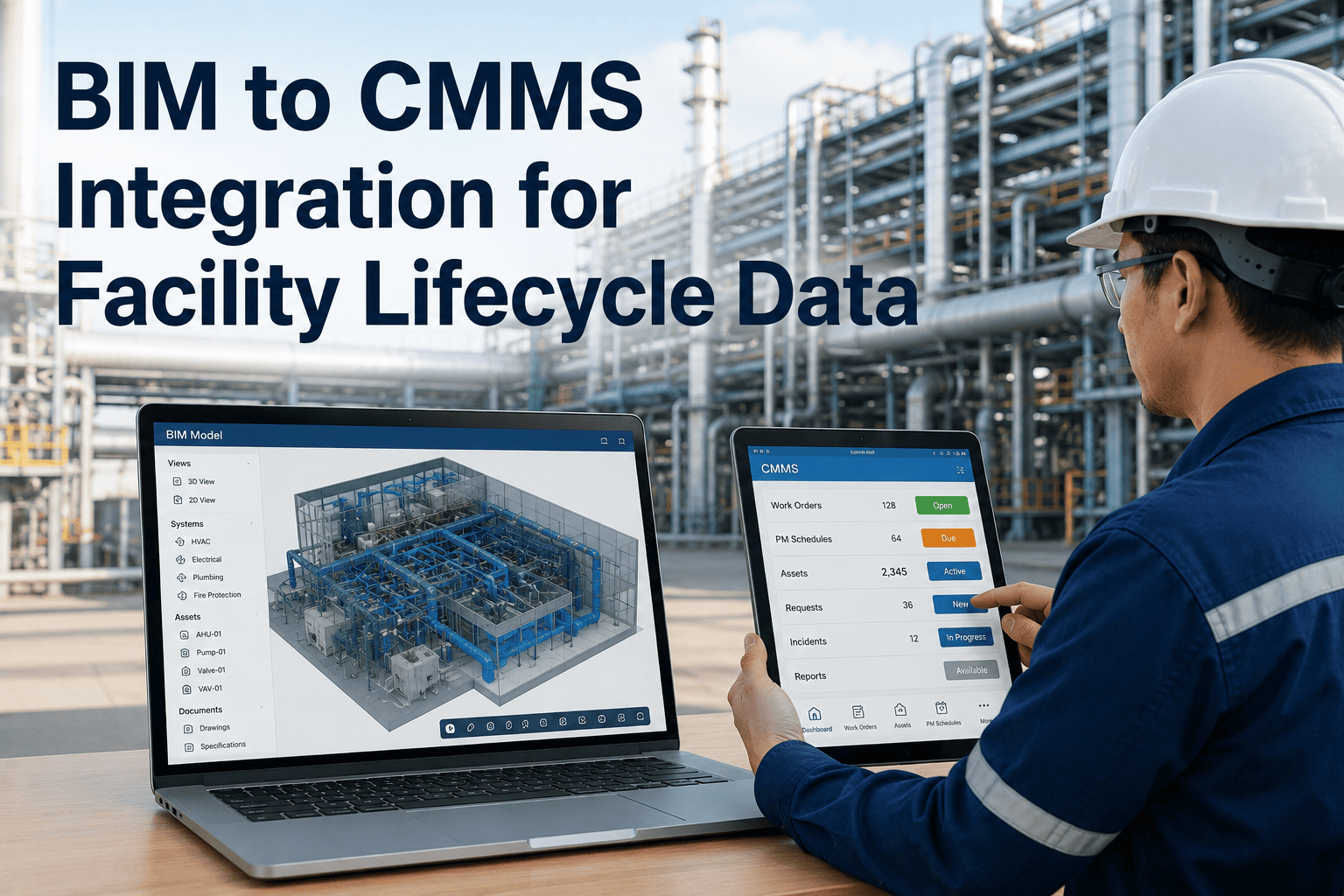
Building Information Modeling (BIM) captures every asset detail during design and construction — equipment specs, manufacturer data, install dates, warranty terms — yet most facilities lose this data the moment a building is handed over. Without BIM-to-CMMS integration, maintenance teams start from scratch, manually rebuilding asset records that already exist in 3D models. OxMaint's Cloud CMMS Platform bridges this gap, pulling structured asset data directly from BIM into live maintenance workflows from day one.
Why BIM Data Gets Stranded at Handover
The construction-to-operations handover is where facility intelligence most commonly fails. BIM models contain thousands of data points per asset — IFC classifications, Revit parameters, equipment schedules — but these formats are not natively readable by CMMS platforms without a structured bridge. The result is maintenance teams relying on paper O&M manuals, inconsistent asset tags, and incomplete equipment histories that directly increase MTTR and reactive repair rates in the first operational years.
BIM-to-CMMS: What Data Transfers and What It Enables
| BIM Data Field | CMMS Asset Record Use | Operational Benefit |
|---|---|---|
| Equipment Model & Manufacturer | Asset registry baseline | Parts sourcing, warranty claims, recall tracking |
| Install Date & Commission Date | Asset age and lifecycle position | CapEx forecasting, replacement scheduling |
| Spatial Location (Room, Level, Zone) | Work order routing and dispatch | Faster technician response, reduced time-to-locate |
| Maintenance Intervals (OEM spec) | PM schedule auto-generation | Compliance from day one without manual entry |
| Warranty Terms & Expiry | Cost avoidance flagging | Prevents spending on repairs covered under warranty |
| IFC Classification Code | Asset type grouping and reporting | Standardized KPI reporting across portfolio |
Your BIM Data Should Work for You From Day One
OxMaint imports COBie-structured asset data and activates PM schedules, work order routing, and lifecycle tracking without manual entry. Book a demo to see how handover data becomes operational intelligence.
The COBie Standard: How BIM Becomes CMMS-Ready
Construction Operations Building Information Exchange (COBie) is the internationally recognized format for translating BIM asset attributes into structured spreadsheet data that CMMS platforms can import. When project delivery contracts specify COBie deliverables, facility teams receive a structured, validated dataset at handover that maps directly to CMMS asset records — eliminating weeks of manual data entry and reducing registry errors by over 60% compared to paper-based onboarding.
Authored
Generated
Cleaning
& Mapping
Activated
Lifecycle Impact: BIM-Integrated vs. Traditional CMMS Setup
Expert Review
The BIM-to-CMMS gap is not a technology problem — it is a contract and process problem. Facilities that close this gap consistently require COBie deliverables in their project contracts and have a CMMS-ready import workflow defined before construction is complete. The organizations that do this correctly enter operations with a living asset registry, OEM-validated PM schedules, and spatial data that routes technicians without ambiguity. Those that don't spend the first two years of a building's life rebuilding data that was already captured. The financial argument is straightforward: BIM integration reduces asset onboarding cost by 60 to 80 percent and cuts first-year reactive maintenance by measurable margins because maintenance intervals are correct from day one.
Frequently Asked Questions
What file formats does BIM-to-CMMS integration support?
The most common integration pathway uses COBie-compliant spreadsheets exported from Revit, ArchiCAD, or other BIM authoring tools. IFC files can also serve as the source with middleware translation. OxMaint supports COBie import directly, mapping facility type, component, and job worksheets to asset records, PM templates, and location data within the platform. For projects using Revit, the COBie extension plugin generates compliant exports without additional modeling work.
Can BIM integration work for existing buildings, not just new construction?
Yes. For existing buildings without a BIM model, asset data can be structured in COBie format during an asset survey and imported in the same way. Many facility teams use the first CMMS implementation as the trigger for a physical asset audit — tagging equipment with QR codes and capturing OEM data that is then formatted as a COBie-compatible import. This approach delivers the same structured registry benefits even without a construction-phase BIM model and is compatible with OxMaint's platform.
How does the CMMS stay synchronized with BIM after handover?
Post-handover synchronization requires a defined change management process rather than automatic real-time sync. When equipment is replaced or retrofitted, the technician closes the work order in OxMaint and the asset record is updated with new model, install date, and warranty data. For major renovation projects, a COBie delta export from the updated BIM model can be re-imported to refresh affected asset records. Organizations with active BIM management programs can establish API connections between their BIM management platform and OxMaint for automated asset record updates on significant changes.
What is the ROI of BIM-to-CMMS integration for a large facility?
For a 50,000 sq ft commercial facility, manual asset onboarding typically costs 80 to 140 hours of staff time and produces a registry with 20 to 35 percent data errors. BIM integration reduces this to under 8 hours and produces error rates below 5 percent. Beyond setup, facilities with complete OEM-sourced PM schedules at handover reduce first-year reactive work orders by 25 to 40 percent, directly lowering emergency labor and parts costs. The combination of reduced onboarding cost and lower reactive maintenance spend typically delivers full integration ROI within the first operational year.
Turn Your BIM Handover Into a Maintenance Advantage
OxMaint connects COBie and IFC asset data to live work orders, PM schedules, and lifecycle tracking — so your operations team is fully equipped from day one, not month twelve.